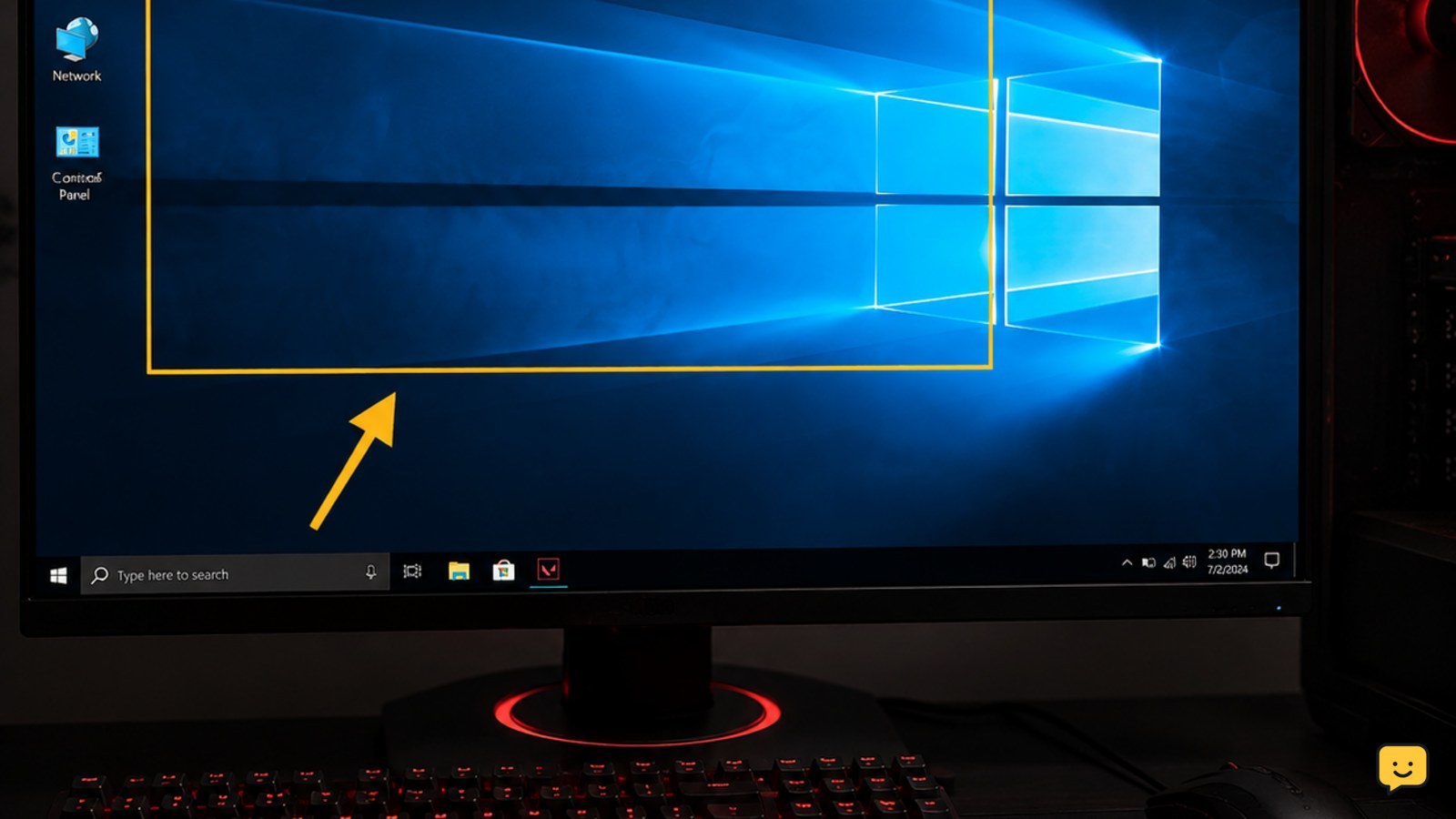
Valorant
Valorant Keeps Crashing? Try These Fixes First
Valorant keeps crashing at startup or during matches? Isolate Vanguard, drivers, overlays, heat, memory and damaged game files with these ordered fixes.

Valorant keeps crashing at startup or during matches? Isolate Vanguard, drivers, overlays, heat, memory and damaged game files with these ordered fixes.
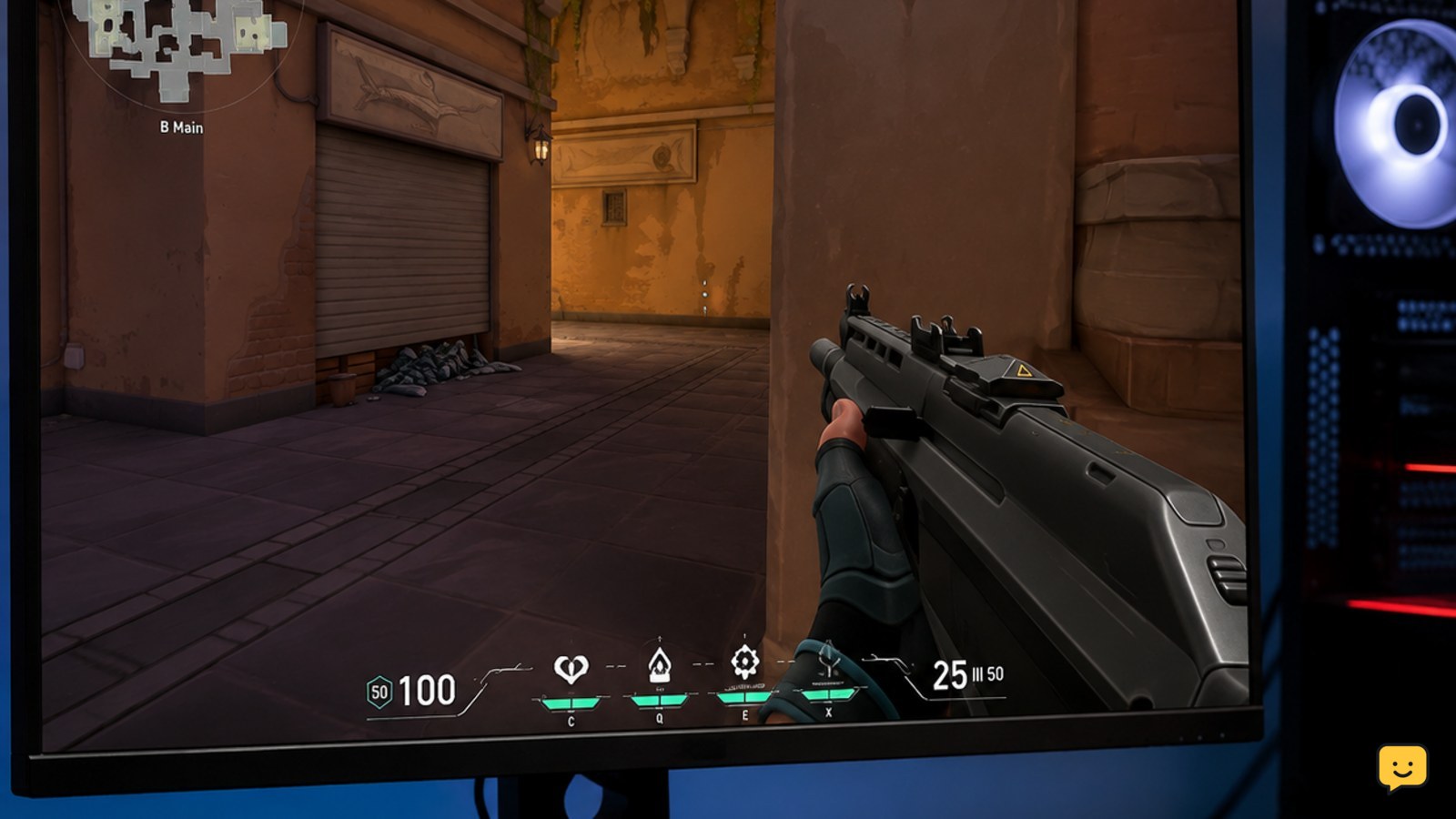
Find why Valorant FPS is low on a gaming PC and fix drops caused by graphics settings, background load, overheating, drivers, or unstable frame pacing.
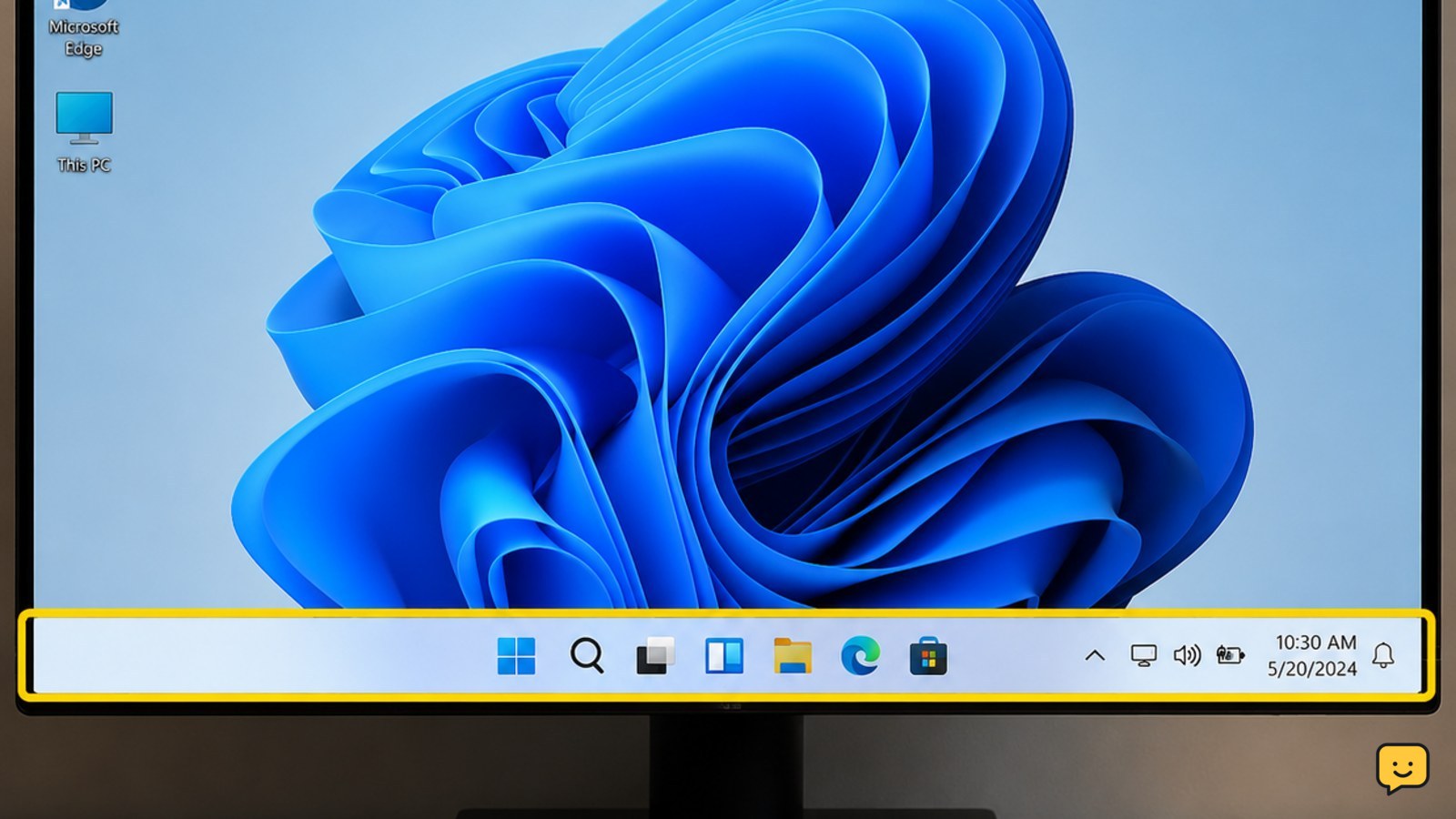
Fix a missing Windows 11 taskbar: restart Explorer, turn off auto-hide, repair Windows files, and restore the desktop without deleting personal files, safely.
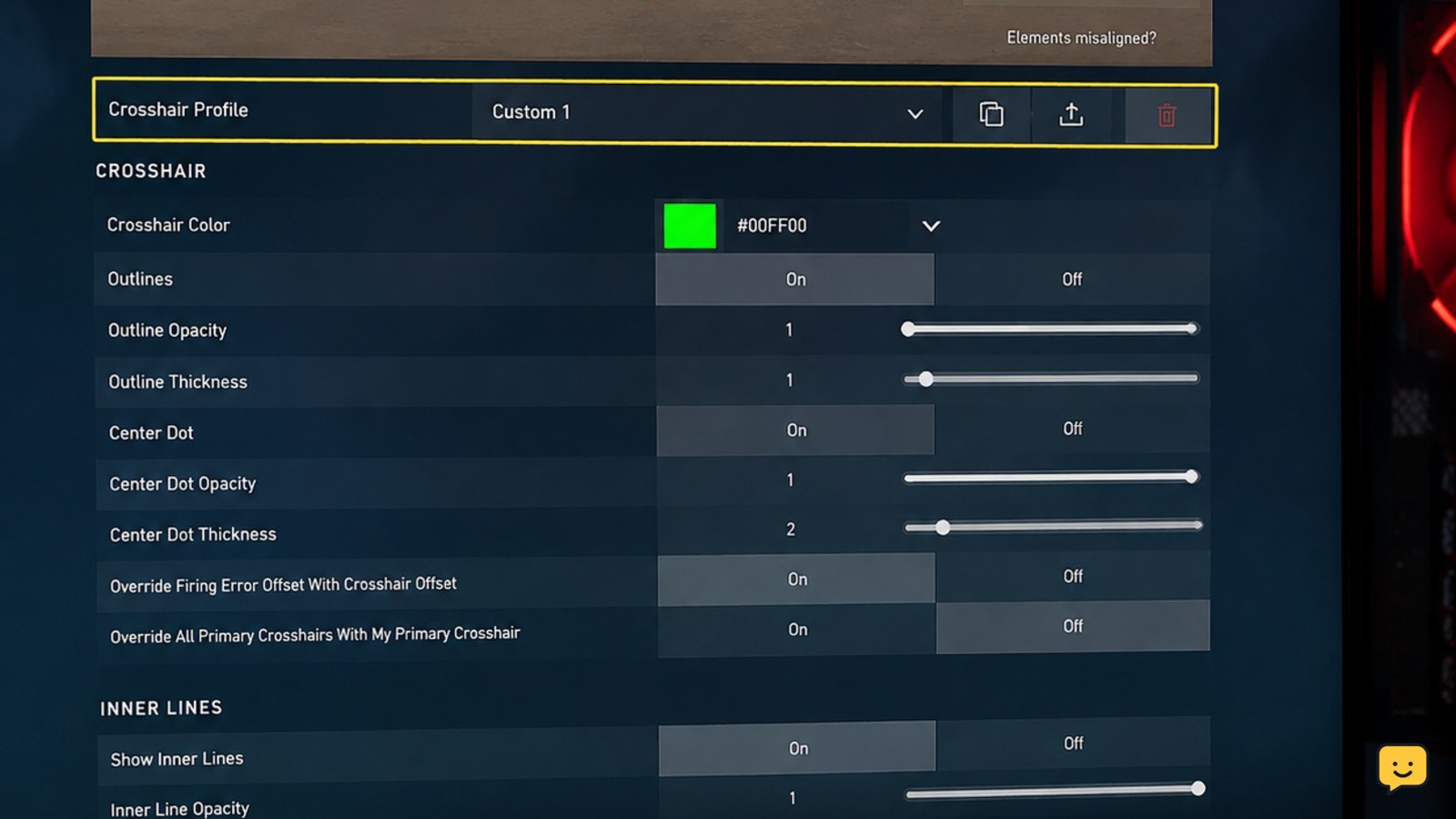
Valorant crosshair is not visible? Restore it in Crosshair settings, improve contrast, reset the profile, and verify it in the Practice Range on PC.
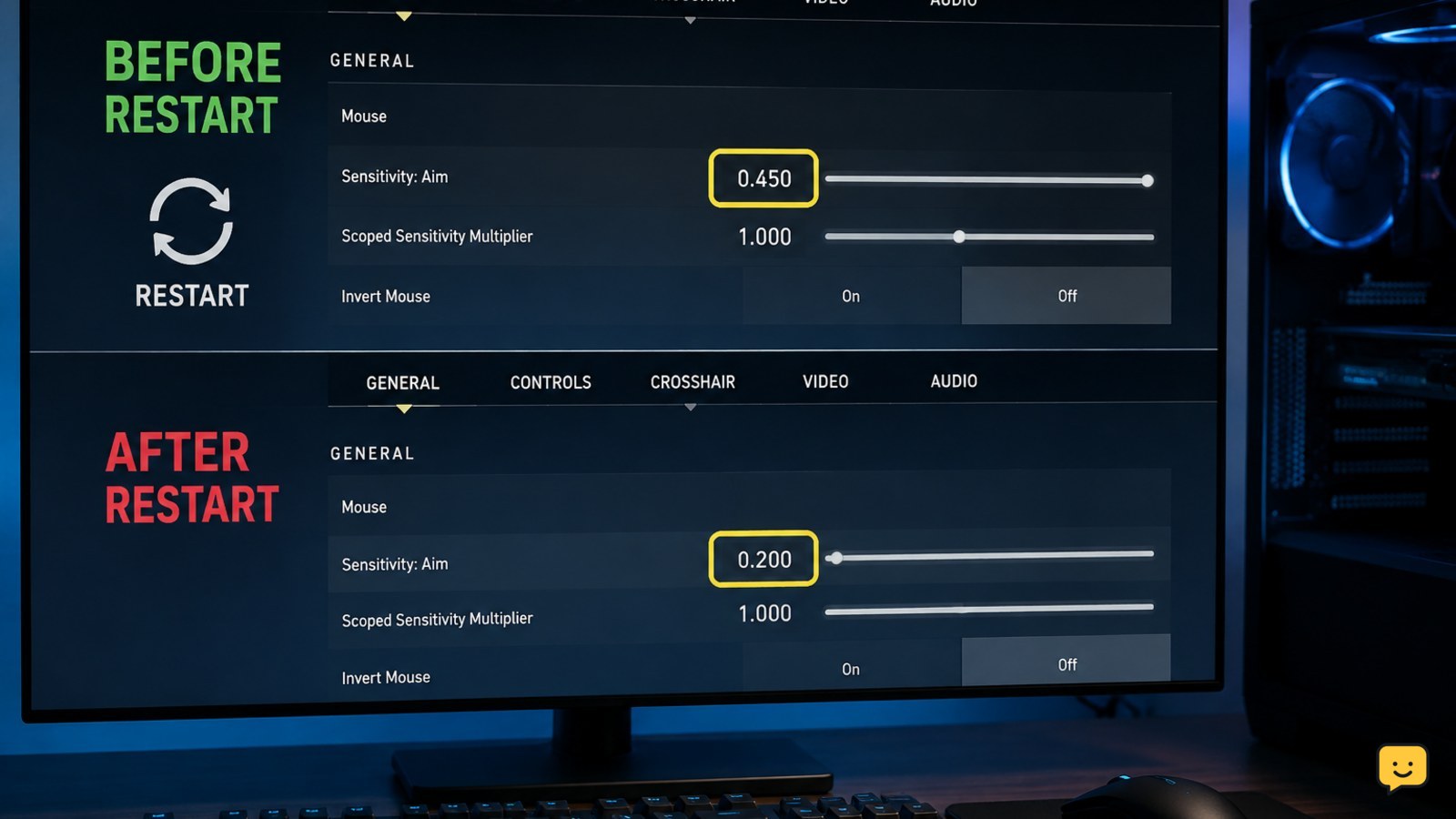
Fix Valorant sensitivity that resets after restarting by checking config files, permissions, Riot profiles, cloud conflicts, and clean-save results on Windows.
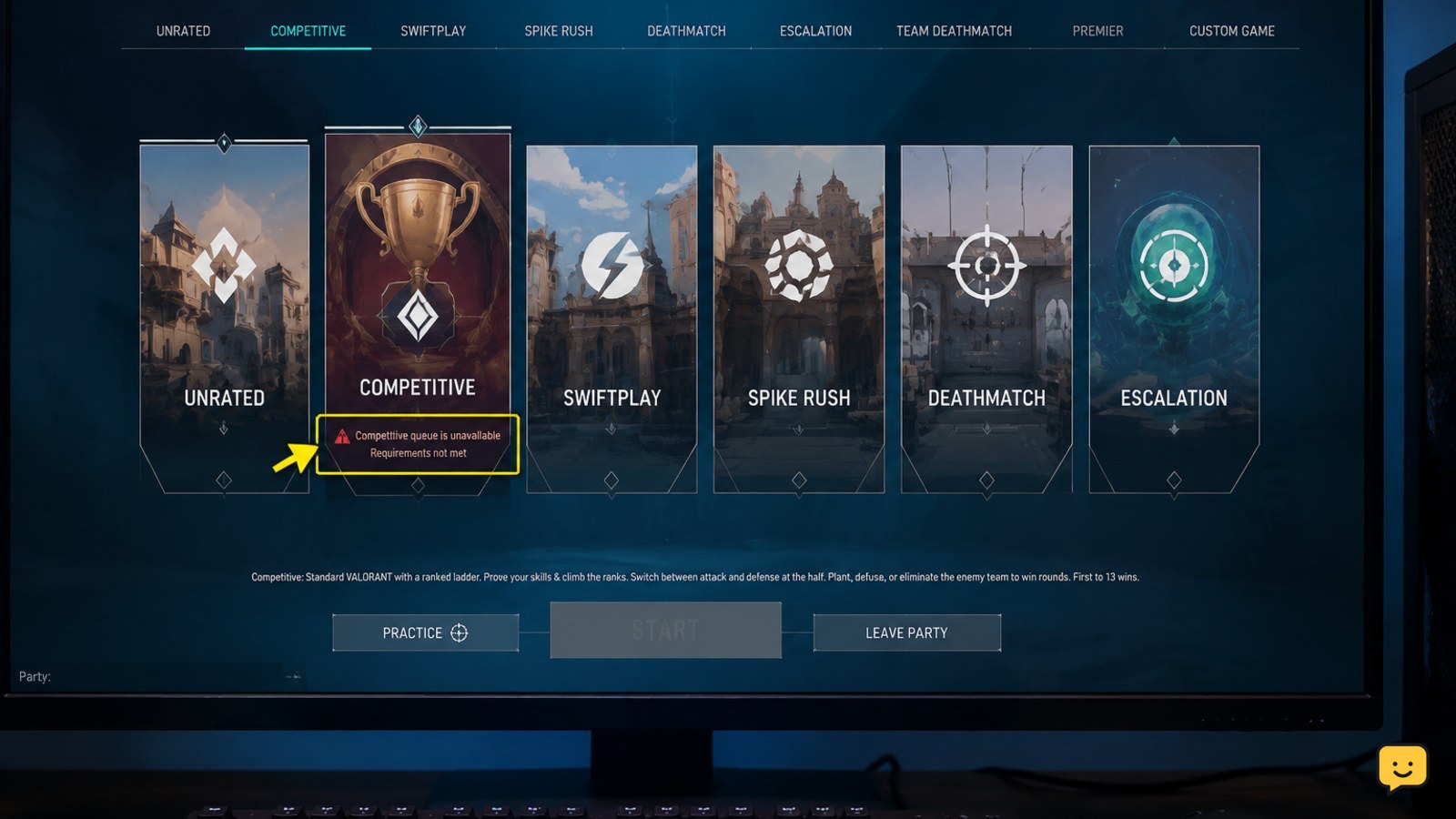
Can’t queue for Competitive in Valorant? Check account level, placement, party rules, penalties, server outages, and account-specific restrictions.
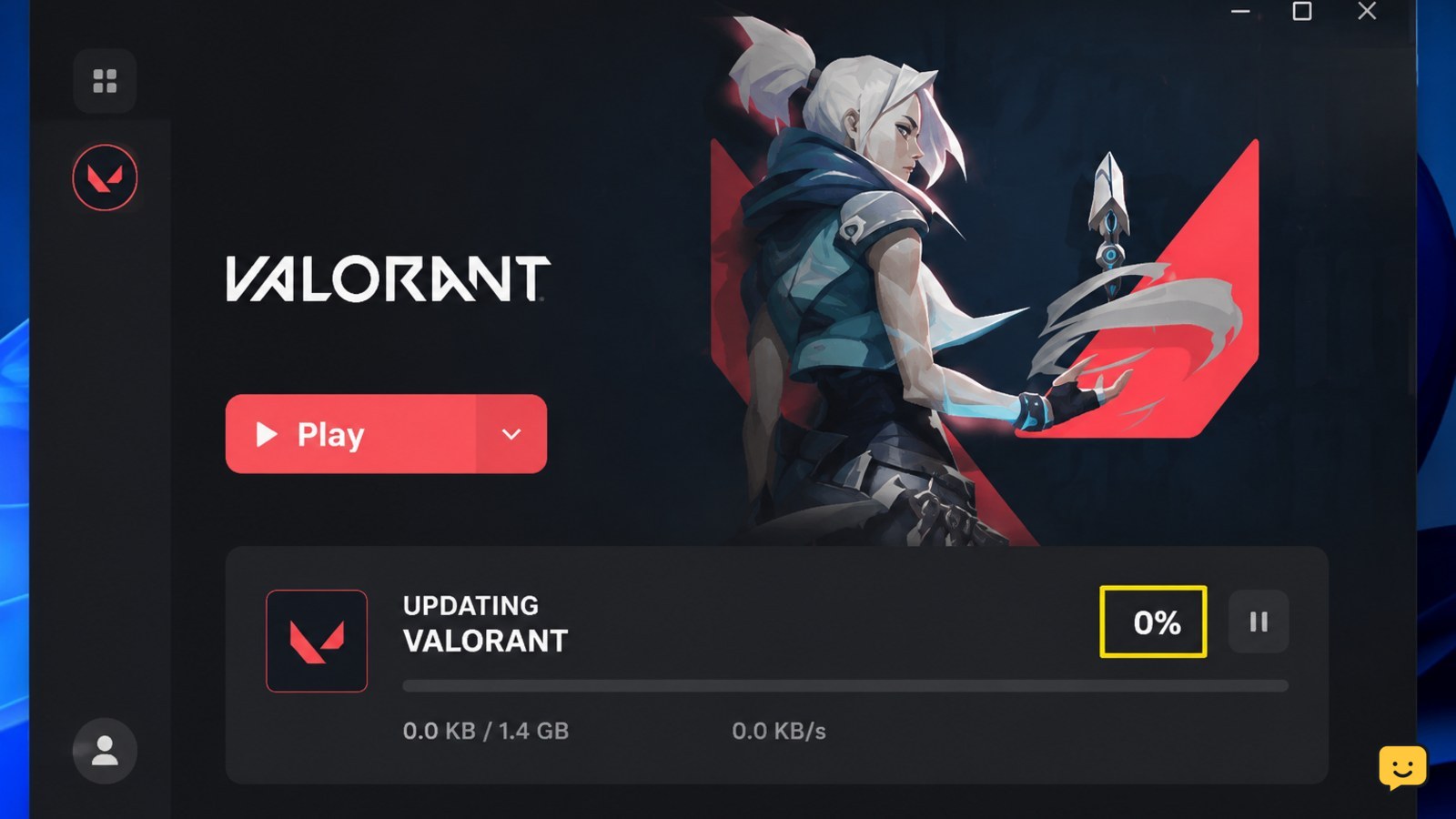
Valorant is not updating? Fix a stuck or failed Riot Client download by checking service status, storage, permissions, Vanguard, cache and network access.
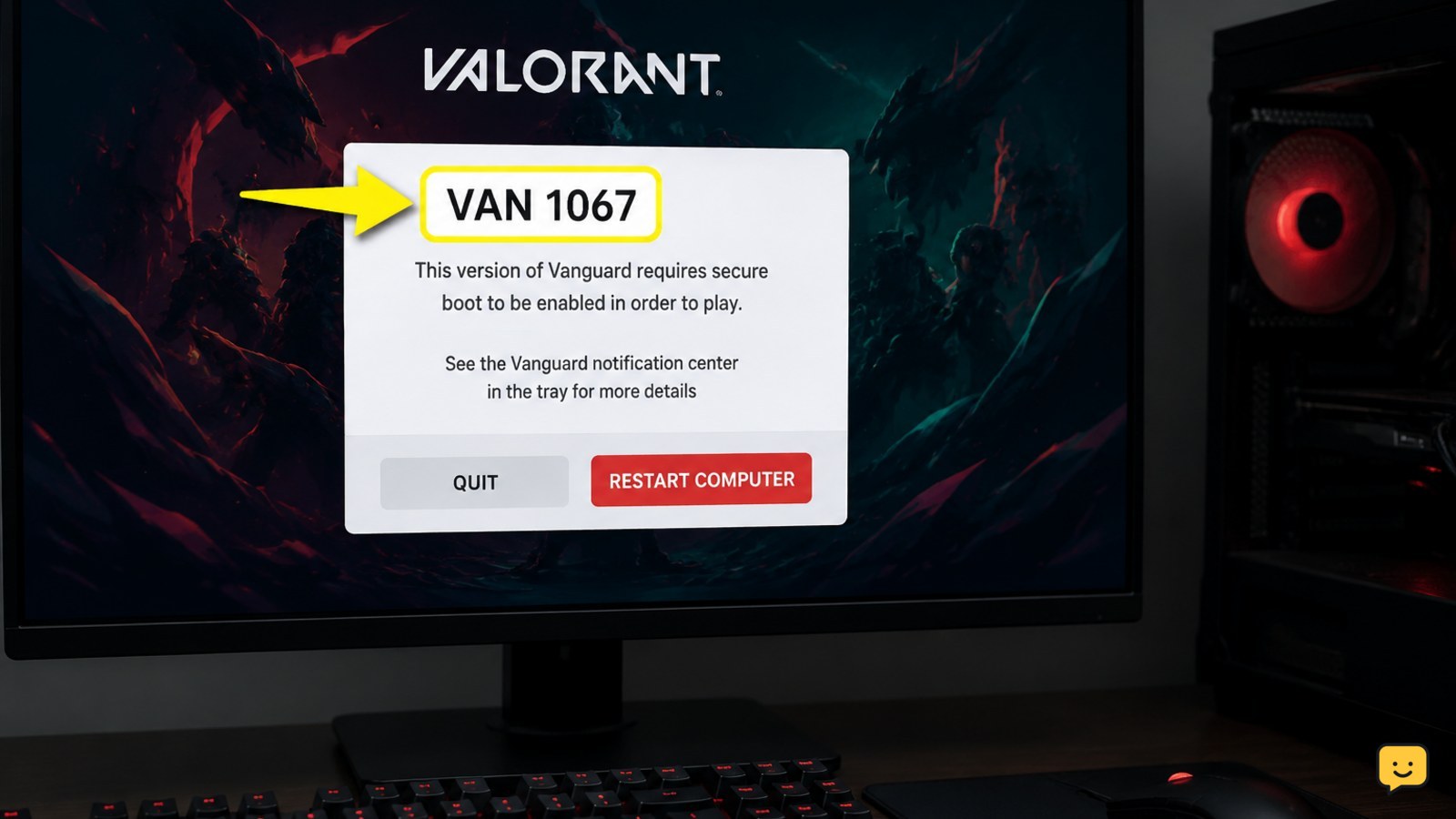
Fix the Valorant VAN 1067 error after launch by restarting Windows, checking the vgc service, reviewing permissions and security blocks, and reinstalling Vanguard.
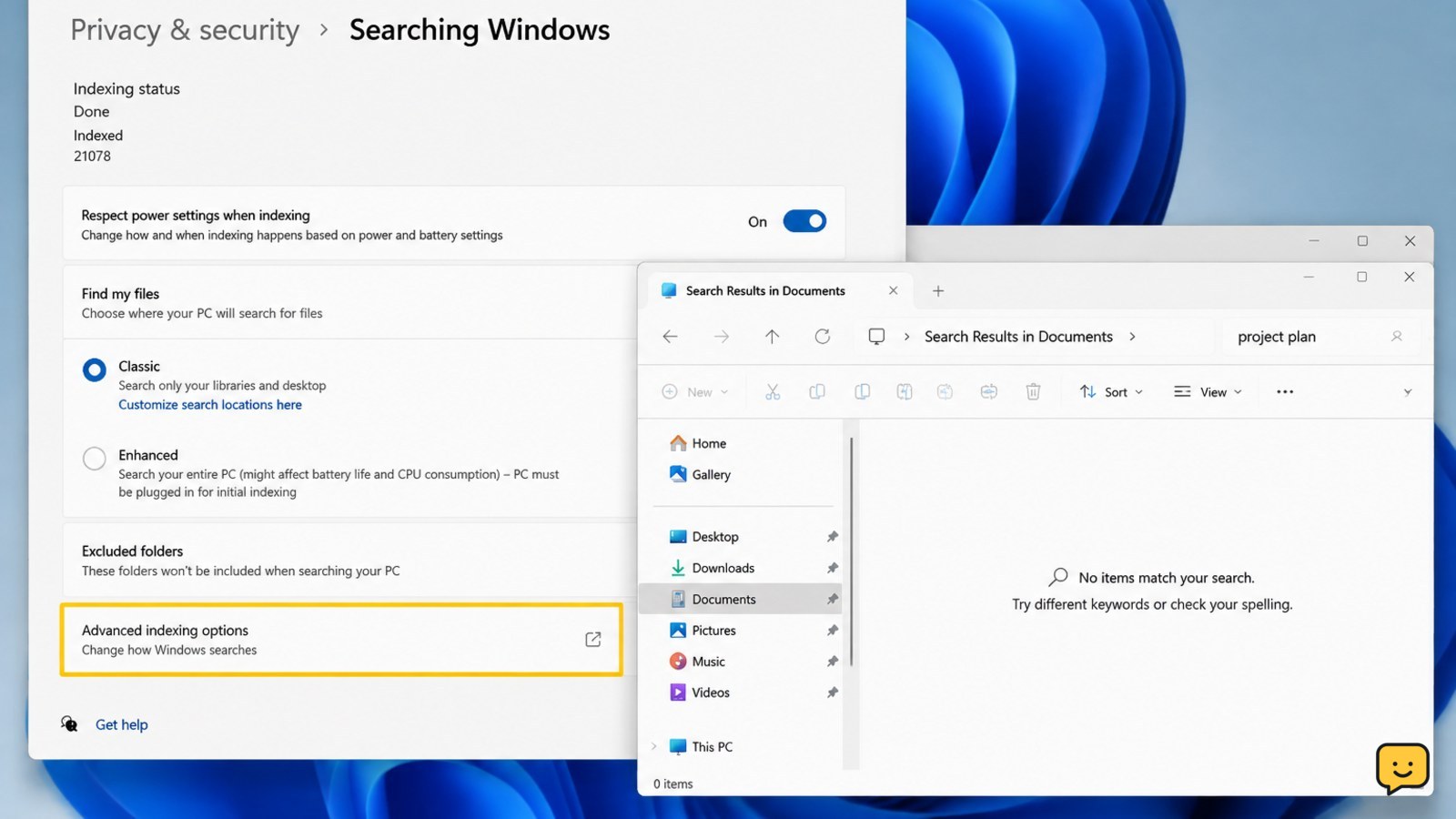
Windows 11 search misses files you can see? Check indexed folders, permissions, the Windows Search service, and rebuild the index safely.
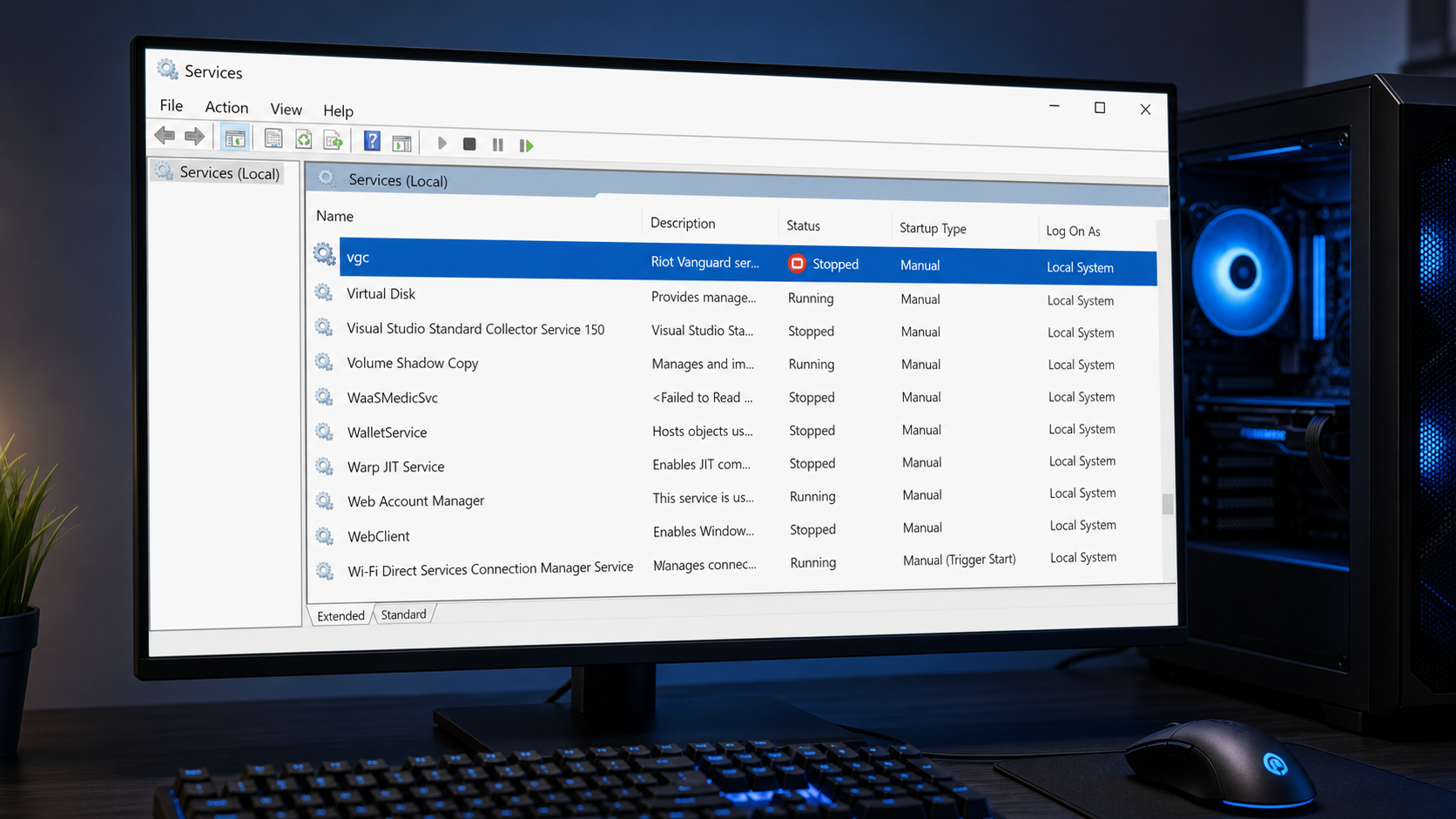
Fix Valorant Vanguard is not initialized after restarting your PC by checking the vgc service, reinstalling Vanguard safely, and reviewing Windows settings.