Email & Social Accounts
How to Grow Followers on Instagram Organically: Content
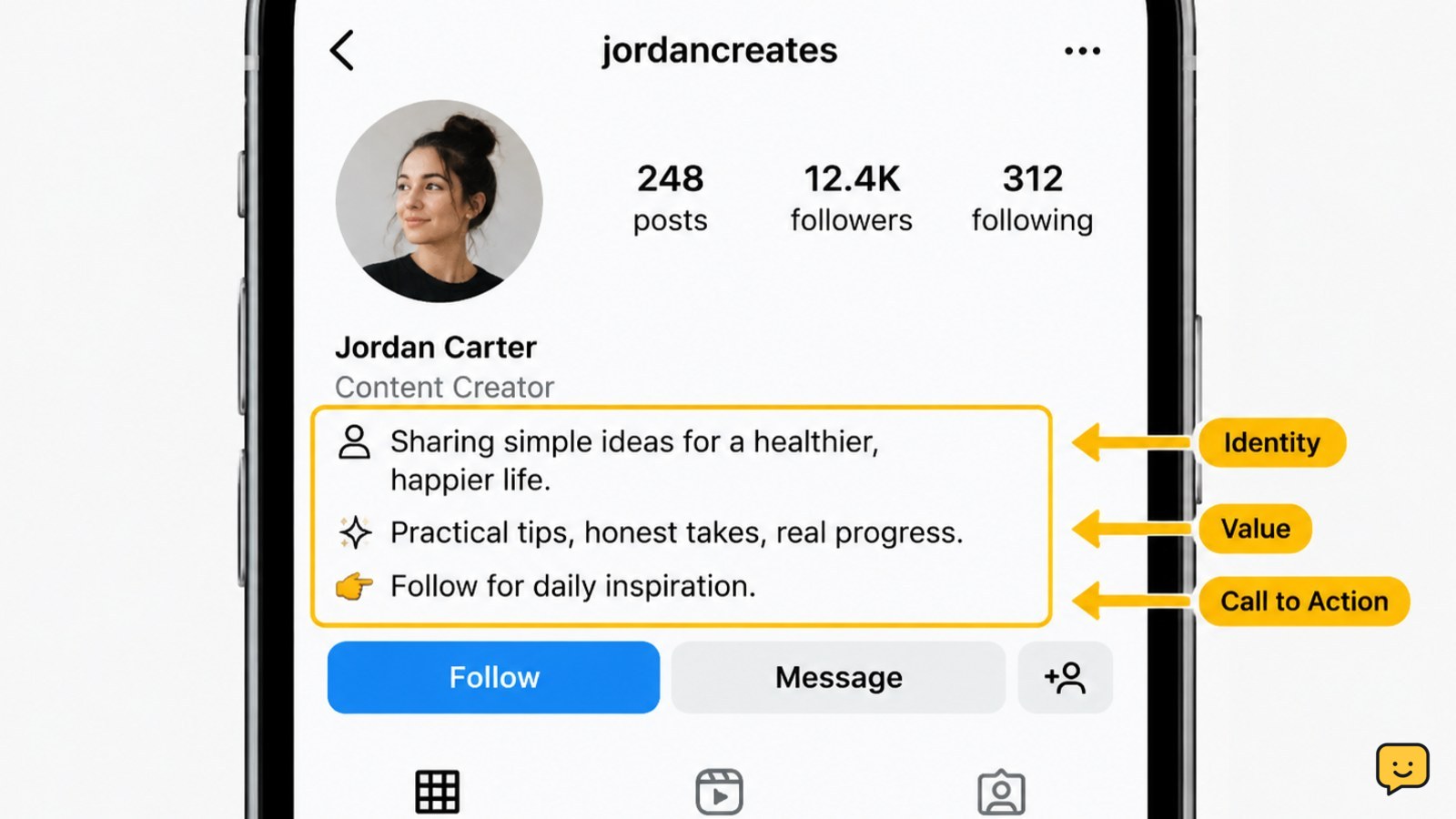
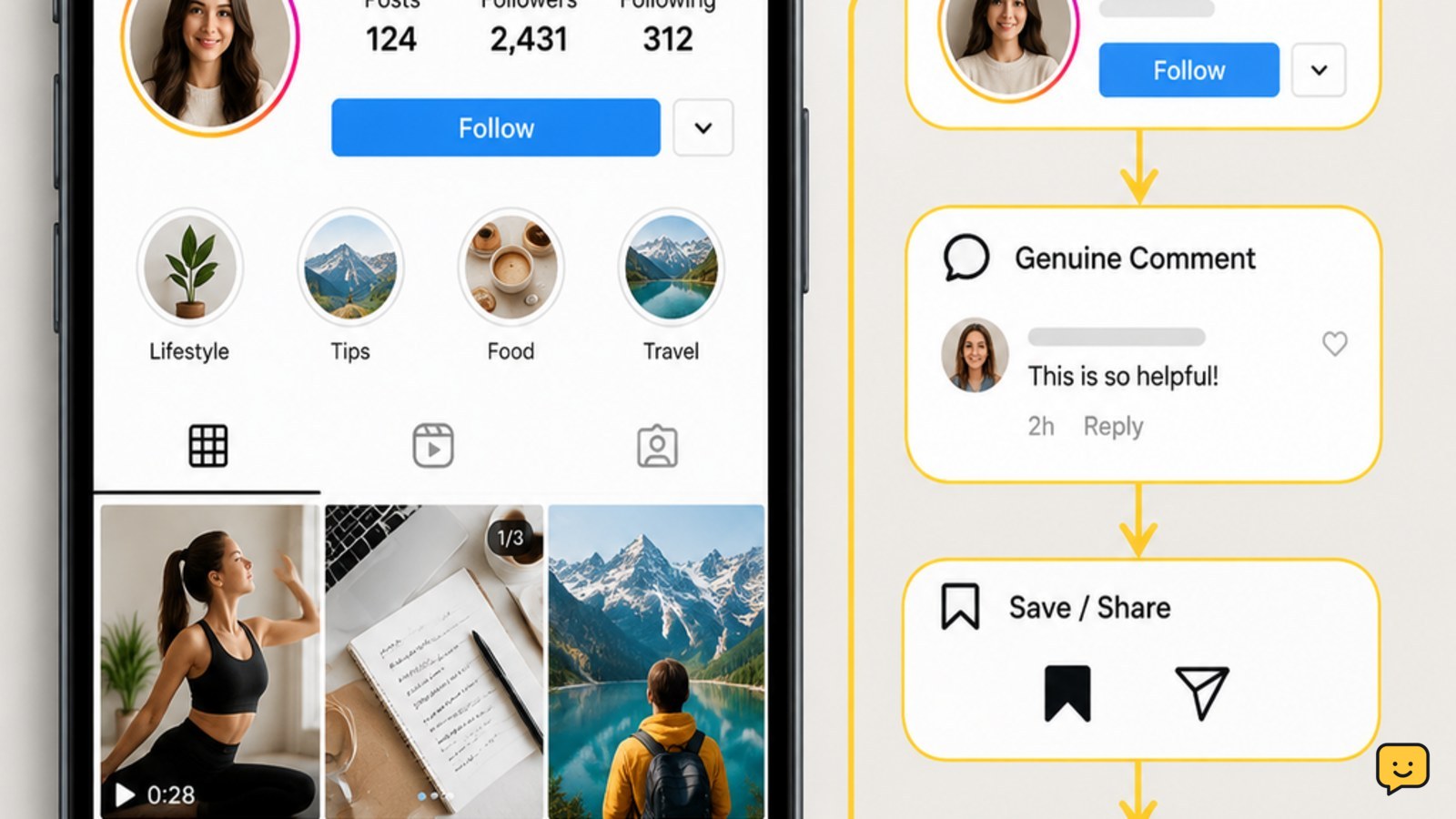
To grow followers on Instagram organically, choose a clear audience, publish useful or entertaining Reels, photos, or carousels consistently, and respond to real comments and messages. Make your profile explain its value immediately, then review reach, profile visits, follows, saves, and shares when Insights are available. Avoid buying followers, engagement pods, or apps that request your password.