How to Fix Phone Storage Full After Deleting Files
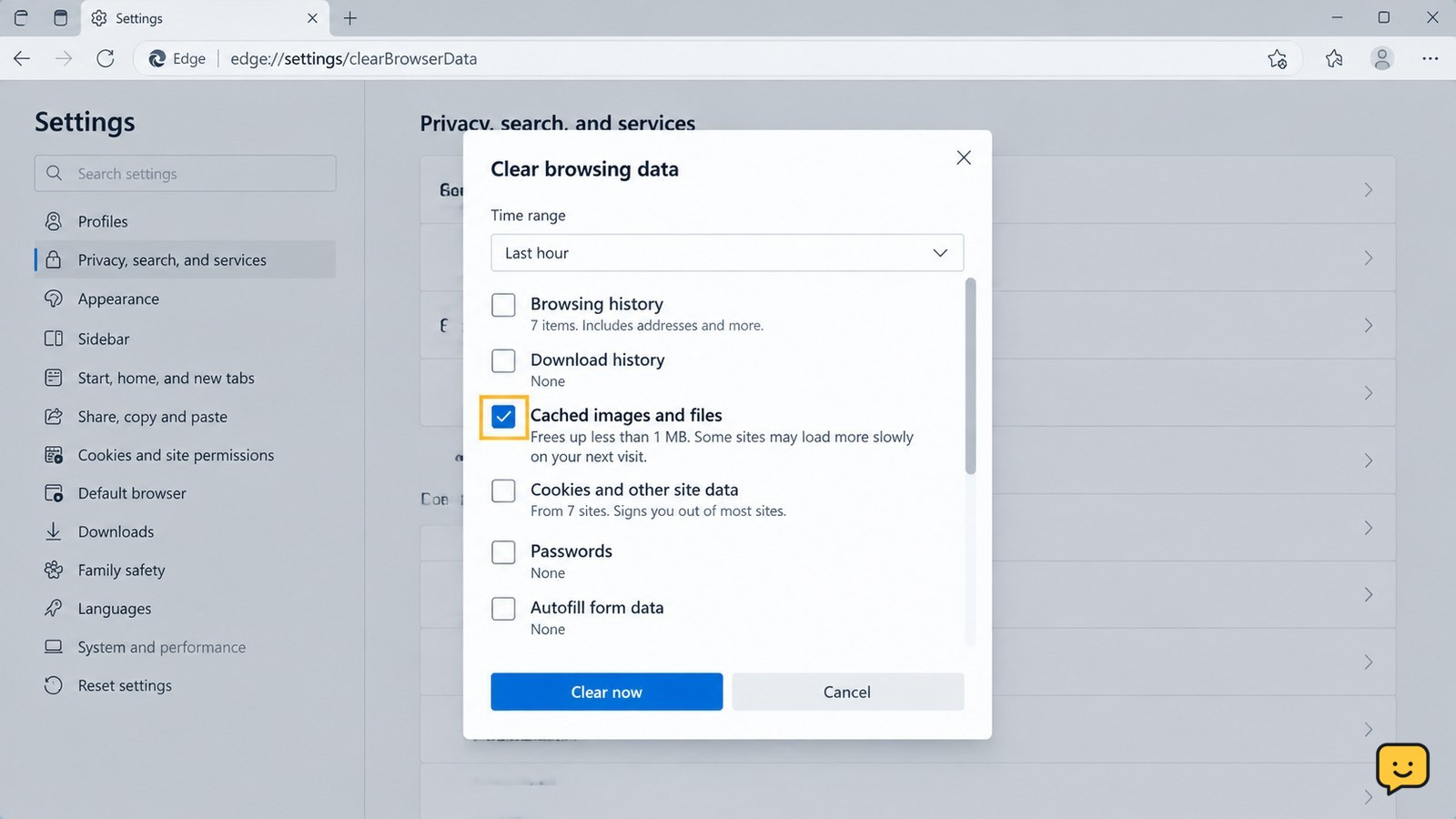
Phone storage still full after deleting files? Find trash folders, cached app data, hidden downloads, and large apps on Android or iPhone, then verify the.
Fix everyday electronics with clear guides for phones, computers, Wi-Fi, TVs and smart devices. Browse practical troubleshooting, setup and performance help for the devices you use.
Phone storage still full after deleting files? Find trash folders, cached app data, hidden downloads, and large apps on Android or iPhone, then verify the.
Android hotspot connected but no internet? Check mobile data, restart both devices, reconnect Wi-Fi, and reset network settings only as a last resort safely.
Fix a Windows 11 external monitor that is not detected. Check cables, monitor input, display detection, projection mode, and graphics drivers with safe checks.
Fix a missing Windows 11 taskbar: restart Explorer, turn off auto-hide, repair Windows files, and restore the desktop without deleting personal files, safely.
Fix laptop keyboard keys that type wrong, repeat, or stop responding. Check Num Lock, keyboard layout, debris, drivers, and hardware safely on Windows.
Fix a smart TV remote that will not control smart home devices. Check compatibility, pairing, network links, hubs, permissions, and routines safely.
Bluetooth vanished from Windows 11 Settings? Check Airplane Mode, Device Manager, drivers, services, updates, and hardware detection safely.
Fix an iPhone touchscreen that stops responding after waking up. Try a force restart, disconnect accessories, check settings, and identify hardware faults safely.
Android receives calls but cannot place them? Check carrier restrictions, call settings, SIM status, airplane mode, and network registration with safe steps.
A standby light means your smart TV is receiving power. Test the remote, TV button, input, power cycle, outlet, and hardware safely to find the fault.