Skip to content
ShowU

Mortal Shell II Guides

Find current Mortal Shell II guides for combat controls, Harden timing, Shells, weapons, bosses, progression, settings, and common technical problems.

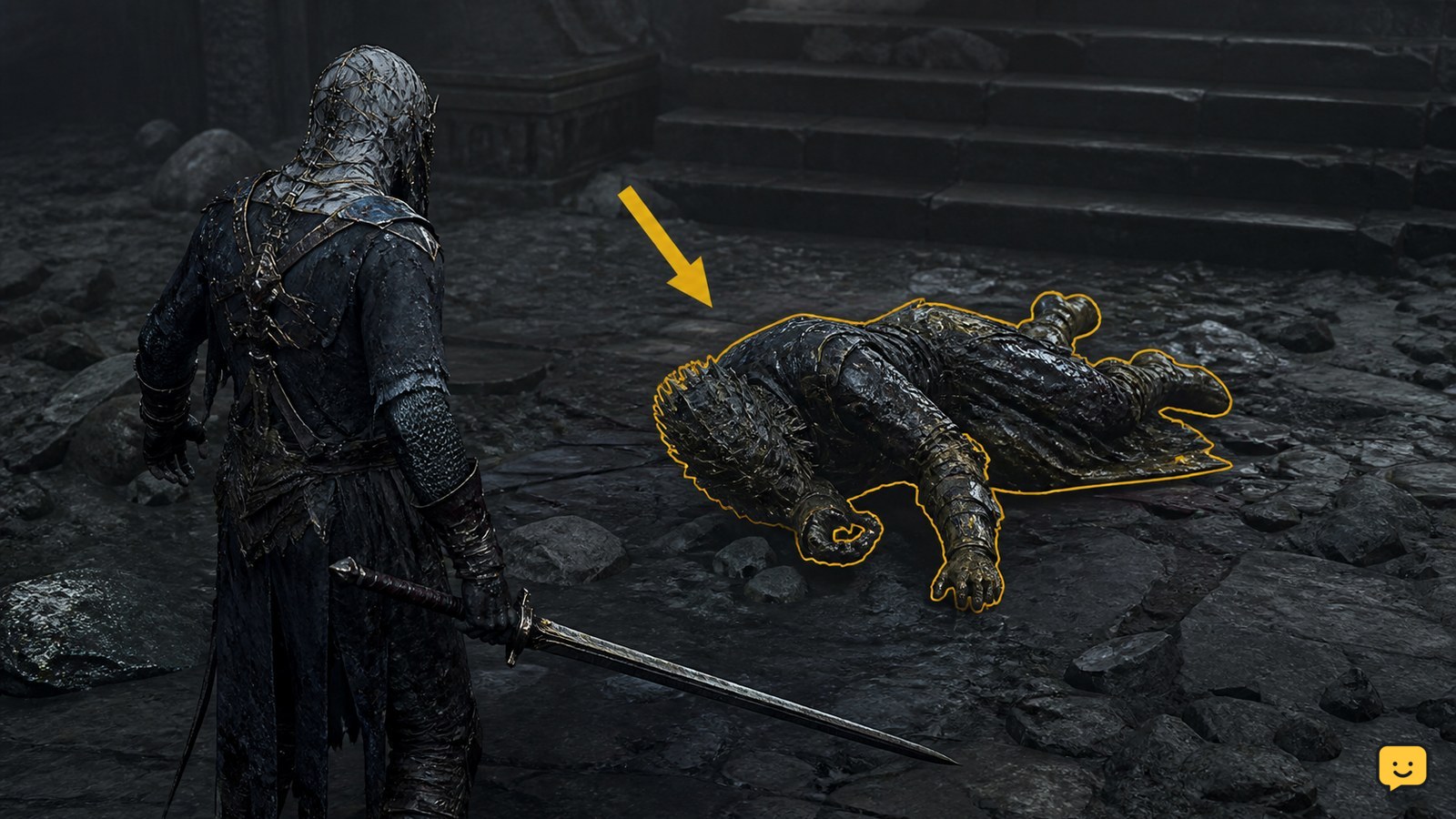
Mortal Shell II character facing a visible item with no interaction prompt
Mortal Shell II Guides

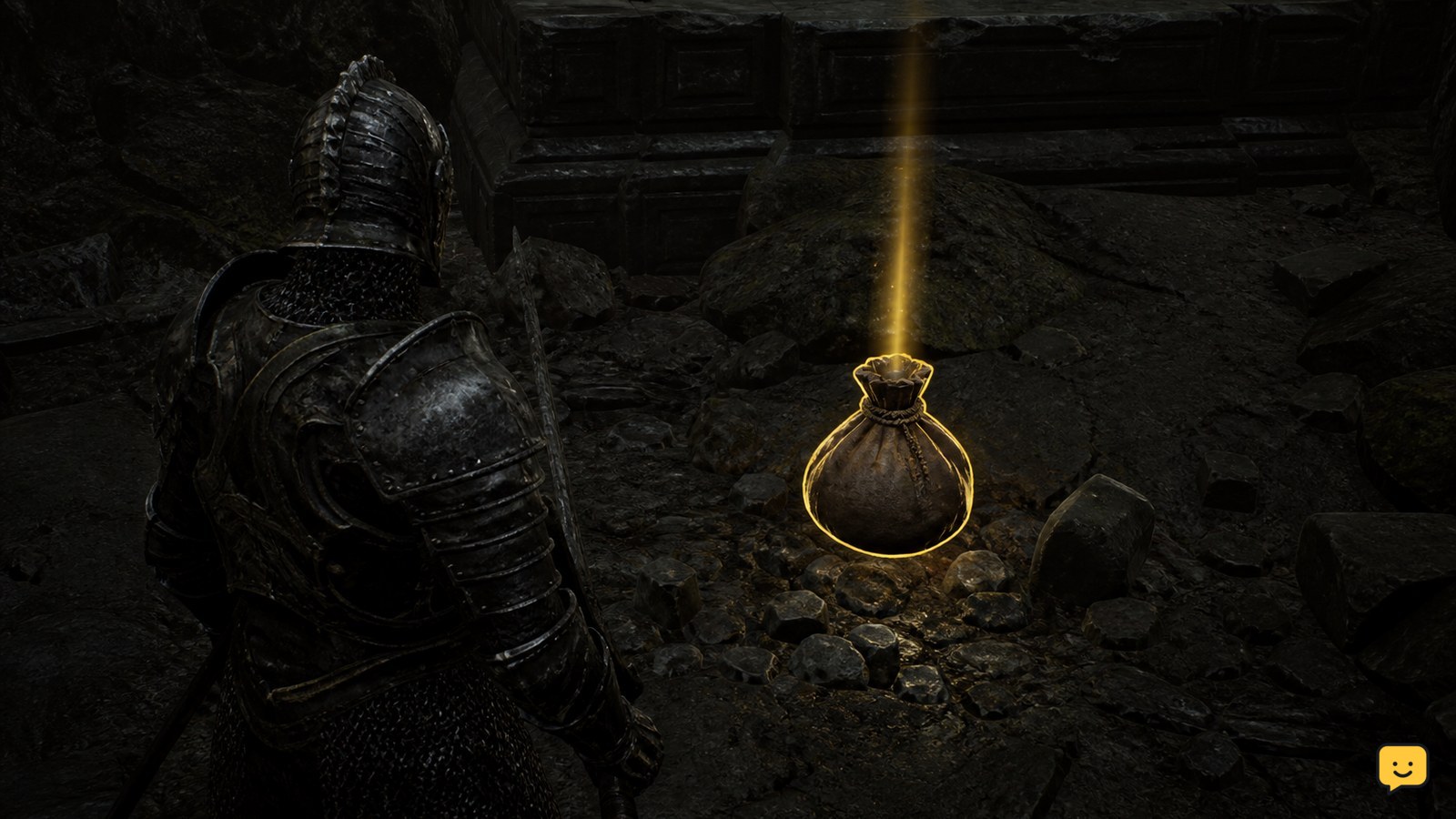
Mortal Shell II: Why Can’t I Pick Up an Item

Mortal Shell II may not let you pick up an item because it is a Permanent Pickup, has already been claimed, or is not currently presenting an interaction prompt. Move around the object, leave combat, check your inventory or item collection, and reload from a safe checkpoint if the prompt never appears. Do not assume every visible object is collectible.

Mortal Shell II character Hardened as a normal enemy strike reaches the Shell
Mortal Shell II Guides

Mortal Shell II: What Does Hardening Do?

In Mortal Shell II, Hardening temporarily protects your Shell from most incoming attacks, letting you withstand a hit instead of dodging. It does not stop attacks marked by a red flash or enemy grabs. Activate it as an attack is about to land, then punish the enemy or retreat while the Harden bar recovers.

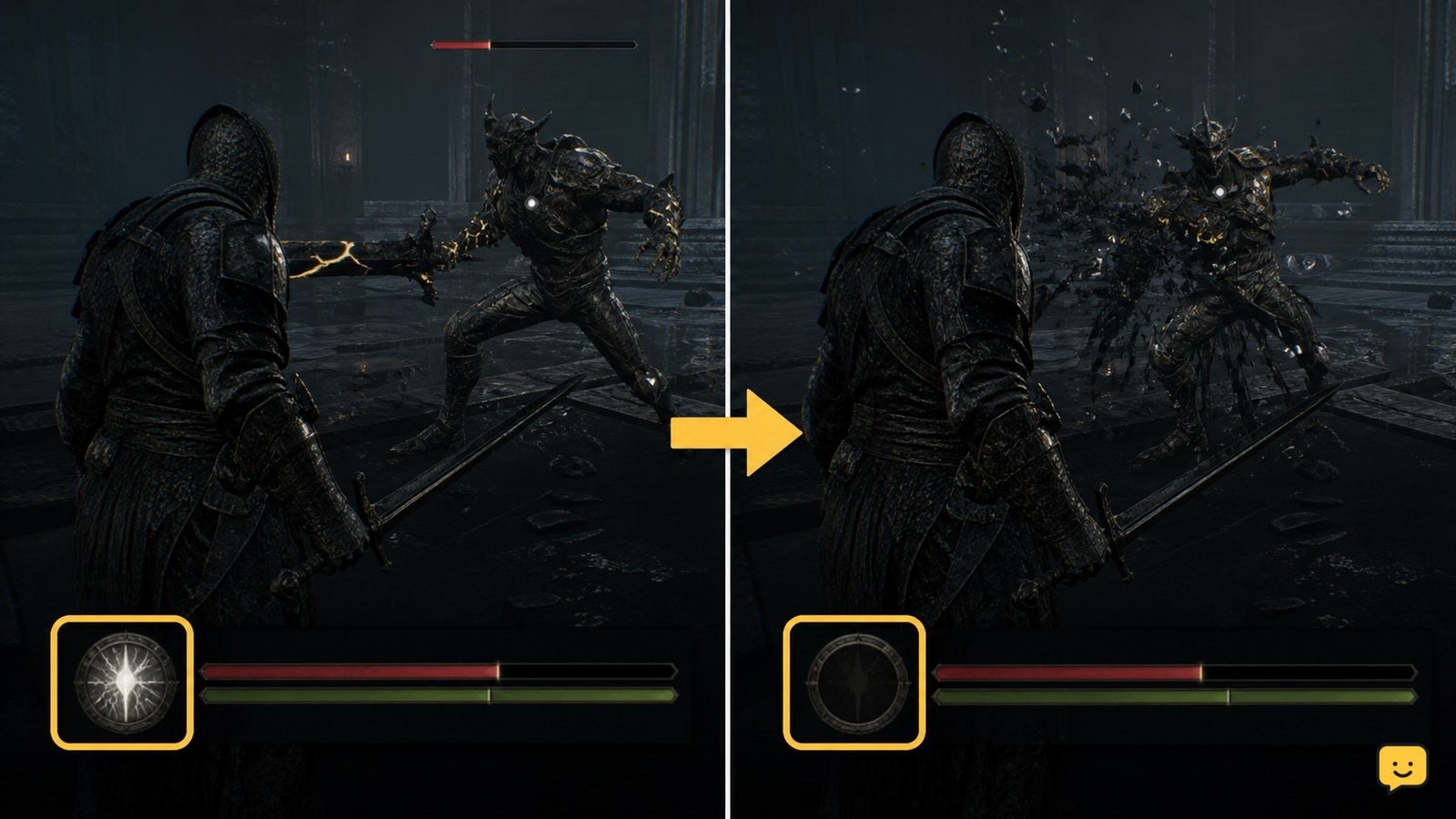
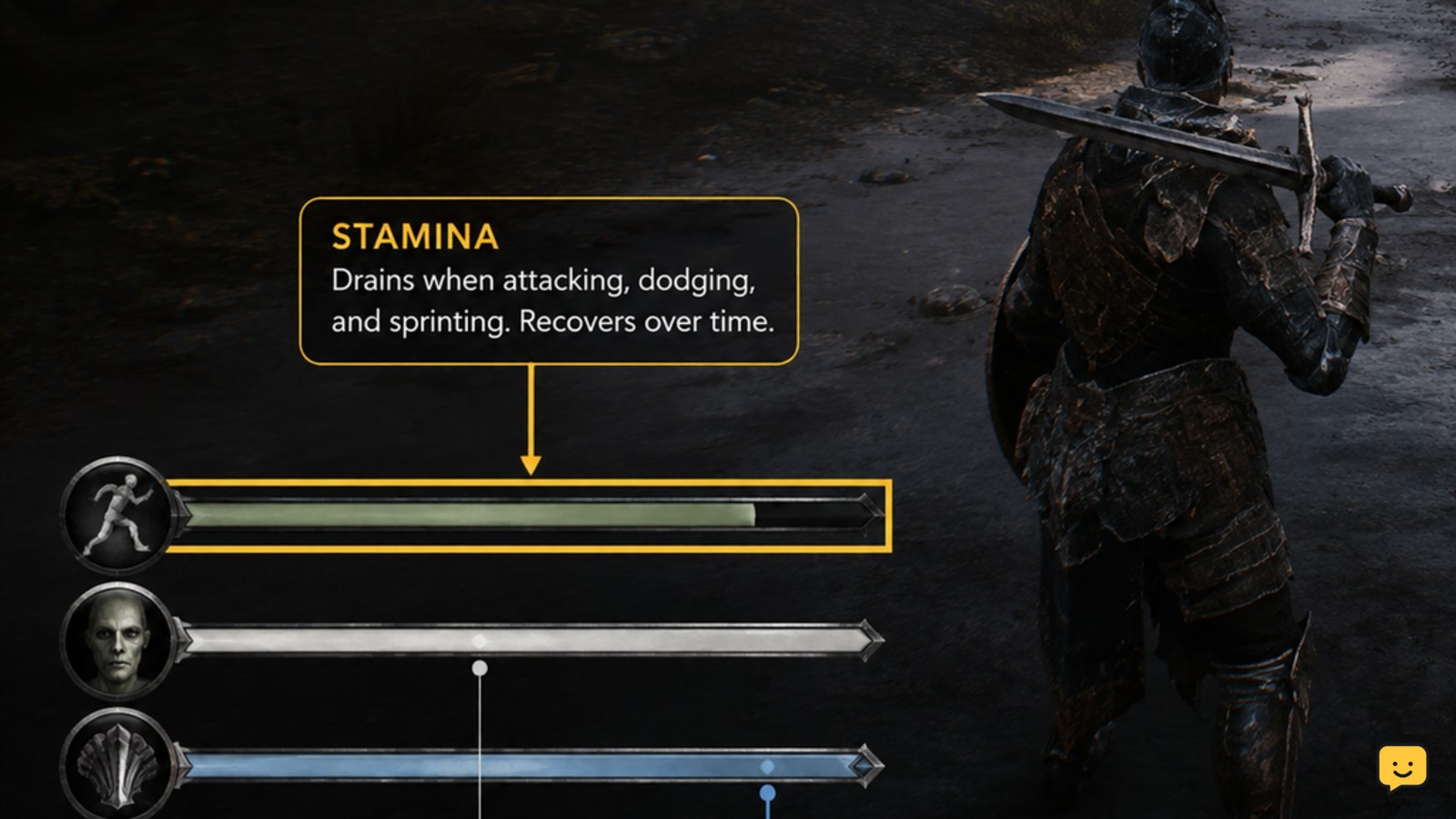
Mortal Shell II combat HUD showing separate stamina, Resolve, and Shell ability resources
Mortal Shell II Guides

Mortal Shell II: Why Is My Stamina Not Recovering

In Mortal Shell II, first confirm that the bar is stamina rather than Resolve or an ability resource. Stop sprinting, attacking, dodging, and any Shell ability, then watch the HUD while standing clear of enemies. If it still does not move, check for a status effect or a stuck combat state and return to a Beacon. Current evidence does not confirm a separate stamina-restoration item or menu setting.

Mortal Shell II Shell progression screen context at Zhirelle in Marrow Keep
Mortal Shell II Guides

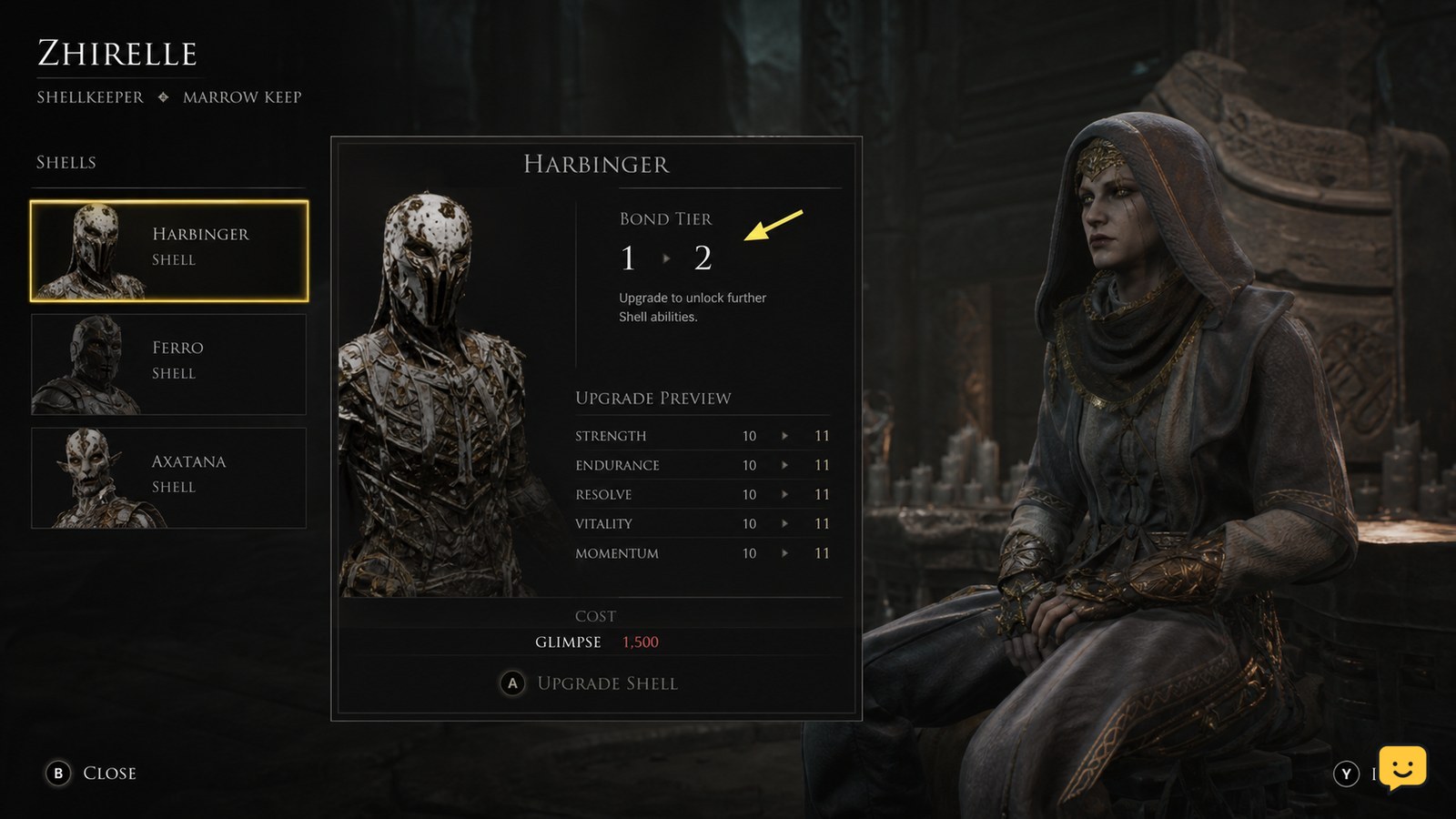
Mortal Shell II How to Upgrade Shell Stats

To upgrade Shell stats in Mortal Shell II, visit Zhirelle, the Shellkeeper at Marrow Keep, select the Shell you want to improve, and spend Glimpse to raise its Bond Tier. Check the upgrade panel before confirming: it should show the cost, next Bond Tier, and affected attributes or effects. This guidance applies to the documented beta system, not Mortal Shell Legacy.

Mortal Shell II player character approaching a weapon pickup in an unexplored area
Mortal Shell II Guides

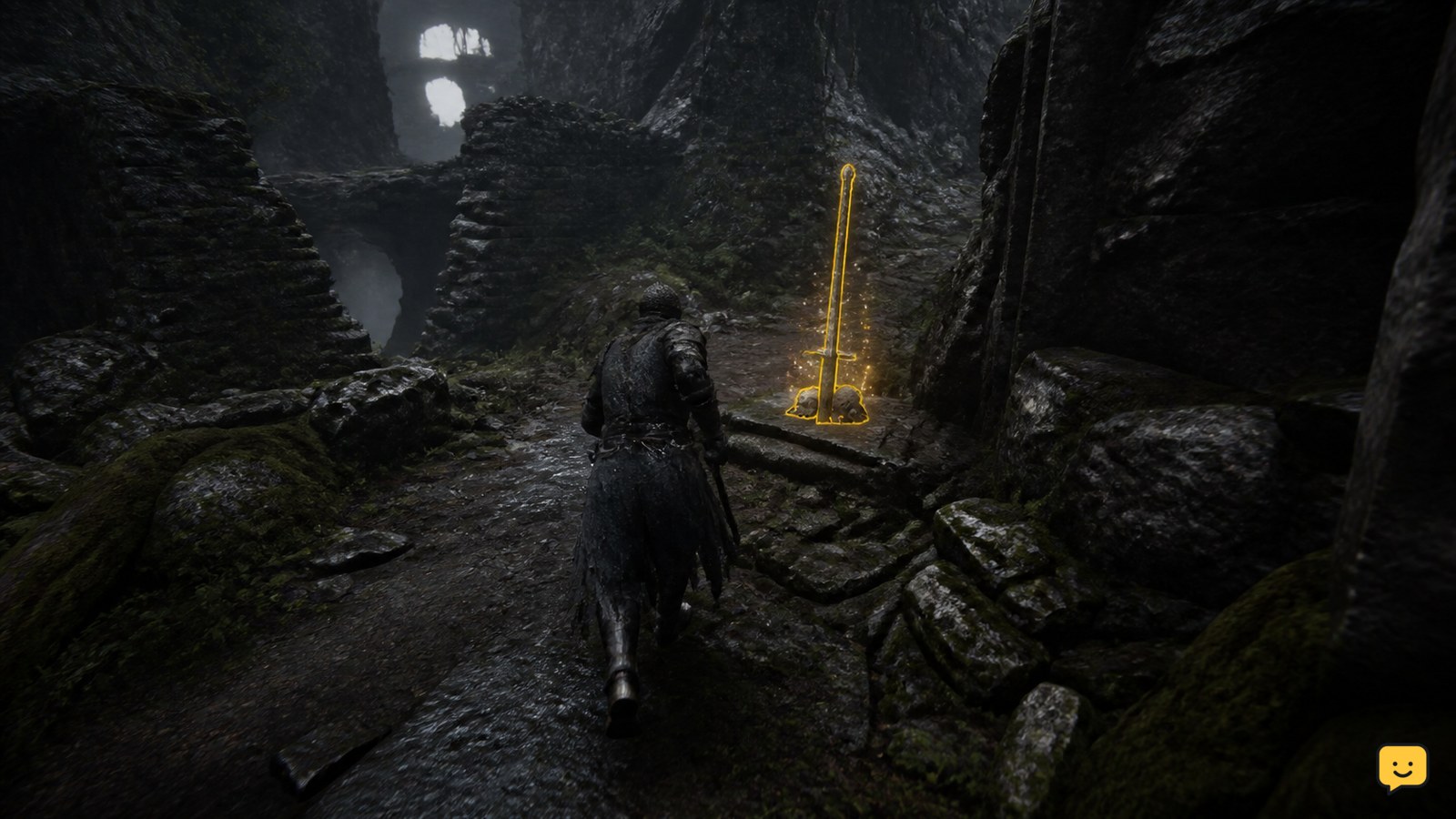
Mortal Shell II Where to Find New Weapons

You find new weapons in Mortal Shell II while exploring its areas and collecting weapon pickups. Search side paths, rooms, and branching routes instead of relying on one merchant location. After collecting an item, open your inventory and confirm its name and category. The available evidence supports several weapon types, but not a complete, verified room-by-room location list.

Mortal Shell II How to Change Difficulty Settings
Mortal Shell II Guides

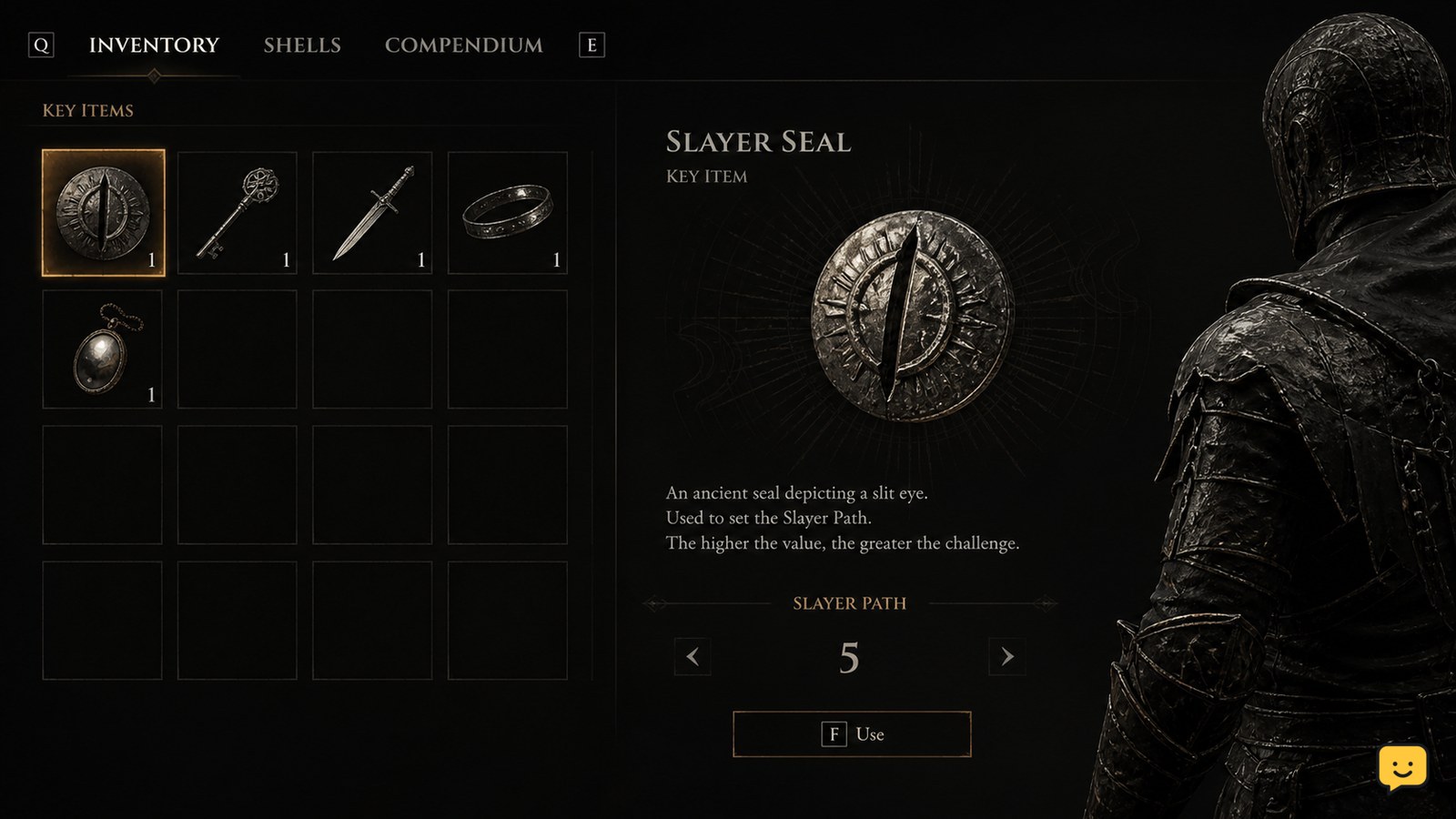
Mortal Shell II How to Change Difficulty Settings

Mortal Shell II does not use a normal difficulty menu. Difficulty changes through the Slayer Seal, an item you find and use during a playthrough. Open the item’s available action, activate it, and look for an in-game confirmation. If no Slayer Seal or use prompt appears, stop rather than assuming the menu or save is broken.

Mortal Shell II How to Use Consumable Items
Mortal Shell II Guides

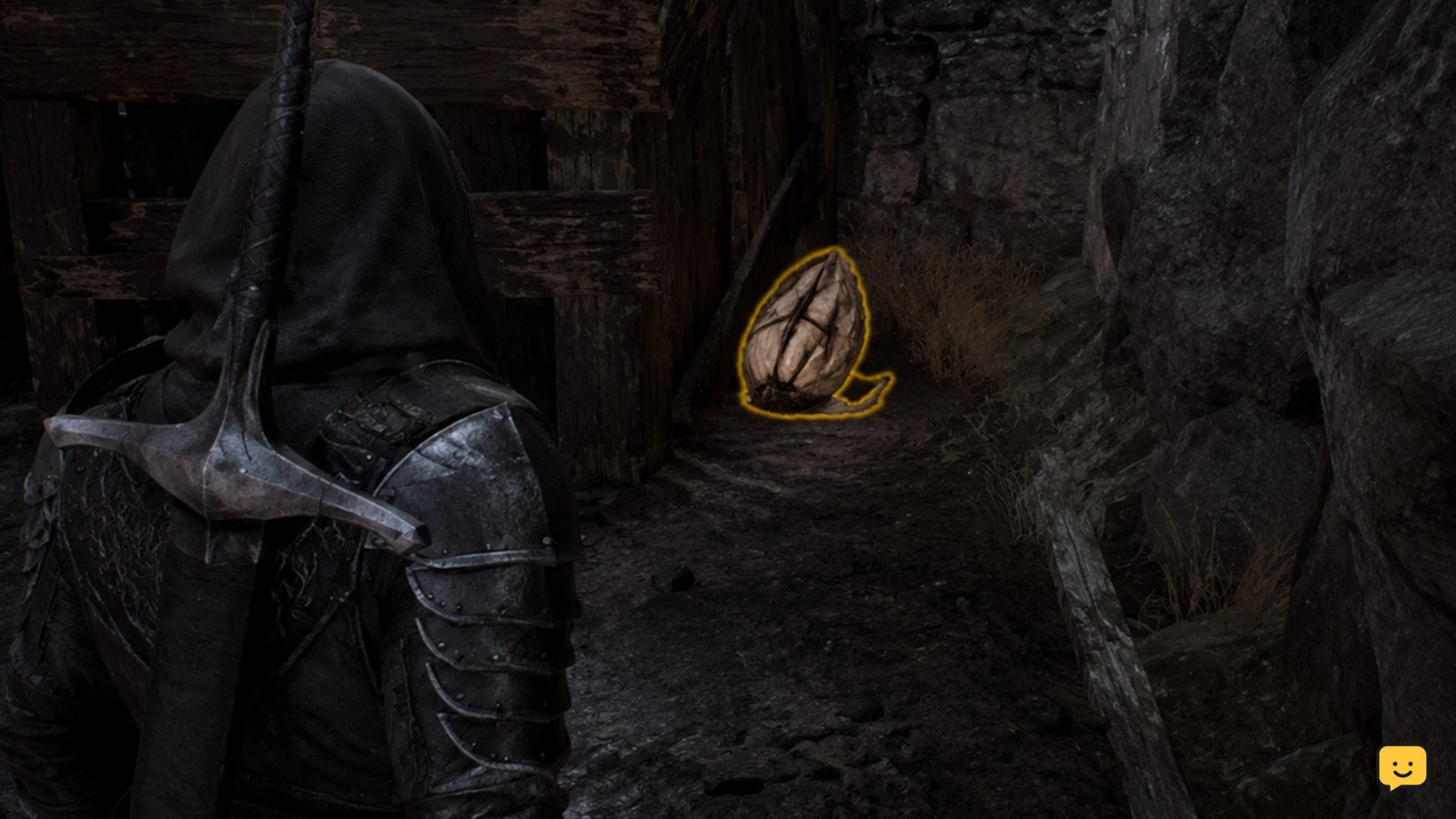
Mortal Shell II How to Use Consumable Items

Mortal Shell II does not use a standard consumable-inventory system for every item. IGN’s current guide describes a Permanent Pickup system, so collectable items such as mushrooms may become lasting effects or unlocks instead of stackable supplies. For an item that appears in quick use, select it through your current control scheme, activate it only when the item prompt is available, and verify the effect before spending another item.

Mortal Shell II Why Is My Resolve Not Filling?
Mortal Shell II Guides

Mortal Shell II Why Is My Resolve Not Filling?

If your Resolve meter is not filling in Mortal Shell II, do not wait in place or repeatedly press the ability button. Confirm the meter is visible, complete several combat encounters, and watch for a change after each one. If the meter remains identical after multiple completed fights, stop farming and treat it as a possible display or progression issue.

Why Can’t I Enter a Shell in Mortal Shell II?
Mortal Shell II Guides

Why Can’t I Enter a Shell in Mortal Shell II?

If you are controlling the Harbinger after your Shell has been knocked out, the issue is usually that the Shell must be revived rather than entered through a separate prompt. Mortal Shell II’s documented recovery options are resting at a Beacon or dealing melee damage. A missing Shell ability while you are the Harbinger is expected and is a different limitation.

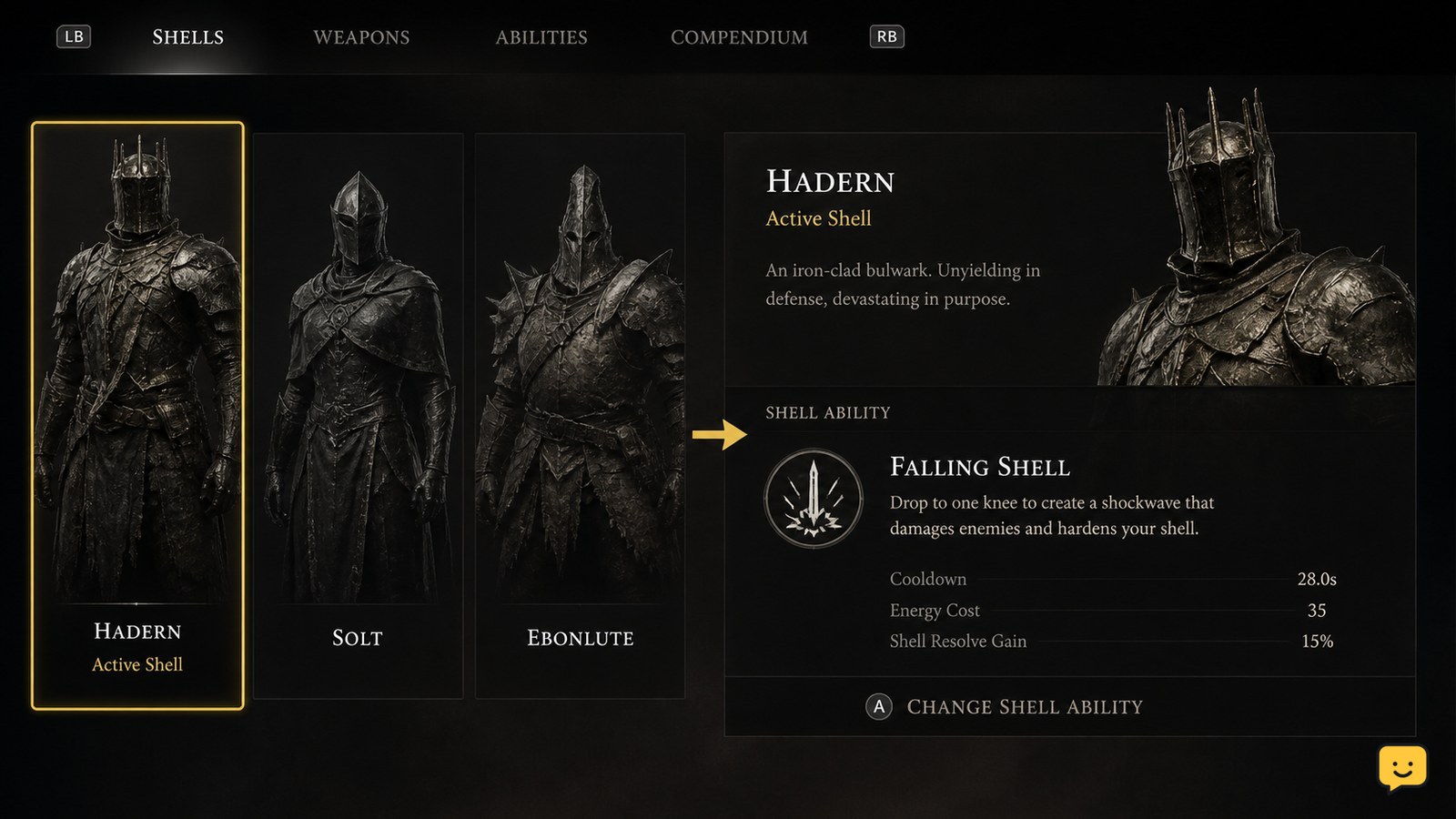
How to Equip Shell Abilities in Mortal Shell II
Mortal Shell II Guides

How to Equip Shell Abilities in Mortal Shell II

Mortal Shell II Shells are classes with their own abilities and unique traits. To equip an ability safely, first make the intended Shell active, then use only the assignment action shown beside an ability that the game marks as available. Published Shell references do not confirm a universal menu path, control, or slot rule, so stop rather than following instructions that do not match your installed version.