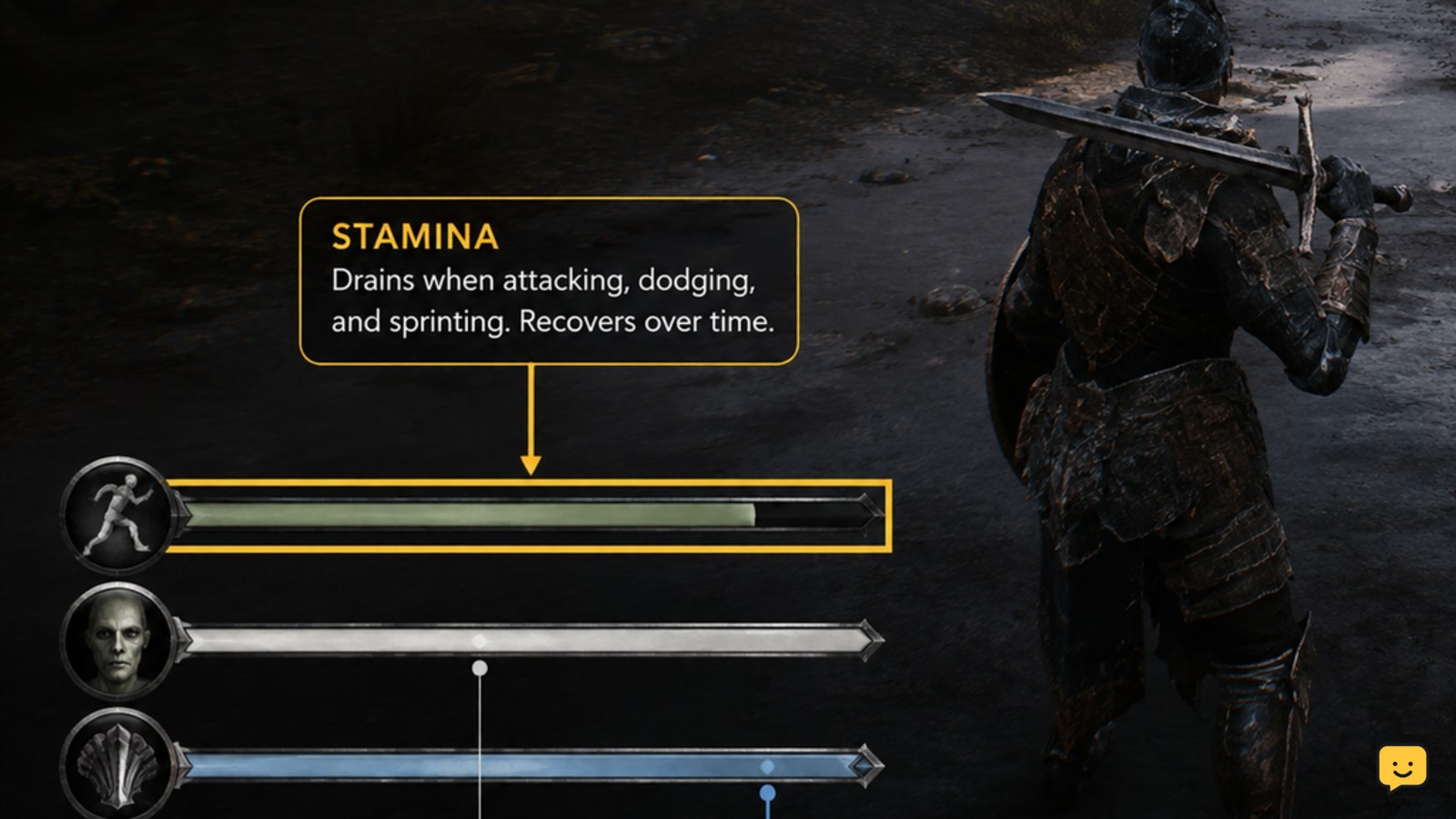
In Mortal Shell II, first confirm that the bar is stamina rather than Resolve or an ability resource. Stop sprinting, attacking, dodging, and any Shell ability, then watch the HUD while standing clear of enemies. If it still does not move, check for a status effect or a stuck combat state and return to a Beacon. Current evidence does not confirm a separate stamina-restoration item or menu setting.
For more help with this topic, use the Mortal Shell II guides.
Check that the bar is actually stamina
Mortal Shell II can show several combat resources, so the first decision is whether the apparently stuck bar is stamina, Resolve, or the Shell ability resource.
Compare the bar’s icon and location with the current in-game HUD rather than relying on memory or an older screenshot. Resolve is a separate combat resource, and the available Steam discussion describes the Shell ability resource as “Mana,” including upgrades that reduce ability cost. A bar that changes only after successful combat gains is not proof that stamina is failing to recover.
Verify: perform one ordinary stamina-spending action, then stop all inputs. If a different bar changes, you were watching the wrong resource.
If the changing bar is Resolve instead, follow the Resolve meter troubleshooting rather than treating it as stamina.
Stop every action that can spend stamina
Mortal Shell II stamina recovery can only be judged after stamina-spending actions have ended, so release sprint, attack, dodge, and ability inputs before watching the meter.
- Move away from the enemy or use a safe opening.
- Release movement and attack inputs instead of holding a button.
- Wait for the current animation to finish.
- Watch for the stamina bar to begin moving before testing another action.
If the bar changes after the character becomes fully idle, the earlier pause was likely tied to an active action or animation. This is a gameplay-state check, not confirmation of a hidden stamina penalty.
Check combat state and visible status effects
Mortal Shell II may still be in a combat or effect state when the character appears motionless, so inspect the HUD before assuming the recovery system is broken.
Look for a status icon, effect timer, hit reaction, stagger, knockdown recovery, or an unfinished ability animation. If an icon or description explicitly identifies a stamina penalty, let that effect end before testing again. Do not infer a specific status name from color alone because the supplied evidence does not document the game’s complete effect list.
Failure branch: if the character remains responsive but the bar never changes in a clear area, leave the encounter and repeat the check somewhere without enemies. If it works there, the issue is probably tied to the combat state rather than permanent stat loss.
Use a Beacon as a safe reset checkpoint
Mortal Shell II Beacons provide a reliable checkpoint for separating a temporary combat-state problem from a persistent HUD or save problem.
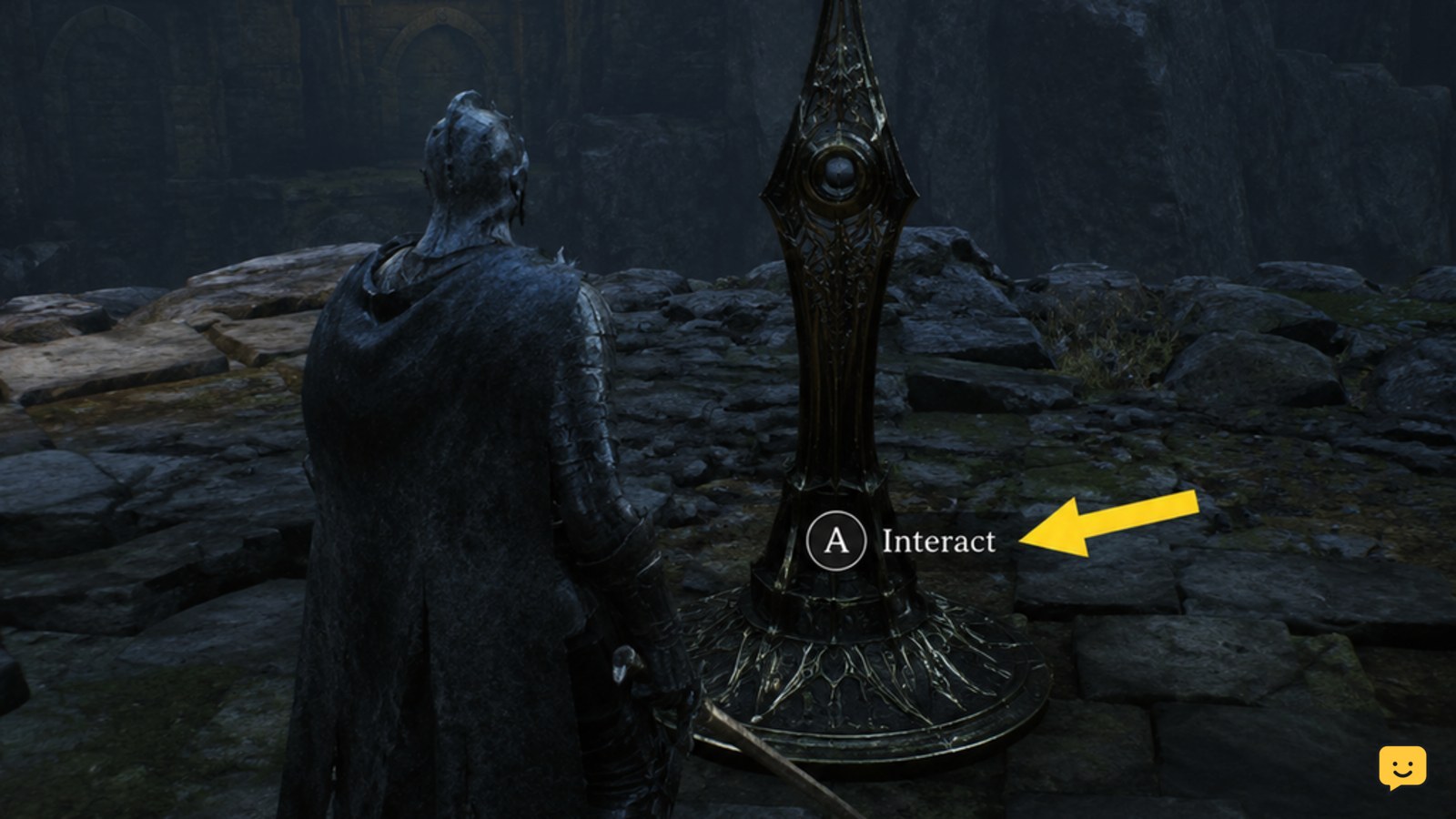
Reach a Beacon without spending the remaining stamina, interact with it, and confirm the expected Beacon interaction completes. The available Rock Paper Shotgun guide documents Beacon resting as a way to reset Shell revival difficulty, while ShowU’s Beacon guide identifies Beacons as the game’s healing point. Those sources do not confirm that a Beacon directly restores stamina, so use it here as a safe state reset rather than a guaranteed stamina refill.
After leaving the Beacon, perform one stamina-spending action and stop. If the bar now behaves normally, the earlier state was temporary. If nothing changes, continue to the final check instead of repeatedly resting.
What to do if the stamina bar stays fixed
If Mortal Shell II stamina remains unchanged in a safe area after all inputs stop and a Beacon check, treat the problem as a possible bug or resource-identification error.
- Recheck the bar icon against the current HUD.
- Remove any temporary status effect that the interface clearly identifies.
- Confirm that the character is not still completing an attack, dodge, sprint, or Shell ability animation.
- Save safely if the game allows it, then reload the current session.
- Test once in a neutral area before changing Shell upgrades or difficulty.
ShowU’s controls guide covers reading the HUD and checking combat inputs, which is the appropriate next reference when inputs or meter behavior are unclear: verify the Mortal Shell II combat controls.
If the bar still does not move after the reload, stop repeating the same test. Note your platform, Shell, location, visible status icons, and the exact action that emptied the bar before reporting the issue through the game’s current support channel.
Use the Mortal Shell II combat controls when the HUD icon, input, or animation state is unclear.
Frequently asked questions
Does resting at a Beacon restore stamina in Mortal Shell II?
The supplied evidence confirms that Beacons heal and reset some Shell-related states, but it does not confirm direct stamina restoration. Use a Beacon to leave combat, complete a safe reset, and then test the bar again. If the meter still behaves incorrectly, do not keep resting repeatedly.
Why does my Mortal Shell II bar change after combat but not while waiting?
You may be watching Resolve rather than stamina. Resolve is tied to confirmed combat gains, while the Shell ability resource is described as Mana in the available Steam discussion. Check the HUD icon and test one normal stamina-spending action before diagnosing recovery.
Can a Shell upgrade make stamina recover more slowly?
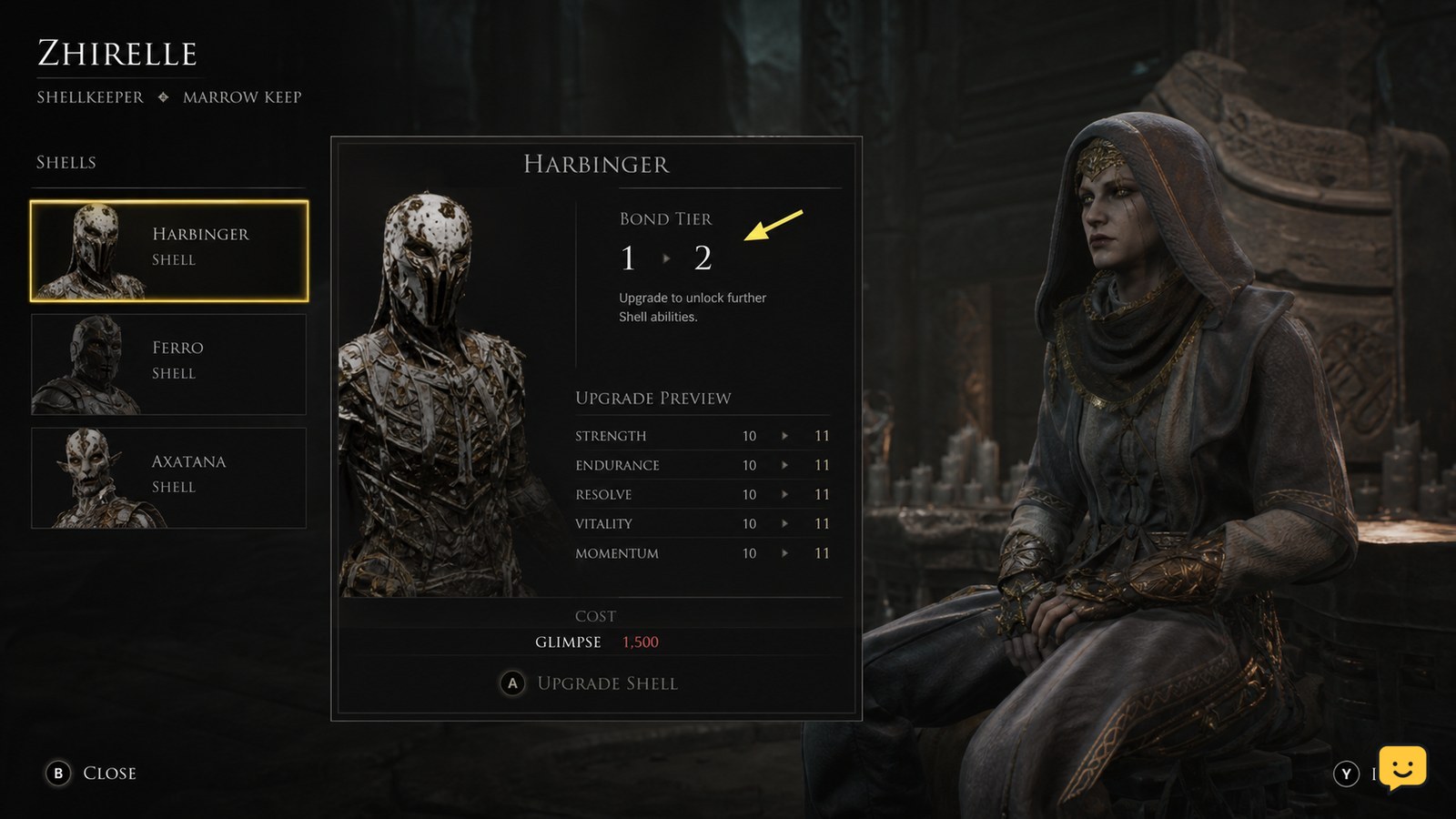
The available player discussion mentions Shell upgrades reducing the cost of the Shell ability resource, not slowing stamina recovery. Do not assume an upgrade changed stamina unless the current in-game description explicitly says so.
What should I record if stamina never recovers?
Record your platform, Shell, area, stamina-spending action, visible status icons, and whether the bar changes after leaving combat, using a Beacon, and reloading. These details distinguish a resource mix-up from a persistent gameplay or HUD issue.