Star Citizen How to Manage Ship Power: Set Priorities
Manage ship power in Star Citizen from the cockpit: open the Power display, prioritize essential systems, confirm output, and fix an unresponsive panel.
Explore current Star Citizen guides for ships, ASOP terminals, cargo, mining, missions, controls, and common LIVE-build errors without outdated mechanics.
Manage ship power in Star Citizen from the cockpit: open the Power display, prioritize essential systems, confirm output, and fix an unresponsive panel.
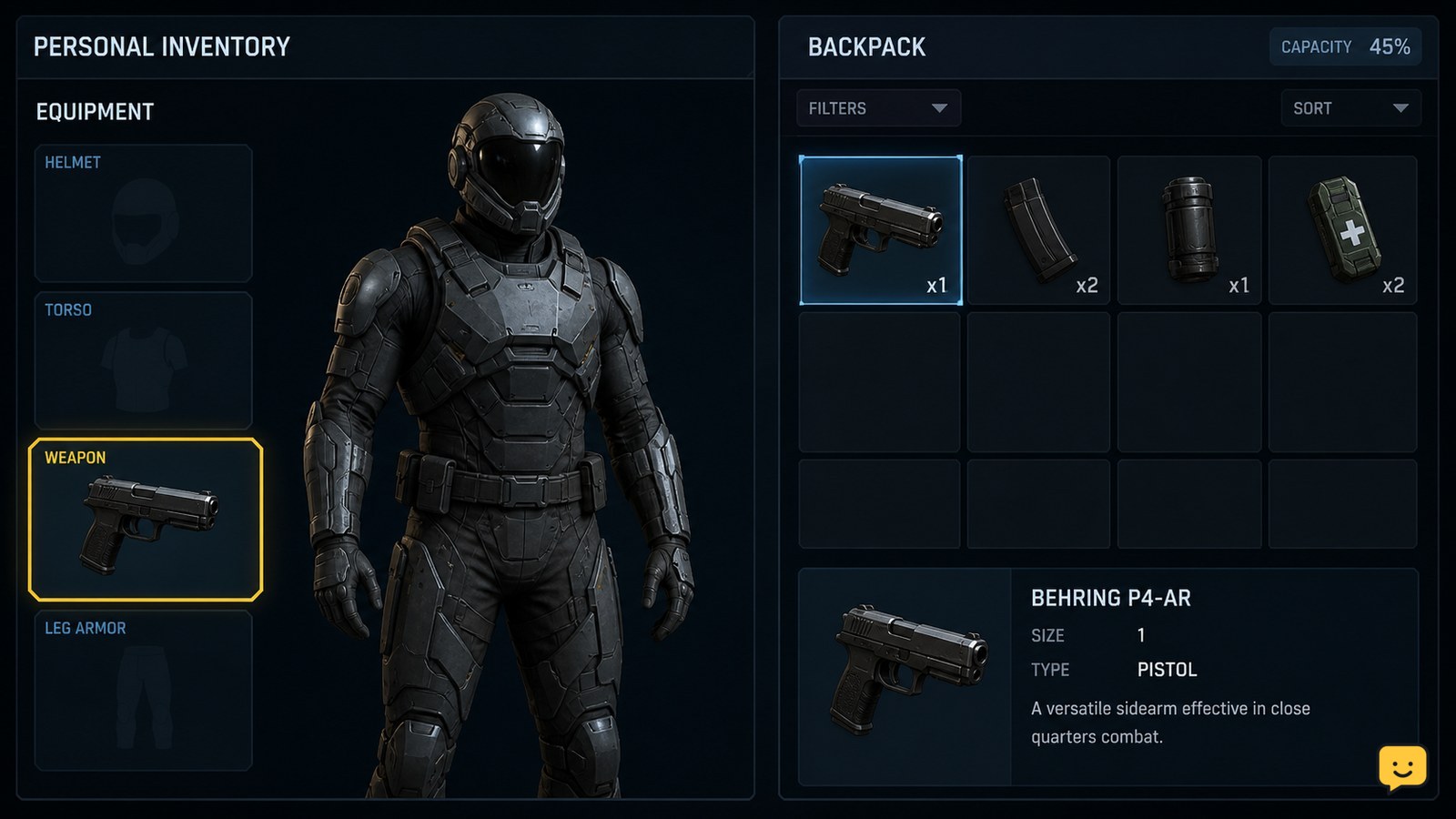
Equip personal armor in Star Citizen from your character inventory, confirm each piece is worn, and fix missing or unavailable Equip options safely.
Learn how to refine mined ore in Star Citizen: attach mining pods, open a refinery, submit the job, collect refined cargo, and fix missing options.
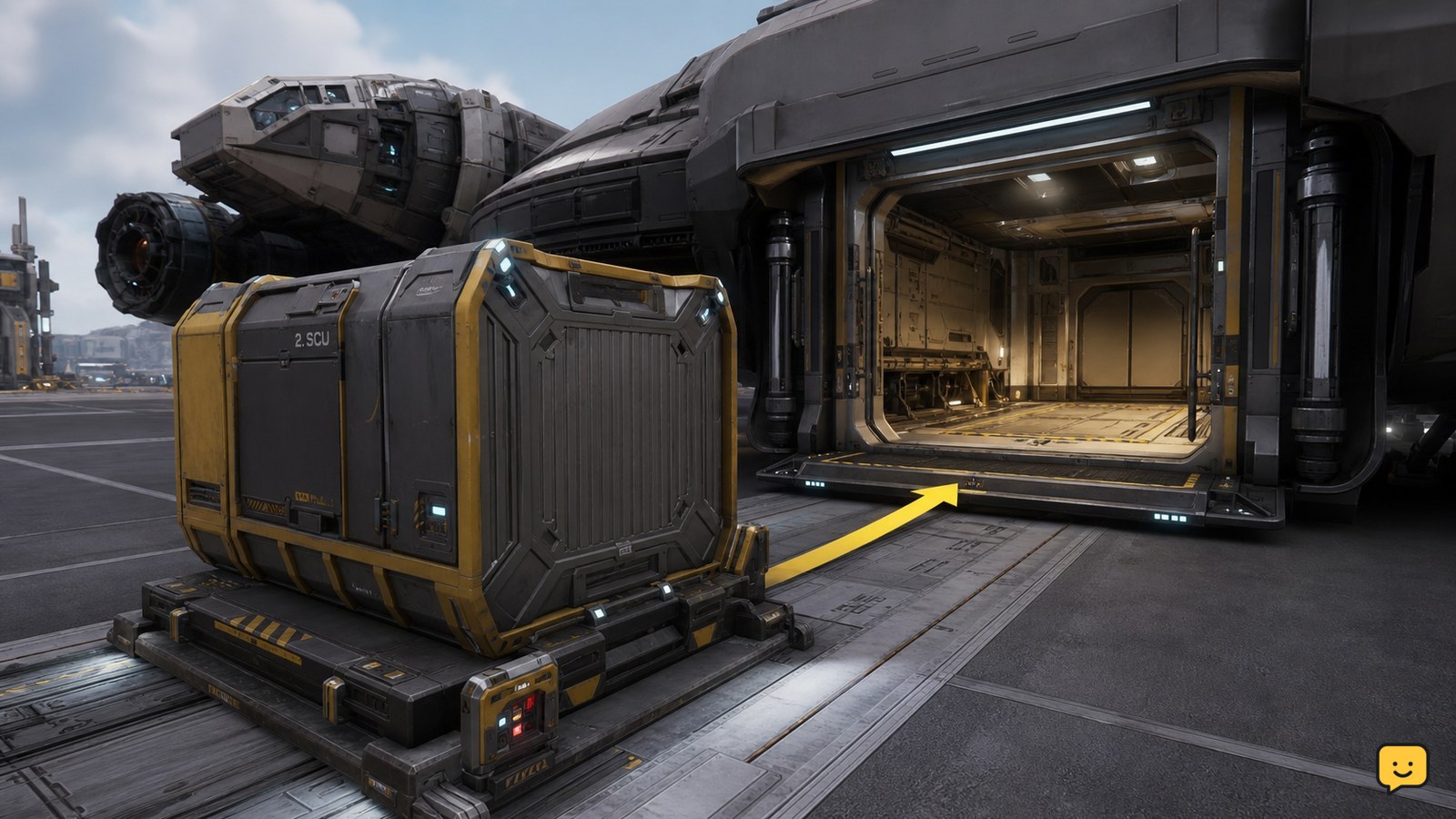
Learn how to accept a Star Citizen cargo hauling mission, load the required freight, deliver it to the marked destination, verify payment, and recover safely.
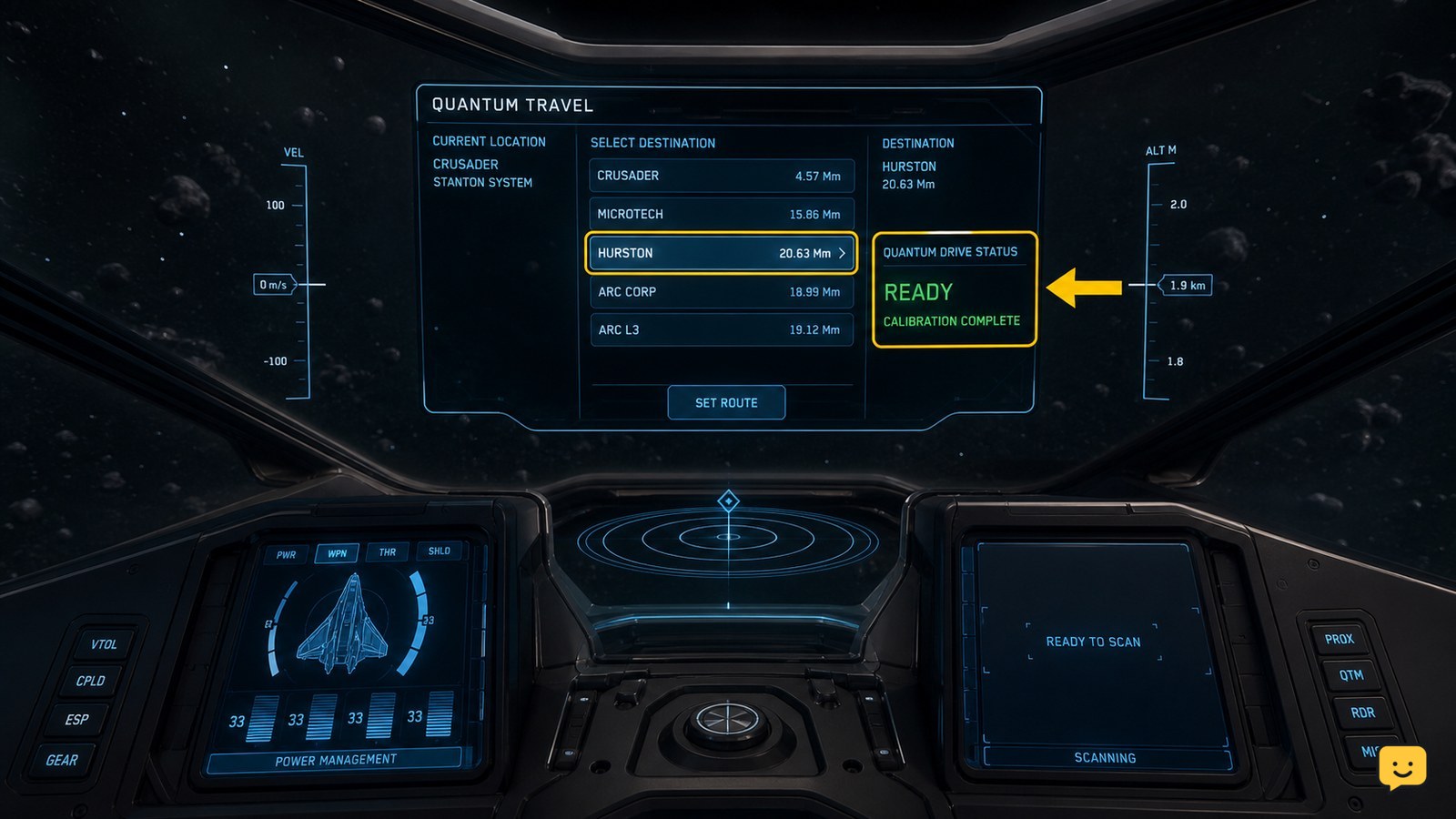
Set a route in Star Citizen with the Star Map, prepare your quantum drive, engage travel, verify arrival, and fix blocked or missing destinations safely.
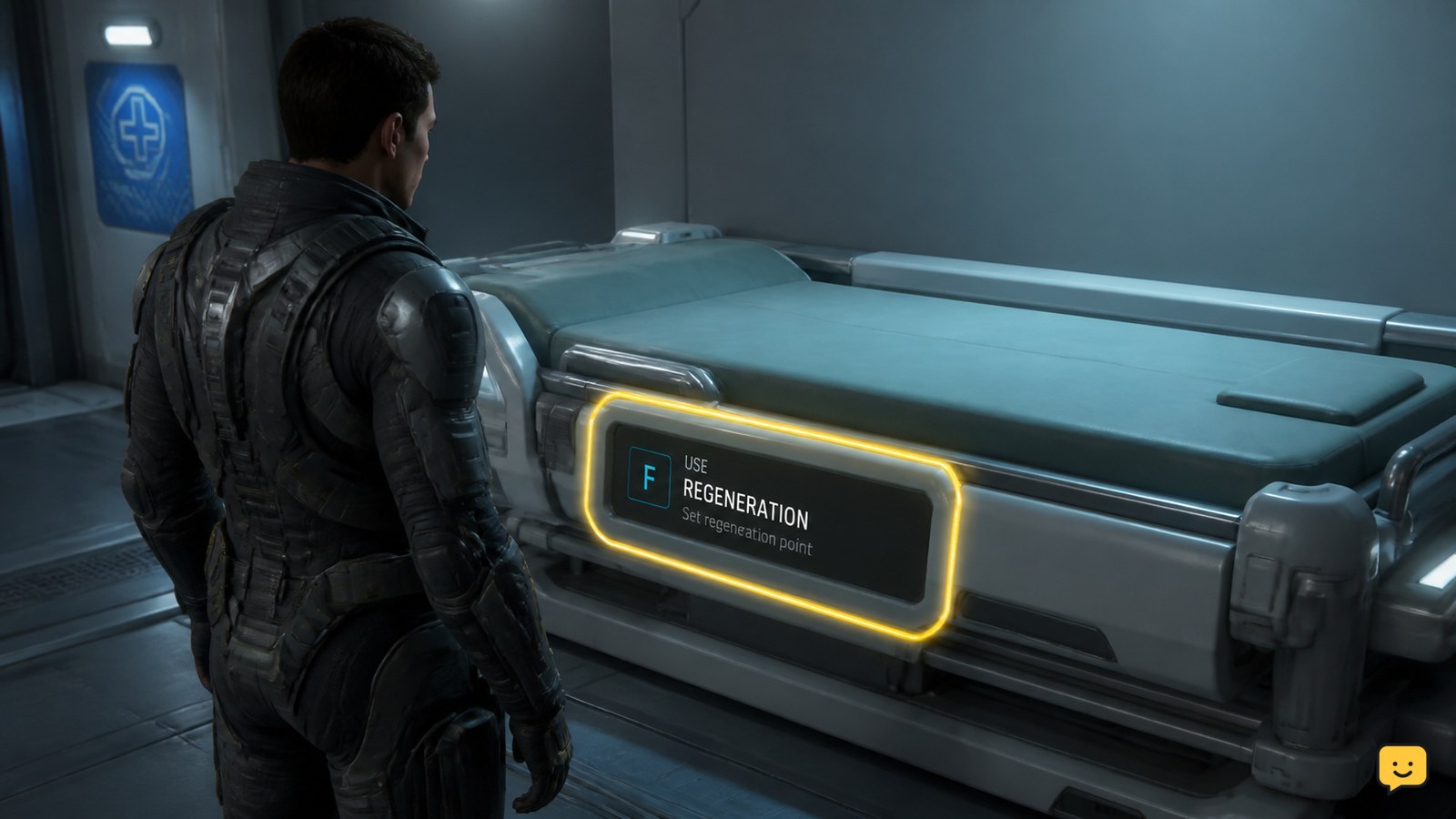
Set a medical respawn point in Star Citizen at a clinic, hospital, or supported med bed, then confirm the active regeneration imprint before leaving.
Learn how to dock and undock a compatible ship in Star Citizen with alignment indicators, the interaction prompt, safe release checks, and fixes for failed.
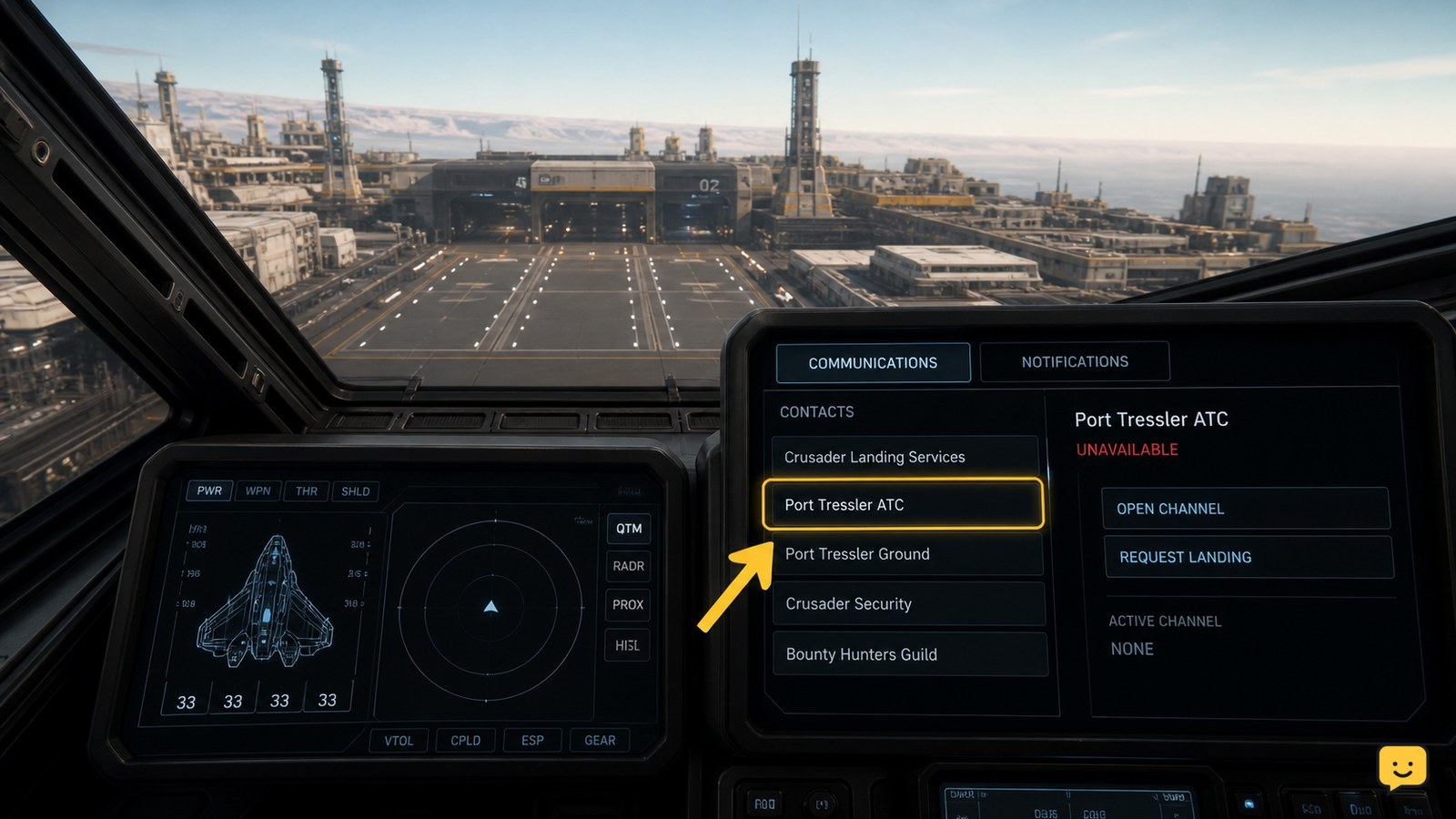
Request landing clearance in Star Citizen through mobiGlas Landing Services, confirm your assigned bay, and fix missing contacts or markers before landing.
Move equipment from local storage into your ship in Star Citizen using the current freight-elevator workflow, then verify the items appear in ship cargo.