Skip to content
ShowU

Star Citizen Guides

Explore current Star Citizen guides for ships, ASOP terminals, cargo, mining, missions, controls, and common LIVE-build errors without outdated mechanics.

Why Is My Ship Not Showing in the Star Citizen Hangar?
Star Citizen Guides

Why Is My Ship Not Showing in the Star Citizen Hangar?

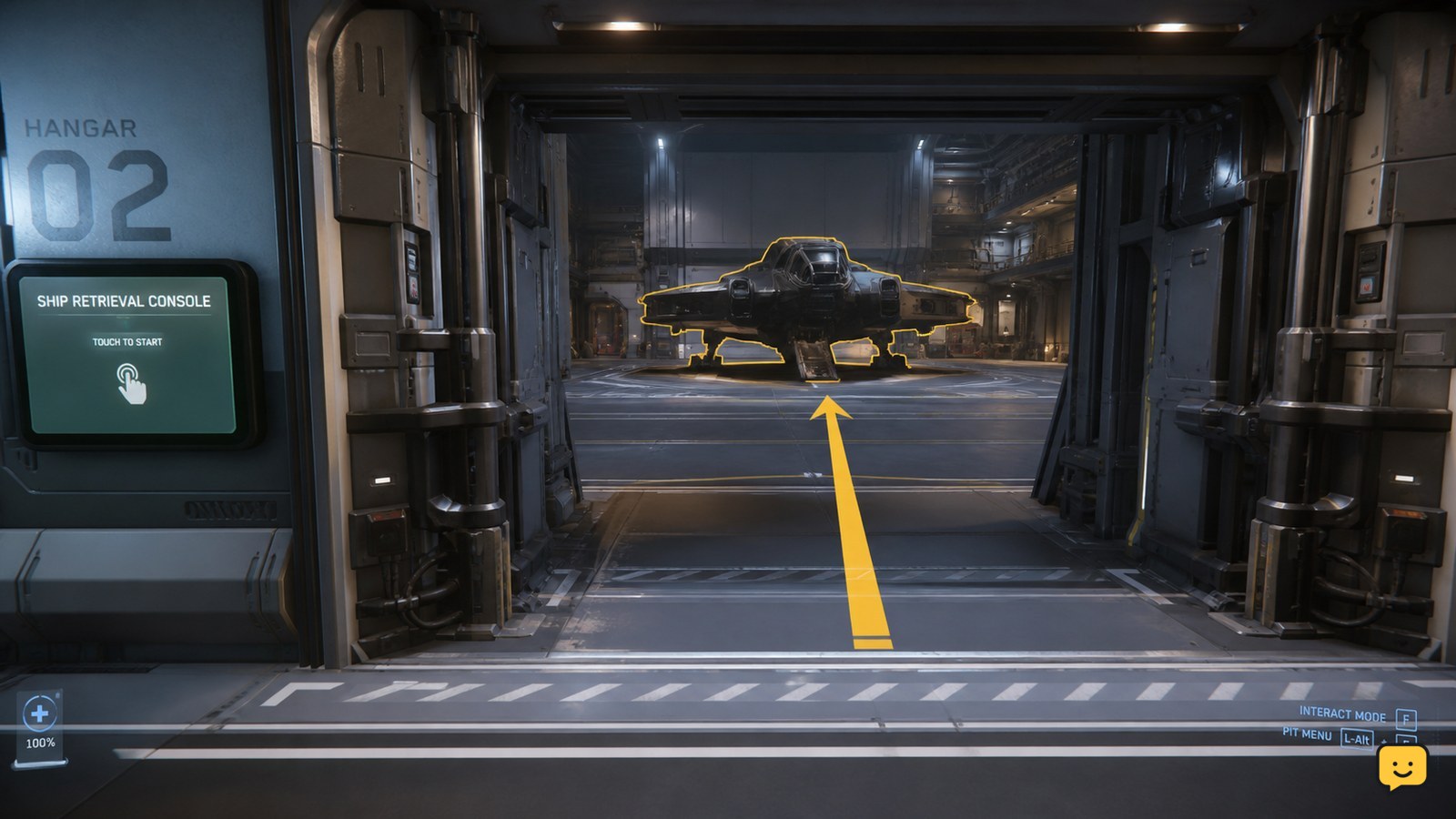
Your Star Citizen ship may not be missing: it can be assigned to a hangar while sitting beyond the access point you entered. Check the ship’s ASOP retrieval result, confirm the assigned hangar or pad, and search the correct access point for its size. If ASOP does not list the ship, stop treating this as a visibility problem.
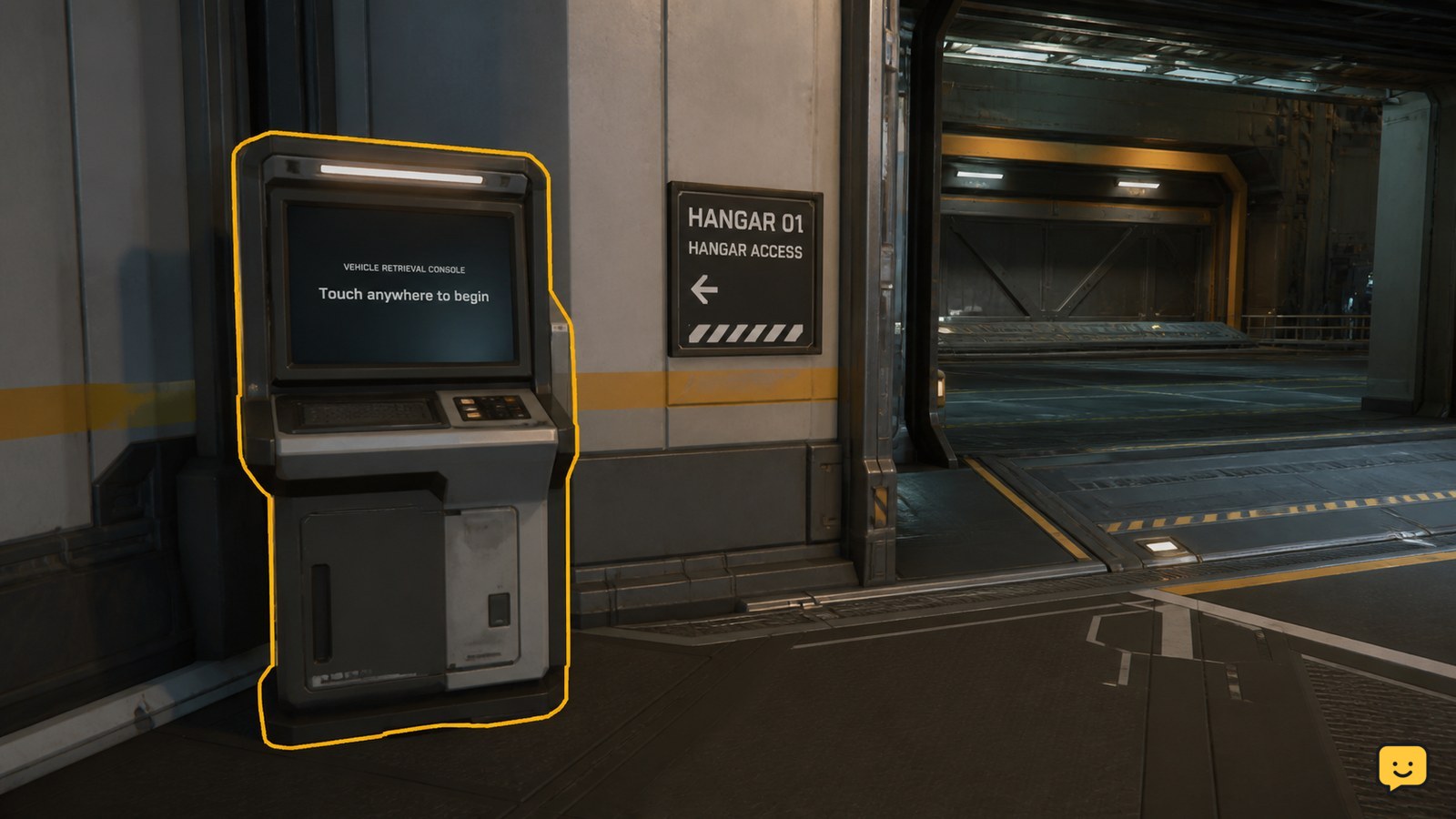
How to Retrieve a Ship from an ASOP Terminal
Star Citizen Guides

How to Retrieve a Ship from an ASOP Terminal

To retrieve a ship in Star Citizen, find an ASOP or Vehicle Retrieval Terminal at your current spaceport or station, interact with it, select the stored ship, and choose the available retrieve or spawn action. Wait for the terminal to confirm the request, then follow the displayed hangar or vehicle-bay location. Button names can vary.

Star Citizen How Do I Store Items in Local Inventory?
Star Citizen Guides

Star Citizen How Do I Store Items in Local Inventory?

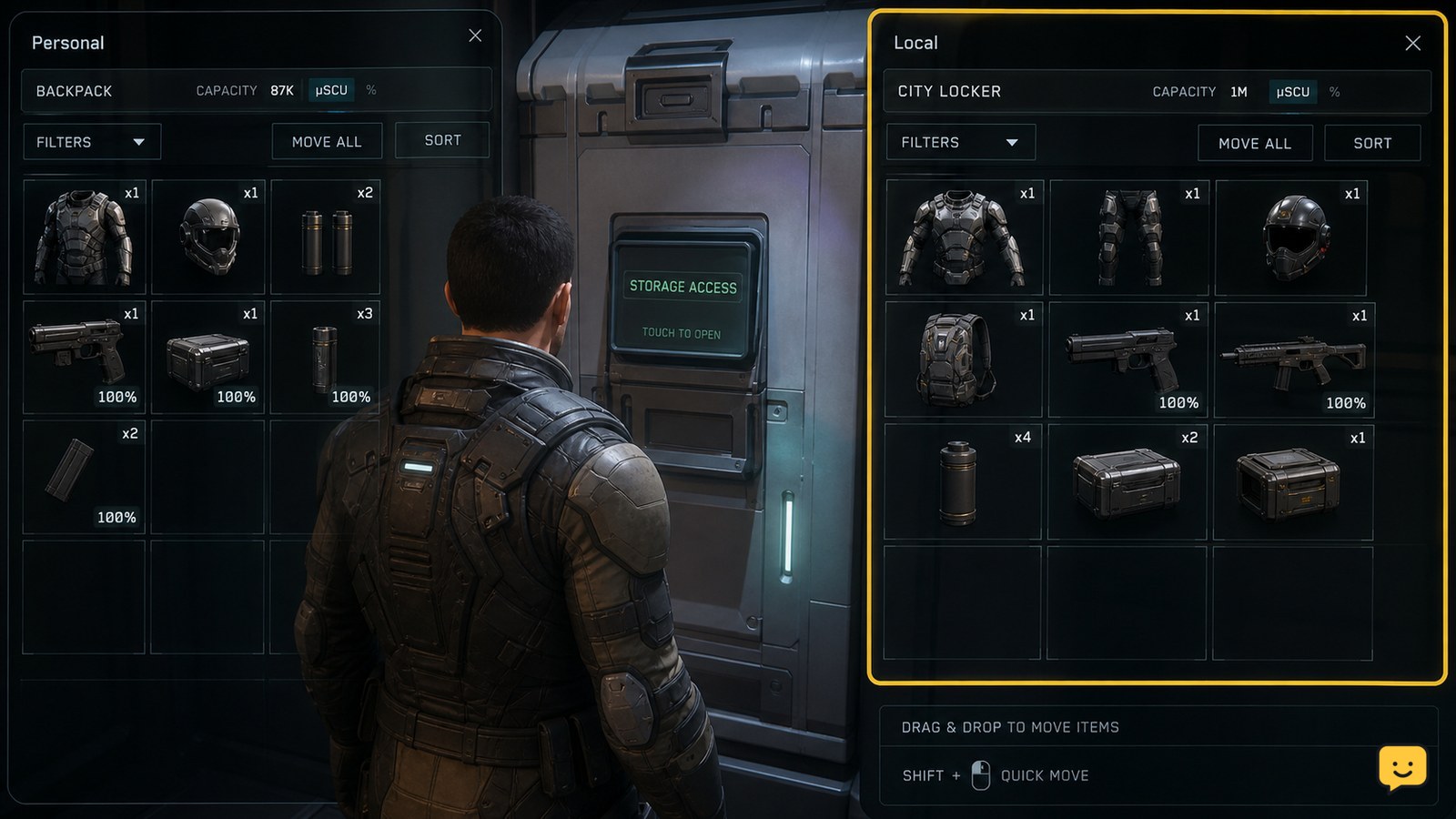
To store items in Star Citizen local inventory, go to a location with accessible storage, such as a city locker, habitation room, or outpost storage terminal. Press I to open the inventory screen, move the item from your personal inventory into the Local storage pane, and wait for the transfer to complete before leaving.

How to Use Quantum Travel in Star Citizen
Star Citizen Guides

How to Use Quantum Travel in Star Citizen

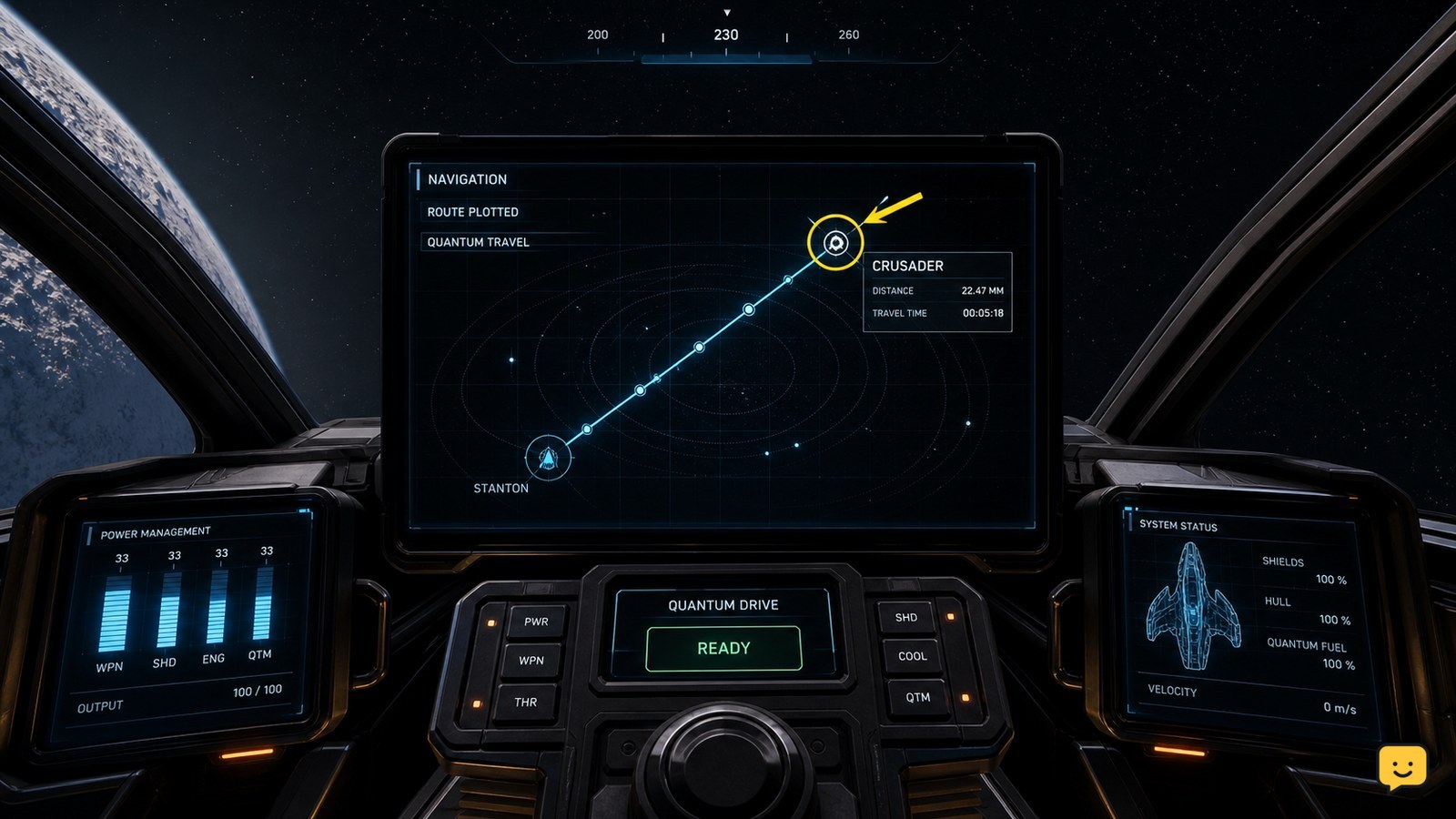
To use quantum travel in Star Citizen, open mobiGlas and set your destination, then return to the cockpit and switch your ship from combat mode into navigation quantum mode by holding B. Align with the plotted route until the quantum-travel prompt appears, activate it, and confirm the destination marker changes to an arrival state.

Star Citizen How to Use a MedPen to Heal
Star Citizen Guides

Star Citizen How to Use a MedPen to Heal

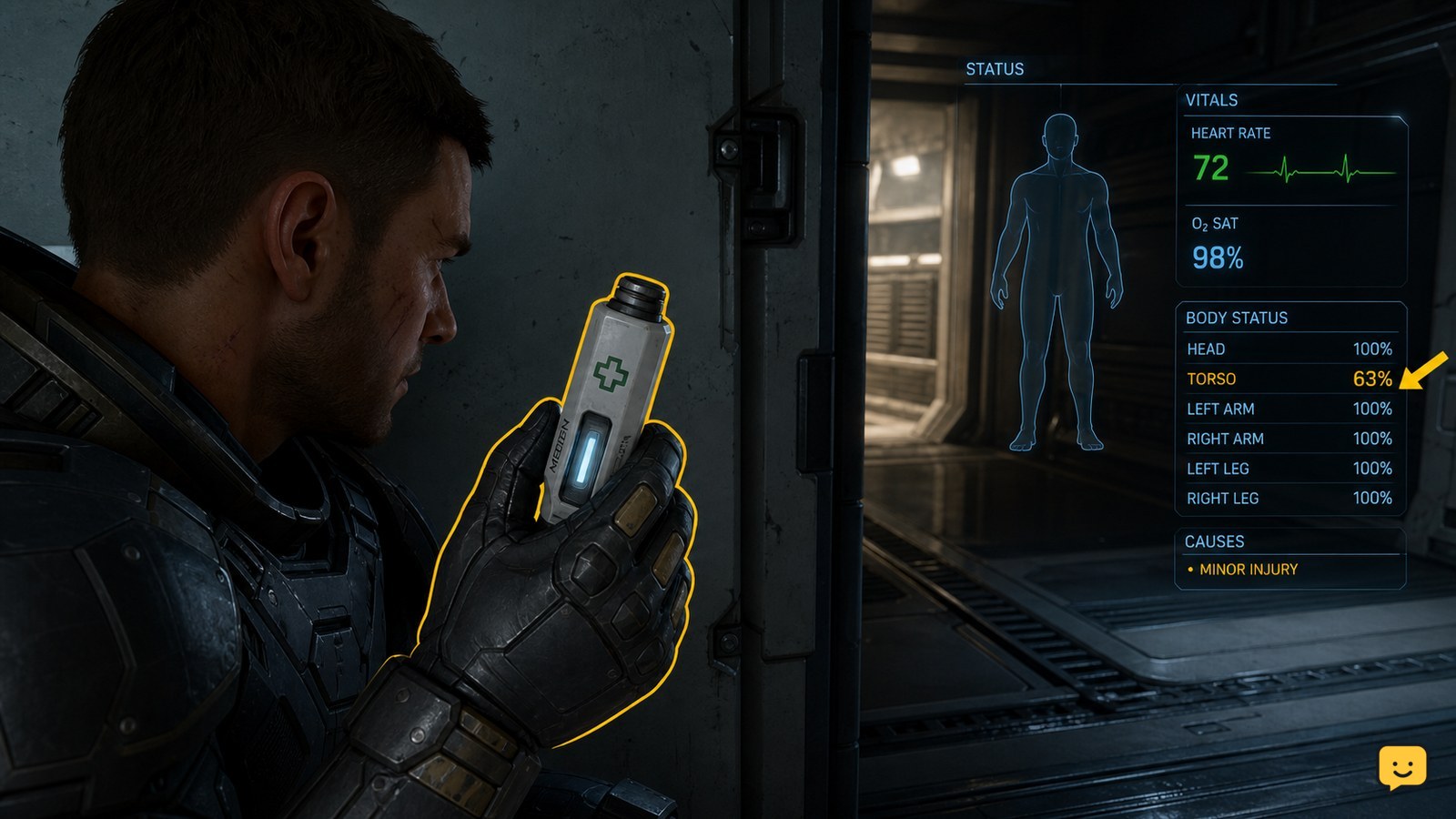
To heal with a MedPen, keep one in your personal inventory, use it through the current LIVE interaction shown for the item or your assigned medical-item action, and confirm that your health rises. A MedPen restores health; stop and seek a medical bed or medic if an injury, incapacitation state, or other condition remains.

Star Citizen How to Dock With a Station
Star Citizen Guides

Star Citizen How to Dock With a Station

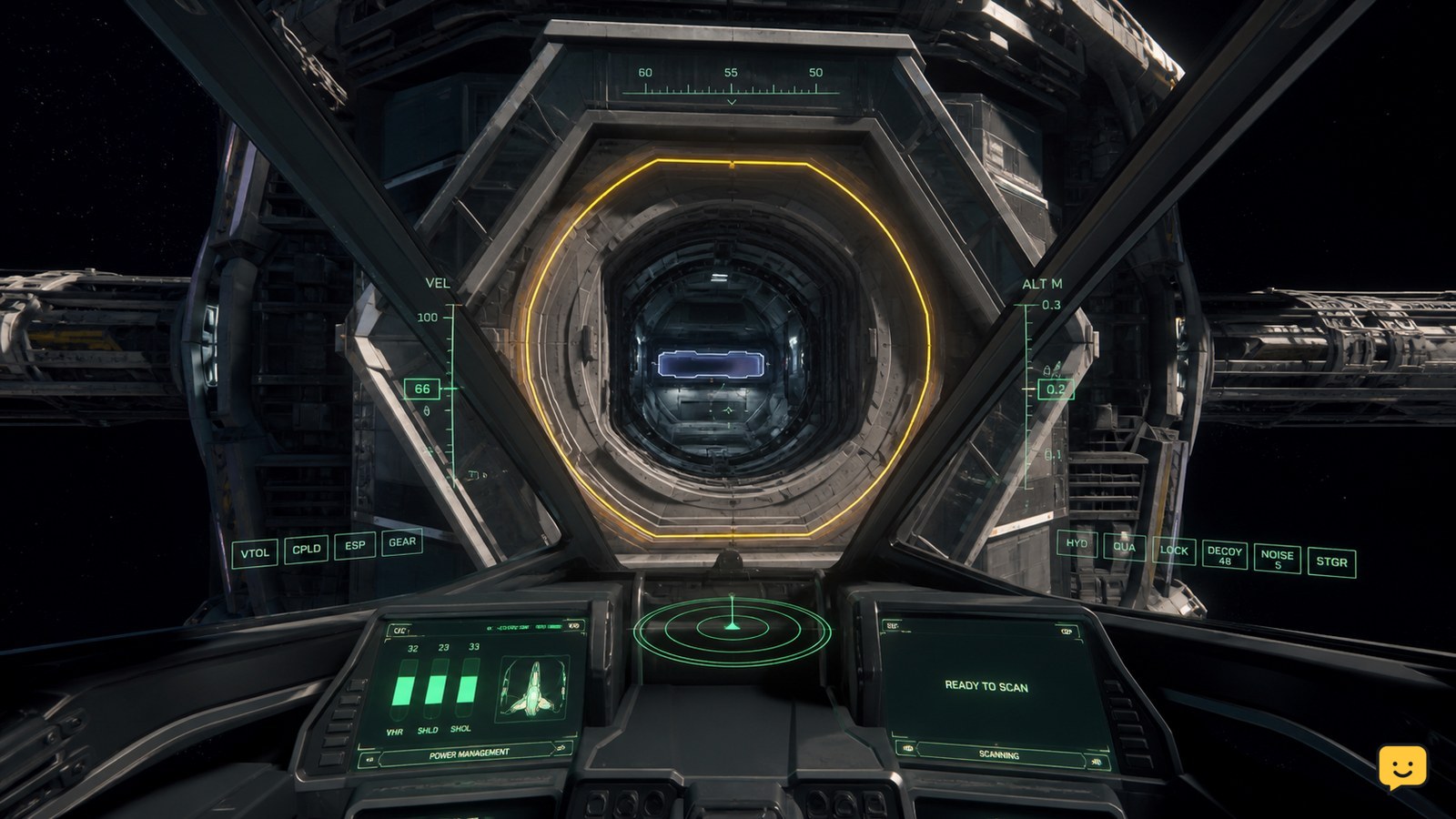
In Star Citizen, dock only at a station port that supports your ship. Approach the marked docking collar, request access if the station presents that option, then reduce speed and align your ship until the docking guides turn green and meet in the center. Stop thrust and wait for the latch or docked-state confirmation before leaving the controls.

Star Citizen How to Sell Mined Materials
Star Citizen Guides

Star Citizen How to Sell Mined Materials

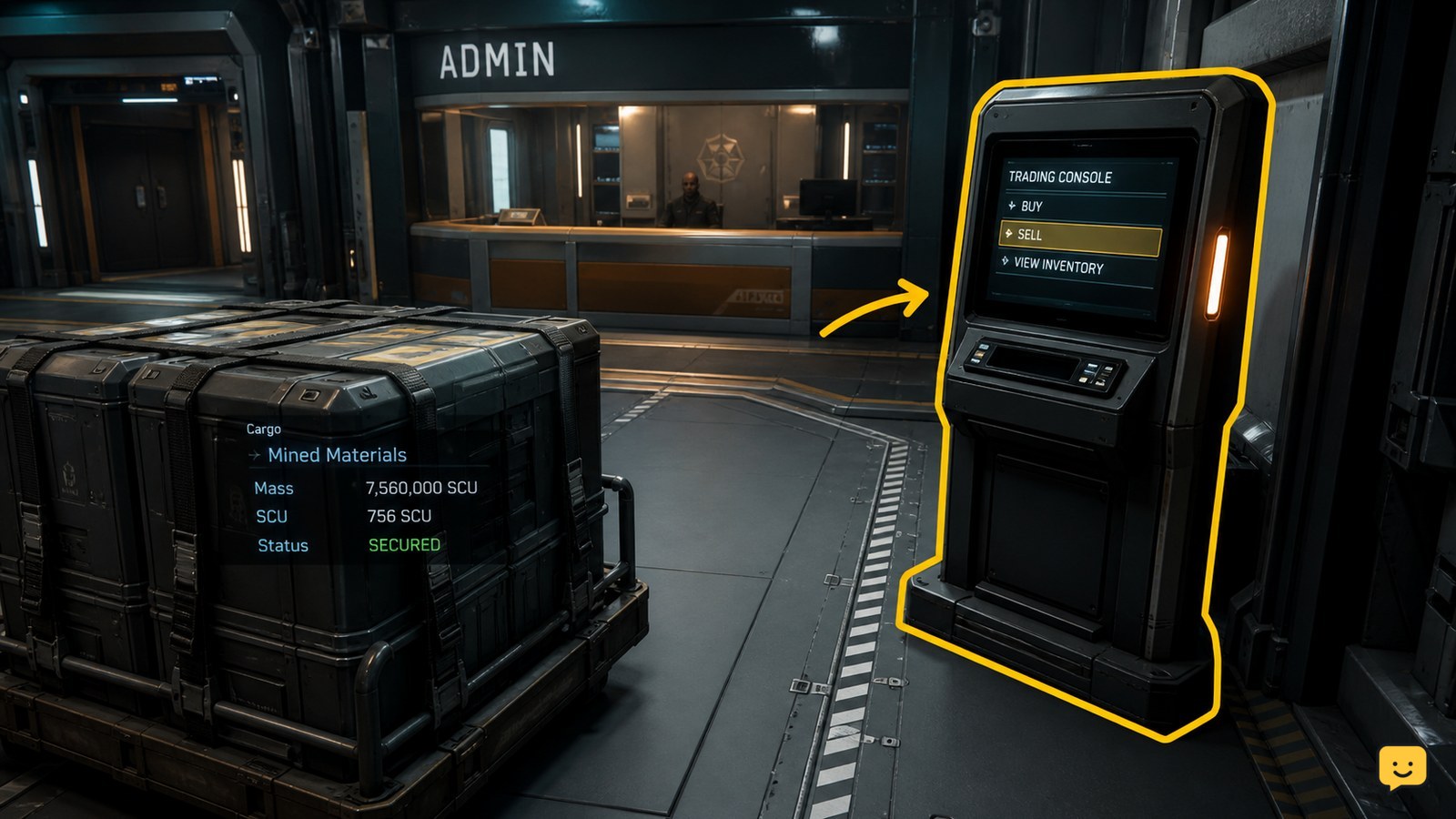
To sell mined materials in Star Citizen, first make sure the material is stored in a form the destination can recognize. Loose harvestable minerals can be sold through a trading kiosk, while mineral-filled crates can be taken to an Admin counter. Open the location’s trading interface, select the listed material, enter the quantity, confirm the sale, and verify the balance change before leaving.

Star Citizen How to Hand Mine With a Multi-Tool
Star Citizen Guides

Star Citizen How to Hand Mine With a Multi-Tool

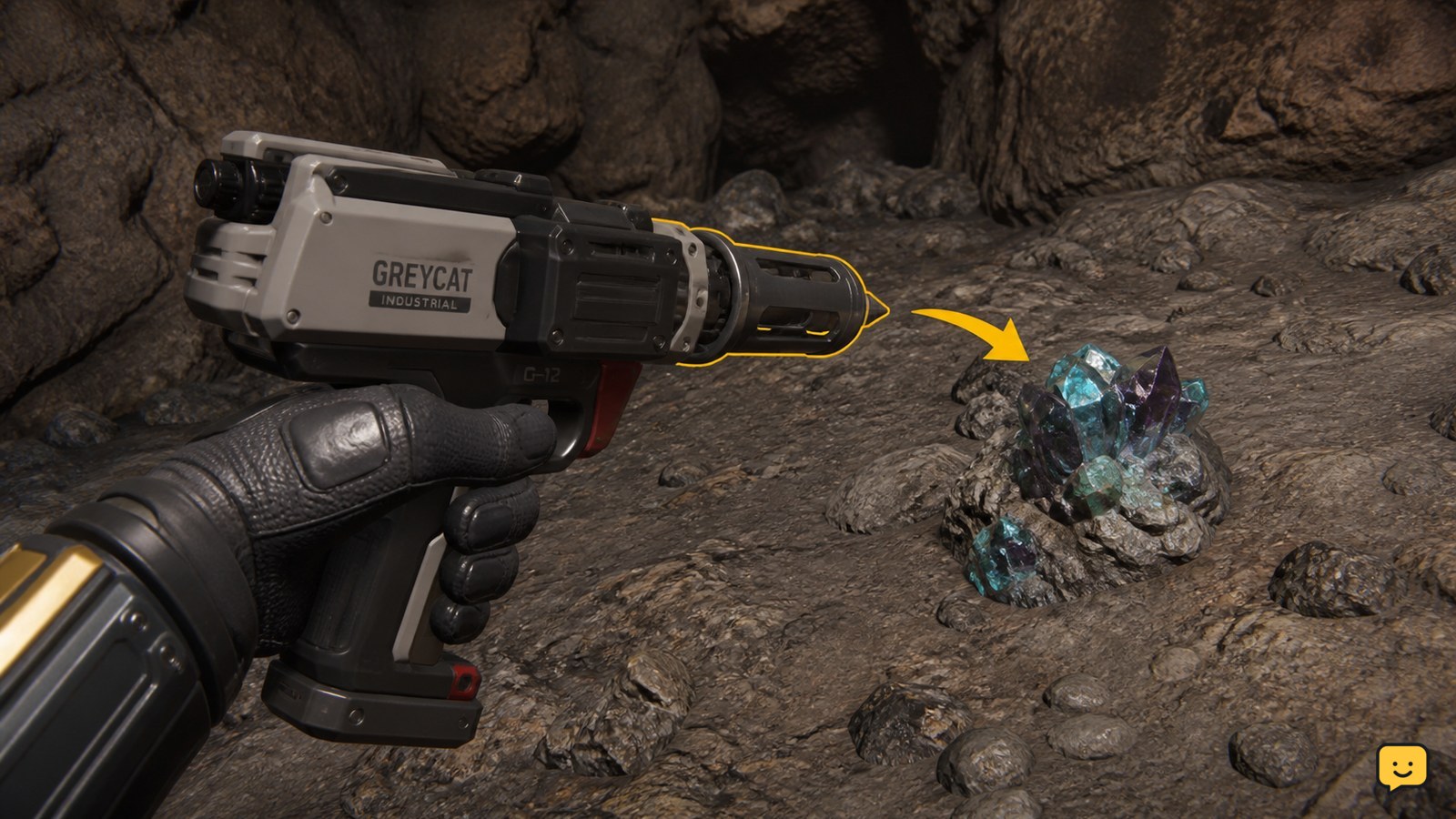
To hand mine in Star Citizen, equip a Greycat Multi-Tool, attach the OreBit mining attachment, aim at a mineable gemstone deposit, and use the mining beam to fracture it. Collect the released gems only after the deposit breaks. Item availability and controls can vary, so verify the attachment appears on the tool before leaving for a mining site.

Star Citizen How to Request Landing Services
Star Citizen Guides

Star Citizen How to Request Landing Services

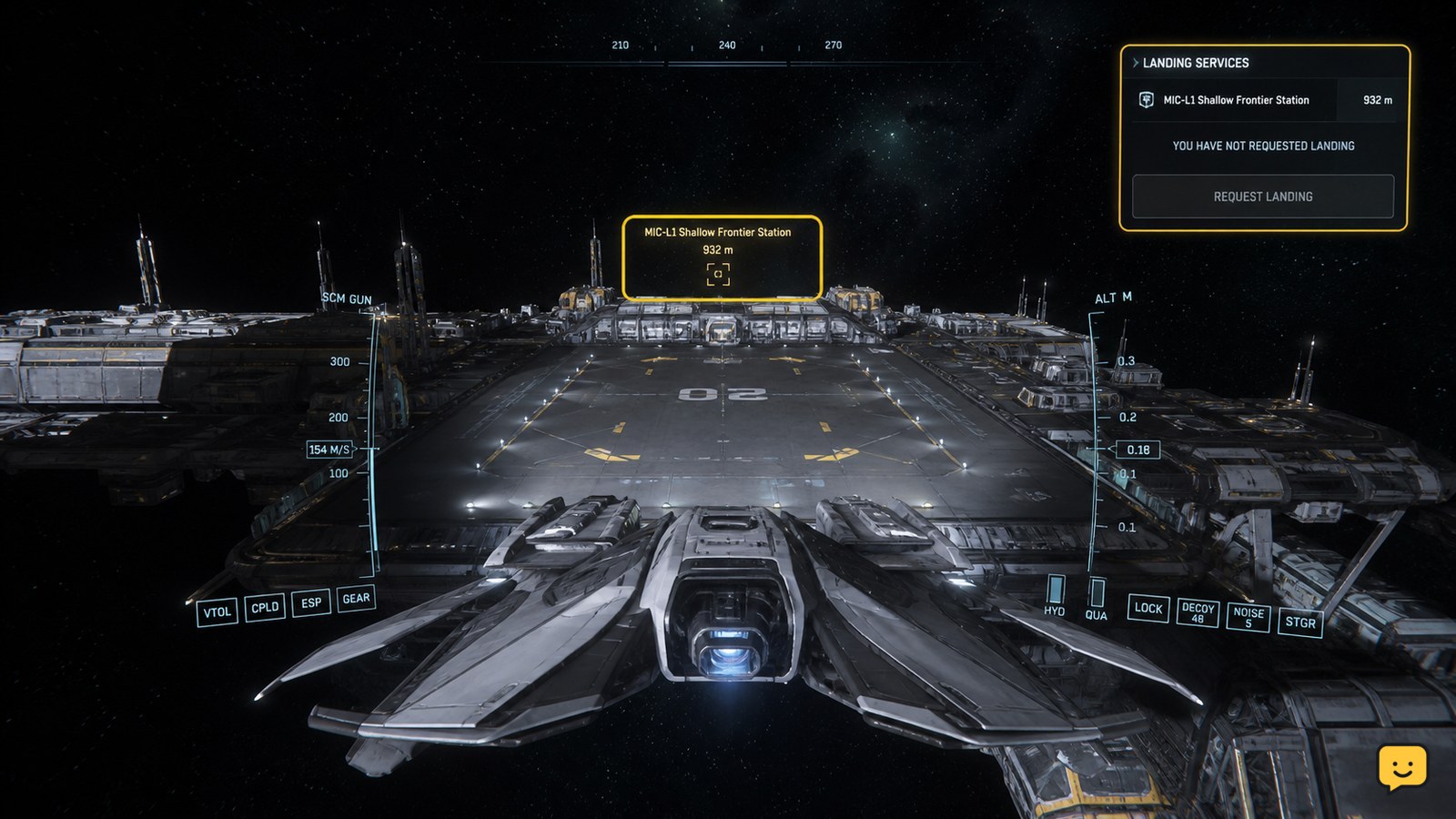
In Star Citizen, move close to the station, city, or outpost where you want to land, open Commlink with F11, and select the location’s Landing Services or traffic-control contact. Send the landing request, wait for the clearance response, then follow the assigned pad or hangar marker. If no contact appears, move closer and check that the location supports landing services.

Star Citizen How to Access Ship Inventory: Onboard
Star Citizen Guides

Star Citizen How to Access Ship Inventory: Onboard

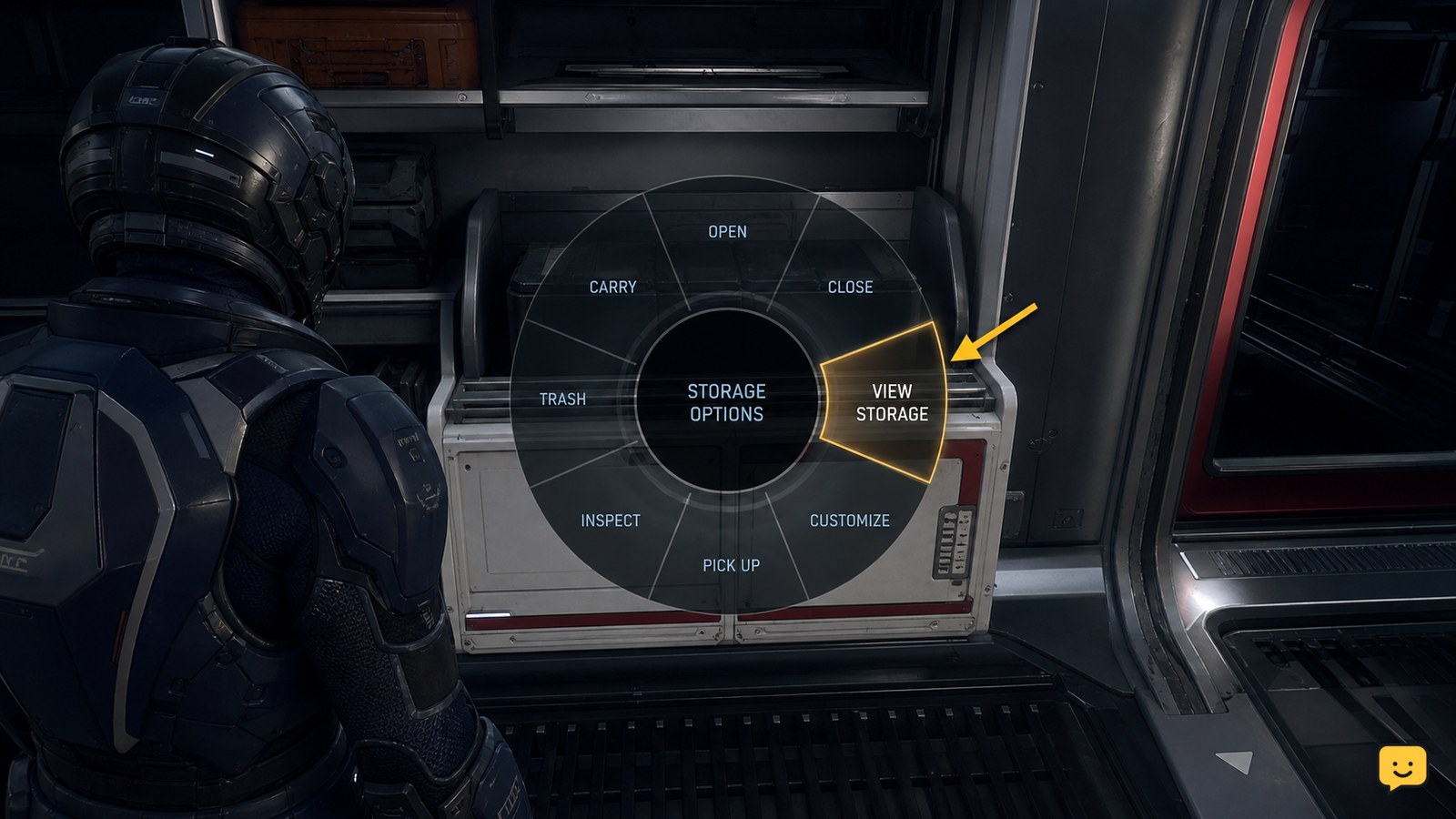
To access ship inventory in Star Citizen, stand inside your spawned ship, hold the interaction key, and open the radial interaction menu. Choose the storage entry shown for that ship, which community reports identify as Loot, External Storage, or similar. Confirm the inventory panel identifies the ship before moving items. Labels and availability can vary by ship and current LIVE behavior.