You generally cannot repair a cracked screen protector reliably; replace it. Turn off the phone, remove the case, cover shattered glass with tape, and slowly lift the protector from an edge. Clean the display with a lint-free cloth and a small amount of screen-safe alcohol, then apply a matching replacement. Stop if the phone’s actual screen is cracked, lifting, hot, or no longer responds normally.
For more help with this topic, use the Mobile Devices guides.
Check whether the protector or phone screen is broken
A smartphone screen protector is the damaged part only when the cracks, chips, or scratches are confined to the replaceable top layer and the phone’s display still looks and responds normally.
Lock and unlock the phone, open a blank note, and drag your finger across the entire display. Look for lines, black spots, flickering, raised glass, or areas that do not register touch. Those symptoms point to possible display damage, so do not peel aggressively. If the image and touch response are normal, continue with protector removal.
Tempered glass with cracks cannot be restored to its original strength. Film protectors with minor surface scratches may remain usable, but peeling edges, deep cuts, trapped debris, or distorted touch response are reasons to replace them.
Prepare the phone and contain broken glass
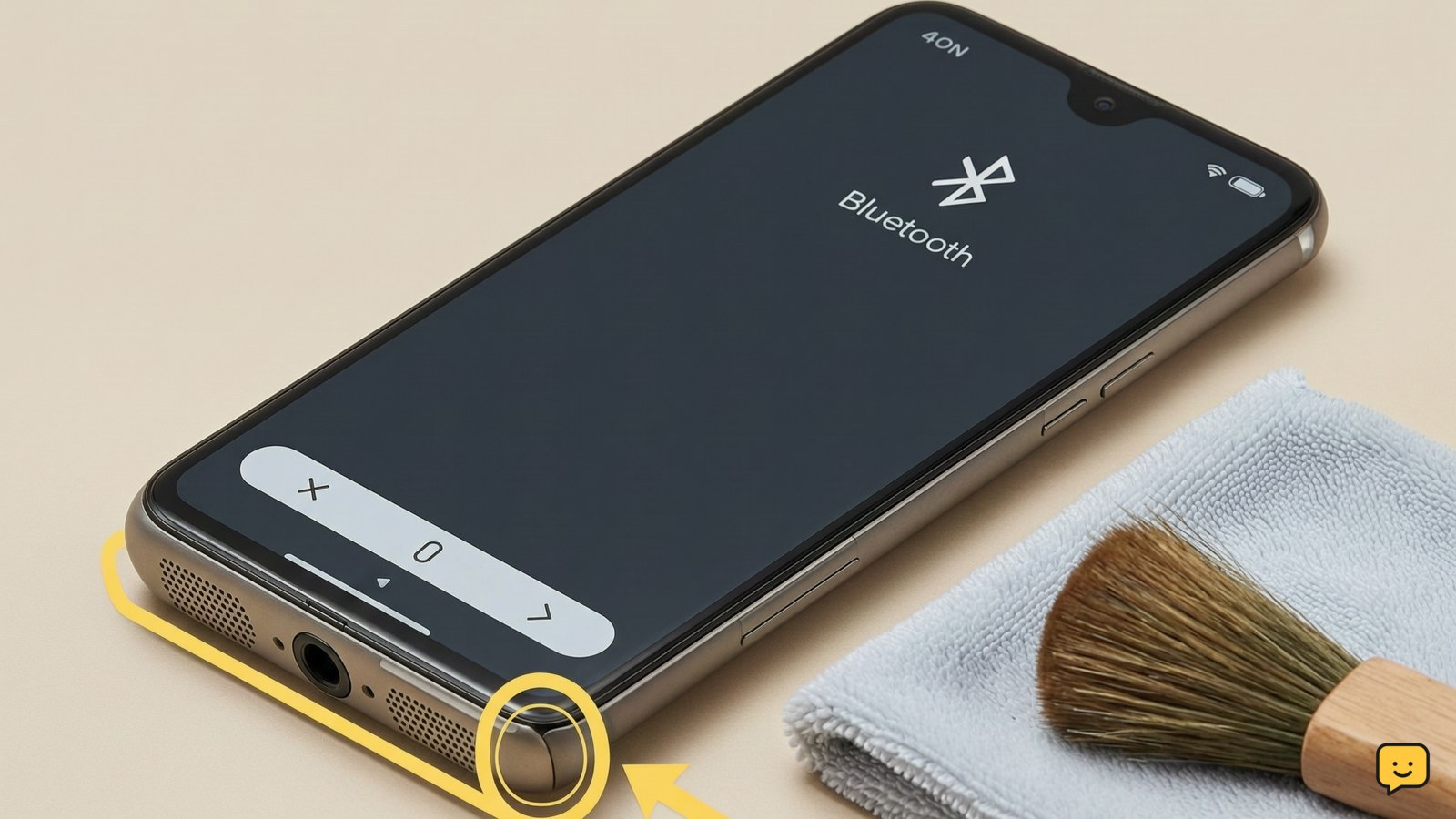
Prepare the smartphone by powering it off, disconnecting its charger, and removing the case so the protector’s edges are accessible.
If a glass protector is shattered, place one or two strips of transparent tape across the damaged area. The tape helps hold loose fragments together while you lift the protector. Do not press hard enough to push shards into the display or frame.
Keep liquids away from the speaker openings, charging port, buttons, and SIM tray. Use only a small amount of cleaning solution on the cloth—not directly on the phone. If the phone is wet, hot, swollen, or physically bent, stop and arrange service instead.
Remove the broken screen protector slowly
Remove the broken protector by loosening one corner and peeling it back slowly at a low angle.
- Try lifting a corner with a fingernail. PanzerGlass recommends using your finger and peeling the protector slowly rather than prying with a sharp tool.
- If the edge is difficult to grip, press a small piece of tape onto the corner and pull the tape gently upward.
- Once an edge lifts, support the protector with your other hand and peel across the display without twisting it.
- Place the removed protector directly into a container or wrap it in paper before disposal.
Success means the protector comes away in one piece or in controlled pieces, with no scraping against the phone. If adhesive or glass stays attached, do not scrape with metal. Stop if fragments resist gentle lifting.
Clean the display before installing the replacement
Clean the smartphone display until it is flat, dry, and free of adhesive, dust, fingerprints, and glass fragments.
- Remove the case and inspect the earpiece grille and display edges for debris. The iFixit replacement procedure also recommends cleaning the phone exterior and keeping tight ports clear.
- Wipe the display with a lint-free cloth lightly dampened with screen-safe cleaner or isopropyl alcohol.
- Use a dry portion of the cloth to remove remaining moisture and streaks.
- Hold the phone under a bright light and check the whole surface from edge to edge.
Do not use paper towels, abrasive cleaners, household glass cleaner, or liquid poured directly onto the phone. The surface is ready only when it feels smooth and no dust specks are visible.
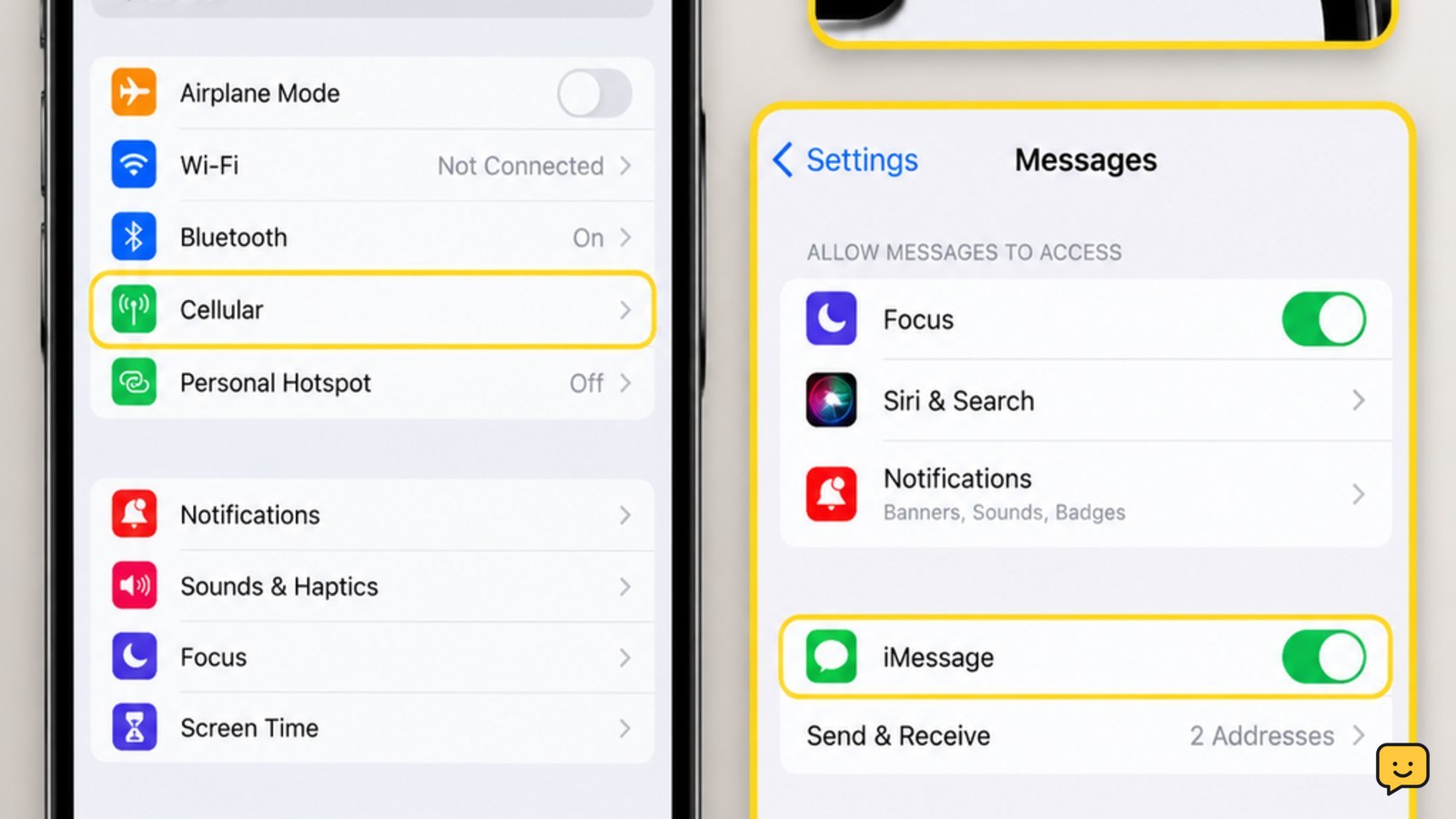
Before fitting an iPhone protector, confirm the exact model in the iPhone model settings so the cutouts and dimensions match.
Before buying an iPhone protector, use the iPhone model settings to confirm the exact model and avoid mismatched cutouts.
Apply the new protector and verify touch response
Apply a replacement protector by aligning its speaker, camera, sensor, and edge cutouts before exposing the adhesive.
- Read the replacement manufacturer’s alignment instructions and identify the adhesive side.
- Hold the protector above the phone to check its orientation and fit.
- Peel back the protective film without touching the adhesive.
- Align one edge or the supplied guide, then lower the protector gradually across the display.
- Press from the center toward the edges with a soft cloth to help release bubbles.
Small bubbles caused by air may disappear as the adhesive settles, but dust trapped under the protector usually creates a permanent speck or halo. If the protector is badly misaligned, do not repeatedly lift and reapply it; use a fresh one if the adhesive becomes contaminated.
Finish by unlocking the phone, typing across the keyboard, dragging an icon across each corner, and testing the camera, speaker, and fingerprint area if applicable. The repair is successful when the protector lies flat, edges remain attached, and touch response is normal across the display.
If touch still fails with the protector removed, the phone screen—not the accessory—may be damaged. Power the phone off and seek repair rather than adding pressure or attempting a deeper DIY disassembly.
Frequently asked questions
Can a cracked tempered-glass screen protector be repaired?
No. Cracks weaken tempered glass and cannot be bonded back into a dependable protective layer. Replace the protector after confirming that the phone’s own display has no lines, dark spots, lifting, or touch problems.
Can I remove a broken screen protector without scratching my phone?
Yes, usually. Turn off the phone, cover shattered glass with transparent tape, and lift a corner with a fingernail or tape tab. Peel slowly without using knives, metal picks, heat, or force. Stop if fragments resist gentle removal.
Why are bubbles still visible under my new screen protector?
Air bubbles may reduce as the adhesive settles, but dust or hair trapped underneath normally remains visible. Do not press harder or keep lifting the protector repeatedly. If debris is trapped, replace it with a new protector in a cleaner area.
How do I know if the phone screen is cracked beneath the protector?
Remove the protector only if it can be lifted safely, then inspect the bare display under bright light. Lines, black patches, flickering, raised glass, colored areas, or touch failure indicate possible phone-screen damage and call for professional repair.