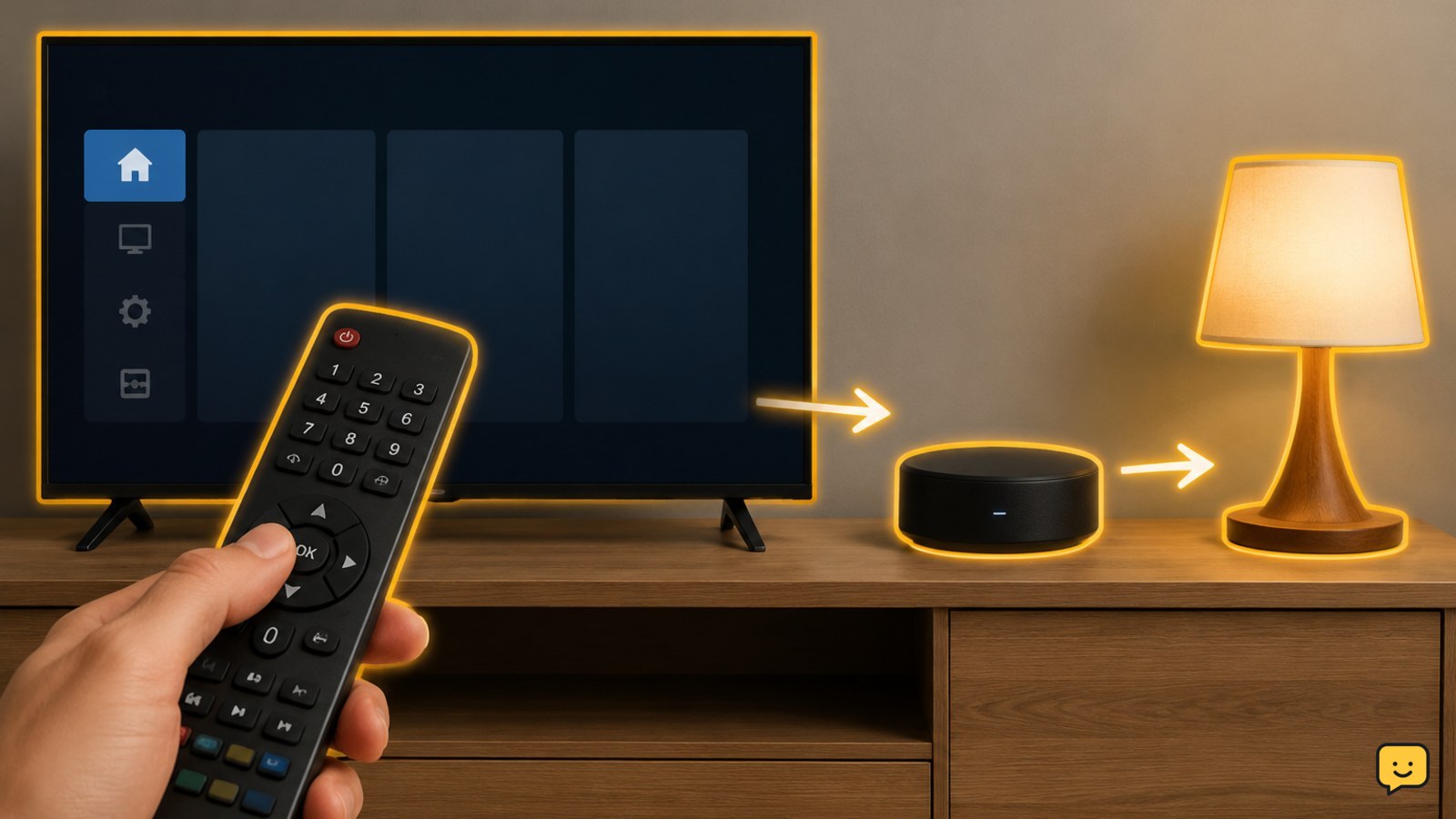
Smart TV Remote Not Controlling Smart Home Devices
Fix a smart TV remote that will not control smart home devices. Check compatibility, pairing, network links, hubs, permissions, and routines safely.
Get practical help for TVs, streaming devices, sound systems, Bluetooth and smart-home gear. Find setup, connection and troubleshooting guides for home electronics.
Fix a smart TV remote that will not control smart home devices. Check compatibility, pairing, network links, hubs, permissions, and routines safely.
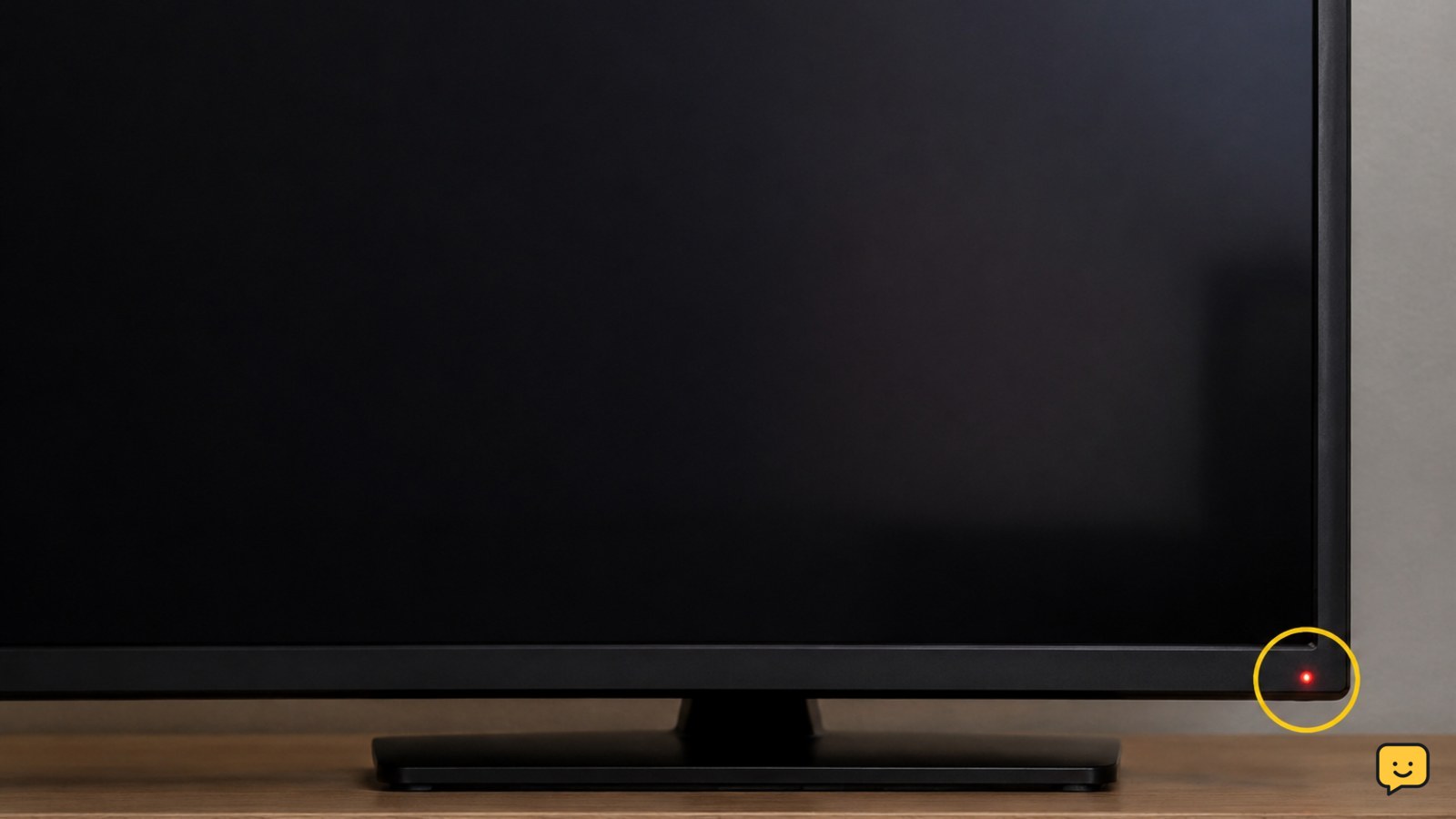
A standby light means your smart TV is receiving power. Test the remote, TV button, input, power cycle, outlet, and hardware safely to find the fault.
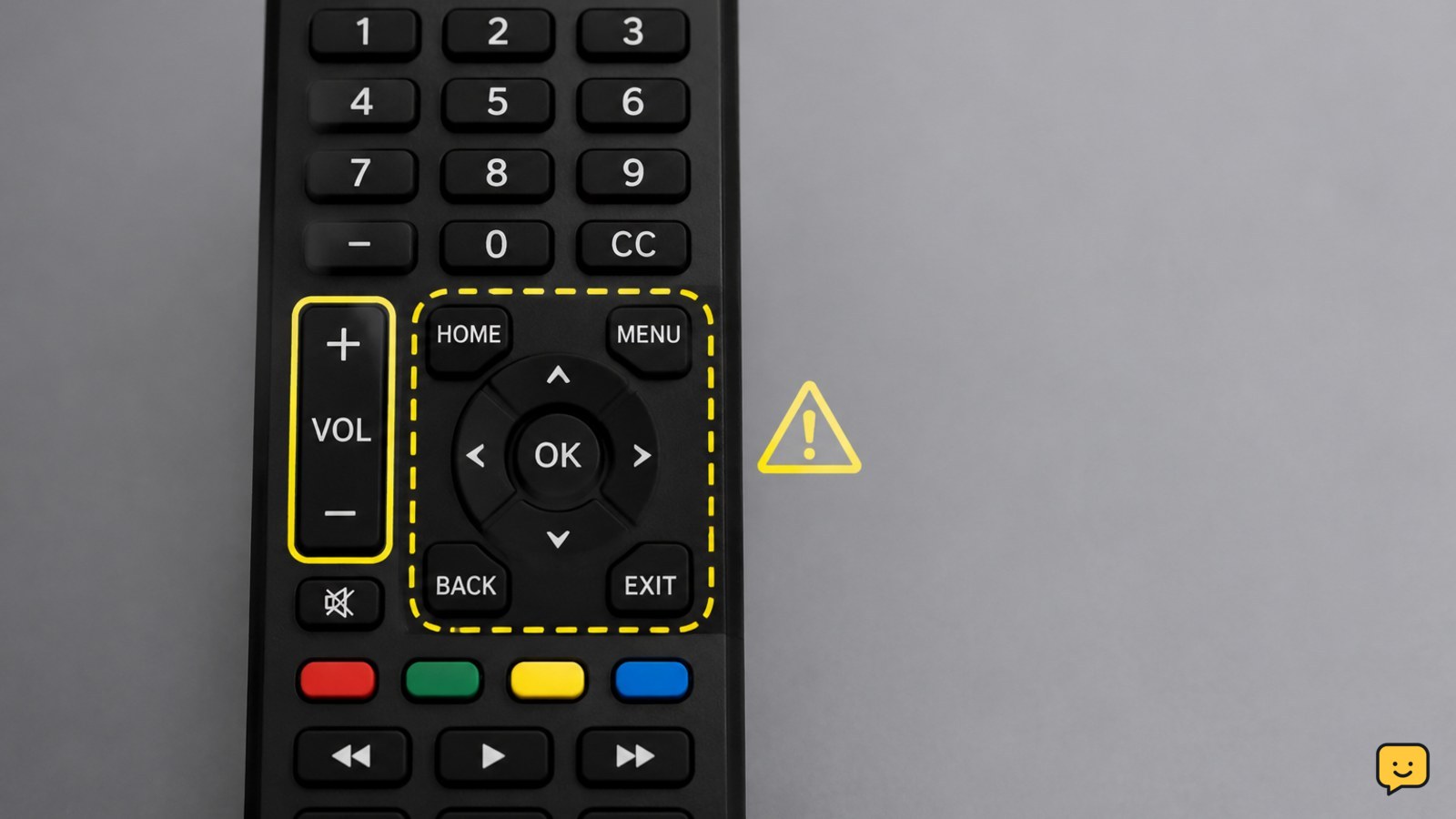
Fix a smart TV remote that changes volume but will not open or navigate the menu. Check batteries, mode, pairing, reset steps, and TV controls safely.
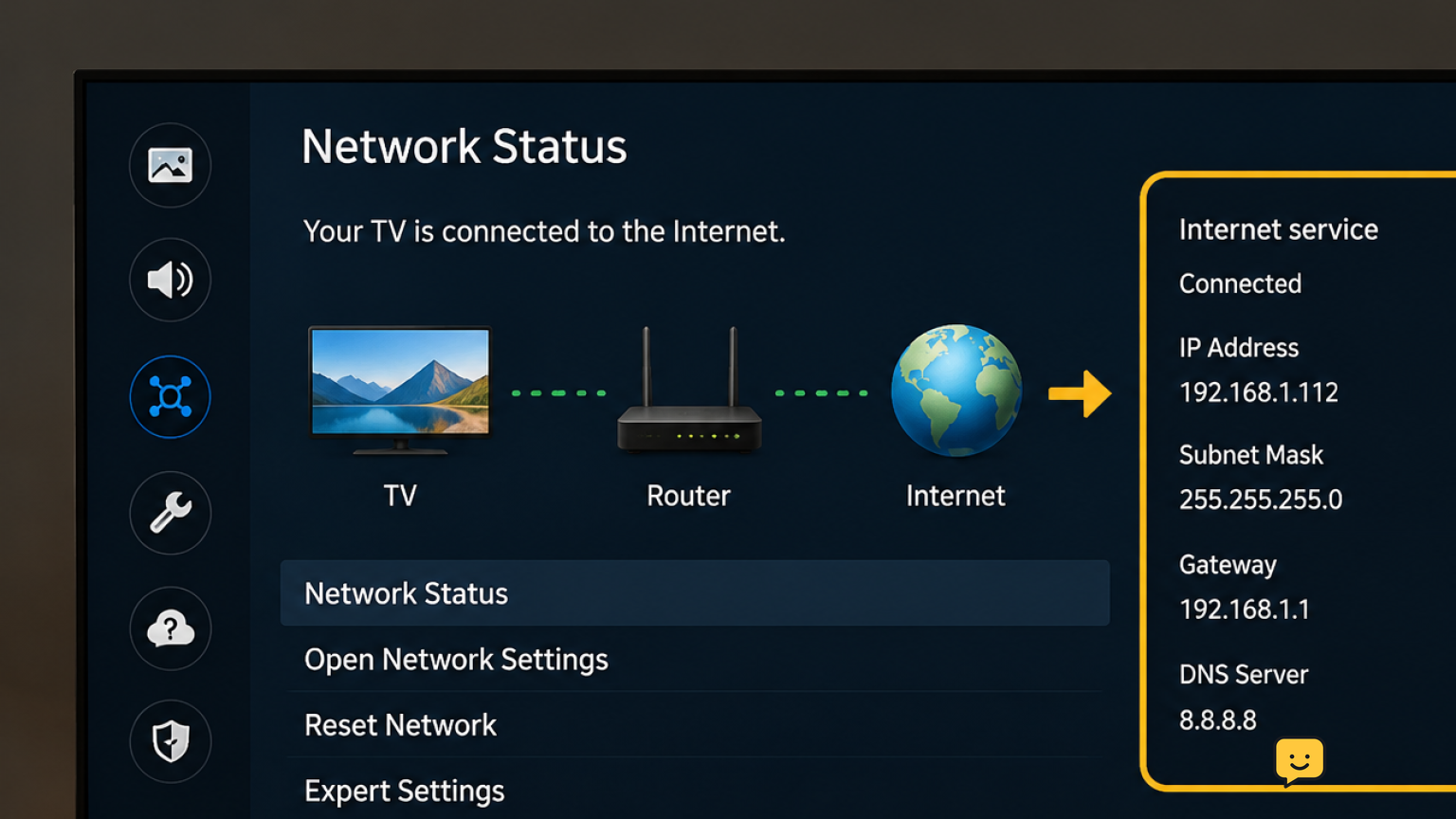
Fix Samsung TV streaming apps when Wi-Fi and internet still work. Restart the TV, test Network Status, refresh Smart Hub, check DNS and time, then update.
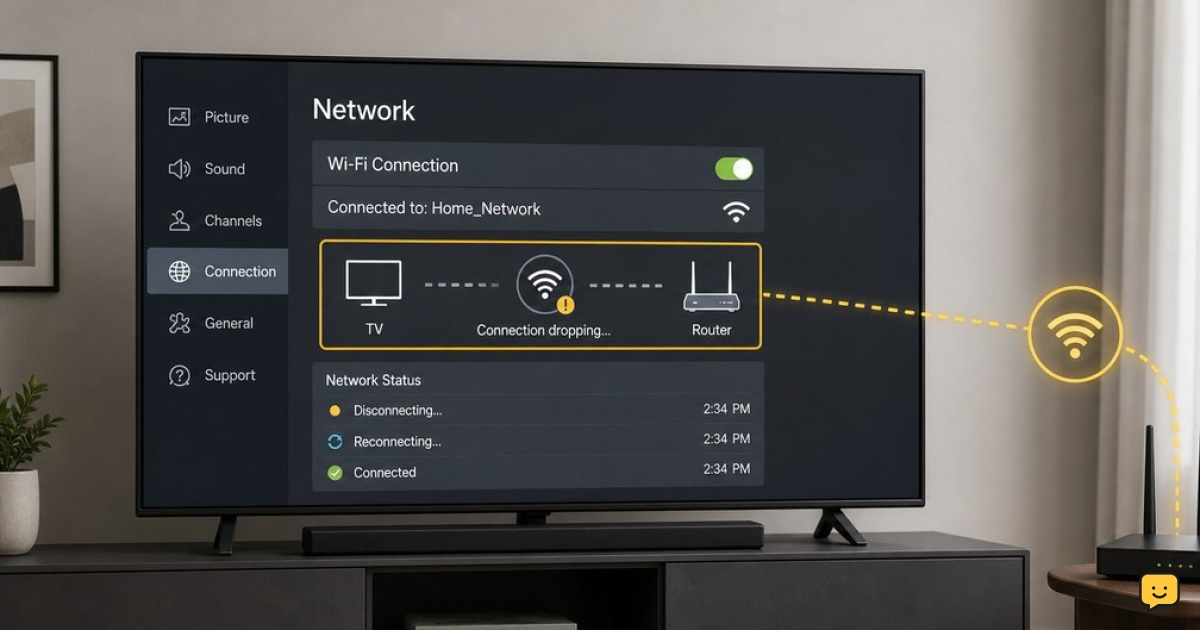
Fix an LG TV that repeatedly drops Wi-Fi. Restart the TV and router, reconnect the network, improve signal, check band compatibility, and update software.
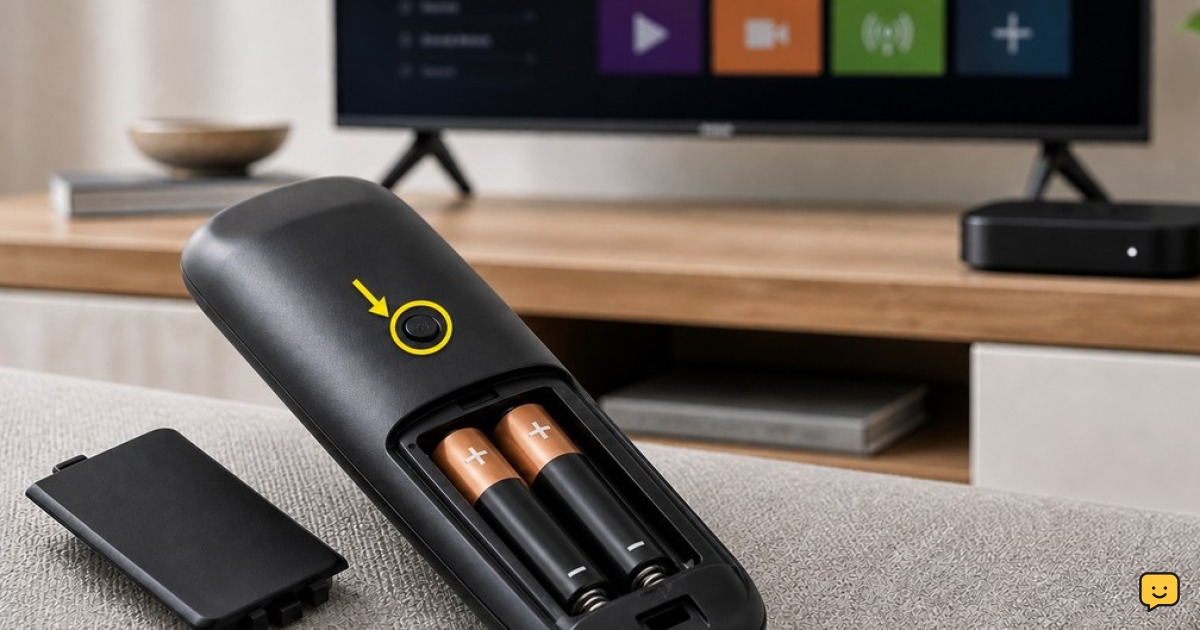
Fix a Roku remote that is unresponsive even with new batteries. Identify IR or voice remotes, reset and pair it, then use the Roku app if needed.
Fix a Samsung TV with sound but no picture. Test the source, cables, power, settings, and backlight to identify a simple issue or hardware fault.
Pair Bluetooth headphones with a Windows 11 PC, reconnect a saved pair, select the correct audio output, and resolve common detection or sound issues.