How to Spend Salvage in Black Ops 7 Zombies: Durable Value
Learn where to spend Salvage in Black Ops 7 Zombies: prioritize weapon mods, armor, and equipment, then verify each purchase before the next round.
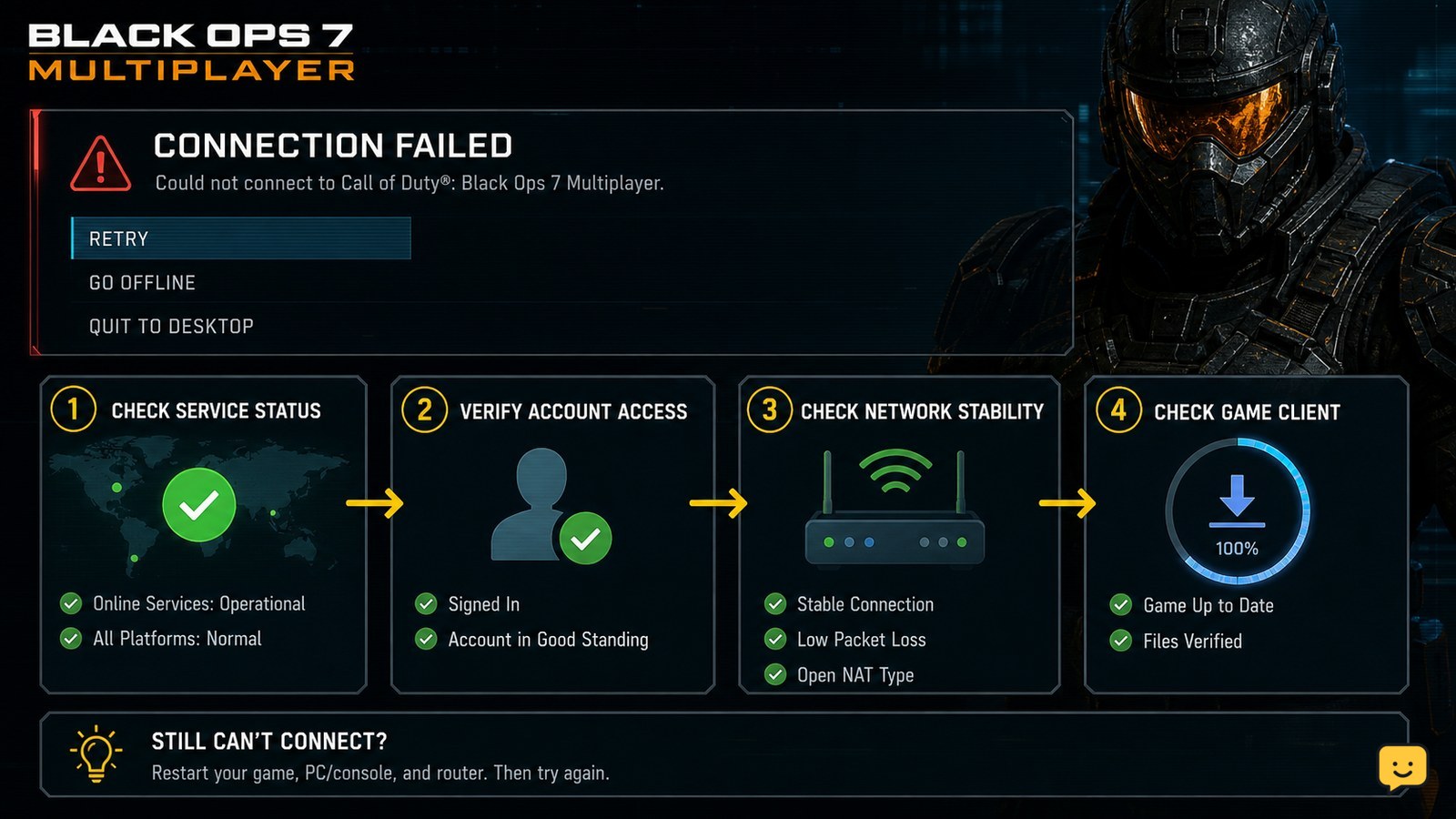
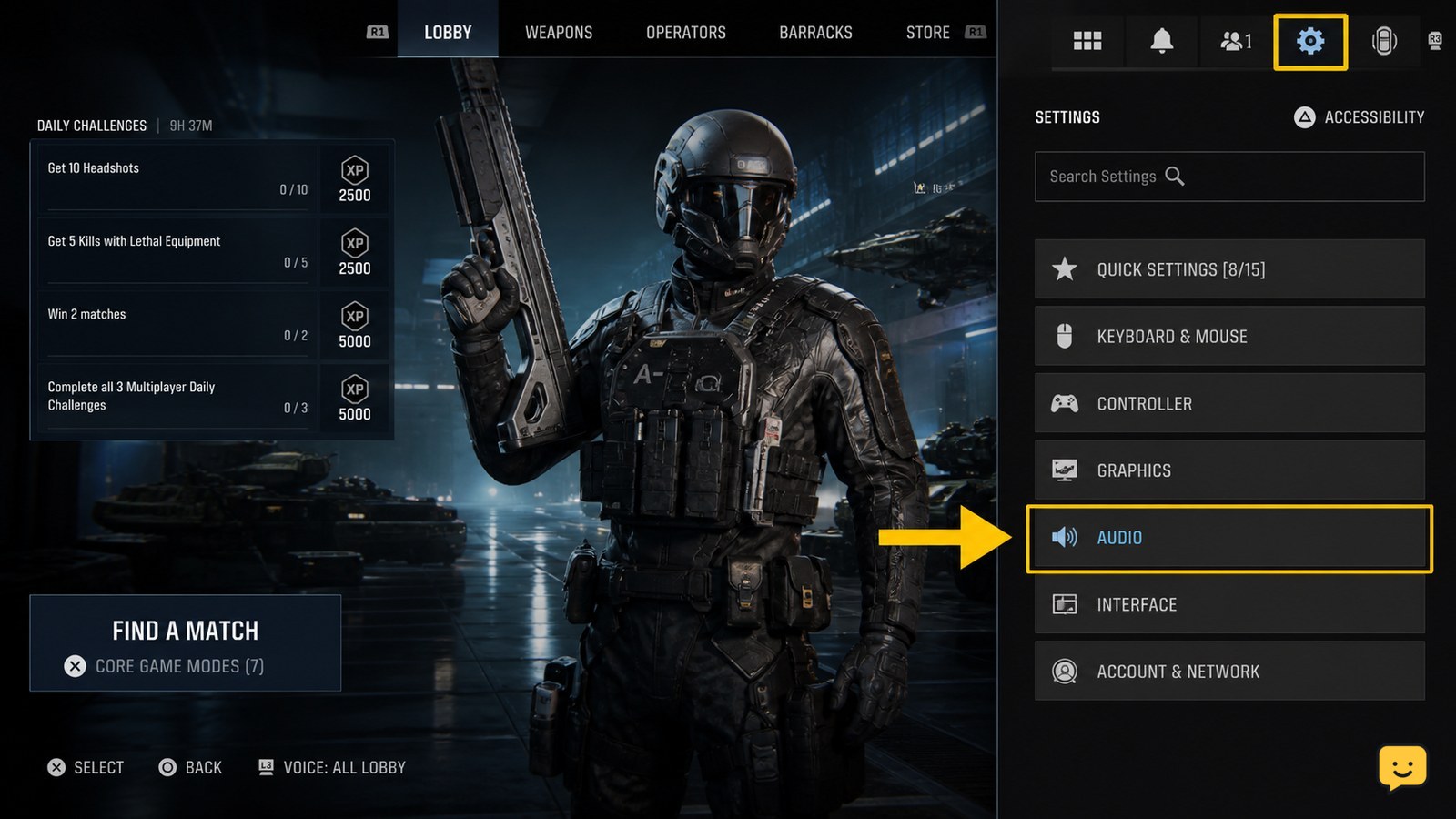
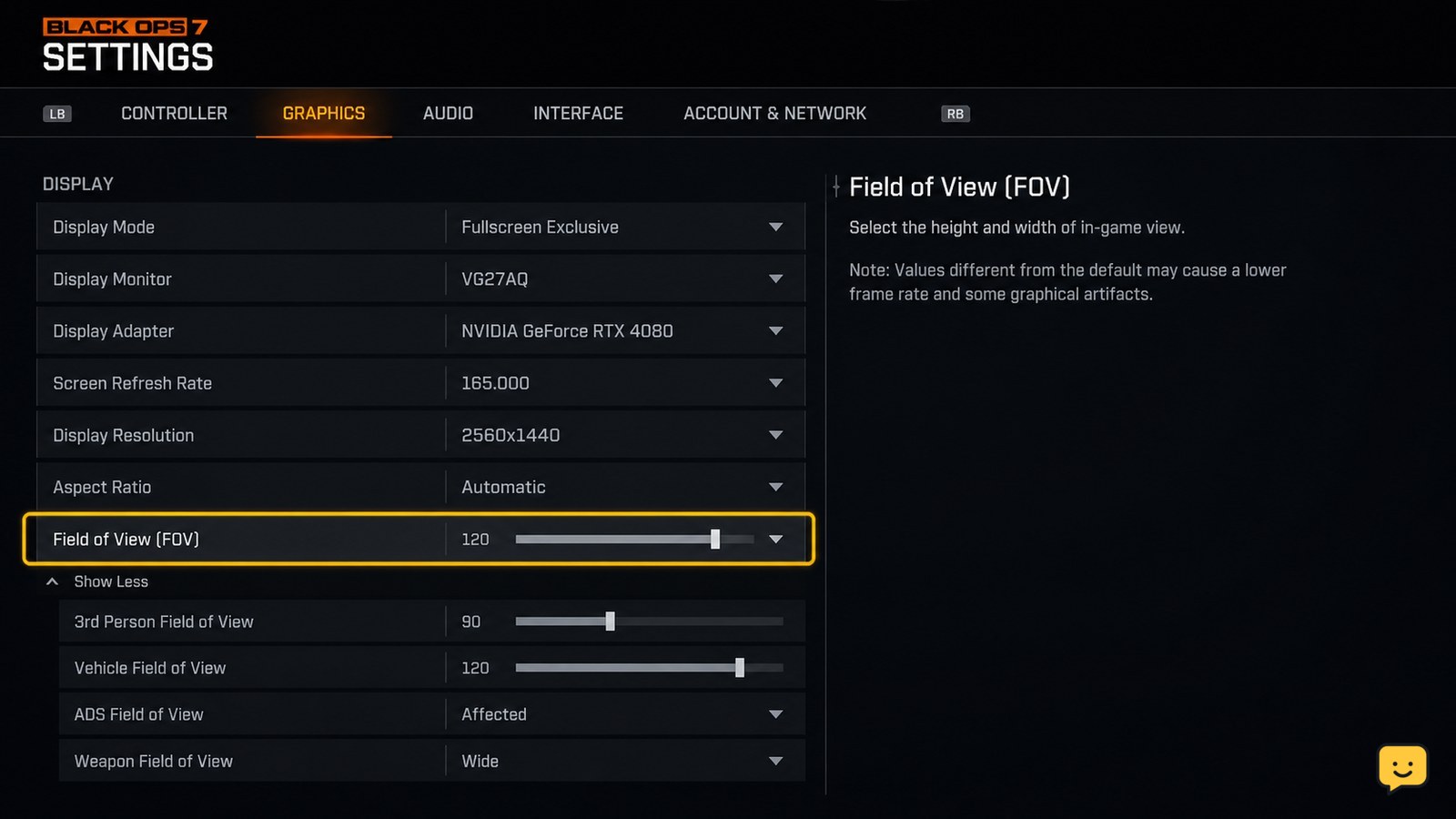
Use current Call of Duty: Black Ops 7 guides for Multiplayer, Zombies, Campaign, weapons, settings, unlocks, and common PC or console errors.
Learn where to spend Salvage in Black Ops 7 Zombies: prioritize weapon mods, armor, and equipment, then verify each purchase before the next round.
Use GobbleGums in Black Ops 7 Zombies by choosing a pack, opening the in-match wheel, confirming a gum, and checking its effect before spending it.
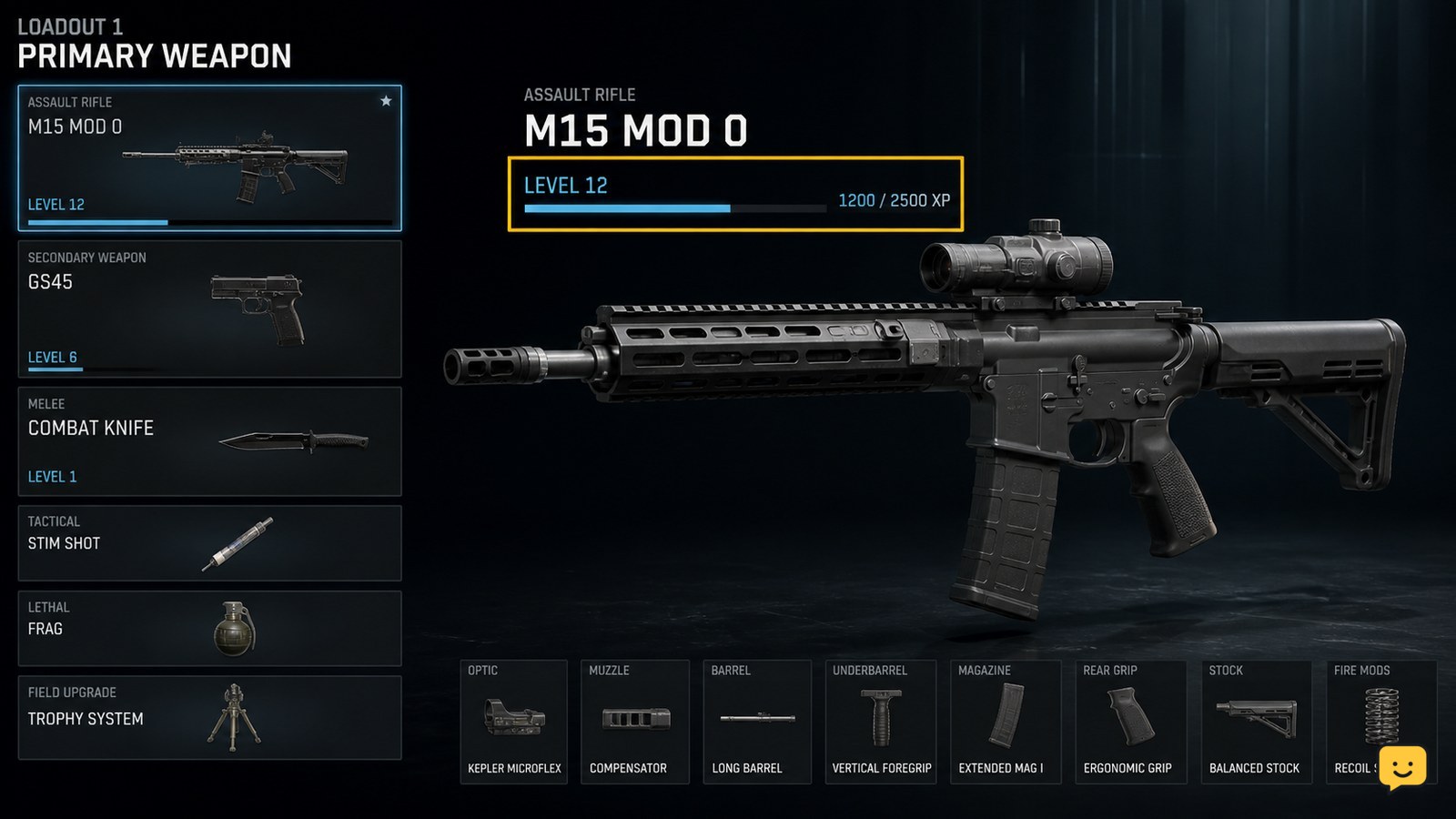
In Black Ops 7, level the specific weapon to earn attachment rewards, then equip them in Gunsmith. Weapon Prestige can provide a permanent attachment unlock.
Turn on the power in Black Ops 7 Zombies by following the Restore Power route, activating the required switch, and checking the map’s powered state.
Learn how to start a Black Ops 7 Zombies exfil at the phone booth, beat its timed special-enemy objective, and confirm a successful extraction safely.
Learn how to unlock additional Black Ops 7 operators through the Operators menu, complete listed challenges, track progress, and fix missing rewards.
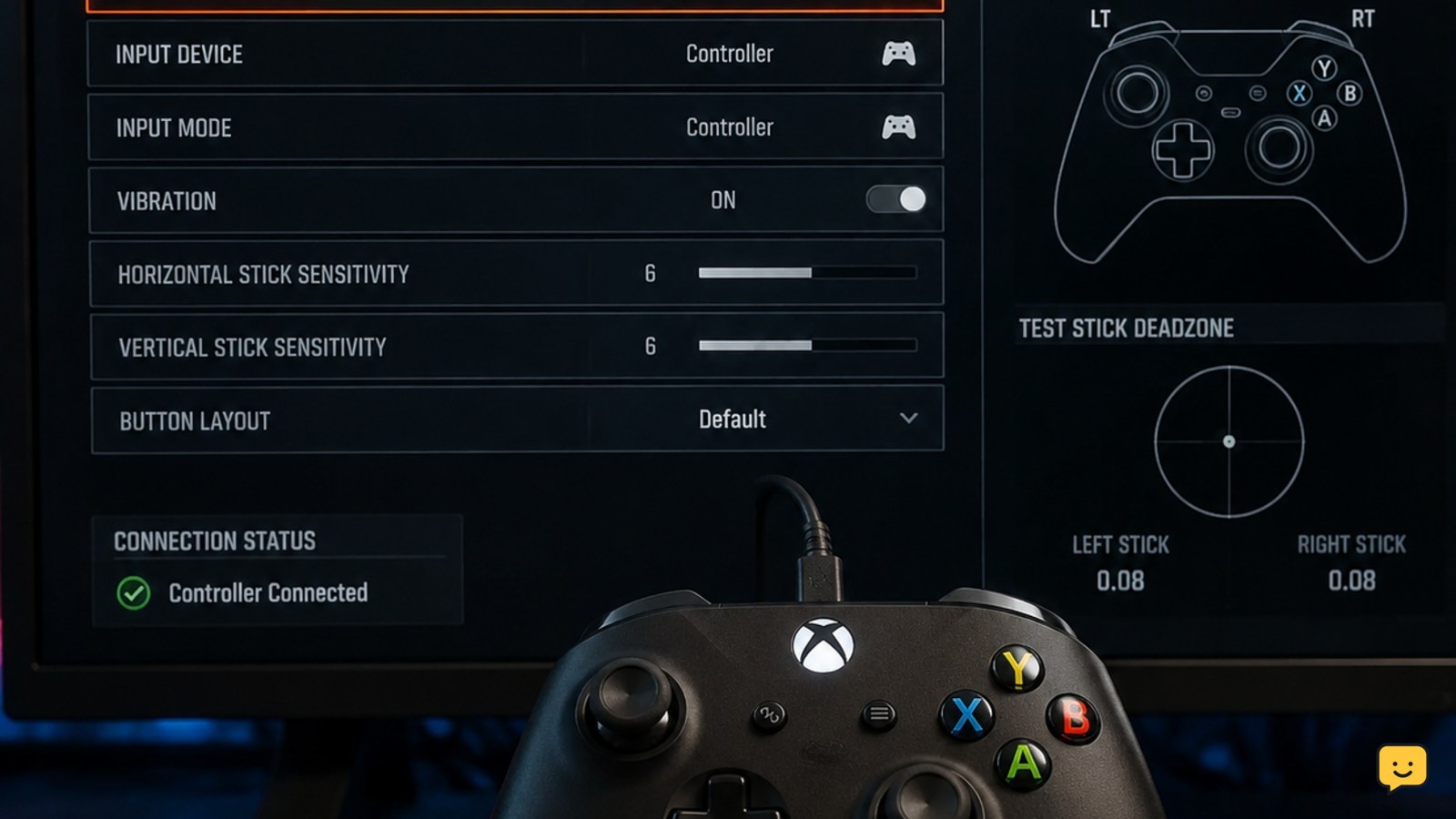
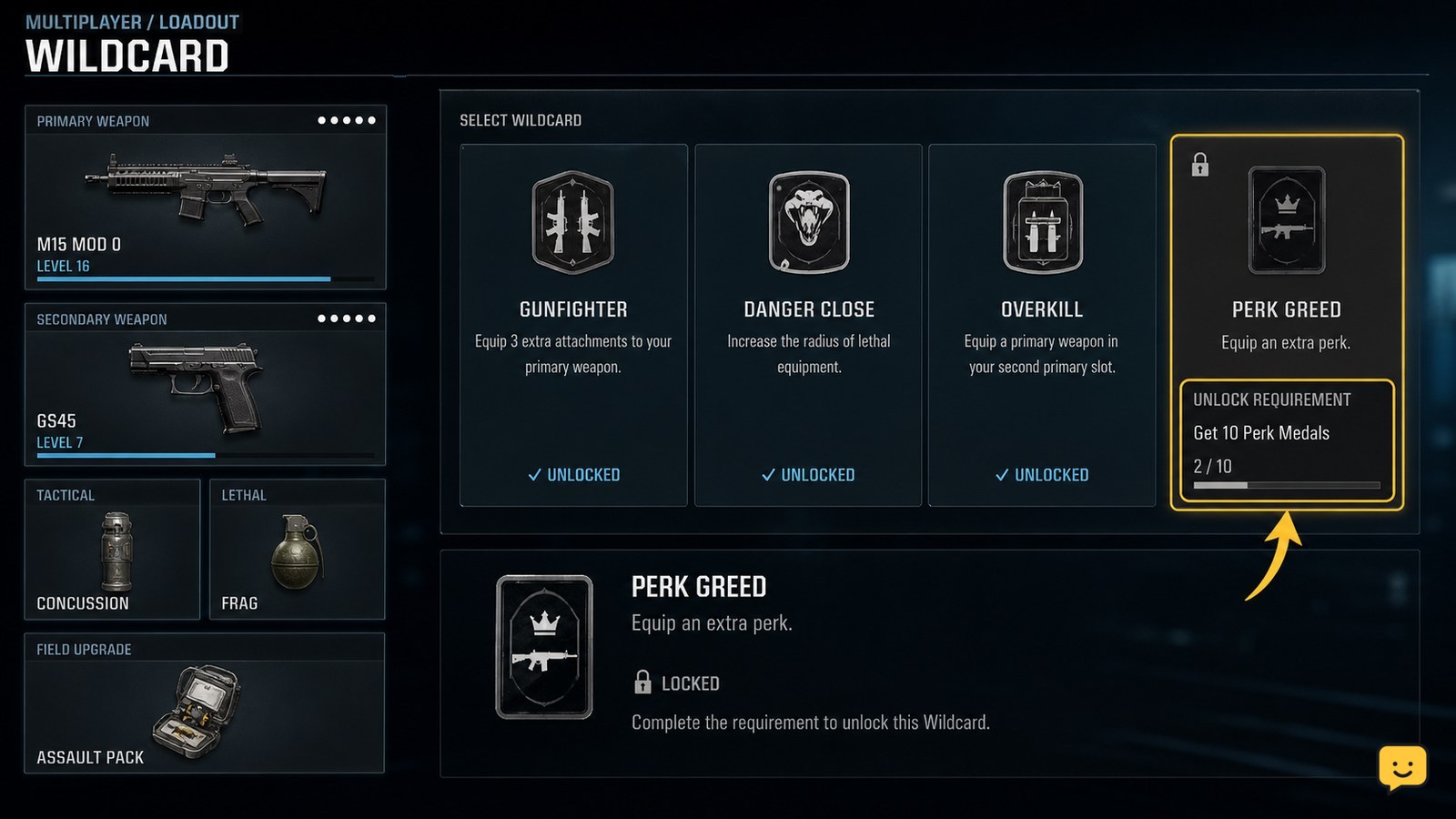
Equip a tactical in your Black Ops 7 loadout, select it in a match, use the correct controller or keyboard input, and fix missing equipment.
Learn how to reach the Pack-a-Punch machine in Black Ops 7 Zombies, complete the map access objective, spend Essence, and confirm each weapon upgrade safely.