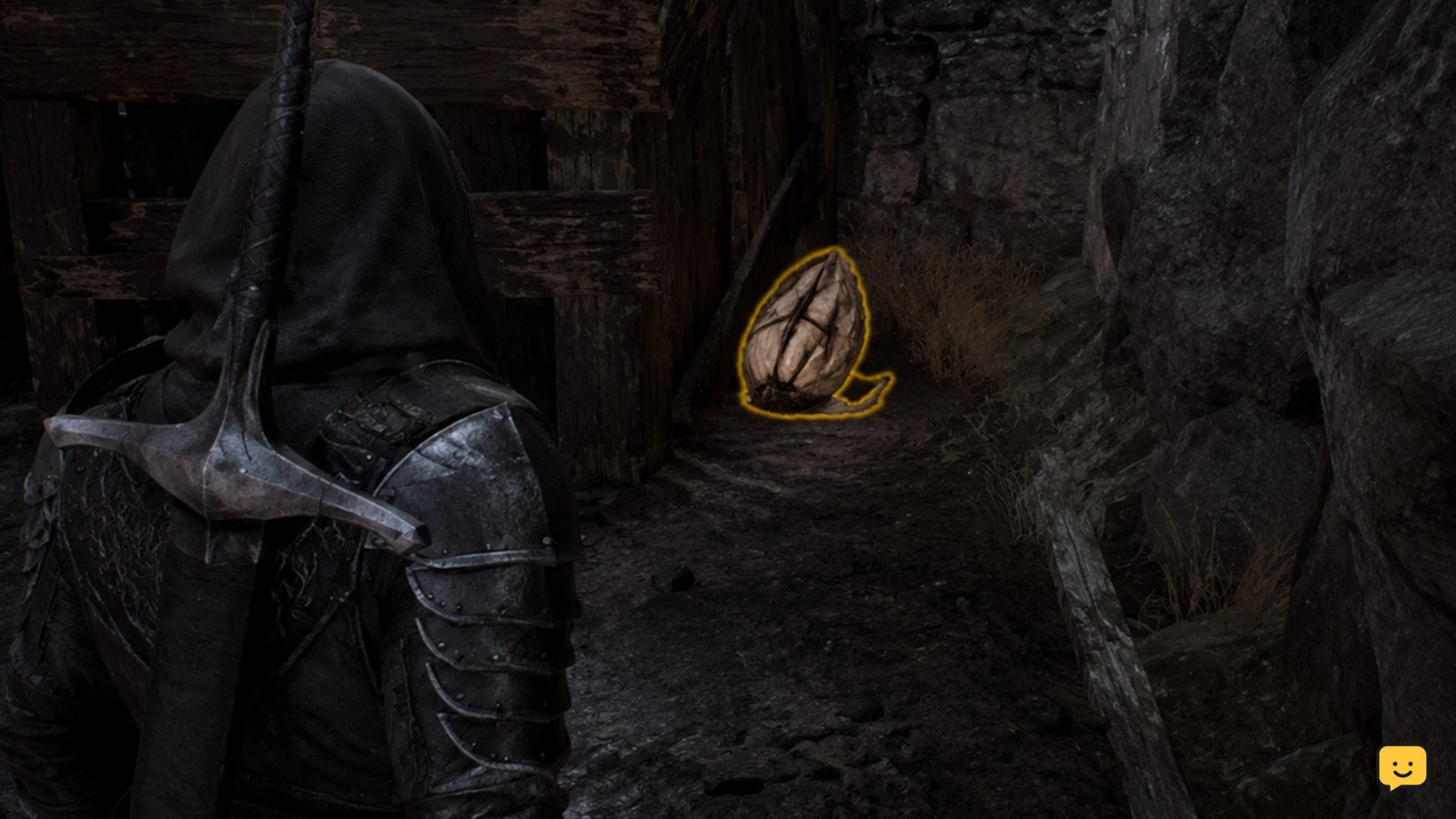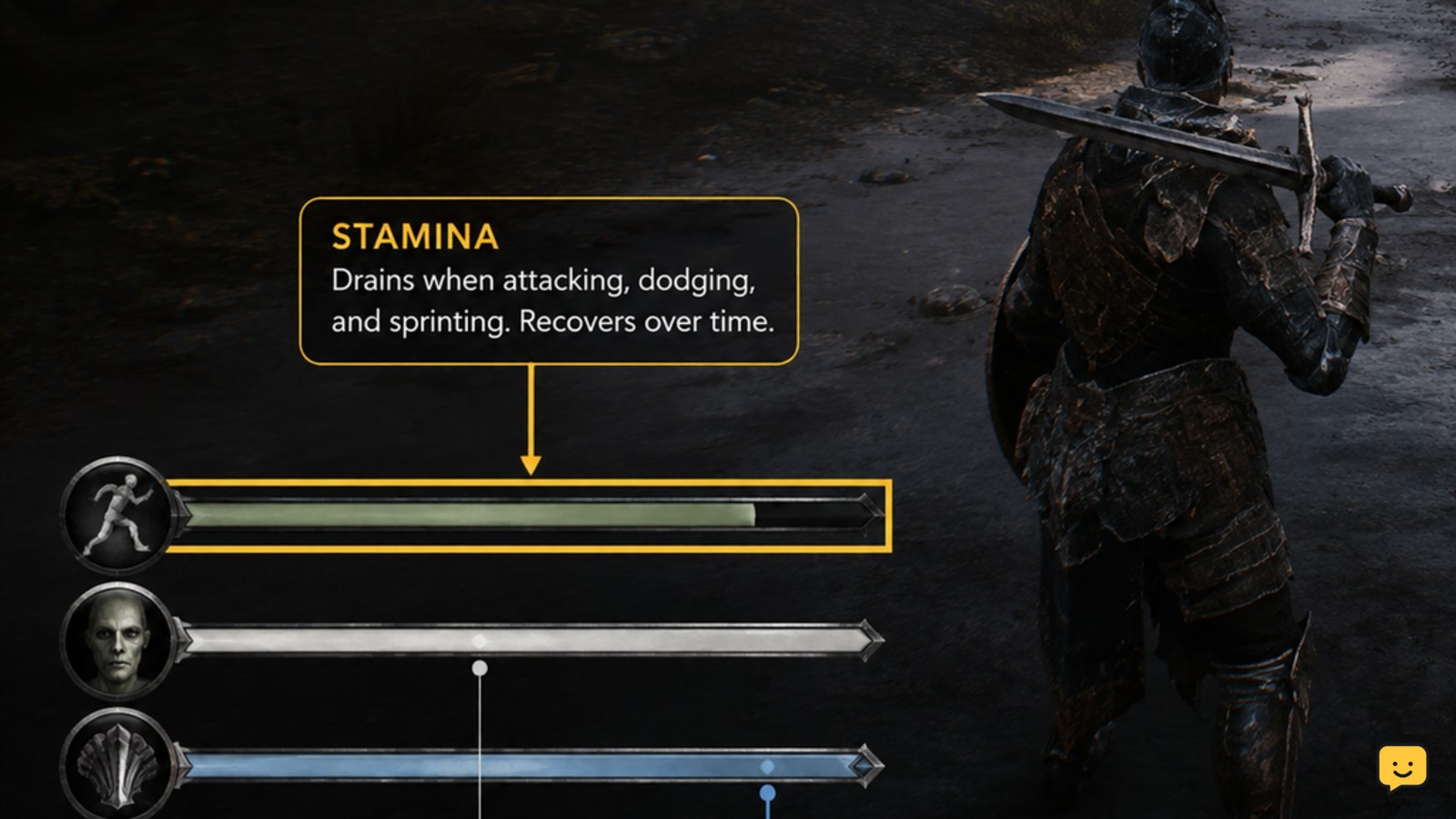
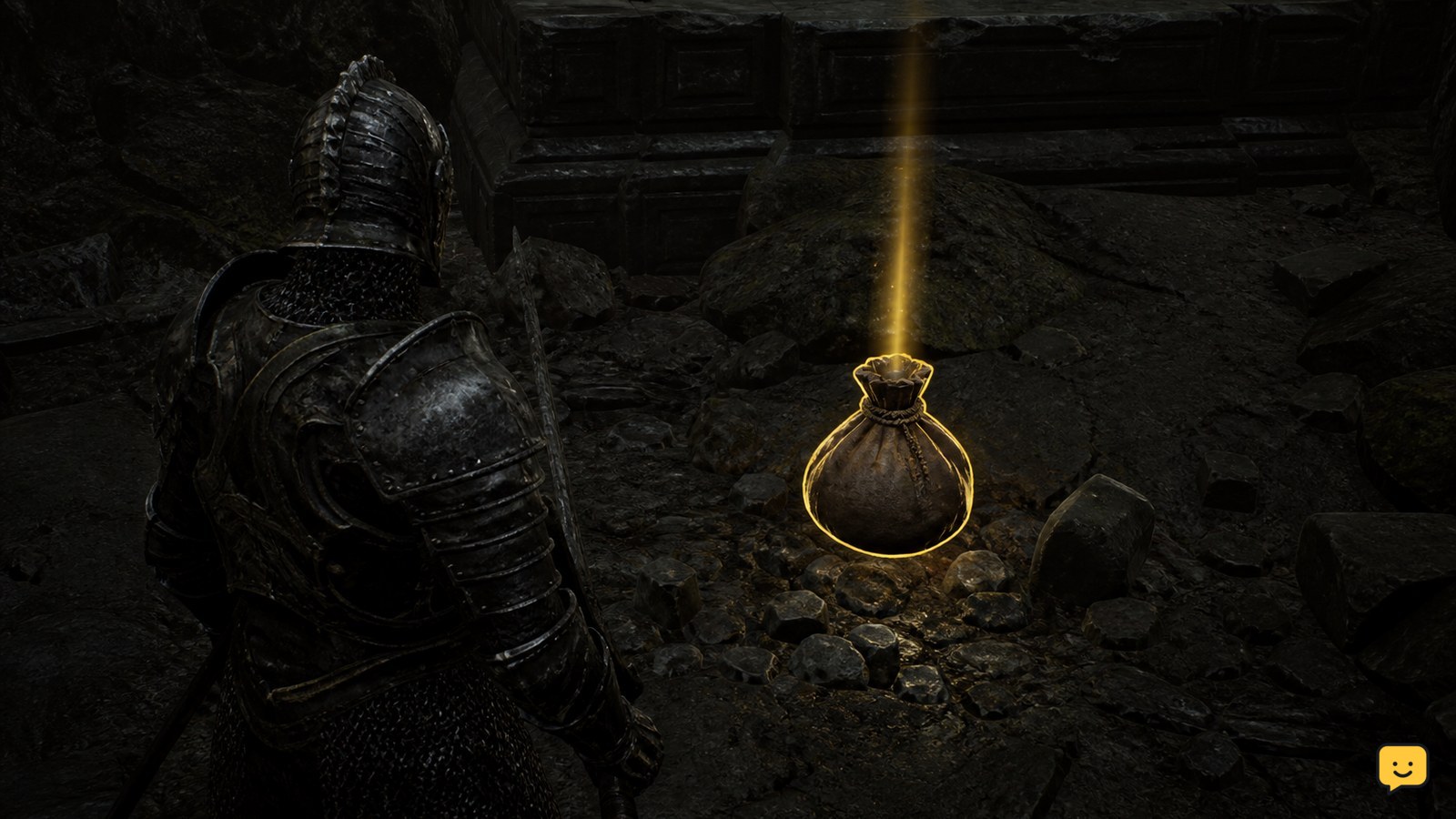
Mortal Shell II does not use a standard consumable-inventory system for every item. IGN’s current guide describes a Permanent Pickup system, so collectable items such as mushrooms may become lasting effects or unlocks instead of stackable supplies. For an item that appears in quick use, select it through your current control scheme, activate it only when the item prompt is available, and verify the effect before spending another item.
Browse more Mortal Shell II guides
Check whether the item is a Permanent Pickup
Mortal Shell II may treat a collected item as a Permanent Pickup instead of a conventional consumable that remains in a stack. IGN’s Mortal Shell II items guide specifically describes this permanent-pickup approach. If the item disappears from the world and its description records a lasting effect, collection is the action; there is no separate drink, eat, or throw command to perform.
This distinction matters for items such as mushrooms. The available Steam discussion titles show players asking how to use mushroom-like items and quick-use items, but those discussions do not verify a universal activation button or a separate mushroom menu. Use the item description and the current interface as the authority for that item.
Find an item that can be activated
Mortal Shell II shows an activatable item through a quick-use entry, an item-use prompt, or another control hint in the current interface. After collecting an item, pause in a safe area and check whether it is listed among available quick-use choices rather than assuming every pickup is manually usable.
- Open the current Controls or Key Bindings screen.
- Identify the actions for cycling or selecting a quick-use item and for using the selected item.
- Return to gameplay and look for the item indicator or prompt before pressing the use action.
If there is no quick-use entry and no use prompt, treat the item as a passive or permanent pickup unless the in-game description says otherwise.
Select and activate the consumable safely
Mortal Shell II activates a manually usable consumable only after it is selected and the game accepts the use action. Select the desired item with the quick-use control shown for your platform, then press the assigned use command while the item indicator is visible.
- Move away from immediate attacks when testing an unfamiliar item.
- Select one item, watching for its name, icon, or count to change.
- Use the assigned item-use command once.
- Confirm the result through an observable change, such as a status effect, resource change, animation, or updated item count.
Do not rely on a button copied from the original Mortal Shell or from another platform. The evidence available here confirms the existence of player questions about quick-use items, not a single cross-platform binding.
Verify what changed after use
A successful Mortal Shell II item activation produces a visible gameplay result or a confirmed inventory change. Check the relevant character meter, status display, animation, or item count immediately after the action.
If the item was a Permanent Pickup, the expected result may be a lasting unlock or effect rather than a temporary animation. If the item was manually usable, the selected icon or quantity should normally provide some confirmation. Record what changed before testing a second copy, especially when the item’s effect is not obvious.
Fix a missing prompt or failed activation
If Mortal Shell II shows an item but does nothing when you try to use it, first determine whether the item is actually an activatable consumable. Recheck its description, the quick-use list, and the current control binding.
| What you see | Likely explanation | Next action |
|---|---|---|
| The item is collected but never appears in quick use | It may be a Permanent Pickup or passive item | Read the item description and stop looking for a use button if no activation prompt exists. |
| The item appears, but the use command has no effect | The item may be unavailable in the current state, or the binding may differ | Test from a safe area, then recheck Controls or Key Bindings. |
| The item disappears and the result is unclear | The effect may be passive or difficult to see immediately | Check the character state, status display, and item description before using another copy. |
| A guide gives a different button | The guide may cover another platform, control layout, or game | Follow the prompt and binding shown in your current Mortal Shell II installation. |
Stop and report the issue through the game’s supported channel if the item is listed as usable, the correct binding is confirmed, and repeated attempts produce neither a prompt nor an observable result.
Frequently asked questions
Are mushrooms ordinary consumables in Mortal Shell II?
Not necessarily. The available Mortal Shell II reference describes a Permanent Pickup system, so some mushroom-like items may apply a lasting effect or unlock when collected instead of entering a normal consumable stack. Check the item description and whether it appears in quick use before searching for an activation button.
Why can’t I find the button to use a consumable in Mortal Shell II?
The item may be a Permanent Pickup rather than a manually activated consumable. If it is usable, open the current Controls or Key Bindings screen and identify the quick-use selection and item-use actions for your platform. Do not substitute controls from the original Mortal Shell.
How do I know whether a Mortal Shell II item worked?
Check for an immediate status change, resource change, animation, updated count, or other result named by the item description. Permanent Pickups may not produce a temporary-use animation; their result can be a lasting effect or unlock. If no result is visible, stop before spending another copy.