Valorant
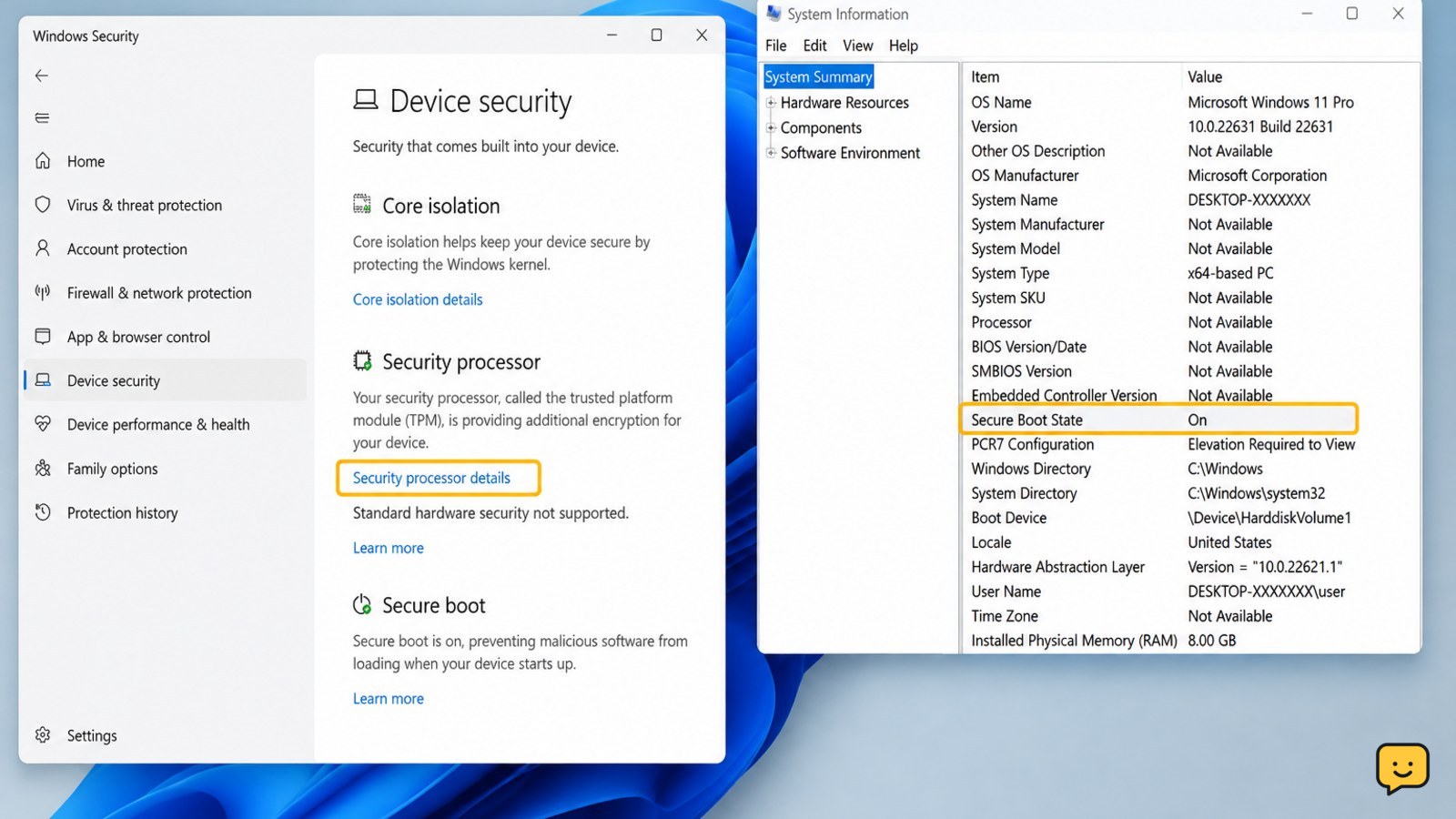
Valorant VAN Restriction: Enable TPM 2.0 Secure Boot
Fix Valorant’s VAN restriction error on Windows 11 by checking TPM 2.0, enabling Secure Boot in UEFI, verifying Windows, and repairing Vanguard safely.

Fix Valorant’s VAN restriction error on Windows 11 by checking TPM 2.0, enabling Secure Boot in UEFI, verifying Windows, and repairing Vanguard safely.
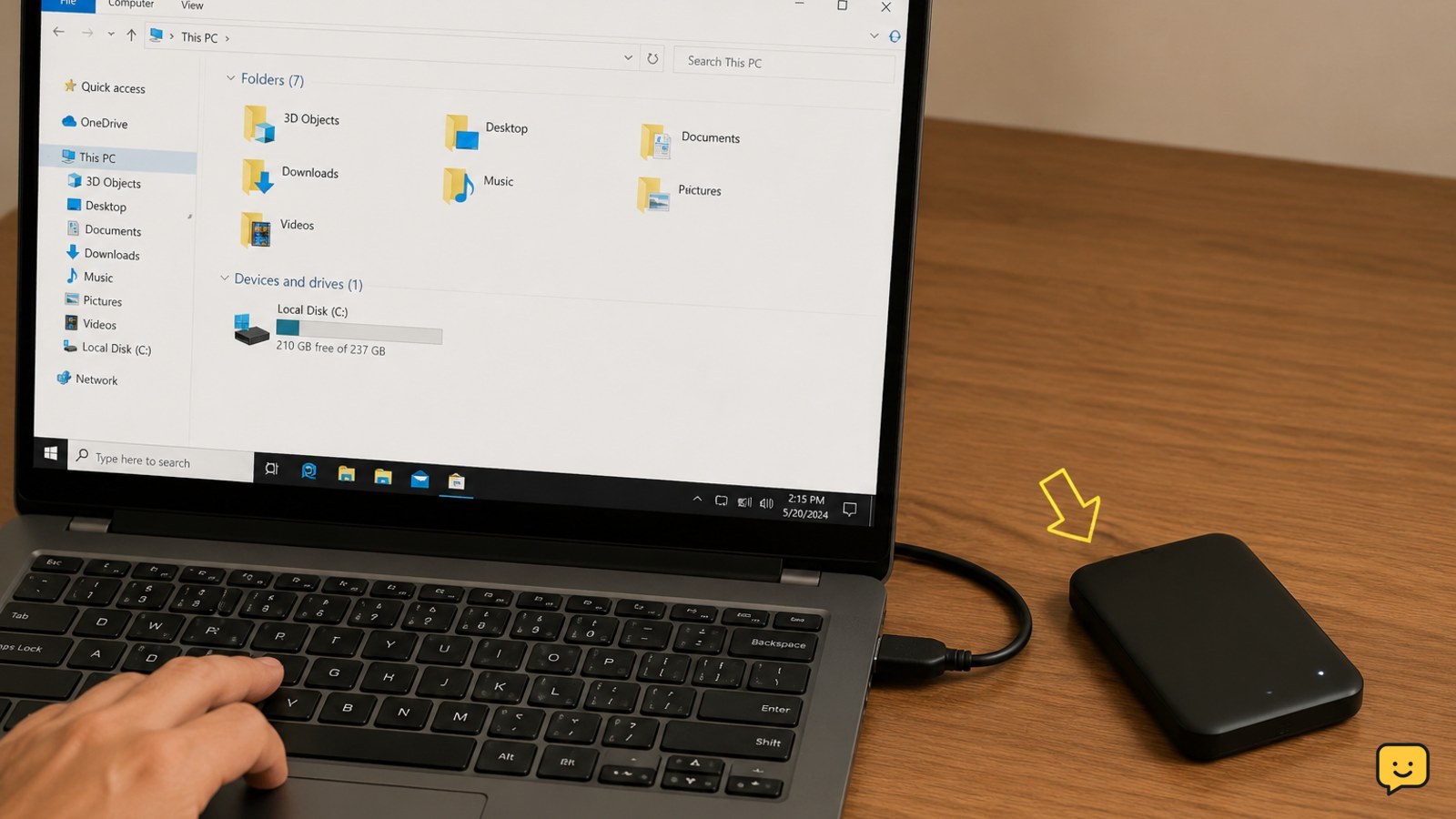
Make an external hard drive appear in Windows 11 safely. Check the cable, power, USB connection, drive letter, partitions, and Disk Management.
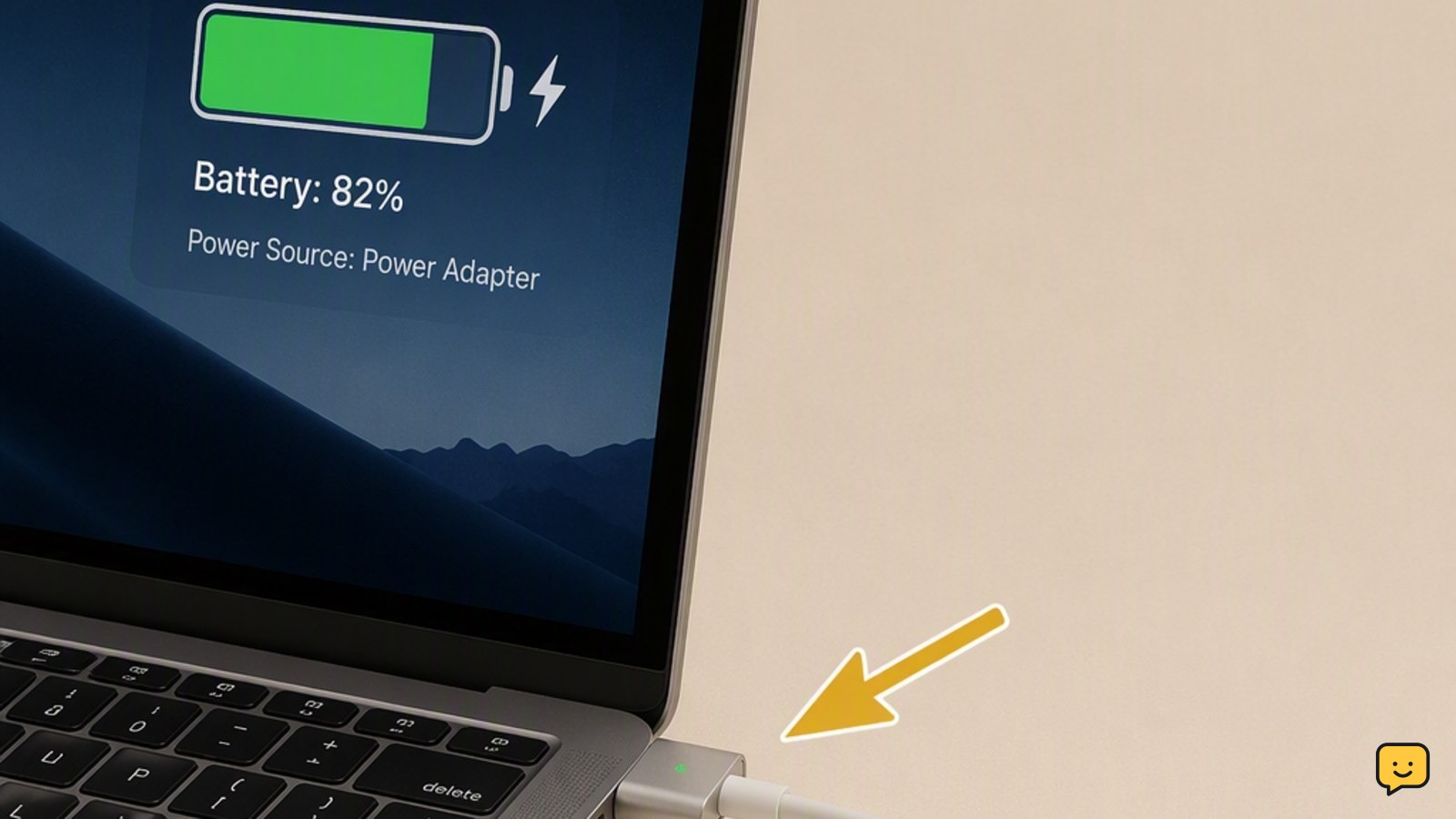
Fix a laptop that is plugged in but not charging by checking the outlet, charger, port, charge limit, battery driver, and battery health safely first.
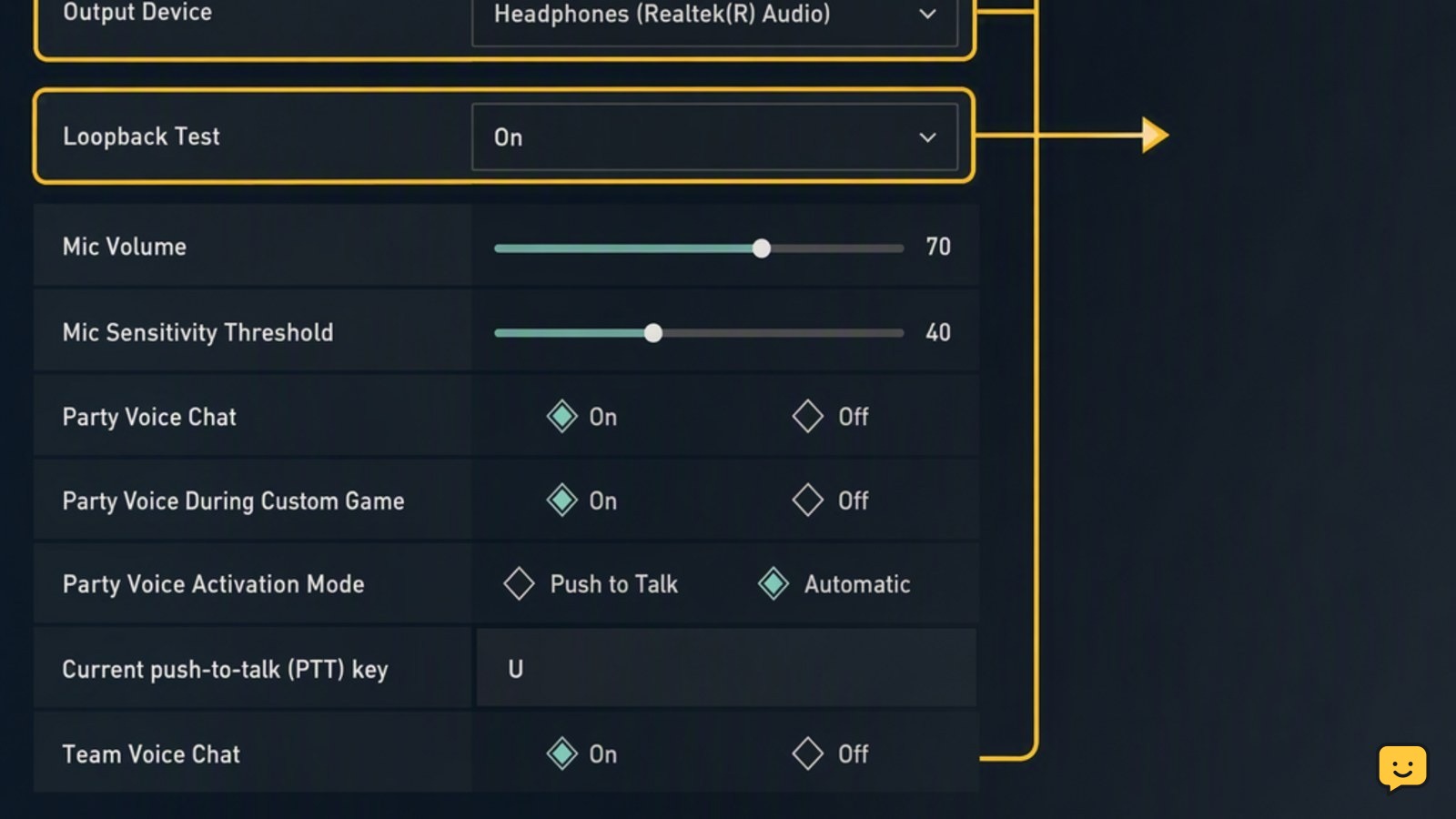
Fix Valorant voice chat by checking game audio devices, Windows microphone access, push-to-talk bindings, loopback results, and common network issues.
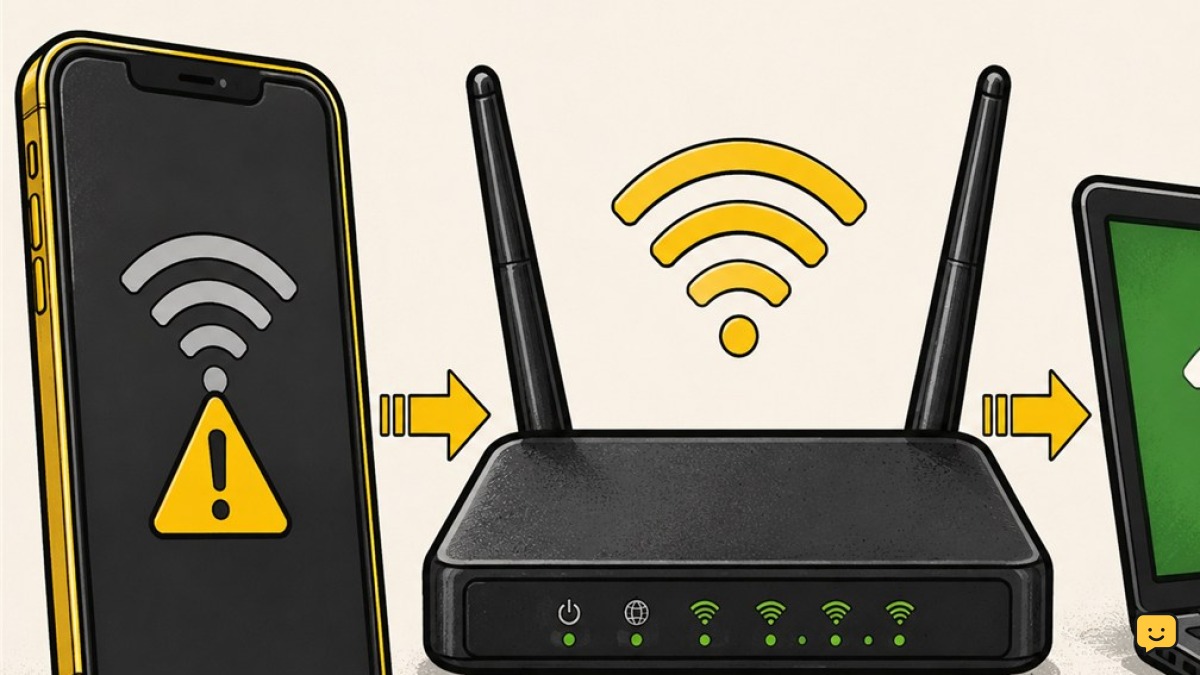
Find out whether your phone, its saved Wi-Fi profile, or your home router is blocking the connection, then apply the safest fix first.