Skip to content
ShowU
Ethan Brooks
Author

Ethan Brooks

Device Troubleshooting Contributor

Ethan Brooks is a ShowU editorial profile for practical Electronics guides. Coverage areas include Windows and macOS basics, printers, Bluetooth, device connectivity. Guides published under this profile follow ShowU editorial standards and are reviewed when the task involves material safety or account-security risk.

Windows and macOS basicsprintersBluetoothdevice connectivity
75 published stories

Latest from Ethan Brooks

Valorant Packet Loss: Fix Connection Problems
Valorant

Valorant Packet Loss: Fix Connection Problems

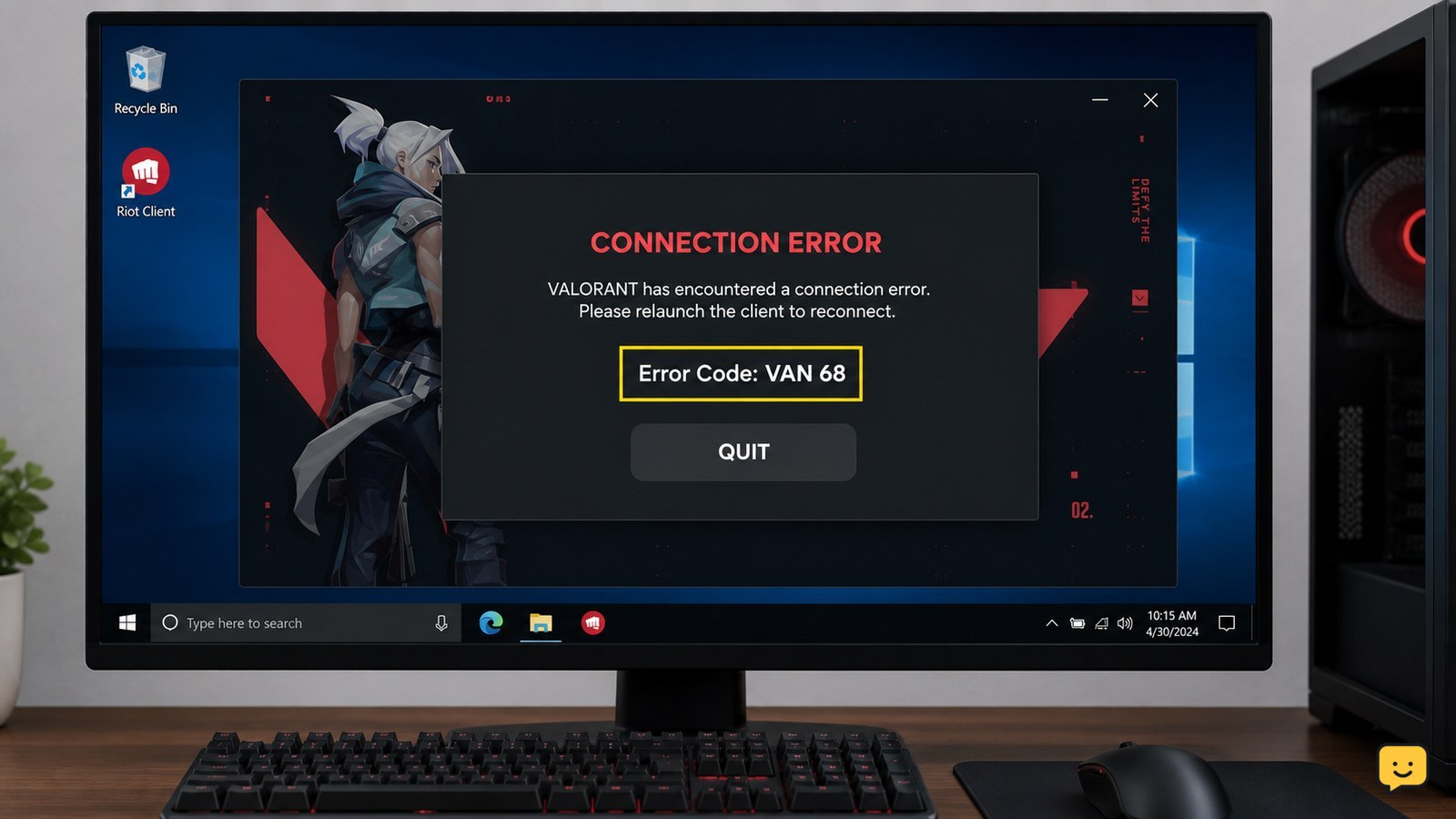
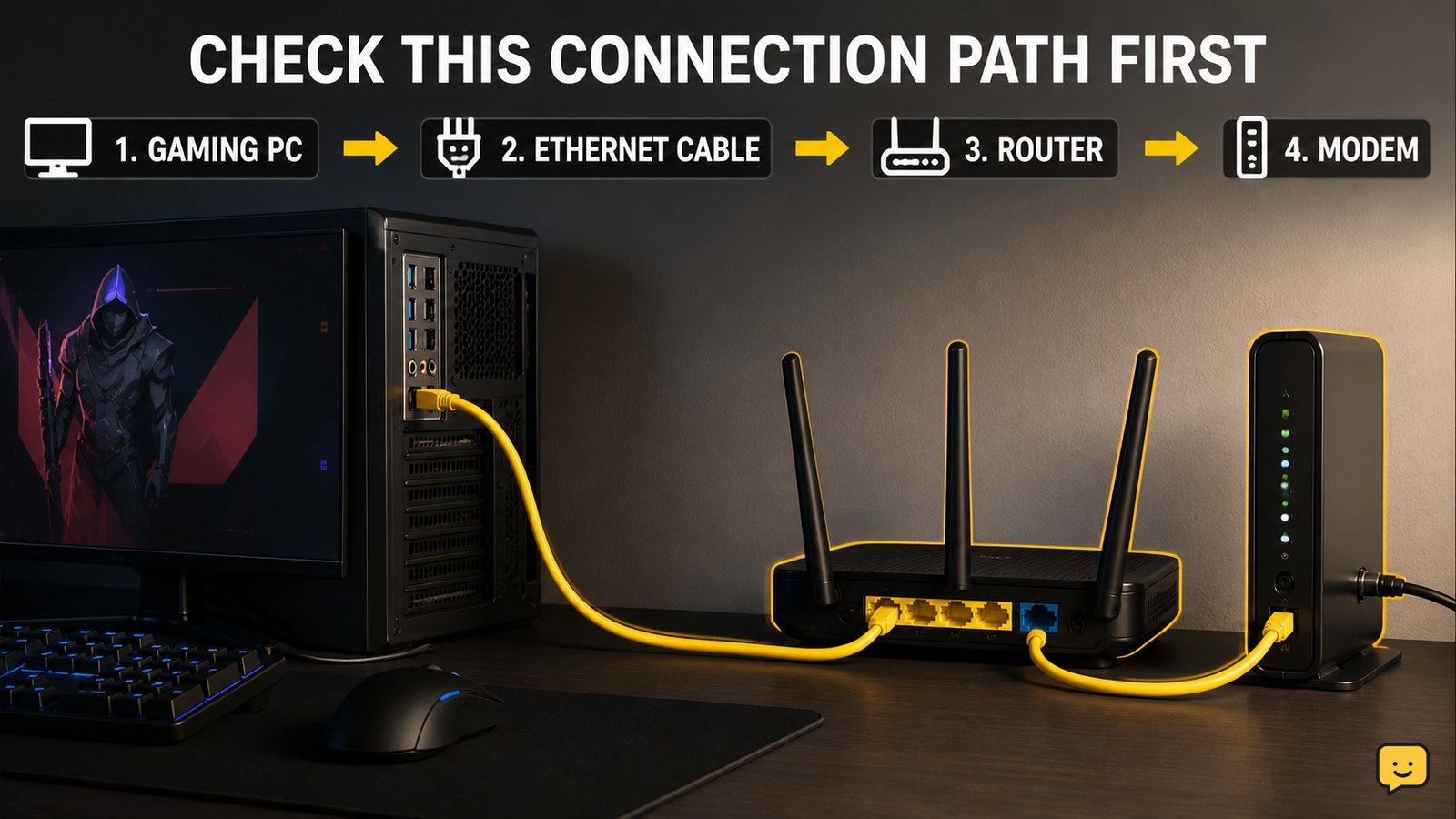
Start by checking whether other devices are using the connection, then power-cycle your modem and router. Test VALORANT over Ethernet instead of Wi-Fi and try another router port. Verify the result in a low-stakes match. If packet loss continues on multiple devices or networks, stop changing game files and contact your internet provider because the fault may be outside your PC.
How to Uninstall Programs on Windows Completely
Computers & Internet

How to Uninstall Programs on Windows Completely

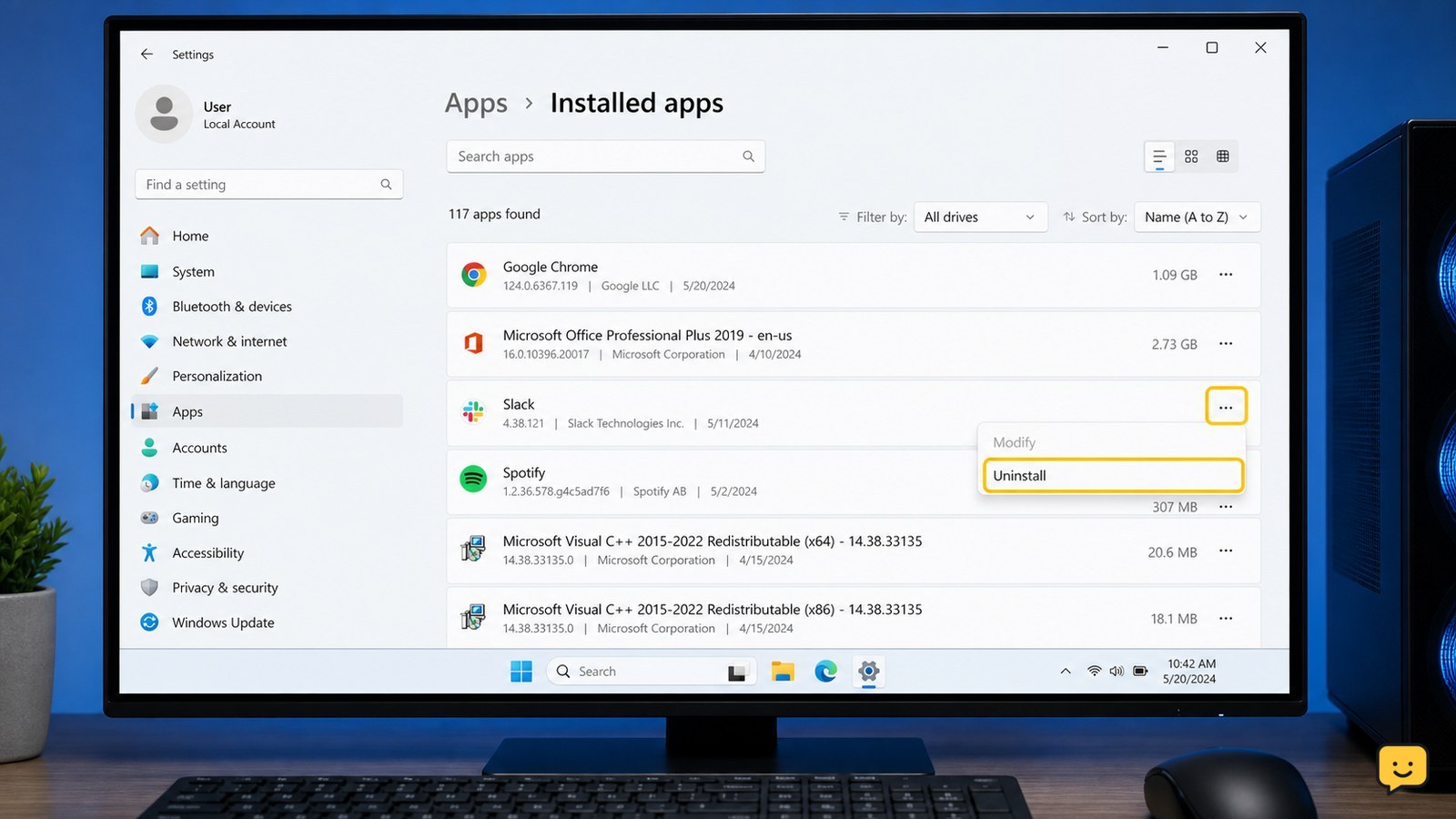
To uninstall a Windows program completely, first save its files and close it. Open Settings > Apps > Installed apps, choose the program, and select Uninstall. If it is missing, use Control Panel > Programs and Features. Restart Windows, then check only the program’s own leftover folders or data; do not delete shared system files or registry entries.

How to Speed Up a Slow Windows Laptop
Computers & Internet

How to Speed Up a Slow Windows Laptop

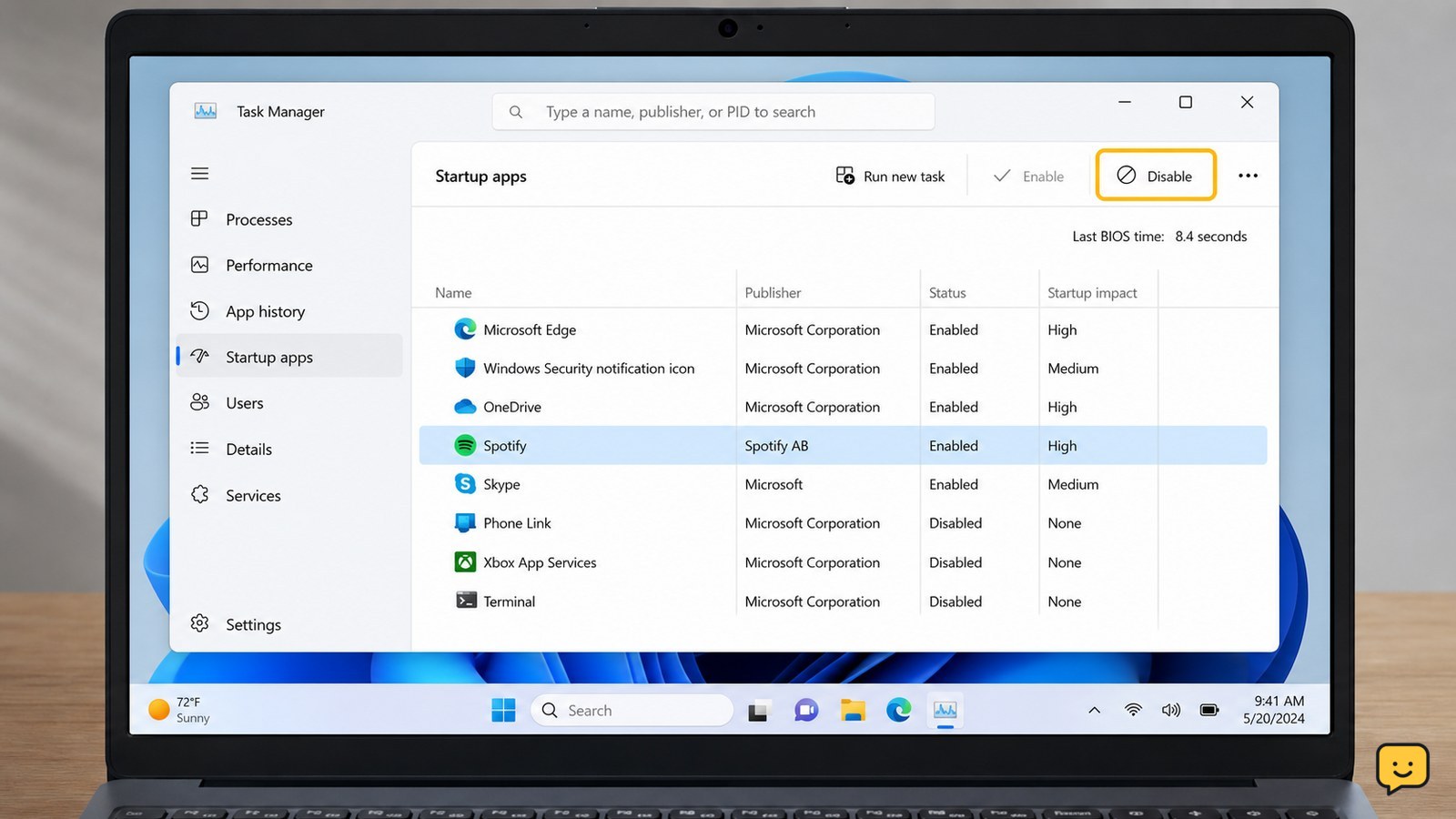
To speed up a Windows laptop that runs slowly after startup, first disable unnecessary startup apps, then use Task Manager to find processes consuming unusually high CPU, memory, or disk activity. Restart after each major change, keep Windows updated, free storage space, and stop if the laptop overheats, shows drive errors, or remains slow in Safe Mode.

Valorant Stuttering Despite High FPS: Fix It
Valorant

Valorant Stuttering Despite High FPS: Fix It

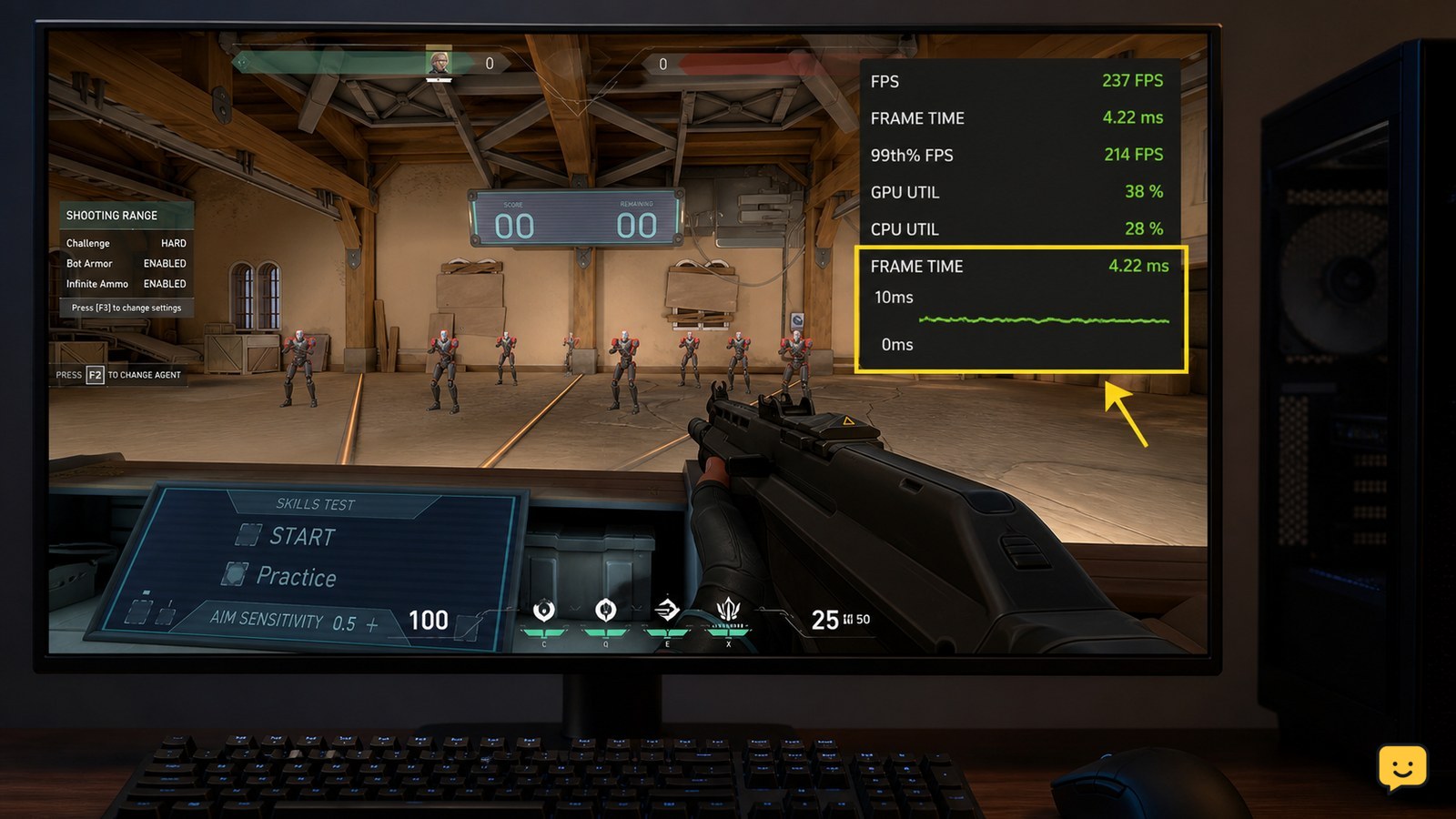
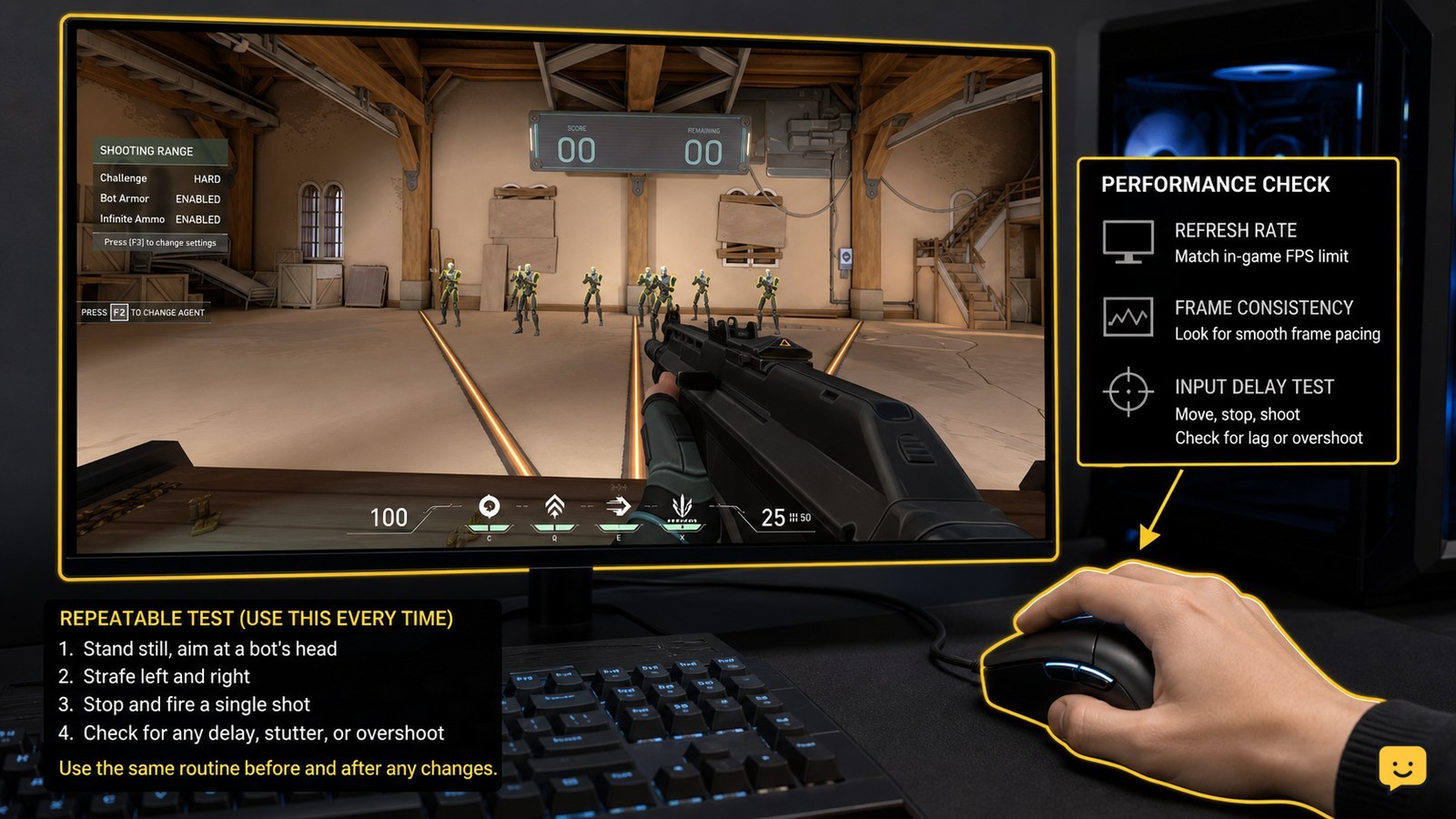
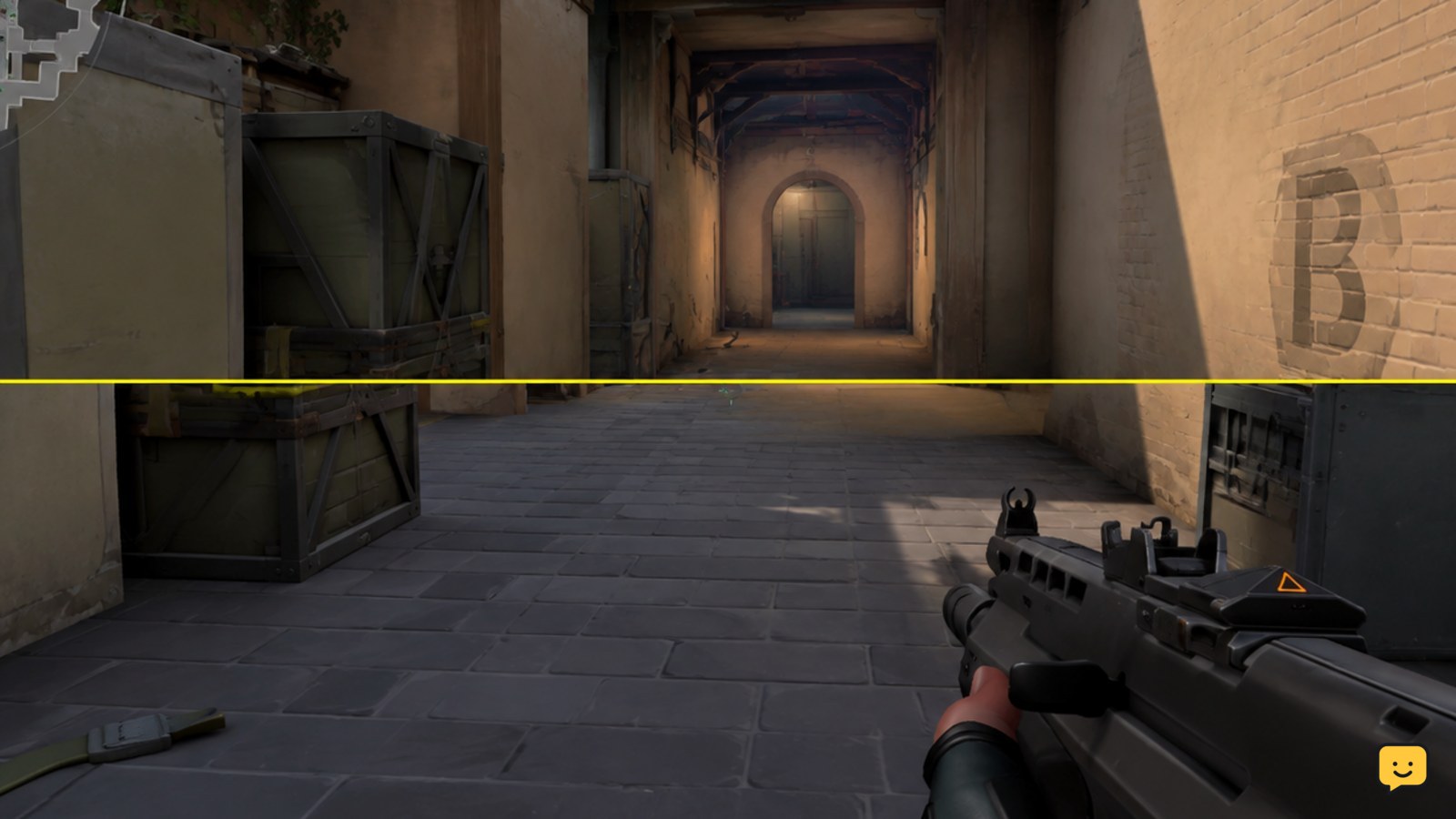
VALORANT can stutter even when the FPS counter is high because average FPS does not show frame-time spikes. First confirm the hitch with frame-time or FPS graphs, then cap FPS below the rate your PC can sustain, test fullscreen behavior, close background software, update GPU and chipset drivers, and check whether XMP or DOCP is stable. Stop changing settings once one controlled change fixes the hitch.