Skip to content
ShowU
Sofia Patel
Author

Sofia Patel

Mobile & App Guides Contributor

Sofia Patel is a ShowU editorial profile for practical Electronics guides. Coverage areas include Android, iPhone, backups, storage management, messaging apps. Guides published under this profile follow ShowU editorial standards and are reviewed when the task involves material safety or account-security risk.

AndroidiPhonebackupsstorage managementmessaging apps
112 published stories

Latest from Sofia Patel

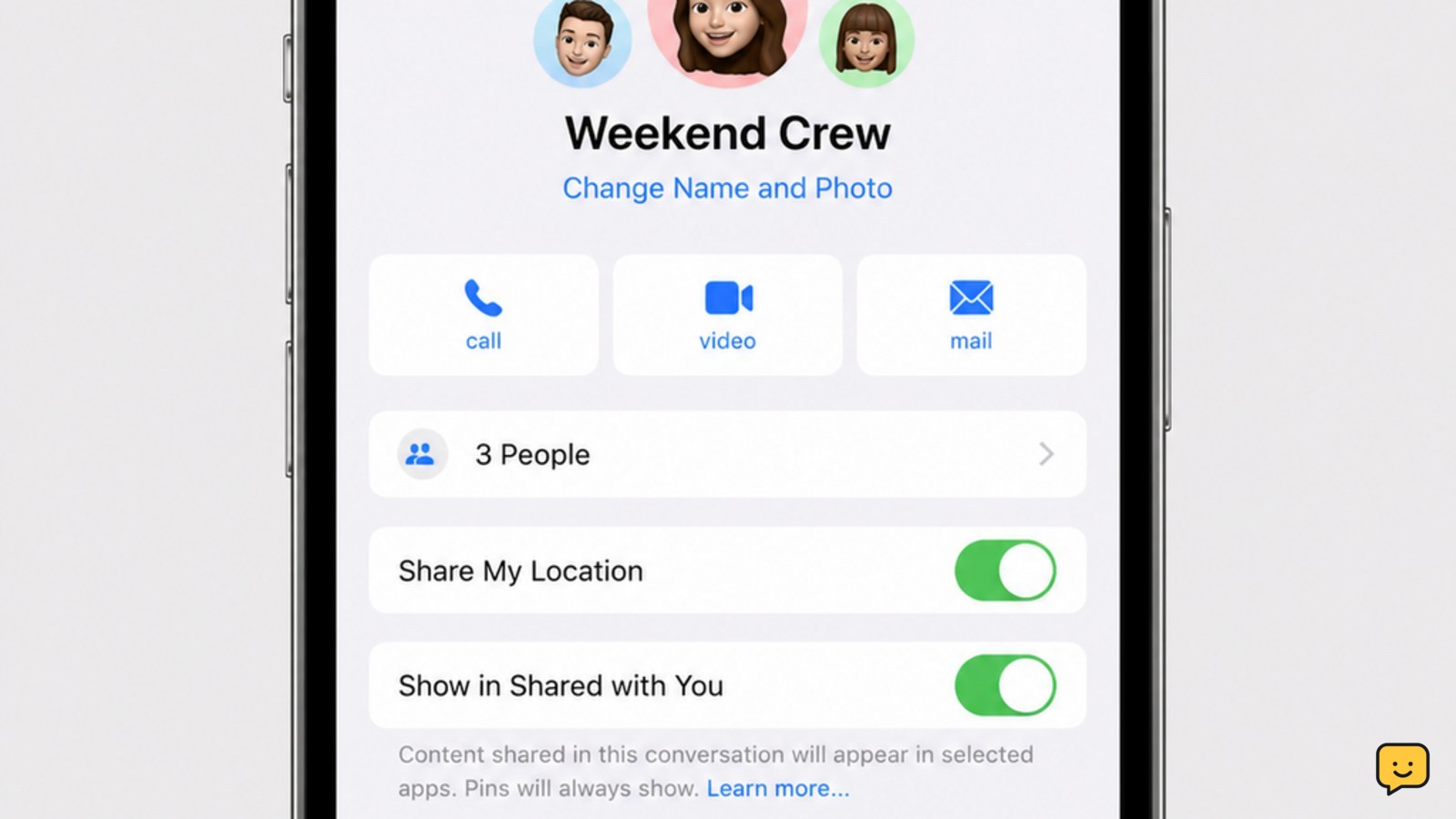
iPhone Messages group conversation details screen with Leave this Conversation near the bottom
Mobile Devices

How to Leave a Group Chat on iPhone: Messages

Open Messages and select the group conversation. Tap the group icons or conversation name at the top, scroll down, then tap Leave this Conversation and confirm. The option appears only for eligible group iMessage chats, generally with at least three other participants. If it is missing, mute alerts or delete the thread instead; neither option removes you from the chat.
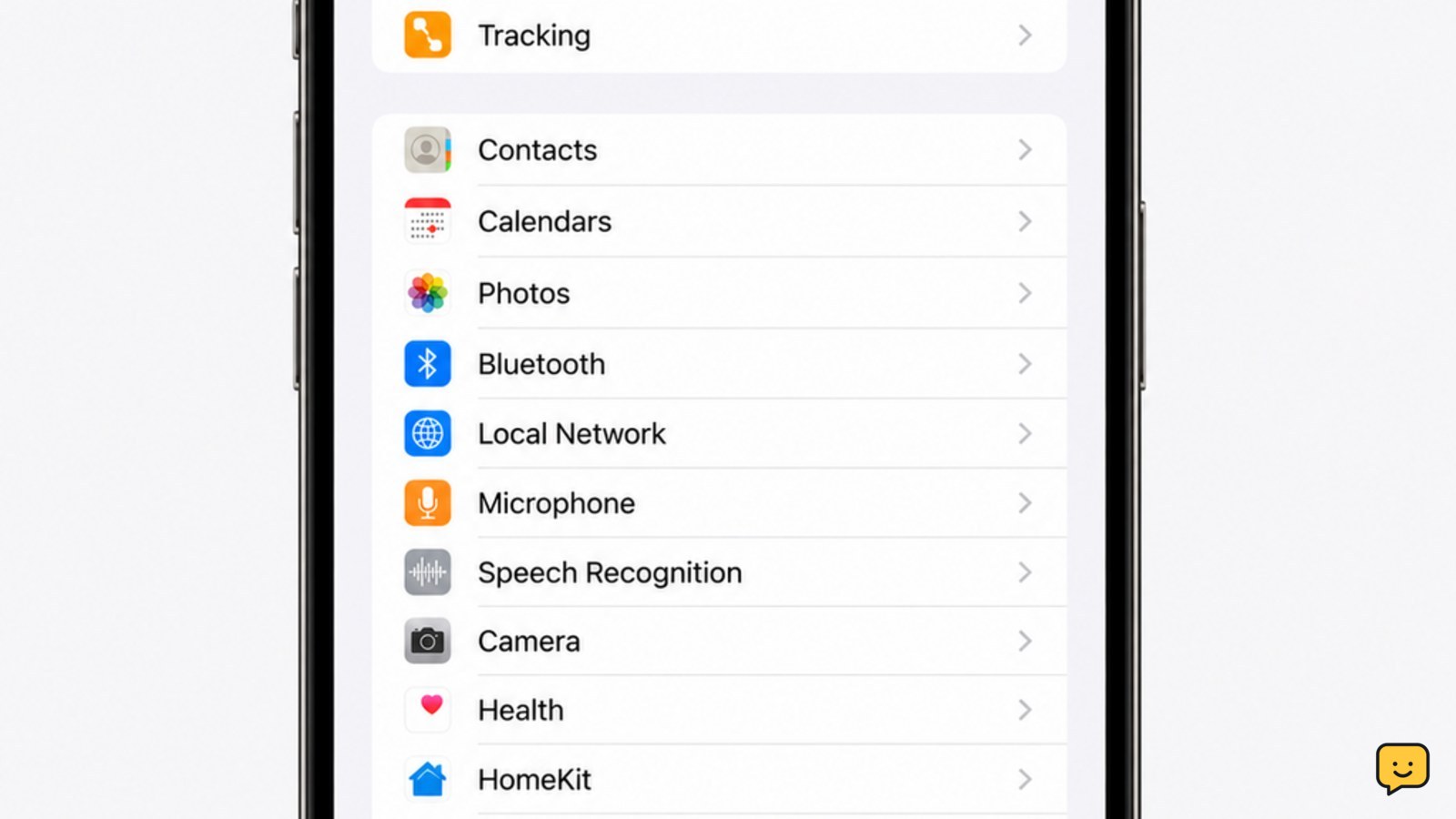
iPhone Settings screen with Privacy & Security and Blocked Contacts visible
Mobile Devices

Where to Find Blocked Numbers on iPhone: Settings

On an iPhone running iOS 26, open Settings, tap Privacy & Security, then tap Blocked Contacts. The list shows blocked phone numbers, contacts, and email addresses. Tap Edit to remove an entry, or tap the add button to block another contact. On earlier iOS versions, check Settings > Phone > Blocked Contacts.

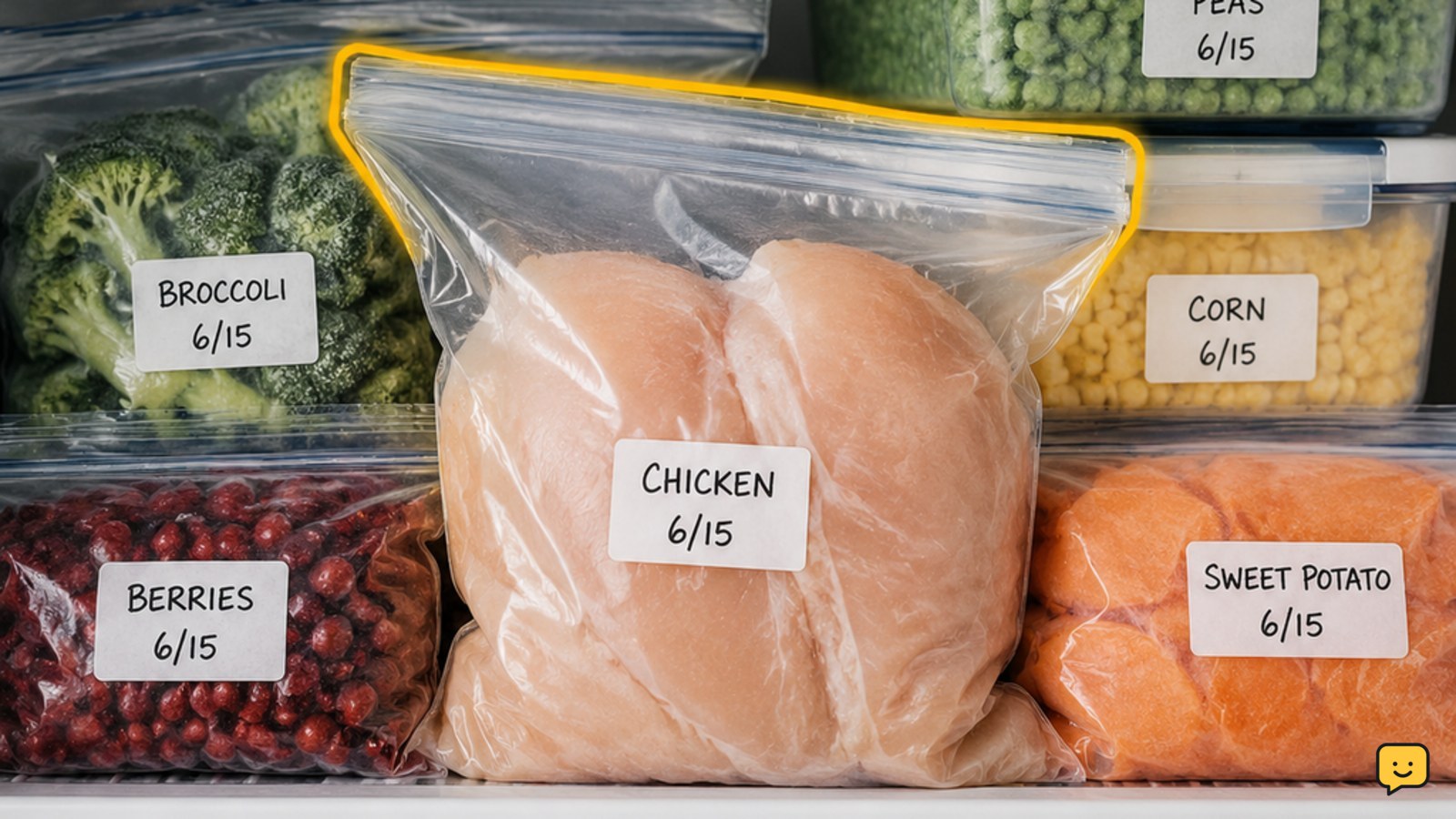
Labeled freezer bags and airtight containers packed closely around frozen food in an organized freezer
Food Storage

How to Prevent Freezer Burn: Seal Food Well

To prevent freezer burn, cool food before packing it, use freezer-rated bags or airtight containers, press out as much air as possible, seal every opening, and label the package. Keep the freezer at 0 F or below, avoid repeated temperature swings, and use older packages first. Freezer burn affects quality more than safety.

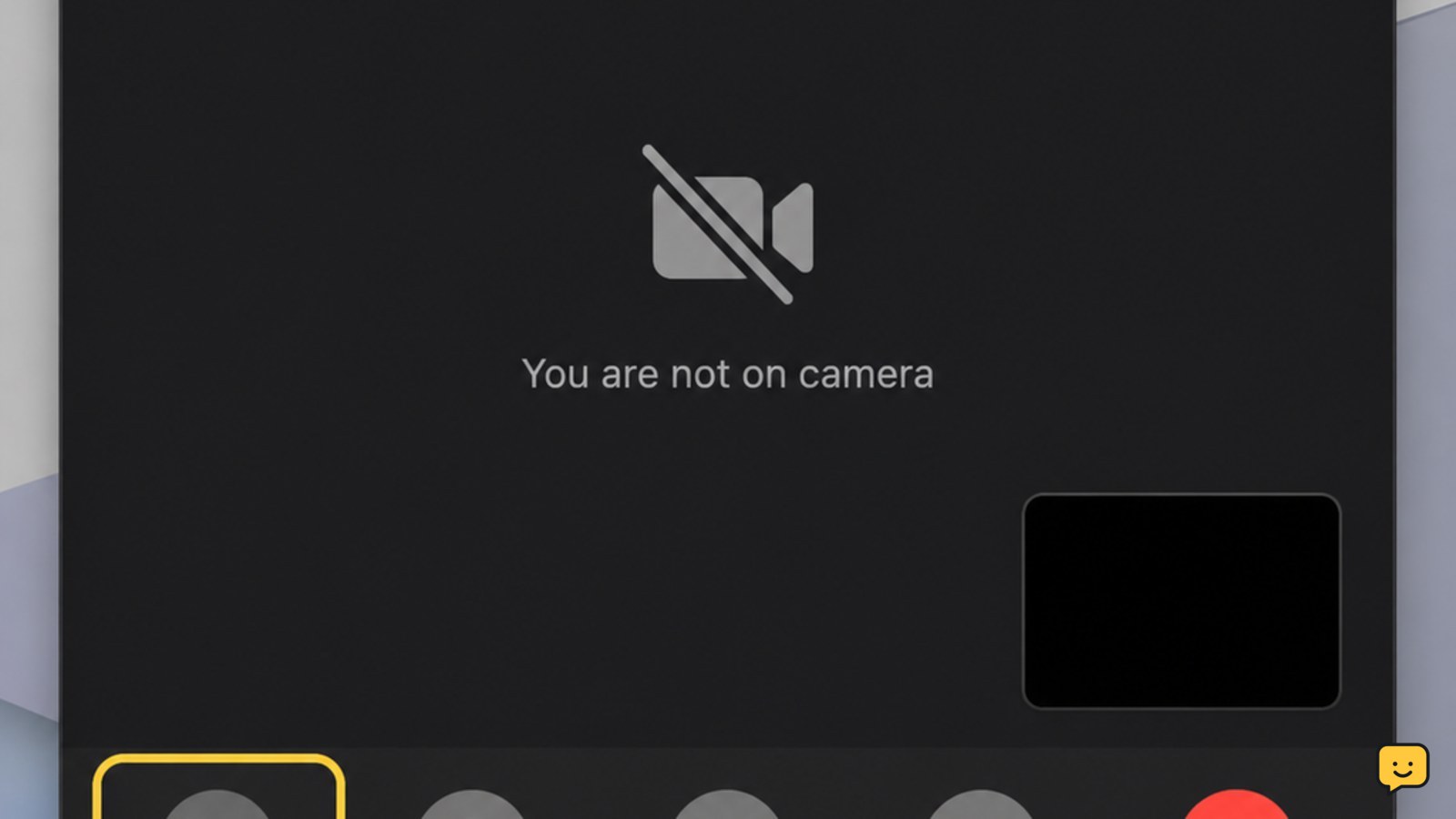
FaceTime call window with the camera paused and video controls visible
Mobile Devices

How to Pause FaceTime: Turn Off Video

To pause FaceTime video, start or answer the call, tap the screen to show the controls, then tap the camera or video button. Your camera turns off while the call and audio continue. Tap the same button again to resume video. On a Mac, move the pointer over the call and click Mute Video.

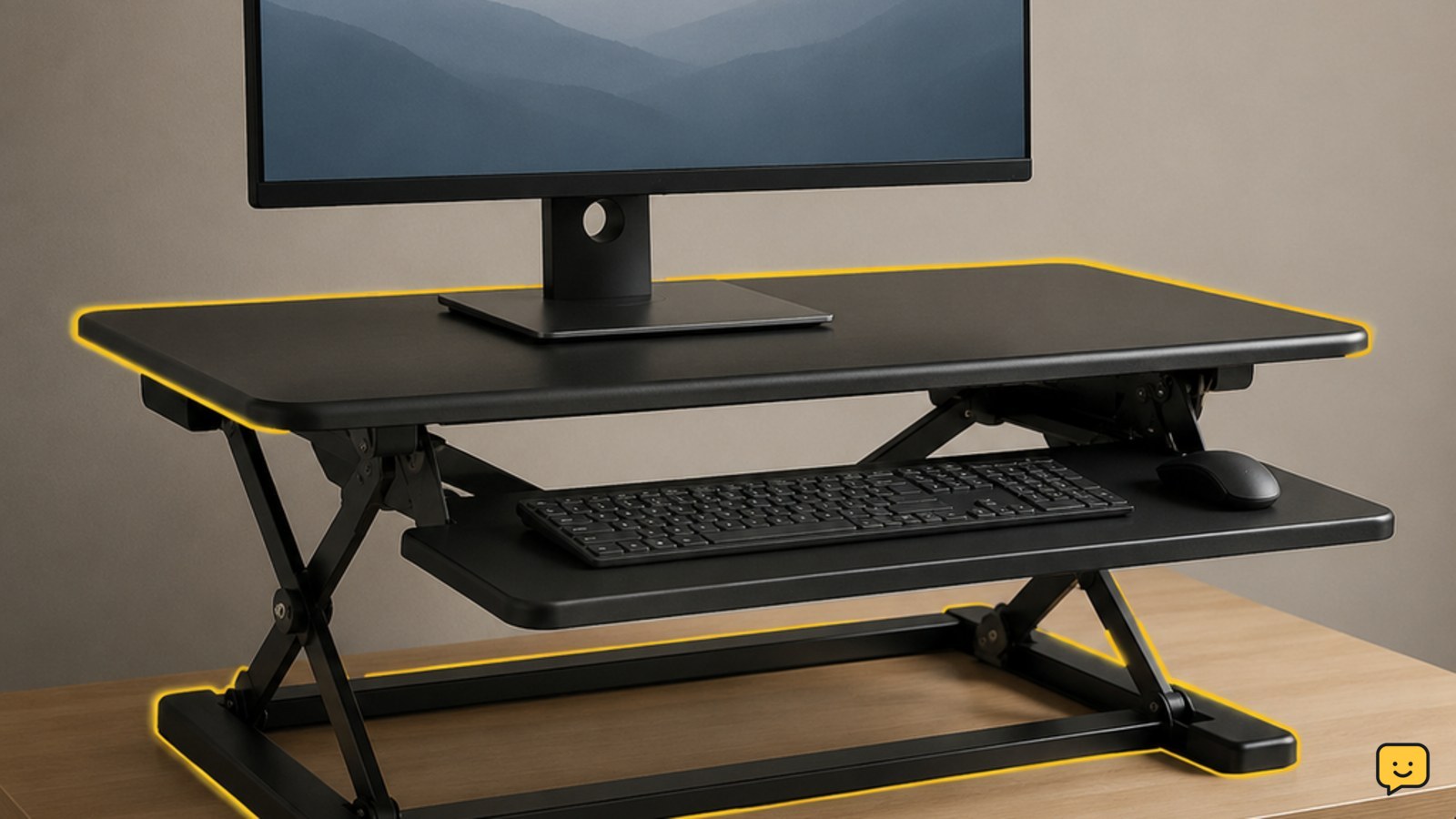
Height-adjustable desk riser positioned on top of an existing desk with a monitor, keyboard, and mouse
Career & Workplace

What Is a Riser Desk: Practical Setup Guide

A riser desk is a height-adjustable platform that sits on top of a desk you already own. It raises your monitor, keyboard, and mouse so you can alternate between sitting and standing. It is also called a desk riser, desk converter, or standing desk converter. Unlike a full standing desk, it does not replace the original desk.

Beginner singer practicing a comfortable note beside a small keyboard and practice notebook
Learning & Study

How to Sing: Build Pitch and Vocal Control

To learn how to sing, practice five skills in order: relaxed posture, steady breathing, accurate pitch, clear vowels, and comfortable range. Start with a short warm-up, match notes from a piano or app, record one simple phrase, and compare each attempt. Practice gently and stop for pain, persistent hoarseness, or loss of range.

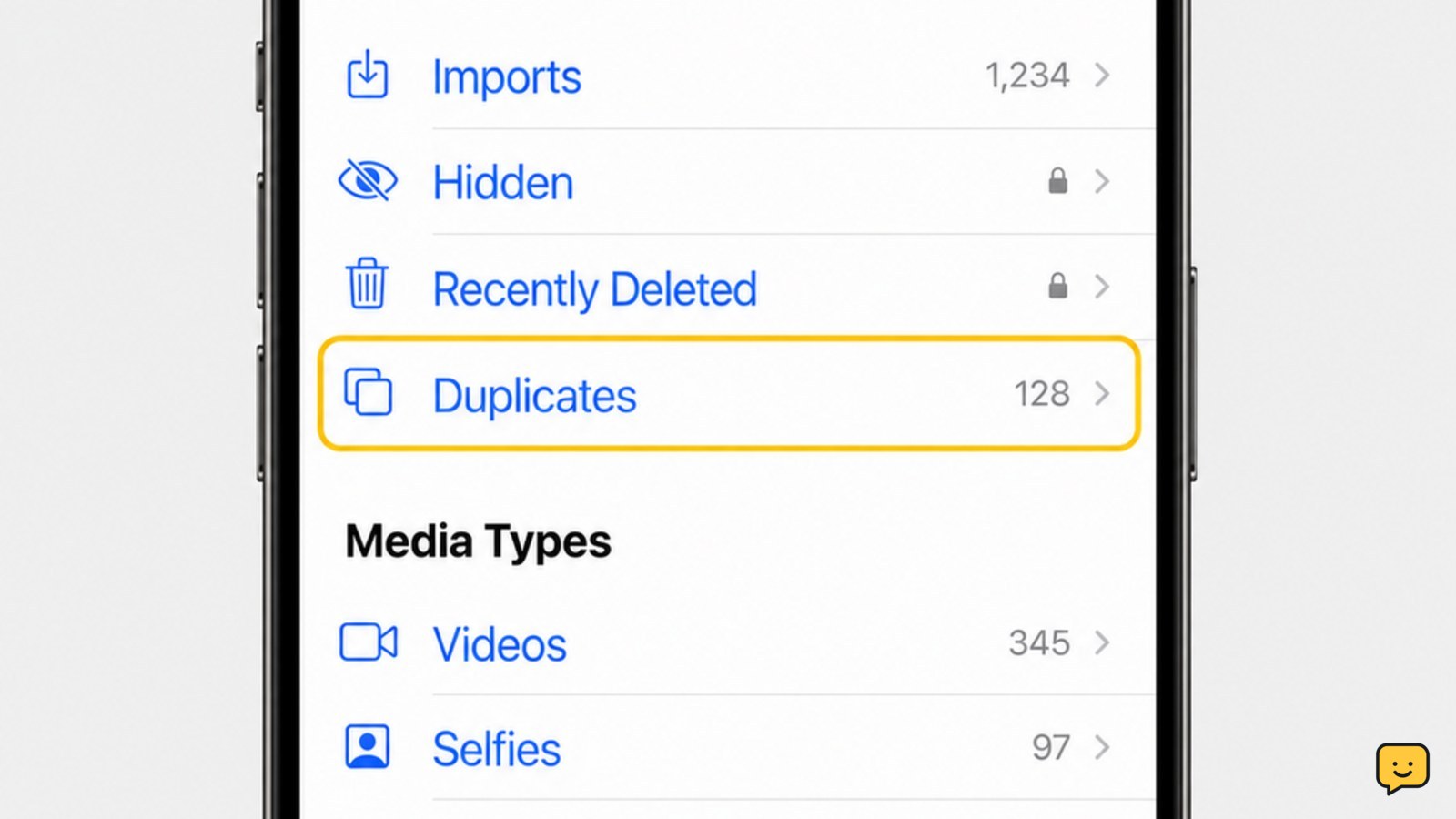
iPhone Photos app showing the Utilities area and Duplicates album
Mobile Devices

How to Delete Duplicate Photos on iPhone

Open Photos, tap Albums, scroll to Utilities, and tap Duplicates. Review each group, tap Merge, then confirm Merge [number] Items. iPhone keeps the best-quality version and moves the extra copies to Recently Deleted. This feature requires iOS 16 or later; if Duplicates is missing, leave the phone locked and connected to power while Photos finishes indexing.

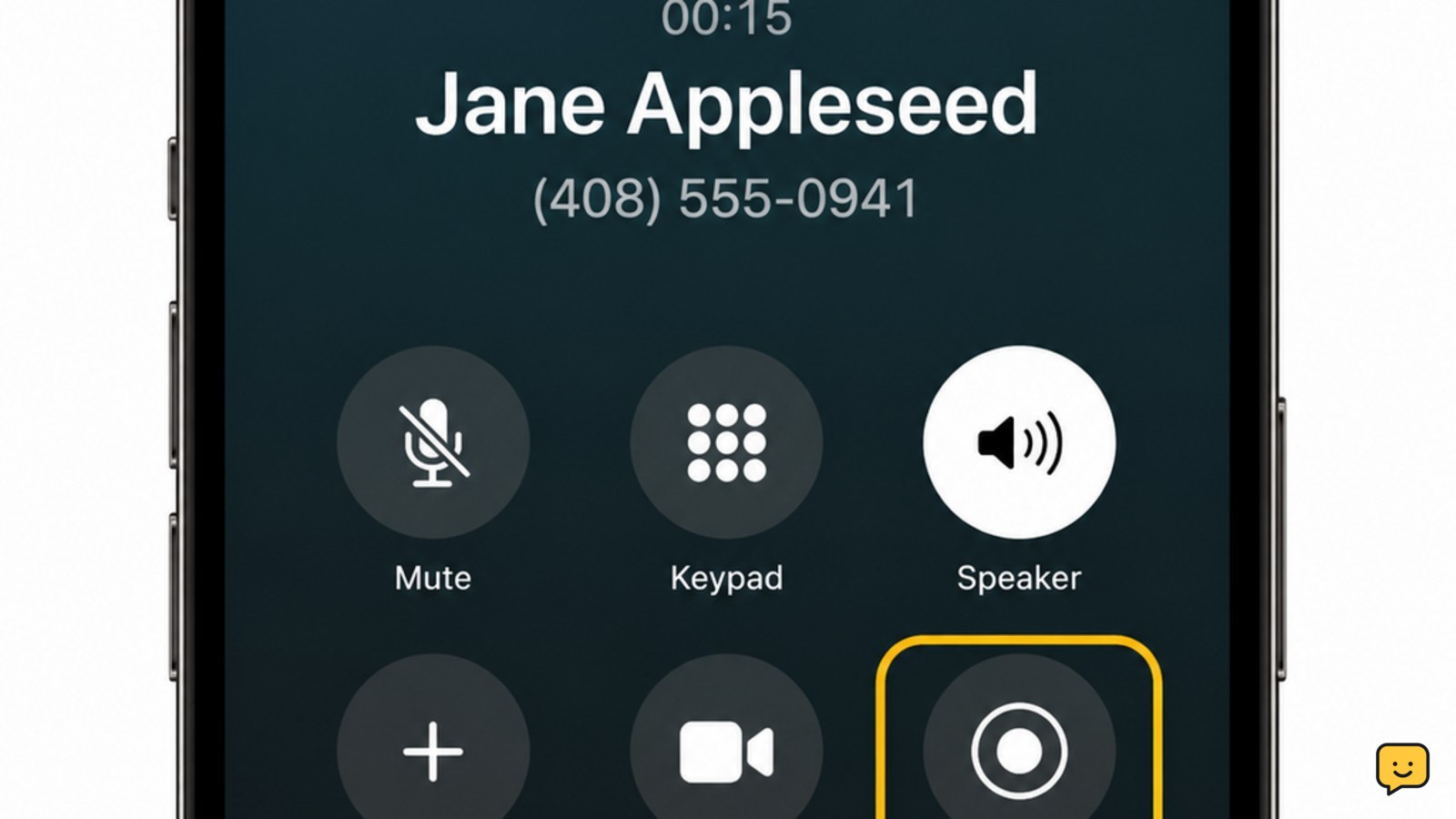
iPhone active call screen with the Call Recording control highlighted
Mobile Devices

How to Record a Call on iPhone: iOS 18.1+

On an iPhone running supported iOS 18.1 or later, open Settings > Apps > Phone, turn on Call Recording, and place or answer a call. After the other person answers, tap the Call Recording button. Both participants hear a recording notice, and the finished recording is saved in the Notes app. Availability varies by region and language.

Carbon-steel wok beside oil, tongs, paper towels, and a scrub pad ready for seasoning
Cooking Basics

How to Season a Wok: Better Stir-Frying

To season a carbon-steel wok, scrub off the factory coating, rinse and dry it, heat it until completely dry, then wipe on a very thin layer of high-smoke-point oil. Heat until the oil smokes lightly, let the wok cool, and repeat the oil-and-heat cycle until the surface looks darker and feels smooth.

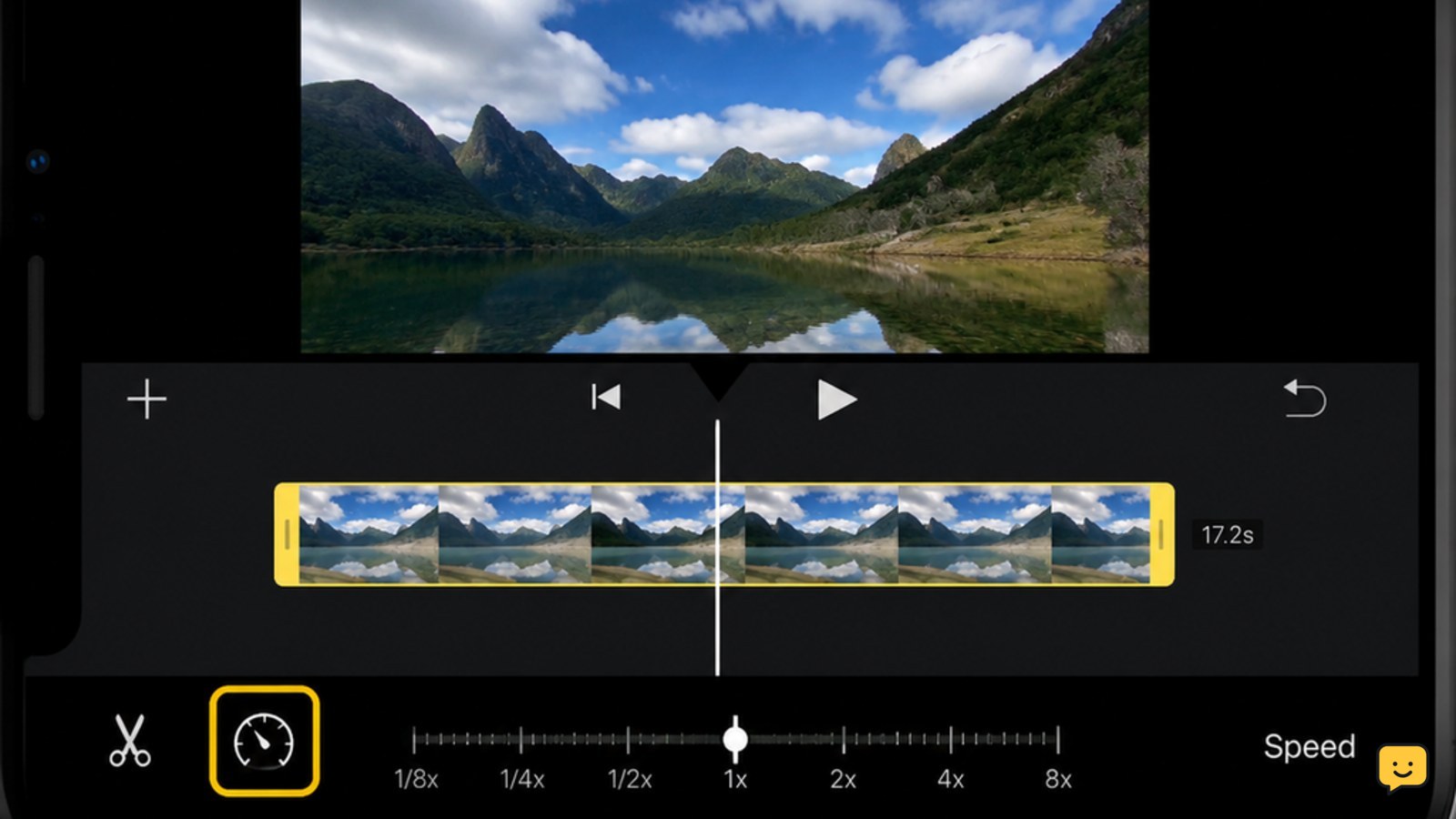
iPhone showing an iMovie video timeline with the speed control selected
Mobile Devices

How to Speed Up a Video on iPhone: iMovie

To speed up a video on iPhone, open iMovie, create a movie project, add the video, tap the clip in the timeline, tap the speedometer button, drag the speed slider to the right, and preview it. Tap Done, then share or save the edited video as a new copy.