Skip to content
ShowU
Sofia Patel
Author

Sofia Patel

Mobile & App Guides Contributor

Sofia Patel is a ShowU editorial profile for practical Electronics guides. Coverage areas include Android, iPhone, backups, storage management, messaging apps. Guides published under this profile follow ShowU editorial standards and are reviewed when the task involves material safety or account-security risk.

AndroidiPhonebackupsstorage managementmessaging apps
112 published stories

Latest from Sofia Patel

Mixed vegetables steaming in a basket above simmering water in a covered pot
Cooking Basics

How to Steam Vegetables: Even Results

To steam vegetables, add about 1 inch of water to a pot, place cut vegetables in a steamer basket above the water, cover, and bring the water to a steady simmer. Cook until the pieces are bright and tender-crisp, checking with a fork. Add water if needed, but stop cooking when the vegetables reach the texture you want.
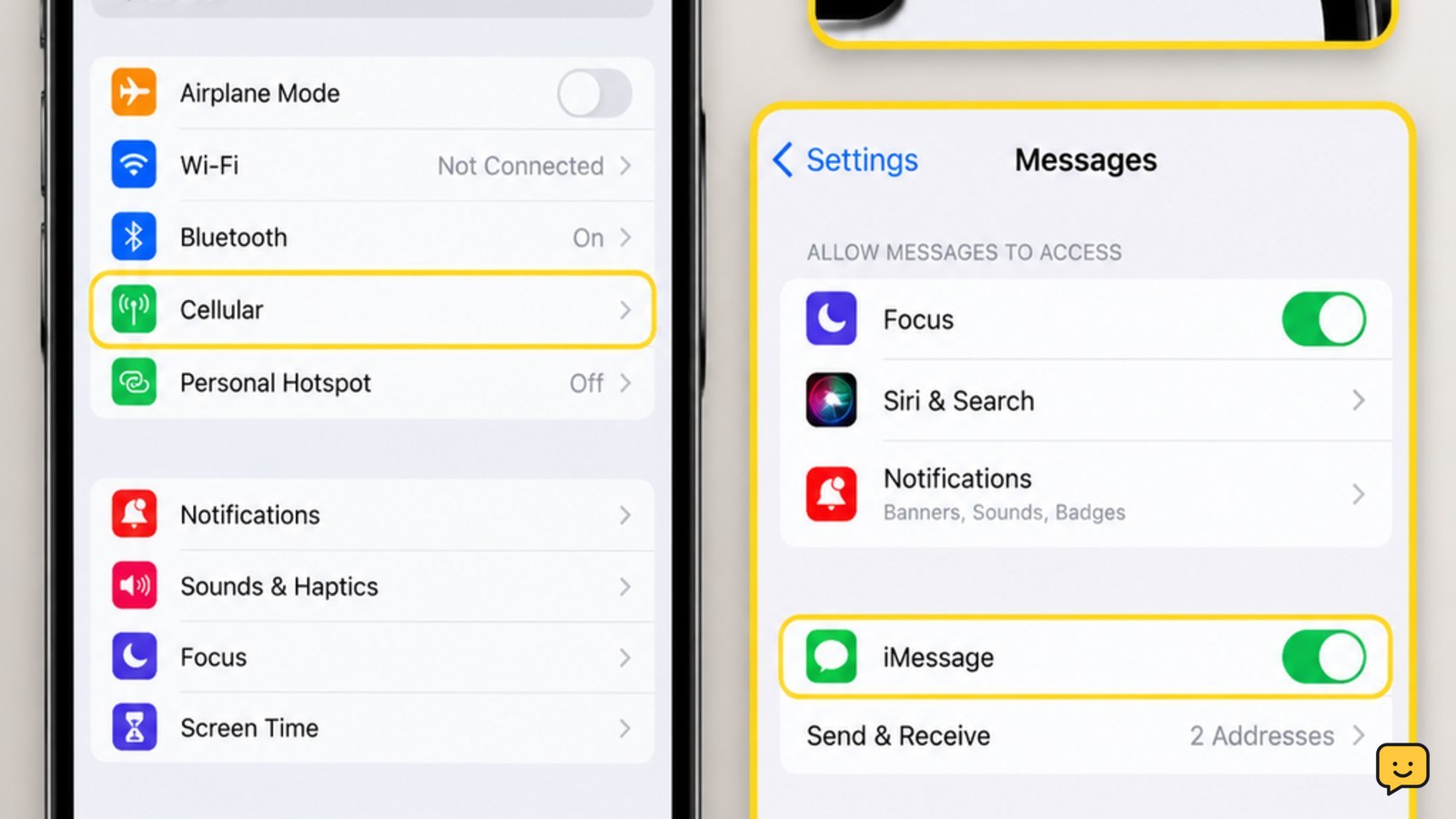
iPhone showing Messages troubleshooting settings and cellular status
Mobile Devices

iPhone Not Receiving Texts: Restore Messages

If your iPhone is not receiving texts, check cellular service first, then restart the iPhone and send a test message. Next, review iMessage settings, blocked contacts, message filtering, storage, and your SIM or eSIM. If calls and mobile data also fail, the problem is probably carrier service or network registration rather than Messages alone.

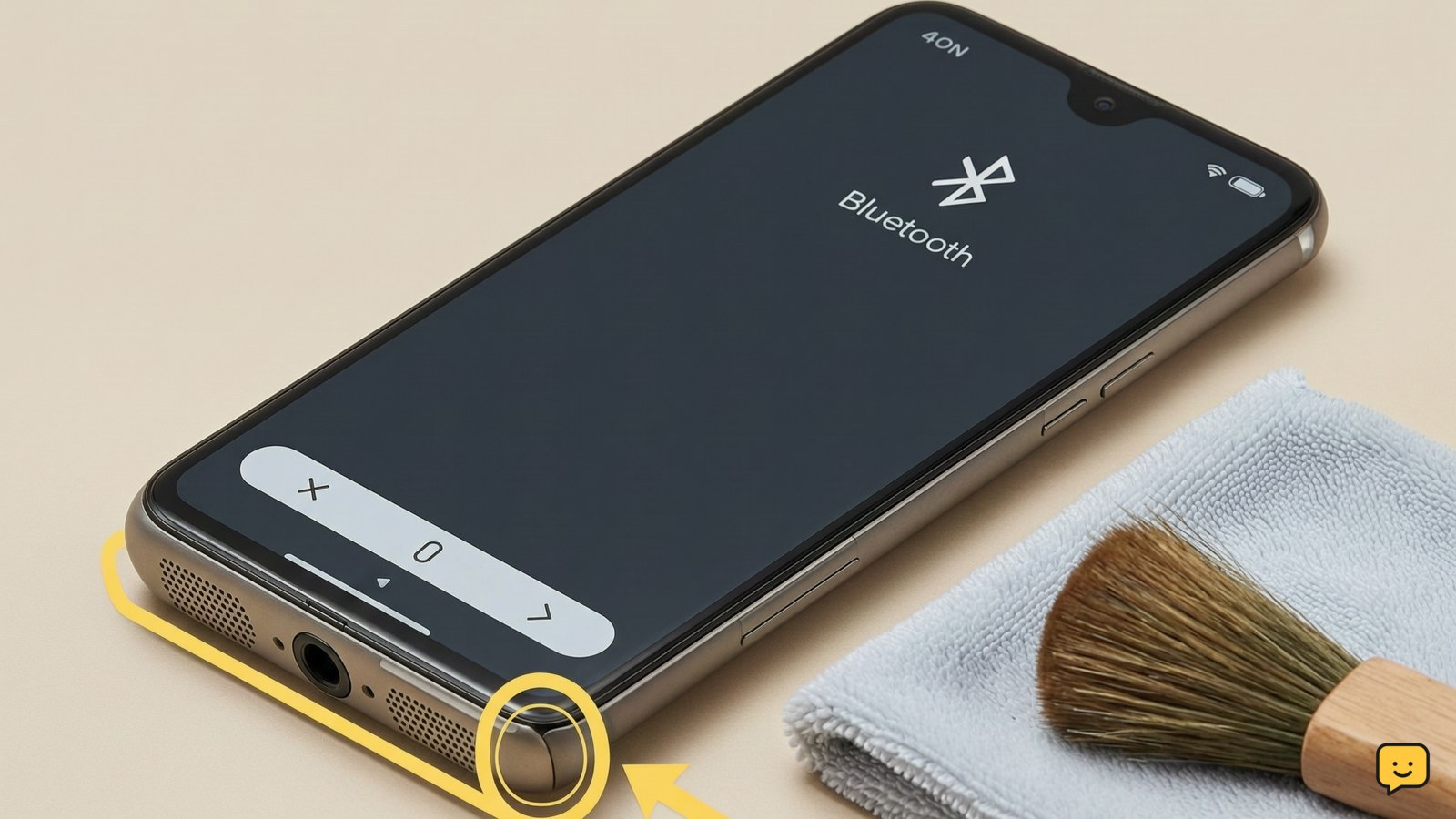
Smartphone lying speaker-side down beside a dry microfiber cloth and soft brush, with Bluetooth disabled on screen
Mobile Devices

How to Fix Phone Speaker: Restore Clear Sound

To fix a phone speaker, raise media and call volume, disconnect Bluetooth headphones or speakers, remove the case, restart the phone, and check the speaker opening for blockage or moisture. Use a soft, dry brush only on the exterior. If sound remains distorted, absent in every app, or the phone has liquid or impact damage, stop cleaning and arrange professional service.

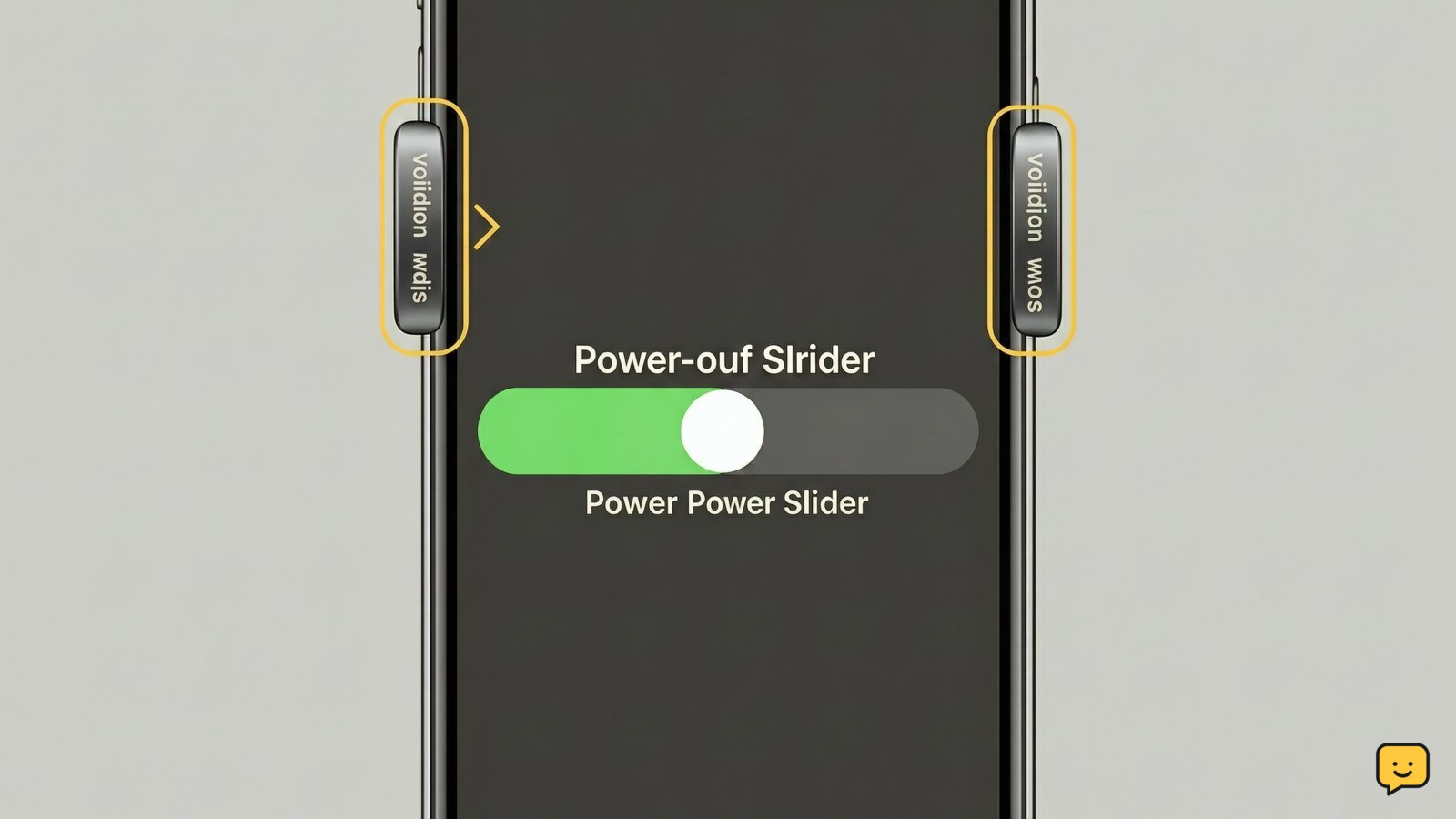
iPhone showing the power-off slider with the side and volume buttons highlighted
Mobile Devices

How to Soft Reset iPhone: Restart Safely

To soft reset a responsive iPhone, press and hold the side button and either volume button until the power-off slider appears. Drag the slider, wait about 30 seconds, then hold the side button until the Apple logo appears. This restarts iOS without erasing your apps, photos, messages, or settings.

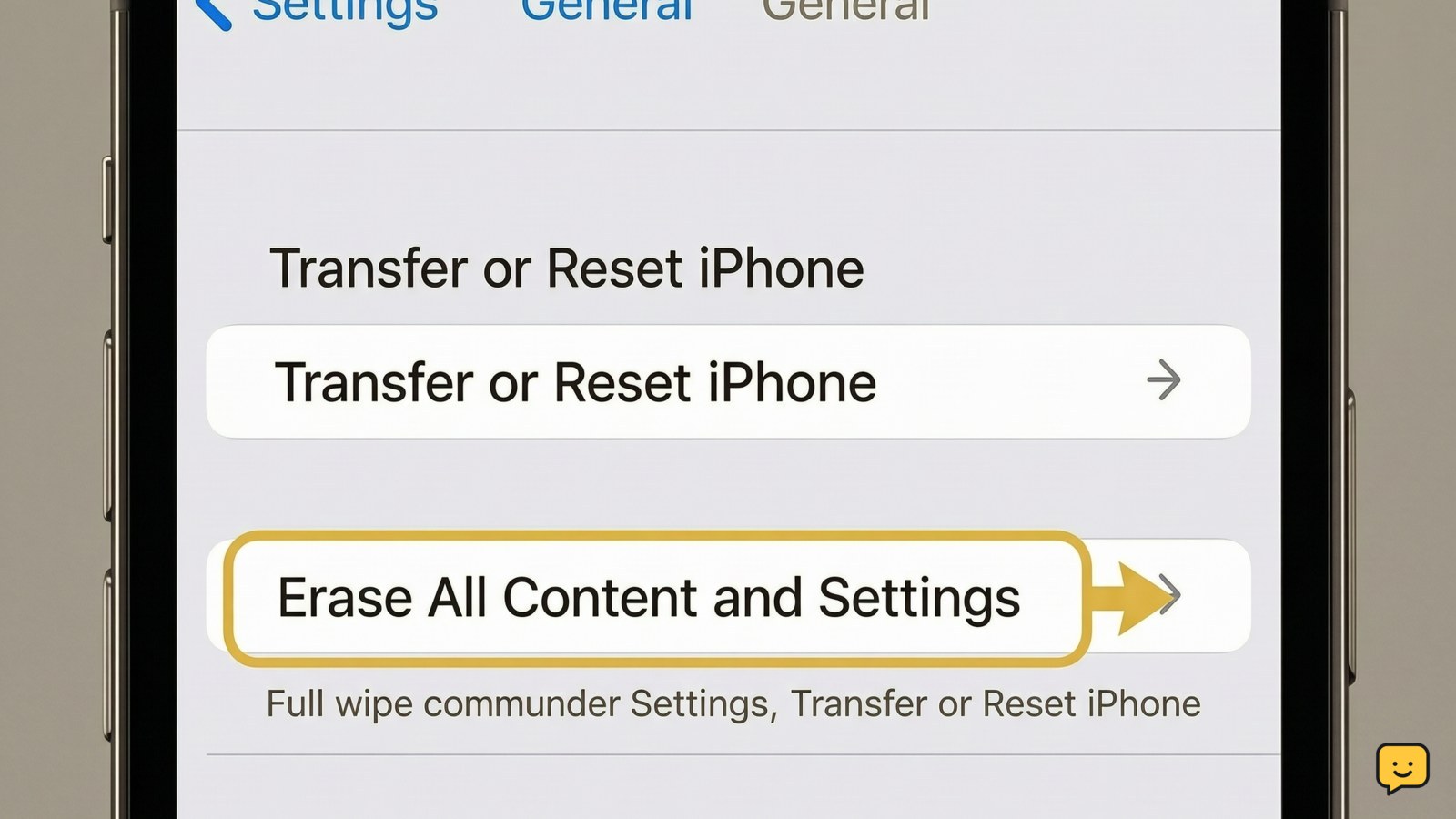
iPhone Settings screen showing Transfer or Reset iPhone and Erase All Content and Settings
Mobile Devices

How to Wipe an iPhone: Erase Everything

To wipe an iPhone, first back up anything you need, then open Settings > General > Transfer or Reset iPhone. Tap Erase All Content and Settings, review the warnings, enter the requested passcode or Apple Account details, and confirm. The process is complete when the iPhone restarts to the Hello setup screen.

Soft golden garlic cloves submerged in olive oil in a small baking dish
Cooking Basics

How to Make Garlic Confit: Tender Cloves

To make garlic confit, peel enough garlic cloves to fill a small baking dish in one layer, cover them completely with olive oil, and add salt or herbs if desired. Cover and bake at 250°F for about 2 to 2½ hours, until the cloves are very tender and lightly golden. Cool, refrigerate promptly, and never keep garlic-in-oil at room temperature.

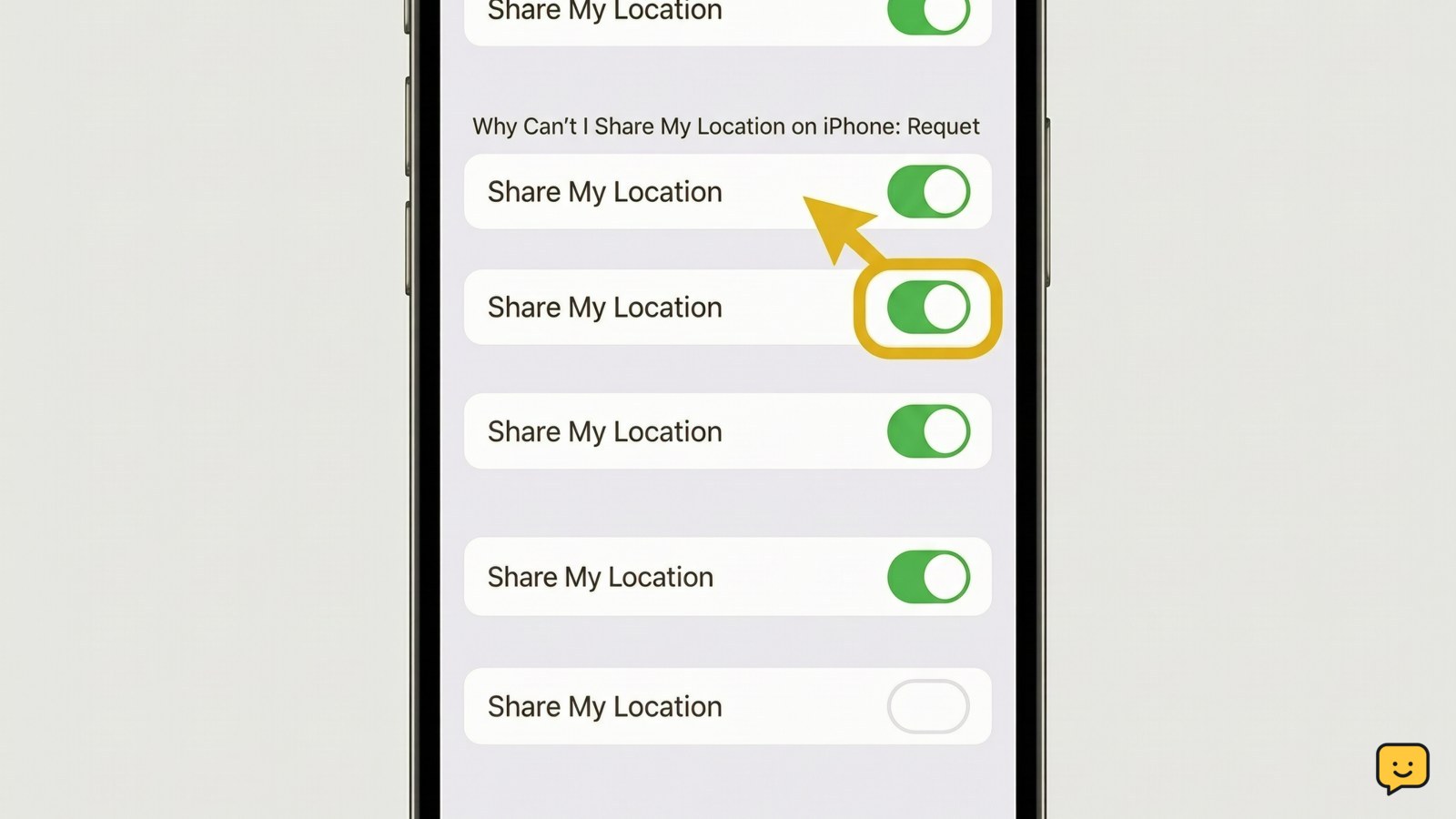
iPhone showing the Find My Me screen with Share My Location switched on.
Mobile Devices

Why Can’t I Share My Location on iPhone: Fixes

You usually can't share location because Location Services or Share My Location is off, the iPhone has no usable connection, a Screen Time or management restriction blocks changes, or the wrong Apple Account or device is selected. Check those items in order, then send a new Find My request and verify it on the recipient's screen.

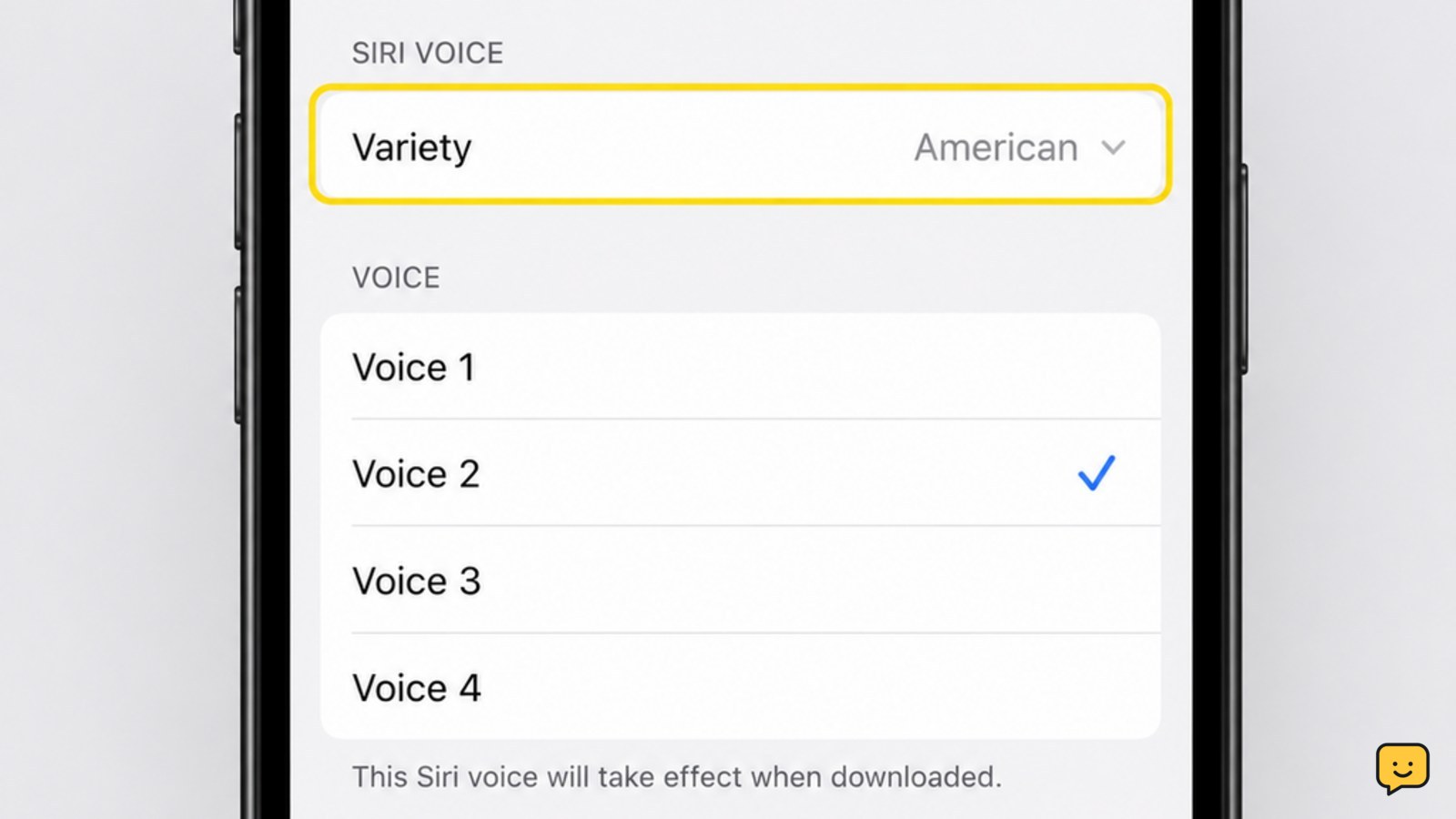
iPhone Settings screen showing the Siri Voice menu with voice choices.
Mobile Devices

How to Change Siri Voice: Choose a New Sound

To change Siri's voice on an iPhone or iPad, open Settings, choose Siri or Apple Intelligence & Siri, then tap Siri Voice. Select an available variety and voice; some choices download before they can be used. Ask Siri a simple question afterward to hear the selection and confirm that the change worked.

Layered cake covered with smooth buttercream frosting on a cake stand
Cooking Basics

How to Frost a Cake: Smooth Layers

To frost a cake, let the layers cool completely, level them if needed, and place one layer on a cake board or plate. Spread an even filling between layers, cover the cake with a thin crumb coat, then chill until firm. Add the final frosting layer and smooth the top and sides with an offset spatula.

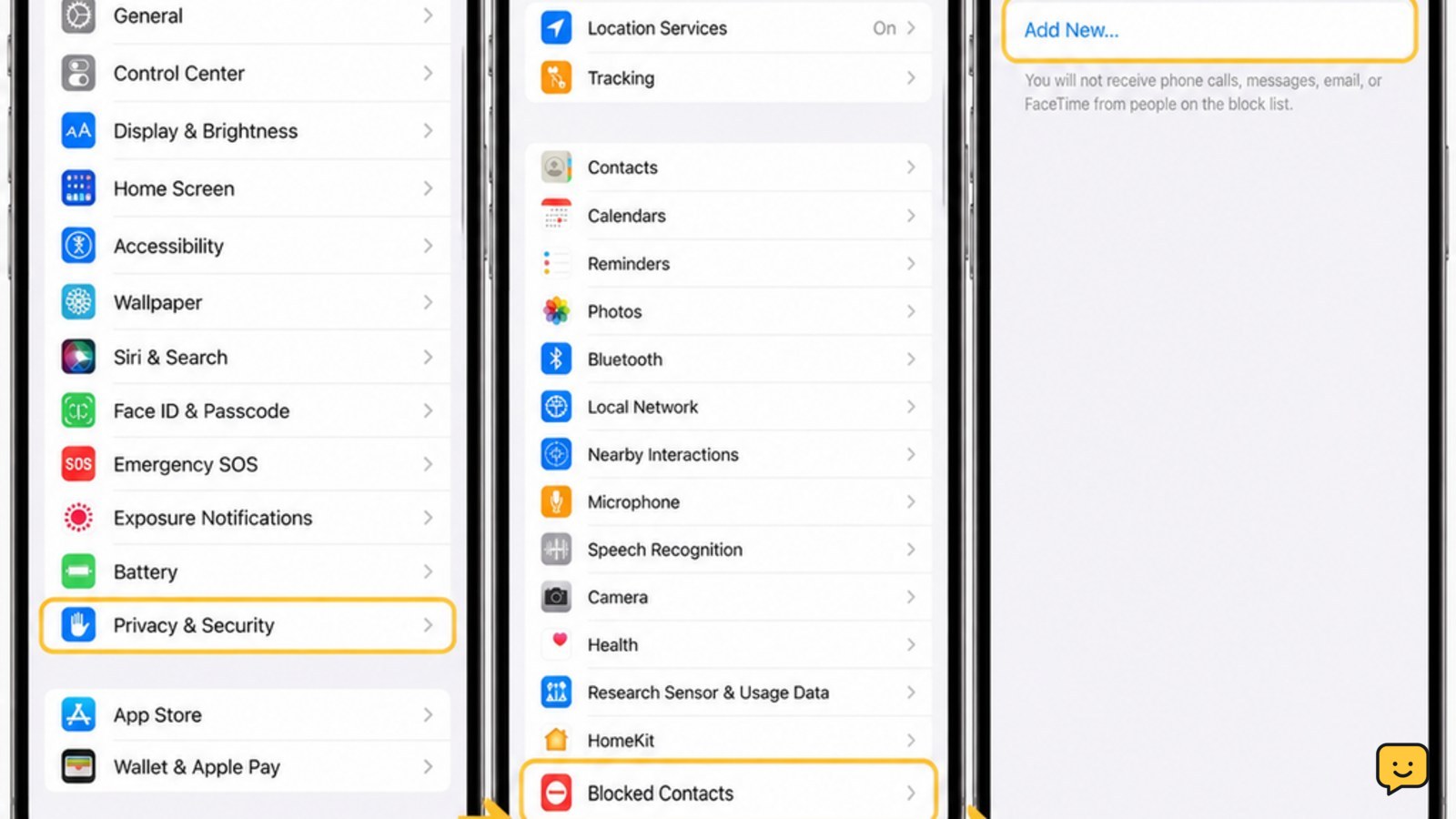
iPhone Settings showing Privacy and Security with Blocked Contacts as the destination
Mobile Devices

How to Unblock Someone on iPhone: Settings

To unblock someone on a current iPhone, open Settings > Privacy & Security > Blocked Contacts. Swipe left on the person's name or number, then tap Unblock. On some iOS versions, the list is under Settings > Phone > Blocked Contacts. Confirm the entry disappears, then have the person call or message you again.