Skip to content
ShowU
Ethan Brooks
Author

Ethan Brooks

Device Troubleshooting Contributor

Ethan Brooks is a ShowU editorial profile for practical Electronics guides. Coverage areas include Windows and macOS basics, printers, Bluetooth, device connectivity. Guides published under this profile follow ShowU editorial standards and are reviewed when the task involves material safety or account-security risk.

Windows and macOS basicsprintersBluetoothdevice connectivity
75 published stories

Latest from Ethan Brooks

What Does Red and Green Make? Brown or Yellow
Learning & Study

What Does Red and Green Make? Brown or Yellow

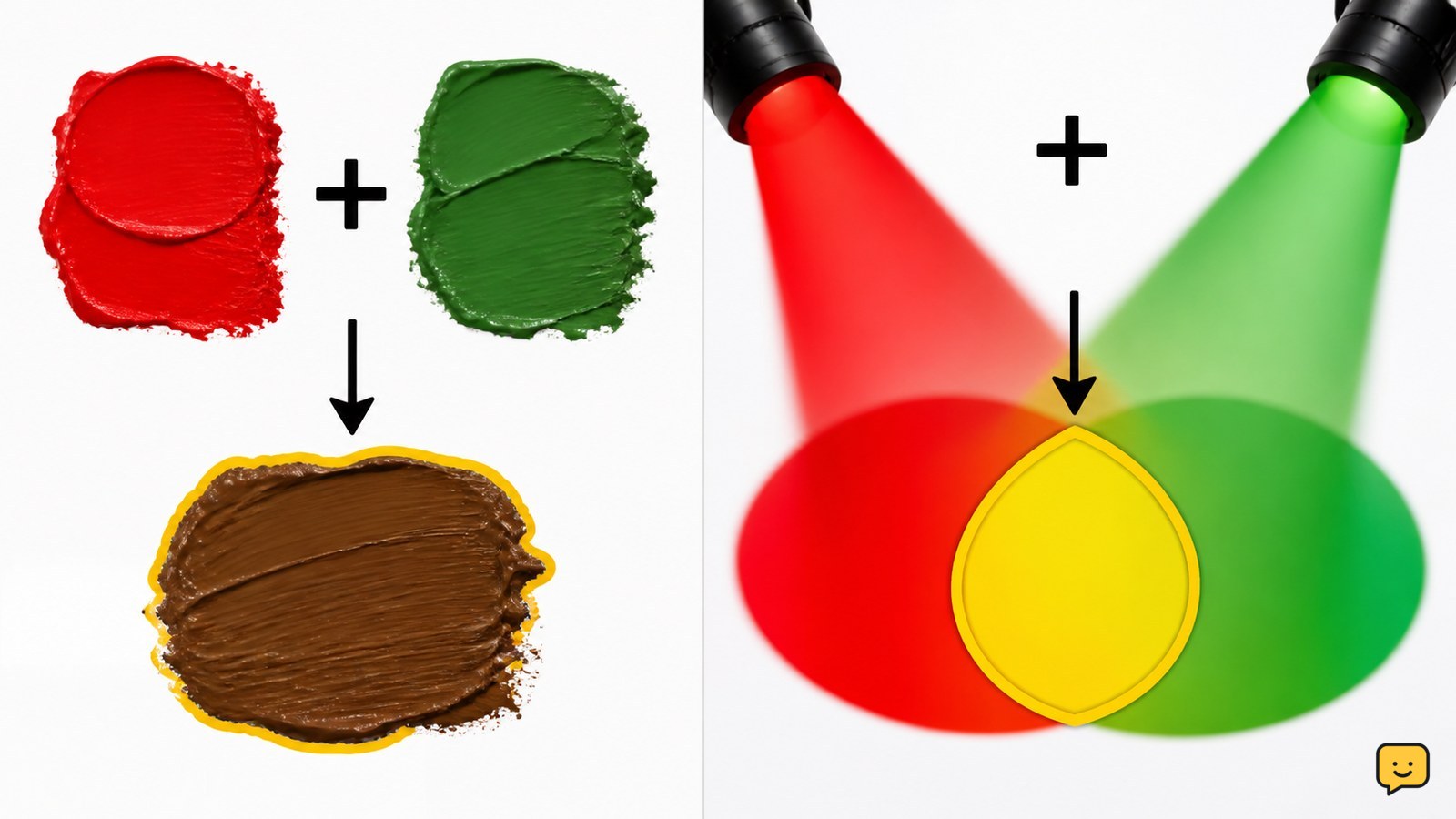
Red and green usually make brown when mixed as paint, ink, or other pigments. They make yellow when combined as light on a screen or in an additive color system. If a worksheet asks about traditional paint mixing, answer brown; if it asks about colored light or RGB, answer yellow.
Fix Install Error - 0x80070306 on Windows
Computers & Internet

Fix Install Error – 0x80070306 on Windows

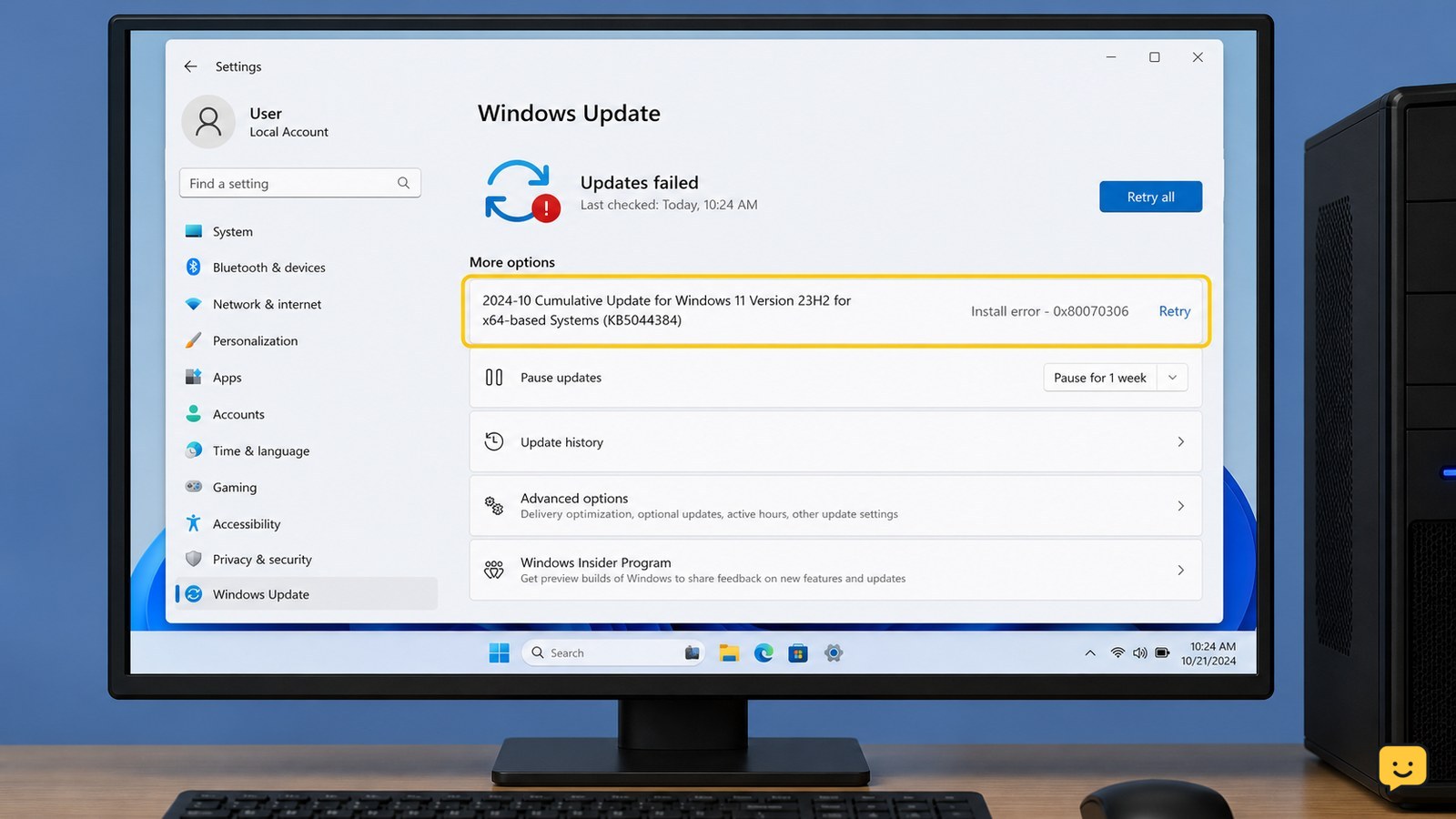
Install error 0x80070306 is commonly reported when Windows Update cannot complete a particular update. Restart Windows, run the Windows Update troubleshooter, and retry the update. If it still fails and your Windows 11 build shows it, use Settings > System > Recovery > Fix problems using Windows Update > Reinstall now. Stop before deleting system folders or using unofficial repair downloads.

How to Change the Field of View in Black Ops 7
Call of Duty: Black Ops 7 Guides

How to Change the Field of View in Black Ops 7

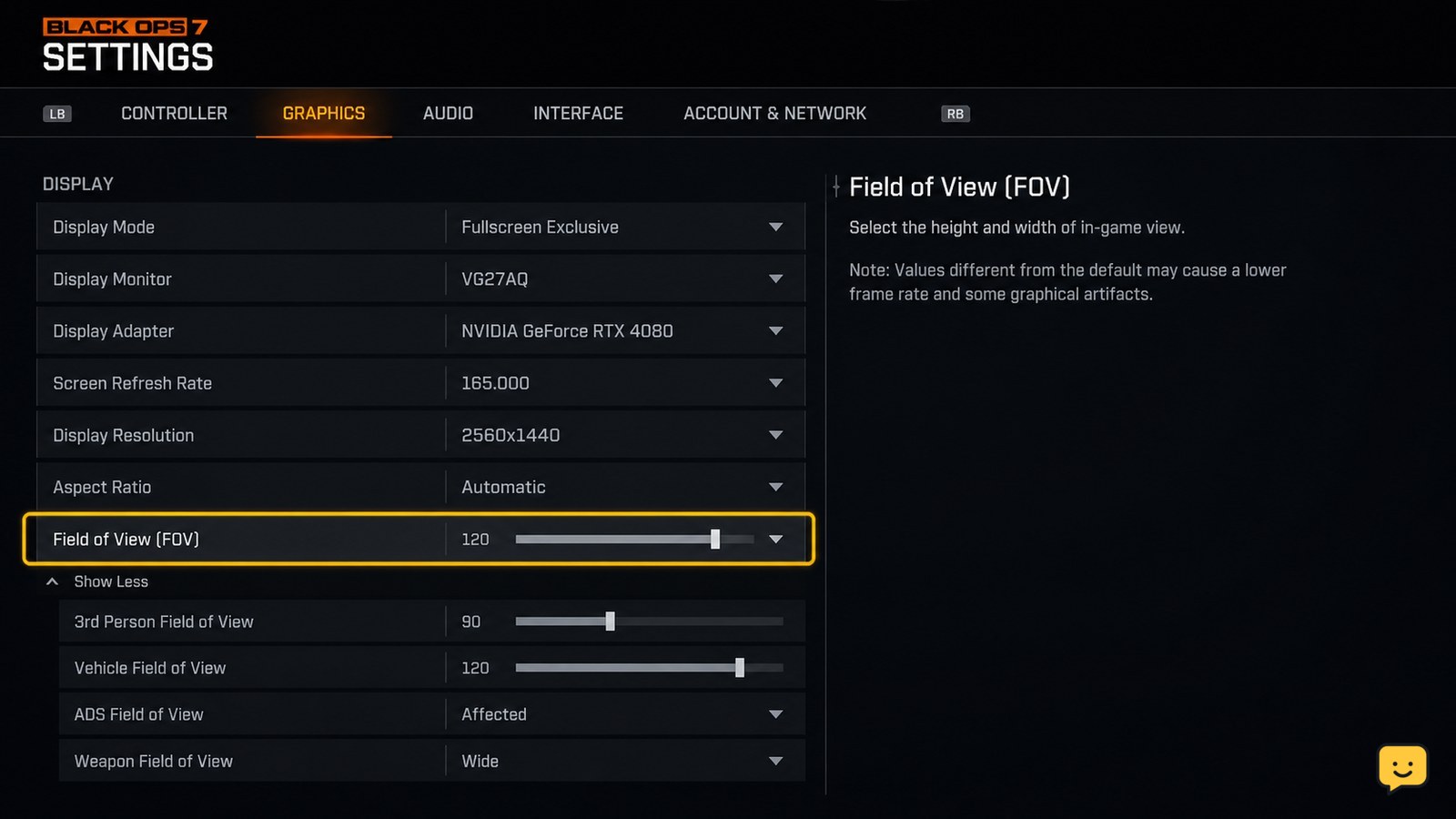
Open Call of Duty: Black Ops 7’s Settings from the gear icon, find the Field of View option in the graphics or view settings, adjust the slider, and apply the change. A higher FOV shows more of the area beside you but can make distant targets appear smaller; a lower FOV narrows the view and enlarges the scene.

Mortal Shell II How to Change Difficulty Settings
Mortal Shell II Guides

Mortal Shell II How to Change Difficulty Settings

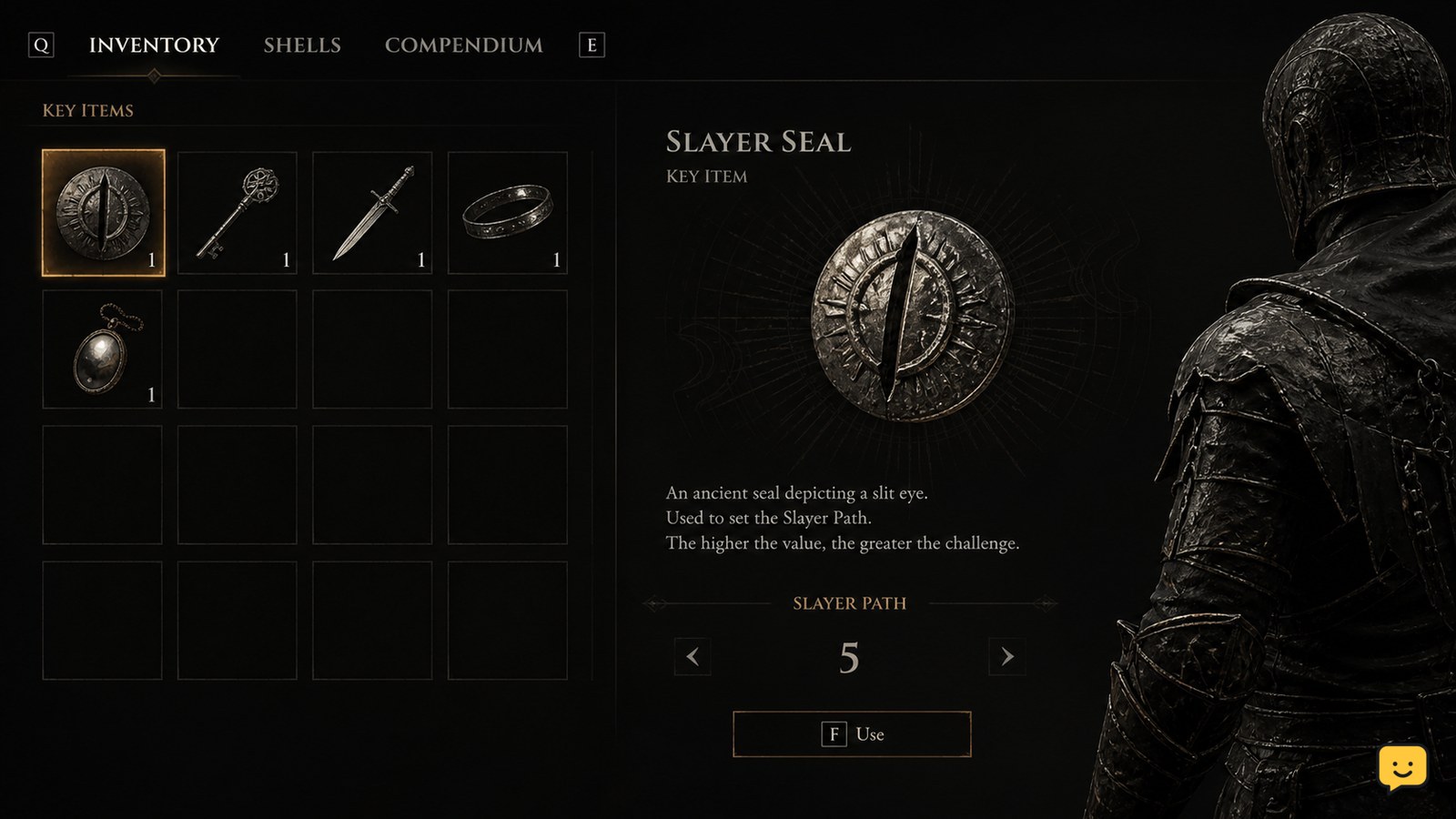
Mortal Shell II does not use a normal difficulty menu. Difficulty changes through the Slayer Seal, an item you find and use during a playthrough. Open the item’s available action, activate it, and look for an in-game confirmation. If no Slayer Seal or use prompt appears, stop rather than assuming the menu or save is broken.

Error Code 0x800700c1: Fix Windows Apps
Computers & Internet

Error Code 0x800700c1: Fix Windows Apps

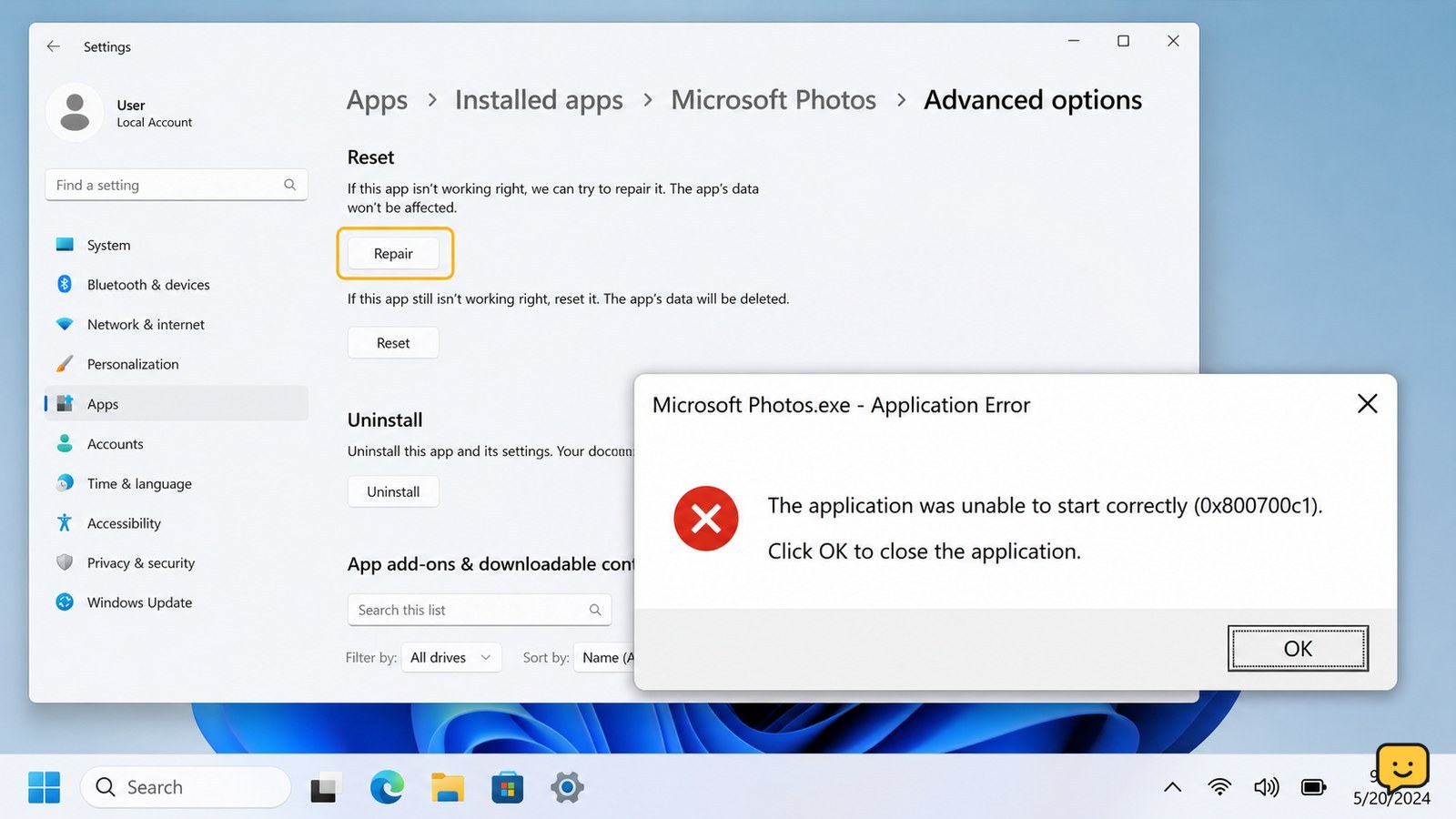
Error code 0x800700c1 usually means Windows cannot load a valid executable or DLL, often because an app or system file is damaged. For an Xbox, Game Pass, or Microsoft Store app, try Repair or Verify and Repair first, install pending updates, then run DISM and SFC. If only one app fails, reinstall it; if many programs fail, stop before deleting system files.

How to Get a Printer Back Online: Wi-Fi
Computers & Internet

How to Get a Printer Back Online: Wi-Fi

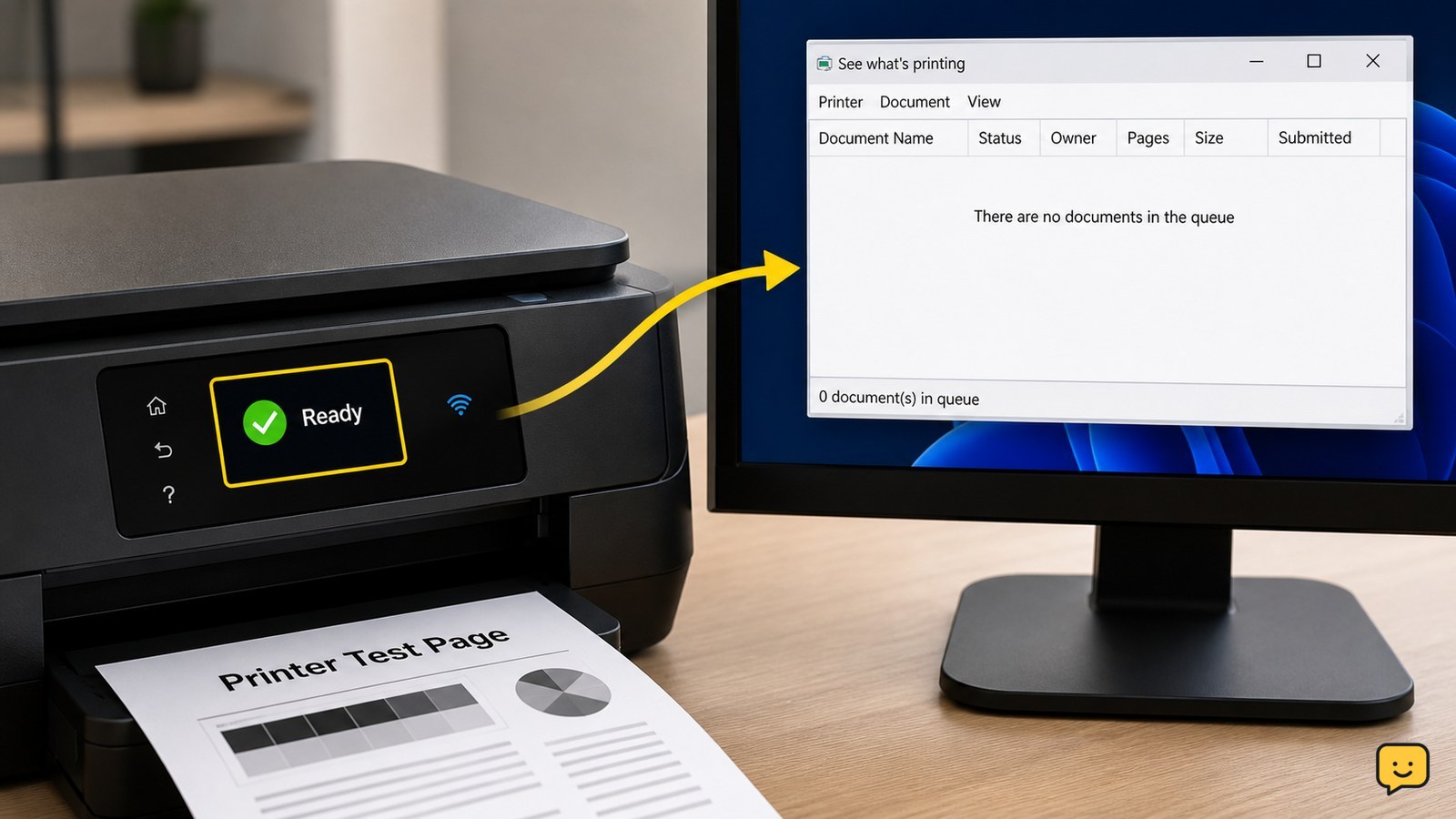
To get a printer back online, turn it off and on, confirm paper and ink or toner, and check its Wi-Fi or USB connection. Restart the router and computer if the printer is wireless. On Windows, open the printer queue and turn off “Use Printer Offline,” then clear paused jobs. Print a test page; if it still shows offline, reconnect or remove and add the printer again.

Mortal Shell II How to Use Consumable Items
Mortal Shell II Guides

Mortal Shell II How to Use Consumable Items

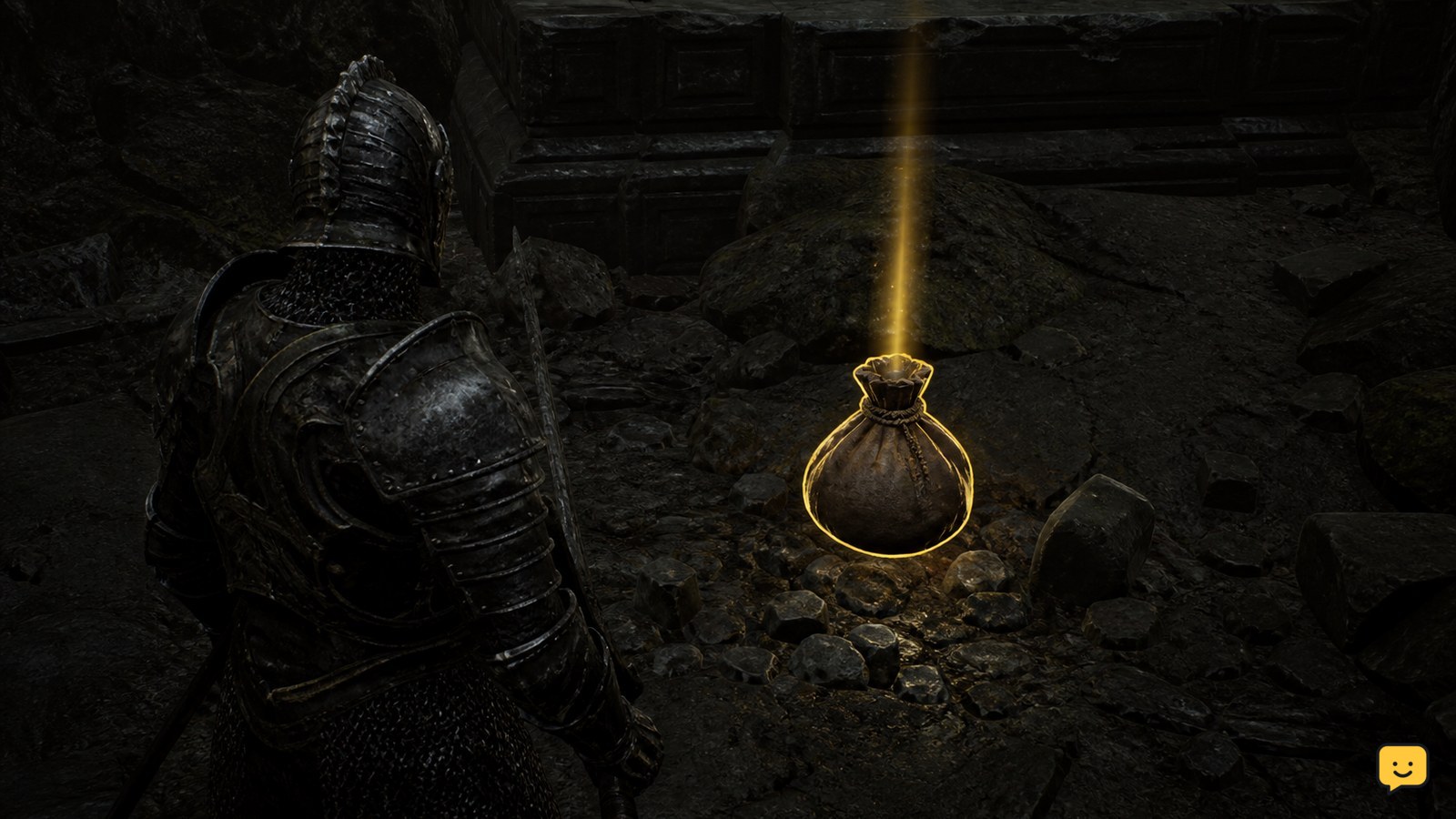
Mortal Shell II does not use a standard consumable-inventory system for every item. IGN’s current guide describes a Permanent Pickup system, so collectable items such as mushrooms may become lasting effects or unlocks instead of stackable supplies. For an item that appears in quick use, select it through your current control scheme, activate it only when the item prompt is available, and verify the effect before spending another item.

How to Unlock Wildcards in Black Ops 7: Check Progress
Call of Duty: Black Ops 7 Guides

How to Unlock Wildcards in Black Ops 7: Check Progress

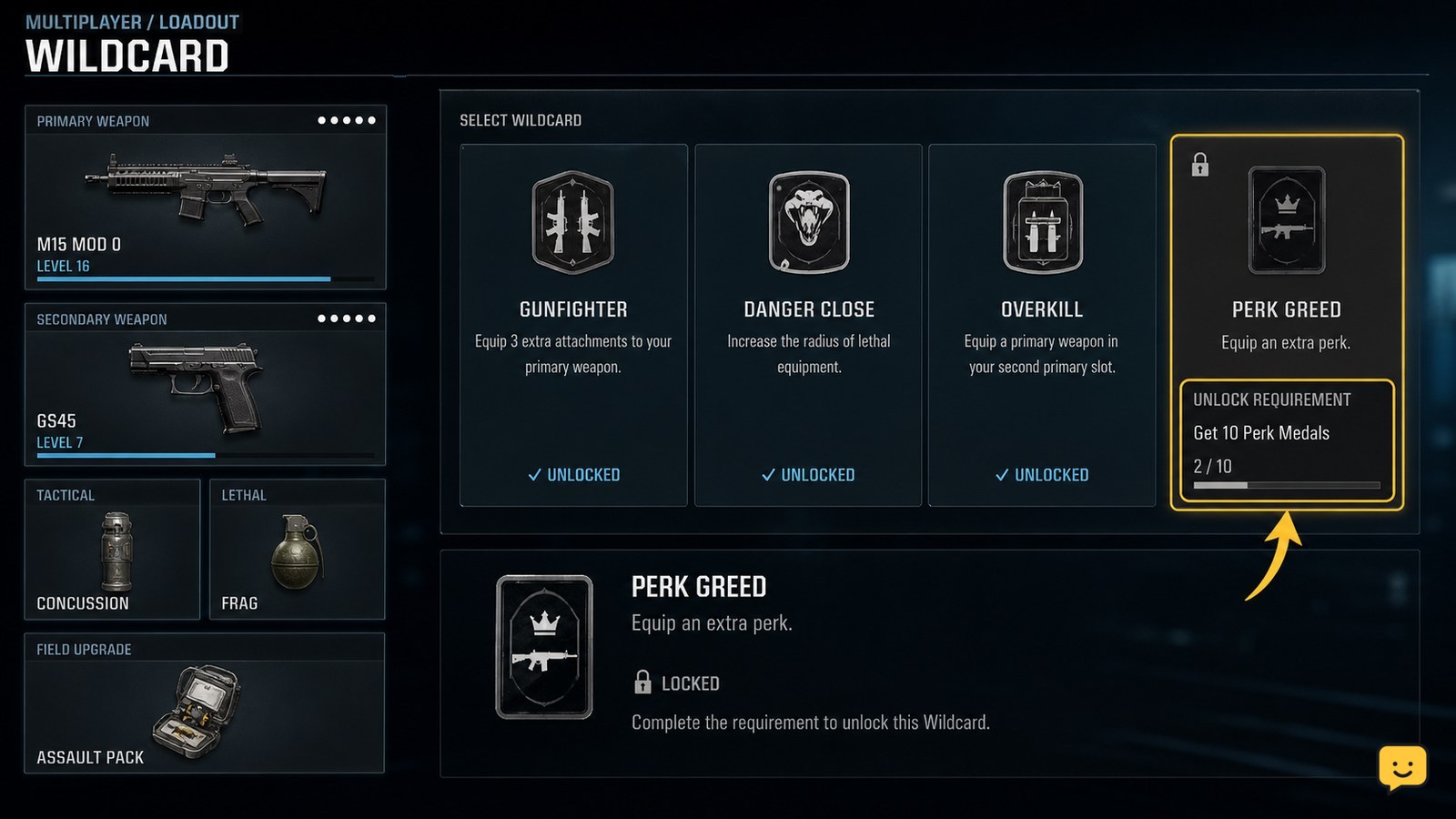
To unlock Wildcards in Black Ops 7, open Multiplayer’s Create a Class or Loadouts screen, select the locked Wildcard, and read the requirement shown by the game. Complete that requirement through the listed Multiplayer progression, then return to the same screen and equip it. The supplied evidence confirms the feature exists, but not a universal level number for every Wildcard.

Why Is My Ship Not Showing in the Star Citizen Hangar?
Star Citizen Guides

Why Is My Ship Not Showing in the Star Citizen Hangar?

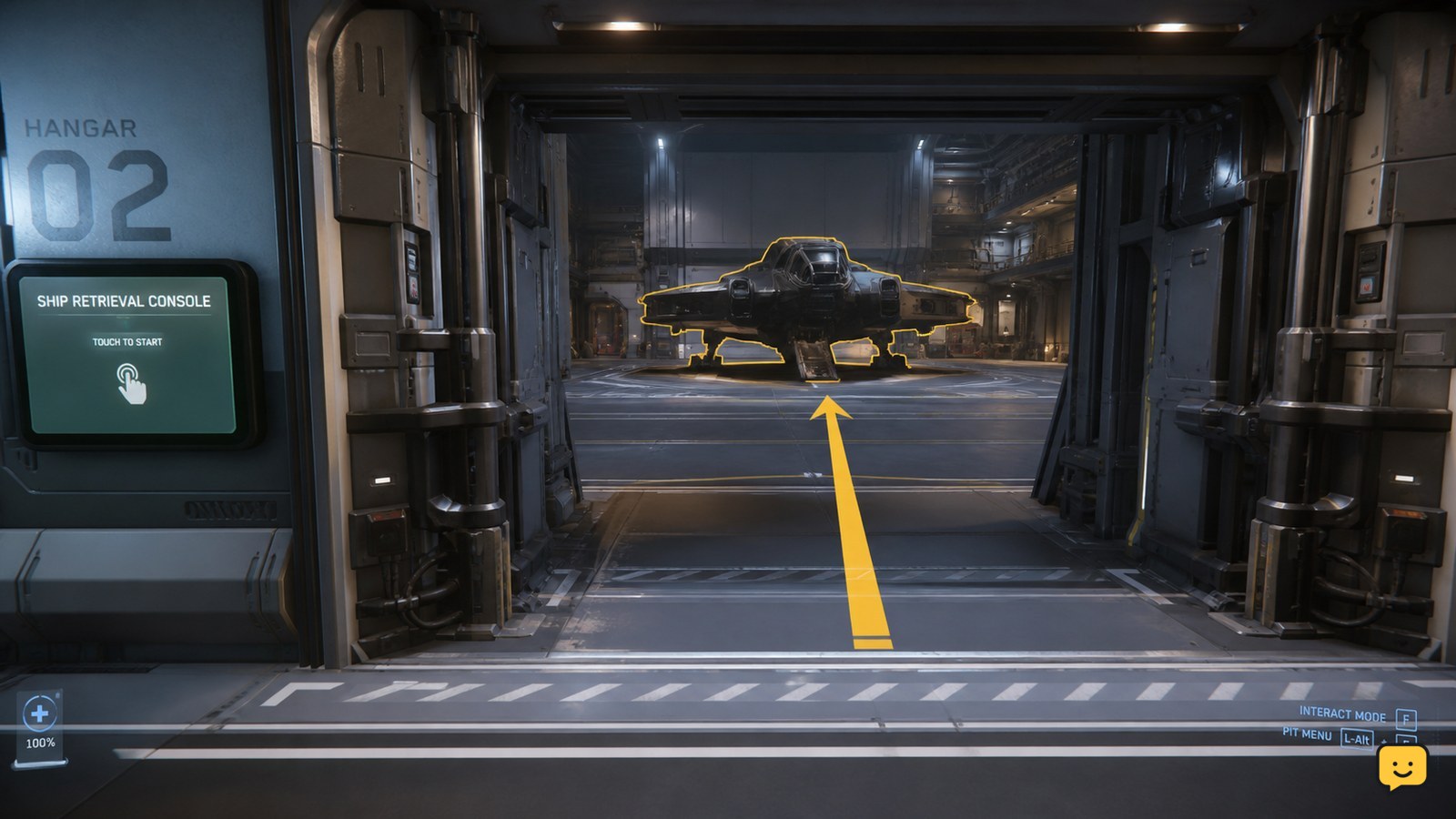
Your Star Citizen ship may not be missing: it can be assigned to a hangar while sitting beyond the access point you entered. Check the ship’s ASOP retrieval result, confirm the assigned hangar or pad, and search the correct access point for its size. If ASOP does not list the ship, stop treating this as a visibility problem.

How to Fix Printer Streaks: Clean the Print Head
Home Electronics

How to Fix Printer Streaks: Clean the Print Head

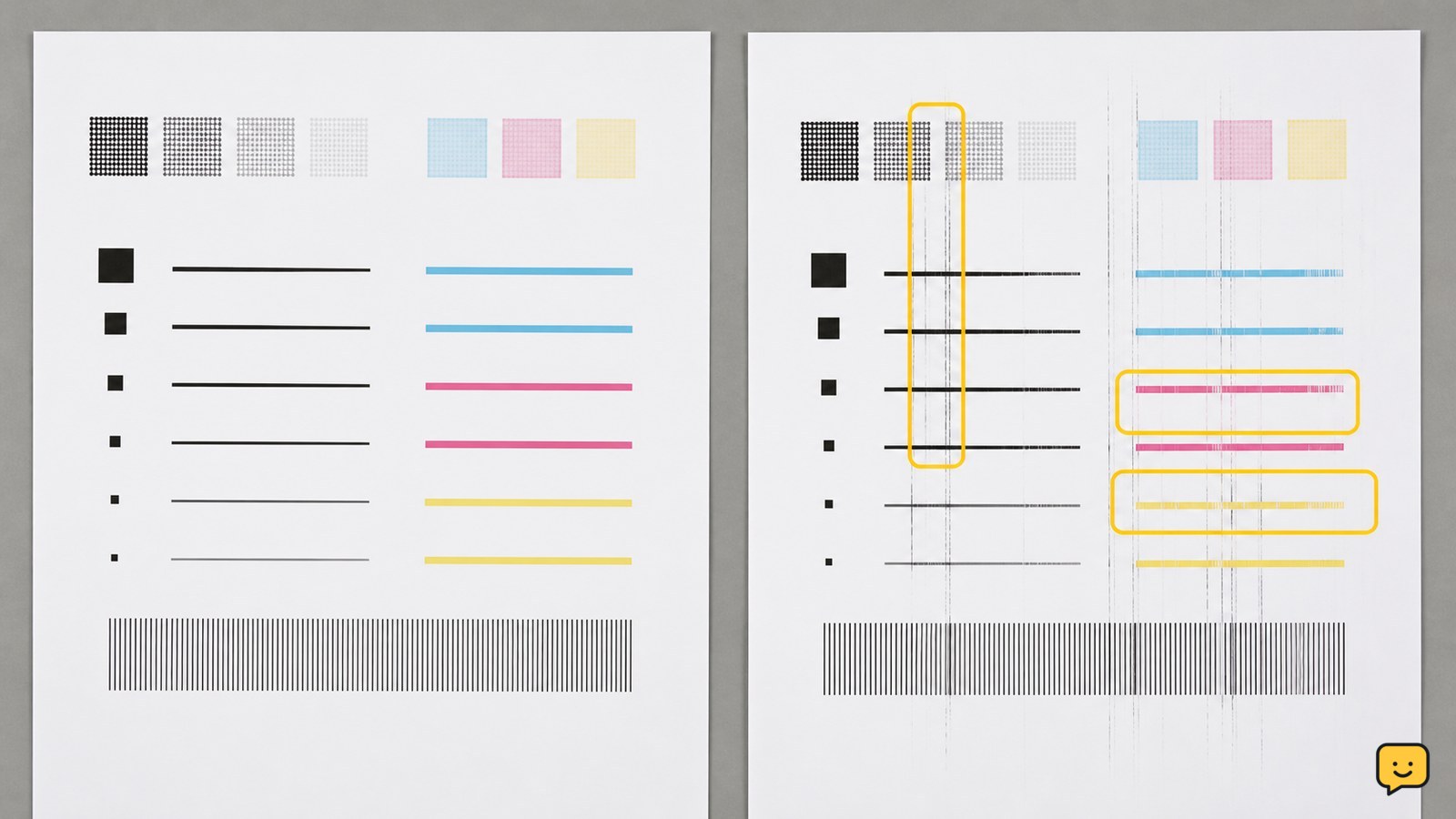
To fix printer streaks, check the ink or toner level, run the printer’s built-in cleaning cycle, and print a nozzle-check or test page. If streaks remain, replace a low cartridge and use the correct paper and higher print-quality setting. Stop repeated cleaning if the page does not improve, because the printer may need a cartridge, drum, or service replacement.