Mobile Devices
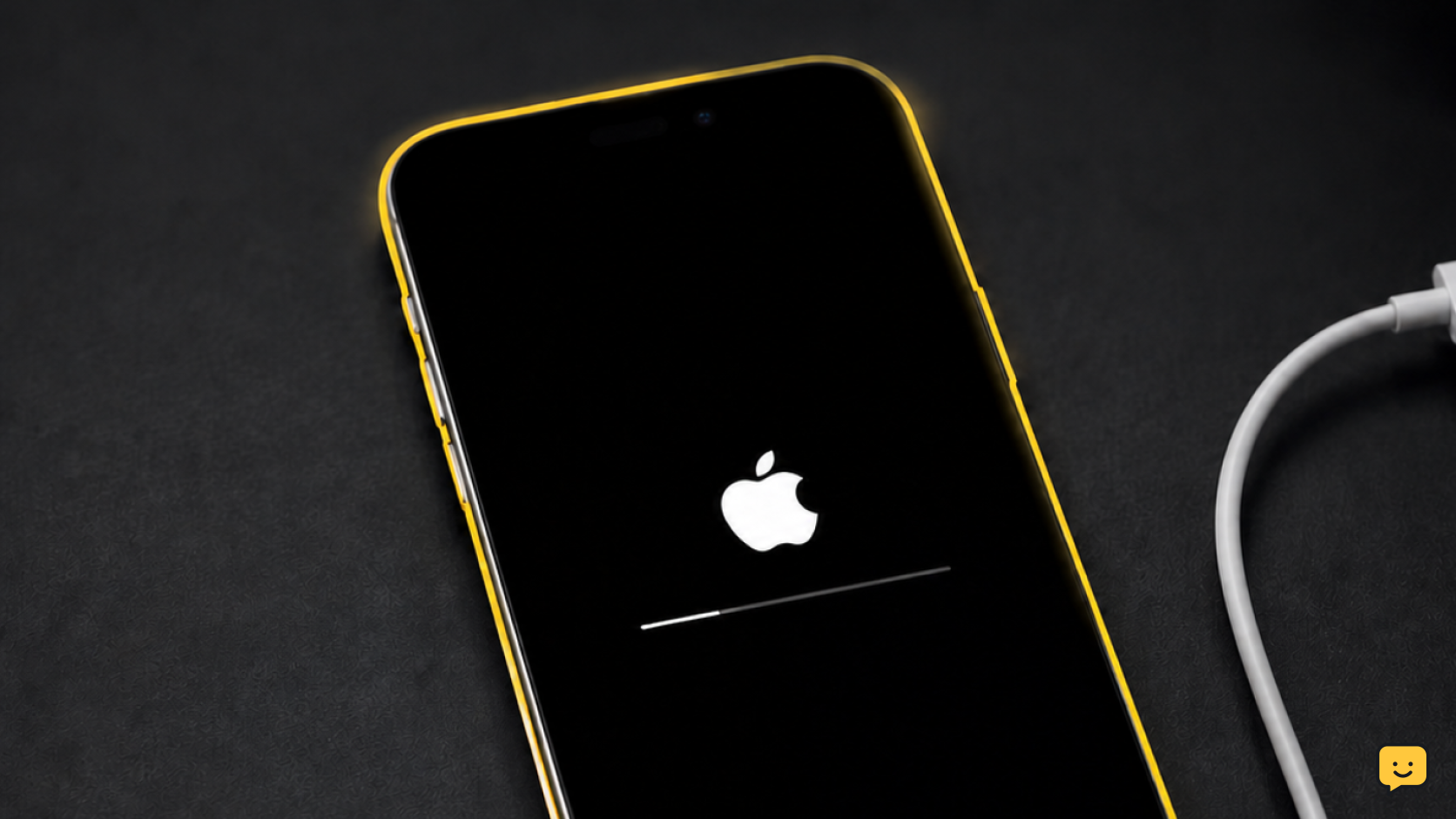
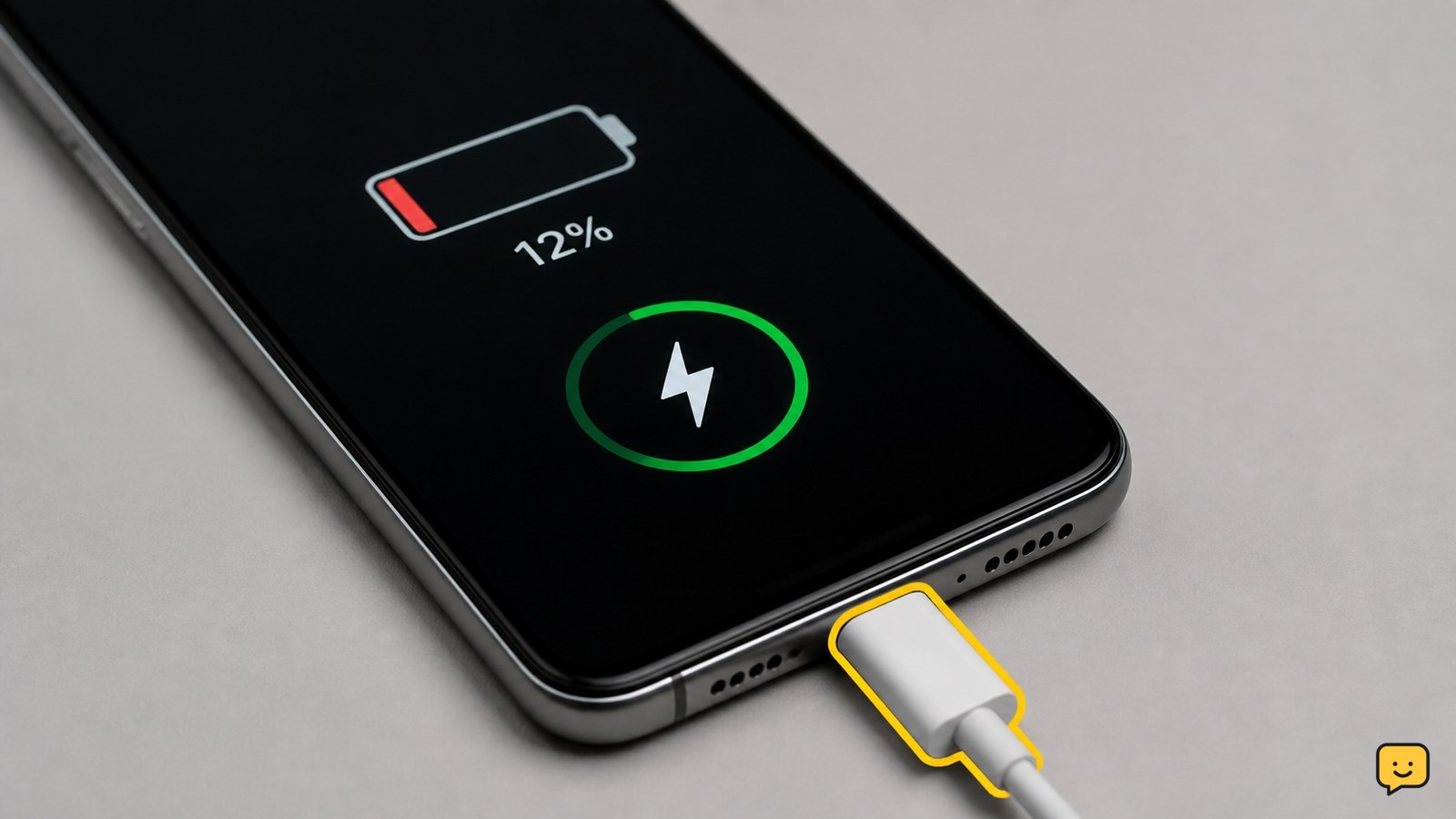
Phone Not Charging but Icon Appears: Fix It
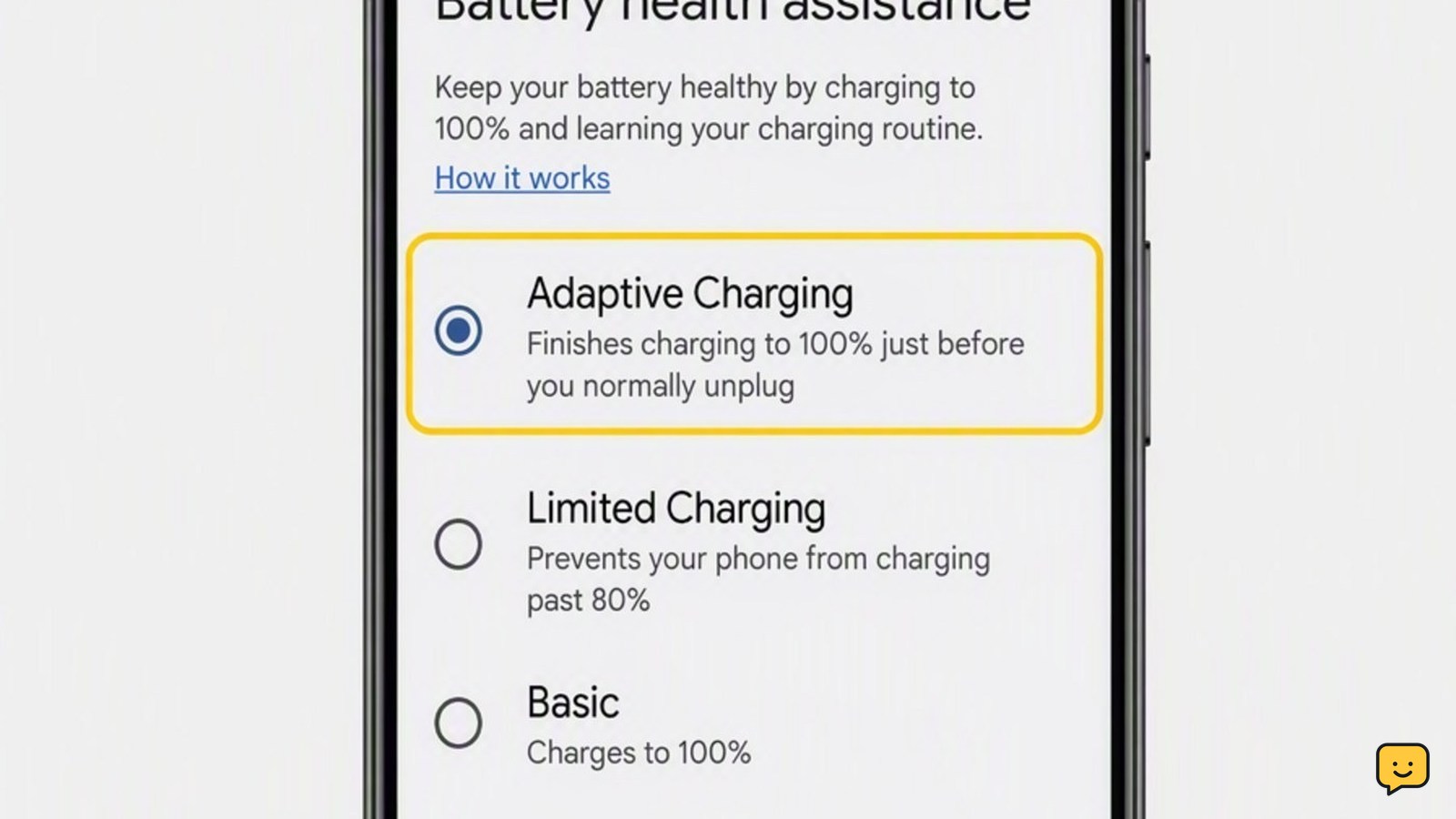
A charging icon only confirms that the phone detects a power connection; it does not prove that the battery is receiving enough power. Try a different wall outlet, compatible cable, and adapter, then inspect and safely clean the port. Remove the case, stop demanding apps, cool the phone, restart it, and verify whether the percentage rises after 30 minutes.