Skip to content
ShowU

Games

Find clear game guides for settings, controls, errors, progression, accounts and everyday gameplay problems. Browse focused help for popular PC, console and online games.

The Blood of Dawnwalker Coen: Powers Explained
The Blood of Dawnwalker

The Blood of Dawnwalker Coen: Powers Explained

Coen is the protagonist of The Blood of Dawnwalker, a survivor whose family is drawn into a vampire-led crisis. Available previews describe a transformation that gives him supernatural abilities, with human-focused combat during the day and vampiric powers at night. The exact abilities, costs, progression rules, and consequences are not fully confirmed in the supplied evidence.
Mortal Shell II How to Heal: Use Beacons
Mortal Shell II Guides

Mortal Shell II How to Heal: Use Beacons

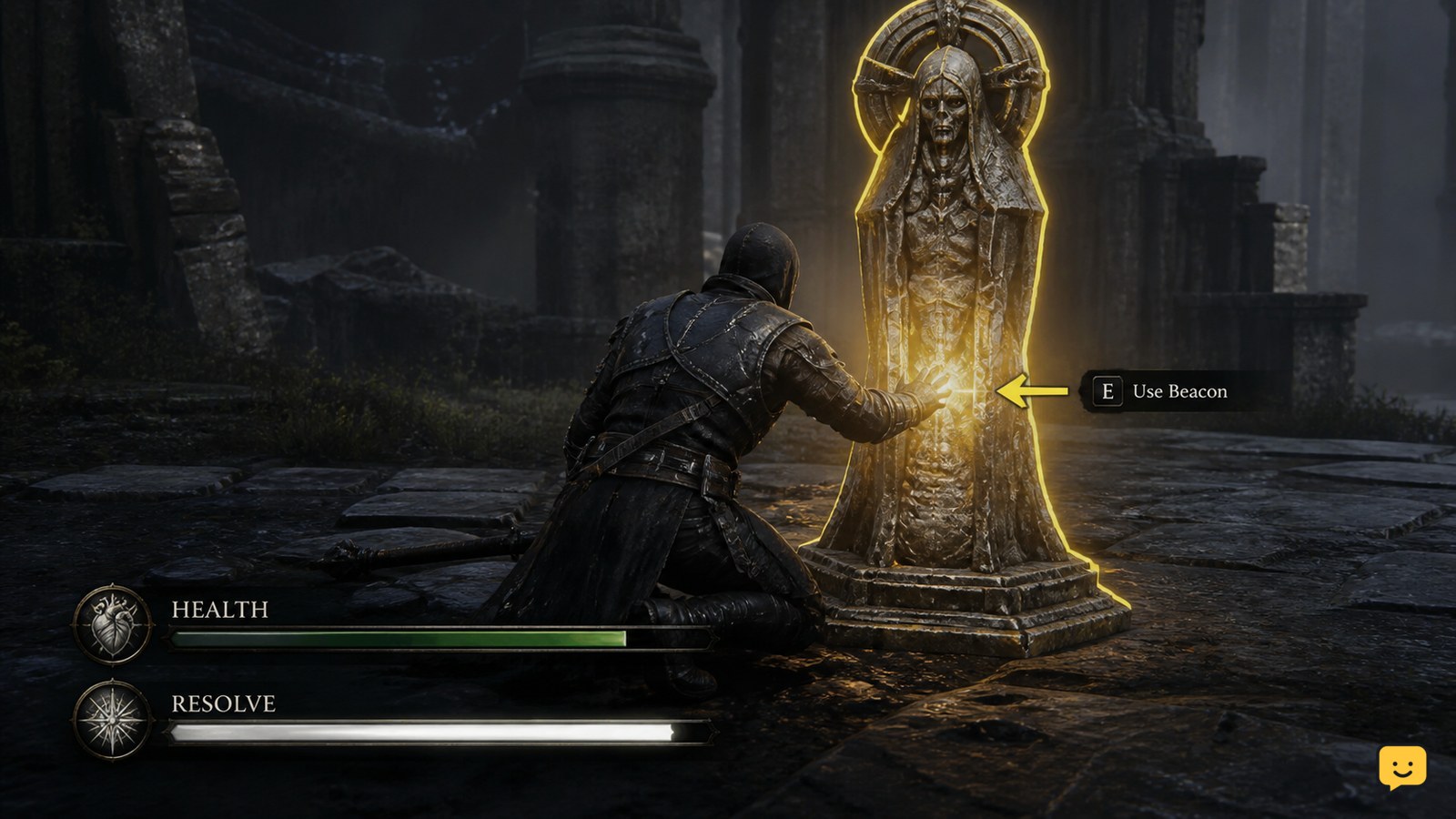
In Mortal Shell II, heal by reaching a Beacon and using it. Beacons restore your health and replenish Resolve, according to Game8’s current healing reference. If interaction does not trigger, move fully into the Beacon’s range and confirm the checkpoint responds before relying on unverified item, shell, or upgrade claims.

VALORANT How to Report a Player After a Match
Valorant

VALORANT How to Report a Player After a Match

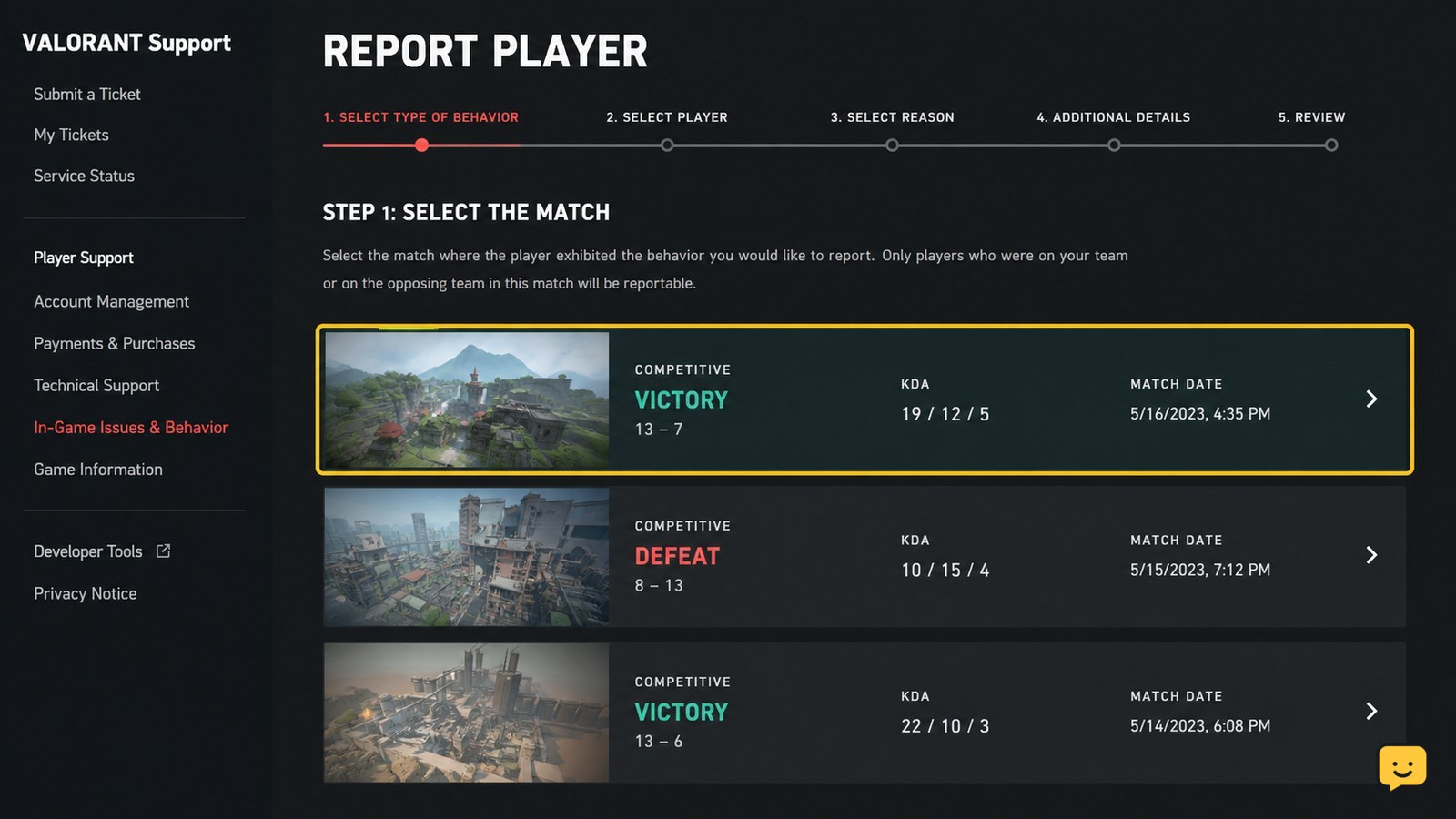
To report a VALORANT player after a match, open Riot’s VALORANT reporting flow, select the completed match, select the player’s name, choose Report, complete the form with a factual description, and press Submit. If the match or player is missing, stop before submitting a report for the wrong person and use the correct match record instead.

How to Use Armor Plates in Black Ops 7
Call of Duty: Black Ops 7 Guides

How to Use Armor Plates in Black Ops 7

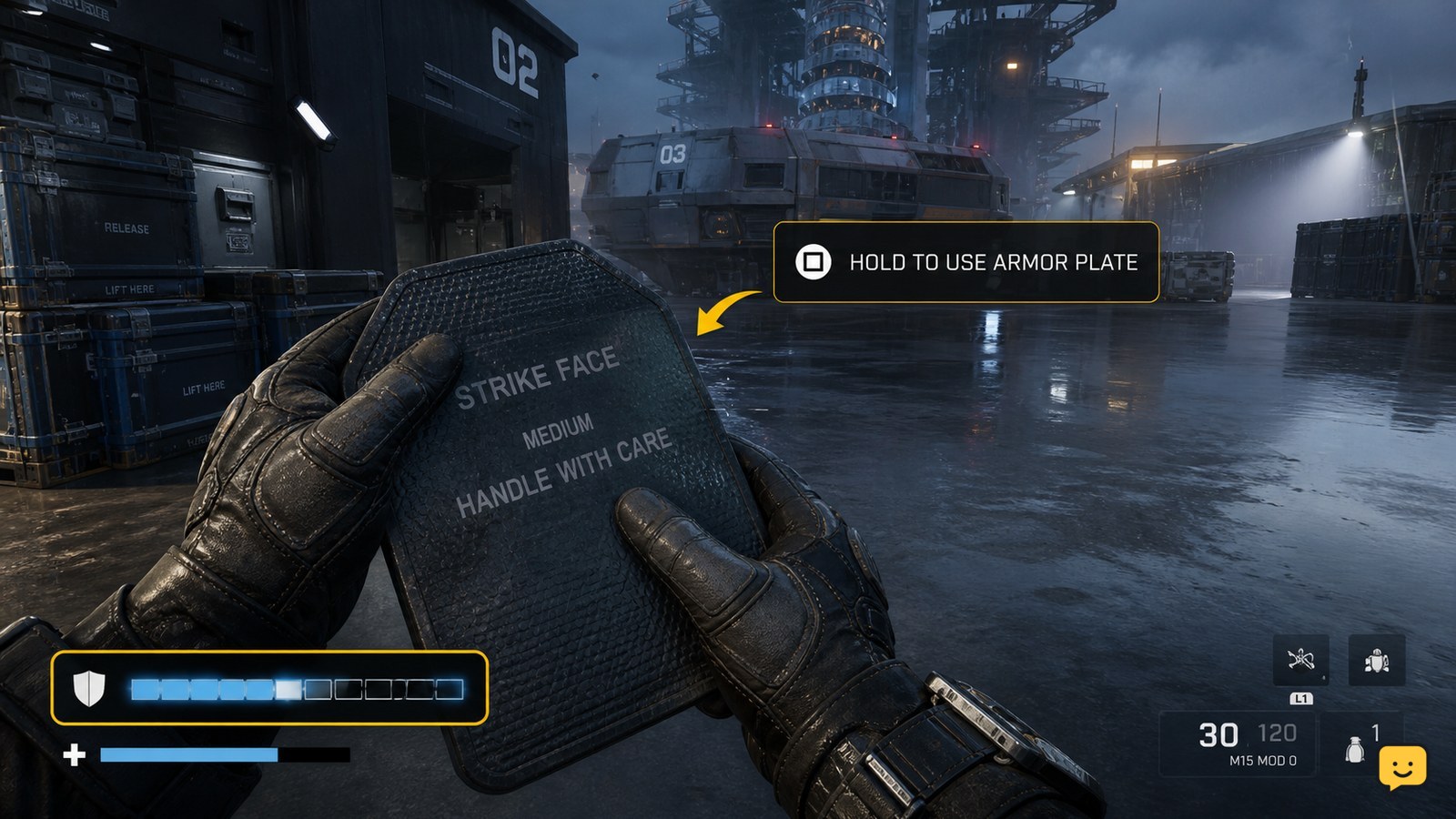
In Black Ops 7, use armor plates from the on-screen armor-plate prompt while your armor is damaged. Move behind cover, activate the displayed plate control, and wait for the armor bar to refill. In Zombies, open Settings > Controller or Keyboard & Mouse > Combat and adjust Armor Plate Behavior if you want to apply plates one at a time.

Star Citizen How to Access Ship Inventory: Onboard
Star Citizen Guides

Star Citizen How to Access Ship Inventory: Onboard

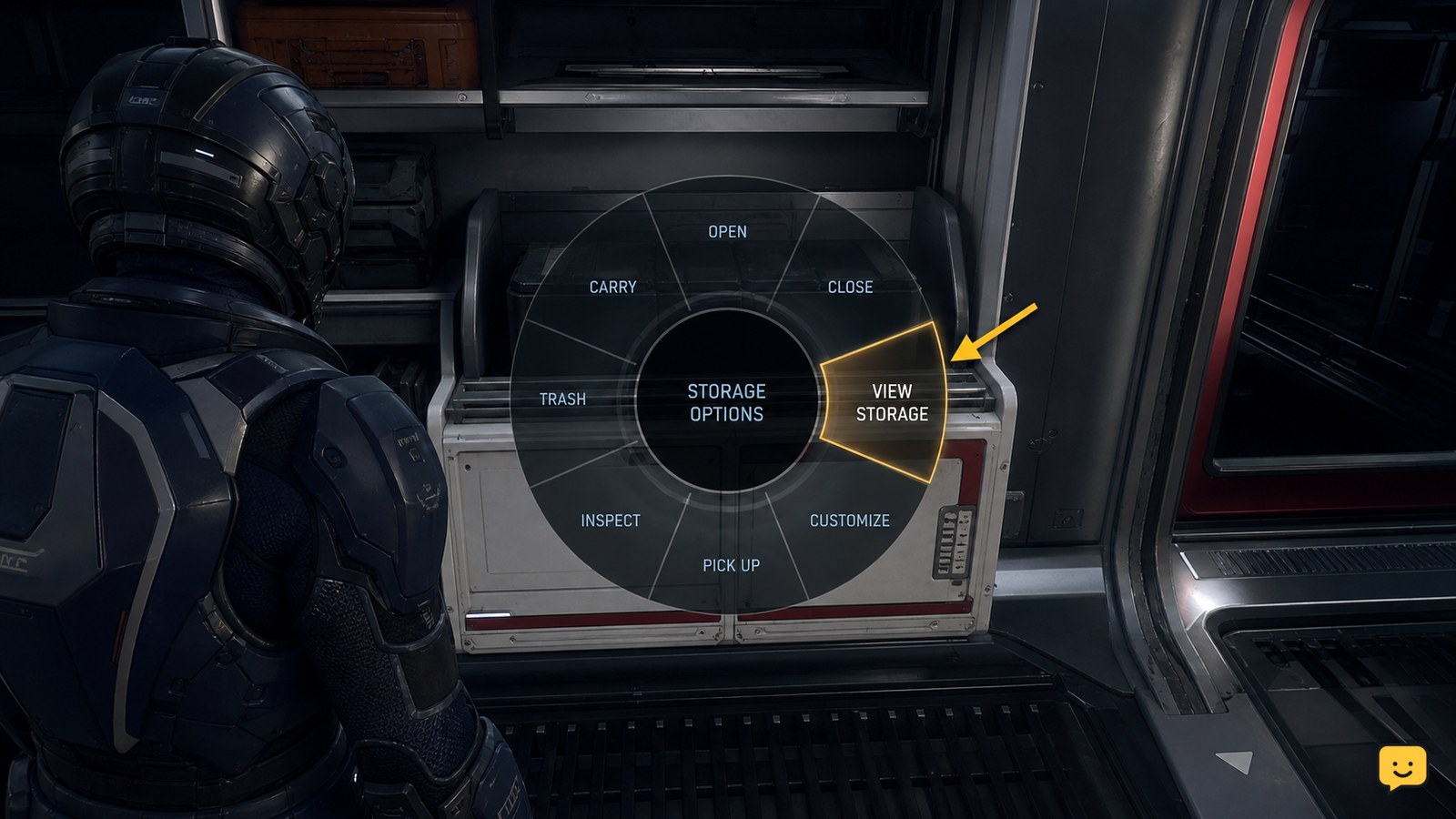
To access ship inventory in Star Citizen, stand inside your spawned ship, hold the interaction key, and open the radial interaction menu. Choose the storage entry shown for that ship, which community reports identify as Loot, External Storage, or similar. Confirm the inventory panel identifies the ship before moving items. Labels and availability can vary by ship and current LIVE behavior.

Dragon Sword Awakening Daily Quests Guide: Daily Route
DragonSword: Awakening

Dragon Sword Awakening Daily Quests Guide: Daily Route

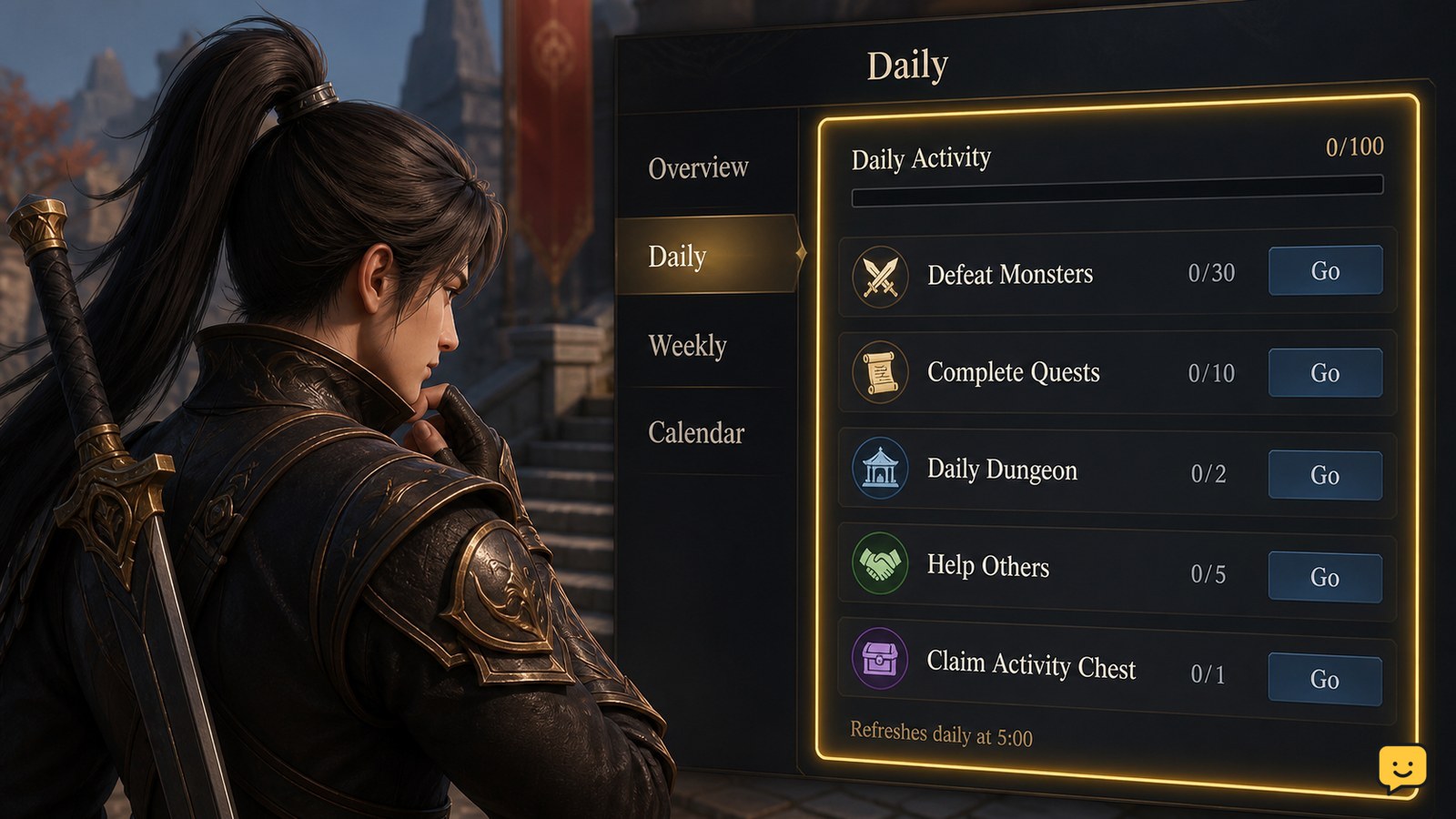
Start each session by checking the current activity tracker, then clear the confirmed eight Sudden Missions before optional farming. Games.gg reports that these missions can provide up to 420 Fragments of Sacred Light daily. Complete Guild and Regional objectives when they overlap with your route, and verify every reward before leaving. Exact reset times and some menu labels remain unverified.

Mortal Shell II How to Spend Tar at Merchants
Mortal Shell II Guides

Mortal Shell II How to Spend Tar at Merchants

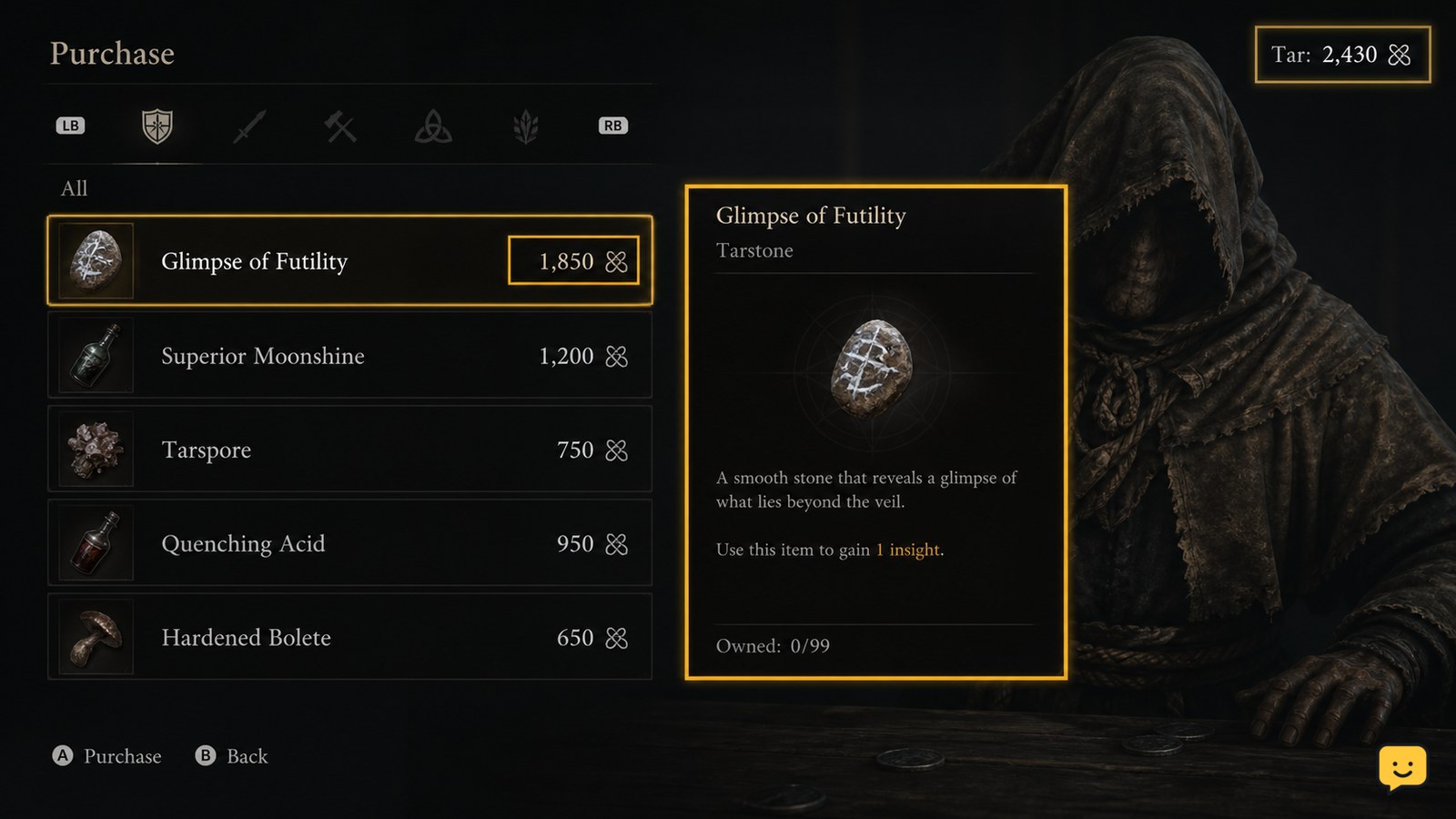
Open a confirmed Mortal Shell II merchant, inspect each Tar-priced item, and buy only after checking its description, cost, and lasting effect. Prioritize purchases that improve persistent progression or solve an immediate resource problem. The available evidence does not verify a current launch inventory or exact menu labels, so stop if your build differs from the instructions.

Fields of Mistria Storage Chest Guide: Craft and Organize
Fields of Mistria

Fields of Mistria Storage Chest Guide: Craft and Organize

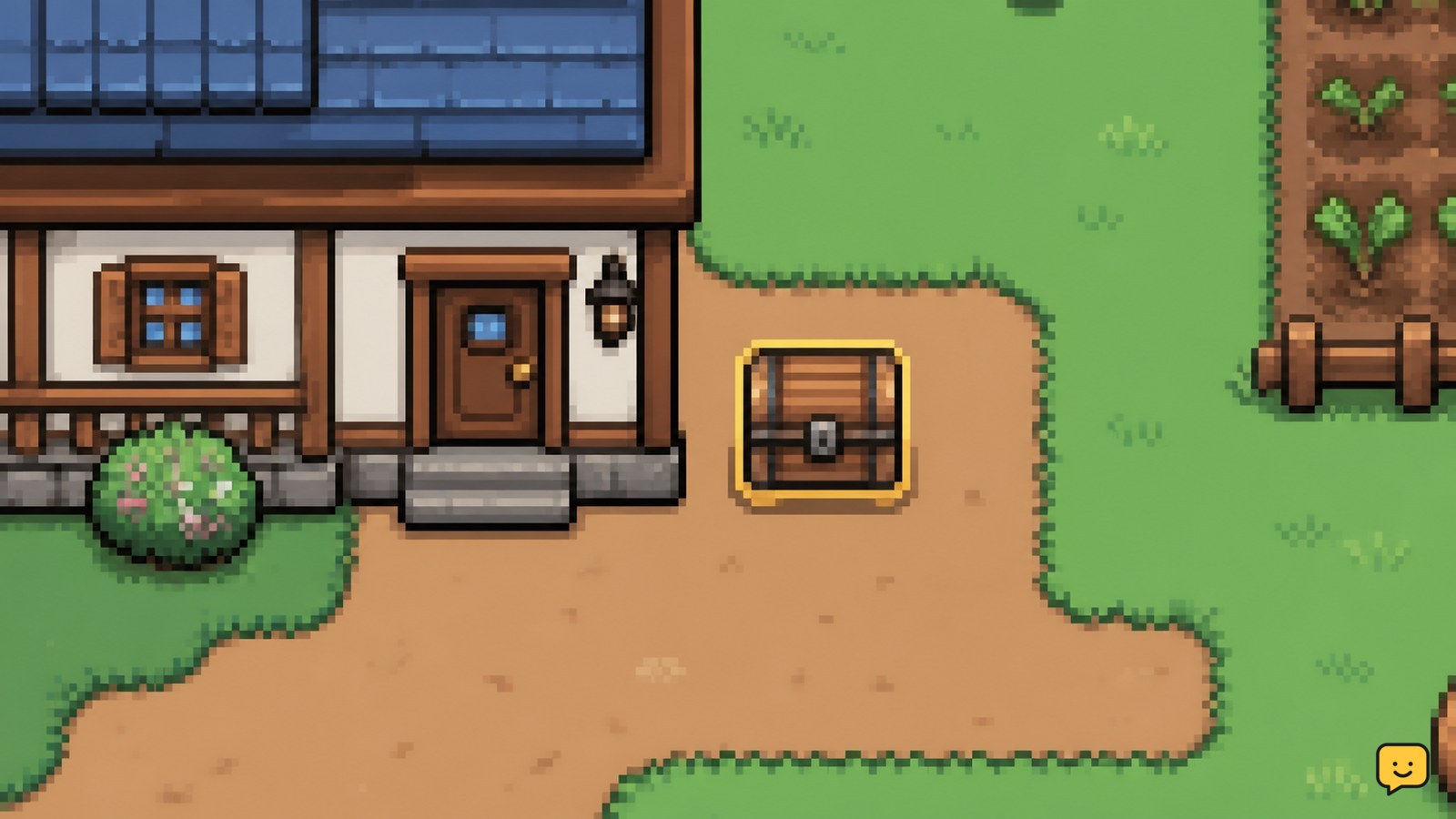
In Fields of Mistria, open the crafting menu and make a Basic Wood Chest with 30 Wood. Place it on a valid farm tile, interact with it to confirm access, then assign chests by use: seeds, raw materials, food, tools, and collectibles. Keep uncertain items in a temporary chest until their purpose is confirmed.

Black Ops 7: Change Minimap and HUD Settings
Call of Duty: Black Ops 7 Guides

Black Ops 7: Change Minimap and HUD Settings

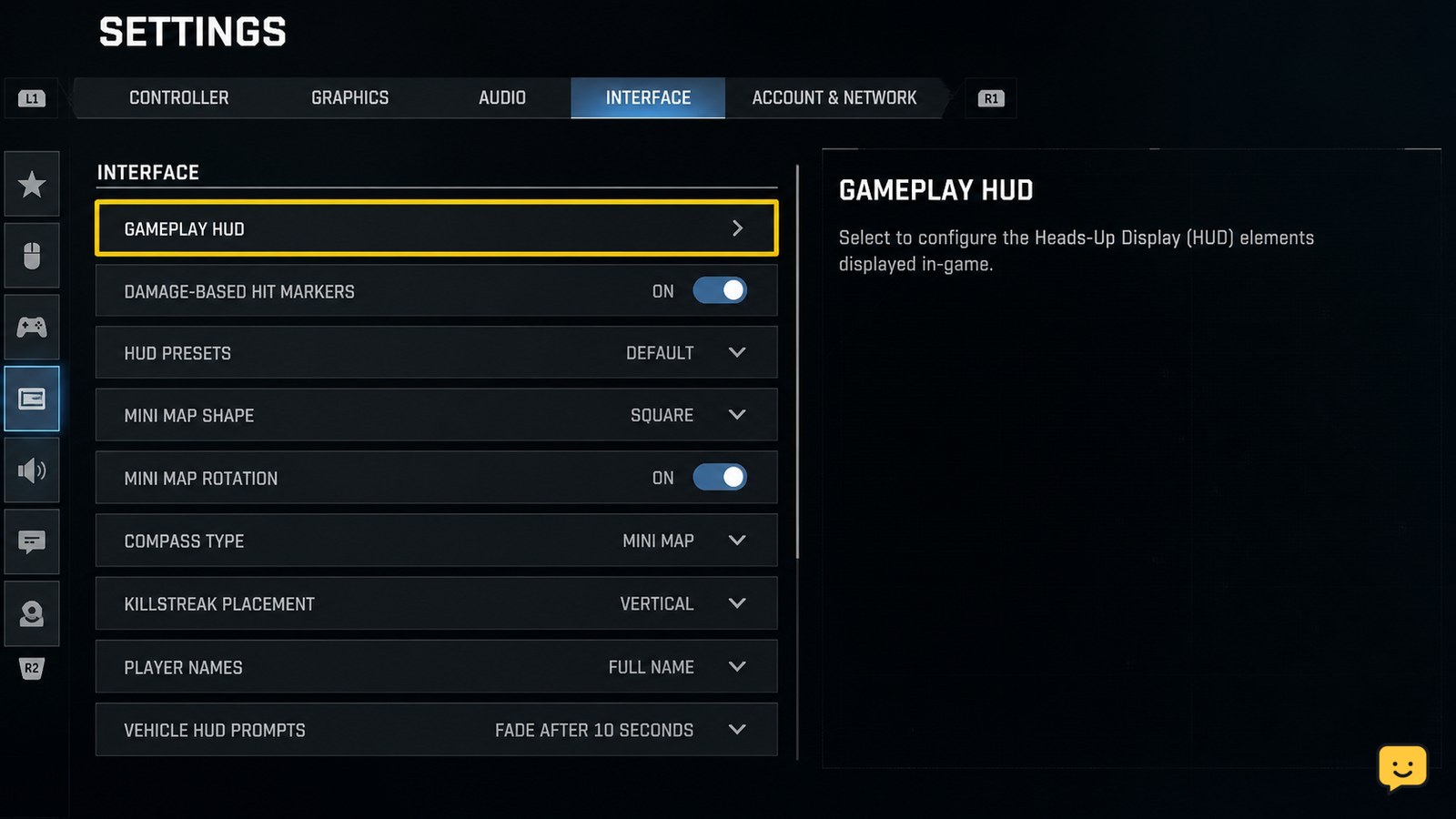
To change the minimap and HUD in Black Ops 7, open Settings, choose Interface, then open Gameplay HUD. Adjust the available HUD layout, minimap position, and HUD scale options, apply the changes, and enter a match to verify them. Menu names or available controls can vary by platform, mode, or current game build.

How to Use a Tractor Beam for Cargo in Star Citizen
Star Citizen Guides

How to Use a Tractor Beam for Cargo in Star Citizen

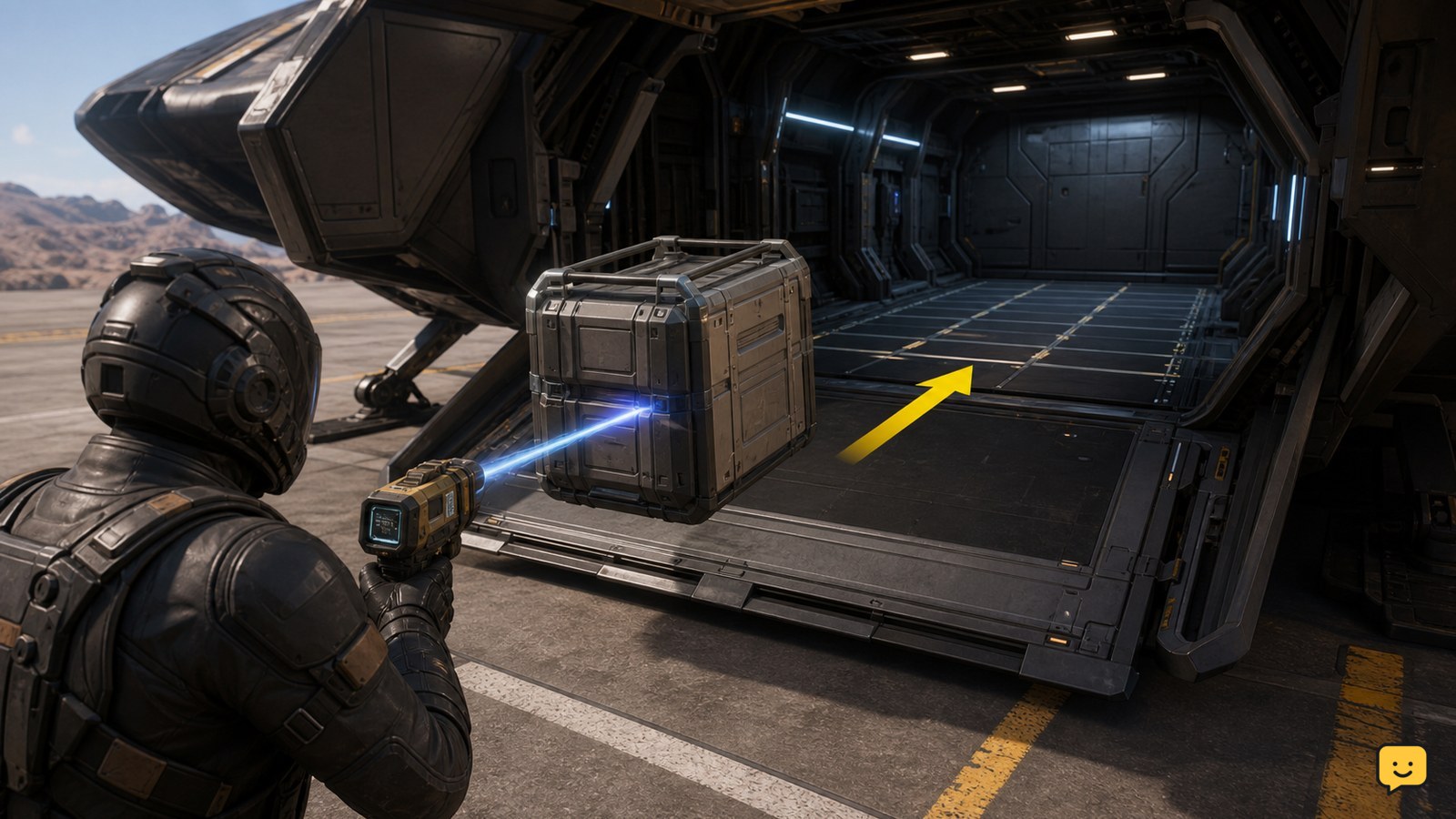
Equip a tractor beam, target a physical cargo container, then use the beam’s on-screen prompts to lift and guide it into your ship’s open cargo bay. Set the container down on a compatible cargo grid and wait for it to settle or snap into place. If it will not attach, reposition it on a clear section of grid or use a ship with a usable cargo hold.