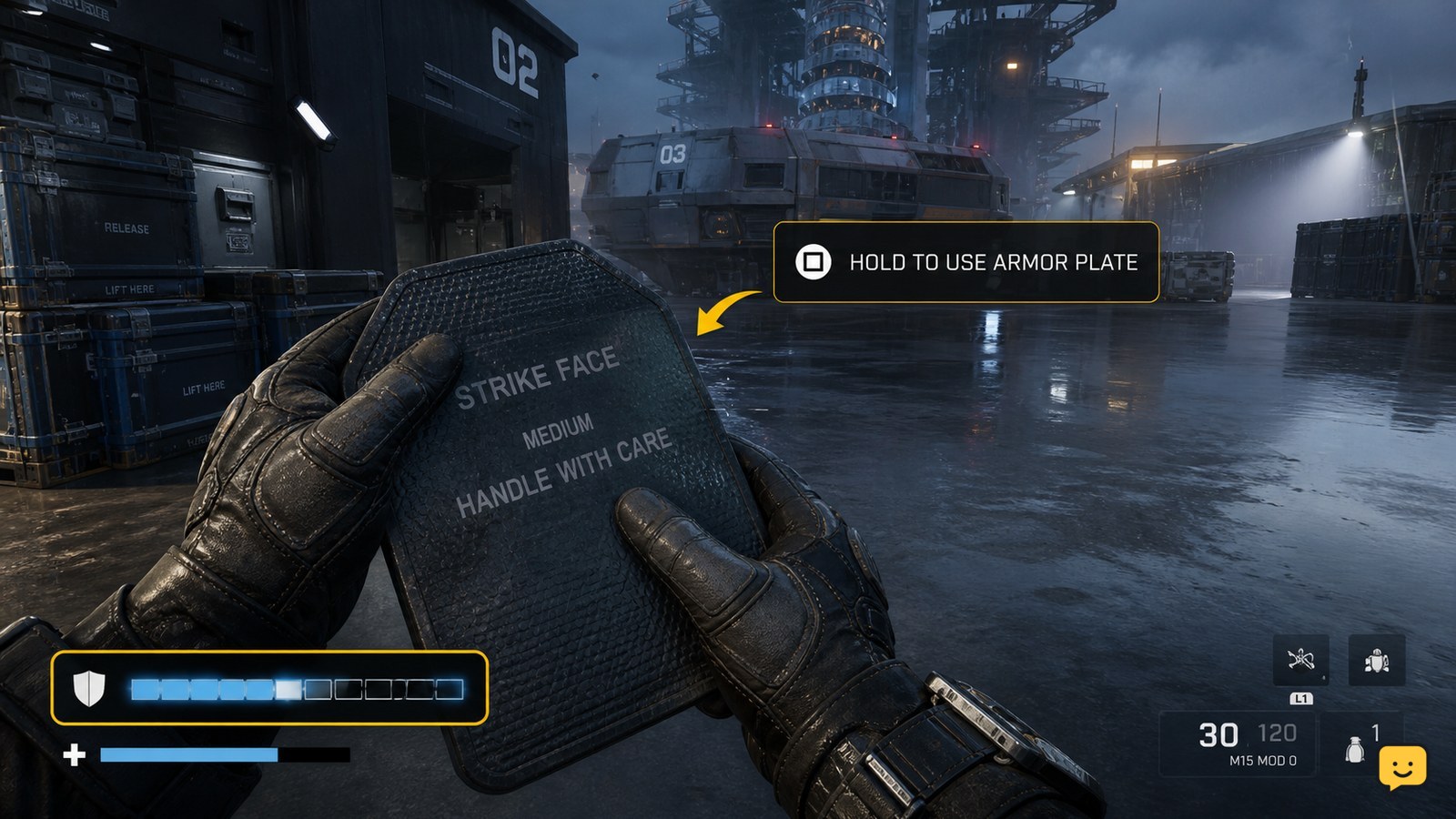
In Black Ops 7, use armor plates from the on-screen armor-plate prompt while your armor is damaged. Move behind cover, activate the displayed plate control, and wait for the armor bar to refill. In Zombies, open Settings > Controller or Keyboard & Mouse > Combat and adjust Armor Plate Behavior if you want to apply plates one at a time.
Browse more Call of Duty: Black Ops 7 guides
Check that Black Ops 7 has plates available
Black Ops 7 can only apply armor plates when the current mode provides an armor system, your armor is damaged, and you have a plate available. Look at the armor display before starting: a full armor bar gives you no reason to plate, while a missing prompt can mean the mode, inventory, or current state does not support the action.
The available campaign community reference mentions using armor plates, while the clearest documented instructions concern Zombies. Treat the HUD as the final check for the mode you are playing rather than assuming every mission or playlist uses the same system.
Apply an armor plate from the HUD prompt
Black Ops 7 applies a plate when you activate the armor-plate control displayed on the HUD while your armor is below maximum. Move behind cover, press or hold the shown input, and keep the character safe until the armor display changes.
- Break line of sight with enemies or choose a protected position.
- Confirm that the armor bar is partly empty and that a plate prompt is visible.
- Activate the displayed armor-plate input.
- Wait for the plating animation or progress indicator to finish before returning to combat.
Success is visible on the armor bar: it should refill by the amount applied, and your available plate count may decrease. If the bar does not change, release the input, check the prompt again, and confirm that the action was not interrupted.
Change Armor Plate Behavior for one-at-a-time plating
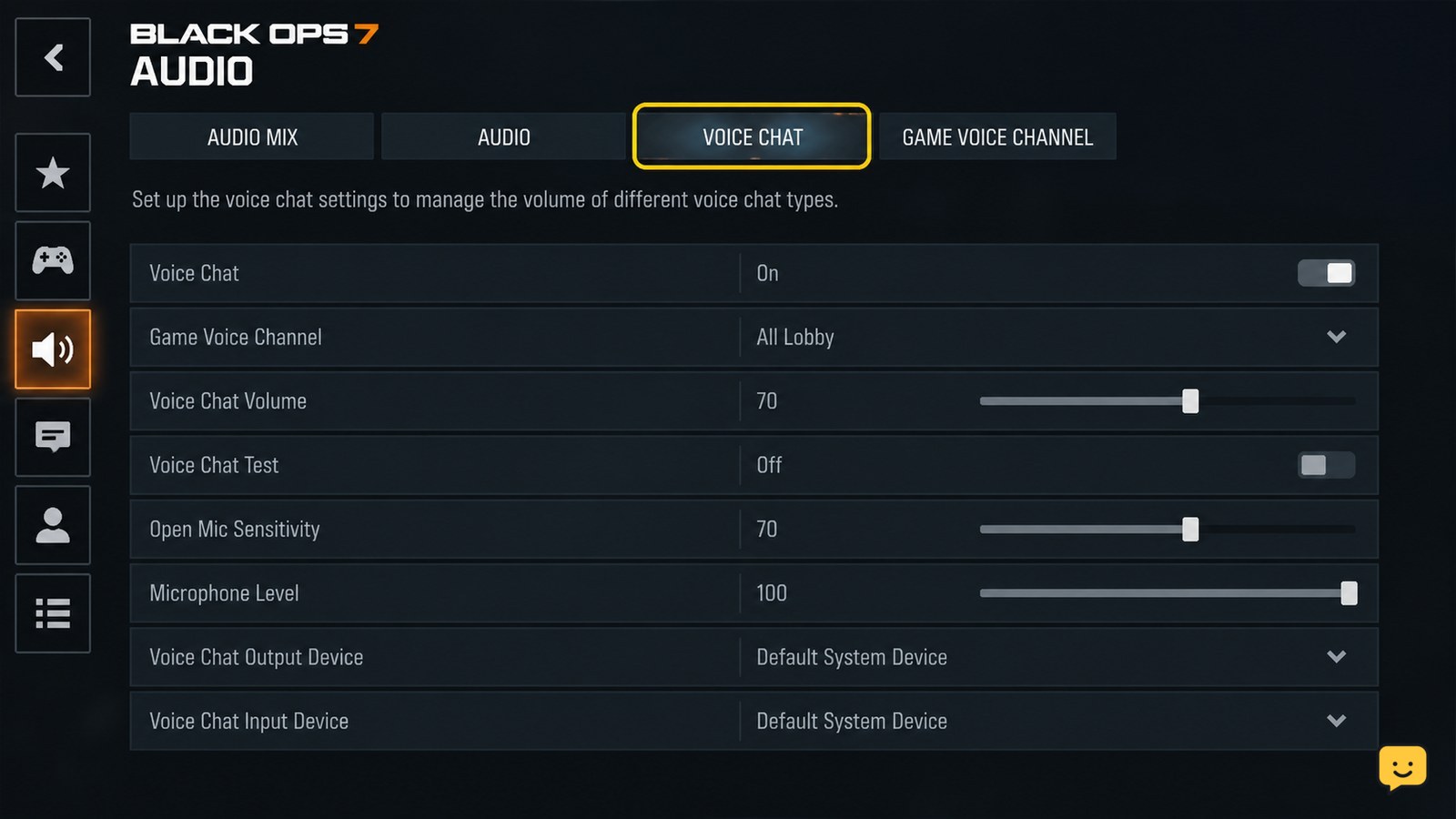
Black Ops 7 Zombies includes an Armor Plate Behavior option under the Combat settings. GameRant documents this path as Settings > Controller or Keyboard & Mouse > Combat, followed by the armor-plate behavior setting.
- Open the in-game Settings menu.
- Choose Controller or Keyboard & Mouse, matching your input device.
- Open Combat.
- Find Armor Plate Behavior.
- Select the one-at-a-time option if you want to stop after each plate instead of applying plates continuously.
Menu wording or available choices can differ by input method. If you cannot find the option, return to the main Combat settings and check that you are changing gameplay controls rather than interface display options.
Verify that plating worked before rejoining the fight
Black Ops 7 confirms successful plating through an updated armor display, not merely through the button press. After the action ends, compare the armor bar with its state before plating and check whether the plate prompt or inventory count changed.
If the armor bar remains empty, the action was interrupted, the character had no usable plate, or the current mode does not support the mechanic. Try once more from cover. If the HUD still shows no prompt, stop and inspect the mode-specific equipment or inventory instead of repeatedly pressing the control.
Fix missing or unusable armor-plate prompts
A missing armor-plate prompt in Black Ops 7 usually points to a full armor bar, no remaining plates, an unsupported mode state, or an interrupted action. Check these causes in order:
- Armor is full: take no action; plating is unnecessary until the armor bar drops.
- No plate prompt: check the HUD inventory and confirm that the mode supplies plates.
- Plating stops immediately: move farther from enemies and retry from cover.
- The control does nothing: open the relevant Controller or Keyboard & Mouse settings and confirm the armor-plate input.
- Behavior is wrong: revisit Combat and change Armor Plate Behavior, then test it after taking damage.
Do not continue troubleshooting with this method when the mode has no armor display or plate prompt. That is a mode limitation, not evidence that the armor control is malfunctioning.
Frequently asked questions
Can you use armor plates in every Black Ops 7 mode?
No. Armor plates depend on the mode and its equipment system. Check for an armor bar, a plate inventory, and an armor-plate prompt on the HUD. If none appears, the current mission or playlist may not support plating, so changing the control will not add the mechanic.
How do you apply only one armor plate at a time in Black Ops 7?
In Zombies, open Settings, choose Controller or Keyboard & Mouse, open Combat, and change Armor Plate Behavior to the one-at-a-time choice. Test the setting after taking armor damage. If the option is missing, check the other input-device menu or confirm that you are in a mode that supports armor plates.
Why will Black Ops 7 not let me use an armor plate?
The armor bar may be full, your plate supply may be empty, the action may be interrupted, or the current mode may not use armor plates. Move to cover, confirm the HUD prompt and inventory, then retry. If no armor display exists, stop troubleshooting the control because the mechanic is unavailable in that state.
Does the armor-plate button stay the same on every platform?
Not necessarily. The usable input depends on your platform, control preset, and custom bindings. Use the armor-plate prompt shown on the HUD and review the Controller or Keyboard & Mouse settings if the displayed action does not respond.