Skip to content
ShowU

Games

Find clear game guides for settings, controls, errors, progression, accounts and everyday gameplay problems. Browse focused help for popular PC, console and online games.

Dragon Sword Awakening Guild Guide: Join and Use
DragonSword: Awakening

Dragon Sword Awakening Guild Guide: Join and Use

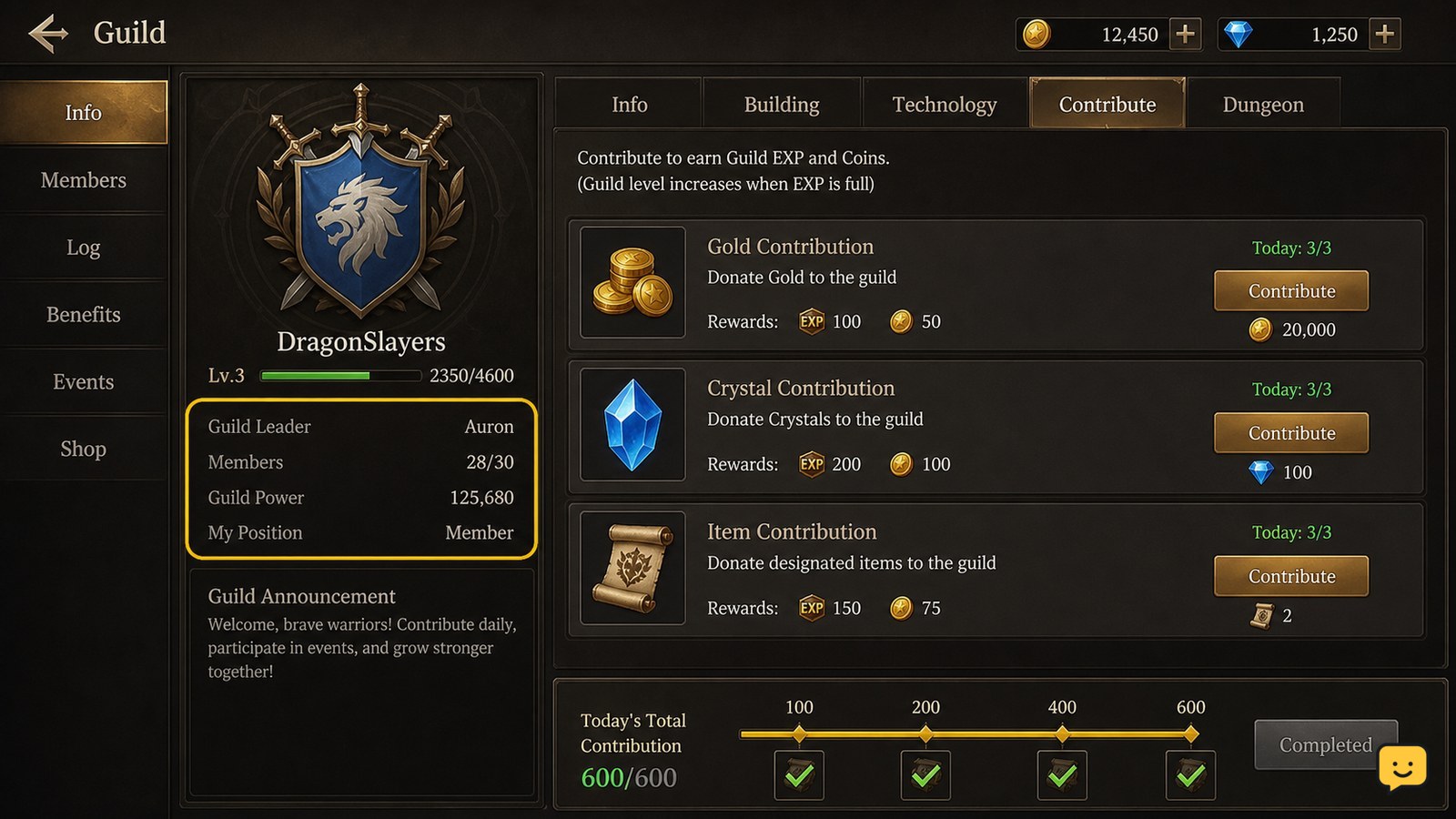
In Dragon Sword: Awakening, progress through the early Orbis request chain and accept the Guild-related requests described by current beginner guides. When the Guild entry becomes available, compare requirements, activity expectations, and rewards before joining. If no Guild menu or request appears in your build, stop rather than following instructions from another game or an older version.
Star Citizen How to Sell Mined Materials
Star Citizen Guides

Star Citizen How to Sell Mined Materials

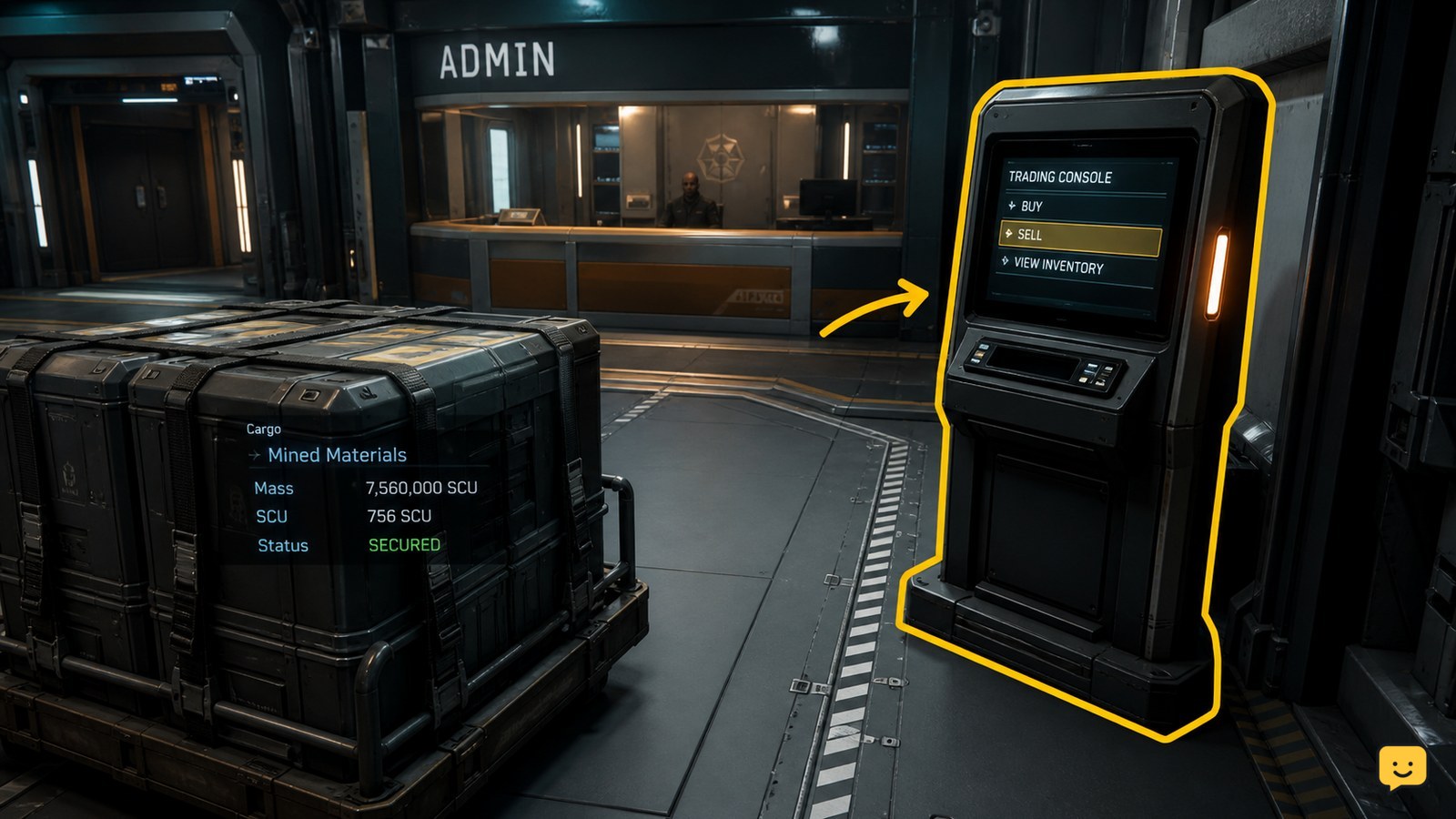
To sell mined materials in Star Citizen, first make sure the material is stored in a form the destination can recognize. Loose harvestable minerals can be sold through a trading kiosk, while mineral-filled crates can be taken to an Admin counter. Open the location’s trading interface, select the listed material, enter the quantity, confirm the sale, and verify the balance change before leaving.

Black Ops 7: How to Change Operators in Lobby
Call of Duty: Black Ops 7 Guides

Black Ops 7: How to Change Operators in Lobby

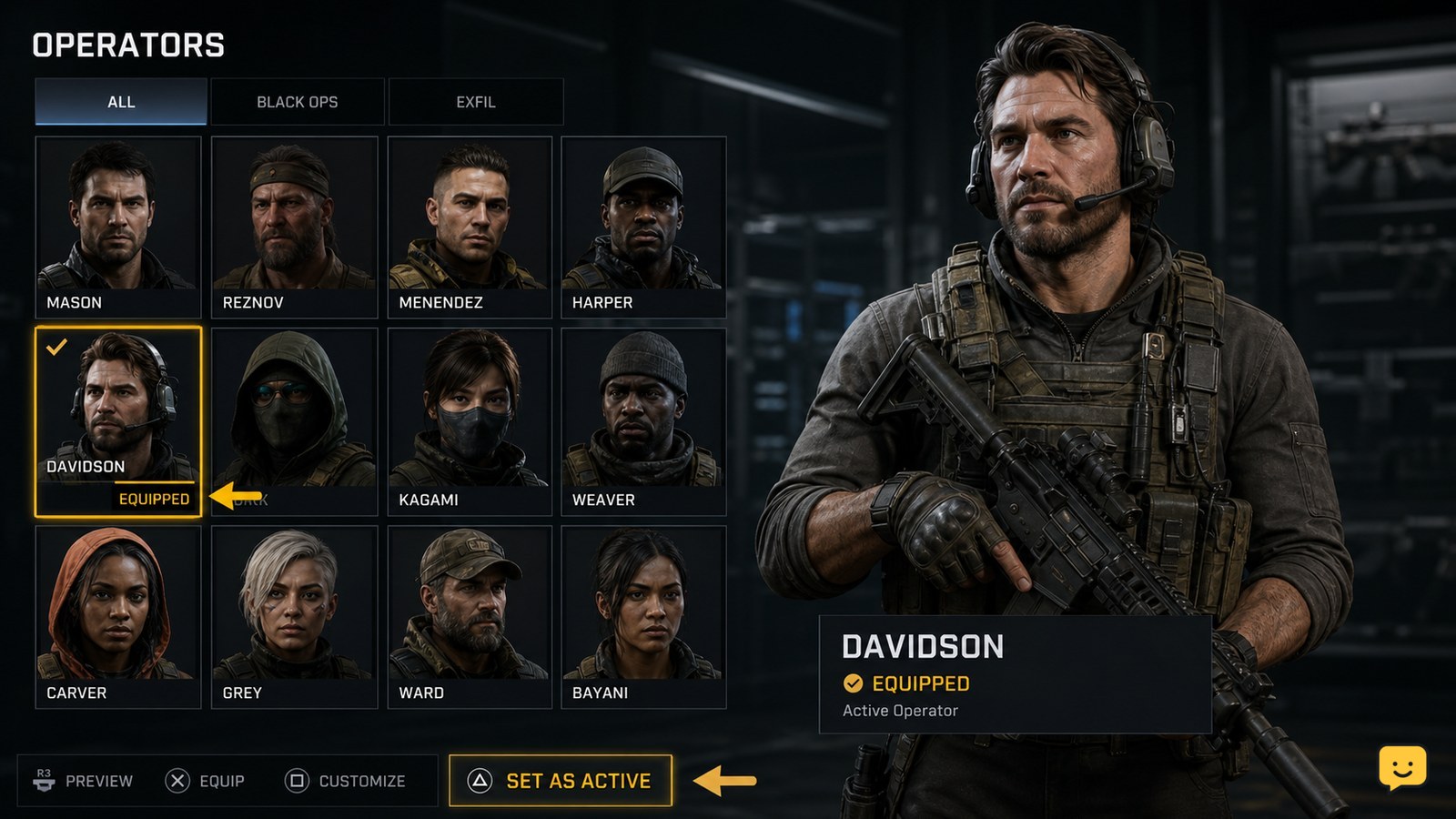
To change operators in Black Ops 7, return to the main lobby, open the Operators menu, select an available operator, and use the on-screen equip command. Open that operator’s customization option if you only want a different skin. Verify the equipped checkmark or updated lobby character before entering matchmaking.

Valorant Packet Loss: Fix Connection Problems
Valorant

Valorant Packet Loss: Fix Connection Problems

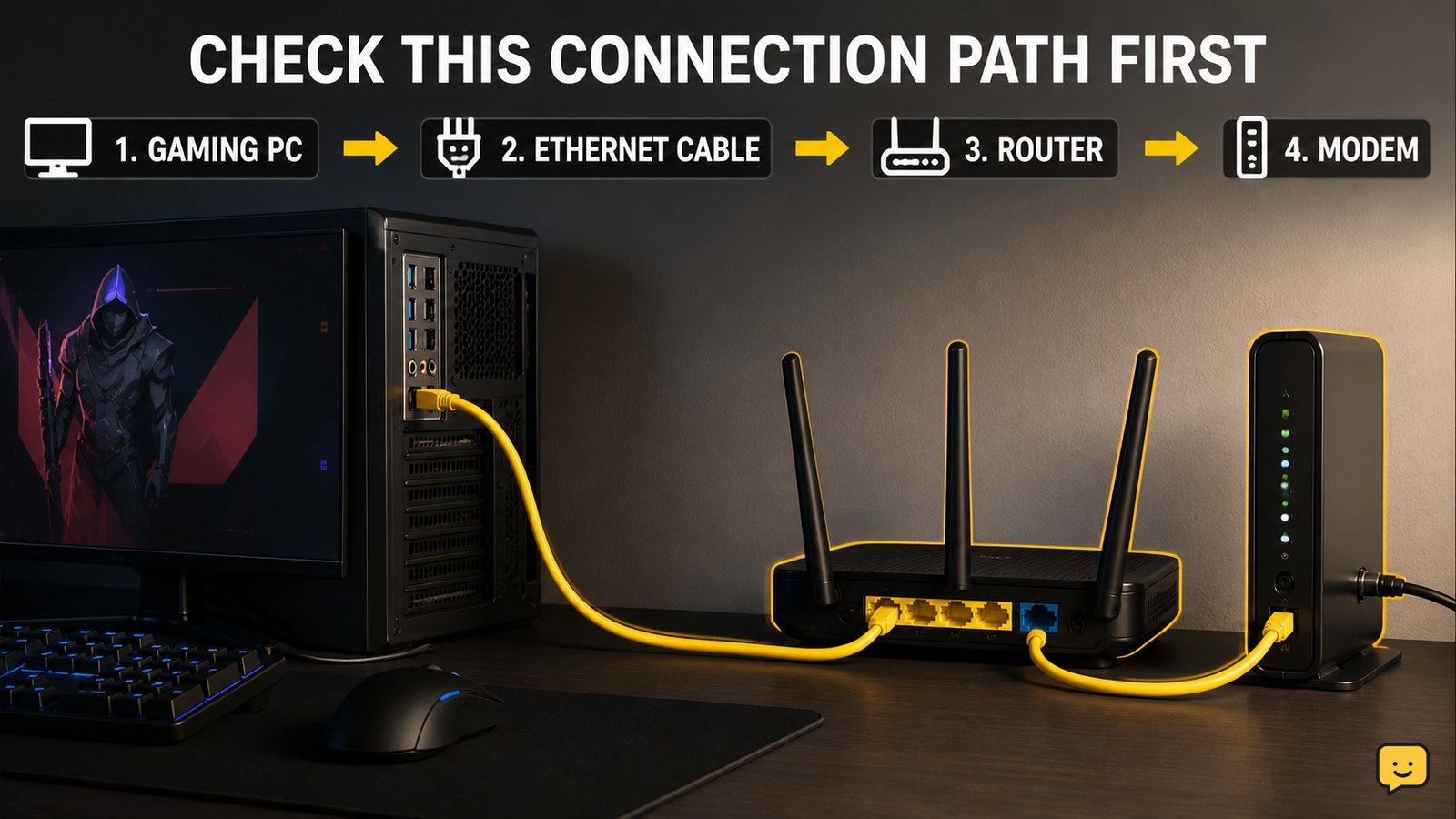
Start by checking whether other devices are using the connection, then power-cycle your modem and router. Test VALORANT over Ethernet instead of Wi-Fi and try another router port. Verify the result in a low-stakes match. If packet loss continues on multiple devices or networks, stop changing game files and contact your internet provider because the fault may be outside your PC.

Fields of Mistria Bug Catching Guide: Collections
Fields of Mistria

Fields of Mistria Bug Catching Guide: Collections

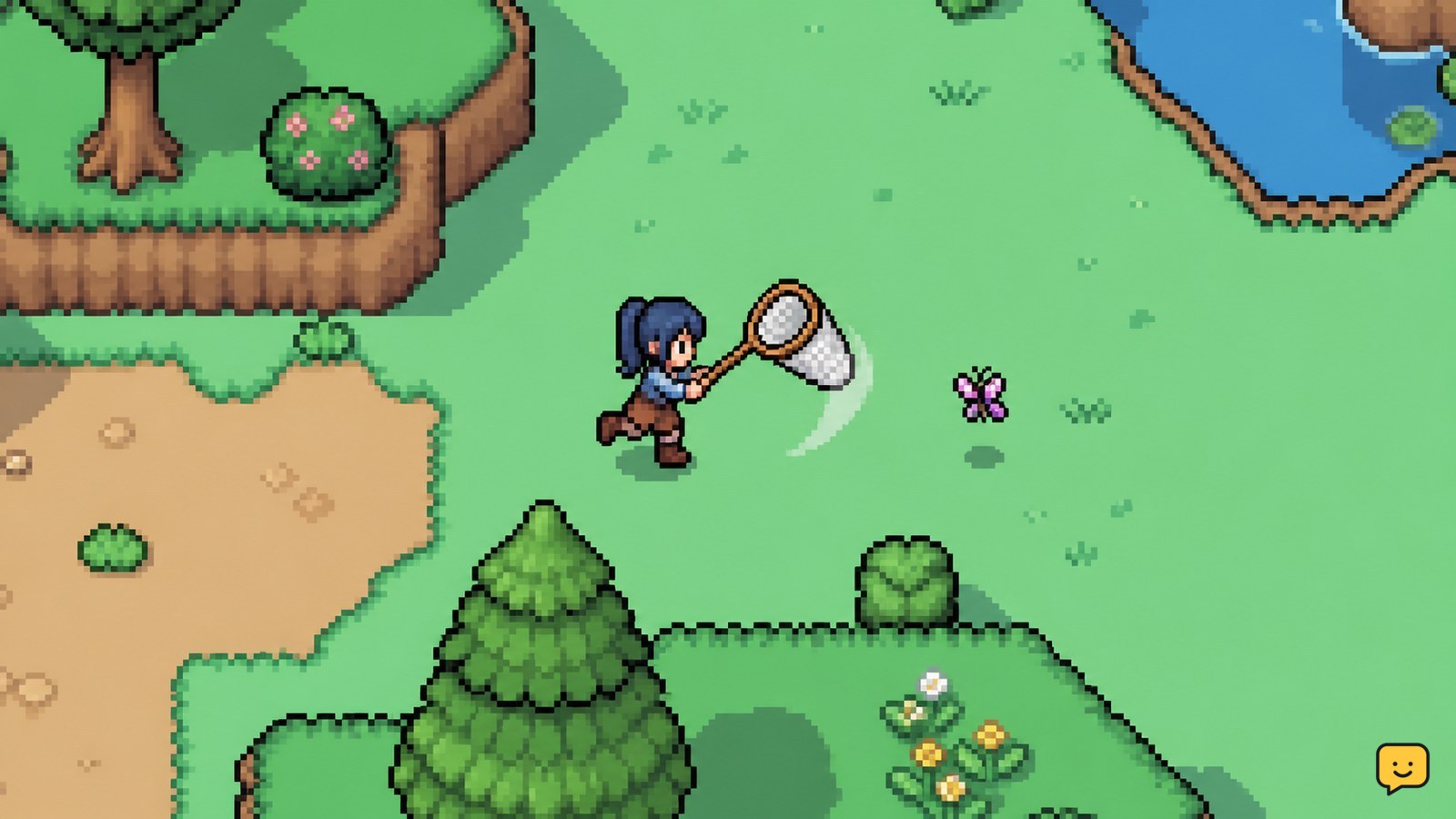
Equip the Bug Net, search visible insects around town and the surrounding areas, and approach each target before using the catch control. For collection progress, record every new species and use a current bug list to check its location, season, and time requirements. If an insect does not appear, leave and re-enter the area or return during another valid time or season rather than relying on a temporary event.

How to Mute a Player in VALORANT: Voice, Text, Pings
Valorant

How to Mute a Player in VALORANT: Voice, Text, Pings

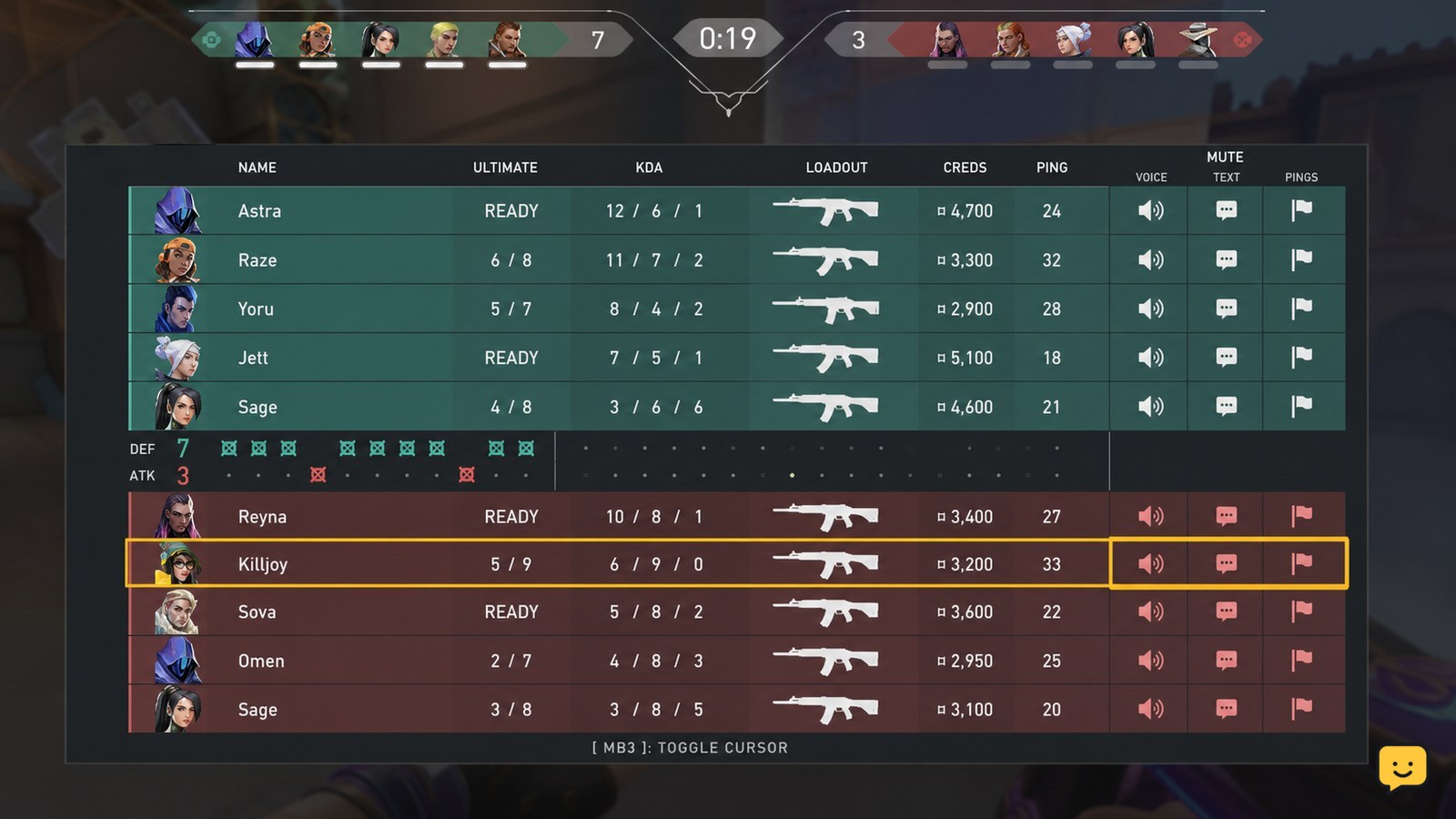
Press Tab during a match to open the scoreboard, find the disruptive player, and select the mute controls shown beside their name. Choose voice, text, or ping muting separately when those controls are available. Confirm the relevant icon changes, then stop interacting with the player. If scoreboard controls are unavailable, use /mute followed by the player name for text chat.

Star Citizen How to Hand Mine With a Multi-Tool
Star Citizen Guides

Star Citizen How to Hand Mine With a Multi-Tool

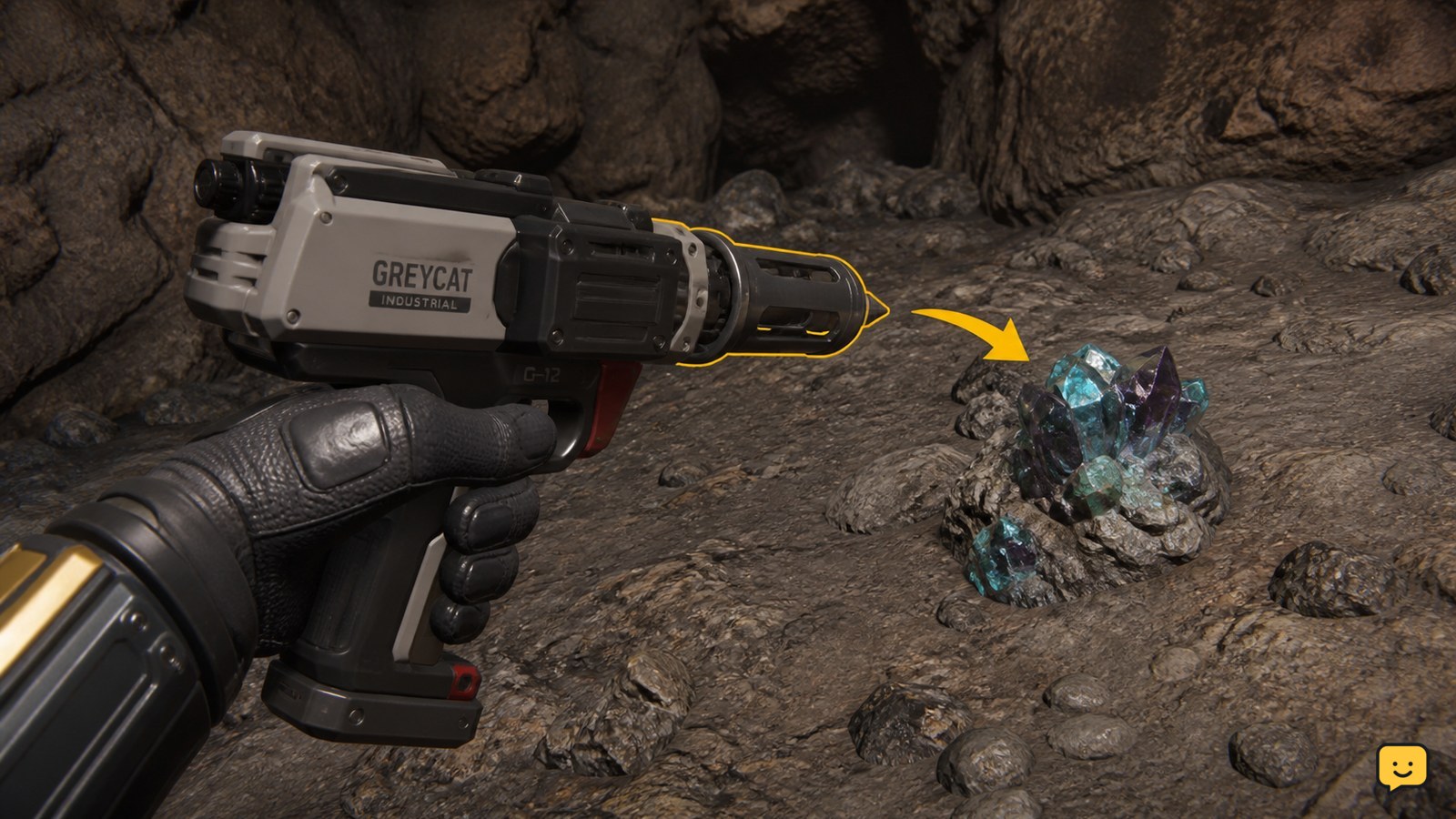
To hand mine in Star Citizen, equip a Greycat Multi-Tool, attach the OreBit mining attachment, aim at a mineable gemstone deposit, and use the mining beam to fracture it. Collect the released gems only after the deposit breaks. Item availability and controls can vary, so verify the attachment appears on the tool before leaving for a mining site.

Fields of Mistria Mining Guide: Reach Mines, Collect Ore
Fields of Mistria

Fields of Mistria Mining Guide: Reach Mines, Collect Ore

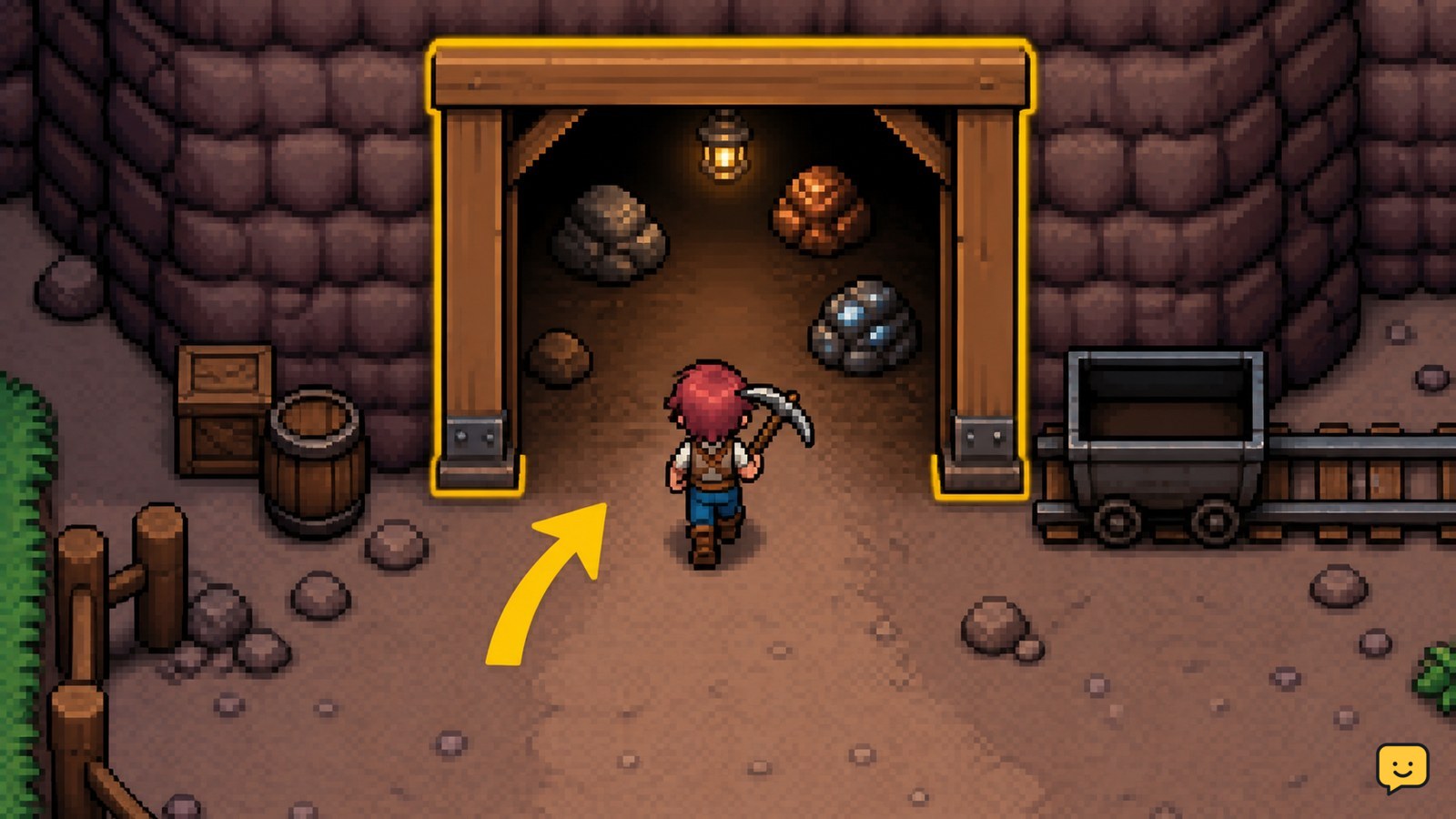
In Fields of Mistria, raise your town to Stone Town Rank to open mine access. A letter or related event should direct you to the newly available entrance. Bring your pickaxe, enter, break visible ore rocks first, collect every dropped item, and leave before your inventory fills or enemies make the route unsafe.

Black Ops 7 How to Customize a Multiplayer Class
Call of Duty: Black Ops 7 Guides

Black Ops 7 How to Customize a Multiplayer Class

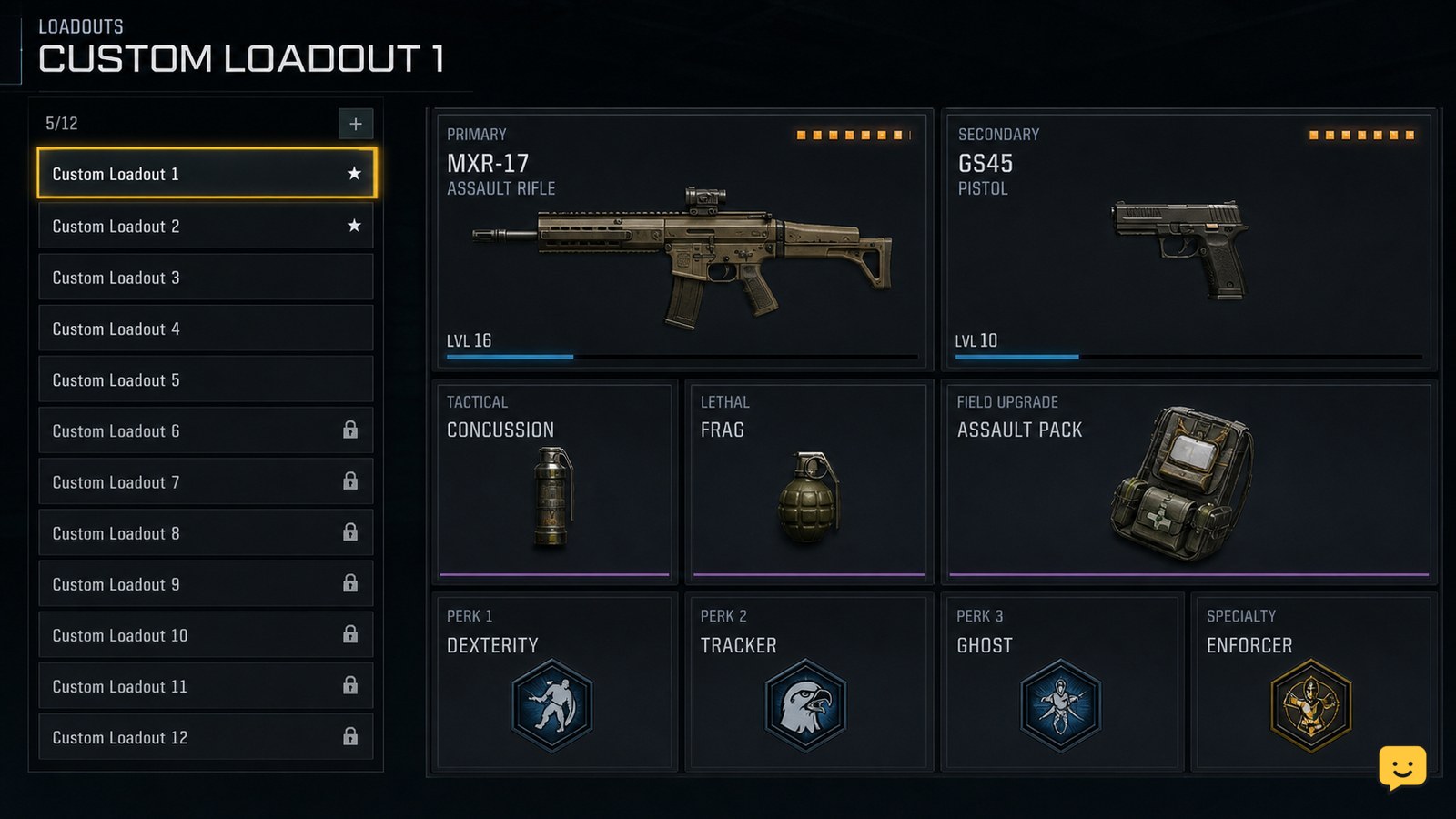
Open Black Ops 7 Multiplayer, select Loadouts, choose the class slot you want to change, and edit the weapons, attachments, equipment, Field Upgrade, and Scorestreak selections shown there. Back out only after the changes save, then verify the class in the pre-match loadout screen. If a slot is locked or missing, use another available class and stop before replacing a setup you still need.