Skip to content
ShowU

Games

Find clear game guides for settings, controls, errors, progression, accounts and everyday gameplay problems. Browse focused help for popular PC, console and online games.

Call of Duty Black Ops 7: How to Apply Weapon Blueprints
Call of Duty: Black Ops 7 Guides

Call of Duty Black Ops 7: How to Apply Weapon Blueprints

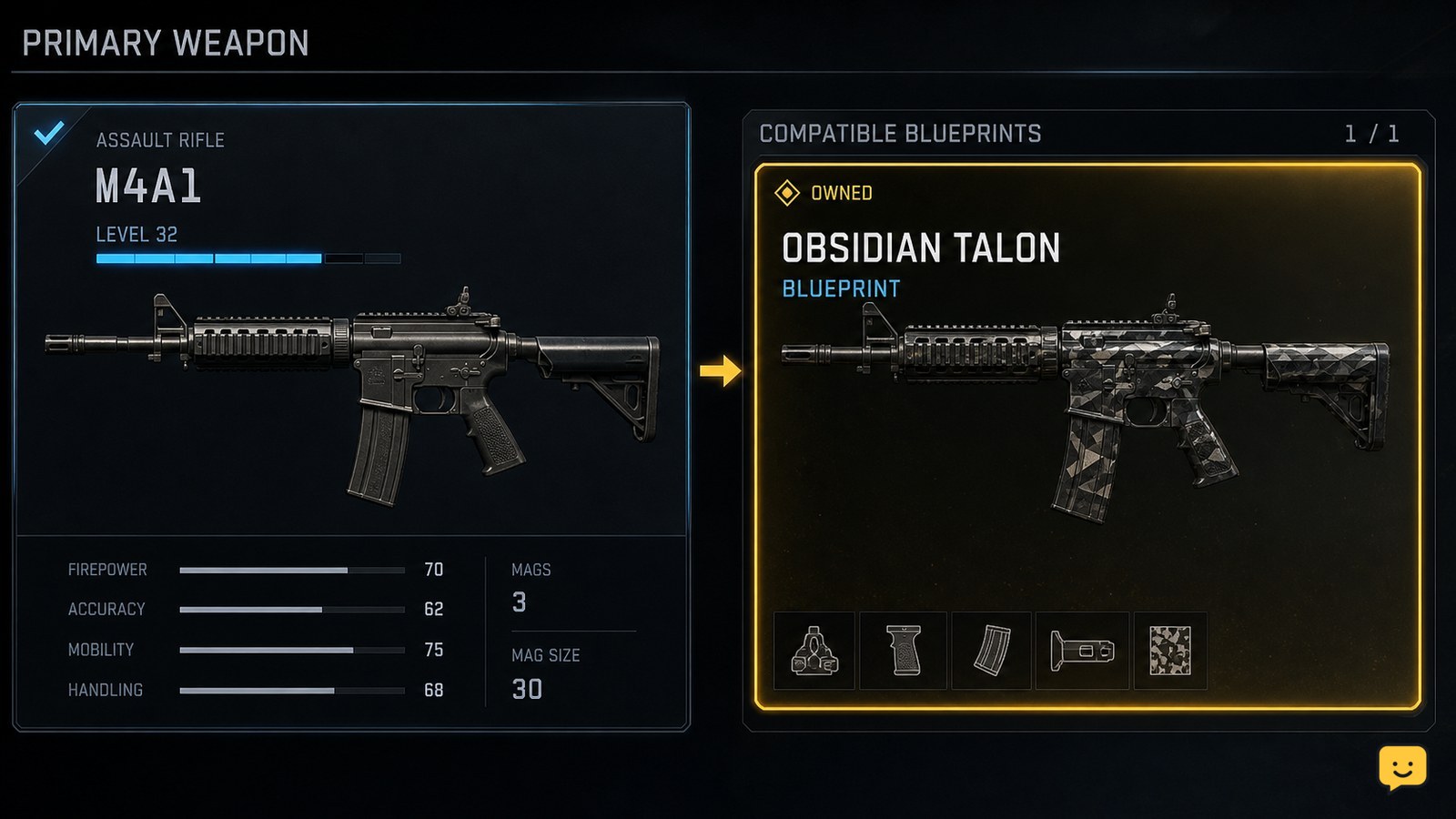
Open the mode’s Loadouts screen, select the weapon slot, then choose the same base weapon named by your owned blueprint. On that weapon’s selection or build screen, switch from the standard weapon to its available blueprint variant and equip it. Confirm the blueprint name or appearance appears on the loadout. Stop if the blueprint is for another weapon family.
Dragon Sword Awakening Class Guide: Choose a Class
DragonSword: Awakening

Dragon Sword Awakening Class Guide: Choose a Class

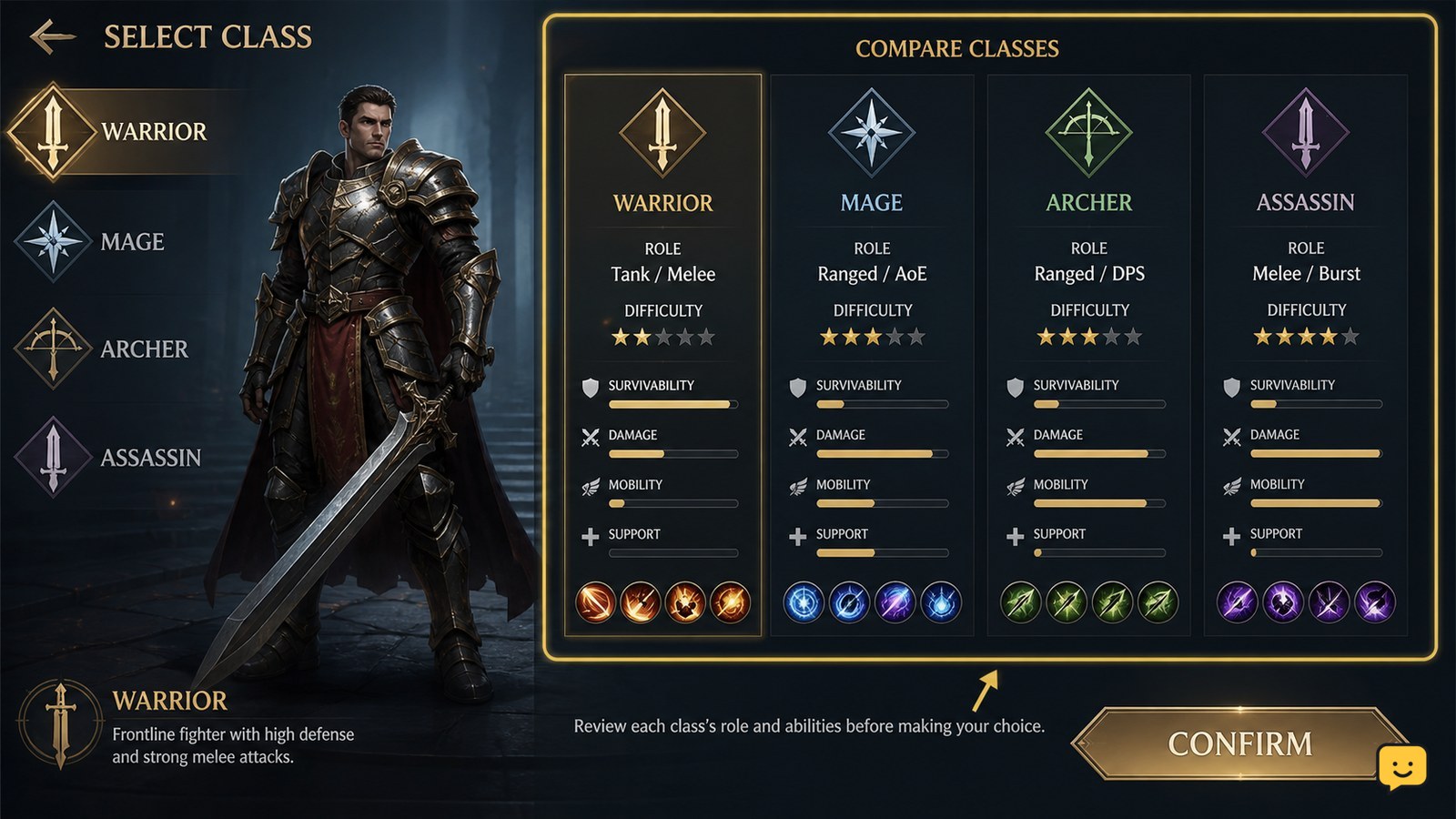
Choose the class whose displayed role matches how you want to fight, not a temporary tier list or damage number. Confirm the class name, weapon, skills, and role on your current DragonSword: Awakening selection screen before accepting it. The available evidence supports role-based choices such as main DPS, sub-DPS, support, and healer, but it does not verify a complete current list of named starting classes or separate Evrima and Legacy rules.

Star Citizen How to Use a MedPen to Heal
Star Citizen Guides

Star Citizen How to Use a MedPen to Heal

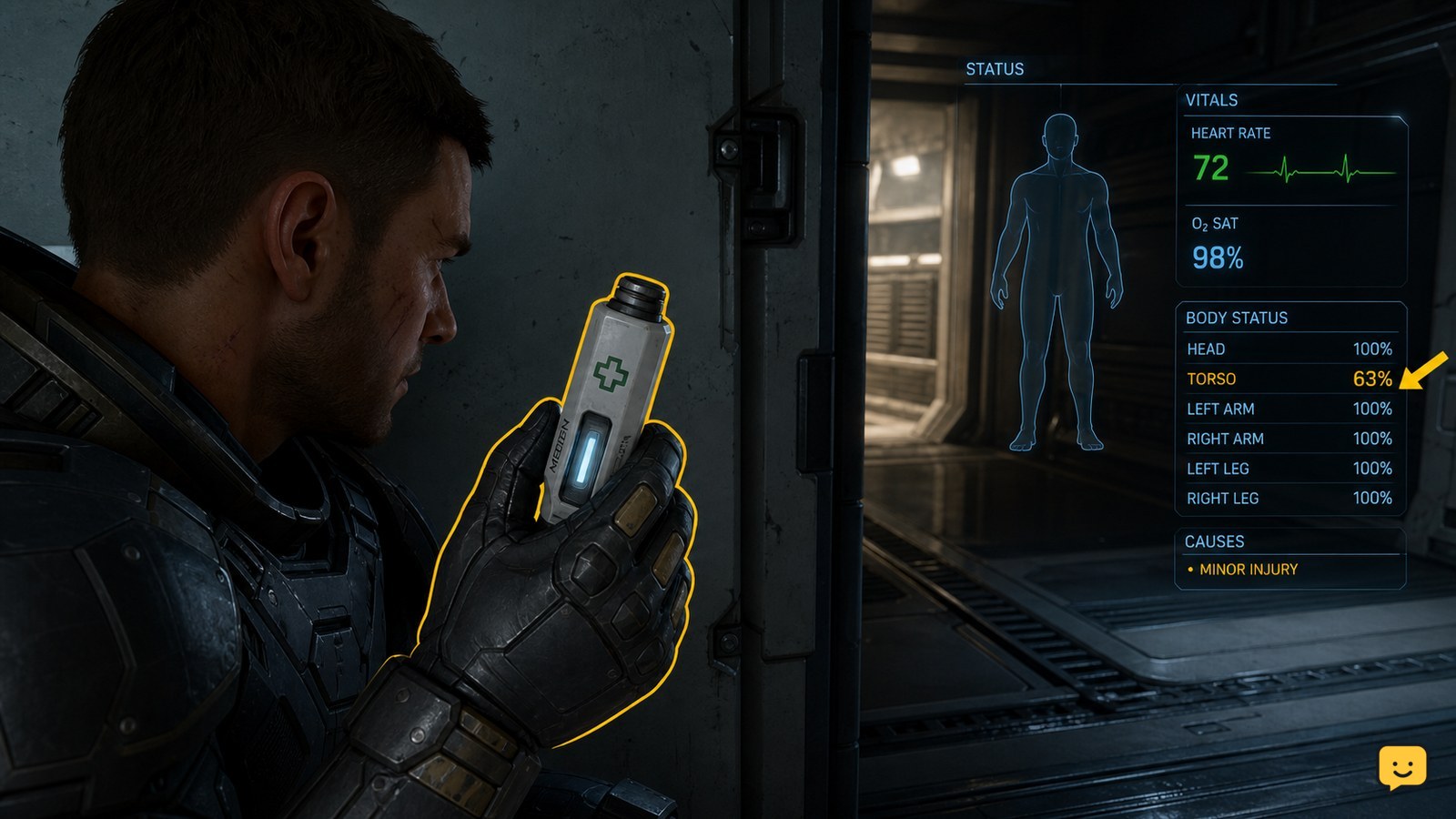
To heal with a MedPen, keep one in your personal inventory, use it through the current LIVE interaction shown for the item or your assigned medical-item action, and confirm that your health rises. A MedPen restores health; stop and seek a medical bed or medic if an injury, incapacitation state, or other condition remains.

Mortal Shell II How to Defeat Bosses: Safe Openings
Mortal Shell II Guides

Mortal Shell II How to Defeat Bosses: Safe Openings

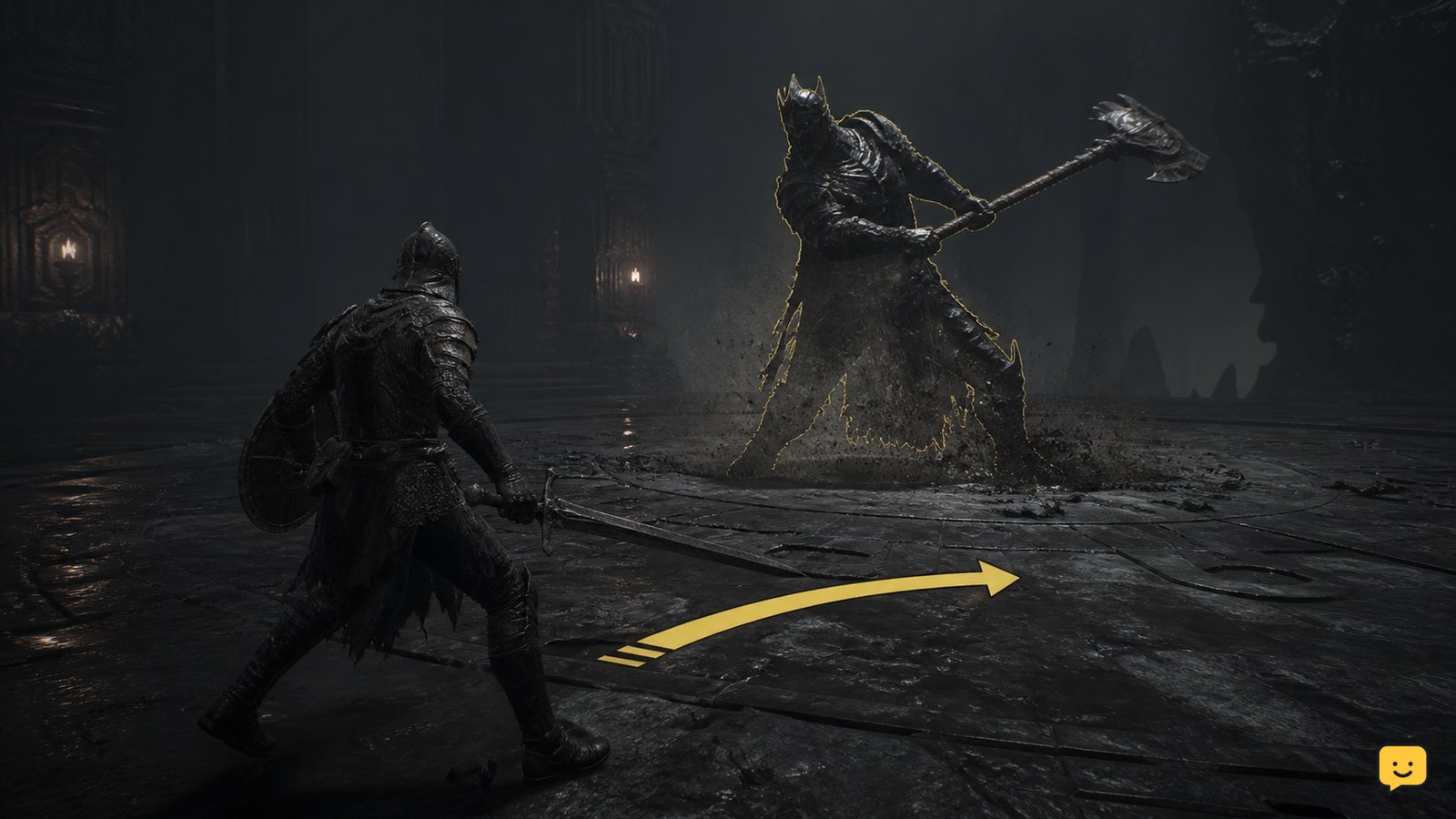
To defeat bosses in Mortal Shell II, begin each attempt by watching instead of attacking. Identify the boss’s recovery window, evade the committed attack, use Harden or another defensive option to survive a mistake, then punish with a short combo. Keep Resolve for reliable opportunities, heal or reset at a Beacon when needed, and stop attacking when the boss changes pattern or the arena becomes unsafe.

How to Pack-a-Punch Weapons in Black Ops 7 Zombies
Call of Duty: Black Ops 7 Guides

How to Pack-a-Punch Weapons in Black Ops 7 Zombies

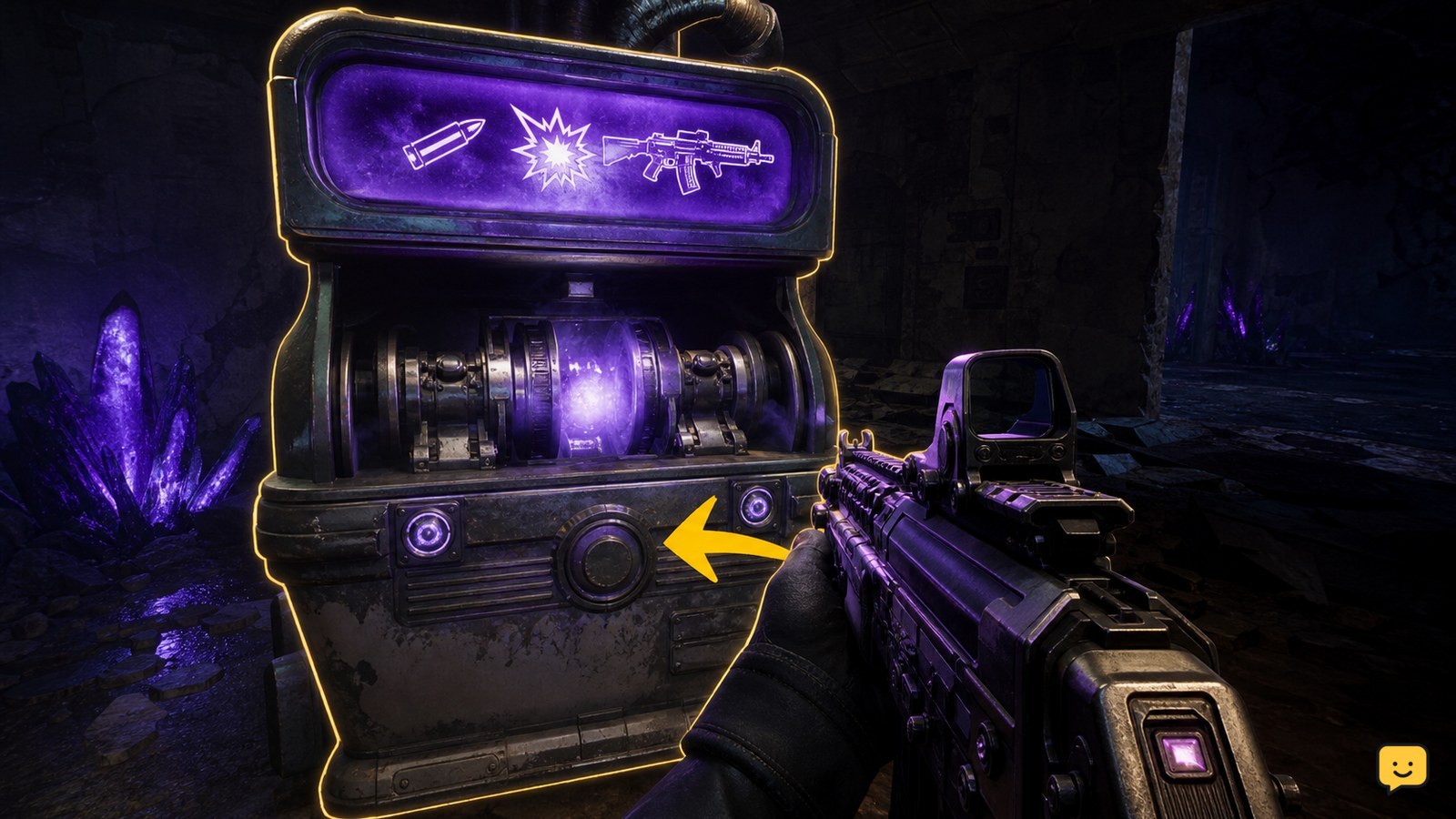
To Pack-a-Punch a weapon in Black Ops 7 Zombies, first open the map route to its Pack-a-Punch machine and complete any required power or objective step. At the active machine, approach with the weapon equipped, check the on-screen Essence cost, confirm the purchase, and fire or inspect the weapon to verify the upgrade. Machine locations and access steps can differ by map.

Fields of Mistria Crafting Guide: Make Useful Items
Fields of Mistria

Fields of Mistria Crafting Guide: Make Useful Items

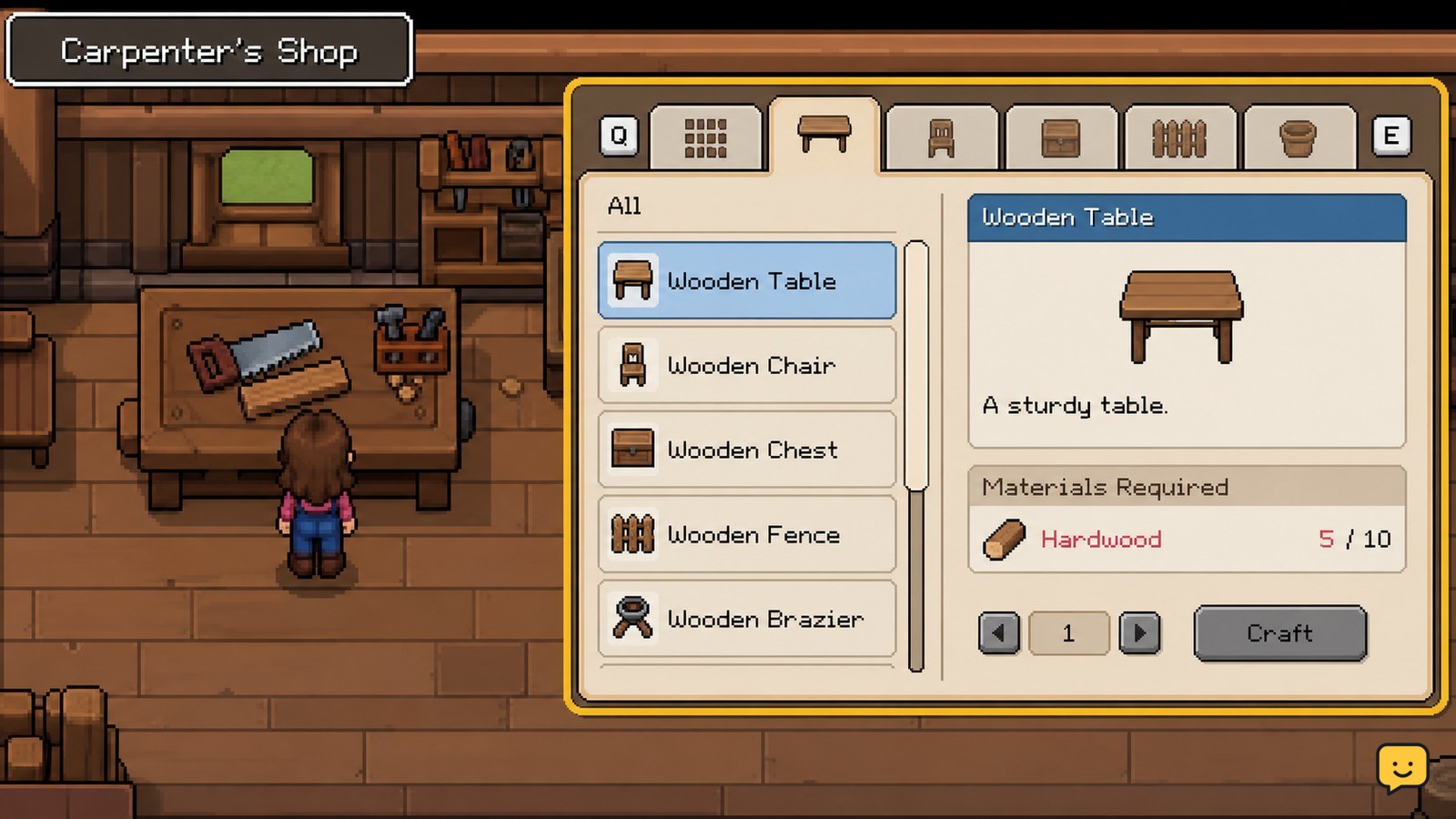
In Fields of Mistria, access item recipes through the crafting bench at the Carpenter’s Shop or through available crafting stations in town. Gather the exact materials shown in the recipe, craft the item, then place farm equipment on a valid tile. Start with practical items such as fences and crafting stations, and verify the finished object appears before leaving the menu.

Star Citizen How to Dock With a Station
Star Citizen Guides

Star Citizen How to Dock With a Station

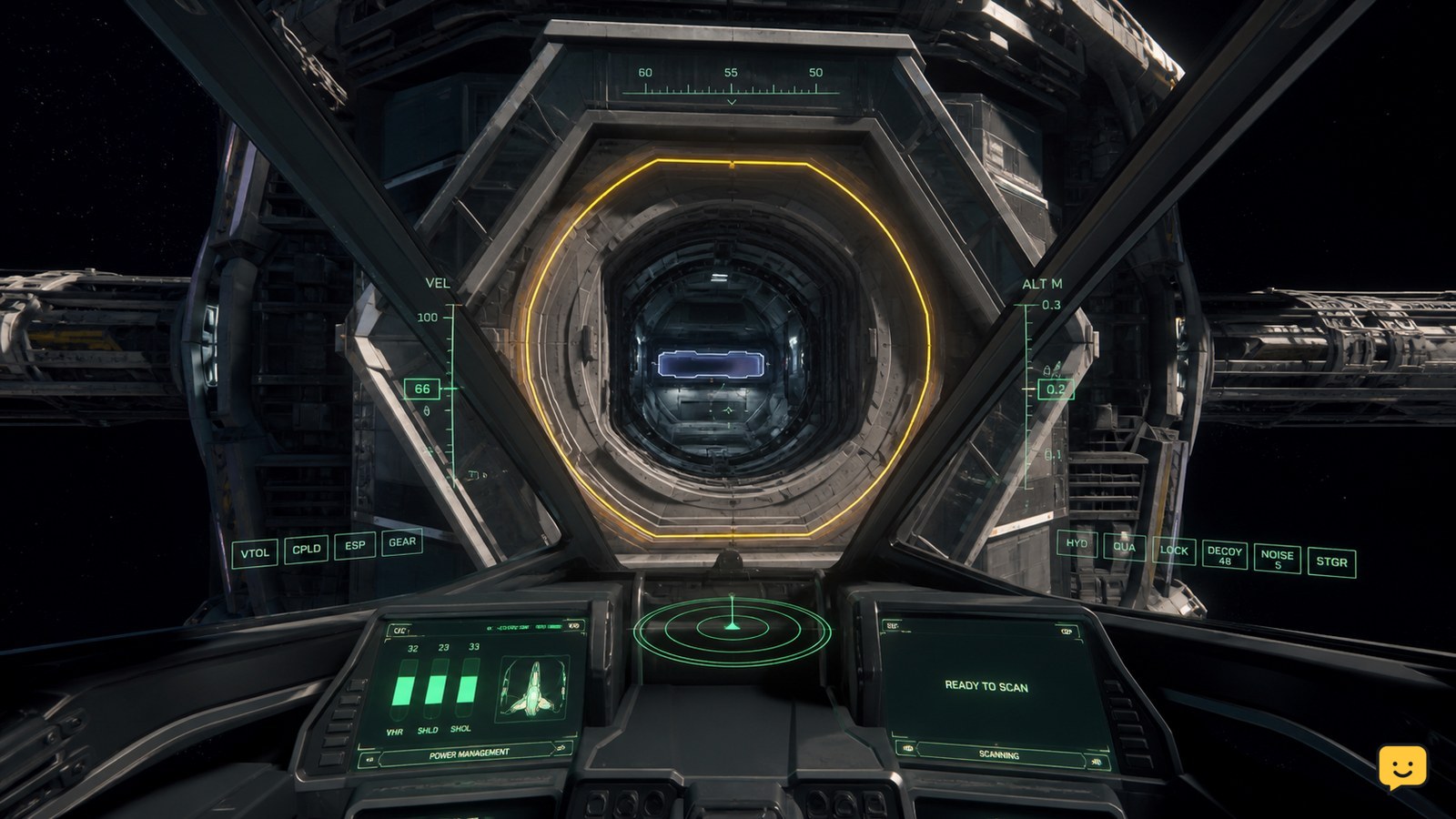
In Star Citizen, dock only at a station port that supports your ship. Approach the marked docking collar, request access if the station presents that option, then reduce speed and align your ship until the docking guides turn green and meet in the center. Stop thrust and wait for the latch or docked-state confirmation before leaving the controls.

The Blood of Dawnwalker Combat Guide: Preview Facts
The Blood of Dawnwalker

The Blood of Dawnwalker Combat Guide: Preview Facts

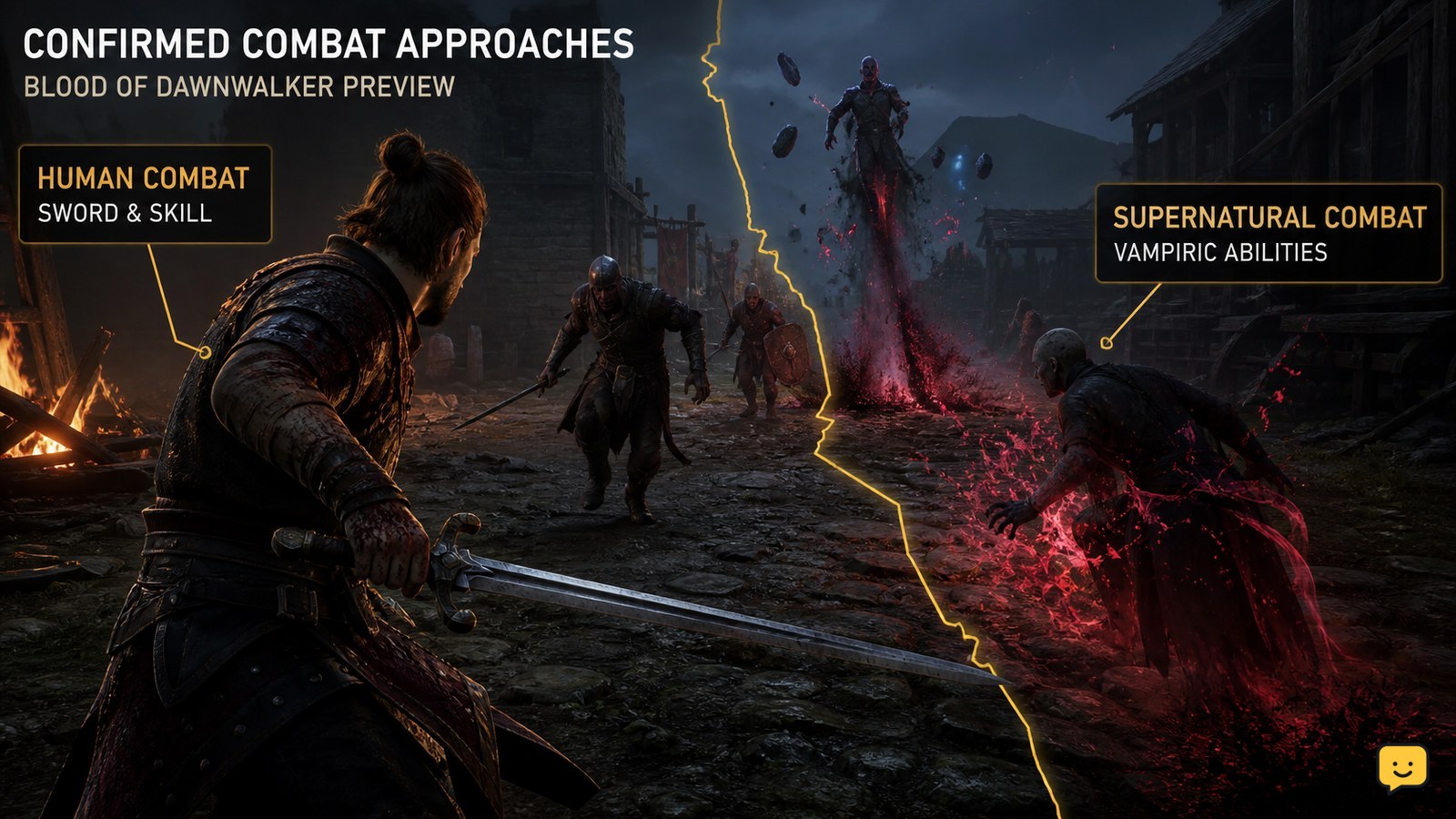
The available preview material supports human sword combat, vampiric abilities, and ritual hex magic as distinct parts of Coen’s toolkit. Preview footage and descriptions also suggest that positioning and stealth can influence encounters, but they do not confirm a complete stealth system, takedown rules, detection meter, enemy search behavior, or a guaranteed nonlethal route. Treat those mechanics as unconfirmed until Rebel Wolves publishes clearer documentation.

Mortal Shell II How to Switch Shells: Marrow Keep
Mortal Shell II Guides

Mortal Shell II How to Switch Shells: Marrow Keep

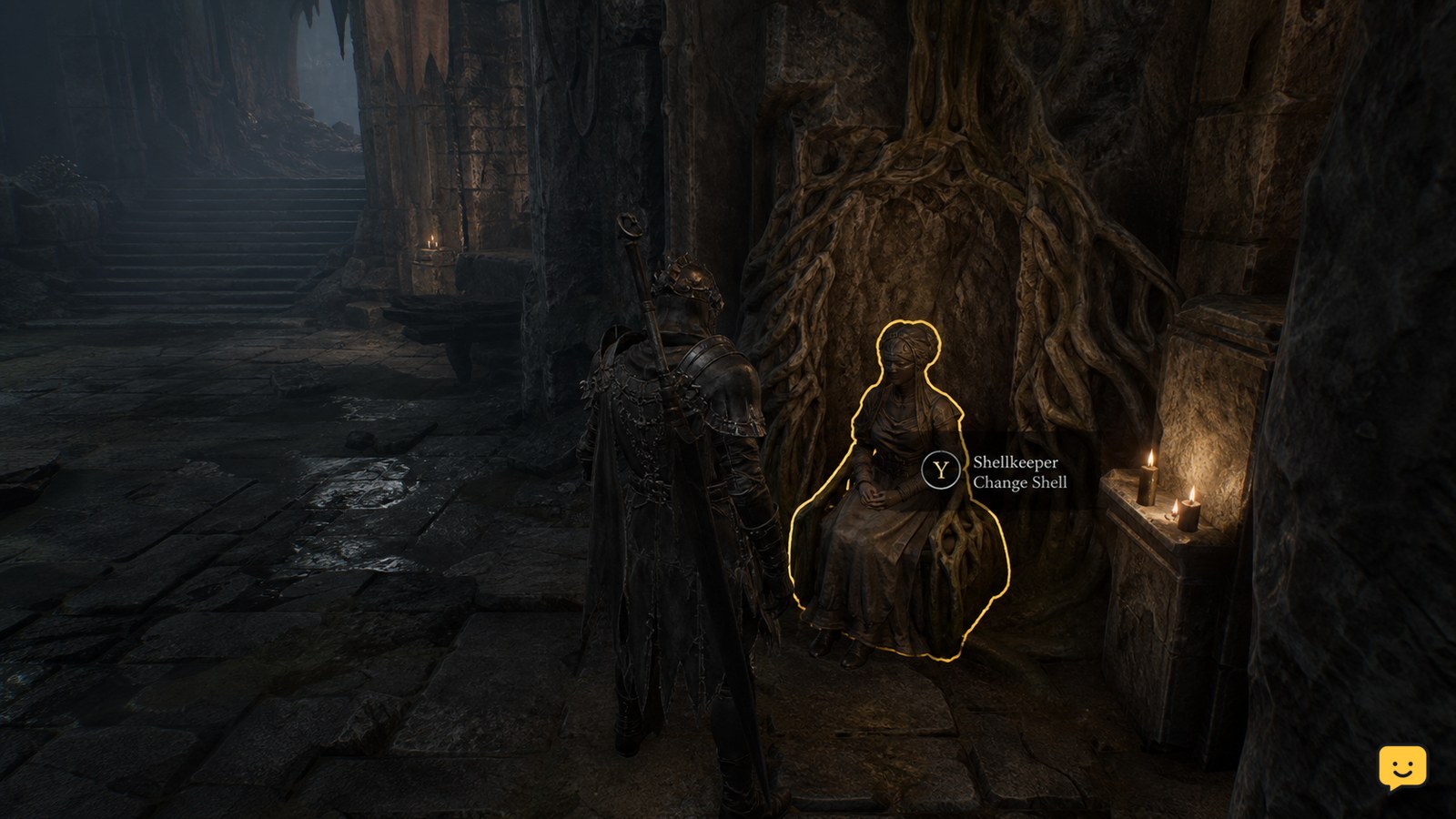
To change your active shell in Mortal Shell II, return to Marrow Keep and use Zhirelle, the Shellkeeper, to select an unlocked shell. Shells must first be found, and beta reports show newly discovered shells can fail to become usable until the interaction completes. Current evidence does not verify a universal mid-combat hotkey, so switch before entering a fight rather than relying on an unconfirmed combat swap.

VALORANT How to Change Crosshair Settings and Import Code
Valorant

VALORANT How to Change Crosshair Settings and Import Code

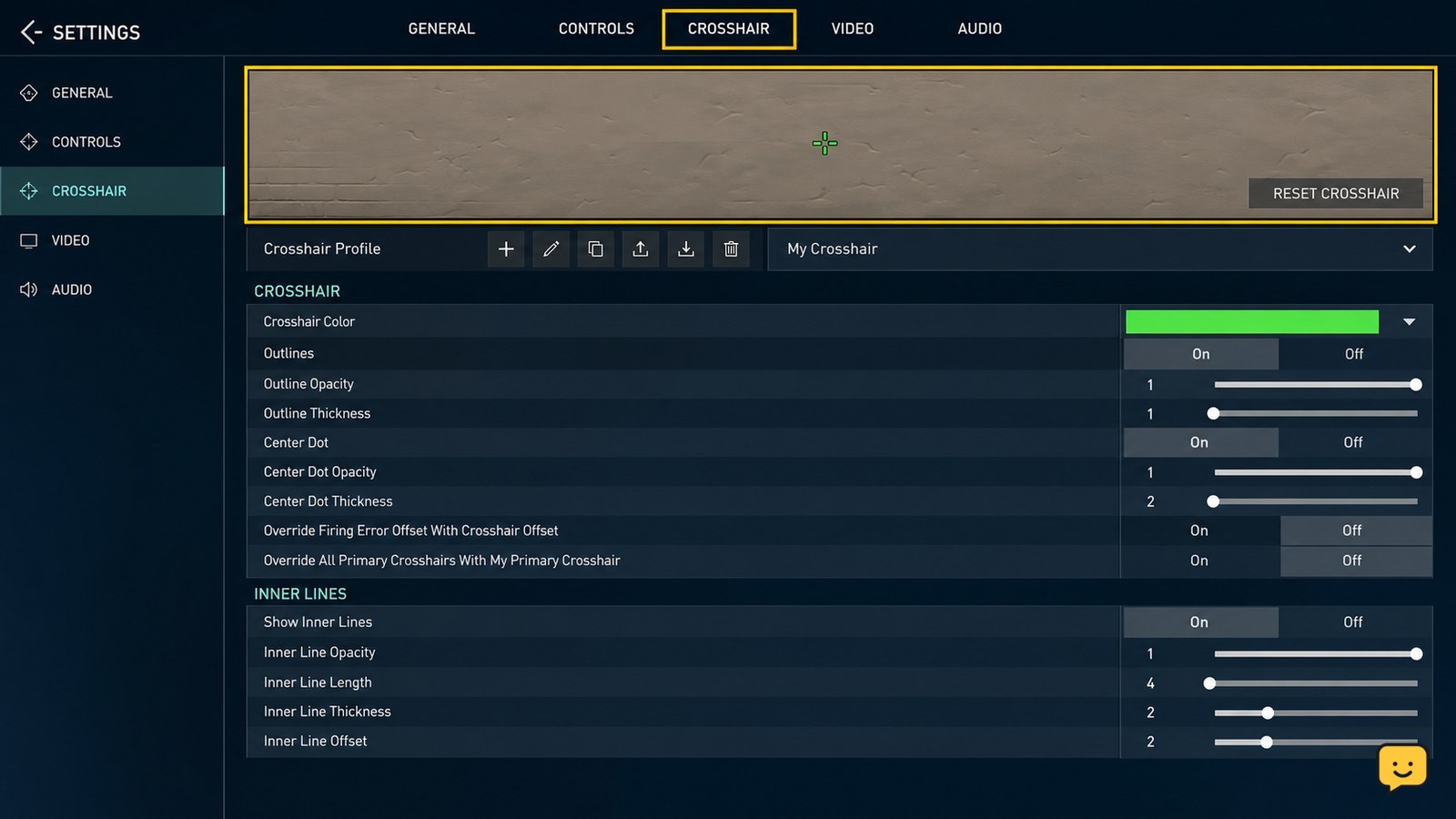
In VALORANT on PC, open Settings, select Crosshair, and edit the visible crosshair controls. To import a code, choose Import Profile Code, paste the full code, confirm the import, then select the new profile and check the reticle in the Practice Range. If the code is rejected or nothing changes, copy it again and use a fresh profile.