
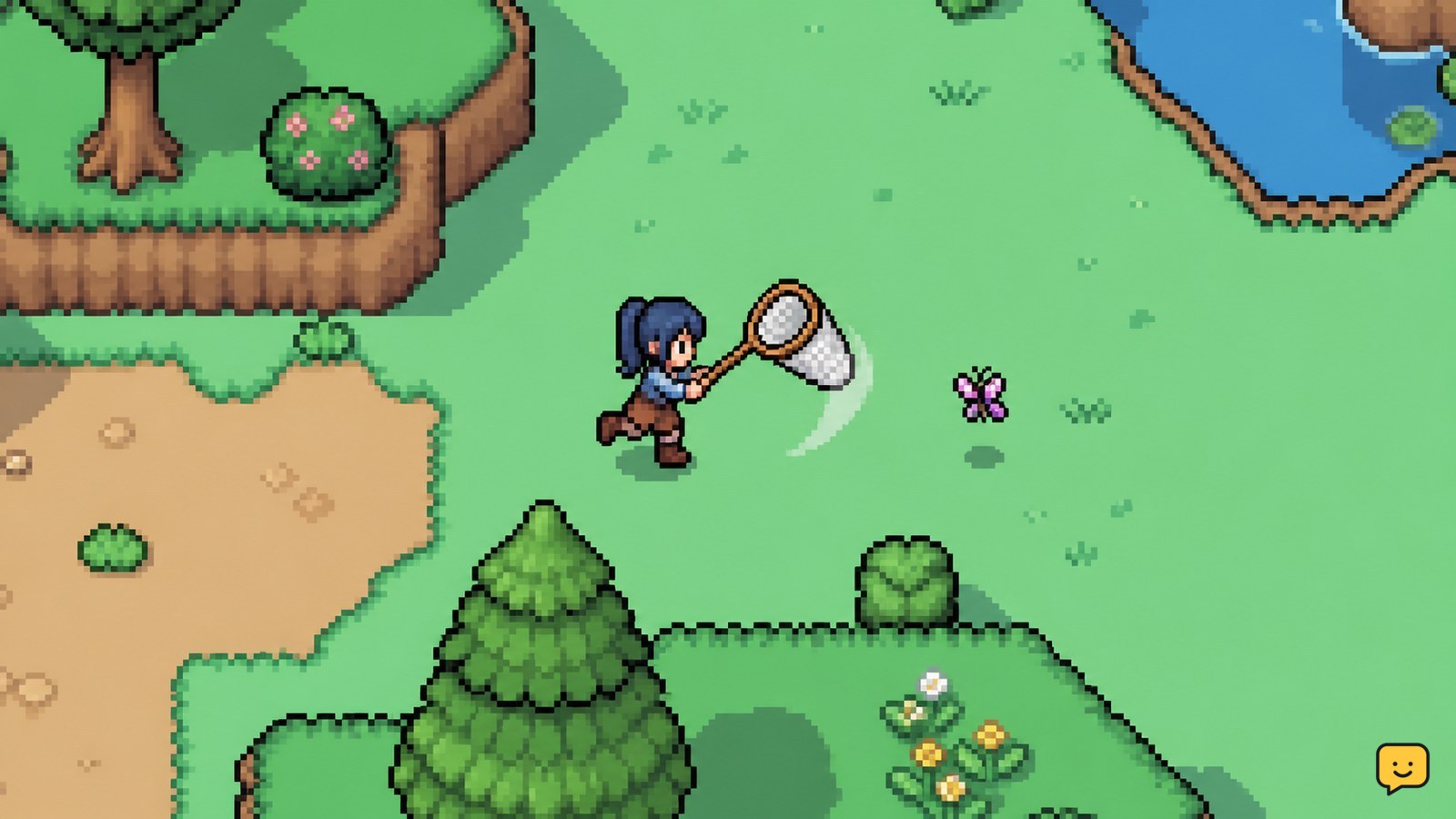
Equip the Bug Net, search visible insects around town and the surrounding areas, and approach each target before using the catch control. For collection progress, record every new species and use a current bug list to check its location, season, and time requirements. If an insect does not appear, leave and re-enter the area or return during another valid time or season rather than relying on a temporary event.
Browse more Fields of Mistria guides
Equip the Bug Net and confirm the catch control
Fields of Mistria requires the Bug Net for ordinary insect catching, so confirm that the tool is available and selected before searching. The available evidence identifies the Bug Net as the required catching tool and documents that it must be obtained before hunting bugs.
- Open your inventory or tool selection screen.
- Select the Bug Net and return to the play area.
- Approach a visible insect until you can line up the swing.
- Use the game’s displayed tool control once the insect is within range.
A successful catch produces an insect item and should add a new species to your collection record when it is the first one you have caught. If the character swings without collecting anything, move closer, face the insect more directly, and try again. Stop if the tool is not available; searching without it will not complete the catch.
Approach insects from a clear angle
Fields of Mistria insects are easiest to catch when you approach them slowly with an unobstructed path between your character and the target. Avoid starting the swing from the edge of terrain, behind scenery, or at a diagonal angle that places the insect outside the net’s reach.
- Pause before entering the insect’s immediate space.
- Face the insect and close the remaining distance in a straight line.
- Swing when the insect is clearly inside the net’s reach.
- Confirm that the insect disappears and an item or collection notification appears.
If the target moves away, do not chase it through obstacles. Reposition, wait for a clearer angle, and swing again. A missed swing does not prove that the insect is unavailable; it usually means the distance or facing was wrong.
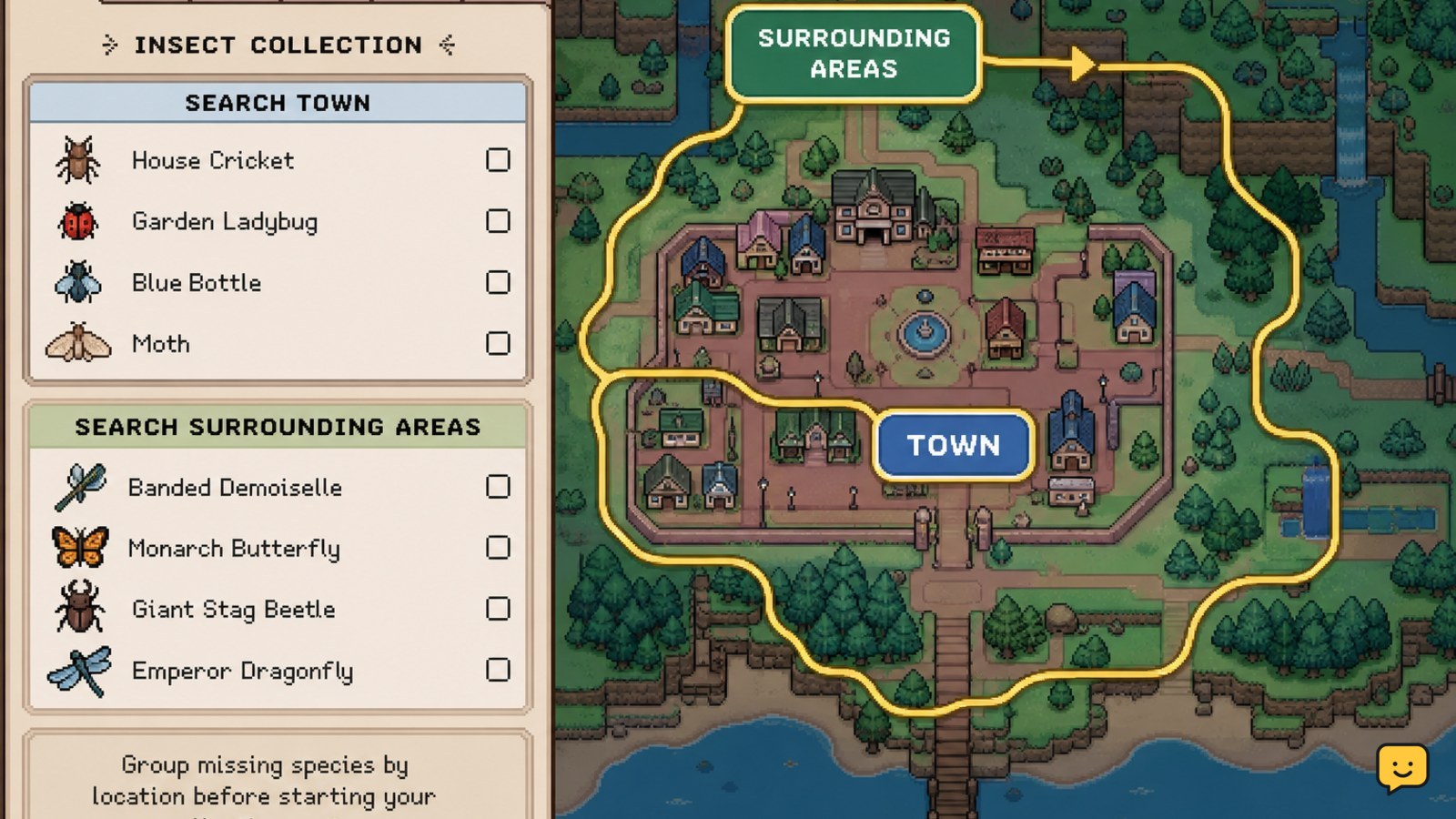
Search town and surrounding areas by requirement
Fields of Mistria insect locations should be checked against the target’s listed habitat instead of searched randomly. The maintained IGN bug list records insects with location, time, and season information, making those three fields the useful starting point for every targeted route.
- Choose one missing species from your collection record.
- Write down its listed location, season, and time window.
- Travel to that area and inspect open paths, edges, and visible vegetation.
- Catch every unfamiliar insect you see before leaving.
- Repeat the route in another area only after the target’s requirements match.
Start with town routes and nearby accessible areas because they let you check several possible spawns without committing to a long trip. The Steam Community bug guide describes a large early-access insect roster and organizes catches by when and where they appear, but its old version context means you should verify names and requirements against the current game list before treating it as complete.
Do not assume that an insect missing from one screen is event-only. Leave the area and return, or check the correct season and time, before deciding that a temporary event is required.
Track new species instead of duplicate catches
Fields of Mistria collection progress is easiest to manage by separating first-time species from duplicates. A duplicate can still be useful, but it does not replace an unrecorded insect in the collection.
- After each catch, check whether the species is new in your collection or museum-style record.
- Mark the species as complete in a personal checklist or note.
- Keep the location, season, and time beside every missing species.
- Group missing insects by area so one trip can cover several requirements.
Verify progress after returning from a route: the caught insect should appear in your inventory, and a first catch should be reflected in the relevant collection entry. If the item is present but the collection count does not change, save normally, reopen the collection screen, and confirm the species name before attempting another route.
Use a repeatable route for seasonal and time-gated insects
Fields of Mistria collection completion may require several ordinary visits because the insect list uses location, season, and time requirements. A repeatable route prevents missed spawns from becoming an inventory of guesses.
- Choose one active season and time window.
- Visit the town area first and catch every visible species.
- Continue to the surrounding area named for the missing targets.
- Return to the starting point after checking the route once.
- Move to the next season or time window only when the checklist shows no remaining target for the current one.
If no target appears, verify the time and season first. Then leave and re-enter the area to check whether the available insects refresh. This area-refresh behavior is reported by community posts, but it is not a guaranteed rule for every version, so use it as a low-risk troubleshooting step rather than a collection requirement.
Stop the route when the target’s requirement is inactive. Continuing to circle the same area will not make a season- or time-restricted species appear reliably.
Verify the collection and recover from a missing catch
Fields of Mistria collection progress is verified when the caught species is both present as an item and recorded in the collection interface. Check both states before assuming that a catch failed.
- Open the inventory and confirm the insect item exists.
- Open the collection or museum record and search for the species name.
- Confirm that the missing-count total changed after a first catch.
- Store duplicates safely if inventory space is becoming limited.
If the insect is in your inventory but the record is unchanged, close and reopen the collection screen, then check that you caught the intended species rather than a visually similar one. If the insect never entered your inventory, treat the attempt as a miss and repeat the approach with a clearer angle. If the current list conflicts with the in-game record, follow the game record and narrow your checklist to the version you are playing.
Frequently asked questions
Where should I look for bugs in Fields of Mistria?
Start in town and then check the surrounding areas named in the current insect list. Search by the target’s listed location, season, and time rather than assuming every insect can appear everywhere. Catch unfamiliar species during each route so you do not need to revisit an area for a common entry.
Why can’t I catch an insect in Fields of Mistria?
The usual causes are distance, facing, an obstructed approach, or an inactive time or season requirement. Equip the Bug Net, move into a clear straight-line position, and swing only when the insect is within reach. If the target still does not appear, leave and re-enter the area once, then verify its current requirements.
Do I need a temporary event to complete the bug collection?
Not by default. Check the insect’s ordinary location, season, and time requirements first. Community reports can identify possible spawn patterns, but they are not proof that an insect is event-exclusive. Only depend on an event when the current in-game record or current version documentation explicitly requires it.
How do I know whether a bug counted toward my collection?
Confirm two results: the insect item appears in your inventory, and the species is recorded in the collection or museum-style interface. A duplicate may enter your inventory without increasing the missing-species count. If the item is present but the record looks unchanged, reopen the collection screen and verify the species name.


