Computers & Internet
Laptop LCD Lines: Check the Panel or Cable
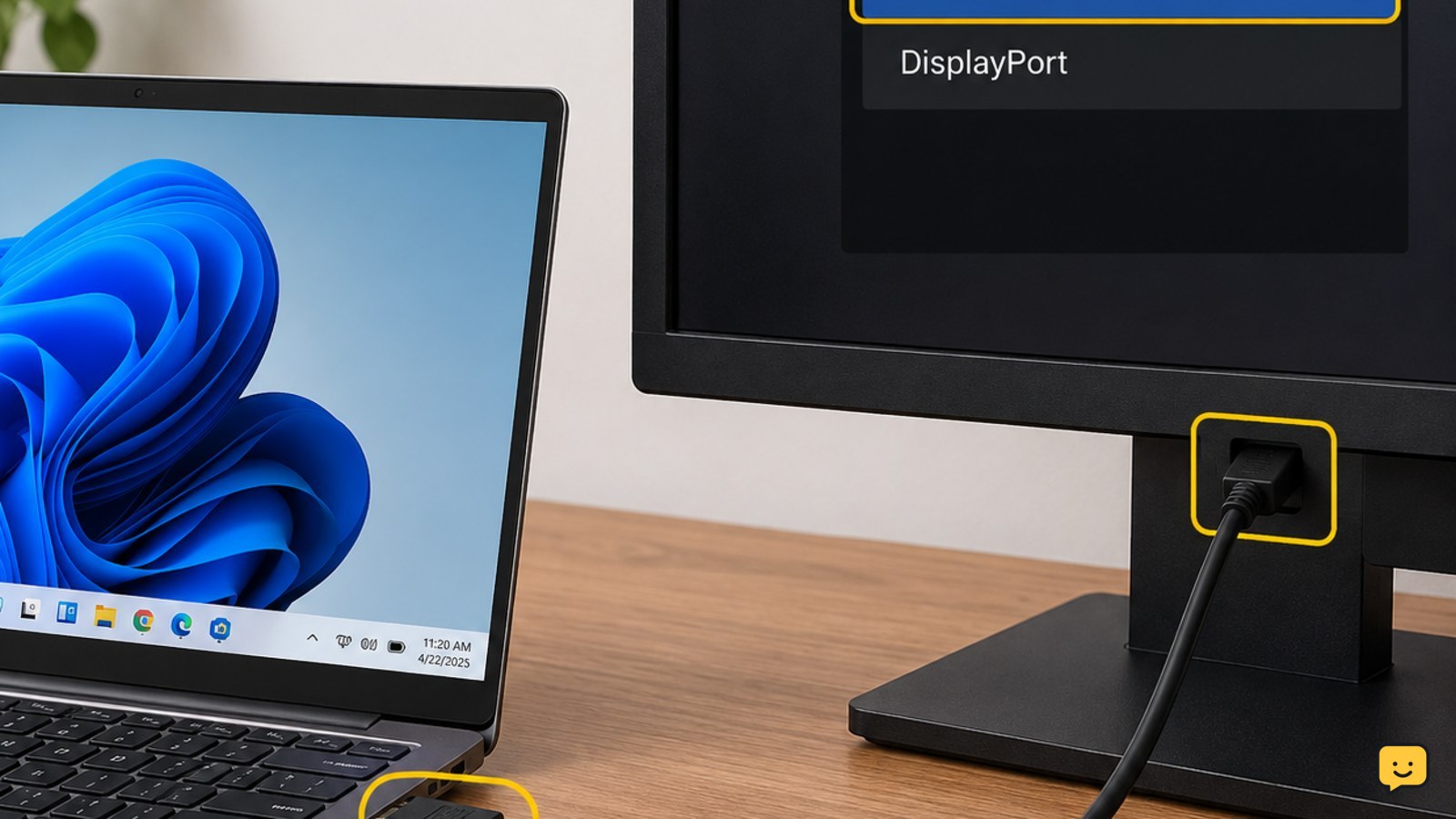
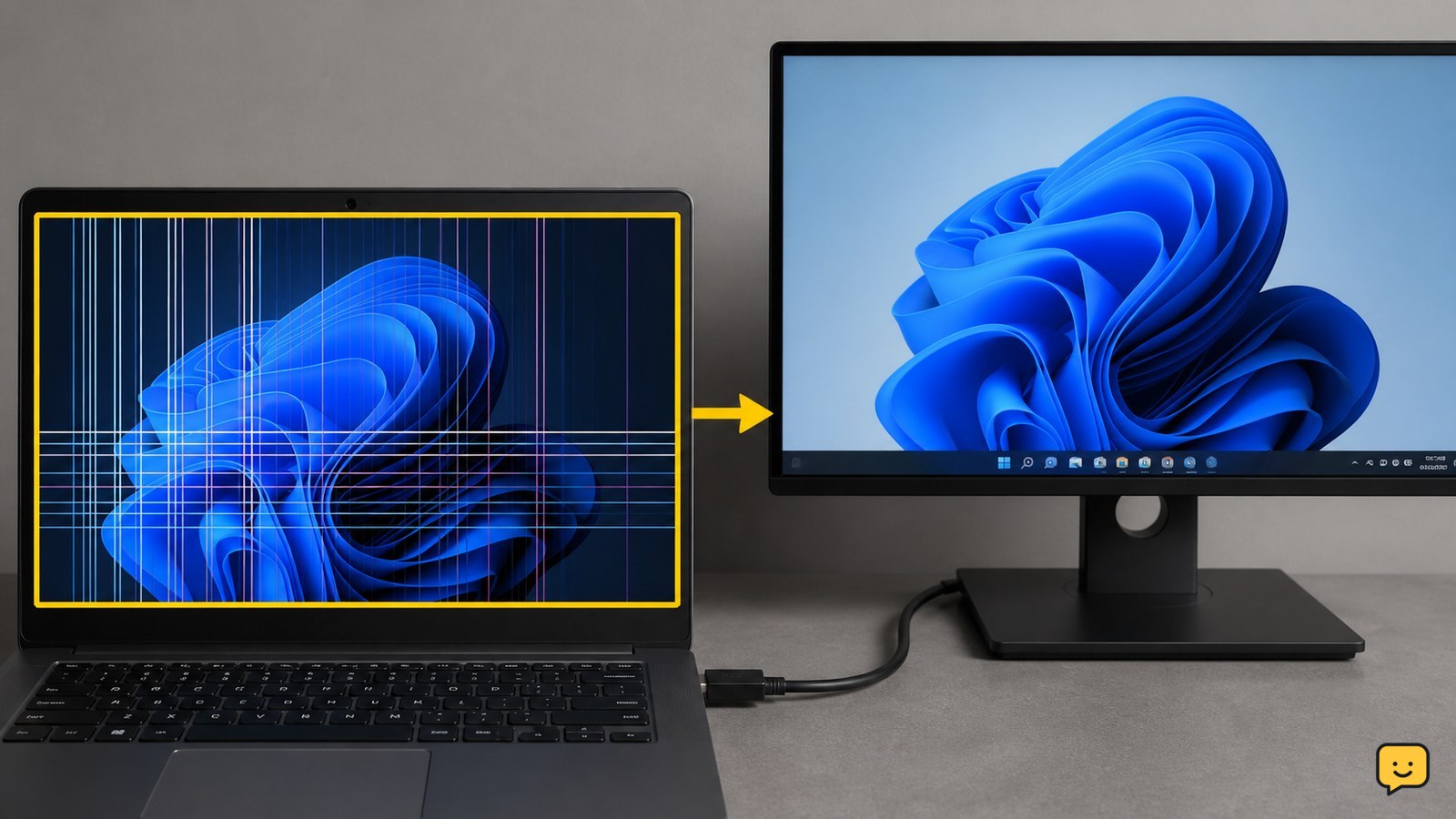
Laptop LCD lines are usually a hardware problem, especially when they appear on the startup logo or change as the lid moves. Restart the laptop, compare the built-in screen with an external monitor, and check whether the lines respond to lid movement. If the lines remain, do not press the panel; arrange a cable or screen inspection.