Computers & Internet
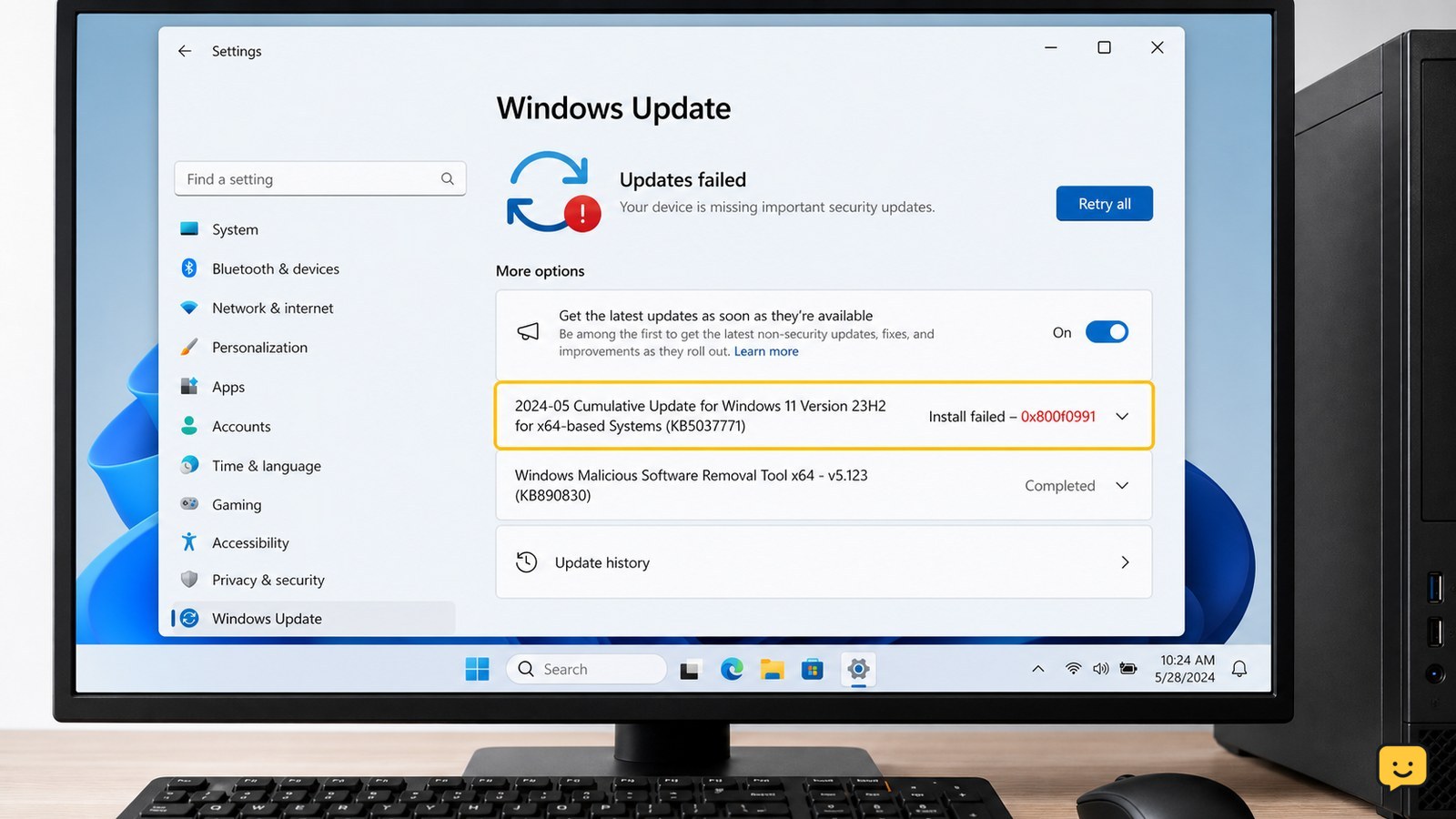
Fix Install Error – 0x800f0991 on Windows
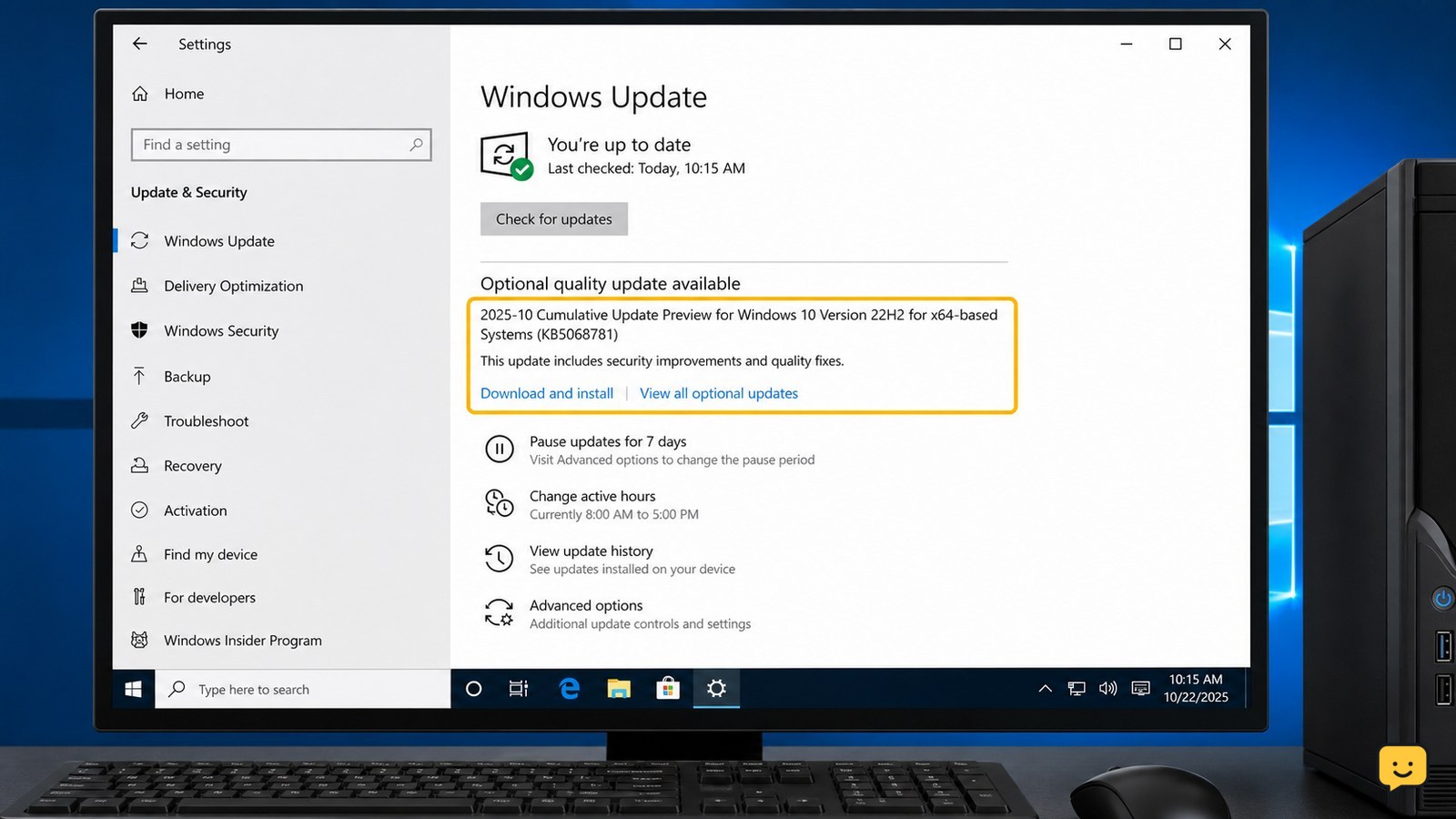
Windows Update error 0x800f0991 is usually resolved by restarting Windows, checking the failed KB number, repairing the Windows component store with DISM and SFC, and retrying the update. If it still fails, reset the Windows Update cache or install that exact KB from the Microsoft Update Catalog. Stop before deleting files if BitLocker recovery or drive errors appear.