Laptop Plugged In but Not Charging? Try These Fixes
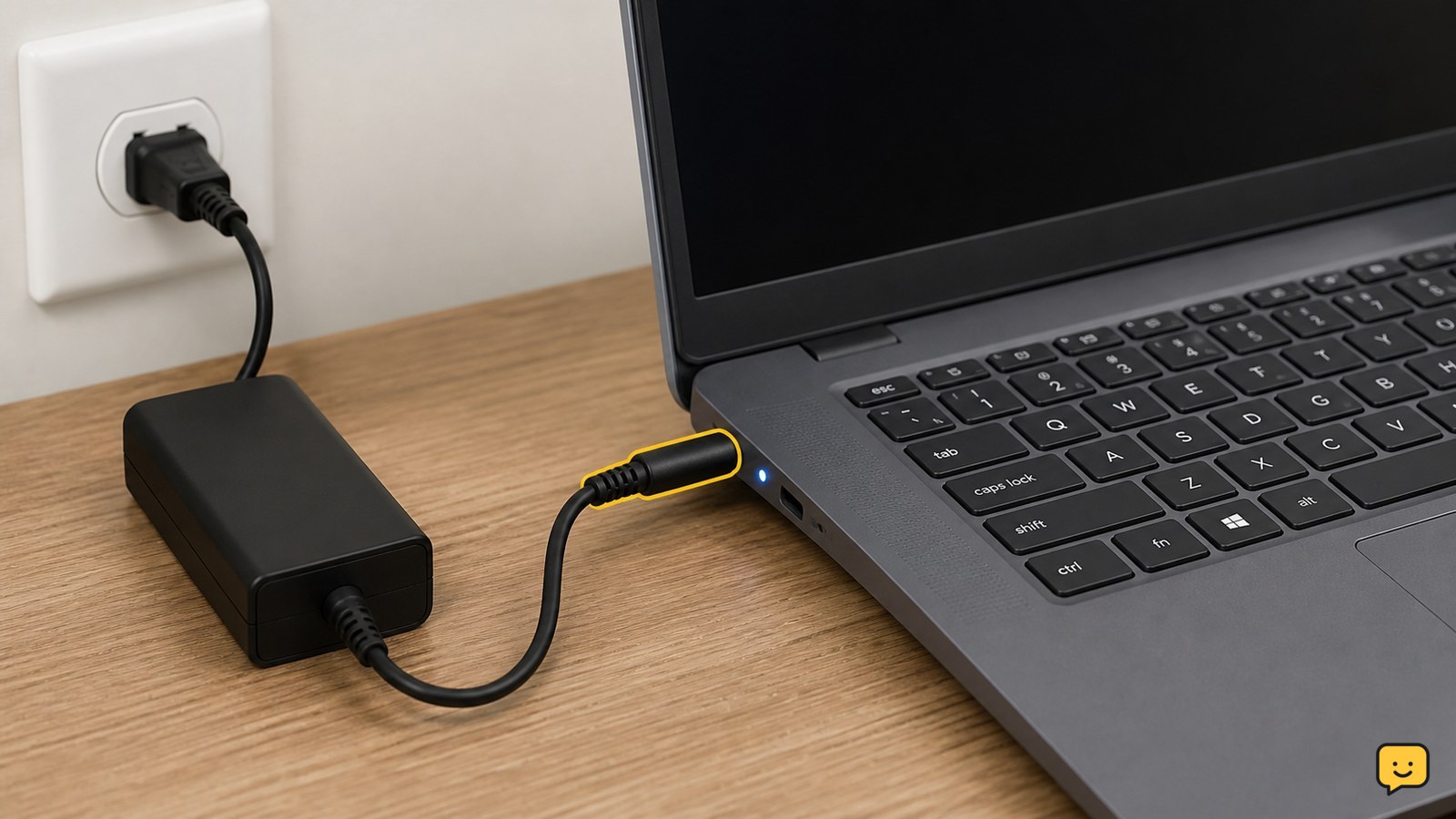
Fix a laptop that is plugged in but not charging by checking the outlet, charger, port, charge limit, battery driver, and battery health safely first.
Fix computer, laptop and internet problems with step-by-step guides for Windows, Wi-Fi, routers, browsers, peripherals, performance and reliable everyday connectivity.
Fix a laptop that is plugged in but not charging by checking the outlet, charger, port, charge limit, battery driver, and battery health safely first.
Stop recurring Wi-Fi dropouts on a Windows 11 PC using safe driver, power, router-band, signal, and network-reset checks in the right order.
Fix a missing, black, blocked, or unavailable Windows 11 laptop camera by checking the shutter, permissions, apps, drivers, and hardware step by step.
Fix a second monitor that shows no signal or is missing from Windows 11. Check cables, projection mode, drivers, ports, and hardware step by step.
Find out whether your phone, its saved Wi-Fi profile, or your home router is blocking the connection, then apply the safest fix first.