Skip to content
ShowU

Games

Find clear game guides for settings, controls, errors, progression, accounts and everyday gameplay problems. Browse focused help for popular PC, console and online games.

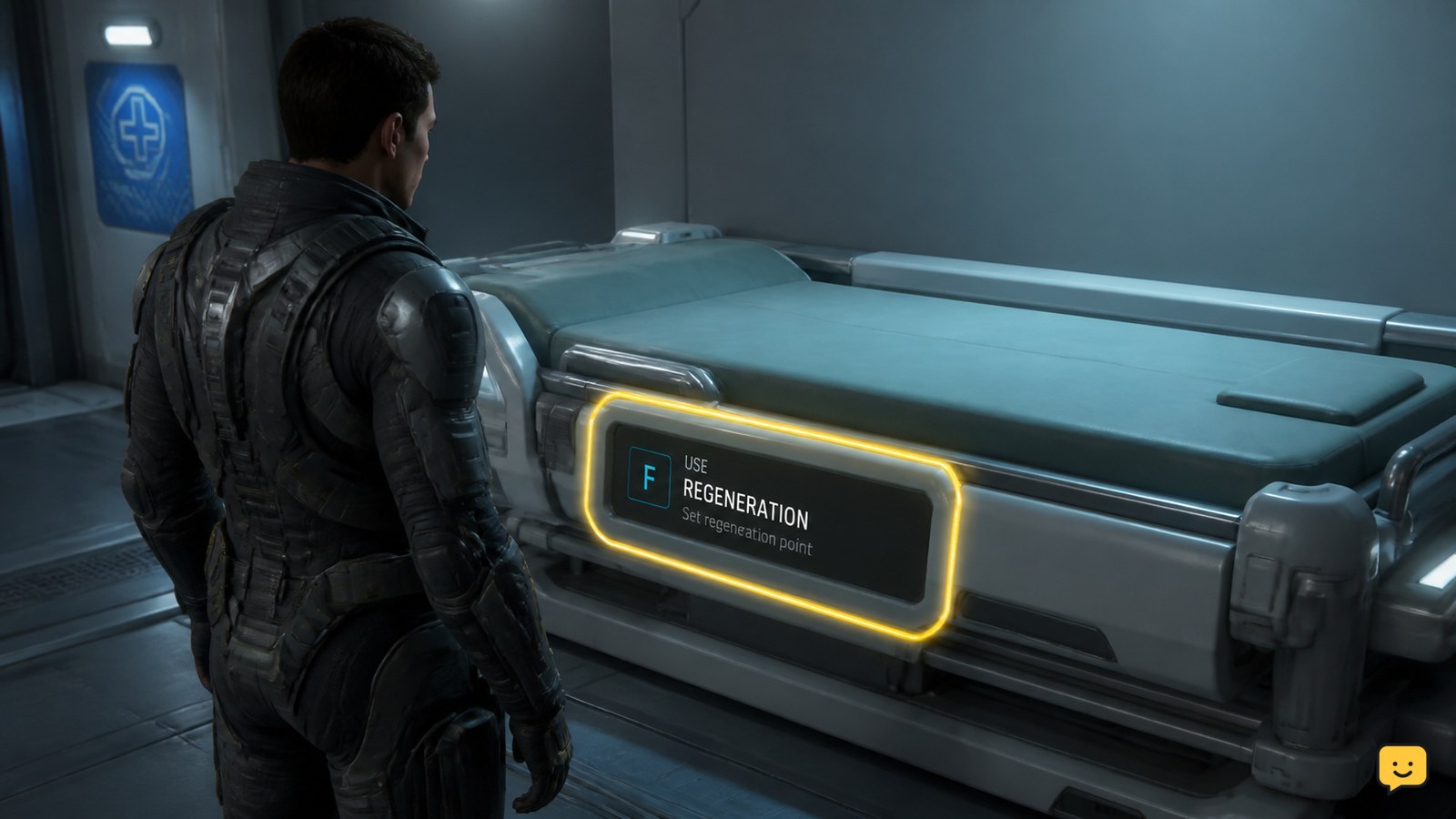
Star Citizen character using a medical bed to set a regeneration point
Star Citizen Guides

How to Set My Spawn Point in Star Citizen

To set your spawn point in Star Citizen, use a medical bed at a hospital, clinic, or compatible ship, then activate the bed’s regeneration interaction. Choose Set Regeneration Point, Set Preferred ICU, or the equivalent prompt shown by your build. Wait for the confirmation, then verify the listed regeneration location before leaving.
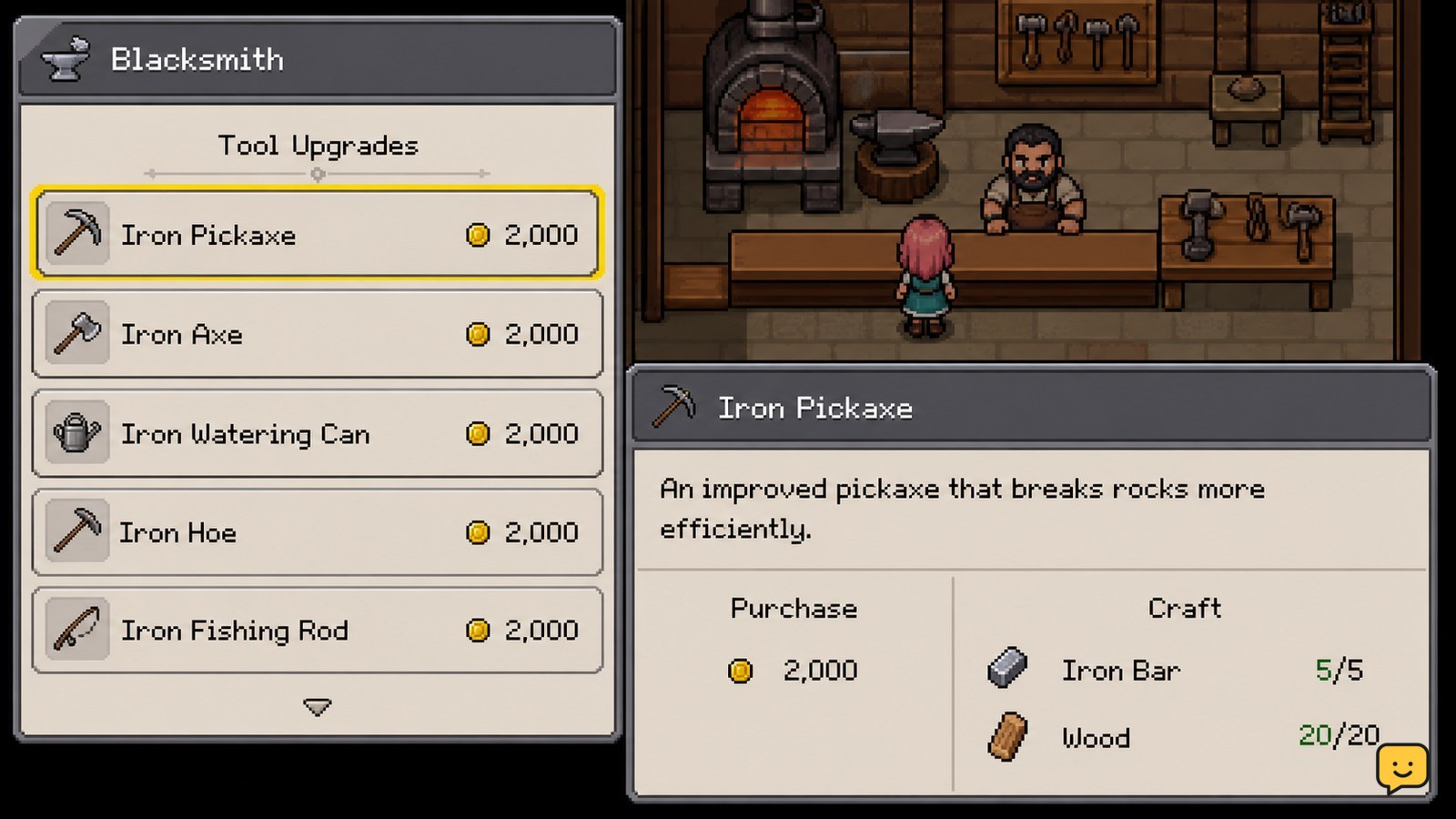
Fields of Mistria blacksmith shop with tool upgrade options visible
Fields of Mistria

Fields of Mistria How to Upgrade Tools

Upgrade tools in Fields of Mistria through the blacksmith shop. You can usually buy a stronger version with money or craft an upgrade with the raw materials shown by the game. Check the displayed requirements first, complete the purchase or crafting action, then equip the new tool and test it on the same farm task to confirm the improvement.

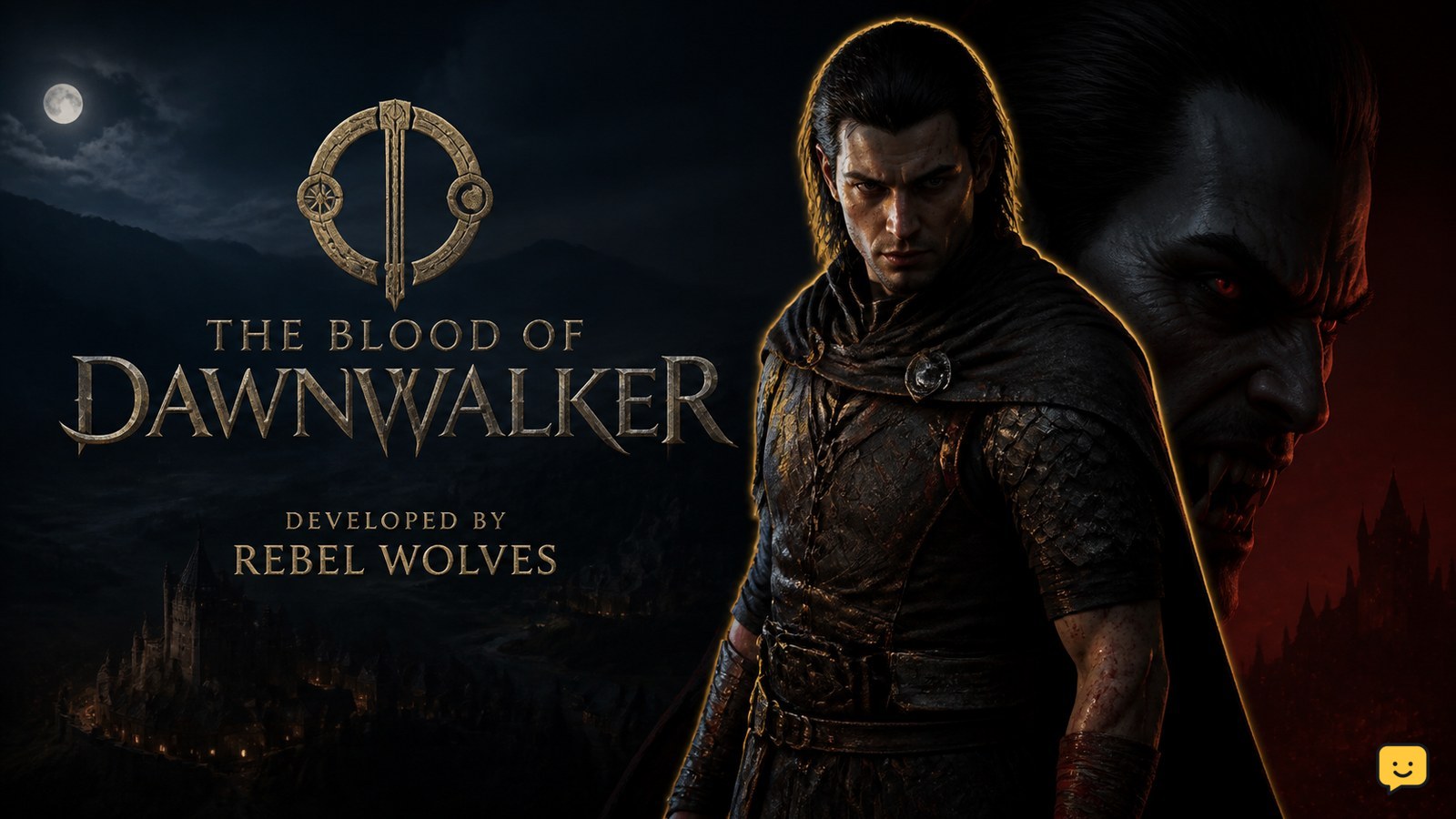
Official key art for The Blood of Dawnwalker, the dark fantasy RPG developed by Rebel Wolves
The Blood of Dawnwalker

The Blood of Dawnwalker: Who Develops It?

Rebel Wolves is developing The Blood of Dawnwalker. The official Bandai Namco Entertainment game page identifies Rebel Wolves as the developer and describes the project as a single-player, open-world dark fantasy action RPG. That confirms the studio’s development role, but it does not establish which outside partners, support studios, or contractors may also be involved.

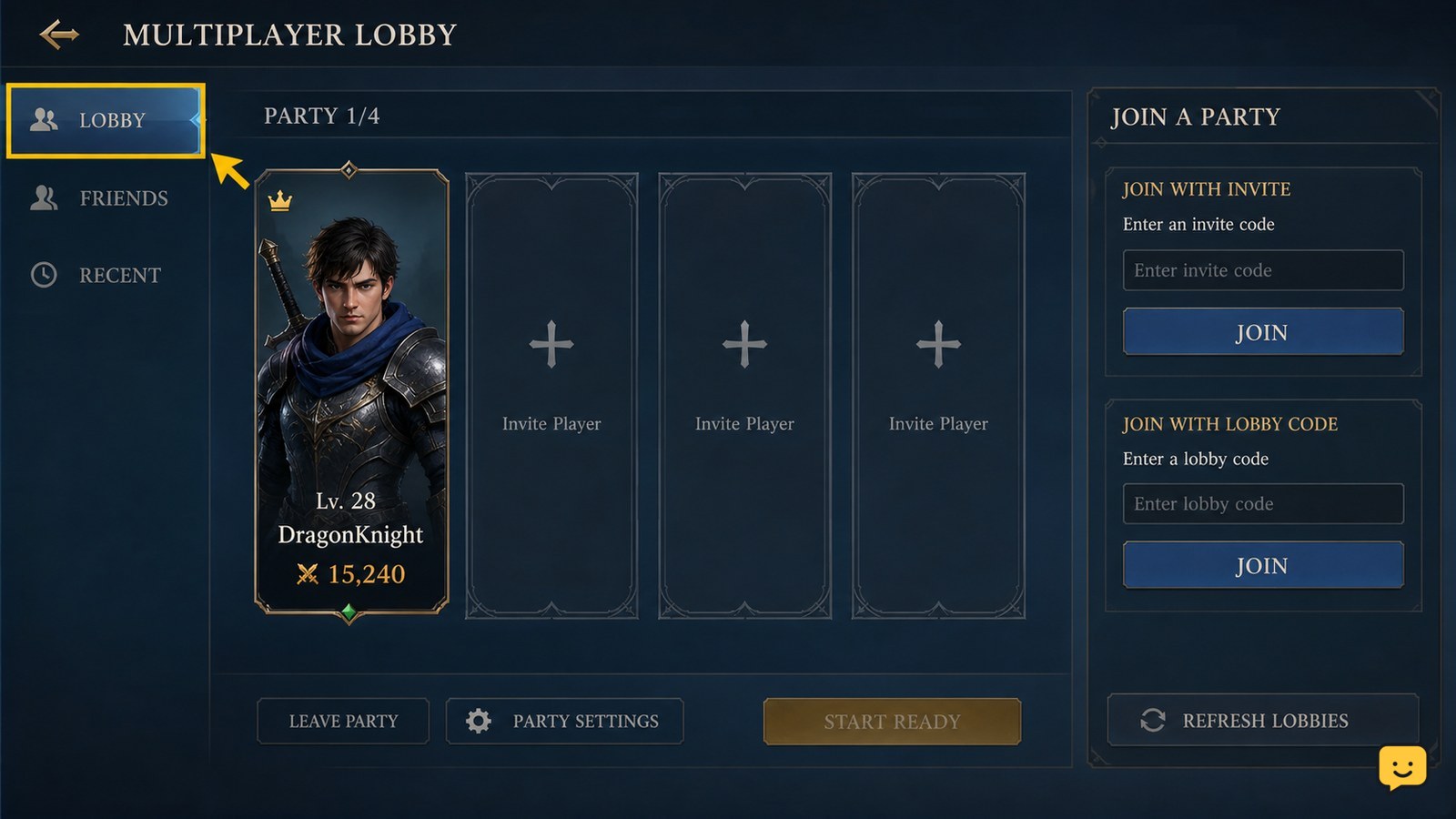
Dragon Sword Awakening multiplayer lobby showing a party roster and join controls
DragonSword: Awakening

Dragon Sword Awakening How to Join a Party

To join a party in Dragon Sword Awakening, open the multiplayer lobby and use the invitation or lobby-code method provided by the party leader. Accept the invite if it appears, or enter the shared code in the lobby screen. Confirm that your name appears in the same lobby before the leader starts the activity. Menu labels may vary by platform or build.

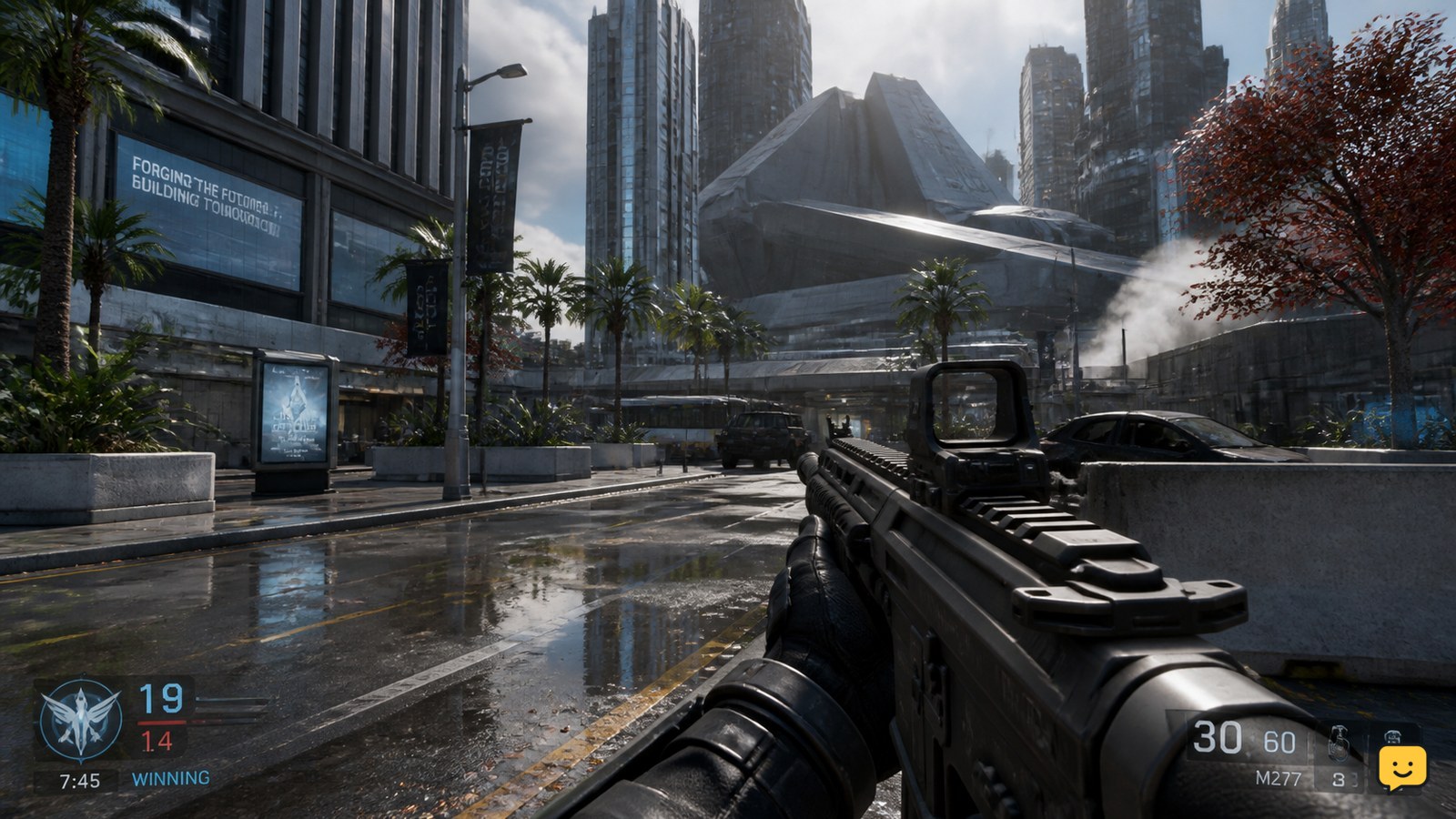
First-person Call of Duty Black Ops 7 gameplay with a clear weapon and sharp background
Call of Duty: Black Ops 7 Guides

How to Turn Off Motion Blur in Call of Duty Black Ops 7

Open Settings from the lobby or pause menu, select Graphics, then open the Quality section. Set World Motion Blur and Weapon Motion Blur to Off. Save the change and test it while moving and aiming in a match. If blur remains, also check camera-movement options and search the settings for “blur,” because menu placement can vary by platform or game update.

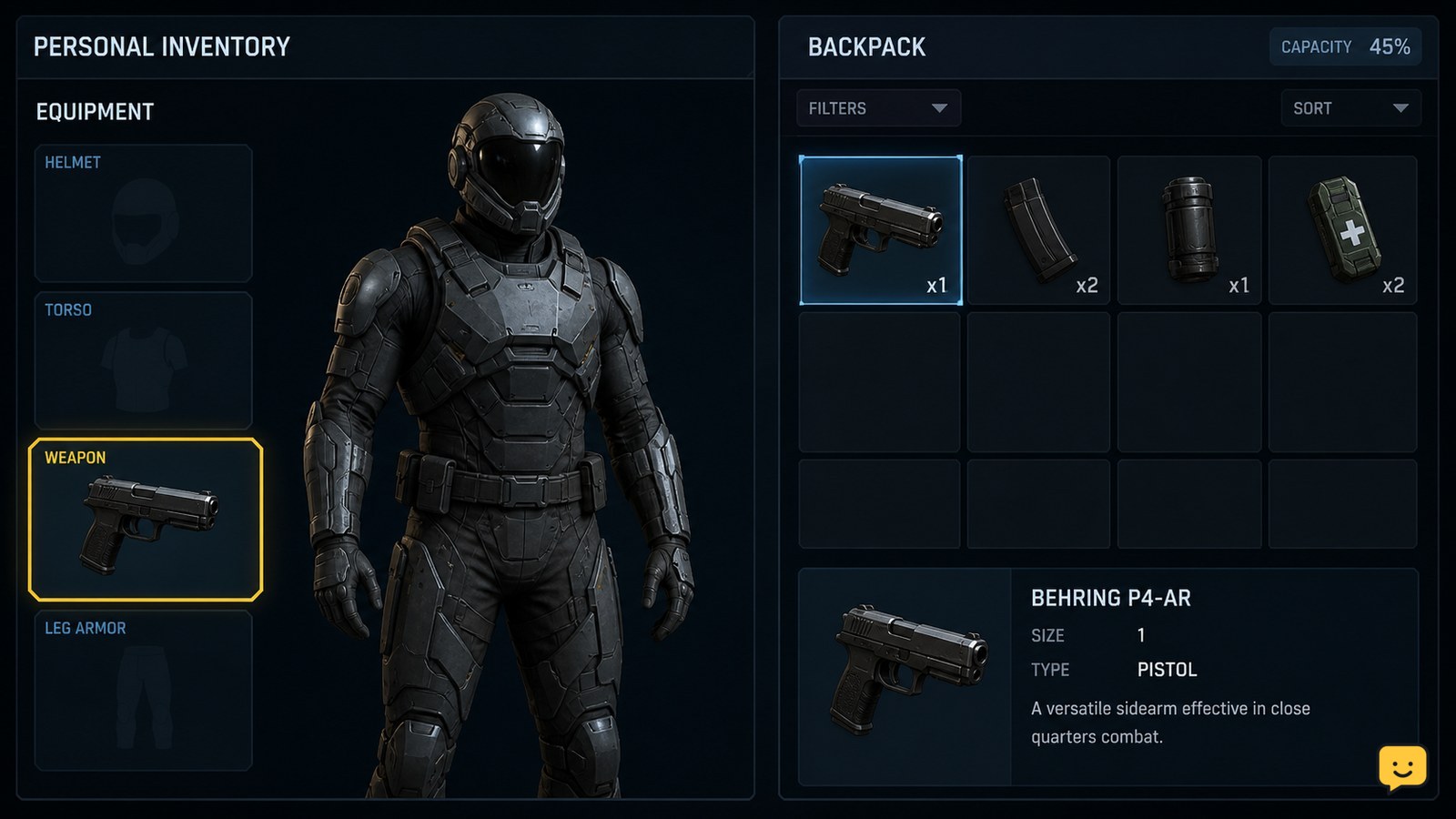
Star Citizen character equipment interface showing a handheld weapon in a personal weapon slot
Star Citizen Guides

How to Equip Weapons in Star Citizen: Personal Gear

Open your character’s personal inventory, select the weapon, and either drag it into the matching equipment slot or right-click it and choose Equip. Confirm that it appears in a weapon slot before leaving the screen. This equips a handheld weapon for your character; it does not install guns or components on a ship, which uses a separate vehicle loadout system.

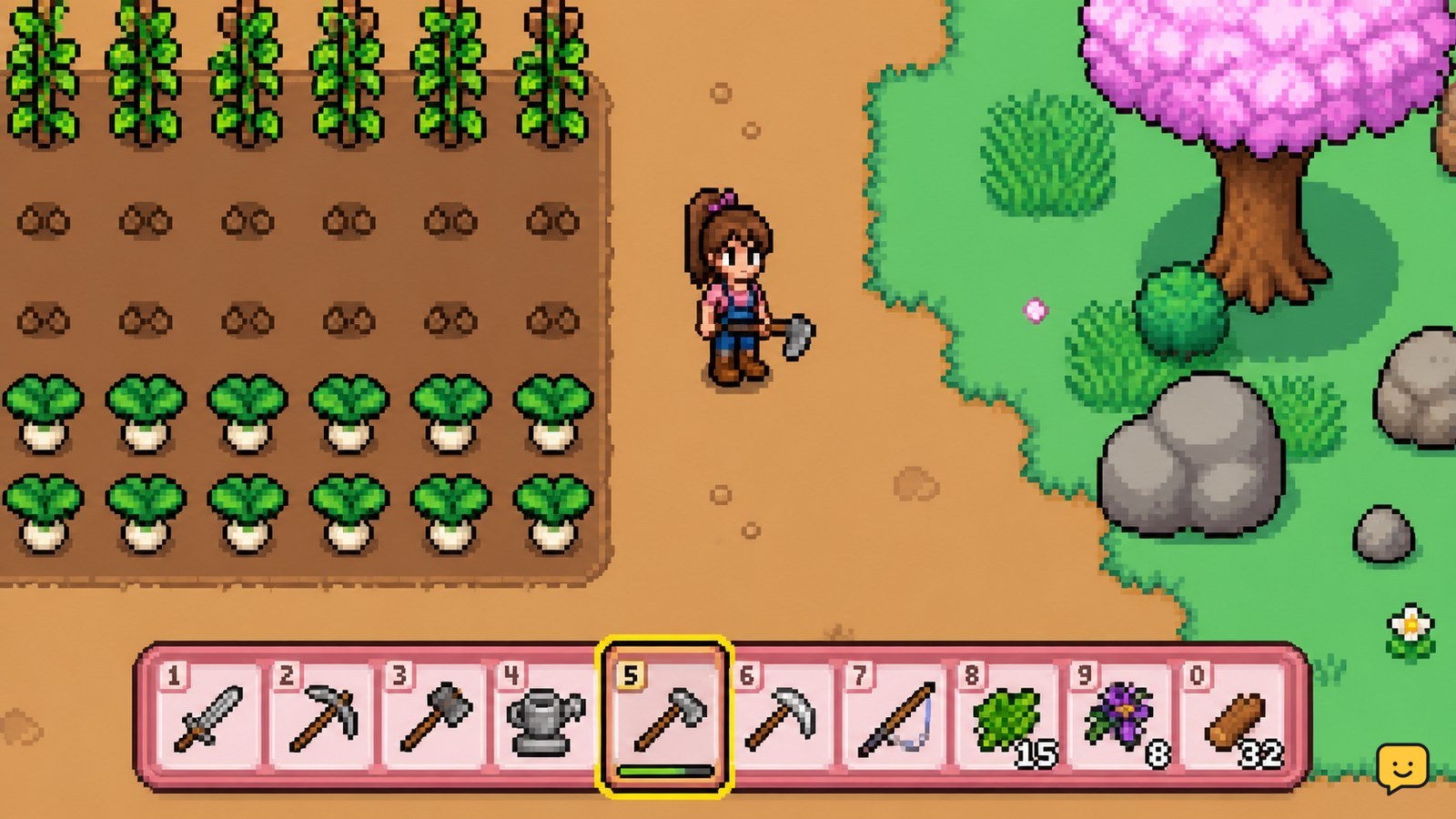
Fields of Mistria hotbar with a selected farming tool
Fields of Mistria

How to Change Tools in Fields of Mistria

To change tools in Fields of Mistria, select another item from your hotbar. On PC, click the toolbar slot or use the keyboard control assigned to hotbar selection. With a controller, use the control assigned to move between toolbar items. Check that the new tool is highlighted before pressing the action button.

Coen standing alone in the dark fantasy world of The Blood of Dawnwalker
The Blood of Dawnwalker

Is The Blood of Dawnwalker a Single-Player Game?

Yes. Rebel Wolves’ official website identifies The Blood of Dawnwalker as a single-player open-world dark fantasy AAA RPG with a strong story and narrative focus. That confirms the intended play format is solo. It does not confirm co-op, competitive multiplayer, split-screen, or offline play, and preview footage should not be treated as proof that unannounced features are playable.

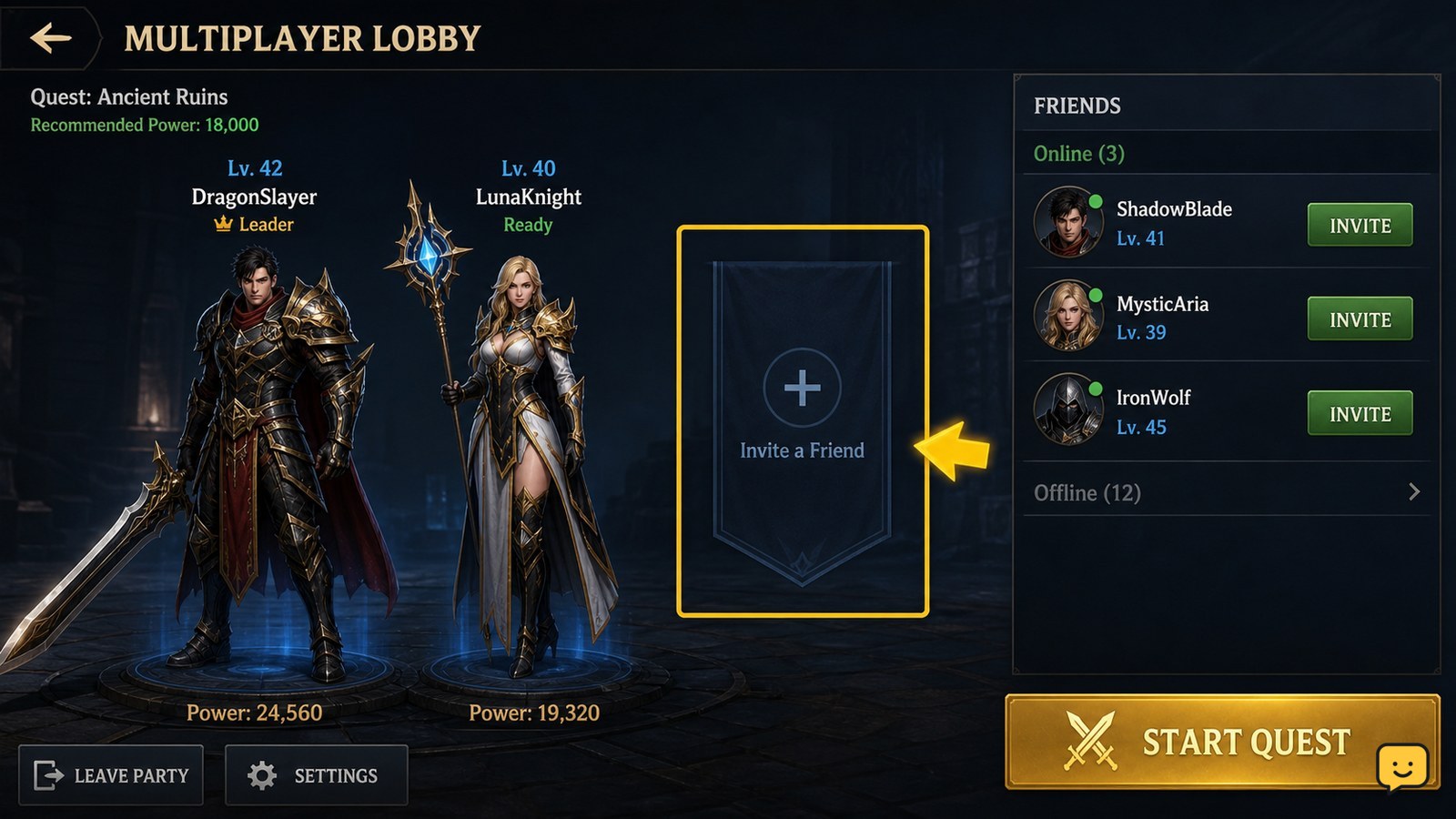
Dragon Sword Awakening multiplayer lobby with friend invitation controls visible
DragonSword: Awakening

Dragon Sword Awakening How to Add Friends

To add or invite a friend in Dragon Sword Awakening, open the multiplayer lobby and choose Invite Friends when the option is available. If direct invites do not appear, select Create Lobby, copy the Lobby Code, and send it to the other player. They can use that code to join your session. The available menu may vary by platform or game version.

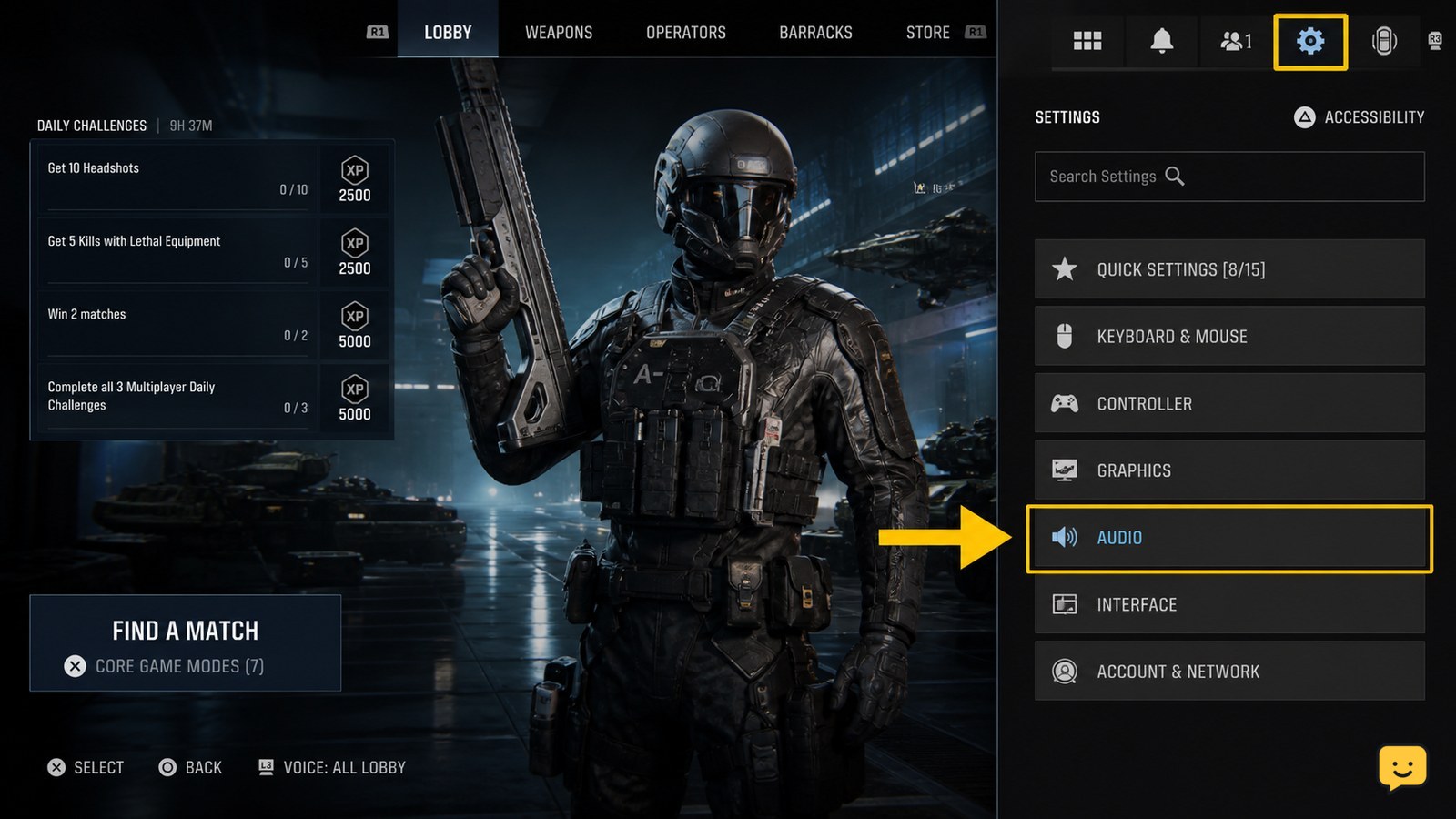
Call of Duty Black Ops 7 lobby with the Settings icon highlighted
Call of Duty: Black Ops 7 Guides

How to Change Audio Settings in Call of Duty Black Ops 7

Open Call of Duty: Black Ops 7, select the Settings icon from the lobby, choose Audio, then adjust the volume, voice chat, subtitle, and output options shown on your platform. Save or apply the changes, then test them in a match. If no output-device selector appears, choose the device through your console or PC sound settings.