Privacy & Online Safety
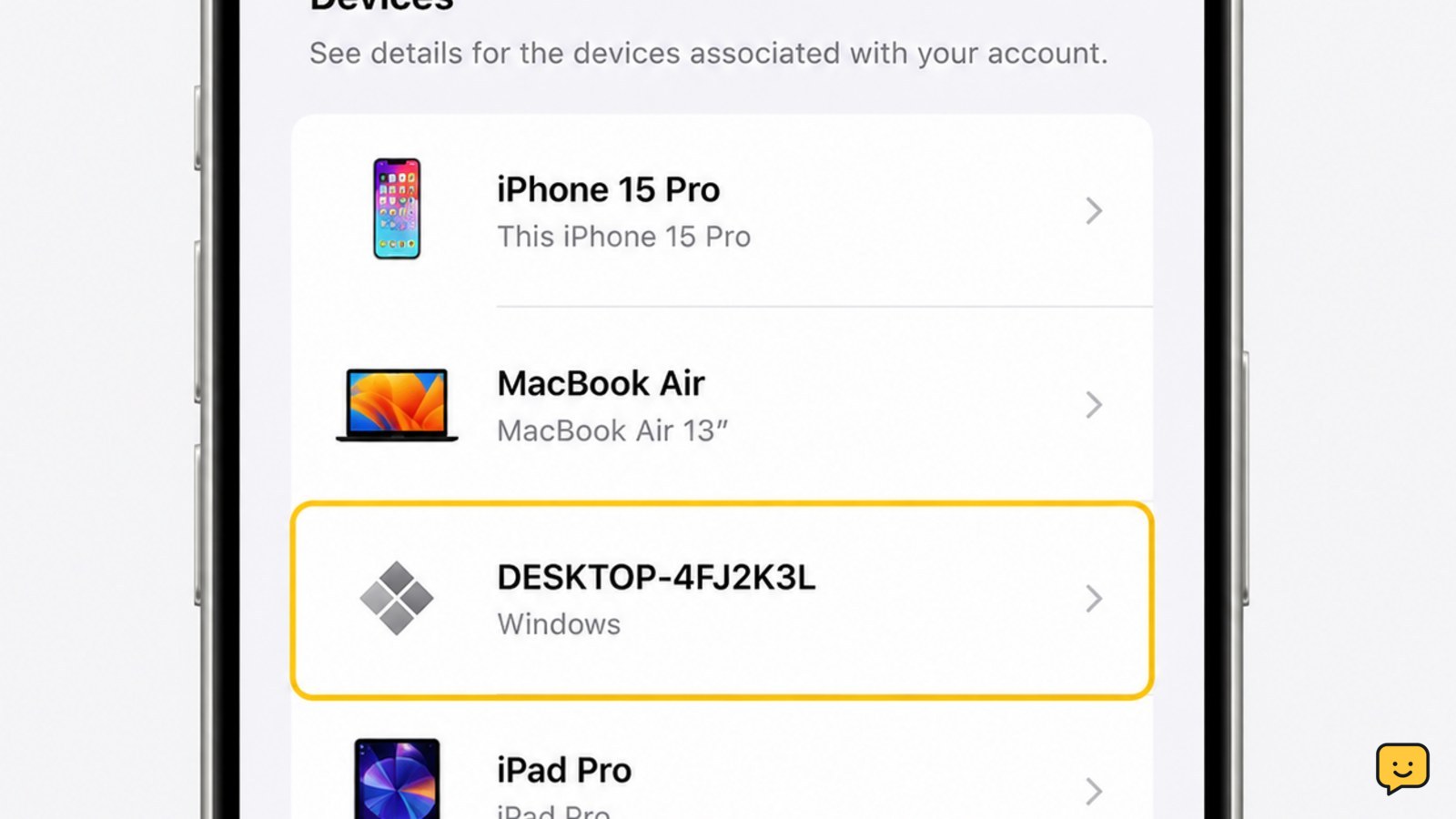
How to Remove an Unknown Device From an Apple Account
Remove an unfamiliar device from your Apple Account, verify whether access ended, then change your password and review two-factor authentication settings.

Remove an unfamiliar device from your Apple Account, verify whether access ended, then change your password and review two-factor authentication settings.
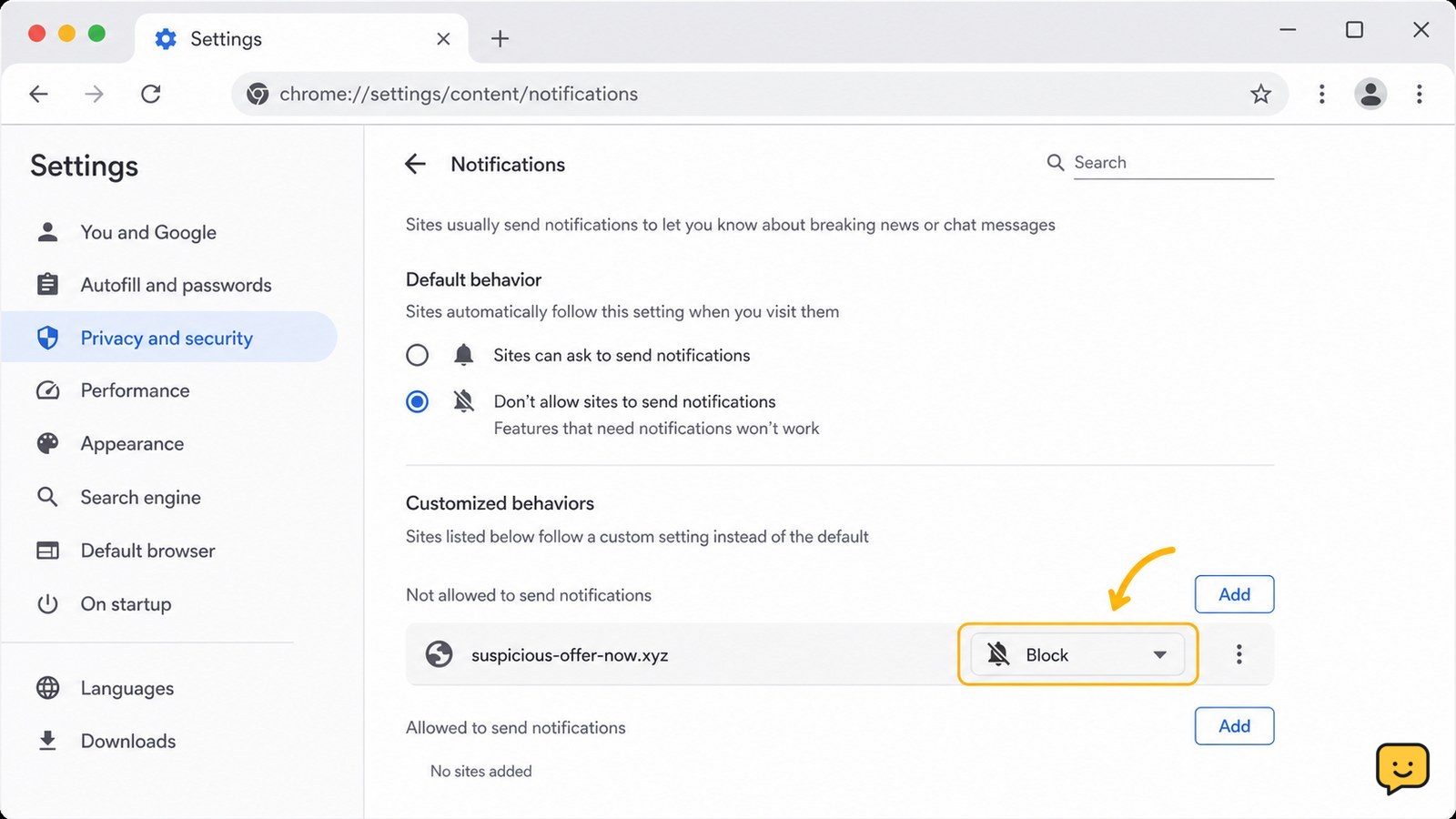
Remove malicious browser notifications by revoking site permission, blocking future requests, scanning for malware, and checking alerts safely on Chrome, Edge.
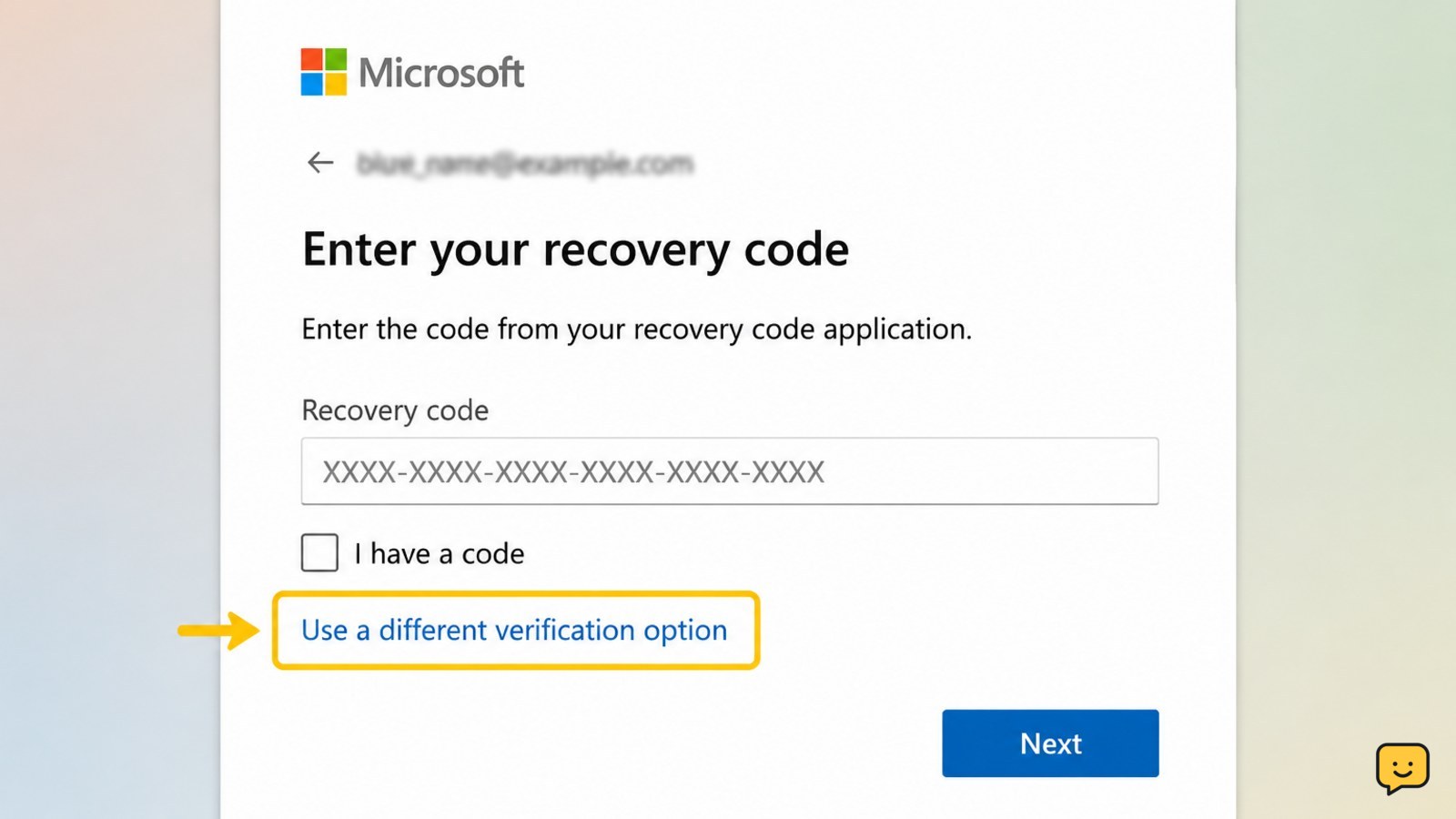
Is your Microsoft account recovery code not working? Check the code type, account identity, replacement codes, verification methods, and safe recovery options.
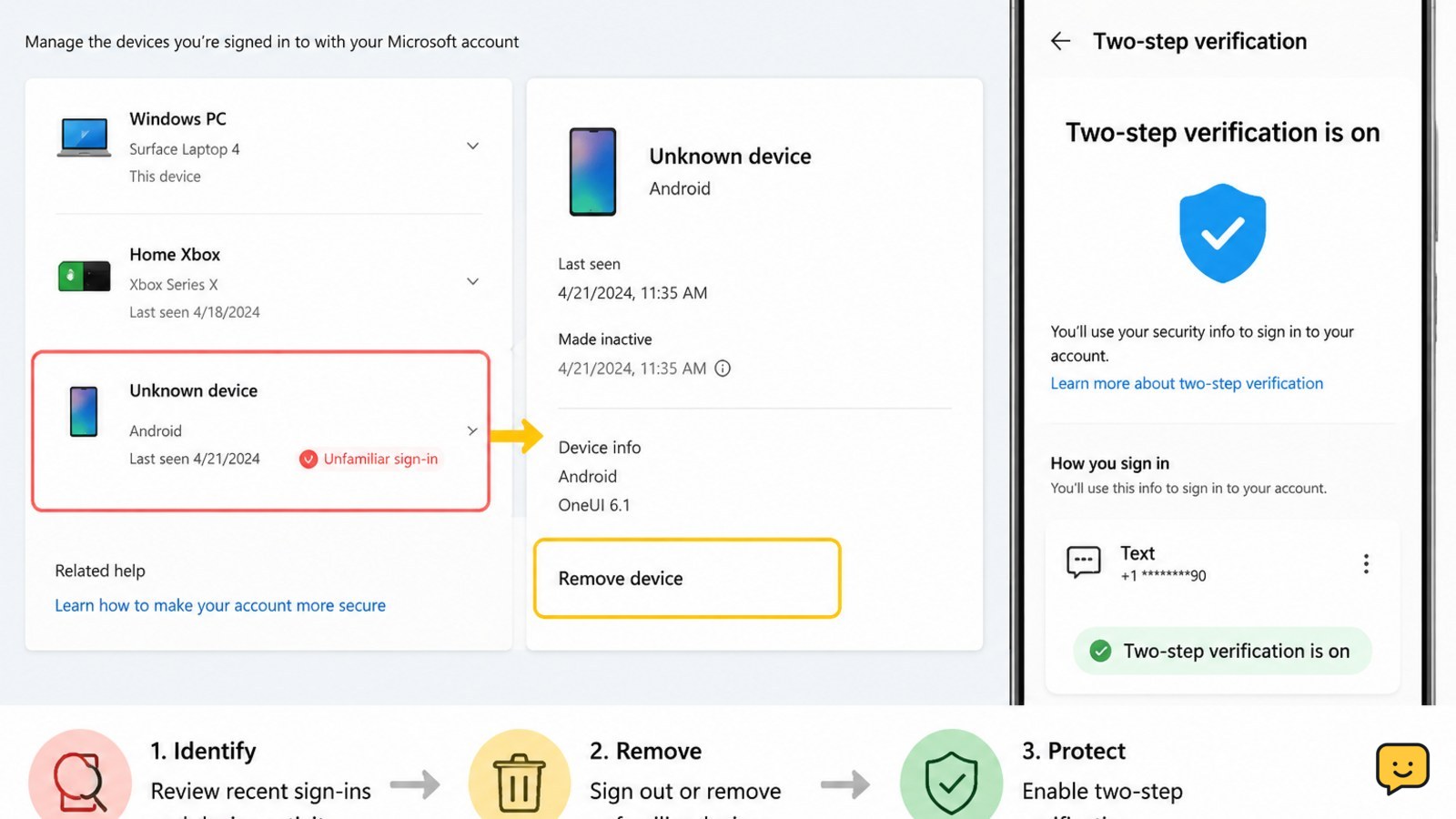
Stop an unknown device from accessing your Microsoft account by reviewing activity, removing the device, changing your password, and enabling MFA.
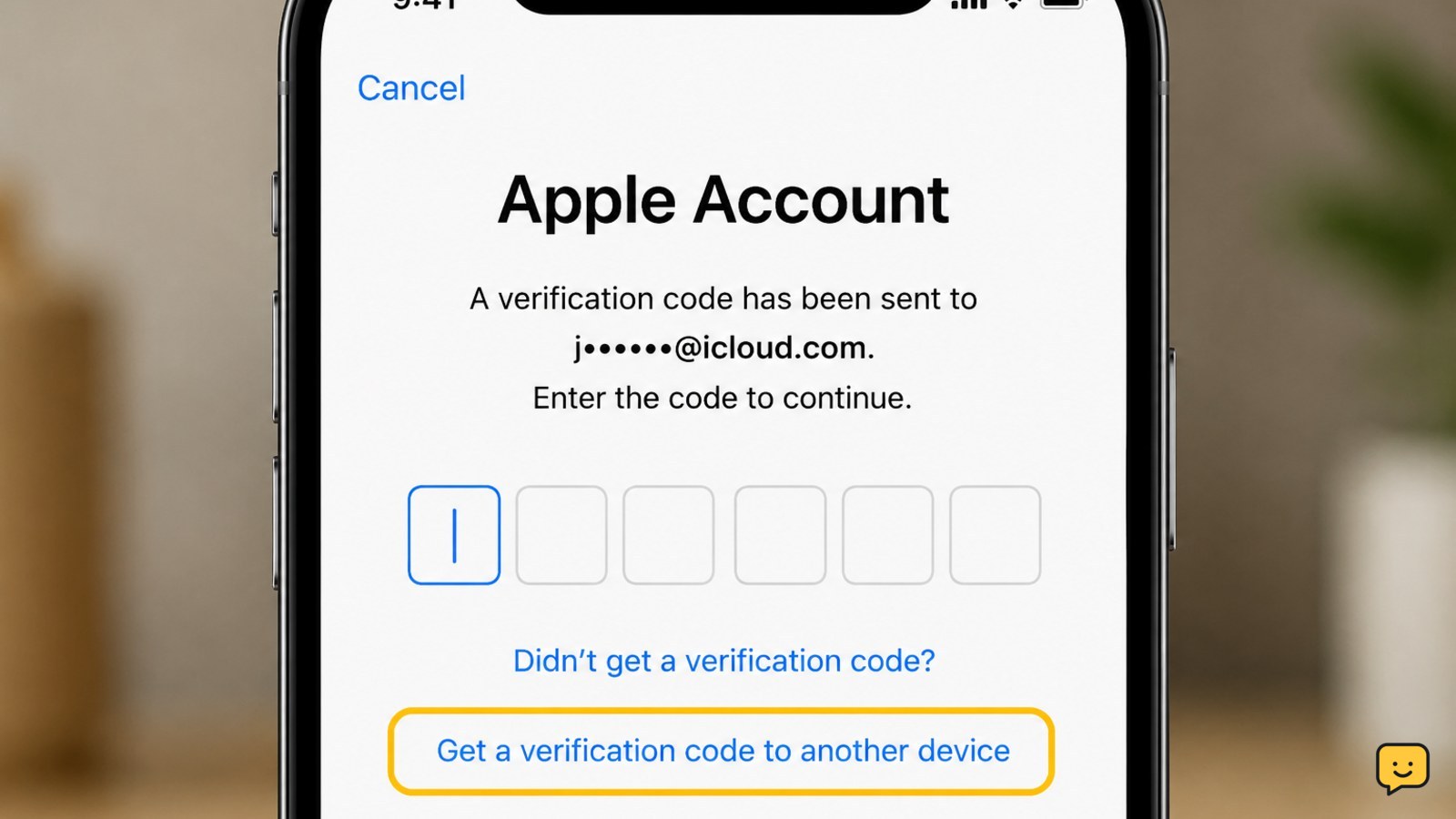
Not receiving your Apple Account verification code? Check trusted devices, SMS delivery, phone settings, email, and Apple’s secure recovery options.
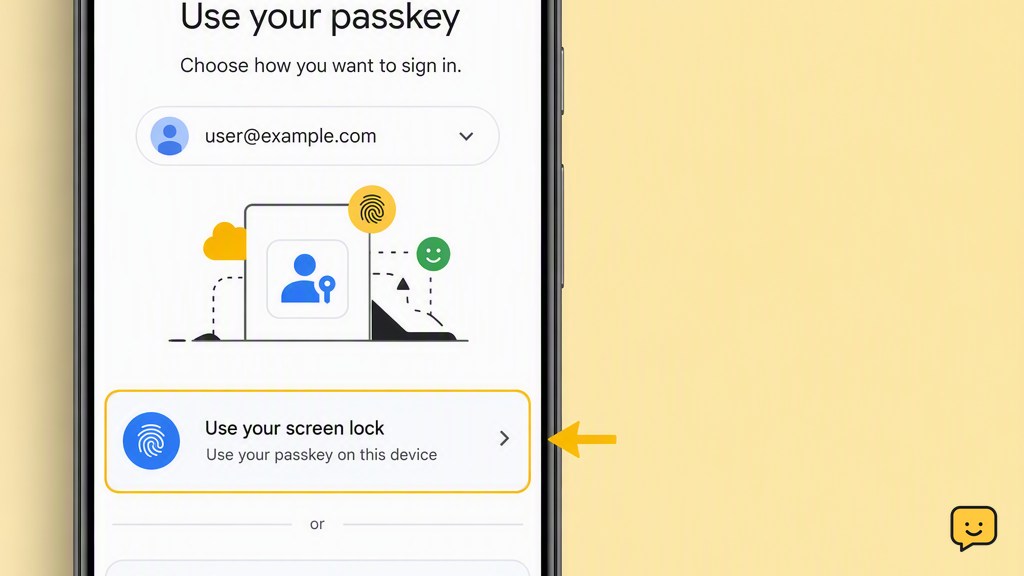
Fix a Google Account passkey that will not work by checking device support, screen lock, browser updates, sync, Bluetooth, and recovery options.
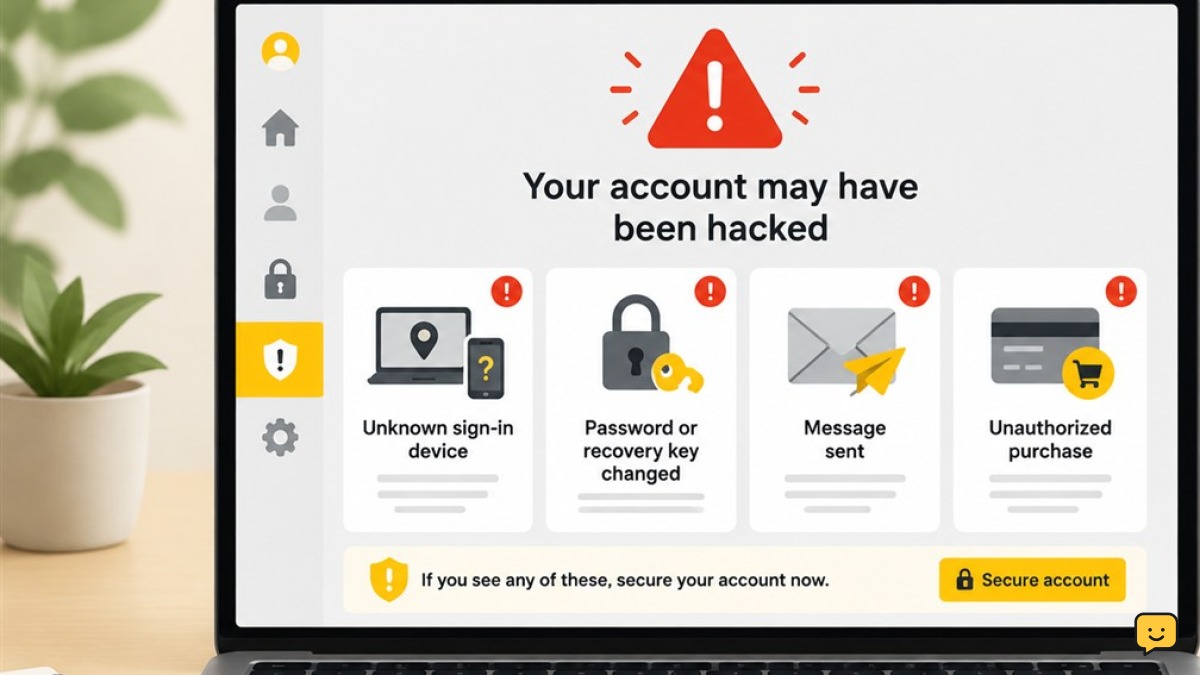
The strongest signs you have been hacked are unknown sign-ins, changed passwords or recovery details, messages you did not send, unfamiliar account access, and unauthorized purchases. Use a clean device, secure your main email, review active sessions, recover affected accounts, replace reused passwords, and contact your bank immediately if money is at risk.