The strongest signs your account was hacked
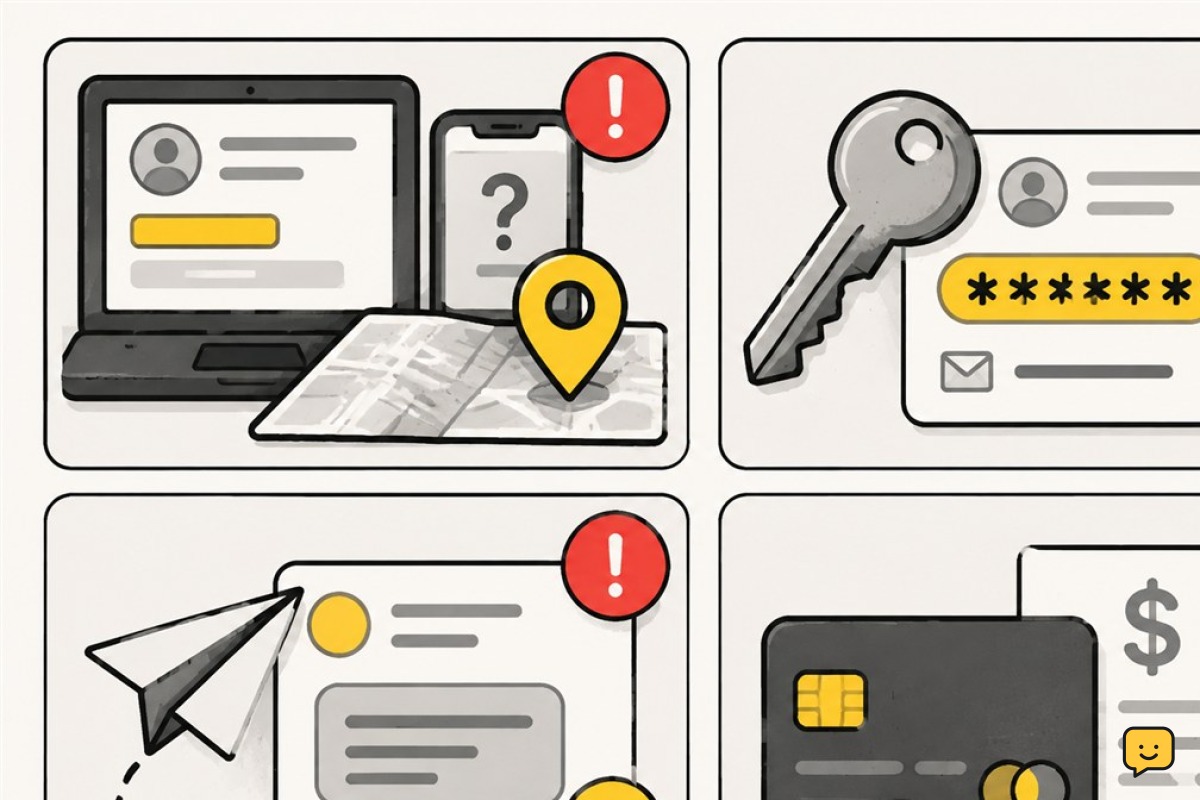
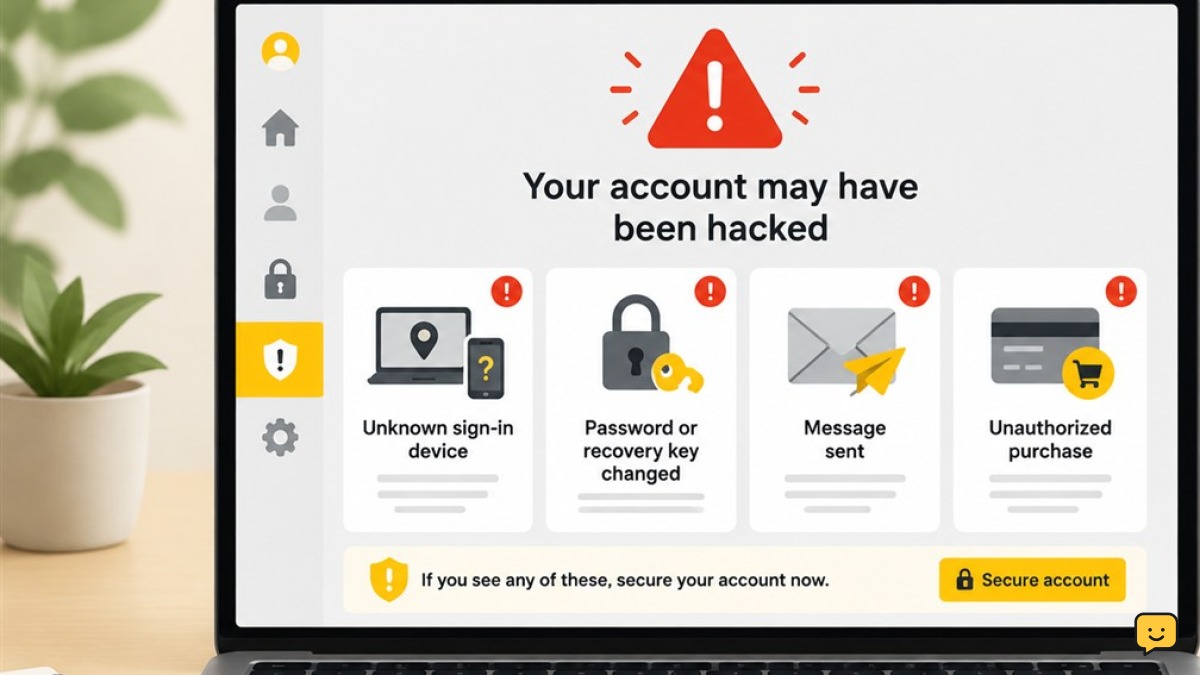
Focus on account records and actions you cannot explain. A security alert may also be fake, so open the provider’s official app or website yourself instead of using a link in an unexpected message.
For the related task, What Is a Phishing Email Example covers the next checks separately.
| Sign | What it may mean | Do this now |
|---|---|---|
| Unknown sign-ins or locations | Someone may have your password, a stolen session, or access through a connected app. | Open the official security page, review recent activity, and remove access you do not recognize. |
| Unexpected security alerts | An alert about a new device, password reset, or verification request may show an attempted or successful takeover. | Do not approve the request. Check the account directly and confirm whether the alert is genuine. |
| Your password was changed | An intruder may have taken control and locked you out. | Start the provider’s official recovery process. Secure your primary email if it can still receive reset messages. |
| Recovery email or phone changed | Someone may be redirecting future password resets and security notices. | Restore your details, remove unknown options, and check whether other settings were altered. |
| Messages or posts you did not send | Your account may be sending scams, spam, or harmful links to people you know. | Secure the account, inspect sent and deleted items, and warn affected contacts. |
| Unfamiliar forwarding rules, filters, or delegated access | An intruder may be quietly copying, hiding, deleting, or reading your email. | Remove unknown rules and delegates. Check folders for hidden security or financial messages. |
| Unknown apps or active sessions | A third-party service, browser, or device may still have account access. | Revoke unfamiliar apps and sign out sessions you cannot identify. |
| Unauthorized purchases or transfers | Your account, saved payment method, or financial information may be compromised. | Contact the bank or payment provider immediately, dispute the activity, and secure the related account. |
Device signs that need investigation
Device symptoms can support other evidence, but they do not prove hacking by themselves. Software bugs, aging hardware, aggressive websites, and ordinary settings can cause similar behavior.
- Security tools are disabled: Antivirus protection, automatic updates, a firewall, or browser safeguards turn off without your action or cannot be turned back on.
- Unknown apps or extensions appear: Look for software you did not install, especially anything with broad access to browsing, messages, files, or accessibility features.
- Redirects or pop-ups persist: Searches repeatedly go to unfamiliar sites, ads appear outside normal web pages, or browser settings keep changing after you correct them.
- Unexpected camera or microphone access occurs: Privacy indicators appear when no trusted app should be recording, or an unknown app has camera or microphone permission.
A hot phone, fast battery drain, or a slow computer alone is weak evidence. Investigate further if the symptom appears with unknown account activity, changed settings, unauthorized payments, or unfamiliar software.
How to check your accounts safely
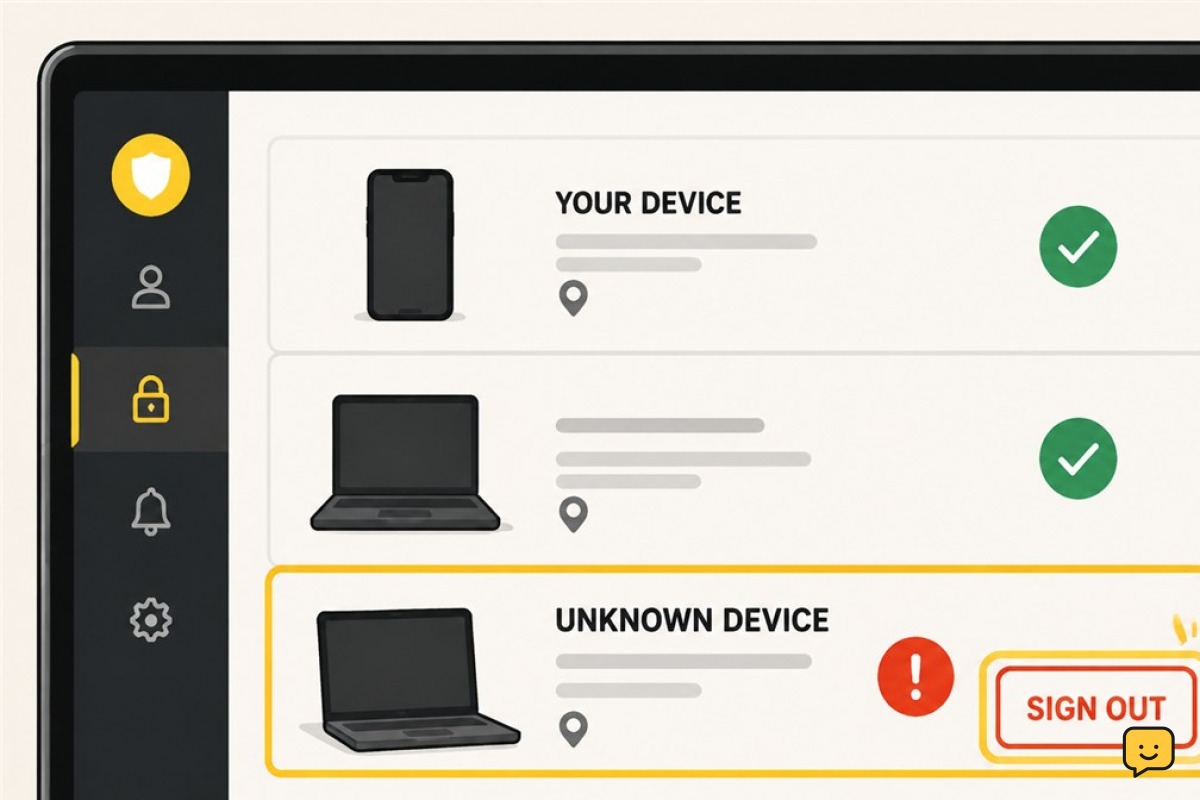
- Use the provider’s official security page. Open its known app, type the address yourself, or use a trusted bookmark. Do not follow account-recovery links from unexpected emails, texts, ads, or calls.
- Review recent security events and active sessions. Compare devices, browsers, dates, and approximate locations. A location can be imprecise, so also consider the device type and time.
- Check recovery information. Confirm that every recovery email address and phone number belongs to you. Remove unknown entries and correct altered details.
- Inspect connected access. Review third-party apps, browser extensions, email forwarding, filters, automatic replies, and delegated mailbox access. Remove anything unfamiliar or no longer needed.
- Review activity and money. Check sent and deleted messages, posts, orders, subscriptions, saved payment methods, bank transactions, and recent password-reset notices.
What to do if you were hacked
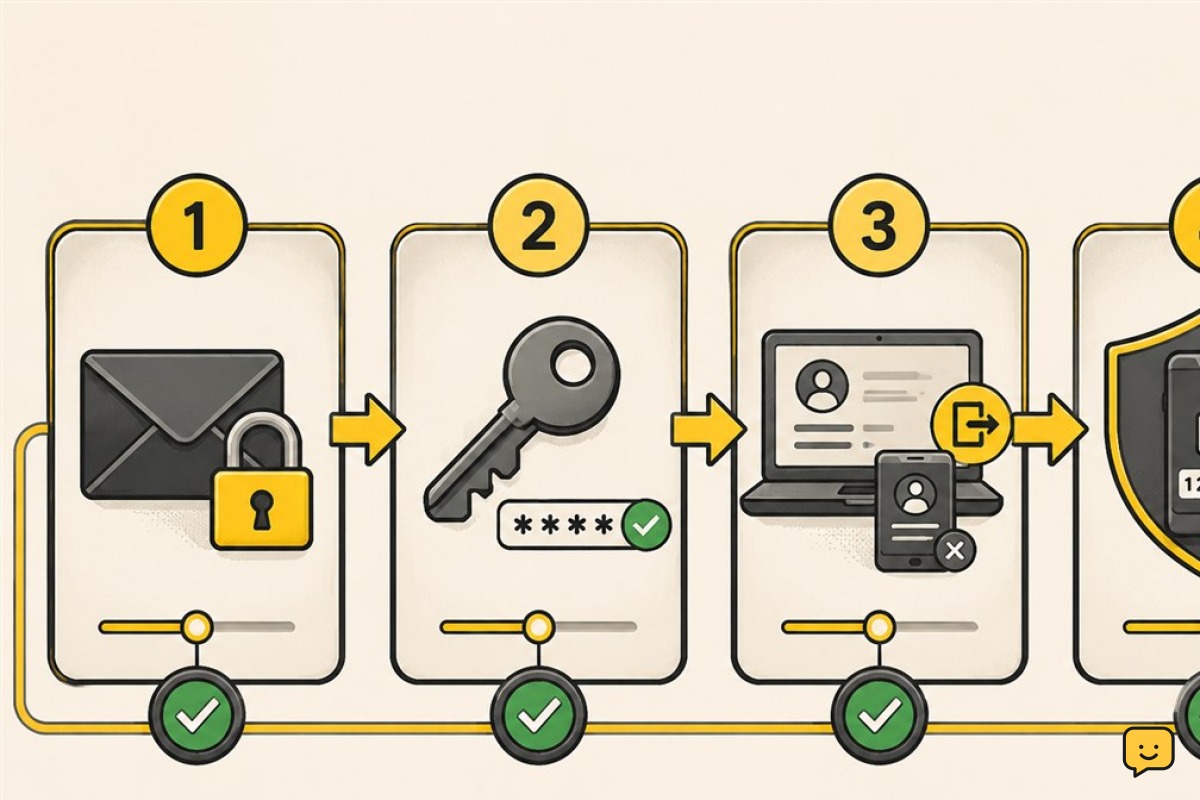
- Move to a known-clean device when possible. Use a trusted, updated phone or computer to begin recovery. Avoid public computers and devices showing strong signs of malware.
- Secure your primary email first. Because email can reset other accounts, recover it, confirm its recovery details, remove forwarding rules, and review active sessions before handling lower-priority accounts.
- Update security software and run a scan if malware is suspected. Install operating system and browser updates, update the device’s trusted security software, and complete a full scan. Remove unknown apps or extensions through the device’s normal settings.
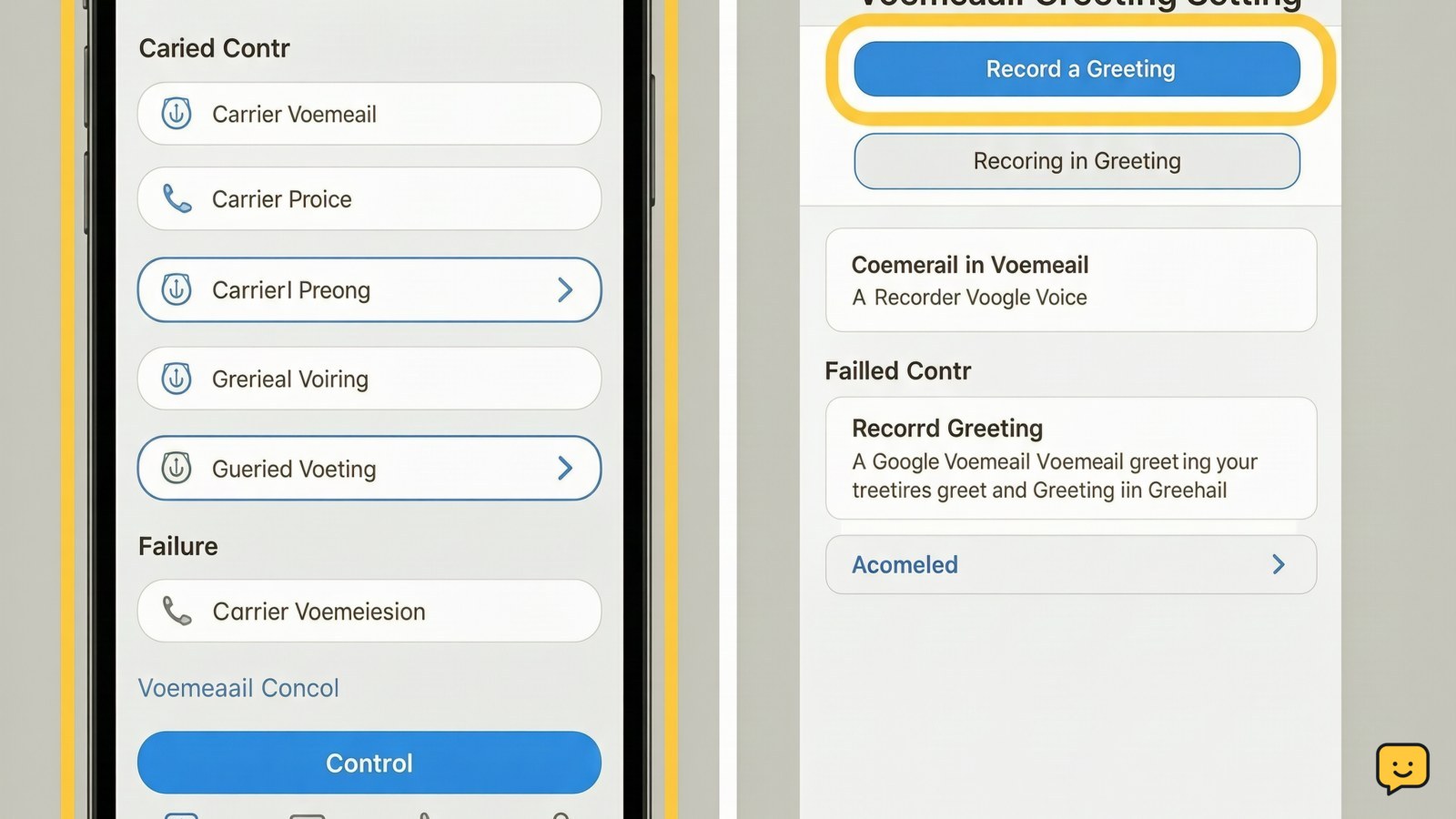
- Recover access through the provider. Use only the official recovery page or app. Follow its identity checks, review changed settings, and save any recovery codes somewhere secure.
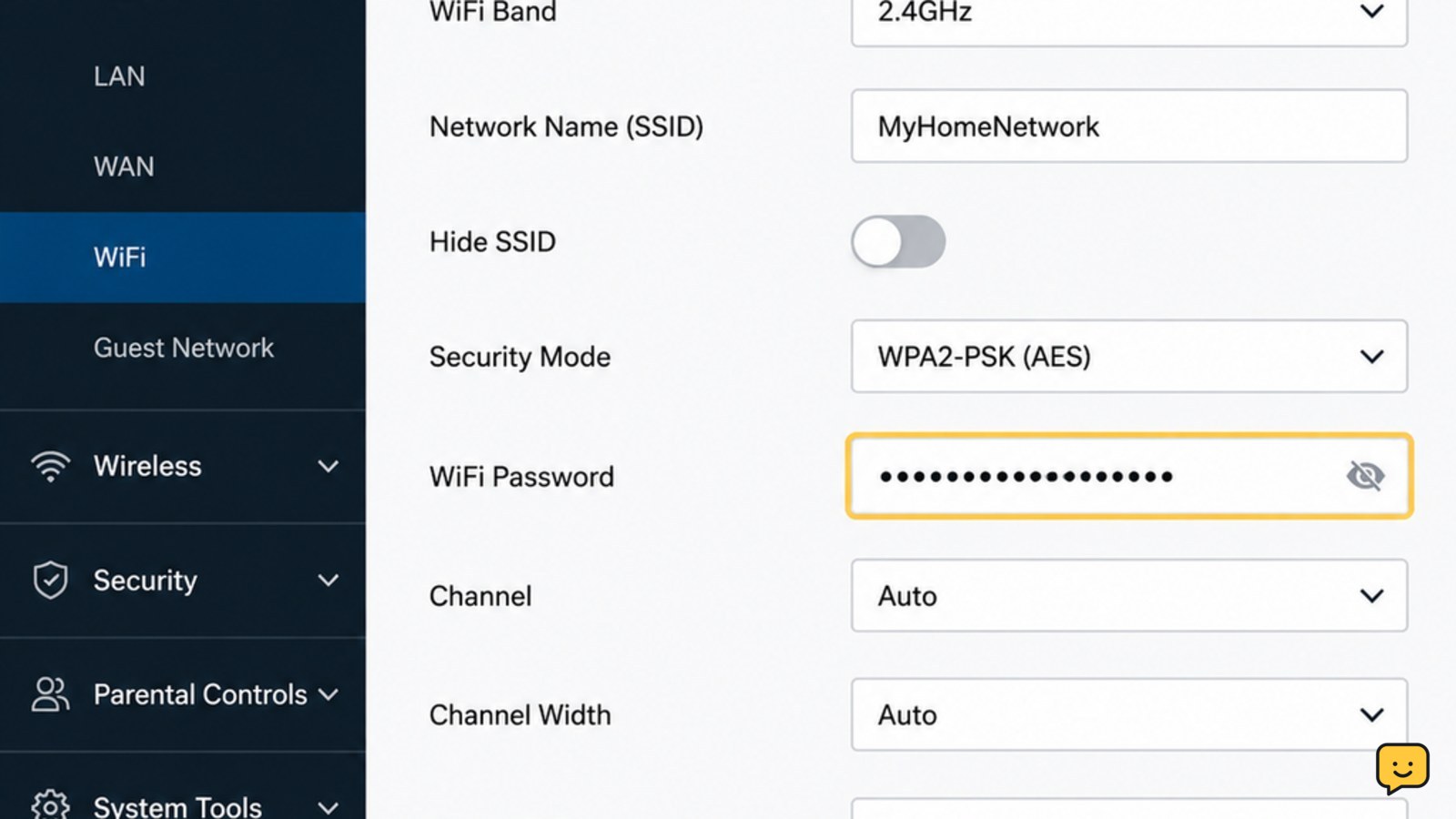
- Set unique passwords. Replace the compromised password and any password reused on another account. A password manager can create and store long, unique passwords without requiring you to memorize each one.
- End other sessions and revoke unknown apps. Use any option to sign out all devices, then reconnect only devices and services you trust. Remove old apps even if you do not remember granting access.
- Enable a passkey or two-factor authentication. A passkey is a strong choice when offered. Otherwise, use an authenticator app or security key when available, and store backup codes safely.
- Limit the damage. Contact your bank, card issuer, payment service, employer, or account provider when relevant. Warn contacts if your account sent messages, links, payment requests, or files without your approval.
Important: If you think a device is infected, scan and clean it before entering a new password on that device when practical. You can change the password sooner from a separate clean device, then sign out other sessions.
Not every strange symptom means hacking
Start with ordinary causes, but do not dismiss clear account or financial evidence. Several related warning signs are more meaningful than one isolated device problem.
| Symptom | Common non-hacking causes |
|---|---|
| Battery drain or a hot phone | An aging battery, weak signal, navigation, video, gaming, background syncing, or a recent system update. |
| Slow device | Low storage, too many open apps, an old operating system, failing hardware, or resource-heavy software. |
| Pop-ups | A misleading website, allowed browser notifications, intrusive advertising, or an unwanted but non-targeted extension. |
| Account login trouble | A forgotten password, typing error, service outage, expired session, travel check, or provider security lock. |
Frequently asked questions
Can a hacker access my phone camera?
Malicious software or an abused app permission can allow unauthorized camera access. Check camera and microphone permissions, remove unknown apps, install updates, and investigate privacy indicators that appear unexpectedly. An indicator alone may still come from a legitimate app running in the background.
Does battery drain mean my phone was hacked?
No. Battery drain is commonly caused by battery age, poor reception, background activity, bright screens, or demanding apps. Treat it as a security concern when it appears with stronger evidence such as unknown apps, altered settings, account alerts, or unauthorized transactions.
Should I change my password on the suspected device?
Use a different, trusted device if possible. If the suspected device may contain malware, update and scan it before entering the new password when practical. After changing the password, sign out other sessions and turn on a passkey or two-factor authentication.
How can I avoid fake account-recovery services?
Use only the provider’s official app, website, or help center. Ignore people who promise guaranteed recovery, request remote access, demand cryptocurrency or gift cards, or ask for passwords, backup codes, or verification codes. Legitimate support will not need your password or one-time sign-in code.
Browse more Privacy & Online Safety guides for help with this topic.
Sources and verification
- Federal Trade Commission account recovery guidance | https://consumer.ftc.gov/articles/how-recover-your-hacked-email-or-social-media-account
- Google compromised-account guidance | https://support.google.com/accounts/answer/6294825?hl=en
- Google account security guidance | https://support.google.com/accounts/answer/46526?hl=en
- Microsoft compromised-account guidance | https://support.microsoft.com/en-us/account-billing/how-to-recover-a-hacked-or-compromised-microsoft-account