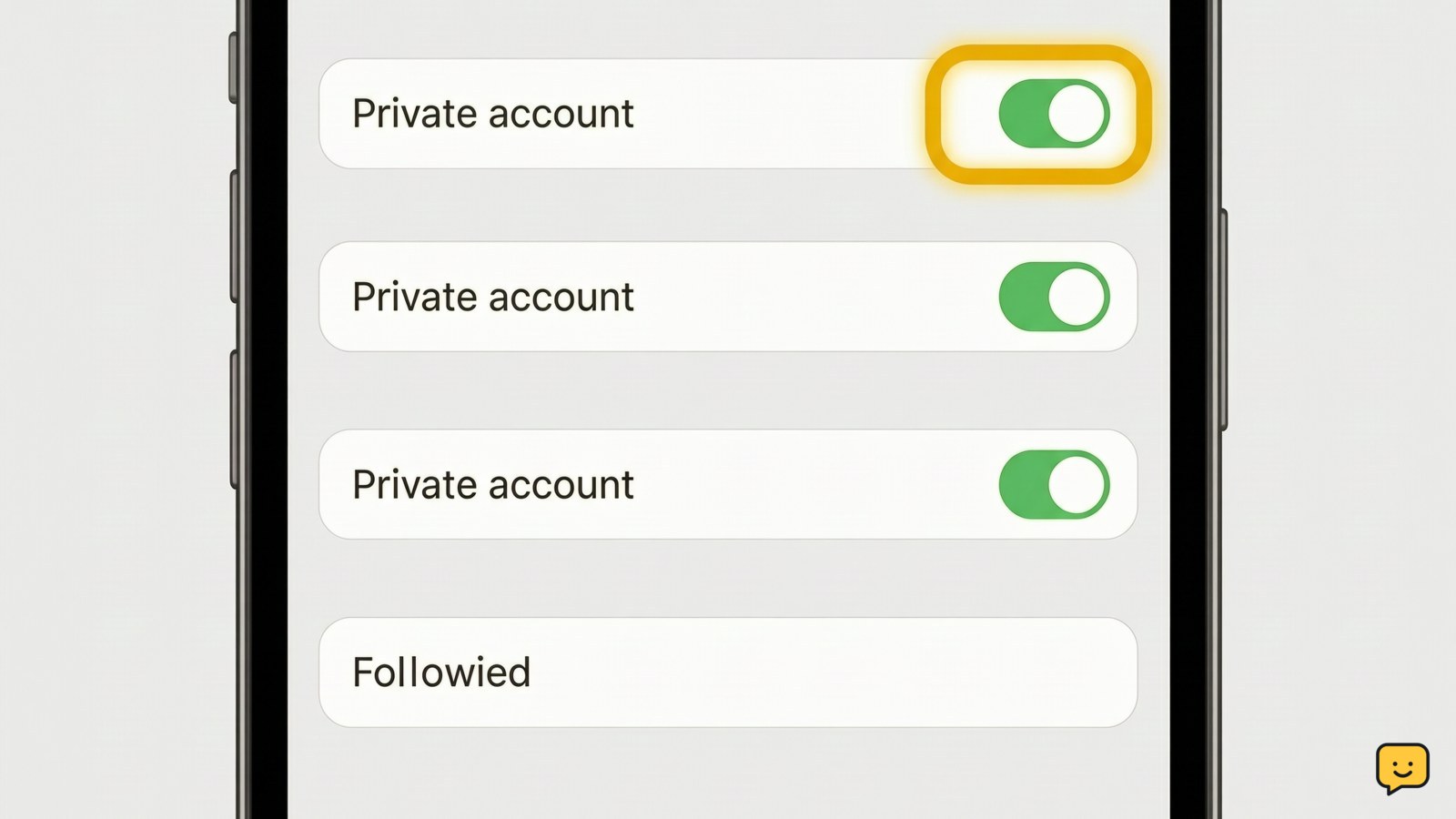
Instagram does not provide a separate setting to hide only your following list from everyone. The built-in option is to make your account private: open Instagram, go to your profile, open the menu, choose Settings and privacy, select Account privacy, and turn on Private account. Only approved followers can then see your follower and following lists. Block anyone who must not see them.
For more help with this topic, use the Privacy Online Safety guides.
Check what Instagram can hide
Instagram can limit access to your follower and following lists, but it does not offer a separate switch for hiding only the following list. Instagram’s guidance identifies a private account as the built-in way to restrict both lists from people who are not approved followers.
A private account is not invisible. People may still find your profile, see permitted profile information, and send a follow request. Approved followers can generally see the accounts you follow, so private mode does not solve the problem if you need to hide your following list from someone who already follows you.
Turn on Private account
Instagram hides the lists from non-followers after you enable Private account and approve only the people you trust.
- Open Instagram and tap your profile picture.
- Tap the menu button, then open Settings and privacy.
- Find Account privacy.
- Turn on Private account and confirm the change if Instagram asks.
The wording or location may vary slightly between the app and website. The setting is successful when Account privacy shows Private account enabled and a person who does not follow you cannot open your follower or following list.
Remove or block a specific viewer
To stop one person from viewing your lists, remove them as a follower on a private account or block them.
- Open your profile and tap Followers.
- Find the person, then tap Remove if that control is available.
- If removal is not enough, open the person’s profile, tap the options menu, choose Block, and confirm.
Removing a follower does not prevent a new follow request, while blocking prevents that account from viewing your profile normally. Instagram may not notify someone when you remove them, but blocking can be noticed if they search for your account.
If the person is already an approved follower and you want to keep them following you, there is no supported setting that hides only your following list from that person. Blocking is the clear stop condition for that requirement.
Verify the list is no longer visible
Verification should use a separate account that is not approved to follow you, rather than relying only on your own settings screen.
- From the private account, confirm that the private-account indicator remains enabled.
- Use a logged-in account that does not follow you, or ask a trusted person to check your profile.
- Open the profile and try the Following and Followers counts.
The expected result is that the non-follower cannot browse those lists and is prompted to follow the private account or shown restricted access. Then check from an approved follower account. If that account can still see the lists, that is expected behavior, not a failed privacy change.
Fix missing privacy controls safely
If you cannot find Account privacy, first close and reopen Instagram, update the official app, and check the same setting while signed in at Instagram’s official website. Menu labels can differ by platform and account type.
Do not install a tool claiming to make a public account’s following list invisible. Instagram does not provide a supported public-account control for hiding the complete lists from everyone. Third-party tools can expose your password or session.
If you suspect that someone else accessed the account, review and remove unfamiliar Instagram login sessions before changing other privacy settings. Use Instagram login-session checks for that recovery path.
If a message or email claims you must sign in through a link to enable list privacy, do not open it. Inspect the sender and real domain first using this phishing-link check.
If account access looks unusual, use Instagram login-session checks before changing privacy settings.
Frequently asked questions
Can I hide my following list without making Instagram private?
No. Instagram does not provide a separate setting that hides the complete following list while your account remains public. You can block specific accounts, or switch to a private account and approve followers manually.
Can my followers see who I follow on a private Instagram account?
Yes. Private mode limits access mainly to people you have not approved. Approved followers can generally view your follower and following lists, so remove or block a person if they must not see them.
Does restricting someone hide my following list?
No. Restricting an account changes interactions such as comments and messages, but it is not the control for hiding your follower or following lists. Use private mode, remove the follower, or block the account.
Can Instagram privacy apps hide my following list?
Avoid them. An app that asks for your Instagram password, login code, or backup code is not a safe workaround. Instagram’s supported privacy control is Account privacy, along with removing followers or blocking accounts.