Valorant
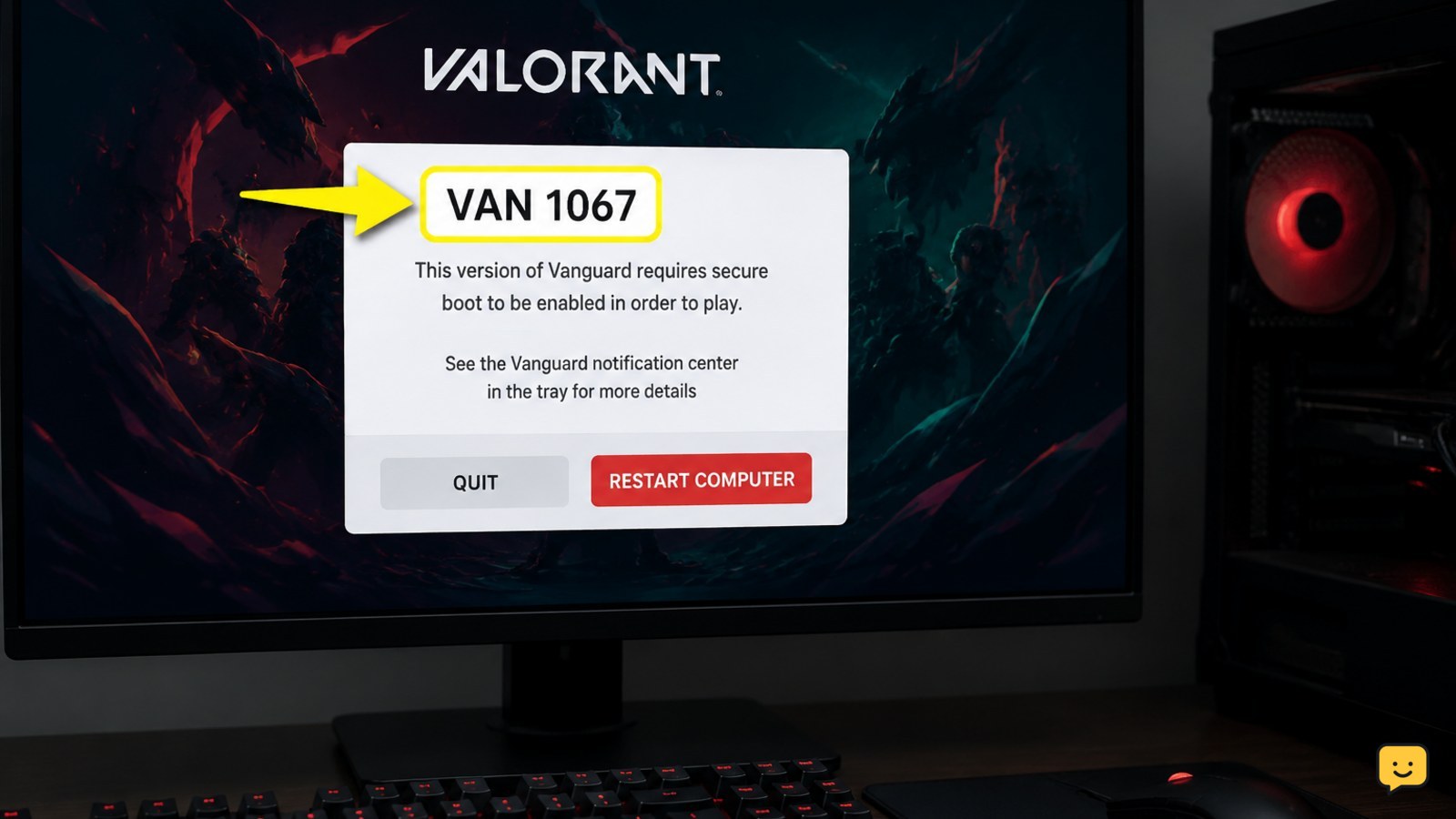
Fix Valorant VAN 1067 Error After Launching the Game
Fix the Valorant VAN 1067 error after launch by restarting Windows, checking the vgc service, reviewing permissions and security blocks, and reinstalling Vanguard.
Fix Valorant errors, Vanguard issues, FPS drops, voice chat and settings problems. Browse practical guides for PC performance, controls, gameplay systems and account help.
Fix the Valorant VAN 1067 error after launch by restarting Windows, checking the vgc service, reviewing permissions and security blocks, and reinstalling Vanguard.
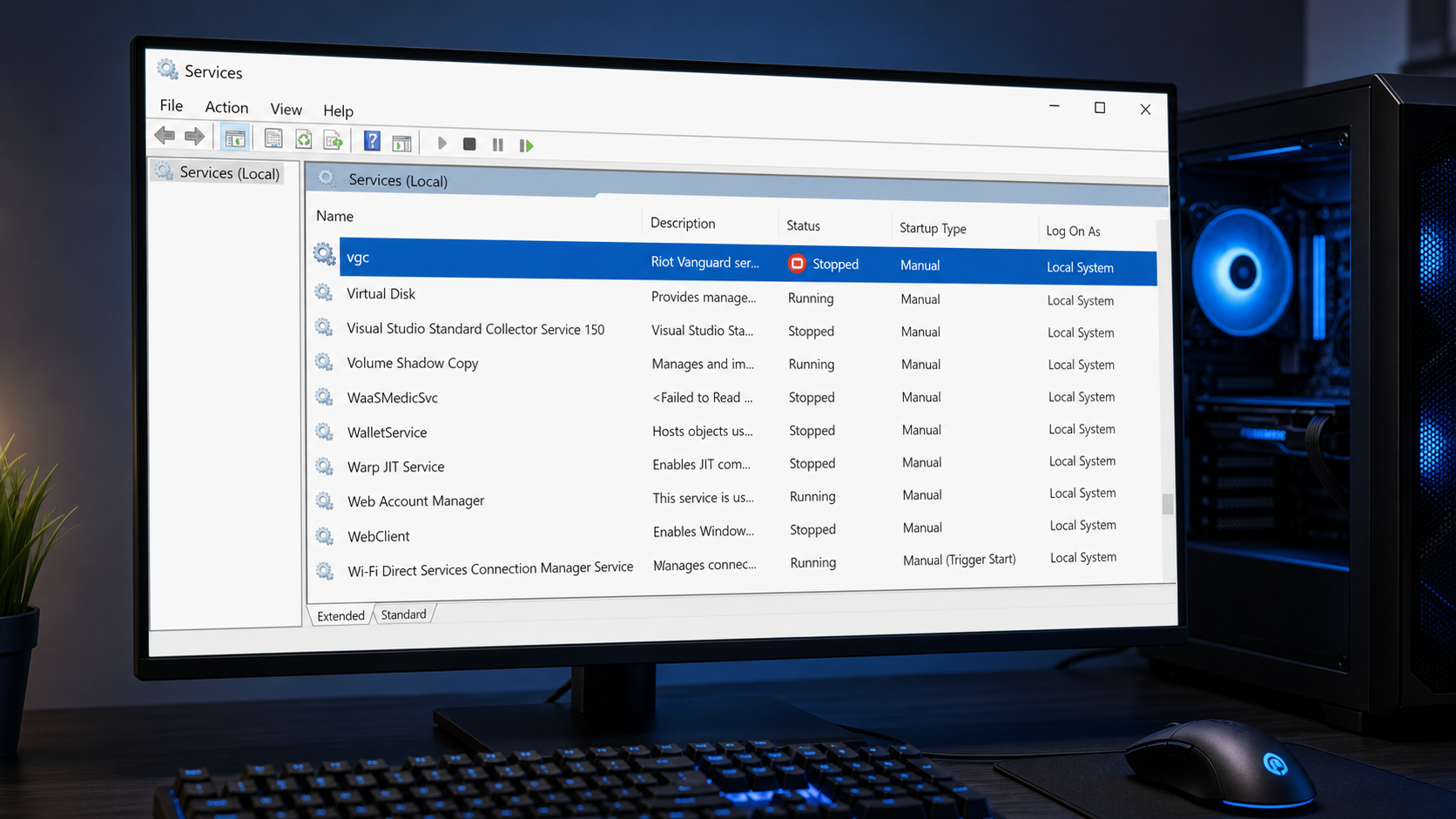
Fix Valorant Vanguard is not initialized after restarting your PC by checking the vgc service, reinstalling Vanguard safely, and reviewing Windows settings.
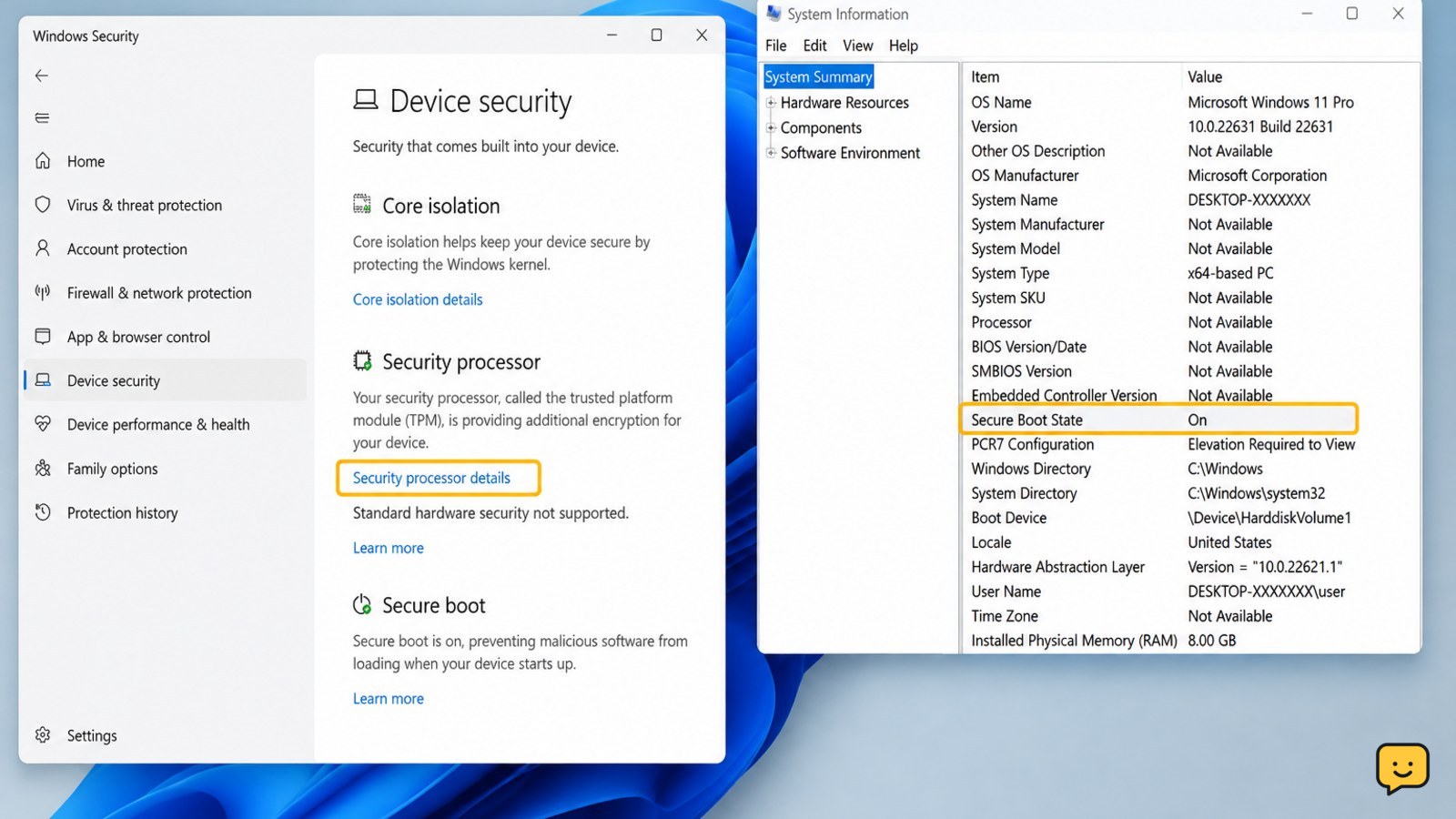
Fix Valorant’s VAN restriction error on Windows 11 by checking TPM 2.0, enabling Secure Boot in UEFI, verifying Windows, and repairing Vanguard safely.
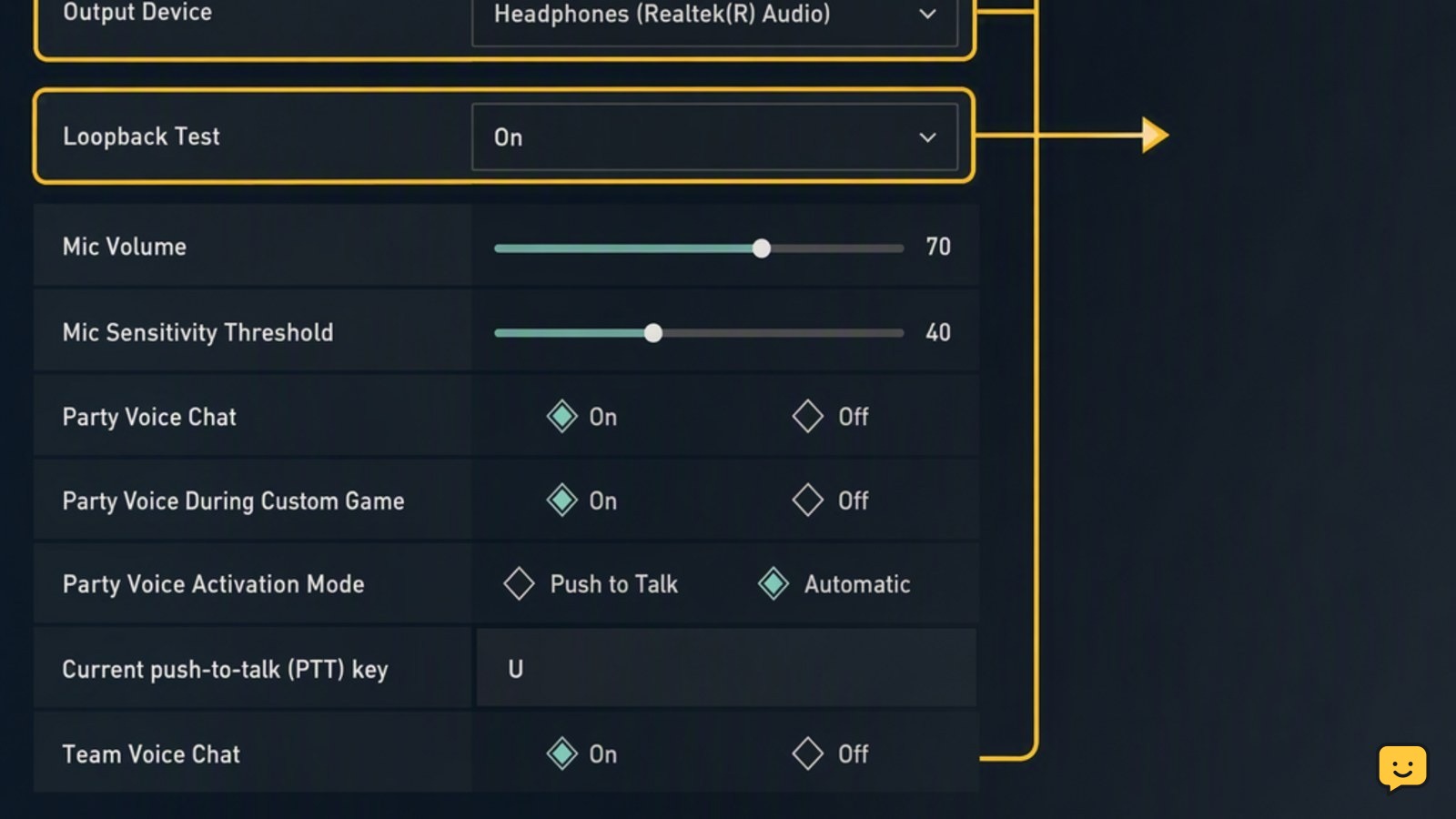
Fix Valorant voice chat by checking game audio devices, Windows microphone access, push-to-talk bindings, loopback results, and common network issues.