How to Sign Out of a Google Account on All Devices: Remote Access
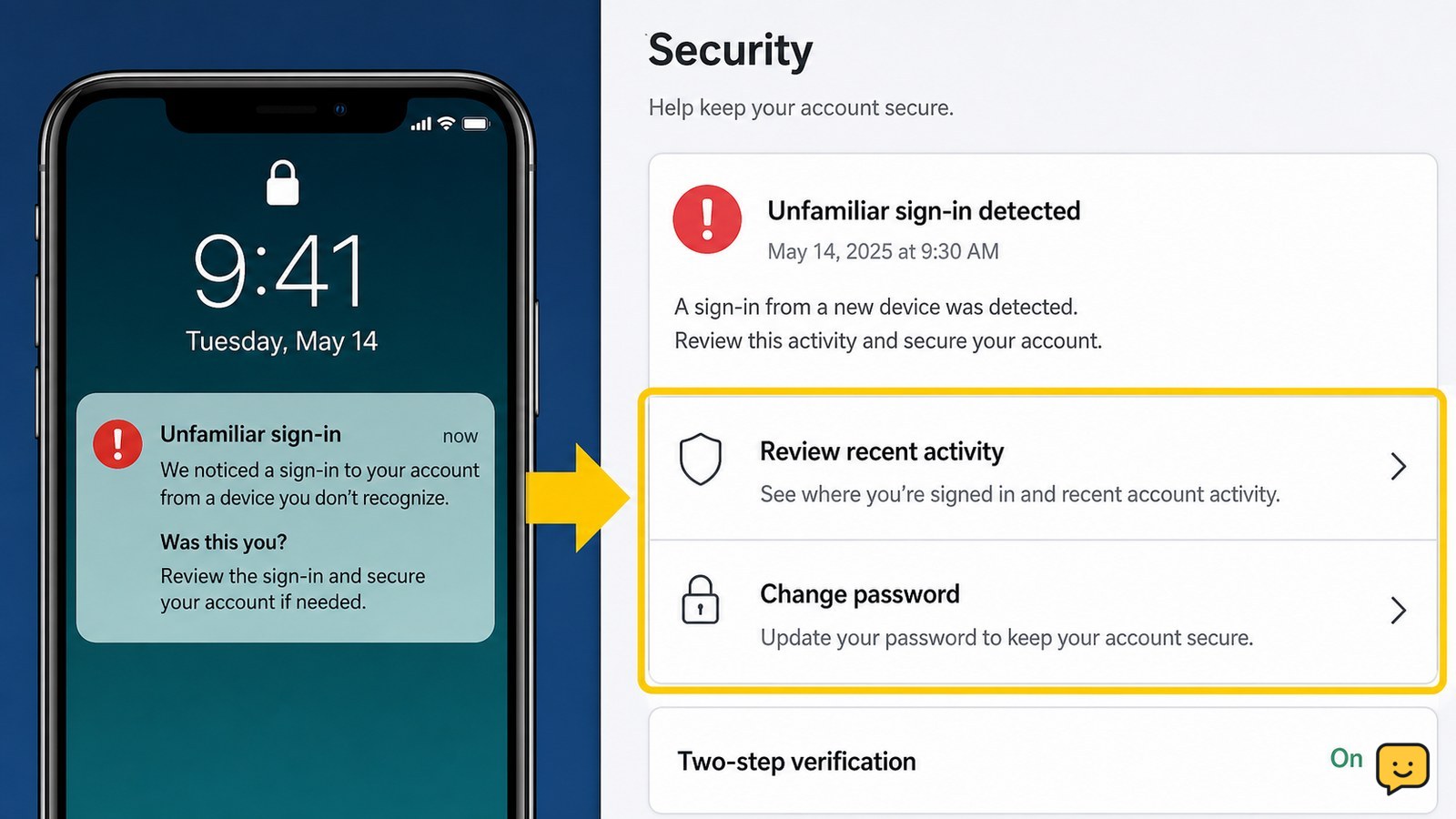
Sign out of your Google Account on every device from Security > Your devices. Verify remote sign-out and secure access if an unfamiliar session remains active.
Change a known Microsoft account password from the Security page, choose a unique replacement, verify the new sign-in, and check protection settings safely.
Locked out after too many login attempts? Stop retrying, use the provider’s official recovery path, verify your identity, and secure the account safely.
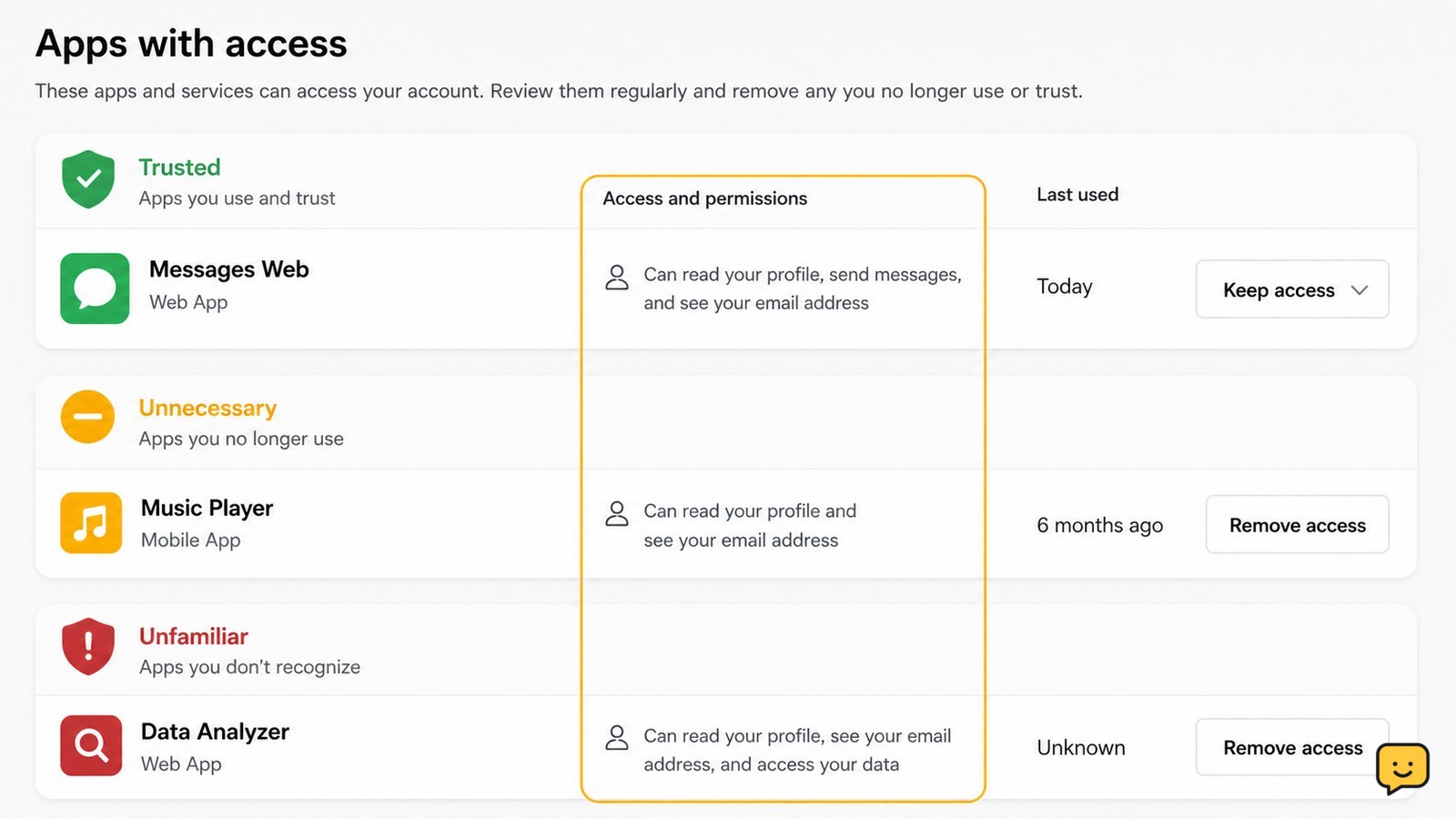
Review unfamiliar apps linked to your Google Account, revoke access safely, verify removal, and secure your account without assuming a breach.
Recover Instagram after someone changed your email. Use the official reversal link, hacked-account route, identity checks, and safety steps.
Review Instagram login sessions, sign out unfamiliar devices, change your password, enable two-factor authentication, and check for signs of account misuse.
Secure your Google Account after a stolen phone by locking the device, changing your password, ending sessions, checking recovery options, and reviewing payments.
Recover a Gmail account locked for suspicious activity using a trusted device, Google verification, official recovery steps, and post-recovery security checks.
Recover a Microsoft account after a wrong-password message with official reset steps, sign-in checks, security-info guidance, lockout fixes, and safety checks.
Facebook locked your account and requests identity confirmation? Follow the official process, prepare a clear submission, fix common failures, and avoid phishing scams.