How to Secure an Email Account After Suspicious Activity
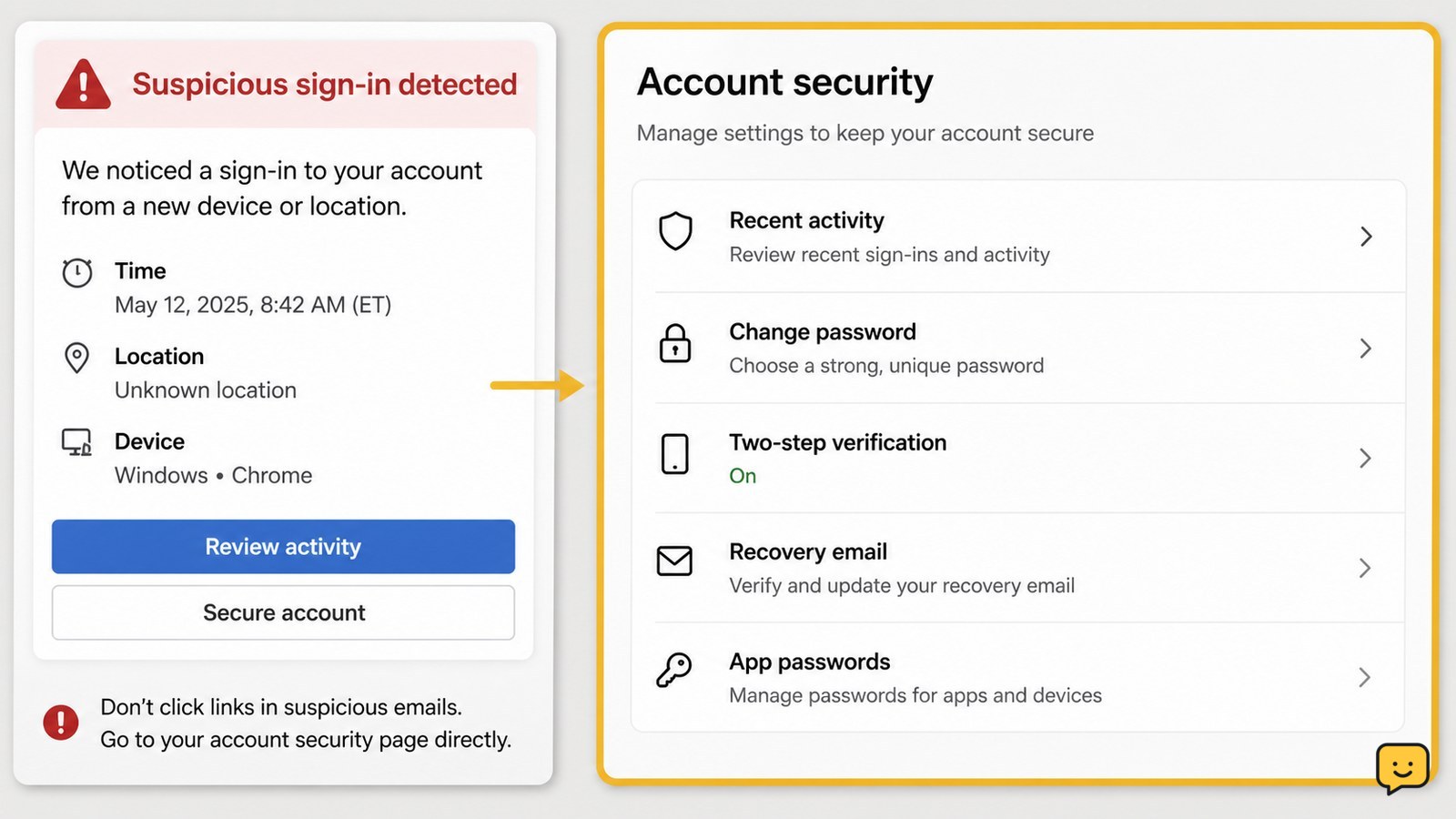
Secure an email account after suspicious activity by changing its password, ending unknown sessions, checking recovery settings, and turning on stronger.
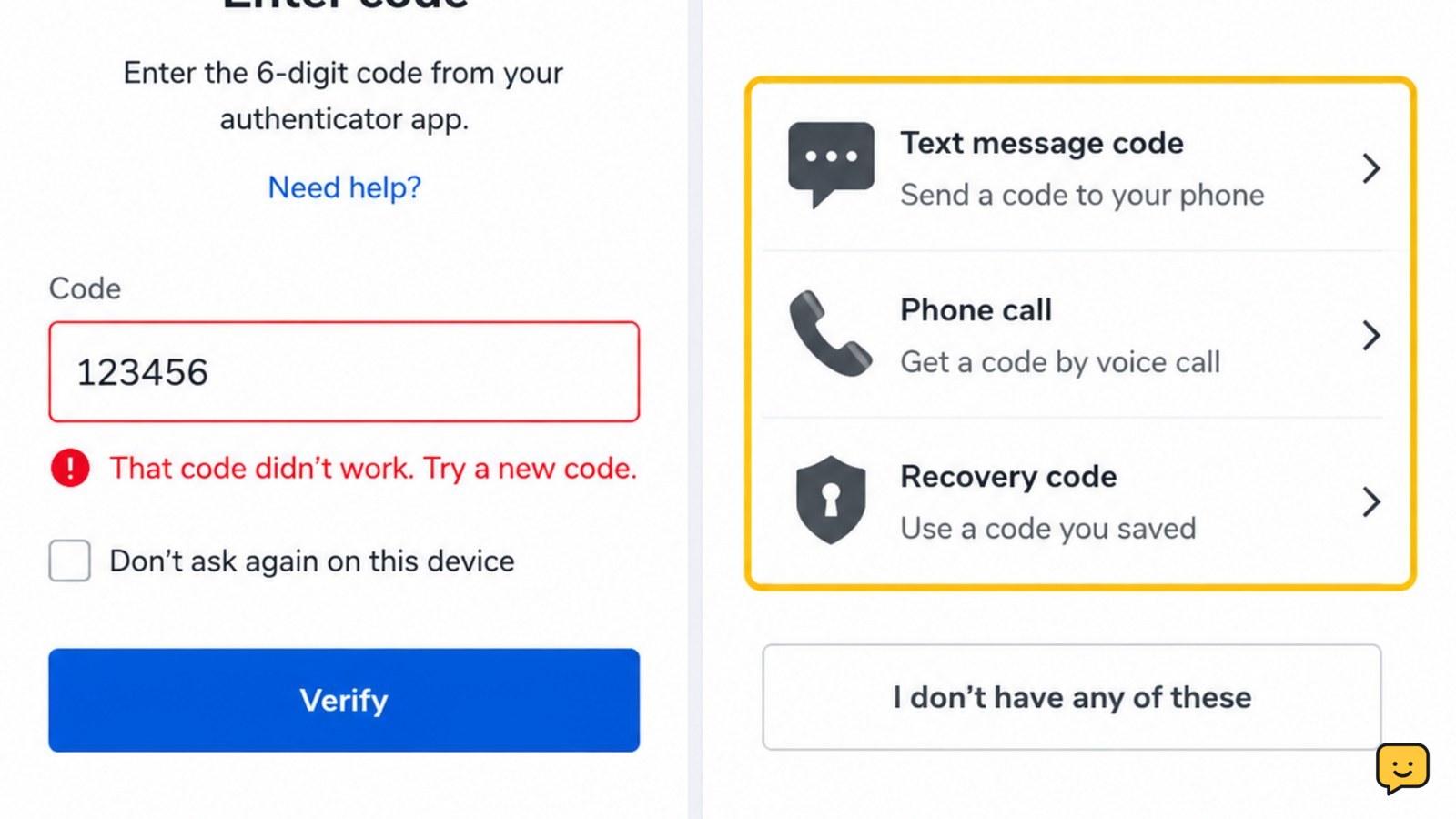
A two-factor authentication code may fail because it expired, belongs to another account, or is out of sync. Check the code type, time, and recovery options.
Find and use backup codes for a social media account during sign-in. Learn where to locate saved codes, how one-time codes work, and what to do when one fails.
Can't access your account and lost all recovery options? Learn verified steps to regain access through official identity verification alternatives.
Fix repeated Google Account identity checks by reviewing trusted devices, browser sessions, recovery methods, 2-Step Verification, and recent security activity.
Fix an Instagram security checkpoint safely with official recovery steps, trusted-device checks, 2FA troubleshooting, phishing warnings, and stop conditions.
Learn how to remove an outdated recovery email from your Google Account, replace it safely, verify the change, and review recent account activity.
Lost access to your Apple Account’s trusted number? Use a trusted device, recovery contact, or Apple’s account recovery process to regain access safely.