Skip to content
ShowU
Nora Kim
Author

Nora Kim

Digital Device Care Contributor

Nora Kim is a ShowU editorial profile for practical Electronics guides. Coverage areas include battery care, device maintenance, accessories, data transfer. Guides published under this profile follow ShowU editorial standards and are reviewed when the task involves material safety or account-security risk.

battery caredevice maintenanceaccessoriesdata transfer
103 published stories

Latest from Nora Kim

Dragon Sword Awakening Daily Quests Guide: Daily Route
DragonSword: Awakening

Dragon Sword Awakening Daily Quests Guide: Daily Route

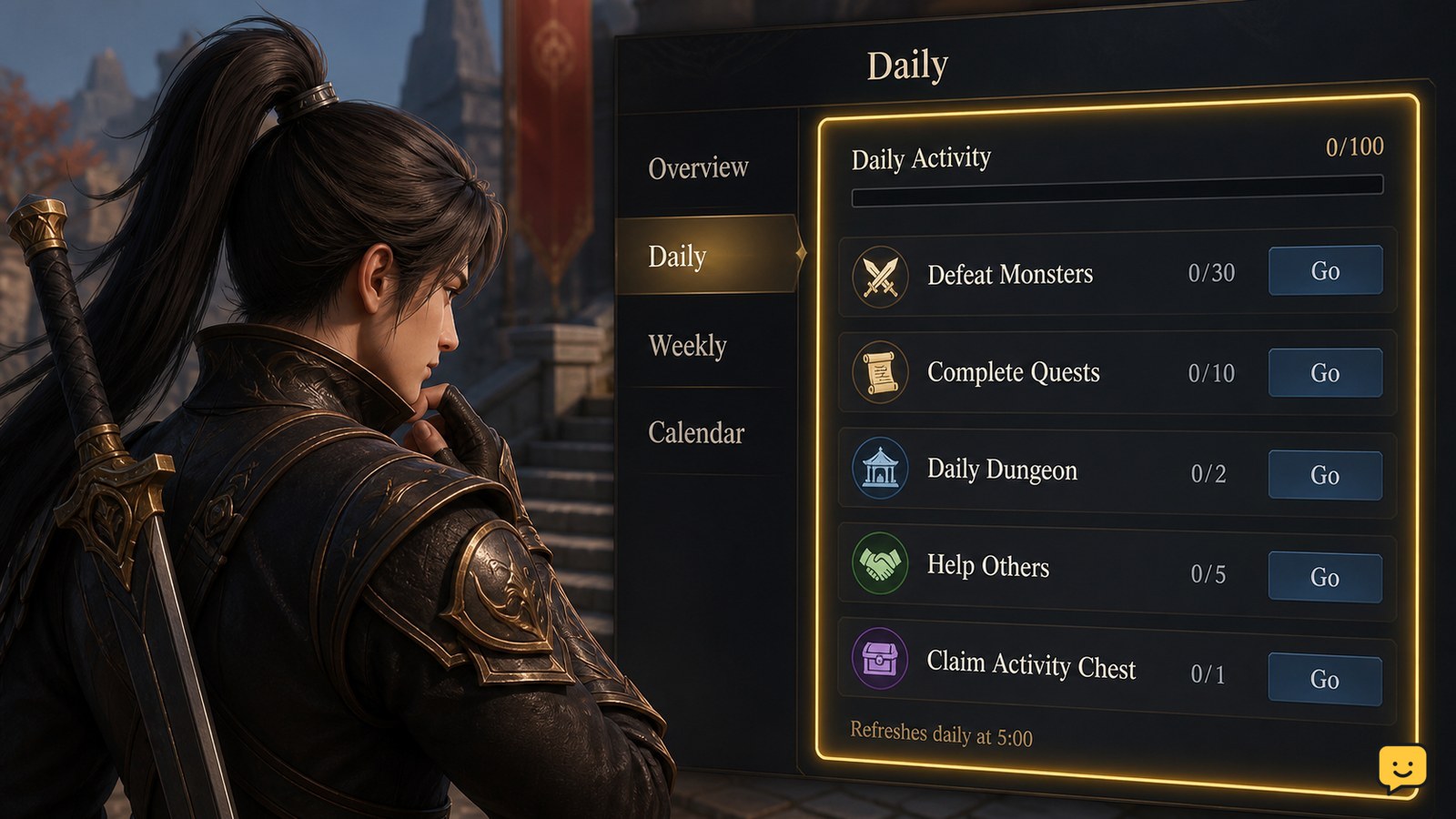
Start each session by checking the current activity tracker, then clear the confirmed eight Sudden Missions before optional farming. Games.gg reports that these missions can provide up to 420 Fragments of Sacred Light daily. Complete Guild and Regional objectives when they overlap with your route, and verify every reward before leaving. Exact reset times and some menu labels remain unverified.
How to Use a Tractor Beam for Cargo in Star Citizen
Star Citizen Guides

How to Use a Tractor Beam for Cargo in Star Citizen

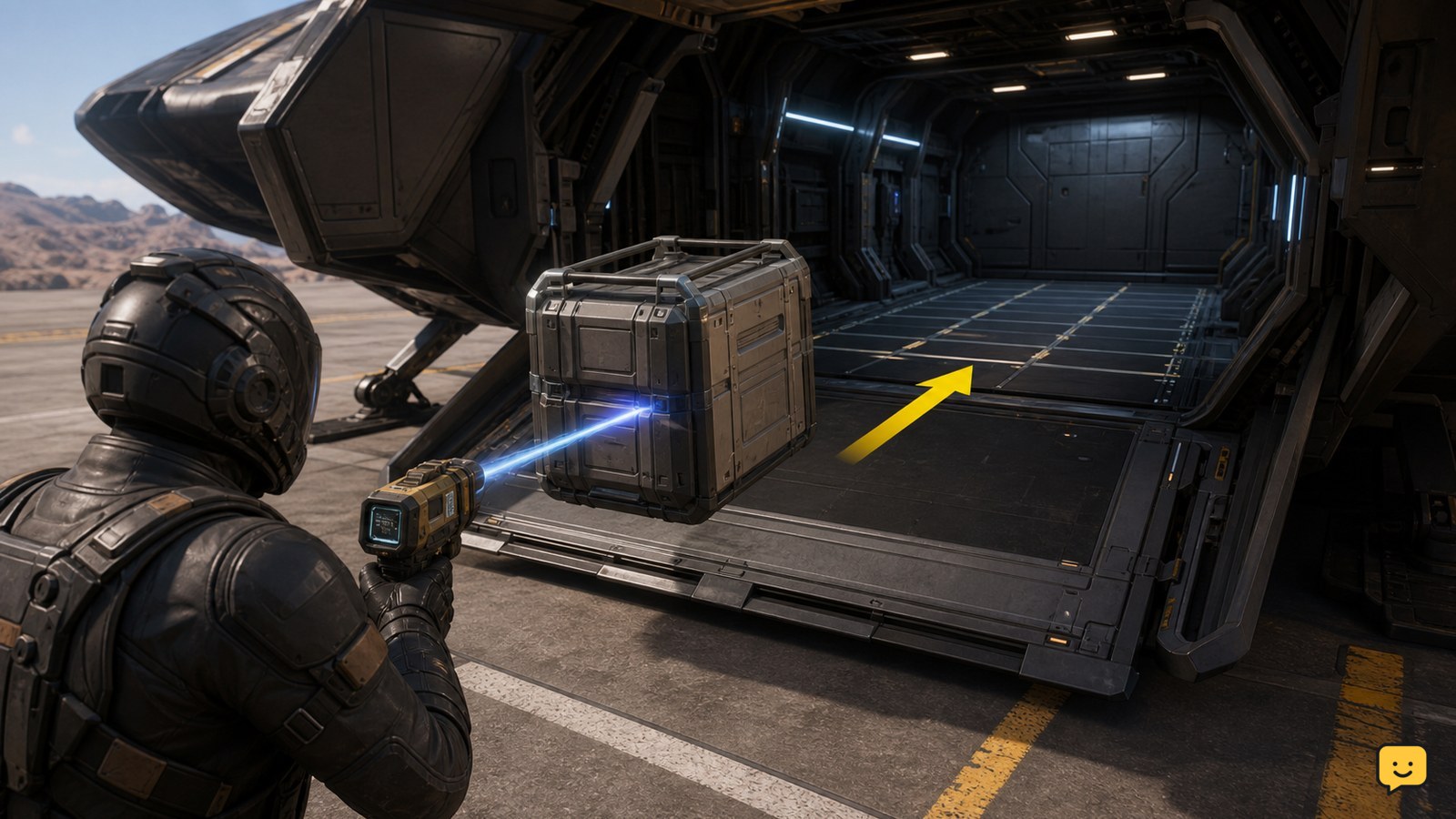
Equip a tractor beam, target a physical cargo container, then use the beam’s on-screen prompts to lift and guide it into your ship’s open cargo bay. Set the container down on a compatible cargo grid and wait for it to settle or snap into place. If it will not attach, reposition it on a clear section of grid or use a ship with a usable cargo hold.

Phone Not Charging but Icon Appears: Fix It
Mobile Devices

Phone Not Charging but Icon Appears: Fix It

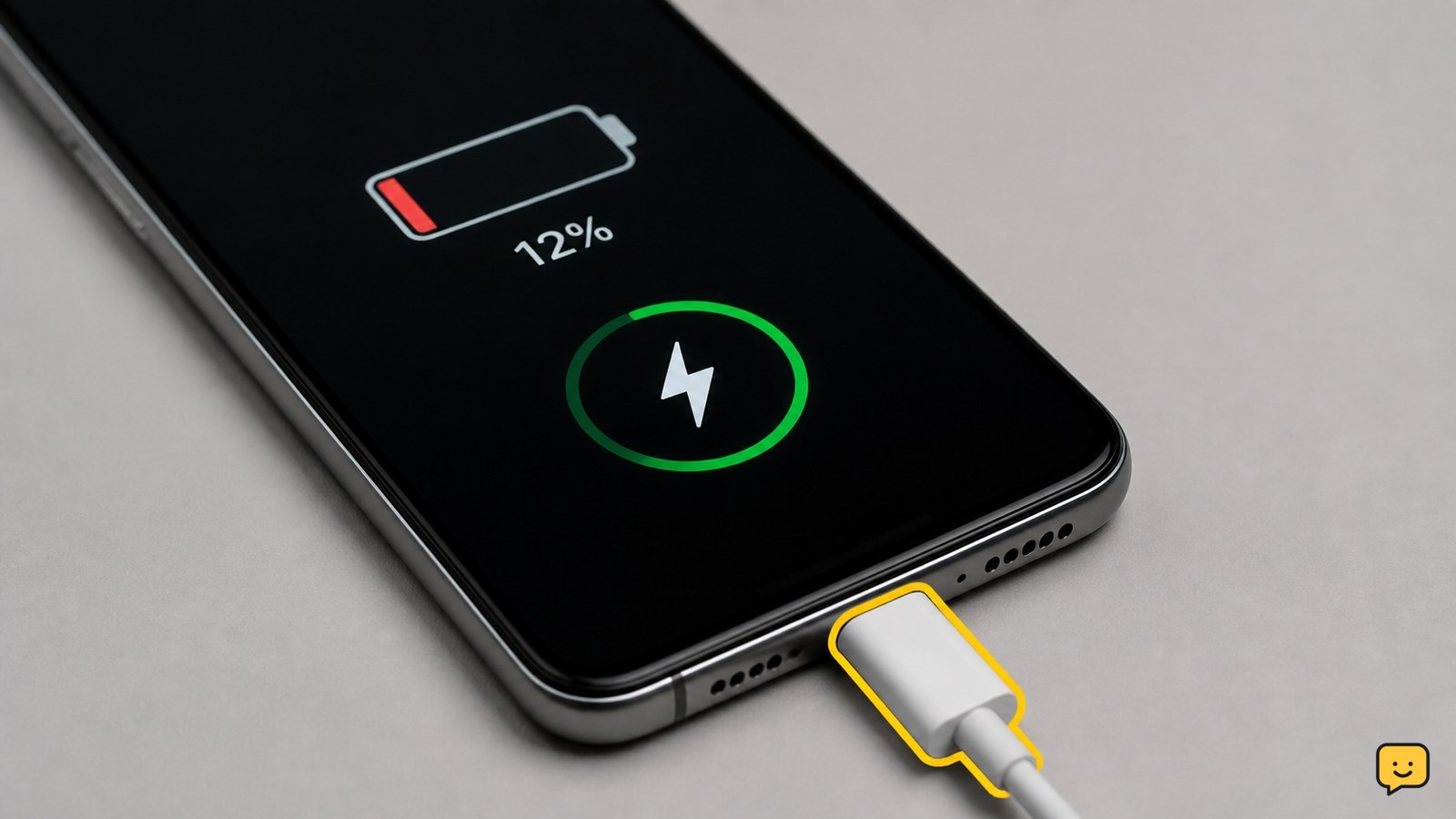
A charging icon only confirms that the phone detects a power connection; it does not prove that the battery is receiving enough power. Try a different wall outlet, compatible cable, and adapter, then inspect and safely clean the port. Remove the case, stop demanding apps, cool the phone, restart it, and verify whether the percentage rises after 30 minutes.

Dragon Sword Awakening Inventory Management Guide
DragonSword: Awakening

Dragon Sword Awakening Inventory Management Guide

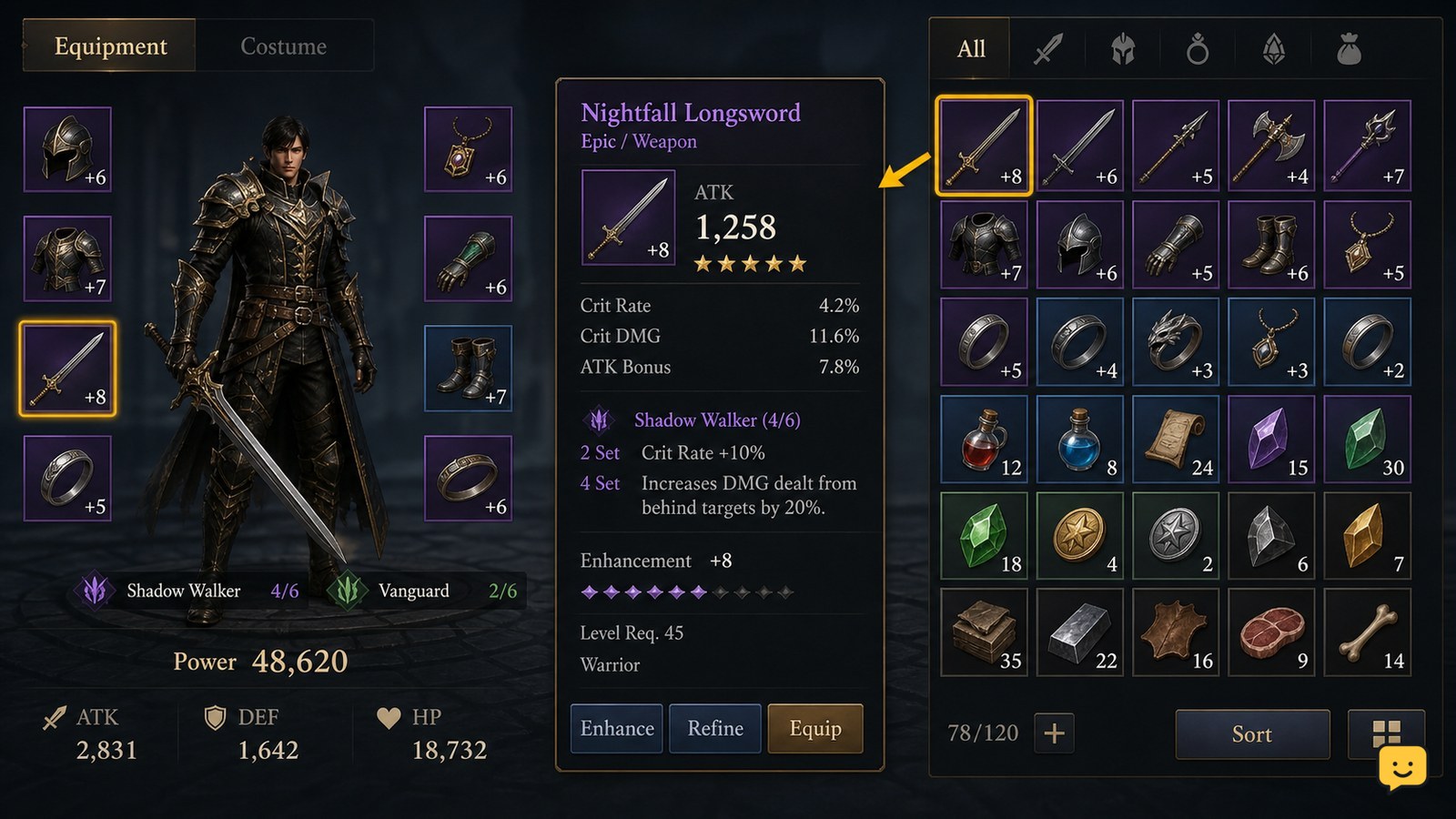
Dragon Sword Awakening’s current evidence confirms gear, crafting, equipment sets, and resource use, but it does not verify every inventory label or a universal storage system. Keep equipped and upgrade-candidate gear separate from duplicate drops, review item details before selling or dismantling, and reserve materials for a planned set. Stop if an item’s use, binding status, or recovery value is unclear.

Star Citizen How to Refuel a Ship: Fuel Checks
Star Citizen Guides

Star Citizen How to Refuel a Ship: Fuel Checks

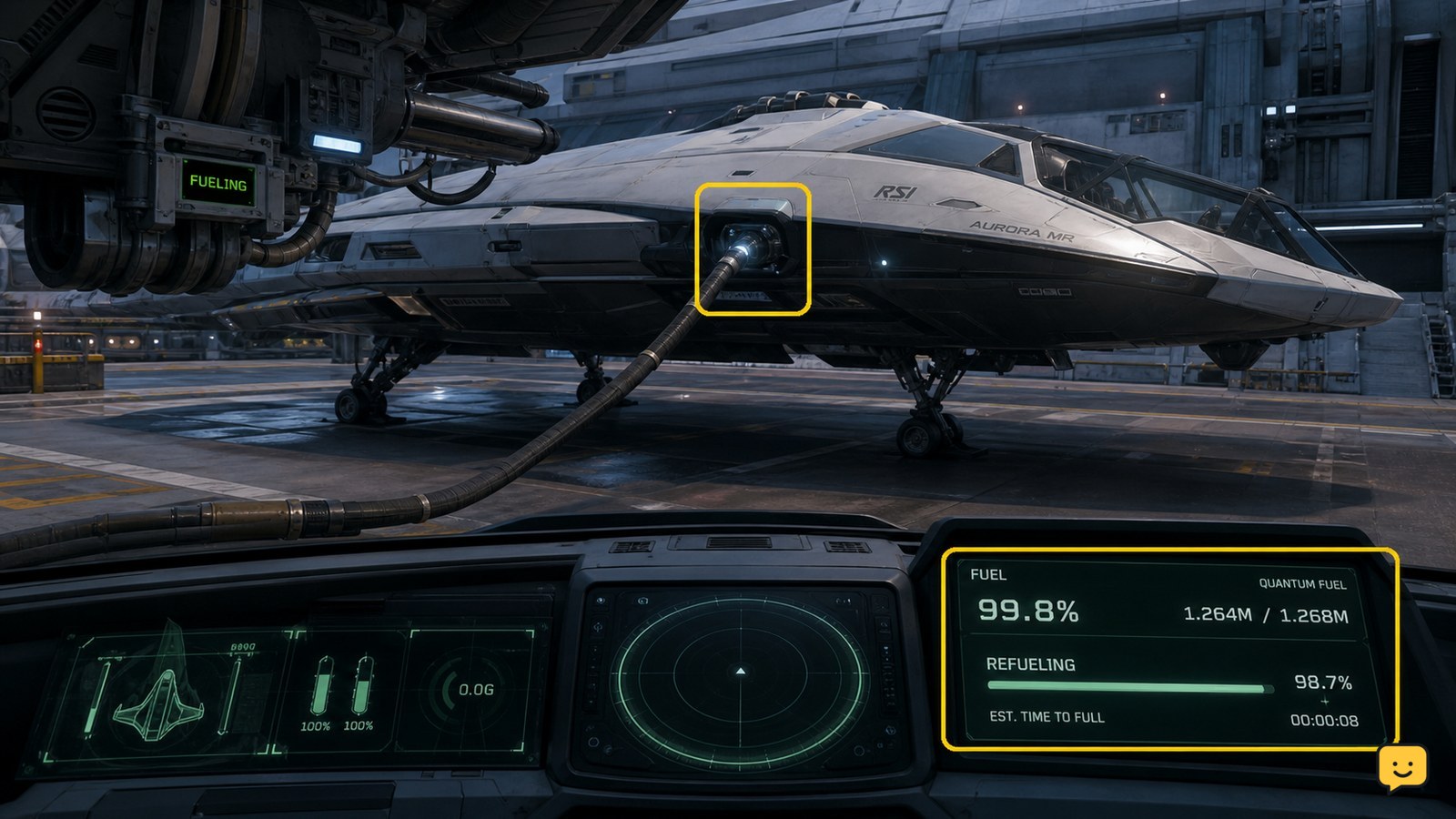
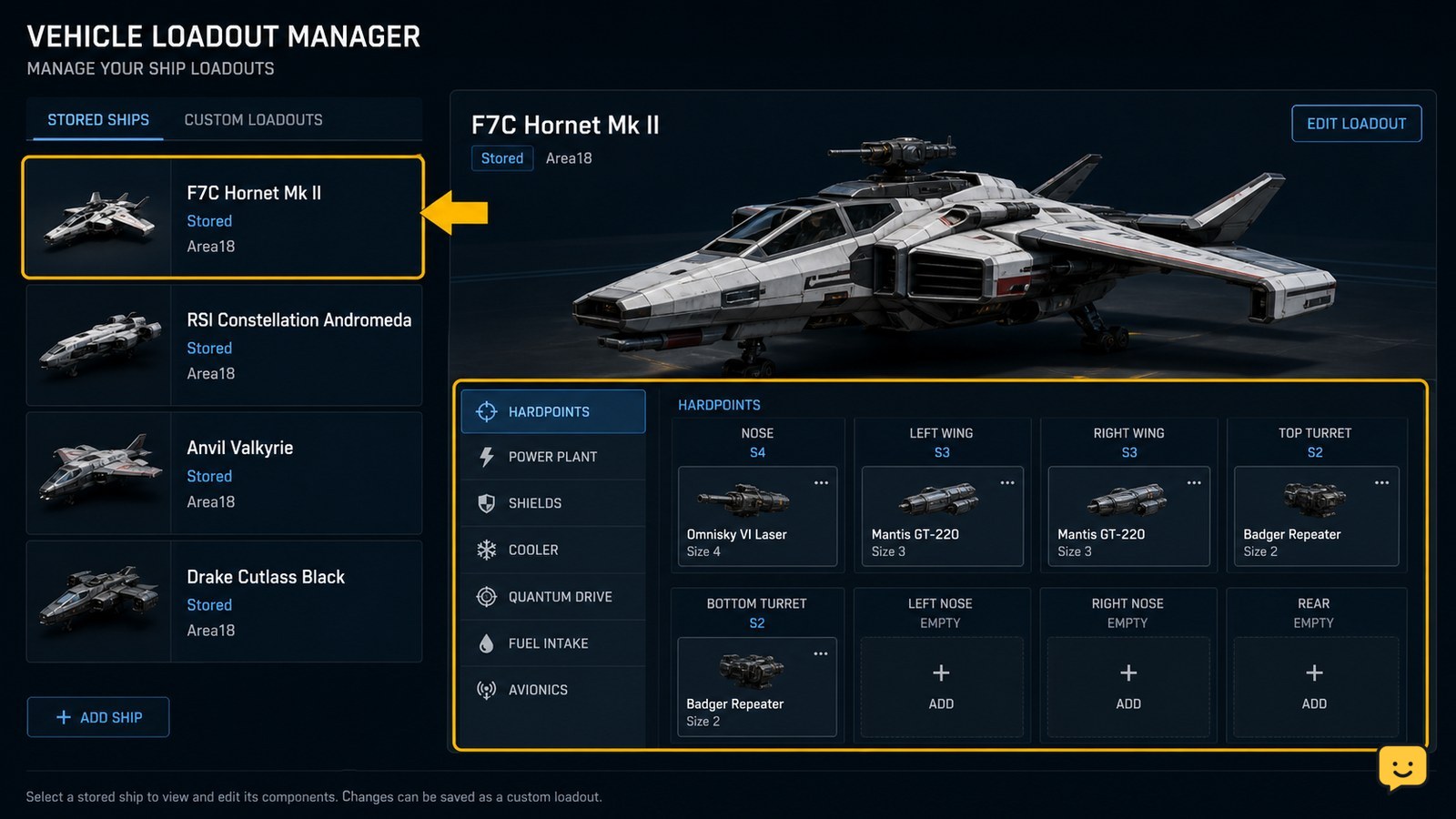
To refuel a ship in Star Citizen, use a station or landing-service location that offers Refuel, then start the service and wait for the fuel readout to rise. If you are stranded away from a service point, use a compatible ship-to-ship refueling interaction when another player can assist. Confirm the updated fuel level before departing.

Dragon Sword Awakening Character Stats Guide
DragonSword: Awakening

Dragon Sword Awakening Character Stats Guide

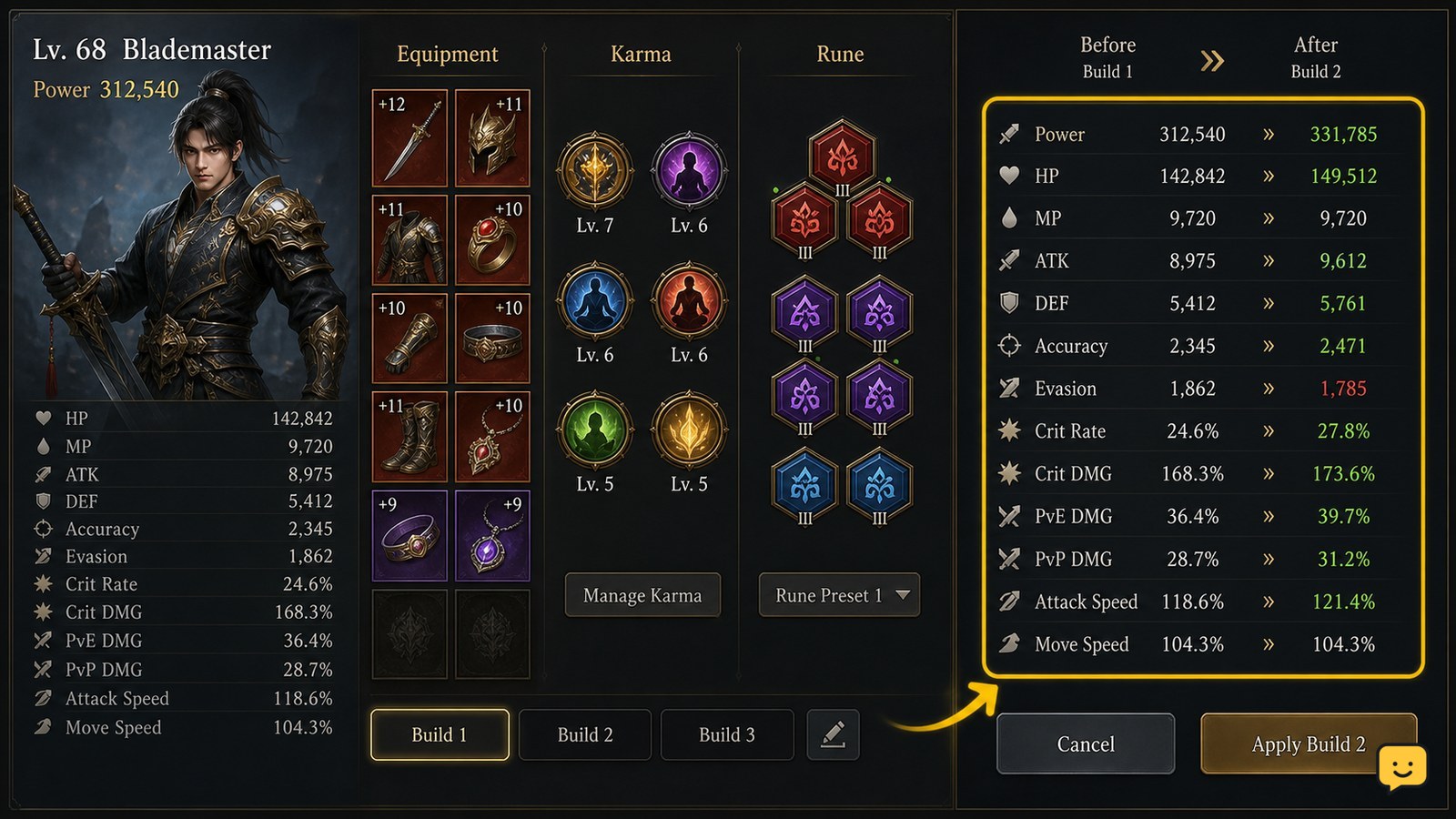
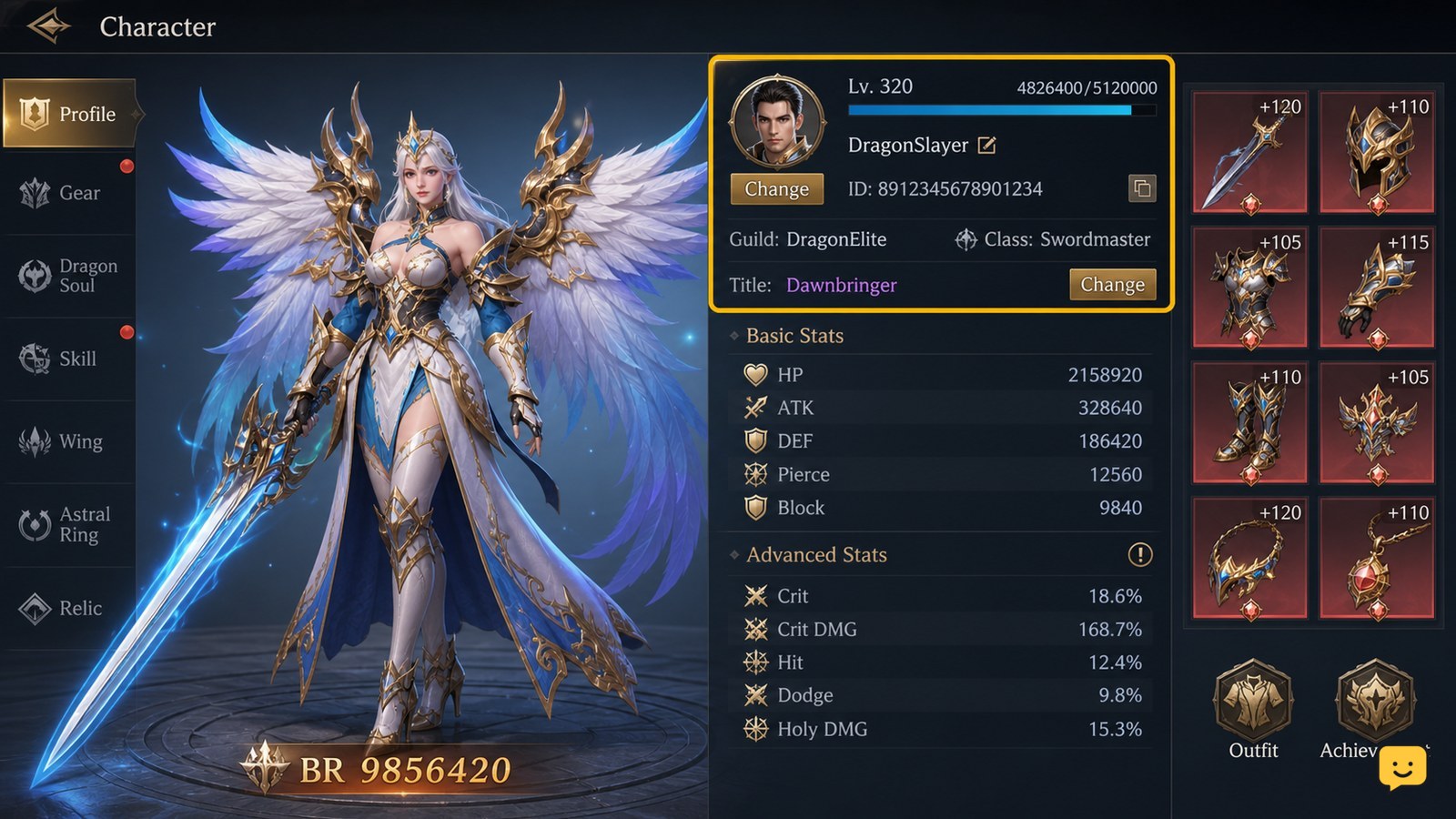
Open the character’s current stats panel and record the values before changing gear, Karma, or runes. Build around one verified goal—raw damage, critical hits, or survivability—then change one system at a time and compare the displayed totals. Dragon Sword Awakening build evidence supports combining gear, Karma, runes, and stats, but it does not verify a universal priority list or fixed class scaling.

Star Citizen How to Scan Ships and Identify Contacts
Star Citizen Guides

Star Citizen How to Scan Ships and Identify Contacts

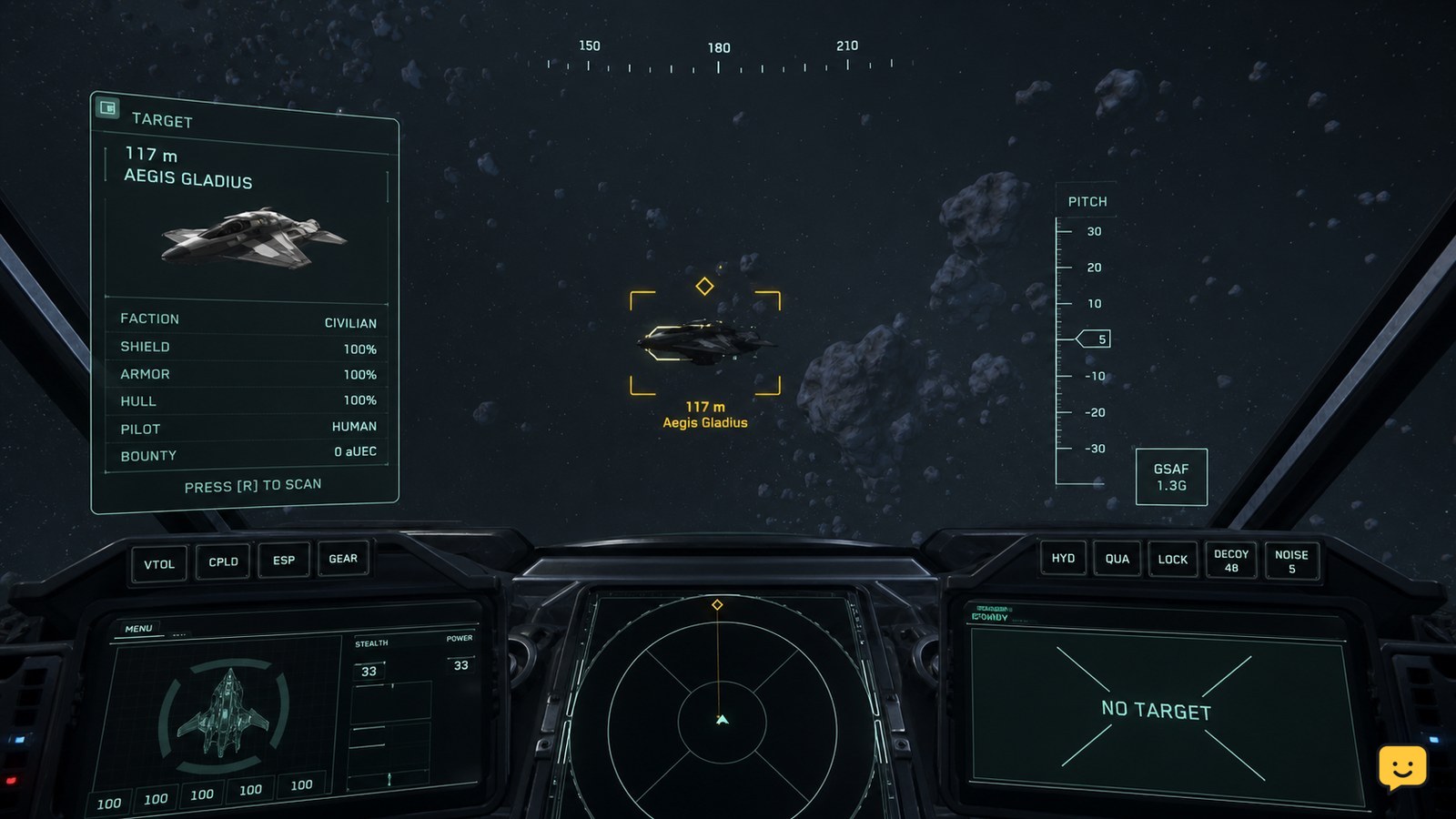
In Star Citizen, use the scan action assigned in your current keybindings, point it toward a nearby ship, and select the correct contact through the HUD or tactical display. Confirm that the contact readout updates before treating the ship as identified. Exact controls and displayed fields can change, so do not rely on older guide keybinds.