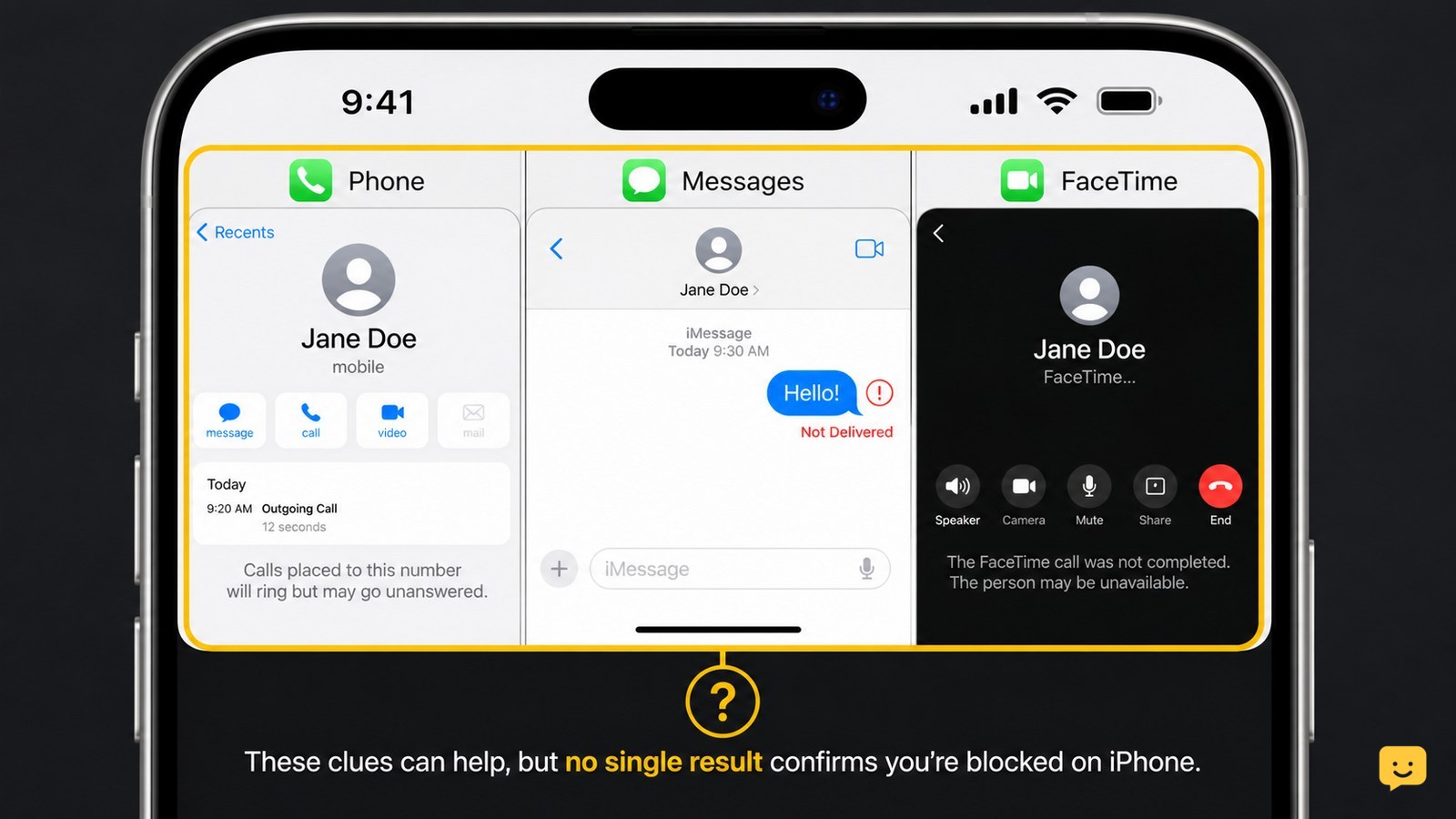
You cannot confirm an iPhone block from one sign. Calls that go straight to voicemail, iMessages that stop showing Delivered, and FaceTime calls that fail can suggest a block, but the same results can come from a dead phone, poor service, or changed settings. Compare several checks and respect the person’s privacy.
For more help with this topic, use the Mobile Devices guides.
Check the limitation: no single iPhone sign proves a block
An iPhone block cannot be confirmed with certainty from the sender’s device. Apple Community discussions note that there is no direct way to tell, and even a message marked Delivered does not reliably rule a block out.
Use a pattern instead: compare what happens when you call, send a message, and try FaceTime. A block becomes more plausible when all three channels change at roughly the same time, but a powered-off phone, no service, Focus settings, or an inactive number can look similar.
Call the contact once and observe the result
A call that goes straight to voicemail or rings only briefly can be consistent with a blocked number, but it is not conclusive.
- Open the Phone app and call the contact once during a reasonable time.
- Note whether the call rings normally, goes immediately to voicemail, or plays a carrier message such as the number being unavailable.
- Do not repeat the call several times to force a different result.
If the call rings normally, that weakens—but does not eliminate—the possibility of a block. If it immediately reaches voicemail, check whether calls to other people work before drawing a conclusion. A carrier outage or the other phone being off can produce the same behavior.
Send one normal iMessage and check its status
An iMessage that no longer shows a delivery status can be a clue, but Messages cannot use that status alone to identify a block.
- Open Messages and send one short, ordinary message to the existing conversation.
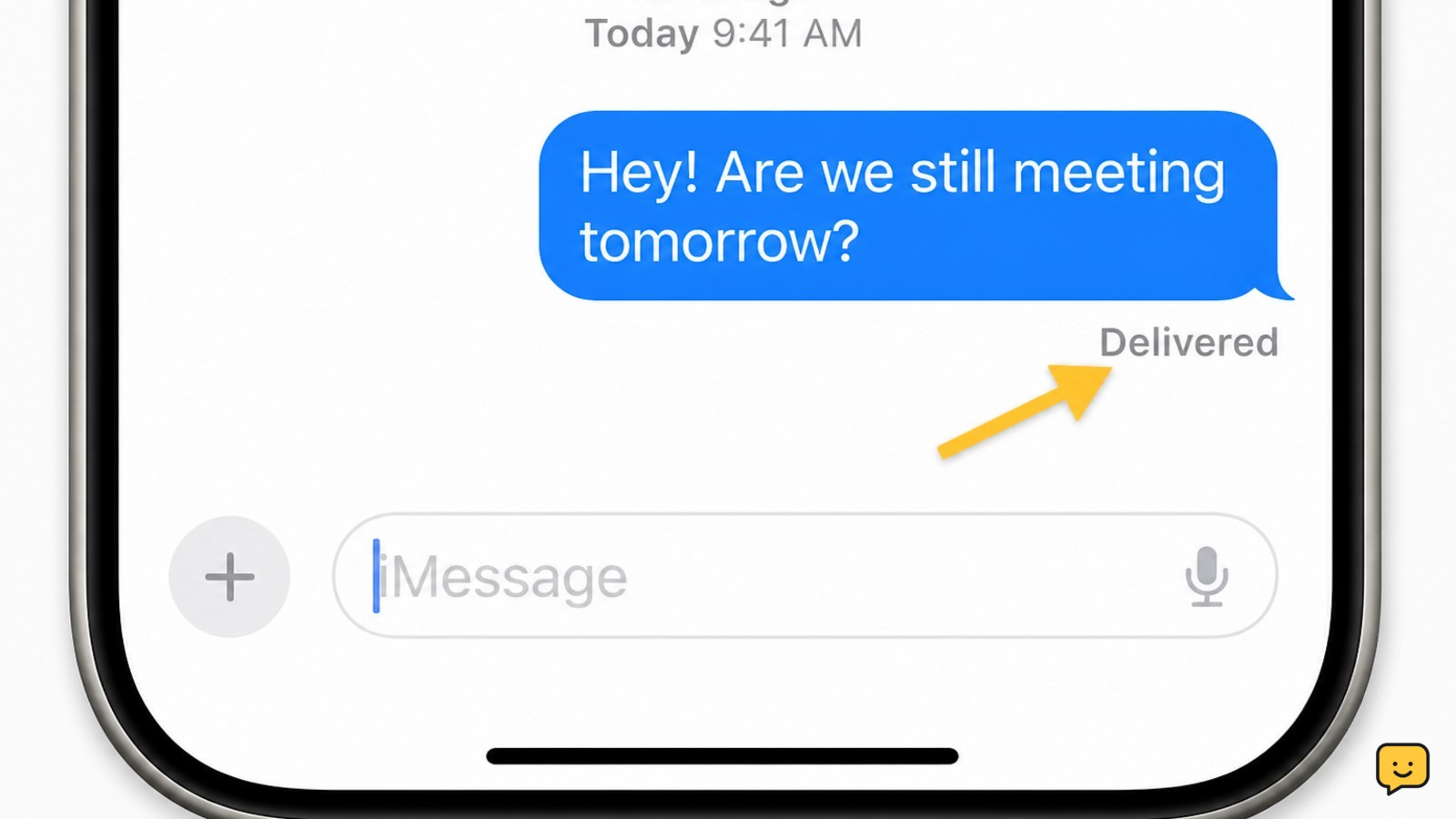
- Look below the blue bubble for a status such as Delivered.
- Wait for a reasonable period rather than sending follow-up messages.
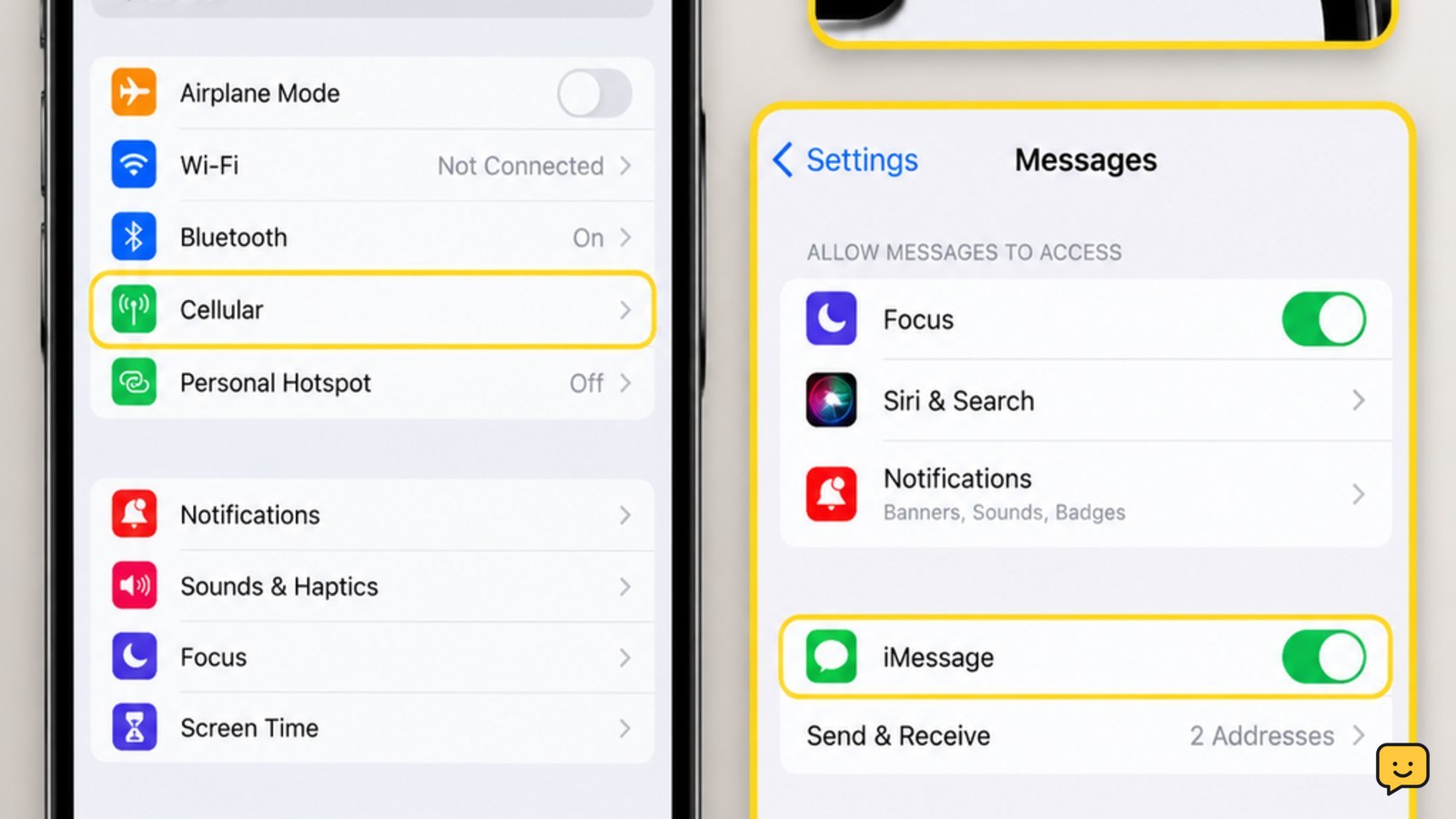
If the bubble turns green or shows a Send as Text Message option, iMessage may be unavailable for reasons unrelated to blocking, including no internet connection, iMessage being disabled, or the recipient changing devices. If it remains blue without Delivered, compare it with your own connection and another iMessage conversation.
Apple Community guidance specifically warns that a Delivered label is not definitive evidence either way. Do not interpret message color as proof.
Try FaceTime once to compare the pattern
A FaceTime call that fails or never connects adds another clue only when it occurs alongside the call and Messages changes.
- Open FaceTime and select the contact’s saved number or Apple Account address.
- Start one call and observe whether it connects, rings, or ends with an error.
- End the attempt instead of repeatedly calling.
FaceTime can fail because the person is offline, has disabled FaceTime, changed their Apple Account details, or has a network problem. A failed FaceTime call by itself does not confirm blocking. The useful checkpoint is consistency across channels, not one isolated result.
If you are unsure whether the problem is your own cellular connection, check why your iPhone shows SOS before treating call failures as evidence about a contact.
If calls fail more broadly, check why your iPhone shows SOS before assuming one contact blocked you.
Compare the evidence and choose the safe next action
A likely block pattern is: calls repeatedly go straight to voicemail, new iMessages do not show Delivered, and FaceTime does not connect, while your iPhone works normally with other contacts.
That pattern still is not confirmation. The safest next action is to stop contacting the person through additional numbers or accounts and wait for them to respond through an available channel. If only your messages fail, check your own internet connection and iMessage settings. If calls to everyone fail, contact your carrier instead.
Do not confuse contact blocking with a carrier lock on the iPhone. A carrier lock affects which mobile network accepts the phone, not whether one person receives your calls or messages. For that separate issue, use this carrier-unlock check.
For a different problem involving mobile-network restrictions, use this carrier-unlock check.
Frequently asked questions
Will iMessage say Delivered if someone blocked you?
Not reliably. A Delivered label does not prove that you are not blocked, and the absence of Delivered does not prove that you are. Message delivery depends on internet access, iMessage availability, the recipient’s device, and account settings.
Does a phone ring once when you are blocked on iPhone?
It may go straight to voicemail or ring briefly, but there is no guaranteed ring pattern. The same behavior can happen when the recipient’s phone is off, out of service, forwarding calls, or affected by a carrier problem.
Can you tell if someone blocked you on FaceTime?
No. A failed or unanswered FaceTime call can be one sign, but it can also result from FaceTime being disabled, a changed Apple Account address, no internet connection, or the other device being offline.
Should you call from another number to test an iPhone block?
No. Calling from another number or account can bypass a privacy choice and may be unwanted contact. Check your own service, compare the available signs once, and stop if the pattern continues.