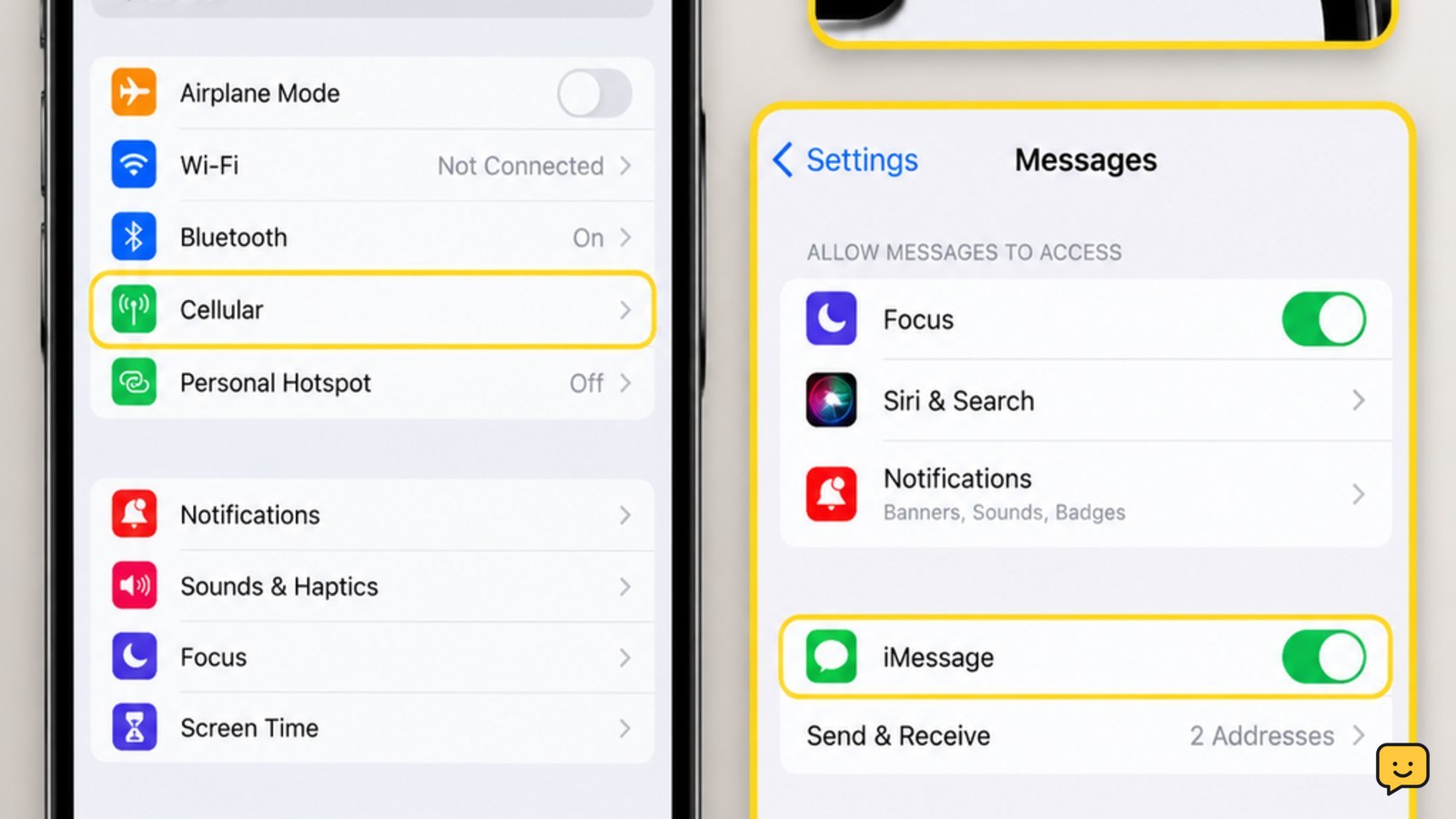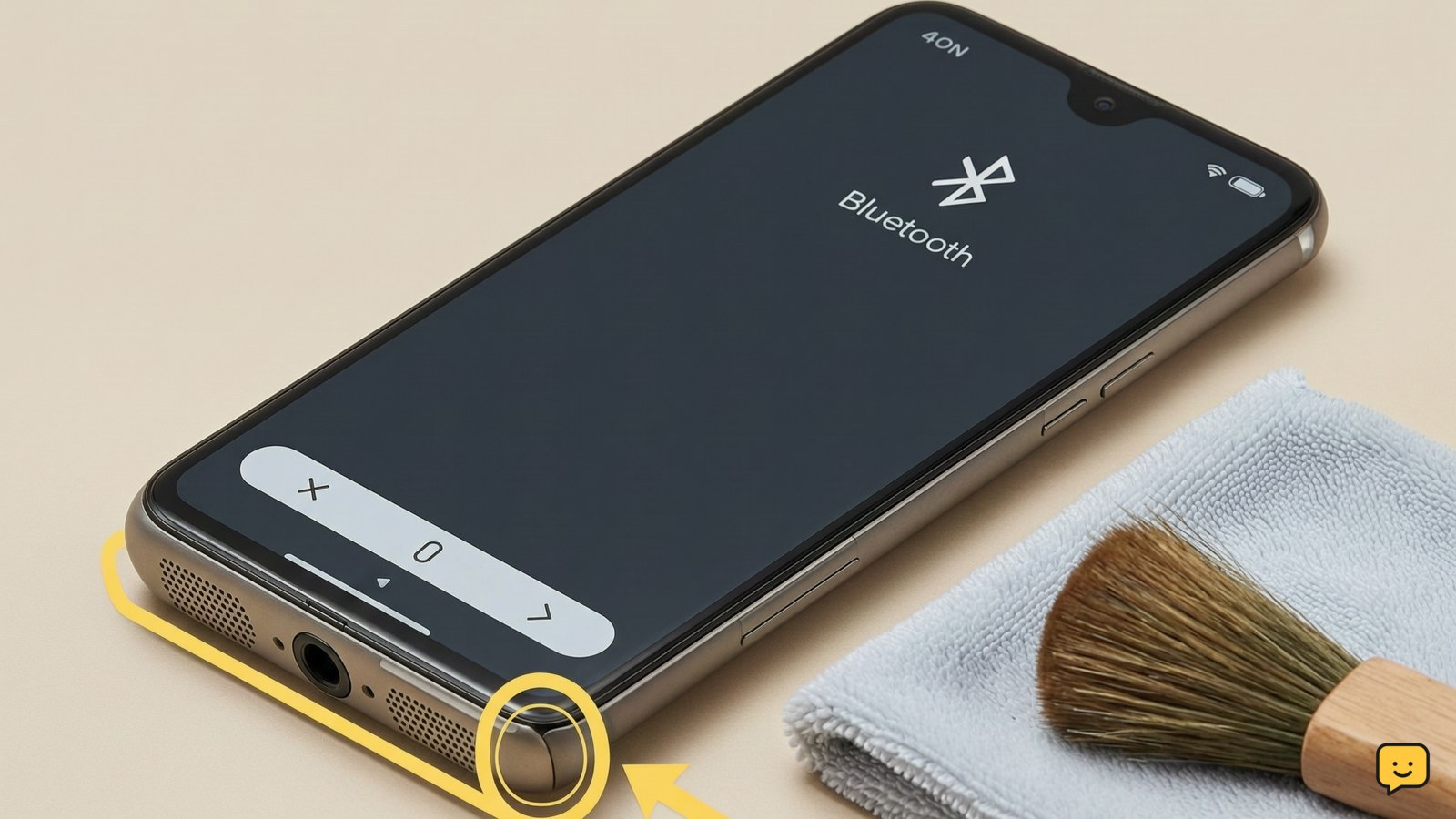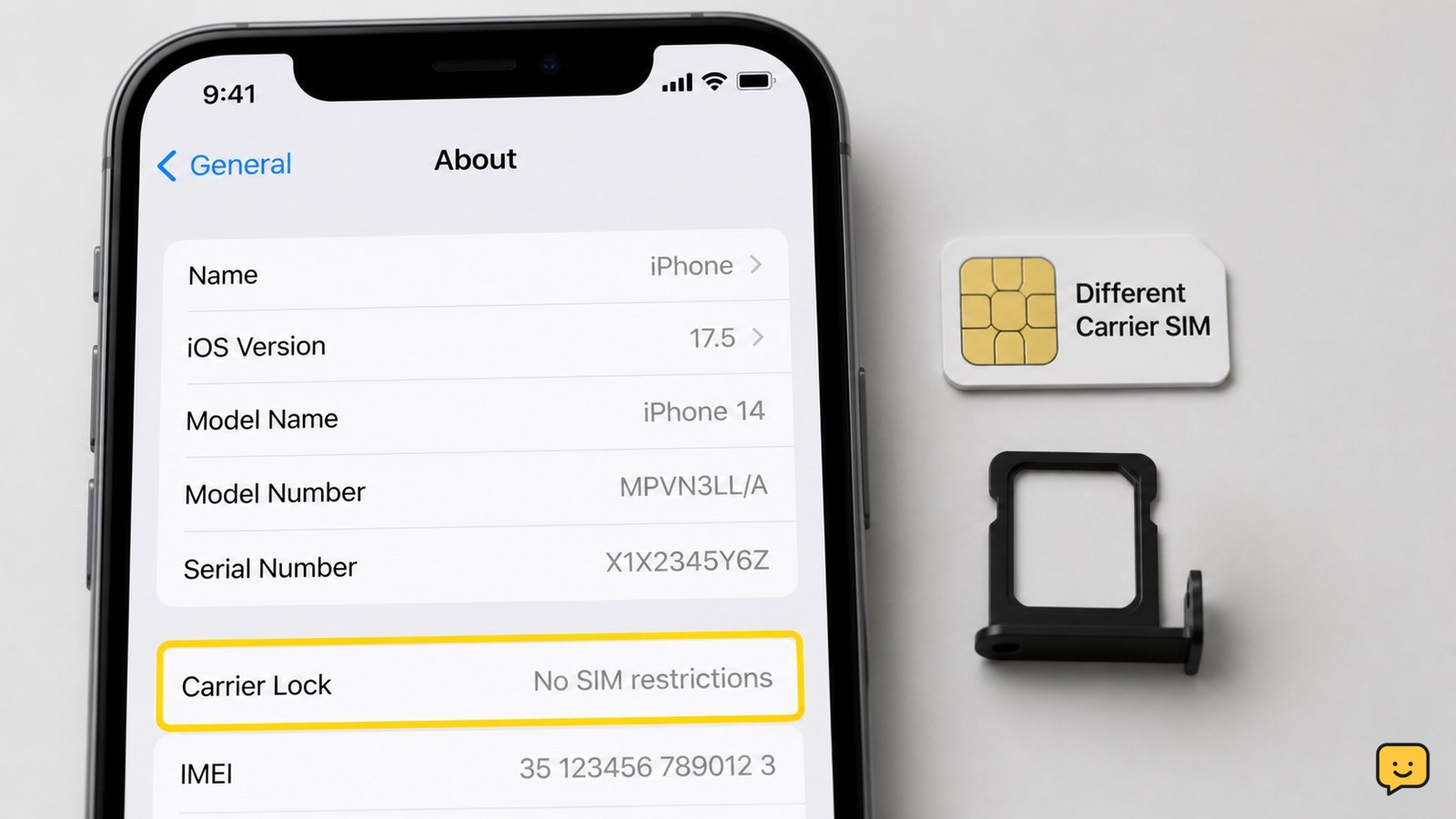
The quickest reliable check is to insert a working SIM from a different carrier. If the phone connects to that carrier and can make a call, it is unlocked. On an iPhone, also check Settings > General > About > Carrier Lock. Android menus vary, so use a SIM test or ask the carrier to check the IMEI.
Browse more Mobile Devices guides
Check the iPhone or Android settings
An iPhone can show its carrier-lock status in Settings, while Android menu names vary by manufacturer and software version.
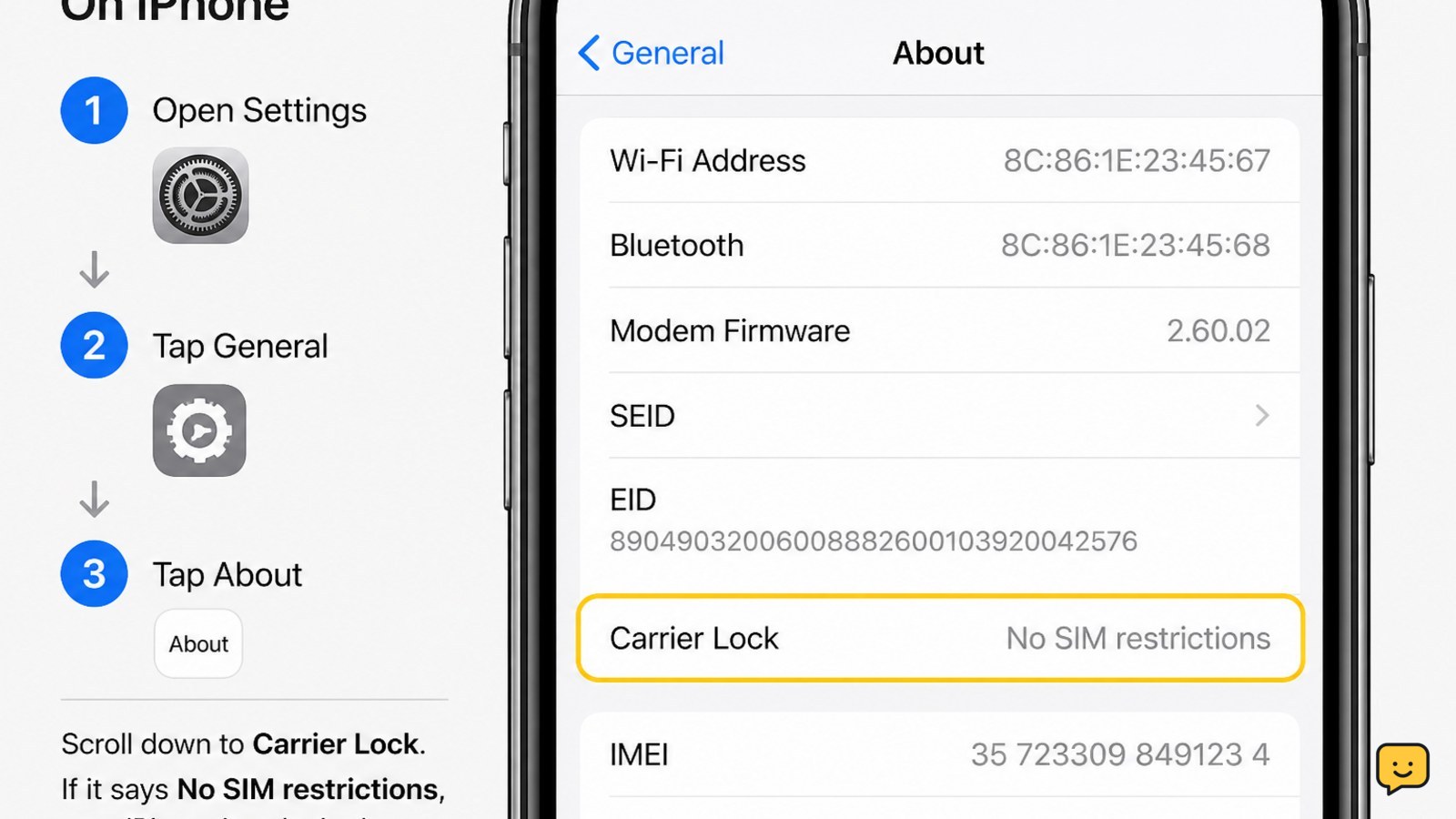
- On an iPhone, open Settings > General > About.
- Find Carrier Lock. No SIM restrictions means the iPhone is carrier-unlocked. A carrier name or restriction message means it may still be locked.
- On Android, open Settings and search for SIM, Mobile network, or Network unlock. Some models show a status such as unlocked, while others do not provide a clear menu result.
Verify the result: restart the phone after checking and confirm that it still shows the same status. If Android has no matching setting, use the different-SIM test or an IMEI check instead. A phone that accepts a SIM physically is not automatically carrier-unlocked.
Test the phone with another carrier’s SIM
A working SIM from a different mobile carrier gives the clearest practical test of a phone’s carrier lock.
- Borrow or use a known-working physical SIM from a different carrier than the one currently used by the phone. The SIM must be active and the phone must support that carrier’s network.
- Power off the phone, insert the SIM, and turn the phone back on. For an eSIM-only phone, use the other carrier’s official eSIM activation process instead of forcing a physical SIM.
- Wait for the phone to register on the network. Look for the new carrier name or signal indicator.
- Place a short call, then send a text or check mobile data with Wi-Fi turned off.
Unlocked result: the phone registers on the other carrier and completes at least one call or data test. Locked result: messages such as Invalid SIM, SIM not supported, Network locked, or a request for a network unlock code appear.
If the other SIM shows no service but no lock message appears, do not conclude that the phone is locked. Check that the SIM is active, the phone has compatible network bands, and the carrier supports the phone’s model.
Confirm the IMEI with the current carrier
A carrier IMEI check can confirm whether the device is locked without requiring another SIM.
- Find the IMEI in Settings > General > About on iPhone or in Settings > About phone on Android. You can also dial *#06# if the phone supports that code.
- Contact the carrier that sold or financed the phone, or use its official device-check page.
- Ask whether the IMEI is carrier-locked, eligible for an official unlock, blocked, or incompatible with the carrier you want to use.
Verify the lookup: compare the IMEI returned by the carrier with the IMEI shown on the phone. Do not post the full IMEI publicly. A carrier’s answer is more useful than a generic third-party checker because the carrier controls the lock and account eligibility information.
If the carrier cannot find the IMEI, recheck every digit and confirm that you supplied the IMEI for the phone rather than the box or a SIM card. Stop and contact the seller or carrier if the IMEI is reported lost, stolen, or blocked.
Interpret a failed unlock check correctly
A failed connection does not always prove a carrier lock because SIM activation, compatibility, account status, and coverage can produce similar symptoms.
| What you see | Most likely meaning | Safe next action |
|---|---|---|
| No SIM restrictions | iPhone is carrier-unlocked. | Test the intended carrier’s coverage and compatibility before switching. |
| Invalid SIM or unlock-code request | Likely carrier-locked. | Ask the original carrier about its official unlock process. |
| New carrier appears, but calls fail | Phone may be unlocked, but the SIM, account, coverage, or network settings may be wrong. | Confirm the SIM is active and contact the new carrier. |
| No service with no warning | Could be incompatibility, poor coverage, inactive SIM, or a lock. | Repeat the test with a known-working SIM or request an IMEI check. |
Ask the carrier to unlock a locked phone
Only the original carrier or an authorized provider can normally remove a carrier lock from a phone.
- Contact the carrier that sold, financed, or originally activated the phone.
- Ask for the device’s unlock eligibility requirements and provide the IMEI when requested through the carrier’s official support channel.
- Complete any required account, payment, or service-term steps through that carrier.
- After the carrier confirms the unlock, restart the phone and repeat the different-SIM test.
Success looks like this: the other carrier’s SIM registers, the new carrier name appears, and a call or mobile-data test succeeds. If the carrier says it is unlocked but the phone still requests an unlock code, give the carrier the exact on-screen wording and stop entering codes until they confirm the next step.
Check compatibility after confirming it is unlocked
An unlocked phone may still fail on another carrier if its model, network bands, SIM type, or account provisioning is incompatible.
Before changing service, compare the phone’s exact model number with the new carrier’s compatibility checker. Confirm whether the carrier requires a physical SIM or eSIM, whether the device is supported for voice calls and mobile data, and whether coverage is available where you use it.
Do not treat an unlocked status as a guarantee of full service. The final verification is a successful call, text, and mobile-data test on the intended carrier with Wi-Fi disabled.
Frequently asked questions
Can I check whether my phone is unlocked without a SIM card?
Yes. Check the iPhone’s Carrier Lock entry under Settings > General > About, or ask the original carrier to check the IMEI through its official support channel. Android phones may not show a clear unlock status in Settings, so an IMEI check is usually more dependable when you do not have another carrier’s SIM.
Does seeing a different carrier signal prove that my phone is unlocked?
Not by itself. A stronger confirmation is that the other carrier’s SIM registers and the phone completes a call, text, or mobile-data test with Wi-Fi turned off. If the signal appears but calls fail, the SIM may be inactive, the account may need provisioning, or the phone may not support the carrier’s network.
What is the difference between a carrier-locked phone and an Activation Lock?
A carrier lock restricts which mobile networks can be used. Activation Lock on an iPhone is tied to the previous owner’s Apple Account, while Android phones can have account protection after a reset. A phone can be carrier-unlocked and still be unusable for resale if the previous owner has not removed the account lock.
Can I unlock a phone myself with a code from a website?
Use only the original carrier’s official unlock process. Unofficial websites may provide incorrect codes or request sensitive account and payment information. If the phone asks for a network unlock code, stop after one failed attempt and contact the carrier that originally sold or activated the device.