Skip to content
ShowU

DragonSword: Awakening

Find durable DragonSword: Awakening guides for progression, classes, quests, combat, equipment, companions, settings and recurring player problems.

Dragon Sword Awakening Legacy world map open with explored regions and navigation markers visible
DragonSword: Awakening

How to Open the World Map in Dragon Sword Awakening

In Dragon Sword: Awakening Legacy, open the world map through the visible Map control in the in-game interface or its assigned keyboard shortcut. The map shows your current position, explored regions, landmarks, fogged areas and stations you have discovered. Select a visible location to inspect it, then compare its position with nearby roads, terrain and quest markers to choose your route.


DragonSword: Awakening hero roster with one available character selected
DragonSword: Awakening

How to Switch Characters in Dragon Sword Awakening

Dragon Sword Awakening lets you use additional playable heroes after obtaining them, but the available current sources do not verify one universal button or menu path for changing the active hero. Open your build’s character or party-selection screen outside a locked activity, select an available hero, then confirm the portrait, model, and skills change before continuing.

Dragon Sword Awakening Guild interface showing a player member entry and guild management area
DragonSword: Awakening

How to Leave a Guild in Dragon Sword Awakening

Open Dragon Sword: Awakening’s current Guild interface and inspect your member profile, roster entry, or guild settings for a personal Leave or Exit control. Confirm the prompt, then reopen the Guild screen to verify that your membership is gone. The available evidence does not verify one permanent menu path, so stop if the game shows only leadership or currency-transfer options.

DragonSword Awakening loading screen on a PC with Steam open behind it
DragonSword: Awakening

Why Is Dragon Sword Awakening Not Loading?

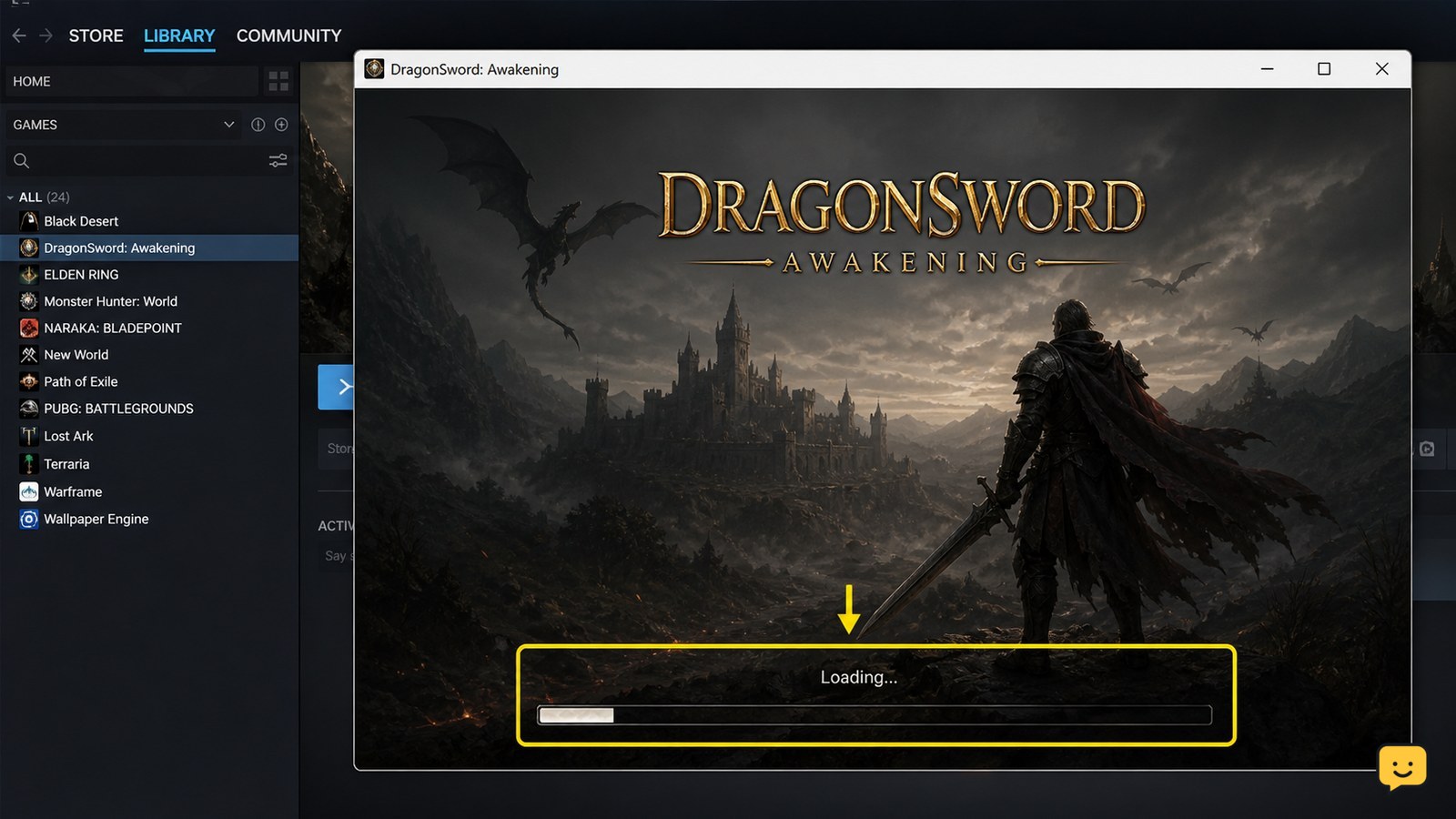
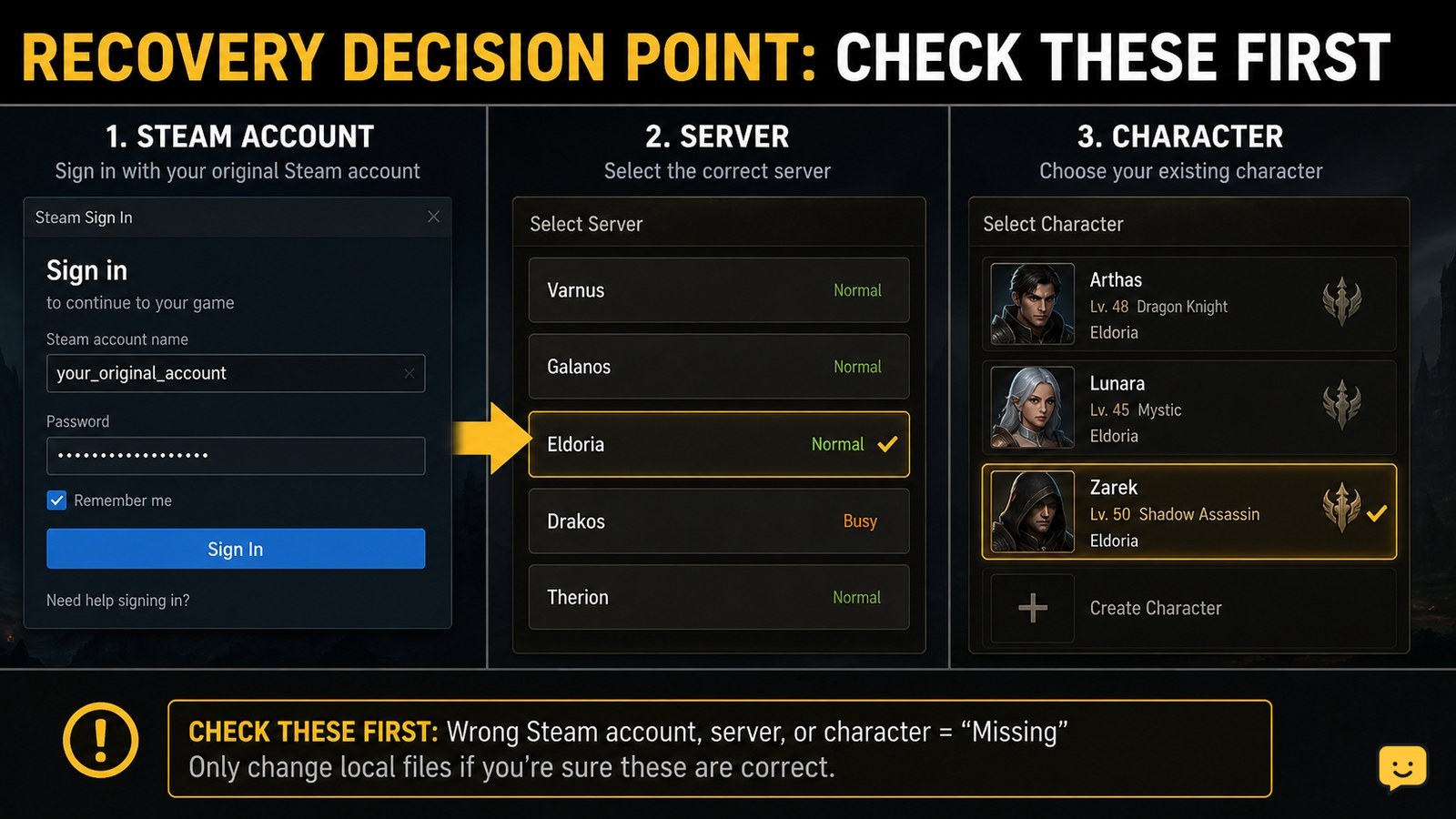
Dragon Sword: Awakening may fail to load because Steam files are incomplete, the sign-in session is stale, the connection is failing, or the PC is running into storage or graphics problems. Restart Steam and the PC first, then verify the game files, check Steam status and sign-in, and test again before changing saves or reinstalling.

Dragon Sword Awakening Blacksmith equipment-crafting interface
DragonSword: Awakening

Dragon Sword Awakening: How to Use the Blacksmith

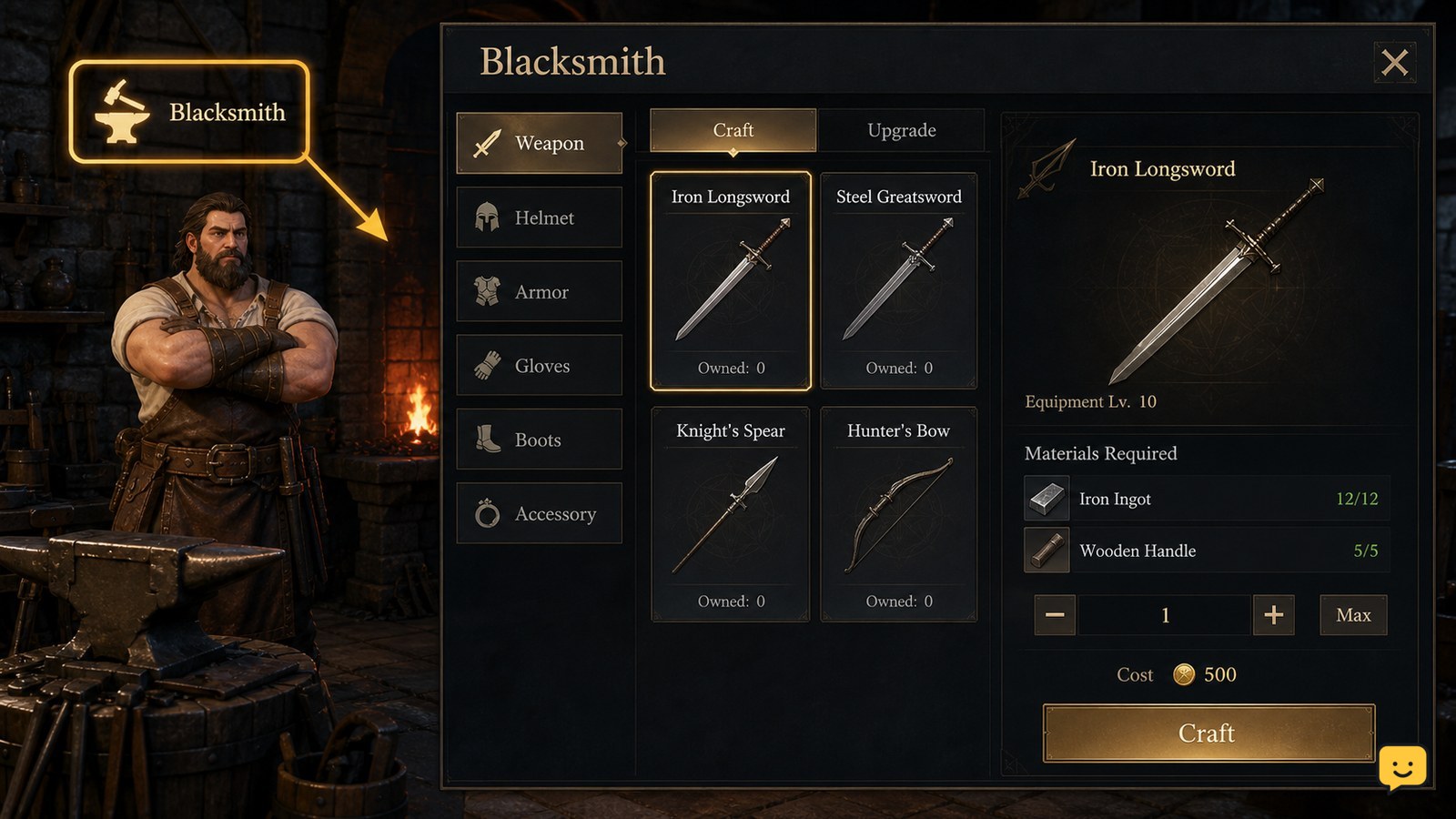
Dragon Sword Awakening’s Blacksmith is the main service for obtaining much of your equipment through crafting. Look for the Blacksmith access point shown by your current build, open the available gear or crafting service, select a recipe, and check its material requirements before confirming. Exact locations, labels, and button paths are not verified across every build.

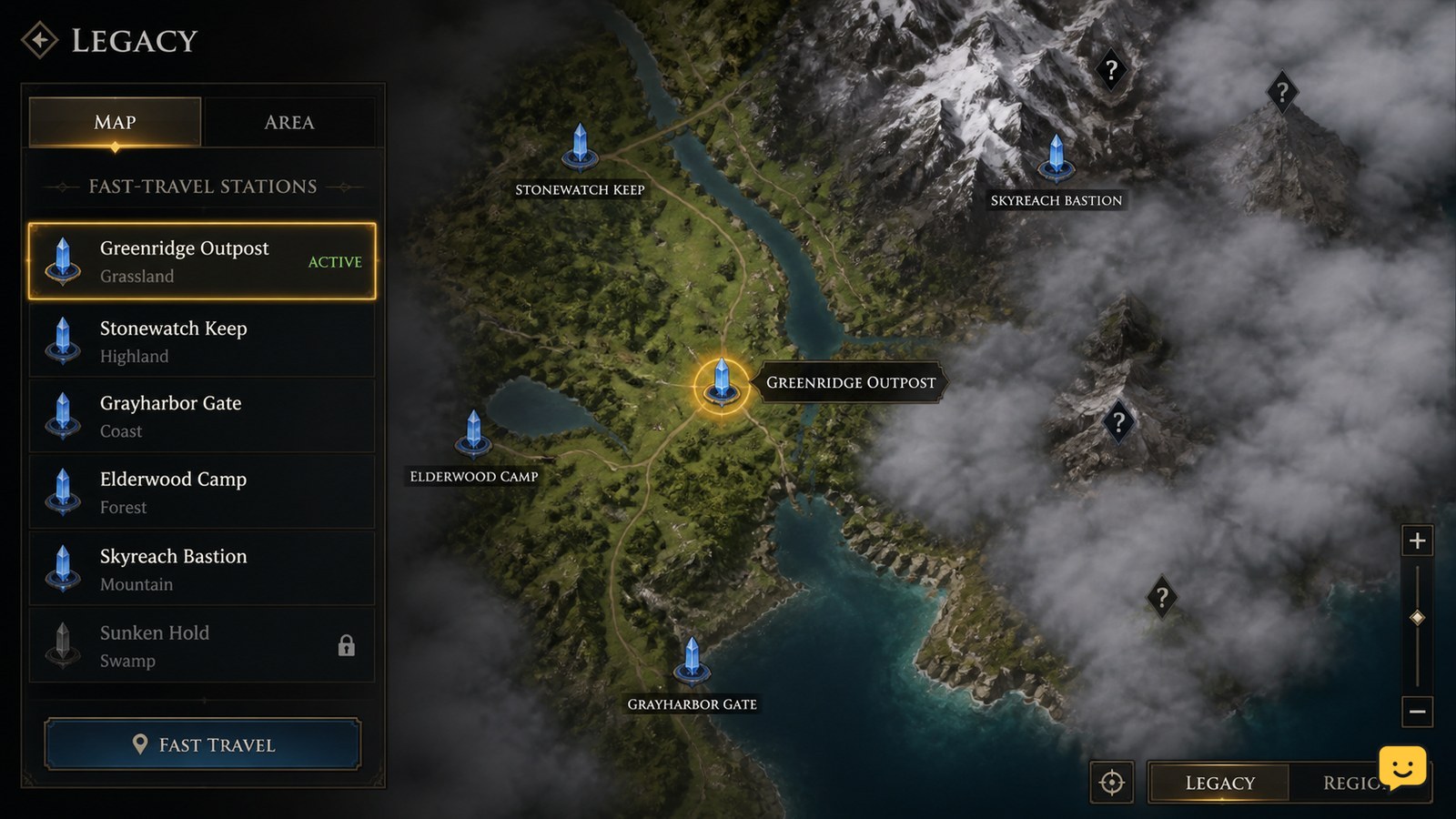
Dragon Sword Awakening Legacy map showing an active fast-travel station and nearby fog-covered regions
DragonSword: Awakening

Dragon Sword Awakening How to Teleport Between Locations

In Dragon Sword: Awakening, continue the Legacy story until the map becomes available, clear map fog, and activate fast-travel stations as you find them. Open the map, select an activated station, and confirm the destination. If the map cannot be opened, try Settings > Game > Misc > Emergency Recall. No supplied evidence confirms that this route applies to Evrima.

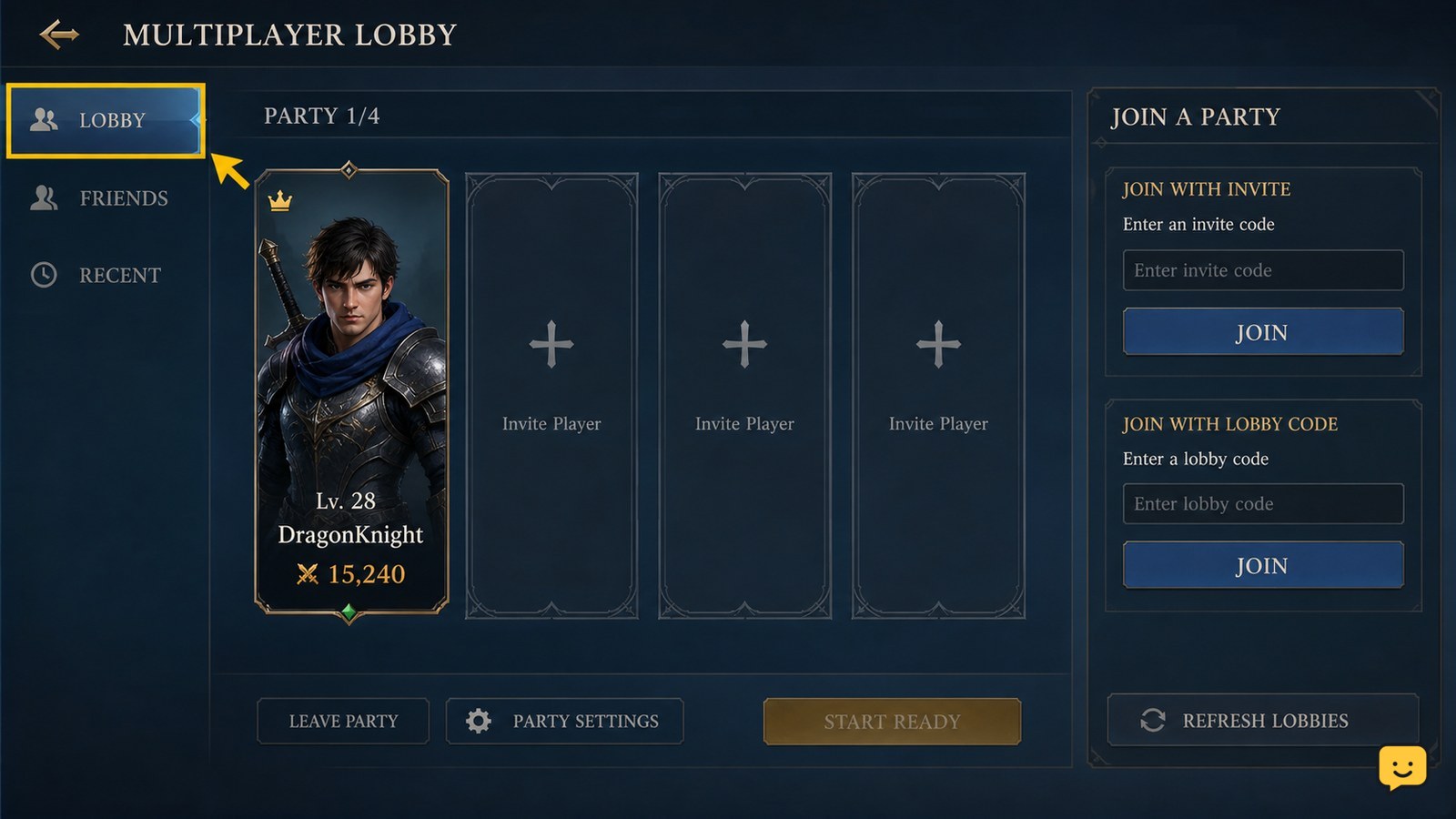
Dragon Sword Awakening multiplayer lobby showing a party roster and join controls
DragonSword: Awakening

Dragon Sword Awakening How to Join a Party

To join a party in Dragon Sword Awakening, open the multiplayer lobby and use the invitation or lobby-code method provided by the party leader. Accept the invite if it appears, or enter the shared code in the lobby screen. Confirm that your name appears in the same lobby before the leader starts the activity. Menu labels may vary by platform or build.

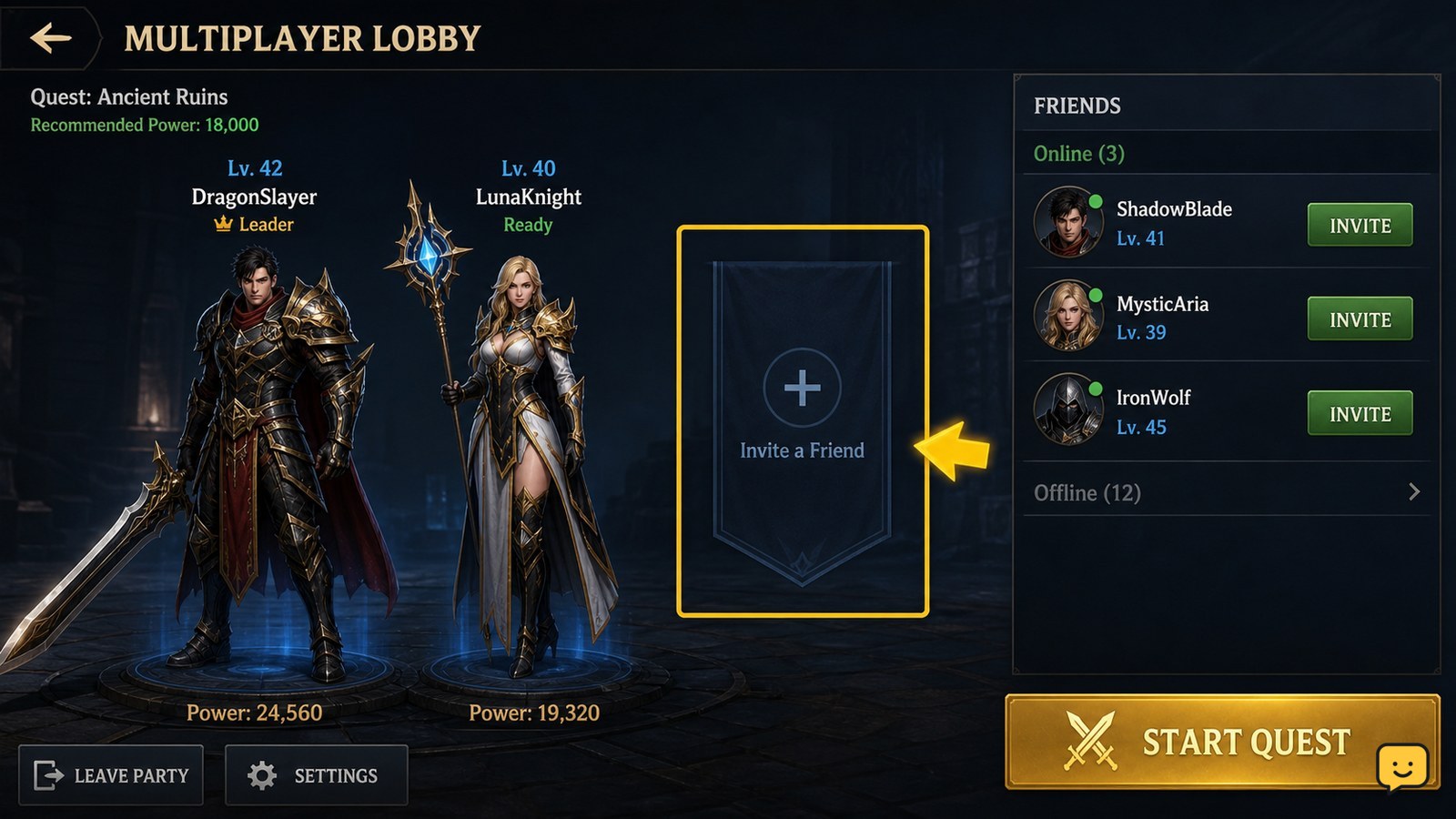
Dragon Sword Awakening multiplayer lobby with friend invitation controls visible
DragonSword: Awakening

Dragon Sword Awakening How to Add Friends

To add or invite a friend in Dragon Sword Awakening, open the multiplayer lobby and choose Invite Friends when the option is available. If direct invites do not appear, select Create Lobby, copy the Lobby Code, and send it to the other player. They can use that code to join your session. The available menu may vary by platform or game version.