Mortal Shell II Guides
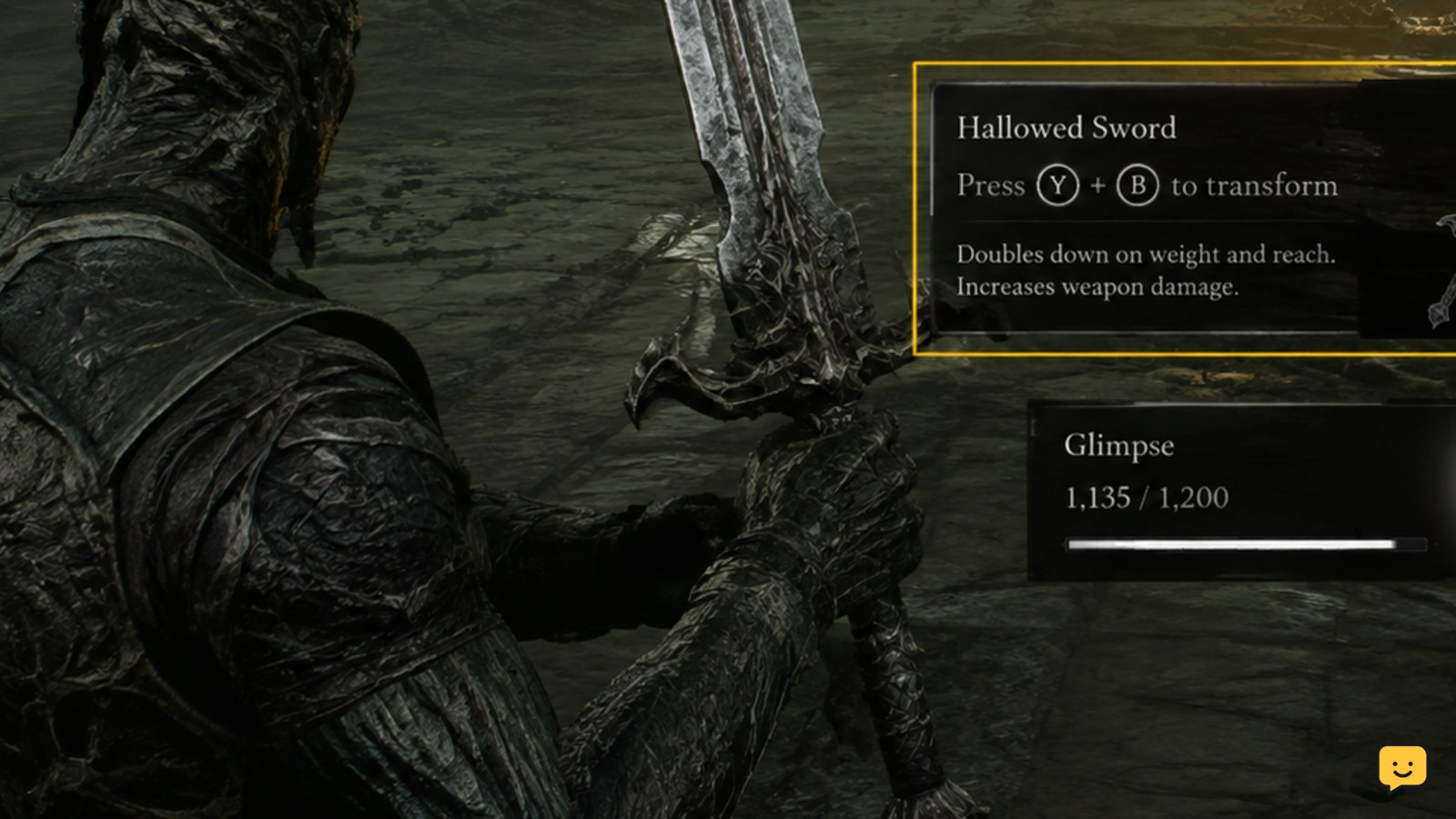
Mortal Shell II: Use Weapon Transformations
Learn how to activate Mortal Shell II weapon transformations, verify the correct weapon input, conserve limited uses, and stop when the in-game prompt is.

Learn how to activate Mortal Shell II weapon transformations, verify the correct weapon input, conserve limited uses, and stop when the in-game prompt is.
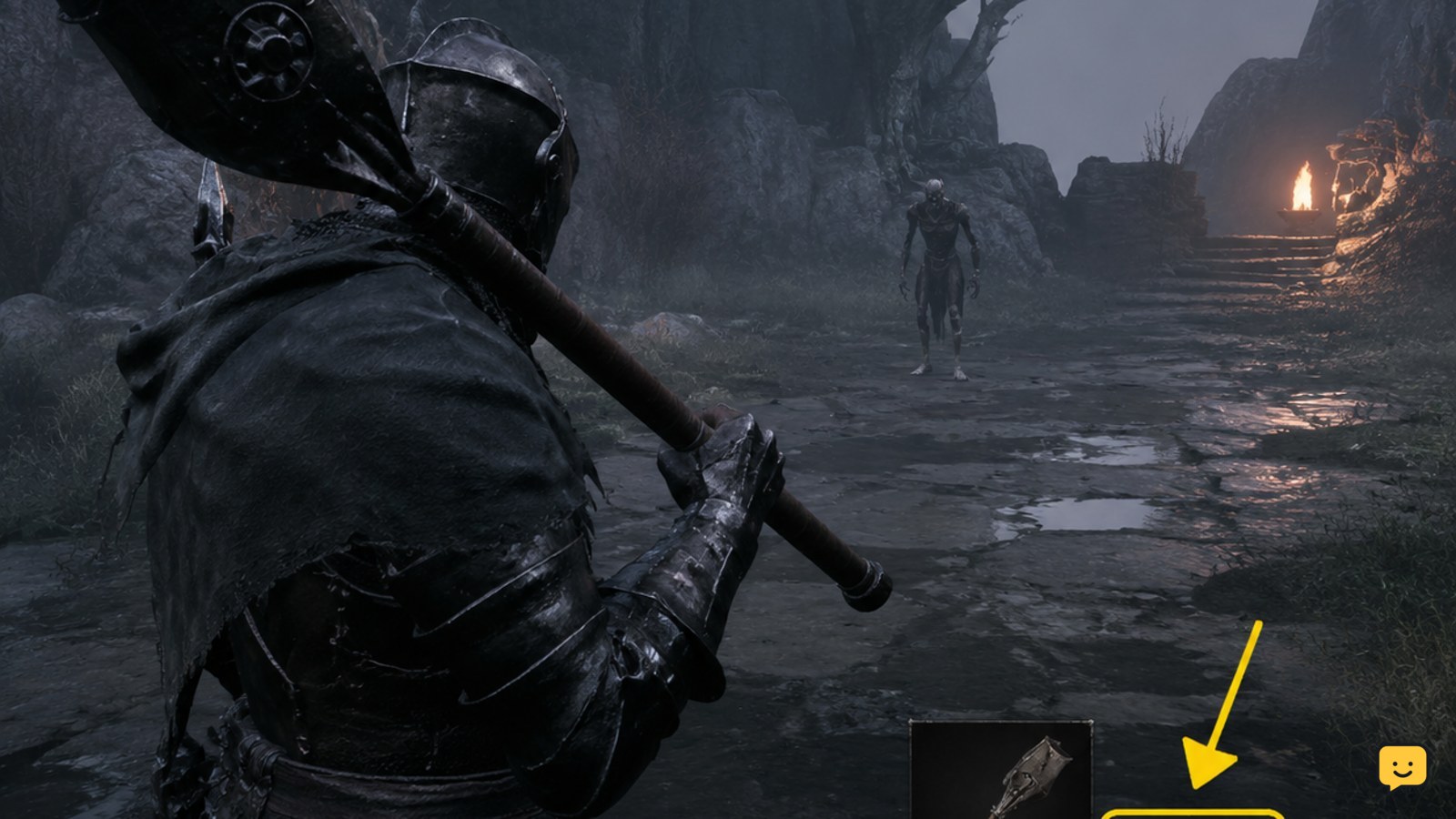
Learn how to check whether a Mortal Shell II weapon ability is available, find its current input, test it safely, and stop when older advice conflicts.

Find out what is currently verified about changing shells in Mortal Shell II, where to check in-game, and when to stop before trusting old Mortal Shell guides.
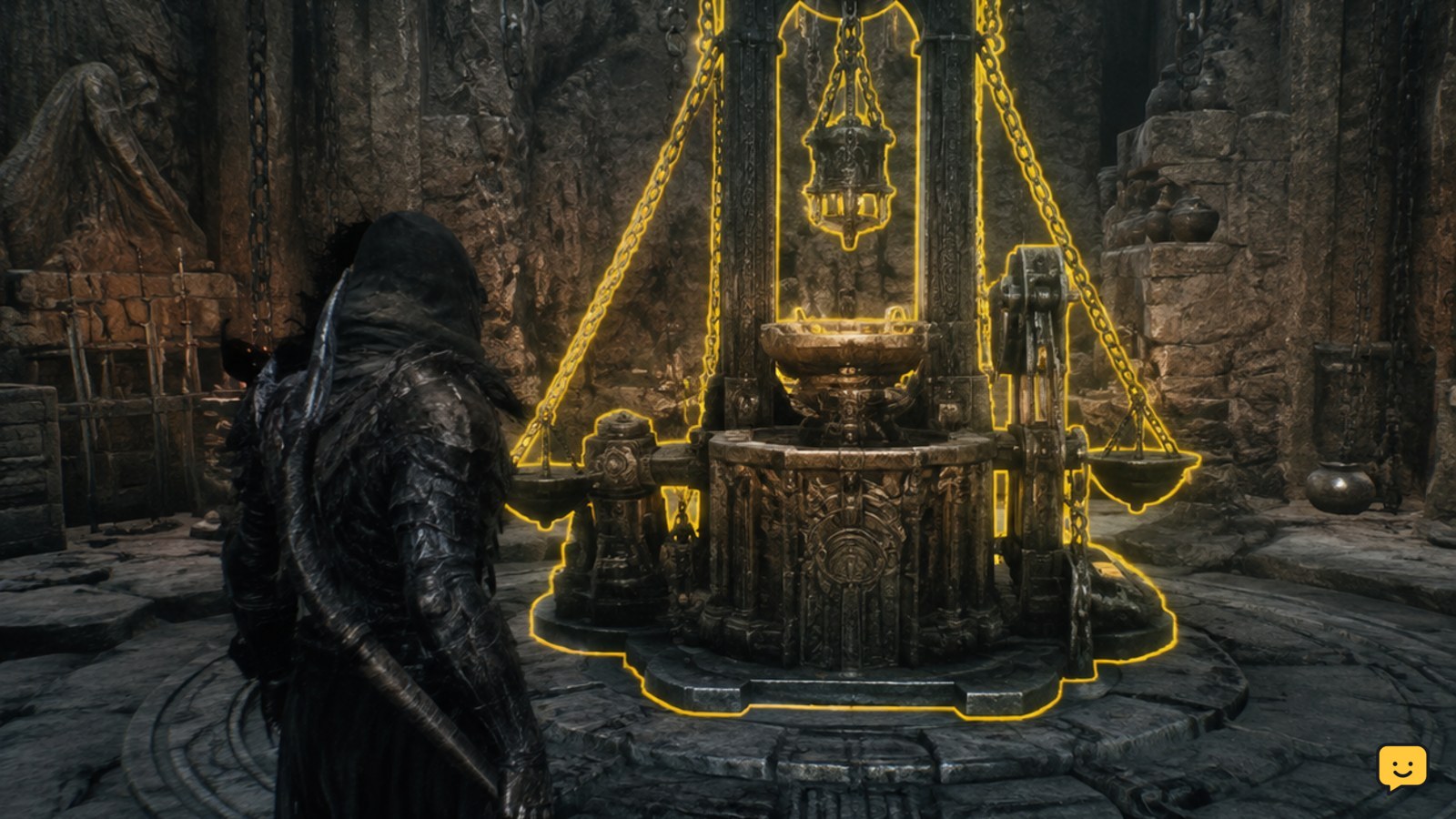
Learn how to upgrade Mortal Shell II weapons at the Tarforge, check coins and smithing stones, and verify whether sidearm upgrades need the Obsidian Lathe.

Learn how to track and finish Mortal Shell II side quests, revisit NPCs, collect required items, verify progress, and recover when objectives stop updating.
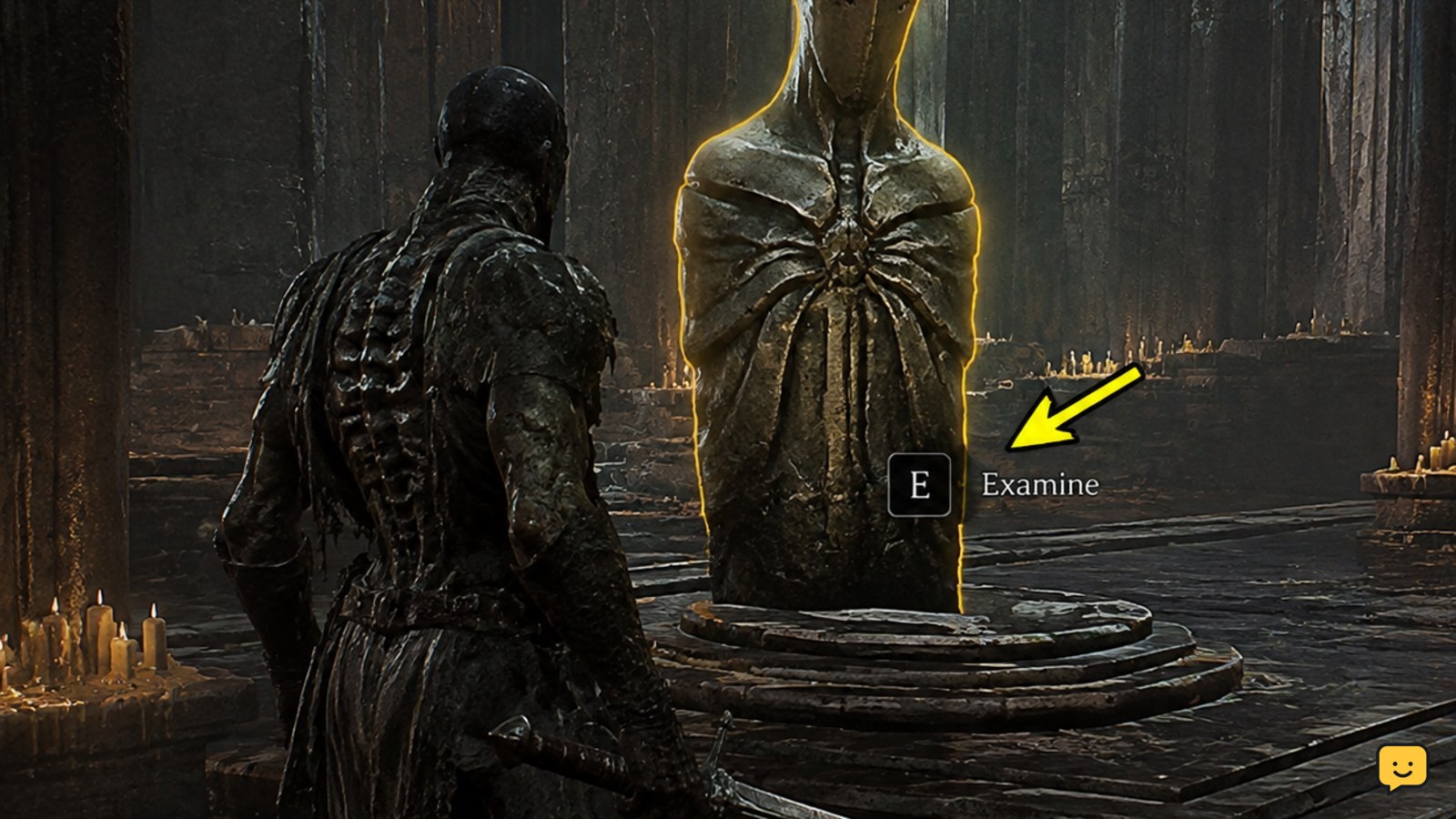
Learn how to unlock shell abilities in Mortal Shell II: locate the shell, open its progression screen, meet each displayed requirement, and verify each upgrade.
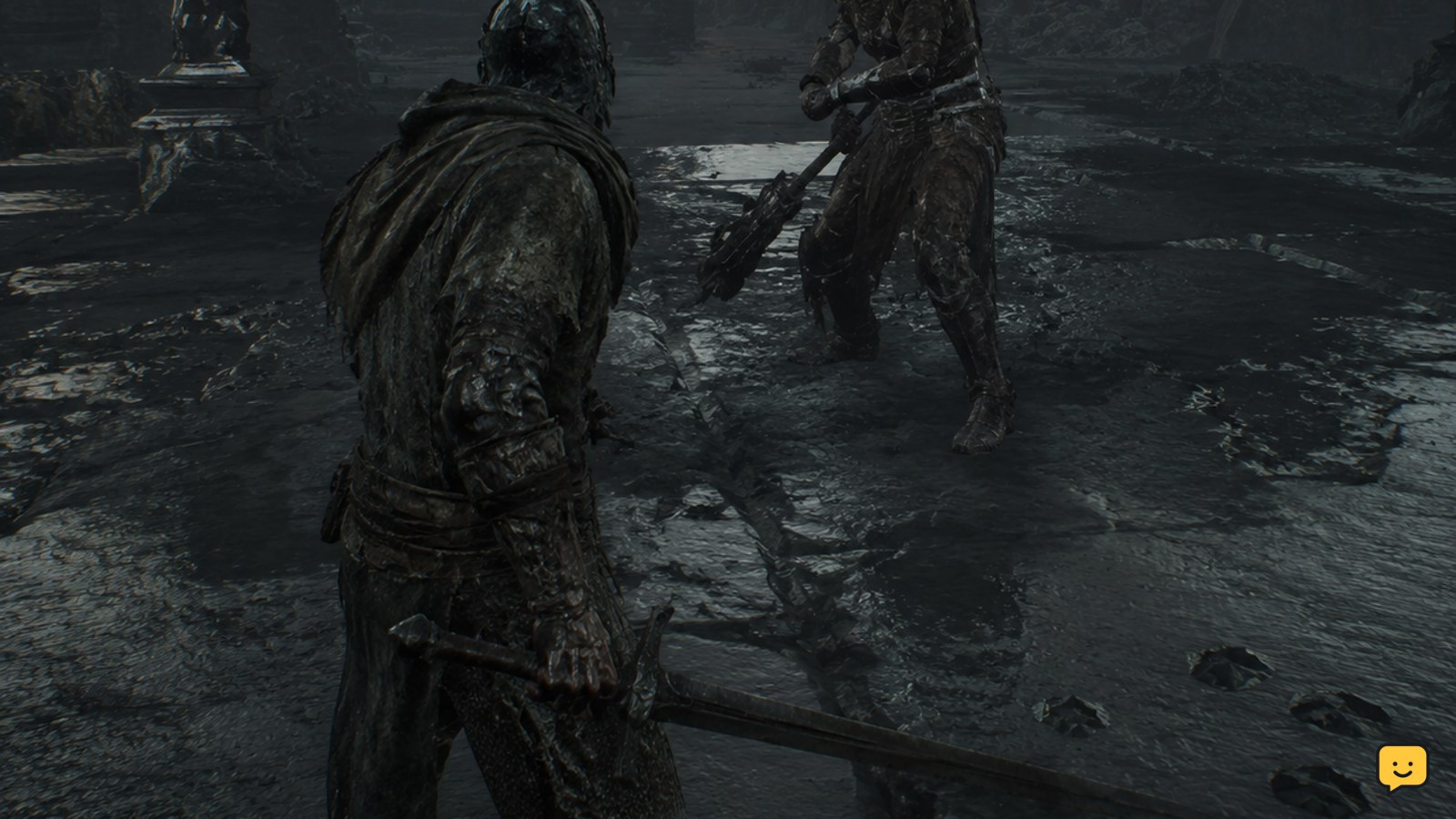
Learn Mortal Shell II beginner combat controls: set bindings, read the HUD, use Harden, manage stamina, dodge safely, and fix missing inputs before fights.

A standby light means your smart TV is receiving power. Test the remote, TV button, input, power cycle, outlet, and hardware safely to find the fault.