Mortal Shell II may not let you pick up an item because it is a Permanent Pickup, has already been claimed, or is not currently presenting an interaction prompt. Move around the object, leave combat, check your inventory or item collection, and reload from a safe checkpoint if the prompt never appears. Do not assume every visible object is collectible.
For more help with this topic, use the Mortal Shell II guides.
Check whether the object is a Permanent Pickup
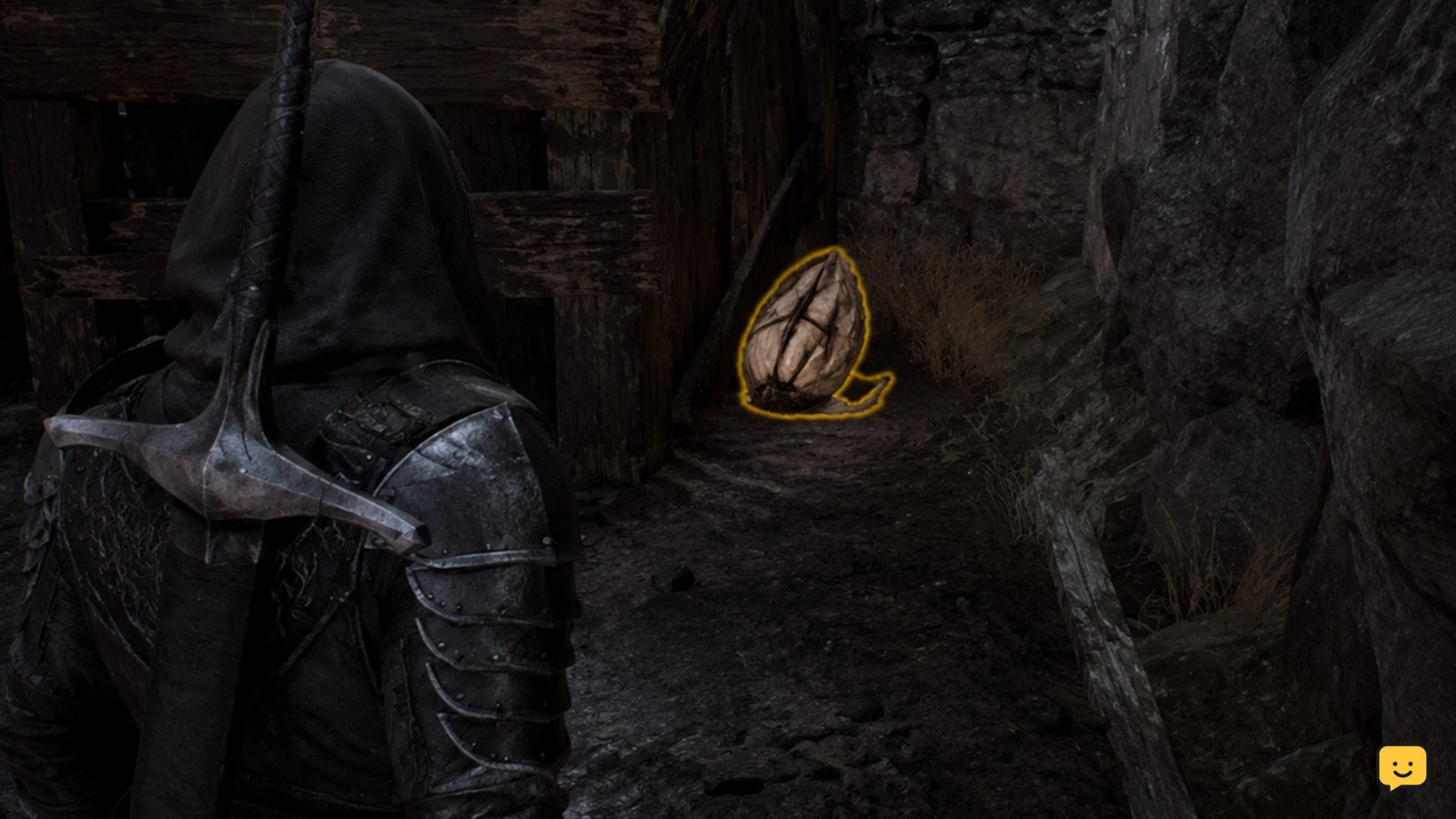
Mortal Shell II uses a Permanent Pickup system for at least some items, so a visible object may not behave like a traditional consumable in a standard inventory. IGN’s Mortal Shell II item guide describes PP Items as a system in which collected items remain available through the game’s item structure rather than functioning as ordinary repeatable pickups.
First, check whether the object has already been claimed. Look in the relevant item, weapon or consumable area of your inventory, then return to the object. If the item is already recorded, the missing pickup prompt may be normal rather than a failed interaction.
If the object is new and no collection result appears, continue with the interaction checks below.
Move until the interaction prompt appears
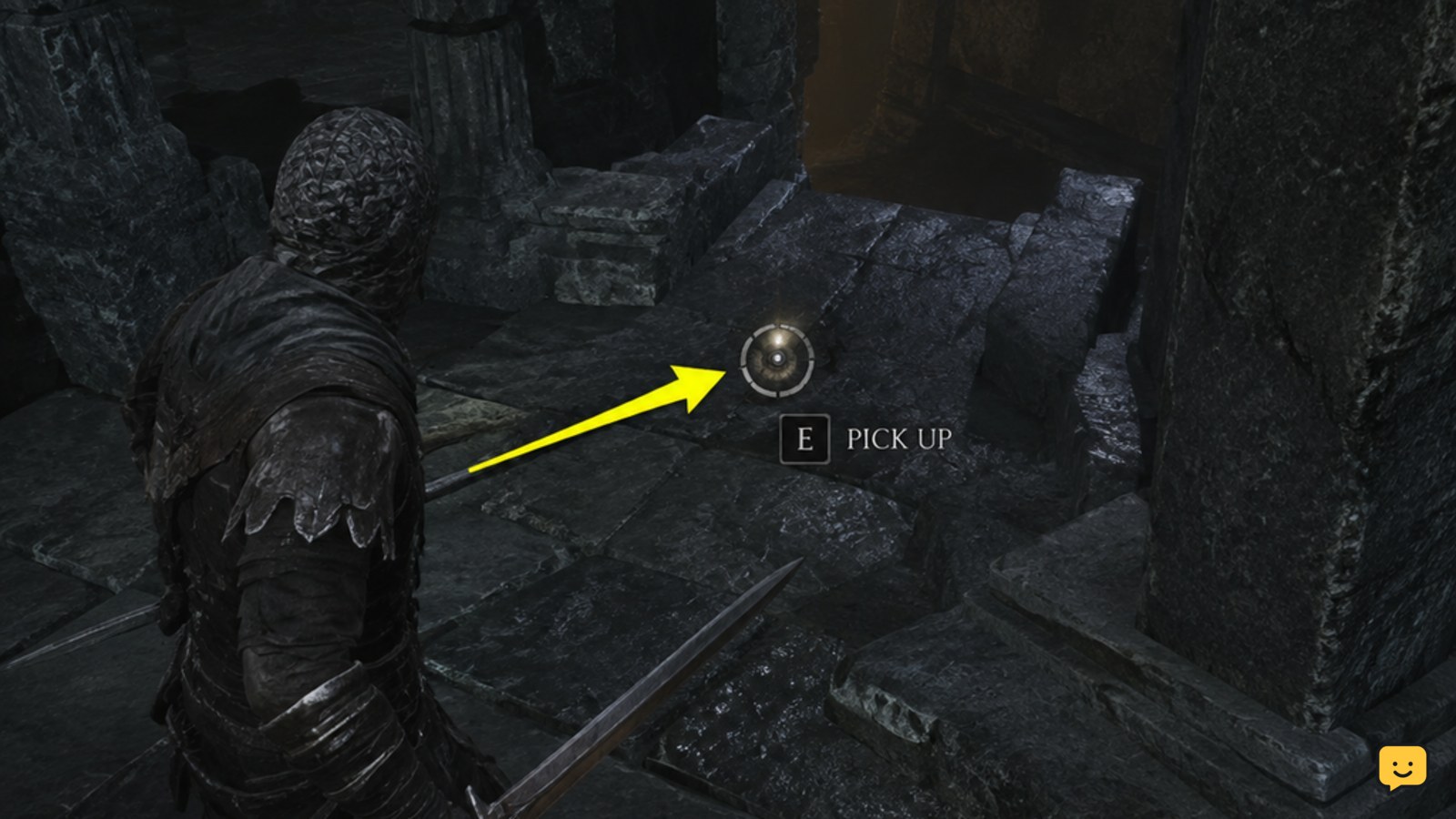
Mortal Shell II requires the correct position and a visible interaction prompt before an item can be collected. Stand beside the object rather than directly over it, rotate the camera toward its center, and move slowly around its front and sides.
Check the ground, ledge or surface supporting the object. Items that appear close to a wall, railing, bell, doorway or other geometry can be difficult to target. A Reddit report about an inaccessible item in the original Mortal Shell shows why apparent item location is not proof that the object can be reached from the visible side; treat that report as a symptom clue, not confirmation of the same Mortal Shell II behavior.
Verify: the prompt should appear consistently when the camera is aimed at the item. If it never appears from any reachable angle, do not keep pressing the interaction control; test the combat and reload branches instead.
Leave combat before retrying the pickup
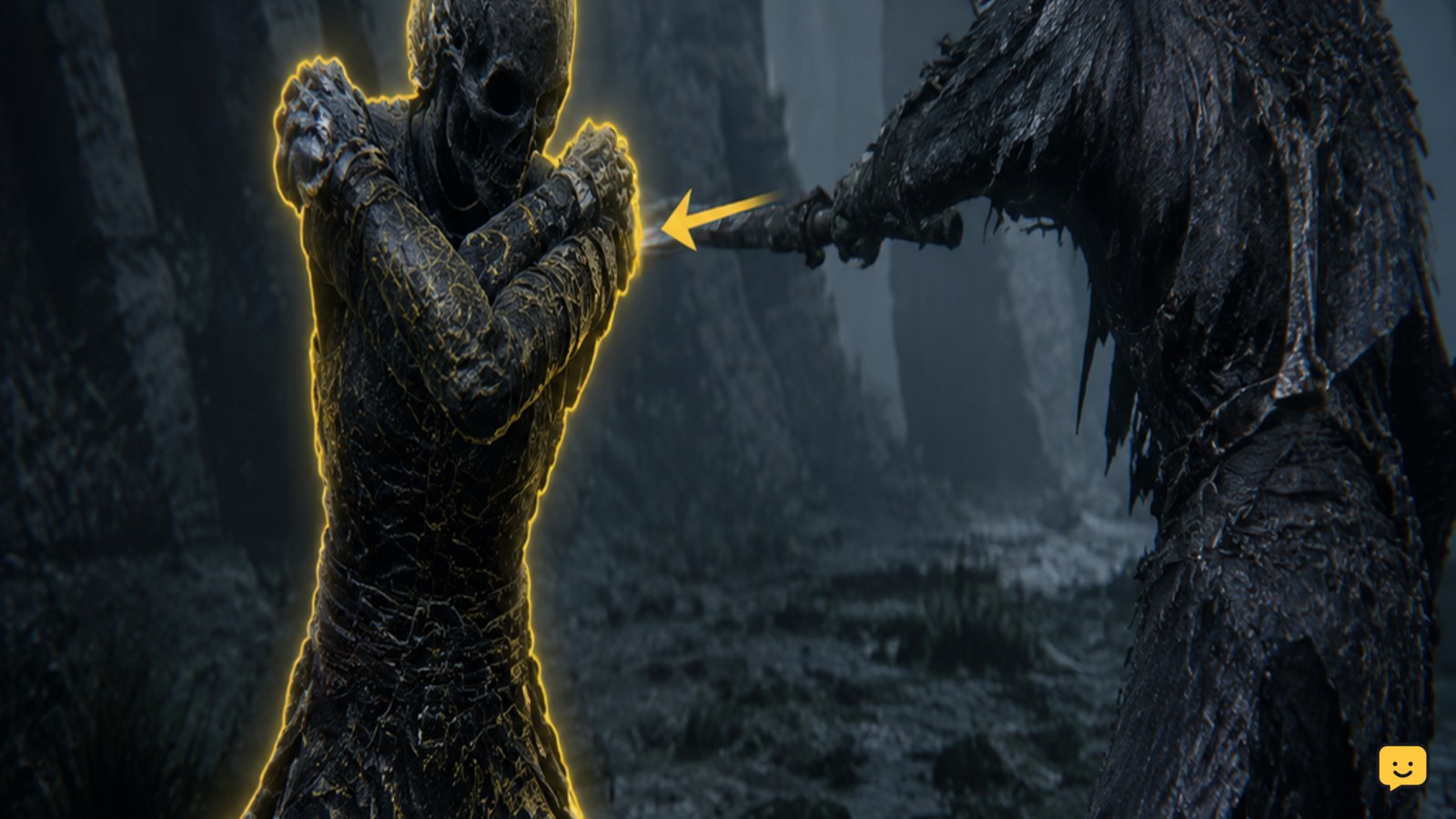
Mortal Shell II may fail to accept an item interaction while an enemy is active, an attack is resolving or the character is still in a combat state. Move away from the item, finish or escape the encounter, and wait until attacks, damage reactions and movement restrictions have ended.
Return to the item without attacking. If the prompt appears now, collect it and verify the result in the inventory or item collection screen. If the prompt remains absent, the issue is more likely to be an unreachable interaction point, an already-claimed Permanent Pickup or a temporary area state.
Confirm the pickup result in your inventory
Mortal Shell II can make a successful collection look different from a normal item transfer because Permanent Pickups are not necessarily added as a stack of physical consumables. Open the inventory or the relevant item screen immediately after interacting and check for the item’s name, effect, weapon entry or other permanent record.
If the item is present, the world object may no longer be collectible and repeated interaction is unnecessary. For consumable behavior after collection, see how Mortal Shell II consumables work.
If nothing changed, take note of the exact location and whether the object disappeared, remained visible, or showed a message. Those differences help separate a normal permanent pickup from a blocked interaction.
After collection, check how the permanent item is selected and activated in how Mortal Shell II consumables work.
Reload the area when the prompt stays missing
Mortal Shell II should be reloaded from a safe checkpoint when a new item has no prompt after positioning and combat checks. Leave the area if the route allows it, rest or reset at a safe game checkpoint, then return and approach the object again.
Before reloading, record the item’s location and check your inventory so you do not mistake a completed Permanent Pickup for a lost one. After the reload, test the object once from a clear angle. If the prompt is still missing while nearby items work normally, treat the location as potentially blocked or bugged and stop repeating the same input.
For weapon-shaped objects, compare the result against the game’s weapon inventory before assuming the pickup failed. The related Mortal Shell II weapon pickup guide explains how to verify newly acquired weapons.
For weapon-shaped objects, use the Mortal Shell II weapon pickup guide to confirm whether the item entered your inventory.
Frequently asked questions
Are all Mortal Shell II items picked up like normal consumables?
No. Mortal Shell II uses a Permanent Pickup system for at least some items, so collection may unlock or record an item instead of creating a repeatable inventory stack. Check the relevant inventory or item screen before treating a missing world object as a failed pickup.
Why is there no pickup prompt in Mortal Shell II?
The object may already be collected, your character may still be in combat, or the interaction point may be obstructed by nearby geometry. Move around the item, aim the camera at its center, leave combat and test the object again from a clear position.
Can I pick up an item while an enemy is nearby?
You should first leave combat or create enough distance for attacks and damage reactions to end. If the prompt appears only after the encounter is cleared, the pickup was combat-blocked rather than permanently inaccessible.
What should I do if the item remains visible after I collect it?
Check your inventory or the relevant item collection screen first. A Permanent Pickup may be recorded without behaving like a removed consumable. If no record exists and the prompt is still absent after an area reload, note the location and stop repeating the interaction.