To fix a phone speaker, raise media and call volume, disconnect Bluetooth headphones or speakers, remove the case, restart the phone, and check the speaker opening for blockage or moisture. Use a soft, dry brush only on the exterior. If sound remains distorted, absent in every app, or the phone has liquid or impact damage, stop cleaning and arrange professional service.
For more help with this topic, use the Mobile Devices guides.
Check whether the phone is sending sound elsewhere
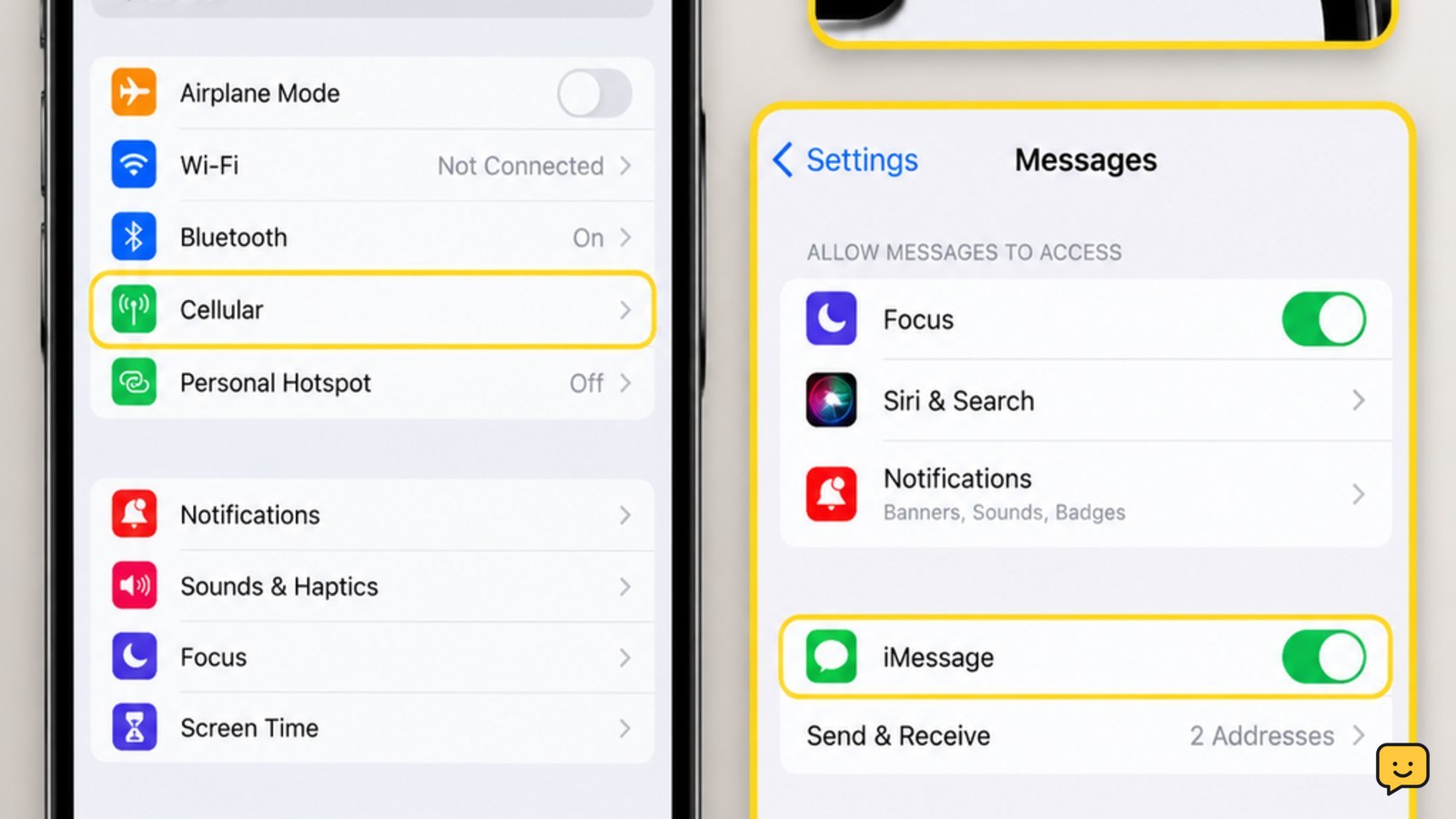
A phone speaker can seem broken when audio is routed to Bluetooth headphones, a car, a smartwatch, or another speaker. Turn Bluetooth off temporarily from Quick Settings or Control Center, disconnect wired headphones, and play a locally stored video or ringtone.
Raise the media volume while the audio is playing. Then place a test call and raise the call volume separately. These controls can behave differently. If the phone speaker works after Bluetooth is disabled, the speaker itself is probably not the cause; reconnect devices one at a time to identify the conflicting connection.
Restart the phone and test more than one sound
Restarting an iPhone or Android phone can clear a temporary audio-service or routing fault without erasing personal data. After the restart, test a ringtone, an alarm preview, a video, and a speakerphone call.
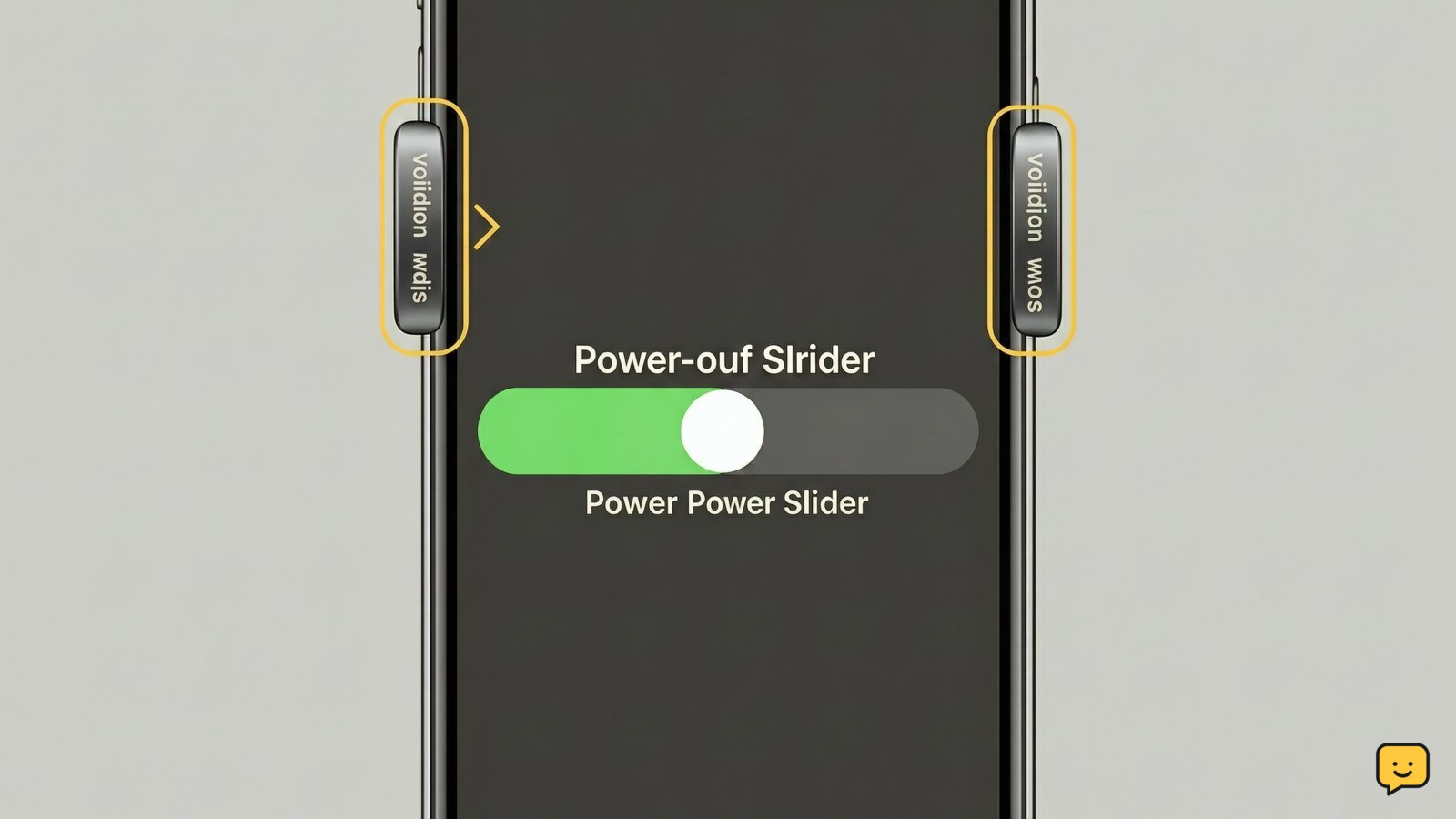
Use the result to narrow the problem: sound in videos but not calls points toward call audio or routing; sound in calls but not media points toward media volume or an app; no sound in any test suggests blockage, moisture, software failure, or hardware damage. If an iPhone is frozen, use the safe restart method described in how to soft reset an iPhone.
Use this safe iPhone restart method safe iPhone restart method if the screen is frozen or normal shutdown controls do not respond.
Remove blockage without damaging the speaker mesh
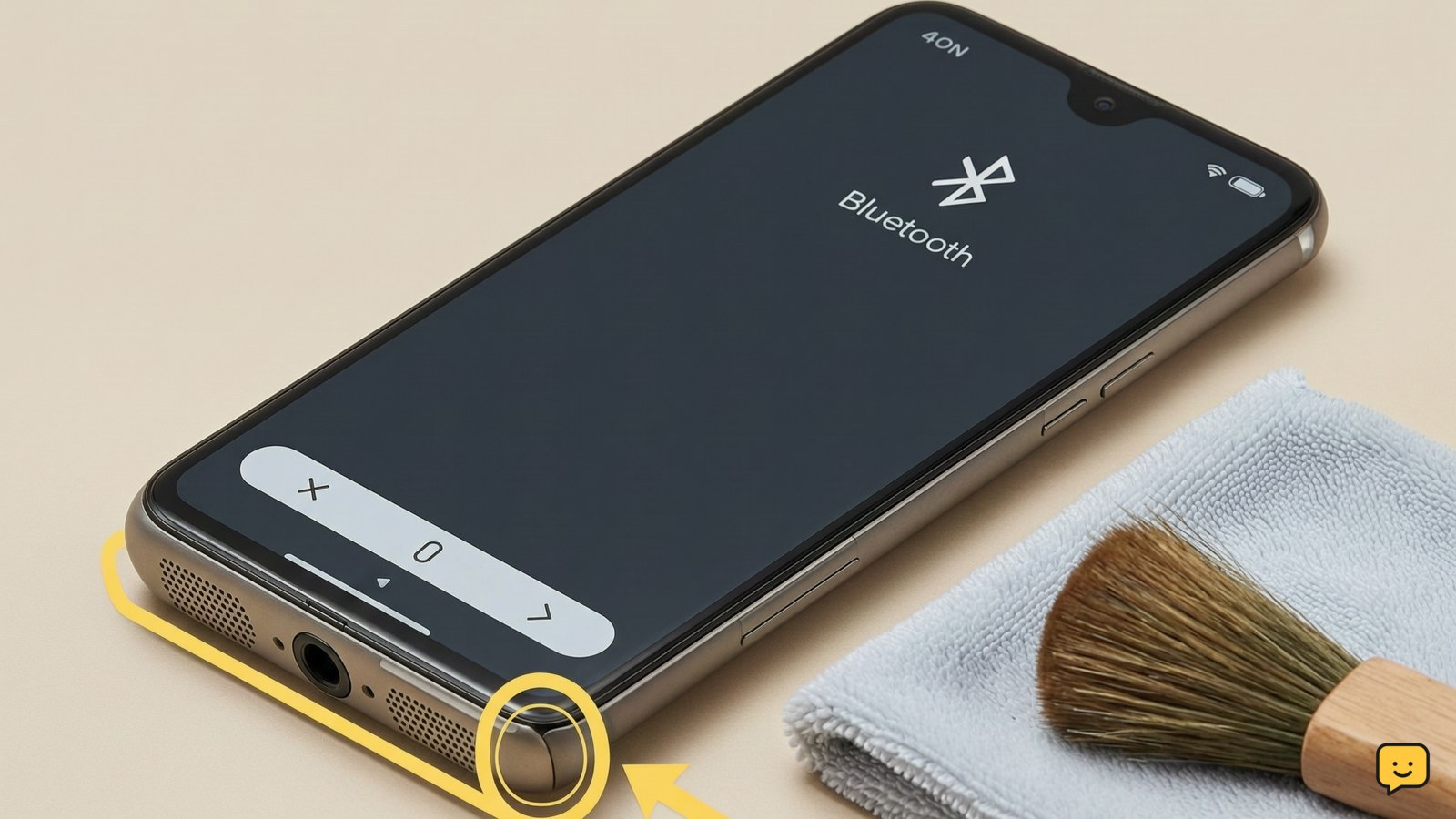
Dust, lint, and residue can make a phone speaker quiet or muffled when they cover the external grille. With the phone powered off, hold it with the speaker opening facing downward and gently brush only the outside with a clean, dry, soft-bristled brush. Wipe the surrounding surface with a dry microfiber cloth.
Do not insert a needle, toothpick, SIM tool, or cotton swab into the grille. Do not spray cleaner or blow compressed air into the opening. Online speaker-cleaning tones may help move loose moisture in some situations, but they cannot repair a blocked, torn, or damaged speaker and should not replace physical inspection. The cleaning services reviewed here also recommend removing the case and drying the exterior before testing.
Dry the phone safely after water exposure
If the phone became wet, remove the case, unplug all cables, and dry the exterior with a soft cloth. Keep the speaker opening facing downward and leave the device in a dry, well-ventilated place. Do not use a hair dryer, heater, oven, rice, or a sharp object to force water out.
Temporary muffling after splashes can improve as moisture leaves the external grille. If the phone shows a liquid warning, will not charge normally, becomes hot, or remains distorted after drying, stop testing and seek service. Do not charge a wet phone; charging can create a separate safety risk. For related charging heat symptoms, see what to do when a phone overheats while charging.
Read about phone overheating while charging phone overheating while charging if speaker trouble appears with unusual heat or charging symptoms.
Check sound settings and app-specific behavior
Confirm that silent mode, Do Not Disturb, or an app-specific mute control is not affecting the test. On iPhone, check the Ring/Silent control and Settings sound controls. On Android, open the sound and vibration settings and verify media, ring, notification, and call volumes separately; menu names vary by manufacturer.
Also check accessibility audio balance. A balance control pushed fully left or right can make one side appear silent. If only one app has the problem, force-close and reopen that app, then test another app before changing system settings. Avoid a factory reset at this stage because it erases local data and is rarely the first speaker check.
Verify the result with headphones and speakerphone
Connect known-working wired headphones, Bluetooth headphones, or an external speaker if available. If external audio works but the built-in speaker remains silent or distorted, the phone’s internal speaker, grille, or amplifier path is more likely to need repair. If neither the built-in speaker nor external audio works, continue with software support or service rather than repeatedly cleaning the grille.
Test speakerphone during a call and play a video at moderate volume. Success means voices and media are audible without crackling, severe distortion, or sudden cutouts. A single damaged recording or quiet app is not enough to confirm speaker failure; compare several sources.
Know when the phone speaker needs repair
Professional repair is the safest next step when every sound source is silent after a restart, when the speaker crackles after a drop, when liquid exposure preceded the fault, or when the grille is visibly damaged. Back up important data before handing over the phone if it still works normally enough to do so.
Do not open the phone just to inspect the speaker unless you have the correct model-specific repair guide and tools. Opening a water-resistant phone can compromise its seals. If the issue appeared alongside charging trouble, battery swelling, unusual heat, or a damaged port, stop using the device and arrange an inspection rather than continuing speaker tests.
Frequently asked questions
Why is my phone speaker suddenly muffled?
A suddenly muffled speaker is commonly caused by moisture, dust or lint over the grille, a case obstruction, or audio routed to another device. Remove the case, disconnect Bluetooth, dry the exterior, and gently brush only the outside of the grille. If the change followed a drop or liquid exposure, treat it as possible hardware damage and stop using heat or sharp tools.
Can I clean a phone speaker with water?
No. Do not pour water or cleaner into the speaker opening. Use a dry microfiber cloth and a soft, dry brush on the exterior only. If the phone is already wet, unplug it, remove the case, dry the outside, and let it ventilate. Do not charge it while wet or use a hair dryer.
Why does my phone have sound with headphones but not from the speaker?
This usually points to audio routing, a blocked grille, or a fault in the built-in speaker path. Turn off Bluetooth, disconnect headphones, restart the phone, and test a ringtone, video, and speakerphone call. If external audio works but every built-in speaker test fails, arrange professional inspection.
Will a speaker-cleaning sound fix a phone speaker?
A speaker-cleaning tone may help move loose moisture from an external grille, but it cannot repair a torn speaker, internal liquid damage, a failed amplifier, or heavy blockage. Dry the phone first and use the tone only as a limited troubleshooting option. Stop if the phone becomes hot or the distortion continues.