Your phone usually won’t charge because power is not reaching it through the outlet, adapter, cable, or port. Test each part with a known-good combination, remove a case that prevents a firm connection, inspect the port for lint or moisture, and restart the phone. Stop using it if it is hot, swollen, wet, or physically damaged.
Check the outlet, adapter, cable, and case
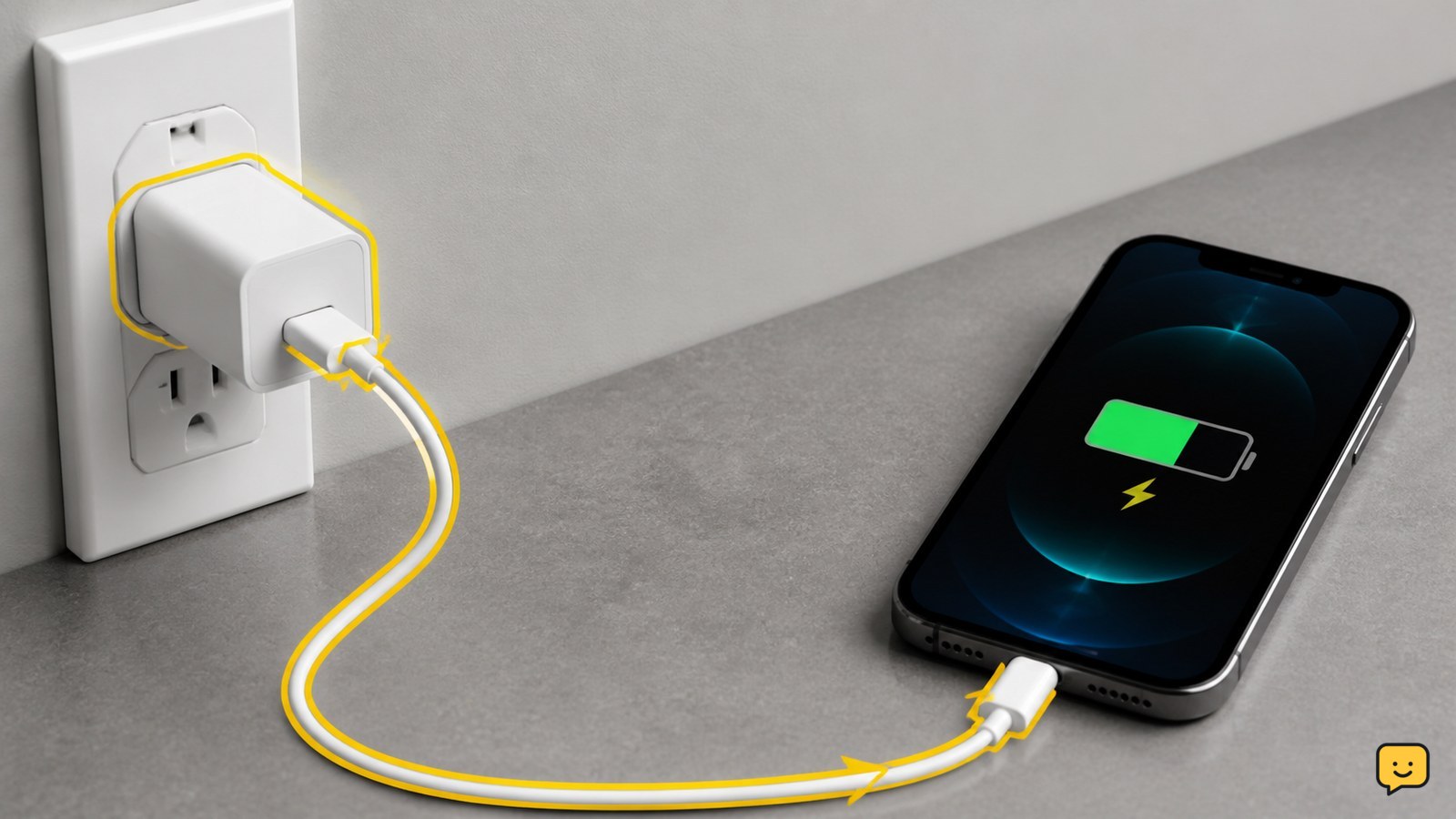
Your phone will not charge if any part of the power path is faulty or disconnected. First connect the adapter directly to a known-working wall outlet, then firmly connect the cable to the adapter and phone.
- Test the outlet with another small device, or try a different wall outlet.
- Remove the case and reconnect the cable. A thick or damaged case can prevent the plug from seating fully.
- Look for fraying, bent connectors, exposed wires, discoloration, or looseness on the cable and adapter.
- If available, try a compatible known-good cable and adapter together. Testing one replacement at a time makes the failed part easier to identify.
Verify: the phone shows a charging symbol, sound, vibration, or lock-screen charging message. If the phone charges with the replacement cable or adapter, replace the failed accessory instead of the phone.
Inspect the charging port without damaging it
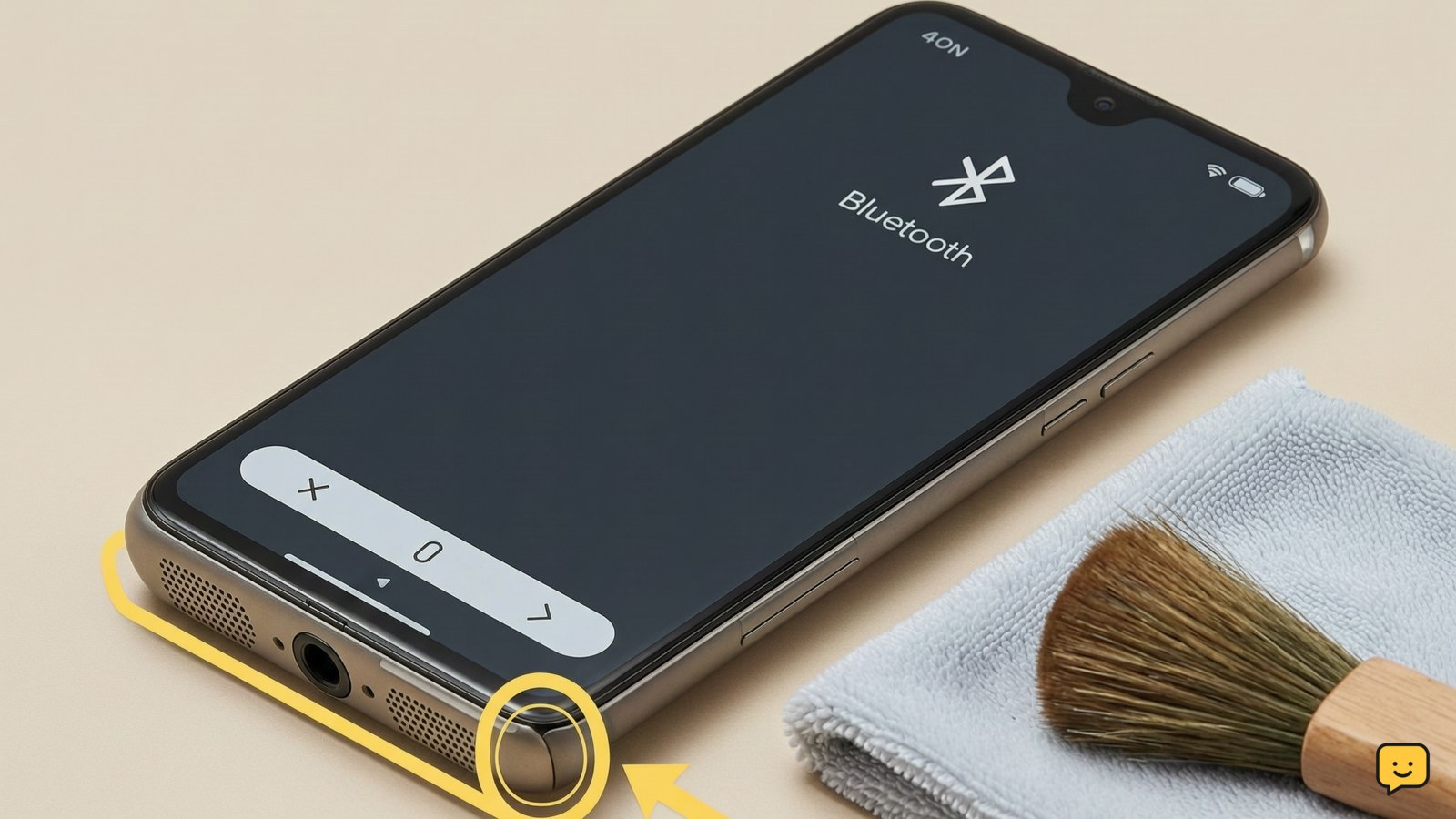
A phone may fail to charge or keep disconnecting when lint, dust, corrosion, or moisture prevents the connector from making contact. Shine a light into the port and check whether debris is packed against the back or sides.
Disconnect the charger before inspecting. Hold the port facing downward and gently tap the phone against your hand to loosen loose dry debris. Do not scrape inside the port or push debris farther in. If the port looks wet or the phone displays a moisture warning, leave it disconnected in a dry, ventilated place and follow the phone maker’s instructions.
Verify: the connector slides in fully without unusual force and remains connected when the phone is resting on a flat surface. If charging works only when the cable is held at an angle, the port or cable may be damaged; stop flexing the connector and arrange service.
Restart the phone and let a depleted battery respond
A phone that is frozen, powered off, or deeply depleted may not immediately show a charging screen. With the charger connected, restart the phone using its normal power control. For many Android phones, Google says holding the power button for 5–7 seconds usually restarts the device.
If the screen stays black, keep the phone connected to the known-good charger and watch for a battery symbol, charging animation, vibration, or startup logo. The exact forced-restart buttons vary by iPhone and Android model, so use the manufacturer’s instructions for your model rather than guessing.
Verify: after the phone starts, the battery percentage should rise while the screen is off or the phone is idle. If it shows “charging” but the percentage continues to fall, disconnect demanding apps, let the phone cool, and retest with another cable and adapter.
Match the symptom to the most likely cause
The phone’s visible charging behavior helps separate an accessory problem from a port, software, battery, or temperature problem.
| What you see | Likely area to check | Next action |
|---|---|---|
| No icon, sound, or vibration | Outlet, adapter, cable, port, or a fully depleted battery | Test a complete known-good charging setup and inspect the port. |
| Charging starts and stops when touched | Loose cable connection, debris, or damaged port | Remove the case, inspect safely, and stop using the port if it feels loose. |
| Charging symbol appears but battery falls | Weak power source, damaged accessory, heavy phone use, or heat | Try another adapter and cable, lock the screen, and let the phone cool. |
| Moisture warning or wet connector | Liquid detected near the charging connection | Unplug immediately and do not force wired charging while wet. |
| Phone is hot, swollen, or lifting | Possible battery or internal hardware fault | Stop charging and seek professional repair. |
These are troubleshooting indicators, not a diagnosis. A phone that repeatedly fails with multiple safe charging setups needs service.
Try wireless charging only when it fits the phone
Wireless charging can provide a useful comparison if the phone supports a compatible wireless standard and the charger is working. Remove thick or magnetic cases, center the phone on the pad, and connect the pad to a known-good adapter and outlet.
Verify: the phone shows a wireless charging animation or battery indicator and the percentage rises while it remains centered. If wireless charging works but wired charging does not, the cable, wired port, or port circuitry is the stronger suspect. If neither method works, or the phone is damaged or unusually hot, stop troubleshooting and arrange repair.
Frequently asked questions
Why does my phone say it is charging but the battery percentage does not increase?
The charger may be supplying too little power, the cable or adapter may be failing, or the phone may be using more power than it receives. Lock the screen, stop demanding apps, let the phone cool, and test a known-good compatible cable and adapter. If the percentage still does not rise, the battery, port, or charging circuitry may need service.
Can dust in the charging port stop a phone from charging?
Yes. Packed lint or dust can prevent the connector from reaching the contacts, causing no charging or repeated disconnections. Unplug the phone, inspect the port with a light, and remove only loose dry debris without inserting metal or sharp tools. If the connector remains loose or works only at an angle, stop using the port and seek repair.
Should I charge my phone if it has a moisture warning?
No. Disconnect the cable and do not force wired charging while the connector or port may be wet. Let the phone dry in a ventilated place and follow the manufacturer’s instructions for clearing the warning. Do not use liquid, heat, or objects inside the port. Seek service if the warning remains after the phone is fully dry.
What should I do if my phone will not turn on or charge?
Test a different wall outlet, compatible adapter, and cable, then leave the phone connected while attempting a model-specific restart. Google recommends holding the power button for 5–7 seconds for many Android phones, but button combinations vary. If there is no response with a known-good setup, or the phone is swollen, hot, wet, or damaged, stop and arrange professional repair.
For more help with this topic, use the Mobile Devices guides.