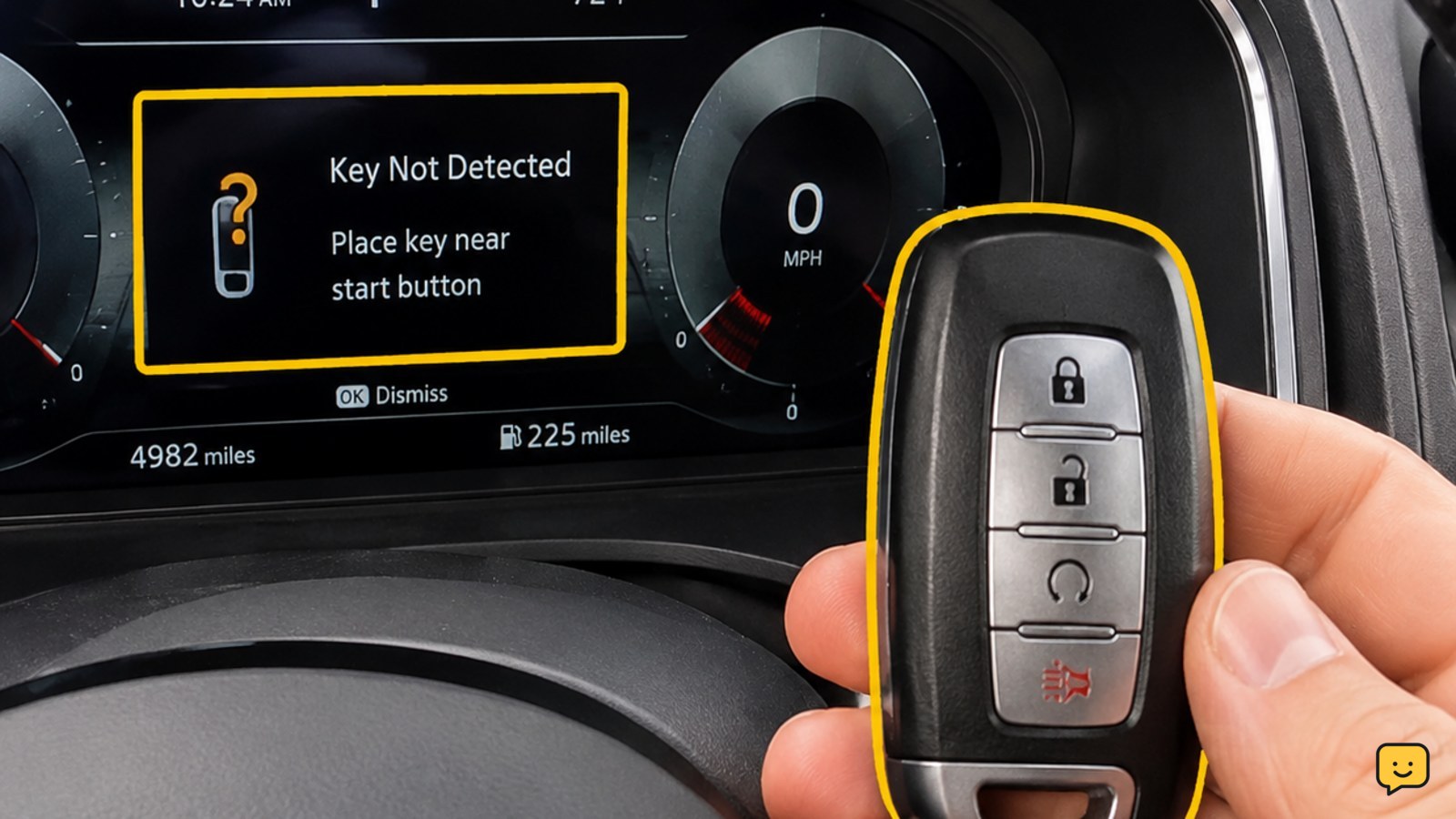
If your car says the key fob is not detected, replace the fob’s coin battery first, then hold the fob against the marked backup start location or place it in the vehicle’s backup slot if the owner’s manual specifies one. To unlock the door, use the hidden mechanical key blade if your fob has one. If neither fob works, arrange vehicle or key service.
Unlock the door with the hidden key blade
If you cannot unlock the vehicle electronically, check whether the fob contains a removable mechanical key blade. Look for a release slider, latch, or small button on the fob, then pull the blade out without prying the case apart.
Many vehicles hide the key cylinder under a small cover on the driver’s door handle. The exact cover and cylinder location vary by make and model, so use the owner’s manual if you cannot see the lock. Insert the blade gently and turn it normally.
Verify: the door unlocks mechanically, even if the fob buttons do not work. This only gets you into the vehicle; it does not prove that the electronic key system can authorize starting.
Replace the key fob’s coin battery
A weak or depleted coin battery is the most common first check for a “key not detected” message. Confirm the battery number before buying a replacement; common examples include CR2025 and CR2032, but the correct type is fob-specific.
- Open the fob at its intended seam or battery cover using the release point described in the manual.
- Note the old battery’s orientation, including which side faces up.
- Fit the new battery with the same orientation and make sure it sits flat under the retaining clips.
- Close the case fully so its buttons and seals sit in their normal positions.
Keep the battery contacts clean and avoid bending the clips. Press a lock or unlock button near the vehicle after reassembly.
Verify: the vehicle responds to the fob button or the dashboard message disappears. If the buttons still do nothing, continue with the backup detection test rather than repeatedly pressing them.
Try the vehicle’s backup fob detection location
Many push-button-start vehicles include a backup reader that can detect a fob when its coin battery is weak. The location is model-specific: it may be directly against the start button, in a marked tray or slot, in the center console, or in another documented position.
- With the brake pedal released, read the owner’s manual section for “key not detected,” “emergency start,” or “backup starting.”
- Place the fob in the stated slot or hold the fob against the stated start-button area.
- Press the brake pedal and press the start button once.
Do not guess at an emergency-start sequence if the manual does not identify one. Some systems use a backup antenna or a specific fob orientation, and an incorrect location may produce no response.
Verify: the car changes from “key not detected” to its normal start sequence, or the engine starts. If the message remains, remove the fob from the slot and proceed to interference and spare-fob checks.
Remove signal interference and test the spare fob
Move the fob away from other electronic devices, metal cases, wireless chargers, and a second fob while testing. Keep it by itself and place it close to the vehicle’s normal detection area. The available evidence identifies signal interference and damaged antenna modules as possible causes when a fresh fob battery does not help.
Next, test the spare fob using the same procedure. Test one fob at a time so the result is clear.
- Only one fob fails: the failed fob, its battery fit, or its programming is the stronger suspect.
- Both fobs fail: the vehicle-side receiver, antenna, wiring, or vehicle electrical supply becomes more likely.
- Buttons work but starting fails: the remote-button circuit may still function while the immobilizer or proximity-detection system has another fault.
Verify: record which fob works, which functions fail, and whether the fault changes at the backup location. That information helps a service provider avoid replacing the wrong component.
Choose service when fresh batteries do not restore detection
Arrange service if neither fob is detected after correctly installed batteries, a clean test away from interference, and the model-specific backup-start attempt. A damaged fob, lost synchronization, vehicle-side antenna fault, or another electrical problem may require model-specific equipment or a documented pairing procedure.
Do not attempt random programming sequences or disconnect the vehicle battery unless the manufacturer’s instructions specifically call for it. Battery disconnection can erase settings on some vehicles and will not repair a damaged fob or receiver.
Before calling a dealer, roadside provider, or qualified automotive locksmith, note the vehicle year, make, model, exact dashboard message, whether the mechanical key works, and whether the spare fob behaves differently.
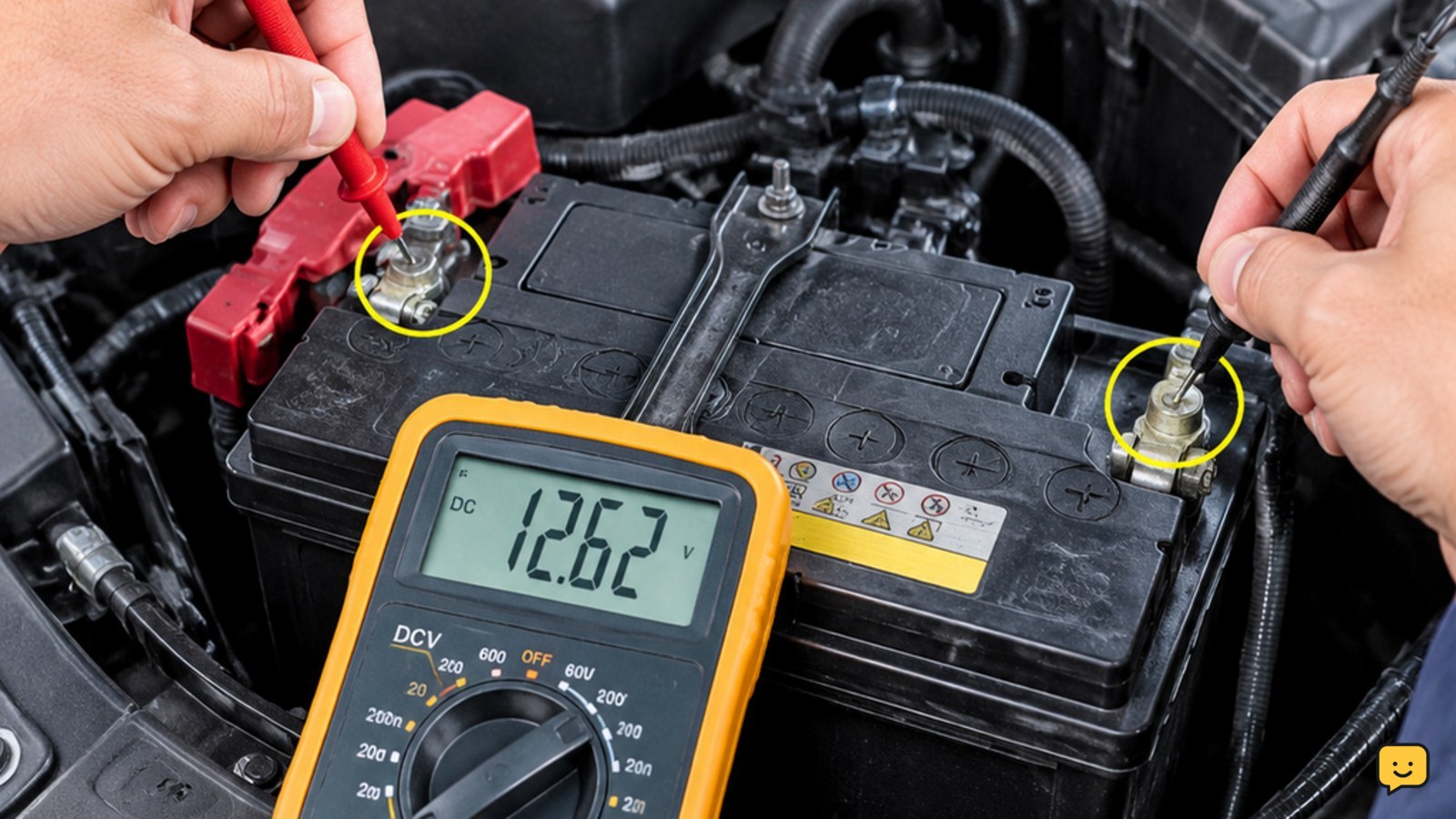
Stop condition: if the vehicle also has dim interior lights, repeated electrical warnings, clicking, or no normal accessory power, treat that as a possible vehicle-battery or electrical fault rather than only a fob problem.
Frequently asked questions
Can I start my car if the key fob battery is dead?
Often, yes, if the vehicle has a documented backup detection location. Hold the fob against the start button or place it in the specified slot, then press the brake and start button. The location and sequence vary, so use the owner’s manual rather than guessing.
Why does my key fob work but the car still says key not detected?
A fob can still operate its buttons while the vehicle fails to detect its proximity signal. Test the fob alone, move it away from other electronics, try the backup reader location, and test the spare. If both fobs fail, the vehicle-side receiver or antenna needs diagnosis.
How do I unlock a car when the key fob is not detected?
Use the removable mechanical key blade if the fob has one. Many vehicles hide the door lock beneath a cover on the driver’s handle, but the cover and lock location differ. Check the manual and do not force the blade if it will not turn normally.
Should I disconnect the car battery to fix key fob detection?
No, not as a general first step. Battery disconnection is not a dependable fix for a dead fob battery, damaged fob, lost synchronization, or a faulty receiver. Use the manufacturer’s instructions if that procedure is specifically required; otherwise arrange diagnosis.
Browse more Maintenance & Repair guides for help with this topic.