To unlock shell abilities in Mortal Shell II, first acquire the relevant shell, then open that shell’s progression or upgrade interface and follow the requirement shown for each locked ability. Finding a shell and improving its abilities are separate steps. Because exact costs and menu labels can vary by build, verify the current in-game requirement before spending resources.
Browse more Mortal Shell II guides
Find and acquire the shell before checking its abilities
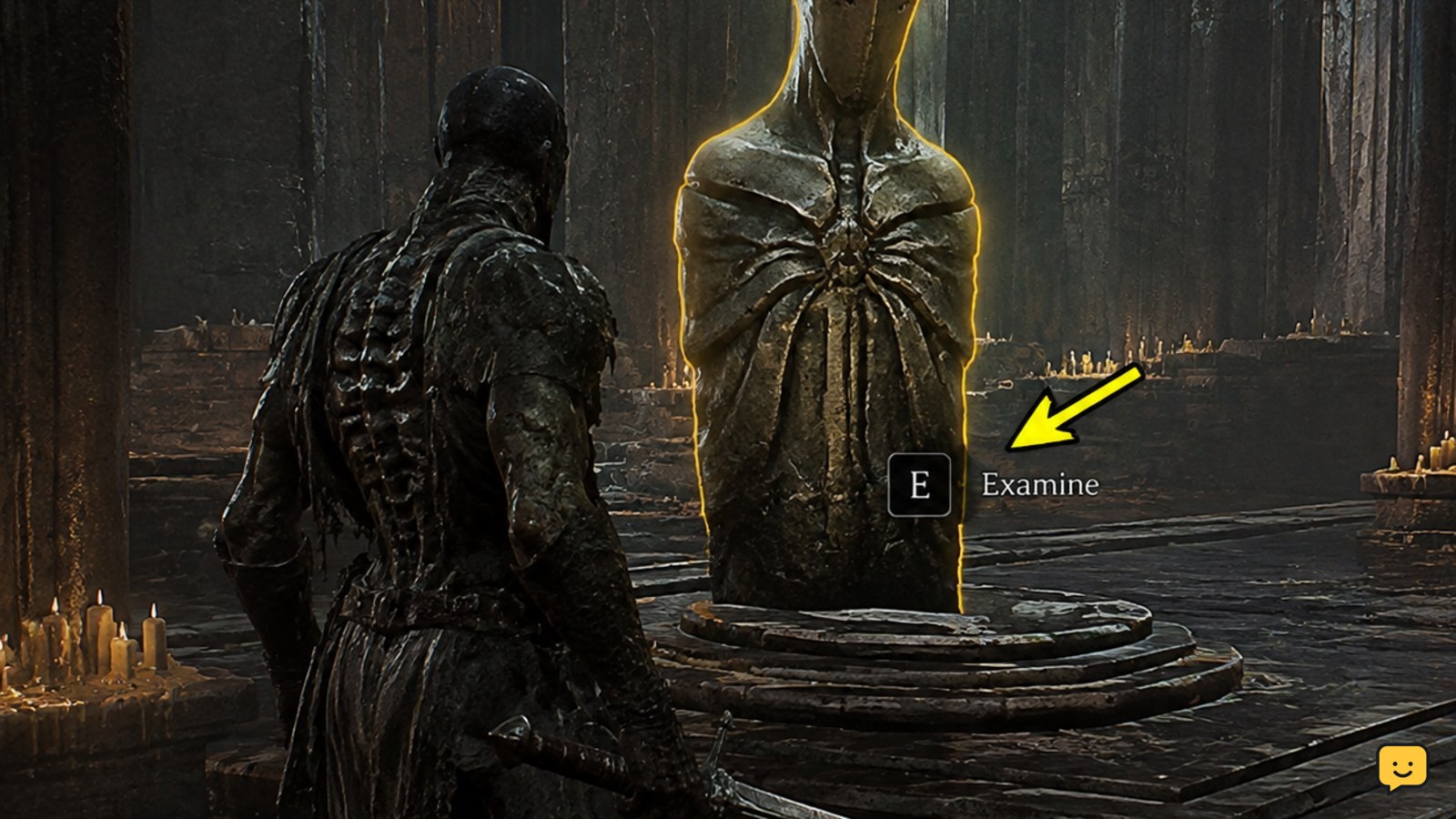
Begin with the shell itself. Current coverage identifies eight shell locations in Mortal Shell II, so shell acquisition is the first gate for shell-specific progression. A location guide can help you find the body, but reaching the location does not by itself confirm that every related ability is available.
After you acquire the shell, confirm its name in the character or equipment interface. If the shell does not appear there, do not spend resources or follow an ability list yet. Revisit the interaction point, finish any immediately displayed objective, and check the inventory or shell-selection screen again.
Open the shell progression interface and read the locked entry
Select the acquired shell in the current progression or upgrade interface, then inspect its ability entries one at a time. The useful requirement is the text shown beside the locked ability in your build, not a cost copied from a launch-day video or an older guide.
Record three things before confirming an upgrade: the shell name, the ability name, and the exact requirement. This prevents spending resources on a different shell or assuming that finding one shell unlocks abilities for all shells. If an entry is visible but locked, the game’s displayed condition takes priority over general progression advice.
Meet the displayed requirement without guessing
Complete the requirement exactly as written, then return to the same shell entry. The requirement may involve progression, an item, a resource, or another in-game condition; the available evidence does not establish one universal cost or a complete named ability list for every shell. Treat any unverified number as unreliable.
When the entry changes from locked to available, confirm that the purchase or activation control is enabled. If the game still shows the same lock, check that you are viewing the correct shell and that the requirement was completed on the same save. Do not substitute a similar-looking resource or a different shell’s progress.
Verify the ability after the upgrade
After purchasing or activating an ability, leave the progression screen and confirm that the ability appears as active, equipped, or otherwise available in the shell’s interface. Use a low-risk encounter to check the ability’s visible effect, input, or status indicator before relying on it in a difficult fight.
If the ability is marked active but produces no expected result, first check whether it requires a specific input, resource, cooldown, or combat state. Also confirm that you are still using the upgraded shell. For control questions, compare the current bindings and HUD with the beginner combat controls guide rather than changing several settings at once.
What to do when a shell ability stays locked
If the requirement is incomplete, return to the activity named by the entry and finish that requirement before revisiting the menu. If the requirement is complete but the ability remains locked, close and reopen the shell interface, confirm the correct save, and check whether the game has registered the completed objective.
If the shell itself is missing, return to its documented location and repeat the interaction. If neither the shell nor its ability appears after the game has clearly registered the acquisition, stop using launch-day lists as proof of a current cost or menu path. The safe conclusion is that the entry is build-dependent or not yet properly registered, so avoid irreversible spending until the current interface shows a valid requirement.
Frequently asked questions
Do I unlock a shell ability by finding the shell?
No. Finding or acquiring the shell is the first checkpoint, while ability progression is a separate step in the shell’s current upgrade interface. After acquisition, select that exact shell and follow the requirement shown beside each locked ability.
Can I use one shell’s progress to unlock another shell’s abilities?
Do not assume that you can. Shell-specific progress should be checked under the shell that owns the ability. If the interface does not show shared progress, treat the requirement as belonging to the selected shell rather than to the whole character.
What should I do if an ability requirement is completed but the ability is still locked?
Reopen the shell progression screen, confirm the correct shell and save, and check whether the game registered the objective. If the lock remains, do not spend resources based on an external cost list; the entry may depend on the current build or an unregistered progression state.
Are Mortal Shell II shell ability costs permanent mechanics?
Not necessarily. Shell locations and the basic separation between acquiring a shell and improving it are more durable guide points, but exact costs, menu labels, and requirements can change. Use the current in-game entry as the final authority before confirming an upgrade.