To increase your permanent stamina in Fields of Mistria, unlock and buy Stamina Up perks from the skill-perk system with Essence. Raise the relevant skill when a perk tier is locked, then confirm your maximum stamina increased. Food, stew, and sleeping restore stamina for the day, but they do not permanently raise your daily limit.
For more help with this topic, use the Fields of Mistria guides.
Buy Stamina Up perks with Essence
Fields of Mistria permanently increases your stamina when you purchase a Stamina Up perk in the skill-perk system with Essence.
- Open the menu that shows your skills and available perks.
- Inspect each available perk description for the exact Stamina Up wording or a direct maximum-stamina increase.
- Spend the required Essence only after confirming that the node affects maximum stamina rather than stamina recovery or tool efficiency.
- Close the menu and check your stamina bar or maximum value before using tools.
The available gameplay evidence identifies Stamina Up as the permanent progression method, while the exact skill-tree placement and unlock requirements can change between updates. If the node is locked, use the requirement displayed on that node instead of assuming it belongs to a particular skill.
Raise the required skill to unlock higher tiers
A locked Stamina Up tier means Fields of Mistria requires more progression before that permanent stamina node can be purchased.
Select the locked node and read its displayed requirement. If it names a skill level, perform normal activities associated with that skill until the requirement is met. For example, continue the relevant farming, mining, foraging, fishing, or other activity only when the perk screen identifies that skill as the requirement.
Return to the skill menu after gaining a level and verify that the node changed from locked to available. Do not spend Essence on nearby perks merely to guess which branch controls stamina; the node description is the deciding checkpoint.
Separate permanent stamina from food and refill effects
Food in Fields of Mistria restores stamina during a workday, but it is not the same as increasing your permanent daily stamina limit.
Use cooked meals, edible items, the Sleeping Dragon Inn, other available refill spots, or sleep when you need more stamina immediately. These options refill the current bar or help you finish the day; they do not replace a purchased Stamina Up perk. Our Fields of Mistria stamina recovery guide covers the available refill choices and when to use them.
To verify a permanent upgrade, compare the maximum stamina on a fresh day before eating or using a refill location. If the maximum is unchanged but the current bar is full, you restored stamina rather than increased its limit.
Use the Fields of Mistria stamina recovery guide to choose between food, free refill spots, and sleep when your bar is low.
Use tool upgrades to spend less stamina
Tool upgrades can make a day feel more efficient in Fields of Mistria, but they should not be counted as permanent maximum-stamina upgrades unless the upgrade description explicitly says so.
Use charged tools, improved tools, or the correct hotbar selection when they reduce the number of actions needed for a task. Fewer swings or casts let the same stamina pool accomplish more work. Check the selected tool before acting so you do not waste stamina on an unintended action; see how to change tools in Fields of Mistria if the wrong item is equipped.
This is an efficiency improvement, not proof that your daily stamina cap increased. Only a changed maximum value after purchasing a qualifying perk confirms permanent progression.
Check how to change tools in Fields of Mistria before gathering so the wrong equipped tool does not consume stamina.
Verify the stamina increase after purchase
A successful Stamina Up purchase in Fields of Mistria should leave you with a higher maximum stamina value on the stamina bar.
- Record or observe the maximum bar before buying the perk.
- Purchase the confirmed Stamina Up node.
- Exit the skill menu and inspect the stamina bar again.
- Start a new day or compare the maximum before consuming food.
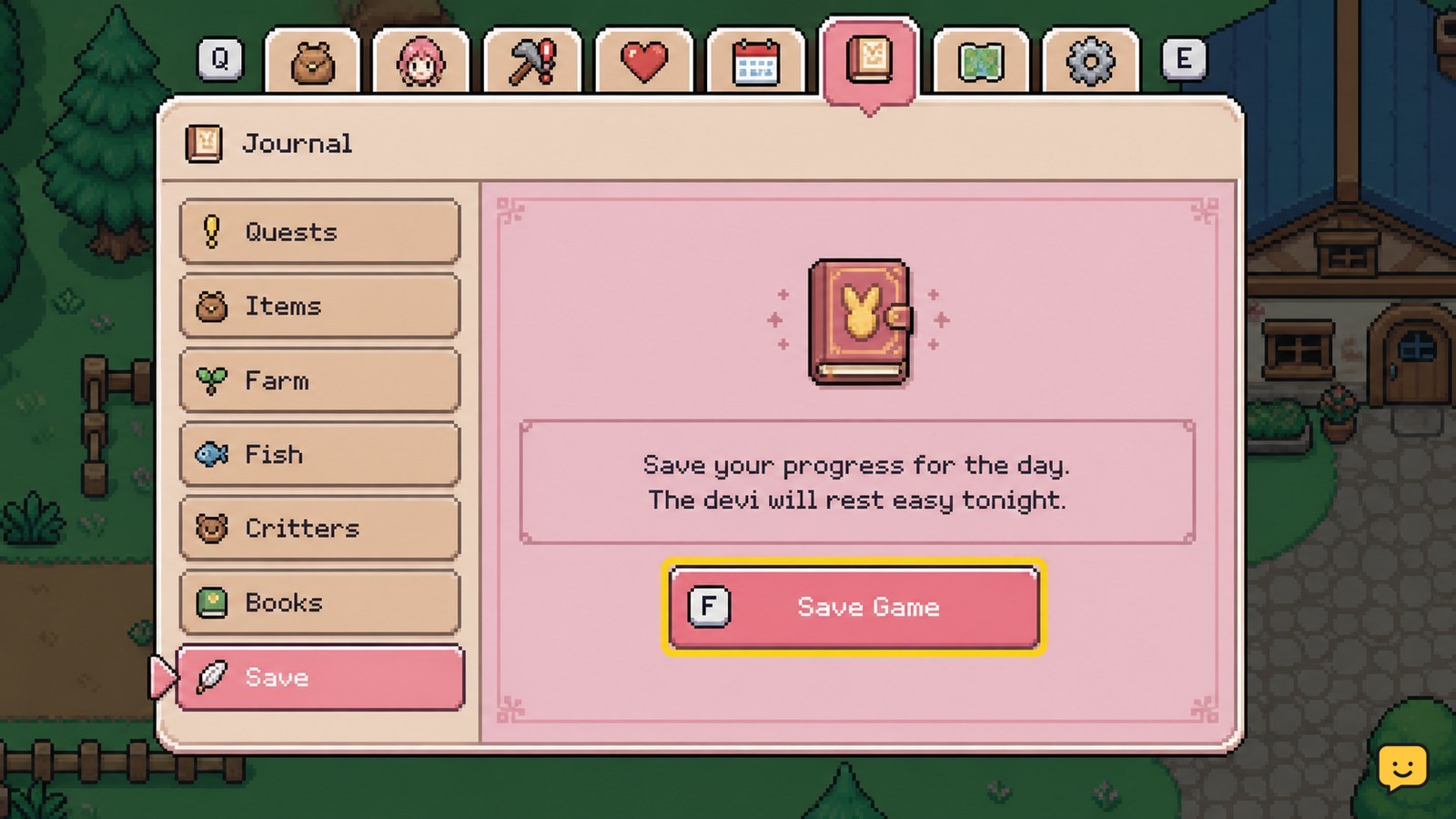
If only the current stamina amount changed, the item or refill restored stamina instead. If the maximum remains unchanged after a confirmed purchase, save through the Journal, reload the game, and check the perk status. Our Fields of Mistria save guide explains how to protect progress before reloading.
If the node remains locked, its requirement has not been met. If the node is purchased but no maximum appears to change after reloading, avoid buying another perk until the game version and displayed perk description can be checked against current documentation.
Frequently asked questions
Does cooking permanently increase stamina in Fields of Mistria?
No. Cooking gives you meals that can restore stamina or provide temporary effects, but it does not permanently increase the daily stamina limit. Check the maximum stamina on a new day without eating to distinguish a meal effect from a permanent Stamina Up purchase.
Do upgraded tools increase the stamina bar?
Usually, no. Tool upgrades improve efficiency by helping you complete tasks with fewer actions, while Stamina Up perks affect the permanent maximum. Treat a tool upgrade as a stamina-saving improvement unless its own description explicitly lists a maximum-stamina increase.
Why is Stamina Up locked in Fields of Mistria?
A locked Stamina Up node means its displayed unlock requirement has not been met. Select the node and follow the listed skill-level or progression requirement. Do not assume the correct requirement from a different skill tree or an older guide.
How can I tell whether my stamina increased permanently?
Check the maximum value or full length of the stamina bar before eating, resting, or using a refill spot. Then purchase the confirmed Stamina Up perk and compare the bar again on the same or a new day. A larger maximum confirms the upgrade.