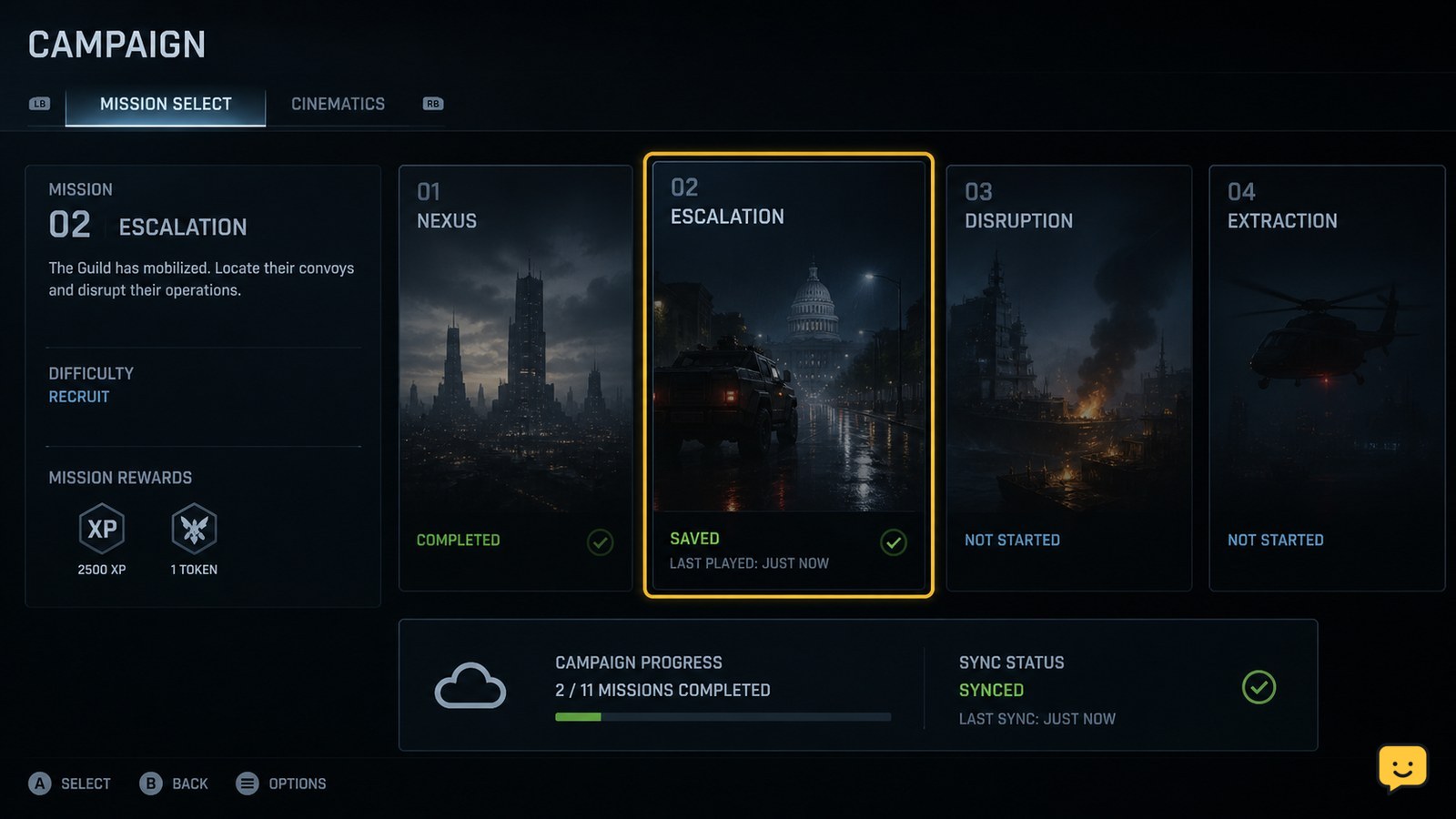
Black Ops 7 campaign progress may not appear saved if you leave before a checkpoint or mission result is committed, lose account connectivity, use a different platform account, or encounter damaged local save data. Finish the current checkpoint or mission, return to the campaign screen, confirm the updated state, and quit normally before troubleshooting cloud or local saves.
Browse more Call of Duty: Black Ops 7 guides
Check whether Black Ops 7 has committed the campaign progress
Call of Duty: Black Ops 7 may not show progress from the exact moment you leave a mission. First return to a clear progress point, such as a completed objective, checkpoint, or mission-result screen, then wait briefly before leaving.
- Continue the mission until the next checkpoint or objective completion.
- If the mission ends, remain on the result or campaign screen until the next menu is available.
- Open the campaign screen again and check the displayed mission, checkpoint, difficulty, or unlock.
- Only close the game after that information has updated.
Verify the result: start the game again and check whether the campaign screen shows the same mission state. If it does, the earlier exit likely happened before the progress was committed. If it immediately reverts, continue with the account and synchronization checks below.
Confirm the same Activision account and platform profile
Black Ops 7 can appear to lose campaign progress when the game is connected to a different account or platform profile than the one that created the save.
- Check the displayed Activision account name or account status from the game’s account or profile area.
- Confirm that your console user, Steam account, Battle.net account, or Xbox profile is the one used when the campaign was started.
- Do not switch profiles while testing the save.
- Reconnect to the platform network and restart the game if the account status is unavailable, pending, or disconnected.
If the account is correct but progress is still missing: test the campaign from the same profile on a stable connection. A community report describes campaign progress repeatedly returning to the start of a mission on PS5, but that report does not establish a universal cause or fix.
Let account and cloud synchronization finish before quitting
Campaign progression can fail to appear correctly when the game, platform, or account service has not finished synchronizing. This is a troubleshooting possibility, not a confirmed explanation for every Black Ops 7 save failure.
- Check that the console or PC has a working internet connection.
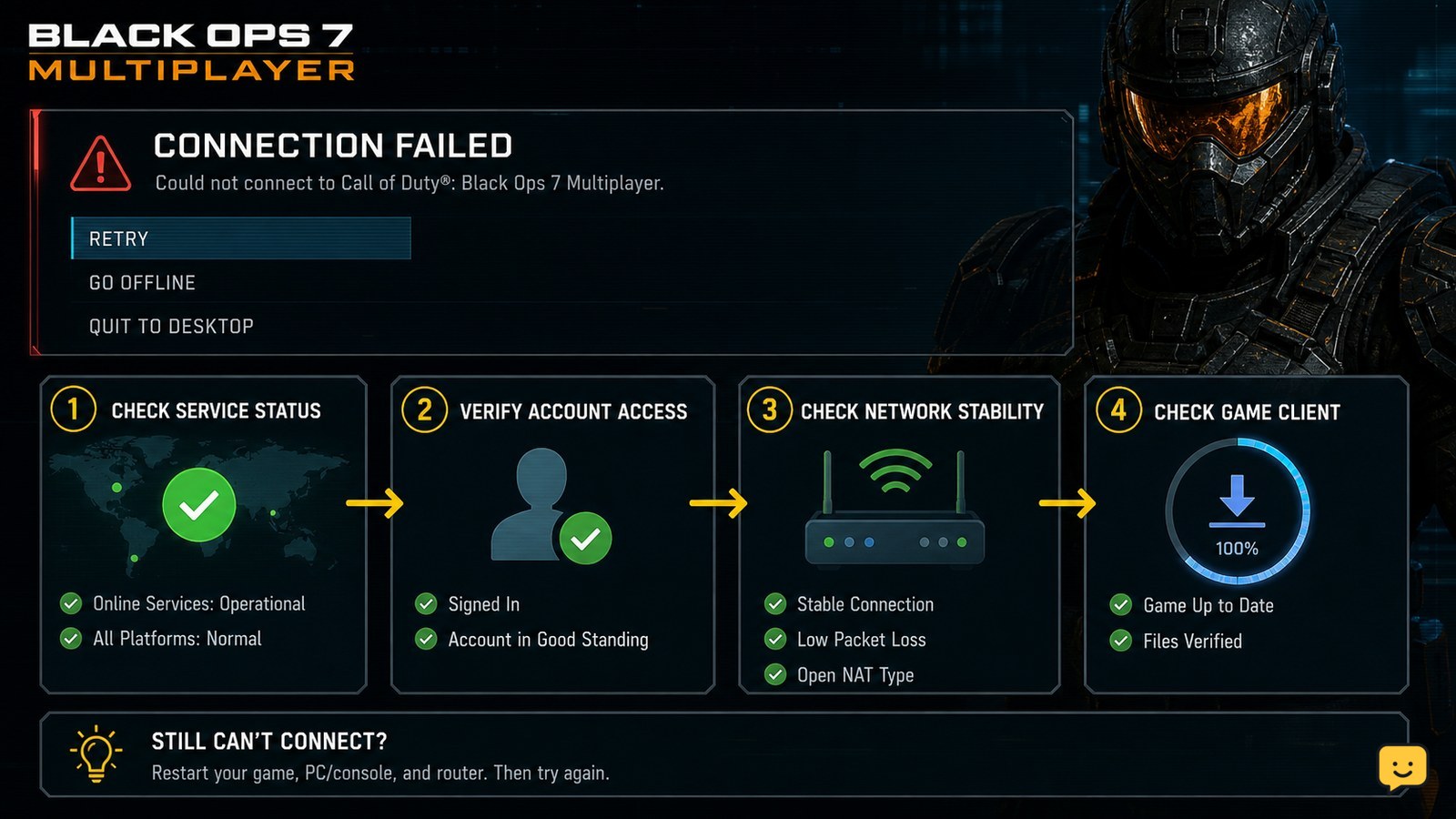
- Restart the network connection if the game reports a service, sign-in, or connection error.
- Return to the campaign screen after reaching a known progress point.
- Wait for any visible saving, syncing, or account-status activity to finish.
- Exit through the game’s normal quit option rather than turning off the device while the game is active.
Verify the sync: relaunch Black Ops 7 and compare the mission state with the one recorded before quitting. If the platform reports a cloud-save conflict, do not select a file at random. Keep the newer copy only after checking its timestamp or progress details.
Activision’s current Known Issues page is the appropriate place to check whether a broader Black Ops 7 progression problem is being tracked. Its listed issues can change, so do not treat an old community workaround as a permanent fix.
Test one campaign mission after a full game restart
A complete restart separates a temporary session problem from a save that fails consistently.
- Close Black Ops 7 completely; do not leave it suspended or running in the background.
- Restart the PC or console if the game previously froze, disconnected, or returned to the dashboard.
- Launch the game with the same account and profile.
- Play only until one clear checkpoint or mission completion.
- Return to the campaign screen, verify the state, quit normally, and launch the game again.
Interpret the result: if the test progress remains, the original session may have ended before saving completed. If the test progress vanishes again, the problem is repeatable and may involve local save data, account synchronization, or a game-side issue.
Repair the installation without removing campaign saves
On PC, damaged or incomplete game files can interfere with loading or writing progression, so use the platform’s built-in file verification or repair command before touching saved data.
- Close Black Ops 7 and its launcher.
- Open the game library in Steam, Battle.net, or the applicable PC launcher.
- Use the launcher’s installed-game properties to find Verify, Scan and Repair, or the equivalent file-check option.
- Allow the check to finish, then restart the launcher and the game.
On consoles, fully close the game, restart the console, and check the platform’s storage and cloud-save status. Avoid deleting the game’s saved data as a first-line step. Reinstalling game files is different from deleting campaign saves, but confirm what the platform is removing before accepting a prompt.
If repair changes nothing: do not repeat the repair indefinitely. Move to recovery and support steps while preserving the existing save copies.
Recover safely when campaign progress keeps reverting
If Black Ops 7 loses the same type of campaign progress after a clean restart and verified account, treat it as a persistent save or service problem rather than a normal checkpoint delay.
- Write down the platform, profile, Activision account, mission name, last confirmed checkpoint, and what appears after relaunch.
- Capture a screenshot of the campaign screen or any save, sync, sign-in, or service error.
- Check Activision Support for a matching Black Ops 7 known issue.
- Contact Activision Support if the issue is not listed or continues after the controlled test.
Only consider replacing a local save when the platform clearly identifies a damaged file and you have confirmed that a usable cloud or backup copy exists. If no backup is available, deleting the save may permanently remove the remaining campaign progress.
Frequently asked questions
Does Black Ops 7 campaign progress save at every point in a mission?
No clear universal rule is established by the available evidence. Treat checkpoints, completed objectives, and mission-result screens as safer save points than quitting during active gameplay, a cutscene transition, a disconnect, or a loading screen. Always verify the updated campaign state before closing the game.
Should I delete my Black Ops 7 campaign save to fix missing progress?
No. Deleting local or cloud data can permanently remove the only usable copy of your progress. First confirm the account, test a known checkpoint, check synchronization, and verify the installation. Delete or replace a save only when the platform identifies a damaged file and a newer backup is confirmed.
Why does my campaign return to the start of the mission on PS5?
That symptom can mean the last checkpoint was not committed, the game was closed before synchronization finished, or the local save did not load correctly. A PS5 community report describes the same behavior, but it is not proof of one confirmed fix. Test one checkpoint, quit normally, relaunch, and preserve both save copies.
Can changing difficulty make Black Ops 7 campaign progress disappear?
Changing difficulty should not be used as a save-recovery method. Record the current difficulty and mission state, then test saving without changing settings. If progress disappears only after a difficulty change, include that exact sequence in your Activision Support report instead of repeatedly replaying or deleting saves.