If your Resolve meter is not filling in Mortal Shell II, do not wait in place or repeatedly press the ability button. Confirm the meter is visible, complete several combat encounters, and watch for a change after each one. If the meter remains identical after multiple completed fights, stop farming and treat it as a possible display or progression issue.
Browse more Mortal Shell II guides
Check whether the Resolve meter is actually changing
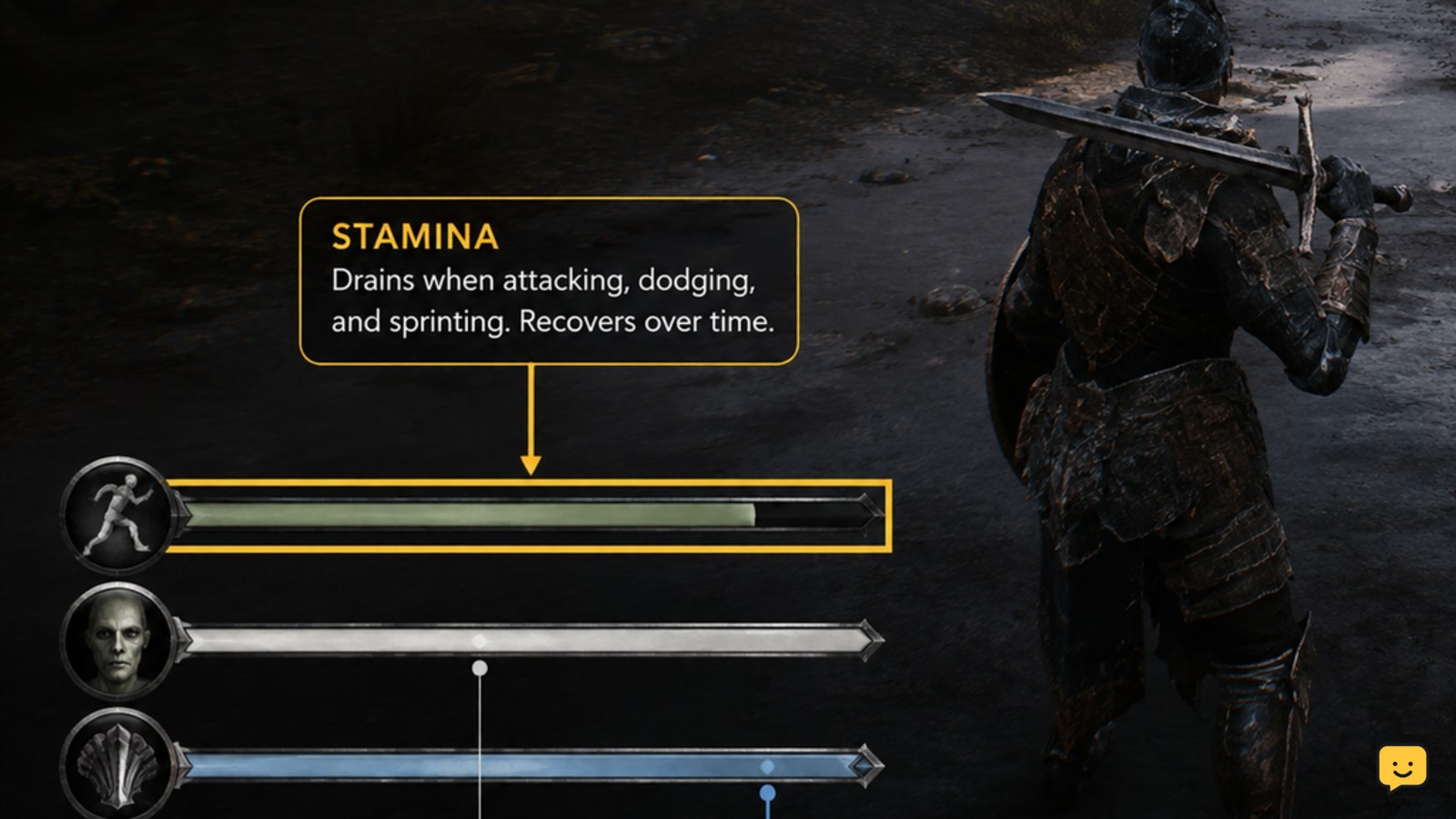
Mortal Shell II Resolve is only useful for this diagnosis if the resource meter is visible and readable during combat. Look at the meter before entering an encounter, then check it again after the encounter ends.
- Move into a normal combat area.
- Record the approximate position of the Resolve meter before fighting.
- Complete the encounter instead of attacking once and disengaging immediately.
- Compare the meter with its earlier position.
A small increase is still a successful result. If the meter is moving, the resource system is working and the issue is more likely that gains are slower than expected or that the ability requires more Resolve than you currently have.
Complete combat instead of waiting for passive recovery
Mortal Shell II’s verified Resolve route is combat-based, so standing still, resting in place, or repeatedly opening the ability prompt is not a confirmed way to fill the meter. ShowU’s current Resolve guide identifies completed combat as the relevant way to check for gains.
- Enter an encounter with enough health and stamina to finish safely.
- Fight until the encounter is complete or the game clearly returns you to a non-combat state.
- Check the Resolve meter immediately afterward.
- Repeat the test with another completed encounter if the first result is unclear.
The exact gain trigger is not established by the available evidence, so do not rely on an unverified claim that every individual hit, parry, or enemy type must grant Resolve. Use the visible meter as the verification point.
Confirm the ability is asking for Resolve
Mortal Shell II weapon abilities can require a specific resource, and the ability prompt alone does not prove that Resolve is available. ShowU’s weapon-ability guide recommends checking the required resource before attempting activation.
- Open the weapon or ability information available in your current build.
- Confirm that the weapon ability is equipped rather than merely discovered or displayed in a menu.
- Check the listed resource requirement.
- Compare that requirement with the current Resolve meter.
If the meter rises but the ability still cannot activate, the problem is not a failure to fill Resolve. Check the ability’s resource requirement and equipment state instead. Stop changing your build if the game does not show the required ability or resource clearly.
Separate a full meter from a display problem
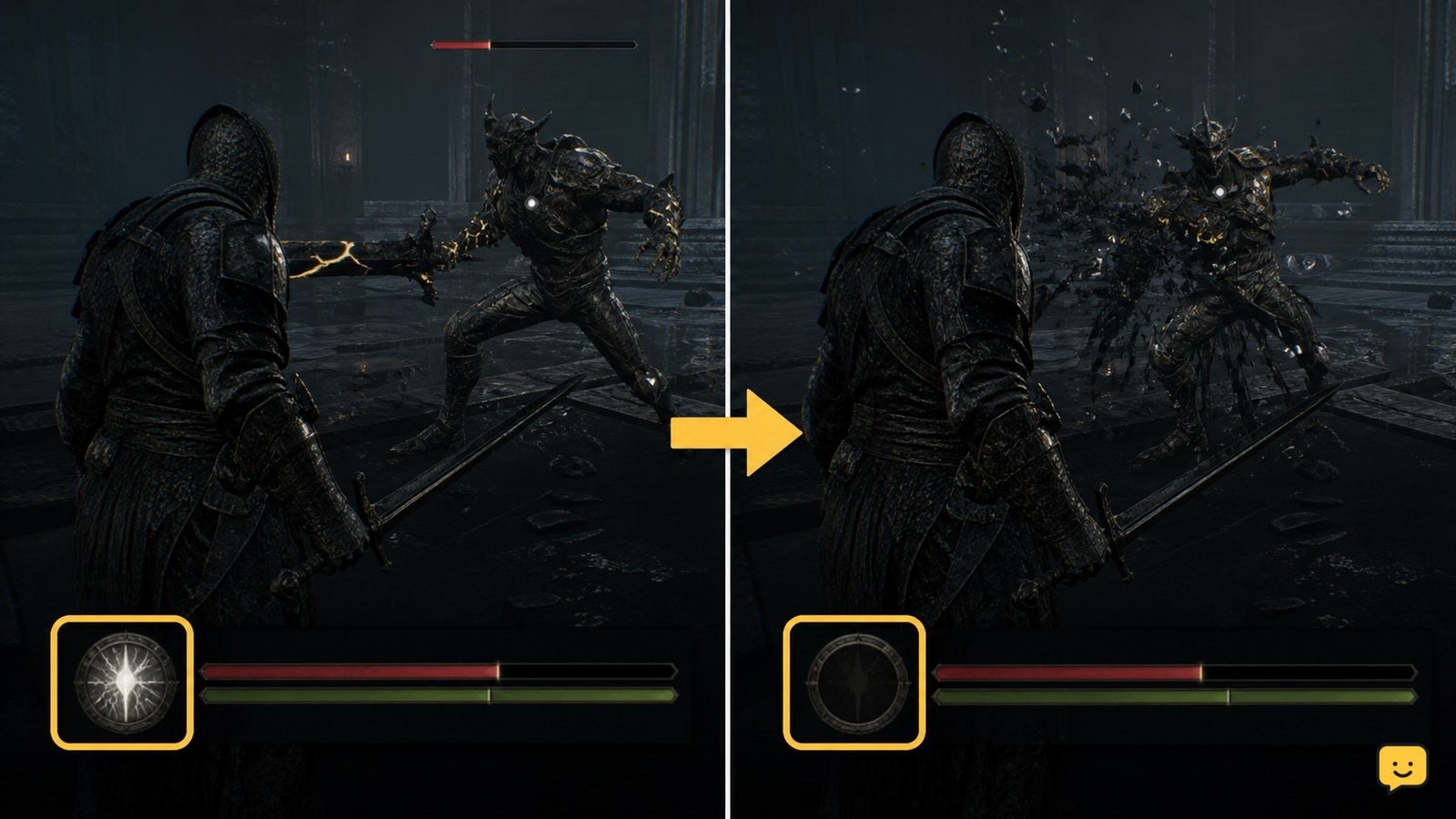
Mortal Shell II may appear to stop filling when the meter reaches its current limit, so compare the meter’s position rather than expecting an additional visual effect. A full meter that remains unchanged after combat is different from a meter that never moves at all.
Use this symptom check:
| What you see | Most useful next action |
|---|---|
| The meter increases, then stops at the same upper limit | Check whether it is already full before farming more encounters. |
| The meter increases, but the weapon ability remains unavailable | Verify the ability’s required resource and equipped state. |
| The meter never changes after several completed encounters | Stop farming and restart the game or reload a safe save before testing again. |
| The meter changes only after leaving and returning to the area | Record the behavior; this suggests a display or progression update issue rather than normal resource gain. |
These are troubleshooting distinctions, not confirmed explanations for every Resolve interaction. The safest conclusion comes from the repeated visible result.
Recover when completed fights give no Resolve
If Mortal Shell II shows no Resolve increase after multiple completed encounters, perform one controlled recovery test instead of continuing to farm the same enemies.
- Leave the combat area if it is safe to do so.
- Save or reach the nearest confirmed safe checkpoint if the game provides one.
- Close and relaunch the game, then load the same progress.
- Complete one fresh combat encounter and compare the meter again.
If Resolve begins increasing after the reload, continue playing while monitoring the meter. If it remains unchanged, capture the before-and-after meter states and note the platform, current game state, equipped ability, and number of completed encounters. At that point, stop treating the issue as a farming mistake and seek a current game-specific support or bug-report route.
Frequently asked questions
Does Resolve fill while I stand still in Mortal Shell II?
No confirmed current evidence shows passive waiting as the normal Resolve source. Test the system through completed combat encounters and compare the meter afterward. If the meter changes only after fighting, the behavior is working as expected.
Why can I have Resolve but still not use a weapon ability?
You may have less Resolve than the ability requires, or the ability may not be equipped in the current build. Check the ability’s listed resource requirement and confirm that the correct weapon ability is active before troubleshooting the meter.
How many fights should I complete before deciding Resolve is broken?
There is no verified fixed encounter count in the available evidence. Complete several normal encounters and compare the meter after each one. If it never changes, stop repeating the same test and perform a reload or restart check.
Can an old Mortal Shell II video explain why my Resolve is not filling?
Only if its gameplay state and version match your current game. Launch-day footage can demonstrate an earlier behavior, but it should not override the current visible result. Prefer the meter, current ability requirement, and recent game-specific documentation.