To join a friend in The Isle Evrima, both players must run the same game branch and connect to the exact same server. Share the server name, confirm it in the server browser, then select the same available spawn region. Once close enough, use friendly calls and hold 2 to send or accept a group invite.
Make sure you are both playing Evrima
Evrima and Legacy are separate versions of The Isle. Players on different branches cannot see or join the same game servers, even when the server names look similar. Confirm that both of you have launched the same branch before searching for a server.
For the related task, How to Make a Group in The Isle Evrima covers the next checks separately.
- Close the game on both PCs.
- In Steam, open Library, right-click The Isle, and select Properties.
- Check the branch or beta selection on each account. Set both players to the same option, then let Steam finish any required update.
- Launch the game and confirm that you are both using the Evrima server browser.
Do not use Legacy instructions as a substitute for Evrima instructions. Legacy has different maps, menus, and gameplay systems, so a friend may be online without being reachable from your version of the game.
Verify: Both players see the same general server list and can find the same Evrima server names.
Find and join the exact same server
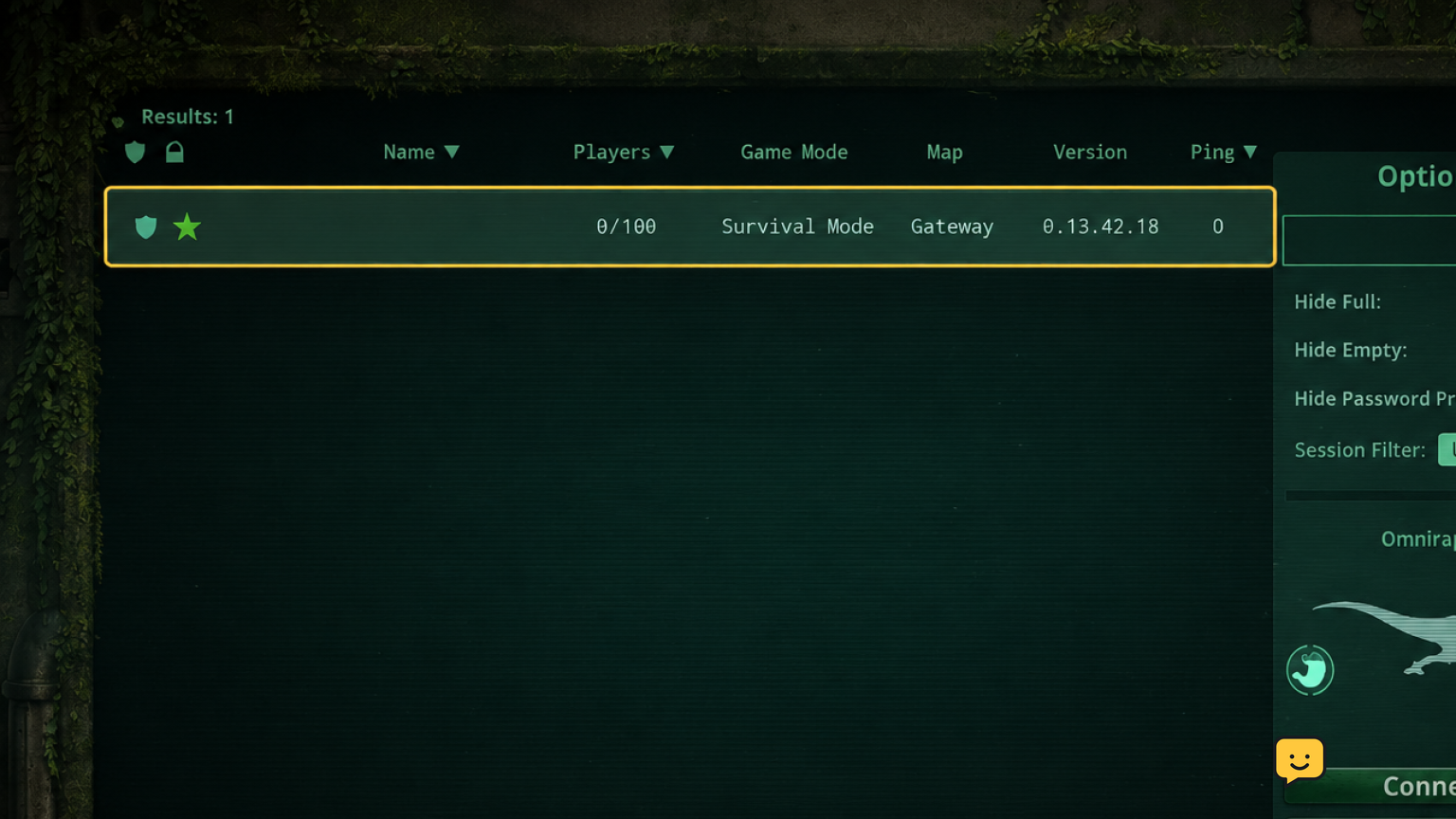
Being in the same region is not enough. You and your friend must select one identical server entry from the Evrima server browser.
- Have one player open the server browser and choose a server with free slots.
- Send the other player the server name exactly as displayed, including any community name, number, or region label.
- Have the second player search or scroll for that exact entry, then compare the displayed server name before connecting.
- Both players should join that one server and wait until they reach its character or spawn flow.
Official and community servers can have similar names. Compare more than the first word if there is any doubt. A server may also be full, restarting, hidden by filters, or briefly missing while its list information refreshes.
Verify: Ask each player to read the full server name shown in-game. It must match character for character as far as the browser displays it.
If the server is missing: Remove restrictive browser filters, refresh the list, and check that both games are updated to the same branch. If it still appears for only one player, choose a different server that both players can see rather than repeatedly joining a near-match.
Coordinate the same spawn region
After joining the same server, coordinate the spawn choice before either player confirms it. Choosing the same available region gives you the best practical starting point, but it does not place two dinosaurs at one exact location.
- One player states the intended spawn region as it appears on their screen.
- The other player selects that same region if it is available.
- Confirm the region name aloud or in chat before spawning.
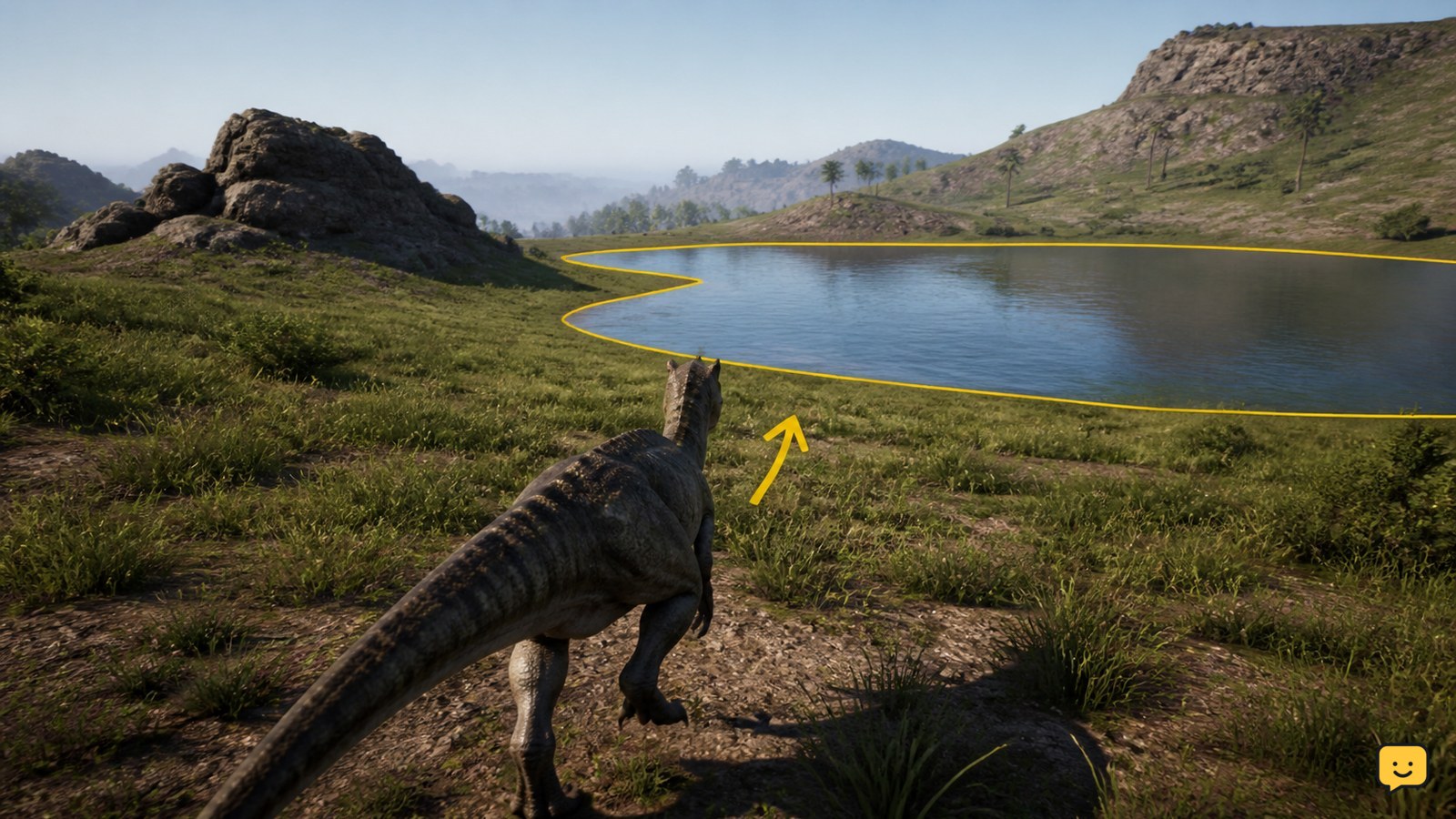
- Spawn, then immediately move toward a safe landmark, water source, or obvious terrain feature you both can identify.
Spawn availability can differ as the server population changes. If one player cannot select the agreed region, choose another shared option before spawning. Do not rely on vague directions such as “near the coast”; maps are large and coastlines are not a precise meeting point.
Some players use the coordinate display associated with the Insert key to compare locations. Keybinds and interface behavior can change, so first check your current controls and only use coordinates if both players can read and share them.
Verify: Both players can name the same spawn region and a first meeting landmark.
Locate each other safely after spawning
Use short, repeatable updates instead of both players wandering. Pick one player to hold position when possible while the other closes the distance.
- Identify your dinosaur, current spawn region, and nearest clear landmark.
- Use a friendly call at intervals, then pause and listen before moving again.
- Share your direction of travel and the next landmark rather than changing direction without telling your friend.
- When you are close, approach carefully and confirm the dinosaur is your friend before committing to a fight or chase.
Calls can attract other players as well as your friend. Avoid repeatedly broadcasting from an exposed shoreline, open field, or crowded food source. If danger arrives, prioritize survival and agree on a fallback landmark instead of trying to force the meeting.
Verify: You can visually identify each other in the same area before attempting the group invitation.
Send and accept the Evrima group invite
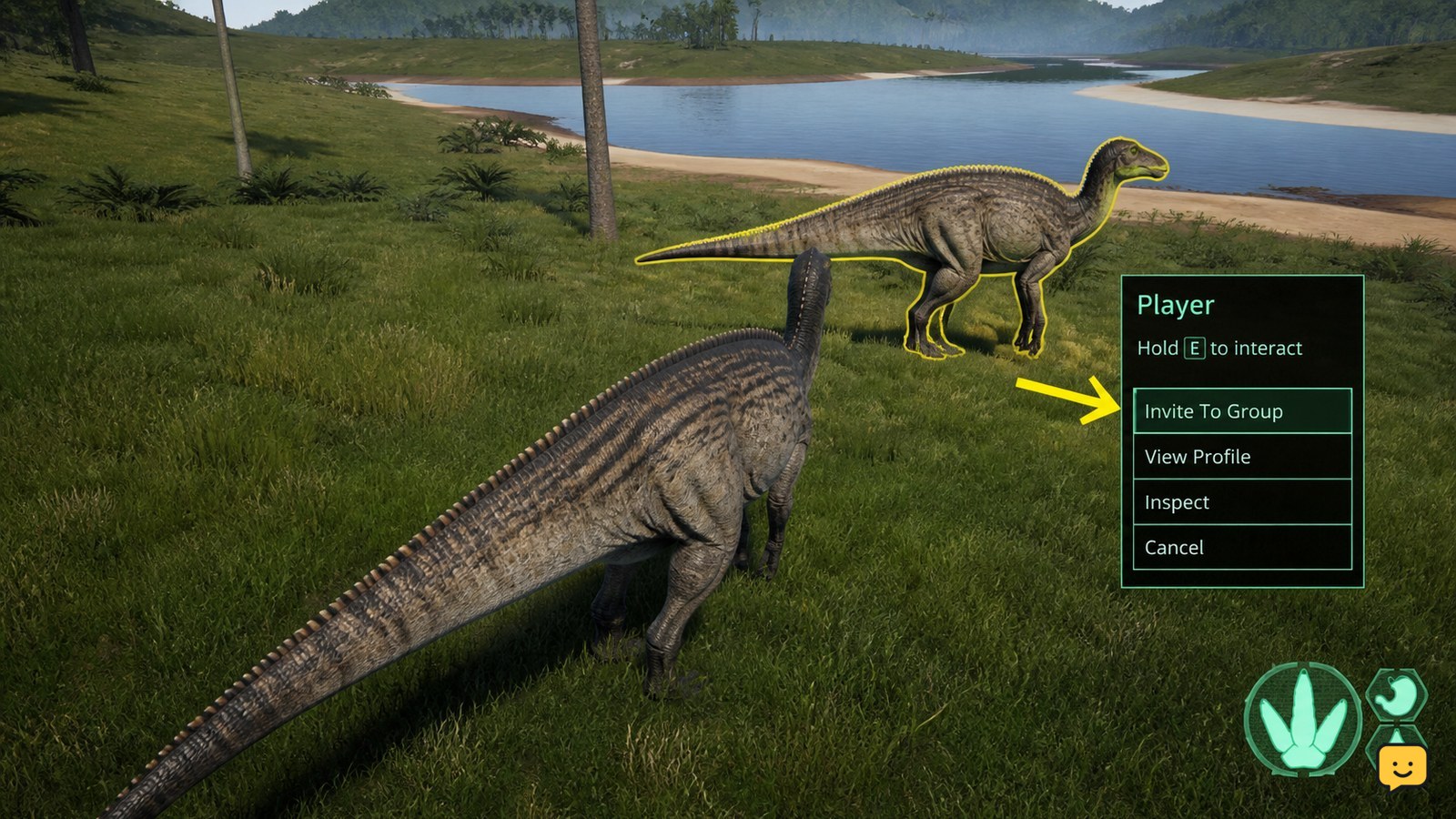
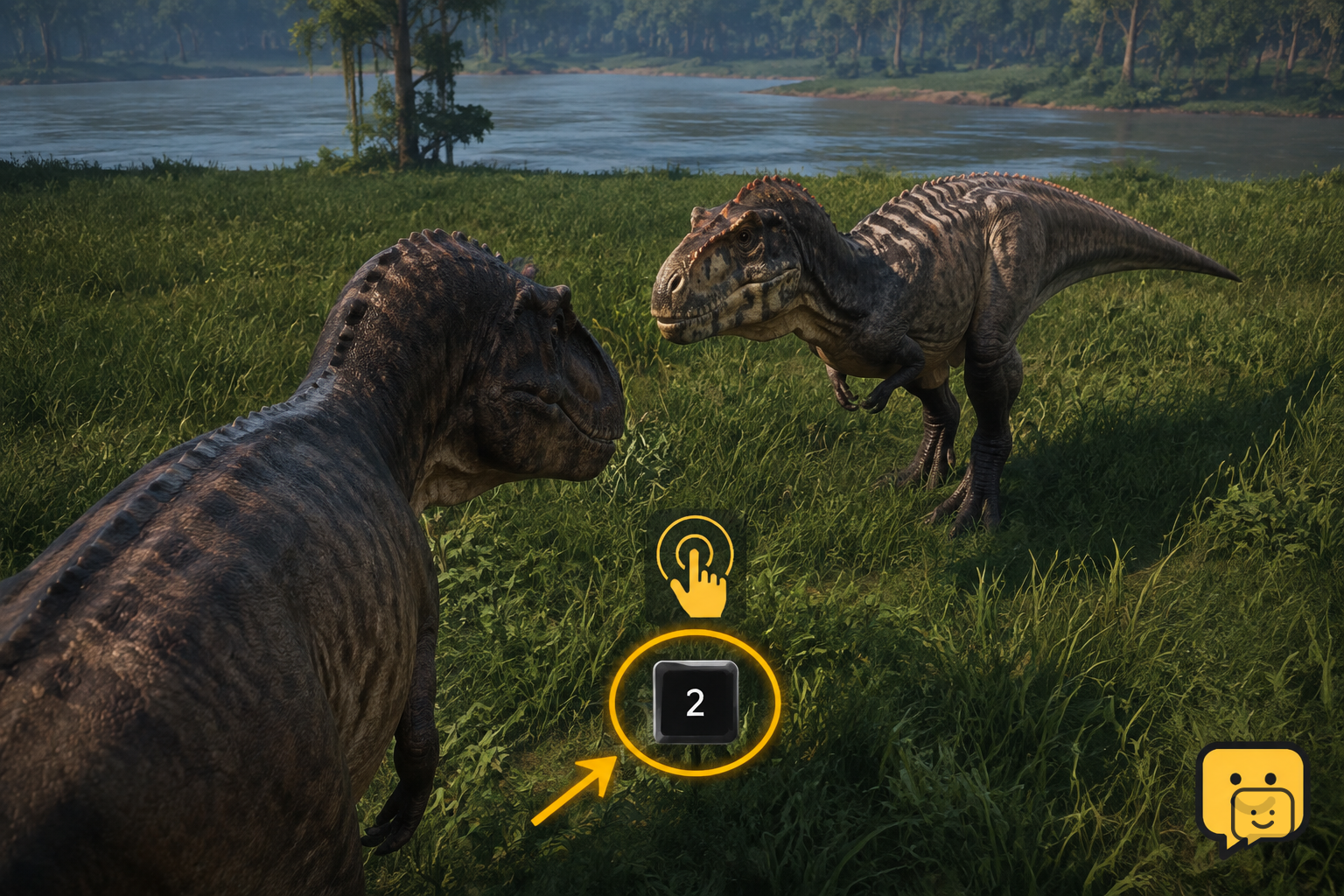
Once you are close together, use Evrima’s group interaction. Community guidance on Steam reports that tapping 2 makes a friendly call, while holding 2 sends or accepts a group invite.
- Stand near your friend and face them so neither player mistakes another dinosaur for the invite target.
- One player holds 2 to send the group invitation.
- The invited player stays nearby and holds 2 to accept it.
- Check the group interface or group behavior available in your current build to confirm the invite succeeded.
If holding 2 does not work, first check whether either player changed their keybinds. Then move closer, try again with only the two of you nearby, and review the server rules. Some servers may use rules or configurations that affect social play.
Stop here: Do not keep sending calls or invites around unknown dinosaurs. Move to a safer spot, confirm your friend’s identity, and retry only when you are together.
Fix the most common reasons you cannot meet
Different branch: One player is on Legacy and the other is on Evrima, or one client has not finished updating. Exit the game, match the Steam branch selection, update, and reopen the server browser.
Similar but different server: The server names share a community label but have different numbers, regions, or modes. Leave and reconnect to the exact name selected by the first player.
Server is full or restarting: Wait for space, refresh the browser, or agree on another server. A failed connection does not mean your friend is in a different game version.
Different spawn regions: You may be on the same server but far apart. Use landmarks and calls to travel, or, if your current life is expendable and the server rules allow it, coordinate a future spawn choice. Do not assume a new spawn will be adjacent.
Invite will not complete: Get close, verify keybinds, hold rather than tap 2, and check dinosaur compatibility and server rules. If it remains unavailable, continue traveling together without a group until you can confirm the cause.
Frequently asked questions
Can I join my friend in The Isle Evrima through Steam?
Sometimes, but the reliable requirement is joining the exact same Evrima server. Steam friend features may help you see that a friend is playing, but server availability, privacy, and browser behavior can vary. Compare the full server name in the Evrima browser and connect to that entry.
Why can’t I find my friend’s server in Evrima?
Usually, you are on a different branch, have an unfinished update, use a server filter, or the server is full or refreshing. First confirm both players are on Evrima, clear restrictive filters, refresh the browser, and compare the full server name. Choose another shared server if it remains unavailable.
Do my friend and I spawn together in The Isle Evrima?
No. Selecting the same spawn region helps put you in the same broad area, but it does not guarantee the same exact spawn point. Agree on the region before spawning, then use recognizable landmarks, short friendly calls, and clear travel updates to meet.
How do I invite a friend to my group in Evrima?
Stand close to your friend, then hold 2 to send or accept the group invite. A quick tap is commonly used for a friendly call instead. If the invite fails, move closer, check your keybinds, make sure you are targeting the correct dinosaur, and review server rules or species limitations.
Can Legacy players play with Evrima players?
No. Legacy and Evrima use separate versions and server ecosystems. Both players must select the same Steam branch, complete its update, and launch that same version. Use Evrima-specific server and grouping guidance only after both players confirm they are in Evrima.
Planning your next route? Use the The Isle Evrima map to find key locations before you move.