
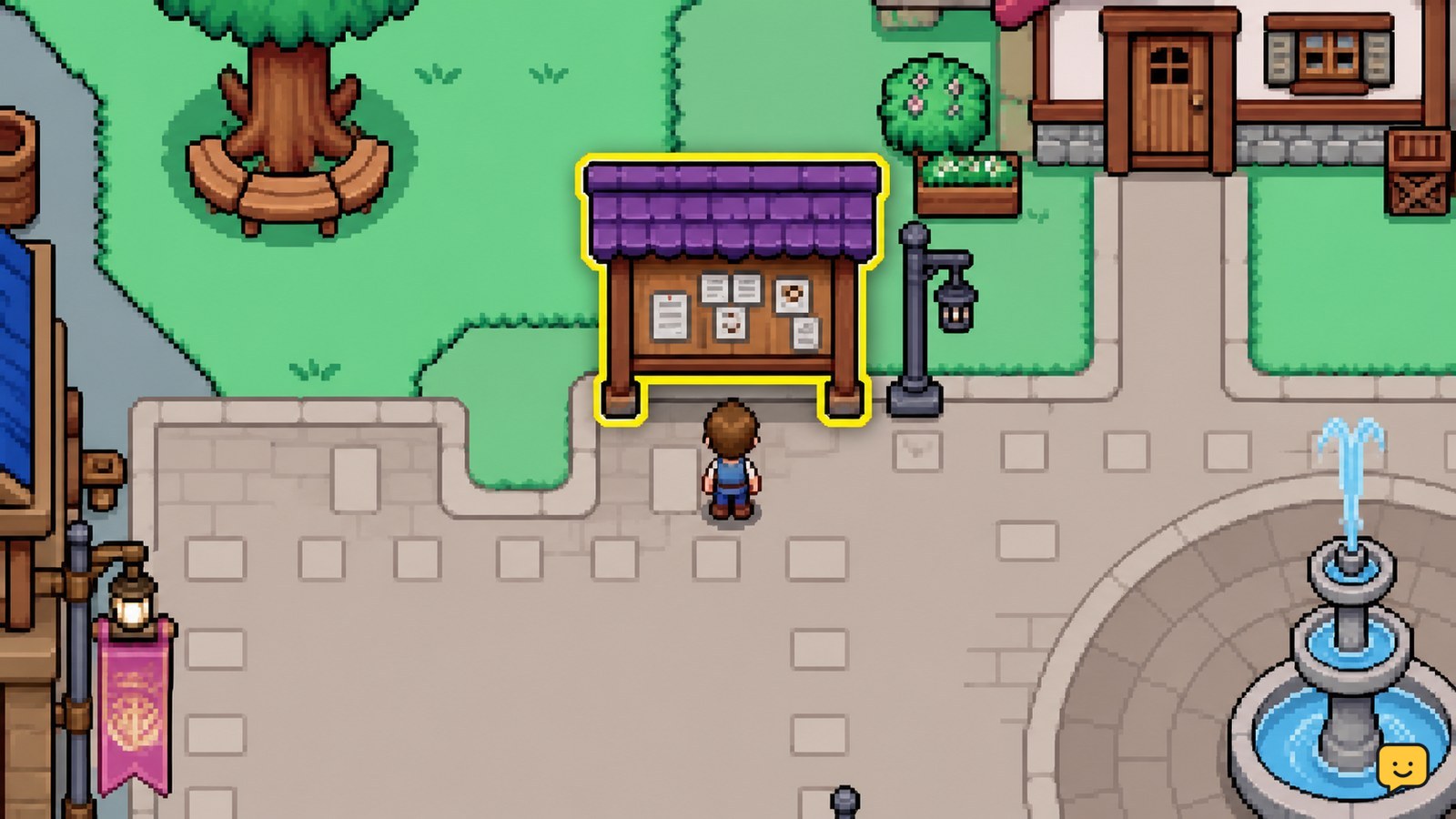
Open the Request Board in Mistria, read each request’s item and reward before accepting it, then choose tasks that match your current inventory or route. Group gathering, farming, fishing, bug-catching, and delivery errands by area. Return to the board or use the displayed turn-in action, then confirm the request disappears and the reward is credited.
Browse more Fields of Mistria guides
Find the Request Board in Mistria
The Fields of Mistria Request Board is located in town and is the starting point for these optional requests. Approach the board and interact with it to view the currently posted jobs. IGN describes requests as quests that appear on the Request Board rather than as ordinary story objectives.
If you cannot find it, return to the central town area and look for the board used to display public jobs. A location video can help confirm the physical landmark, but the board’s available interaction is the reliable checkpoint.
Verify success: the request list opens and shows individual request cards. If no list appears, move directly in front of the board and try the interaction again. Stop if the game gives no interaction prompt after you have confirmed you are at the correct board.
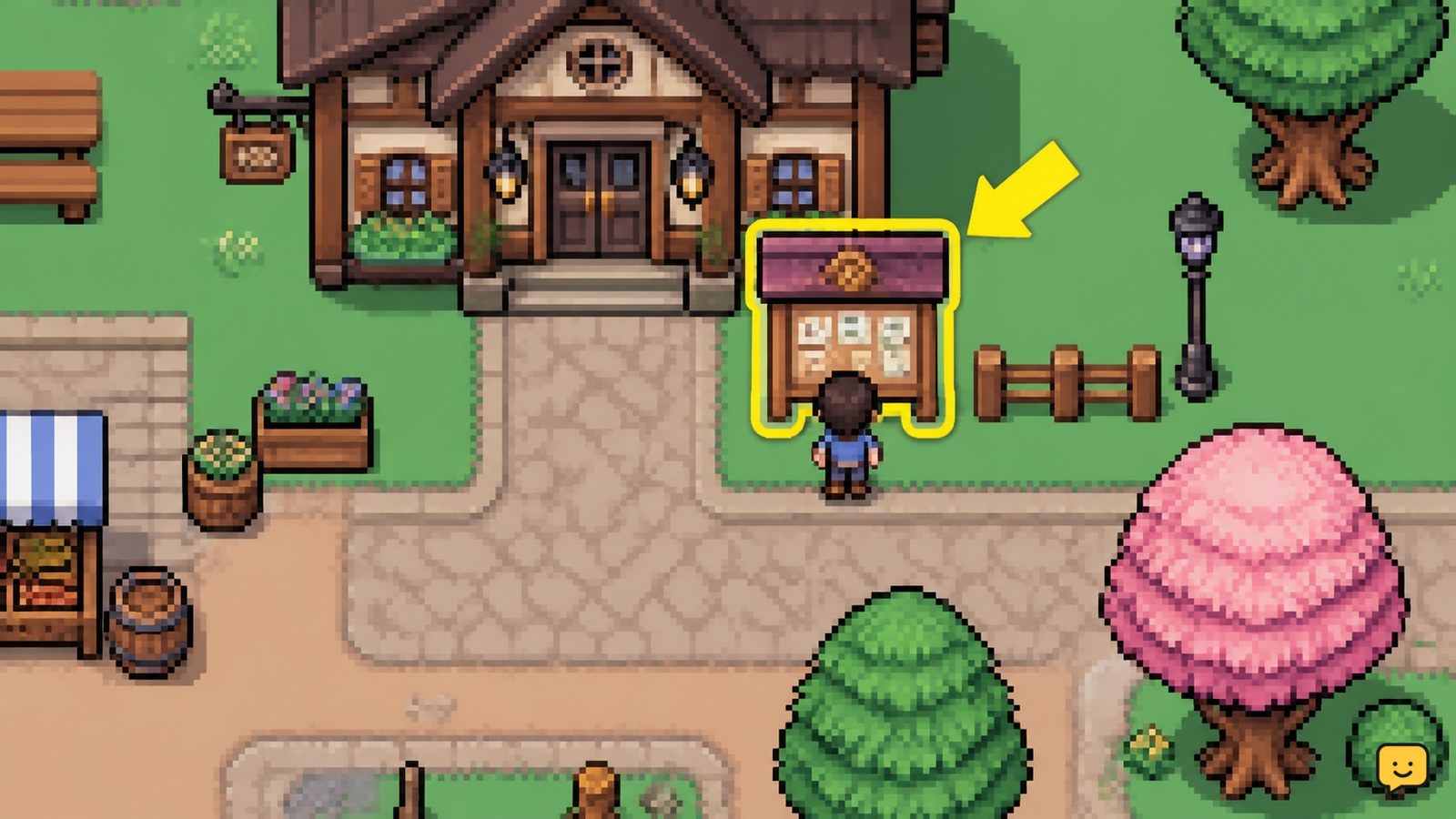
Choose requests by item cost and route
Choose Fields of Mistria town requests by matching the requested item to what you already own, can produce soon, or can collect along one route. A request is efficient when it adds little travel or resource cost to work you already planned.
- Prefer ready items. Select requests whose required items are already in your inventory or storage and are not reserved for a recipe, gift, museum submission, or upgrade.
- Combine nearby objectives. If a request needs forageables, fish, bugs, crops, or other gathered materials, pair it with the same area’s normal collection route instead of making a separate trip.
- Reject poor exchanges. Leave a request unaccepted when it consumes a scarce item, requires an unclear condition, or sends you far away for a small reward.
- Check the card again. Confirm the exact item name and quantity immediately before accepting. Similar-looking materials are not interchangeable unless the request explicitly allows it.
Bonus Action’s request-board guide is marked as still in progress, so an exhaustive permanent list of every request and reward is not supported here. Treat the current board card as the authority for the job in your save.
Batch gathering, farming, fishing, and bug-catching errands
Batch Fields of Mistria requests by activity so one outing advances several goals without empty travel time. Start with the request that has the strictest visible condition, then collect compatible items during the same trip.
- Foraging: collect the requested quantity first, then gather nearby extras only if you have space and a confirmed use for them.
- Farming: accept crop requests when the crop is already harvested or close to maturity; do not delay a request by planting an item with an uncertain growth requirement.
- Fishing: carry the required fishing equipment and check whether the requested catch is tied to a location or time shown by the game.
- Bug-catching: bring the Bug Net if the request requires an insect. Keep rare specimens separate from ordinary turn-in items until you decide whether collection progress matters more than the reward.
- Deliveries: make deliveries part of a town loop when the recipient or destination is already on your route.
Fields of Mistria forageables may also matter for museum progress, gifts, cooking, or Tesserae, so the efficient choice is not always to submit the first copy you find. Keep a replacement or decline the request when the item has a higher confirmed priority.
Submit the required items and confirm completion
Submit a Fields of Mistria request only after the displayed requirement is fully met and the game shows the board’s completion or turn-in action. Return to the Request Board unless the request card provides a different destination or interaction.
- Open the active request card again.
- Compare the required item and quantity with your inventory.
- Use the available completion, submit, or turn-in control shown by the game.
- Accept the reward only after checking that the request changes to a completed state or disappears from the active list.
Expected result: the required items leave the relevant inventory, the request is no longer active, and the reward or completion state is visible. The exact button label can vary by control layout, so follow the action displayed on your screen rather than an old button name from a video.
Fix a request that will not complete
A Fields of Mistria request that will not complete usually needs an item check, a quantity check, or the correct turn-in interaction before it indicates a deeper problem.
| What you see | Likely cause | Safest next action |
|---|---|---|
| The request remains active | The completion action was not used | Reopen the request card at the board and use the displayed turn-in control. |
| The item is not accepted | The item name or type does not match | Compare the full item name and replace it with the exact requested item. |
| The quantity is still short | Only part of the required amount was collected | Gather the missing amount, then check the card again before returning. |
| The reward is not visible | The submission did not register or the reward display was missed | Reopen the request list and inspect its state before leaving or discarding anything else. |
Community reports describe players checking the board daily, but that is not enough evidence to establish a universal refresh schedule. If a request does not change after a valid submission, stop repeating the same action and verify the card, inventory, and game state first.
Know when not to accept a town request
Decline or postpone a Fields of Mistria town request when completing it would cost more than the reward in rare materials, travel, storage space, or collection progress. Low-stakes requests are optional, as noted in IGN’s quest reference, so there is no reason to sacrifice an item whose other use is more valuable.
Leave the request alone when its condition is not supported by the visible card, when the needed item is unavailable in your current progression, or when the item is needed for a confirmed story, recipe, museum, or upgrade objective. Recheck the board later rather than committing resources blindly.
Stop condition: if the board, request card, and inventory disagree, do not submit substitutes or discard valuable items. Record the exact requirement shown in your save and wait for a clearer in-game state or a verified update-specific explanation.
Frequently asked questions
Where is the Request Board in Fields of Mistria?
The Request Board is in the town area of Mistria. Look for the public job board landmark and interact with it to open the request cards. If no interaction prompt appears, reposition directly in front of the board and try again. The interaction prompt and opened request list are the reliable confirmation that you found the correct object.
Should I accept every request in Fields of Mistria?
No. Accept requests that use items you already have or can collect along an existing route. Postpone requests requiring scarce materials, unclear conditions, or long travel for a small reward. Because requests are optional, preserving a rare item for cooking, gifts, museum progress, or an upgrade can be the better choice.
How do I know a town request was completed?
Reopen the request card after using its displayed completion or turn-in action. A successful submission should show a completed state or remove the request from the active list, with the reward visible or credited. If the card remains unchanged, compare the exact item name and quantity before trying again.
Can I complete several Request Board jobs on one trip?
Yes, when the requests use the same activity or nearby area. Group forageable, fishing, bug-catching, farming, and delivery tasks into one route, while prioritizing any visible condition that may limit when or where the item can be obtained. Keep inventory space available and avoid collecting unnecessary extras.


