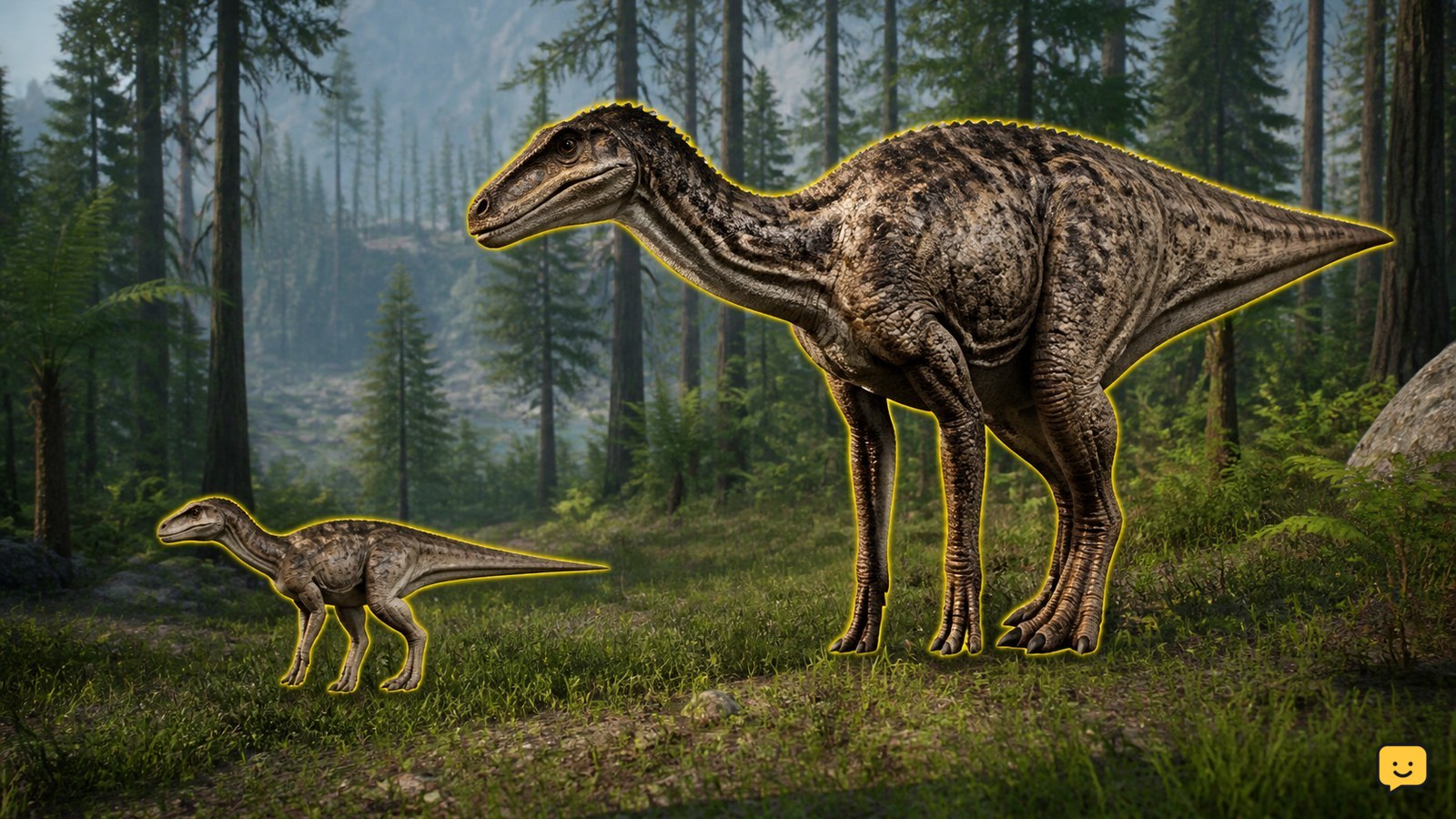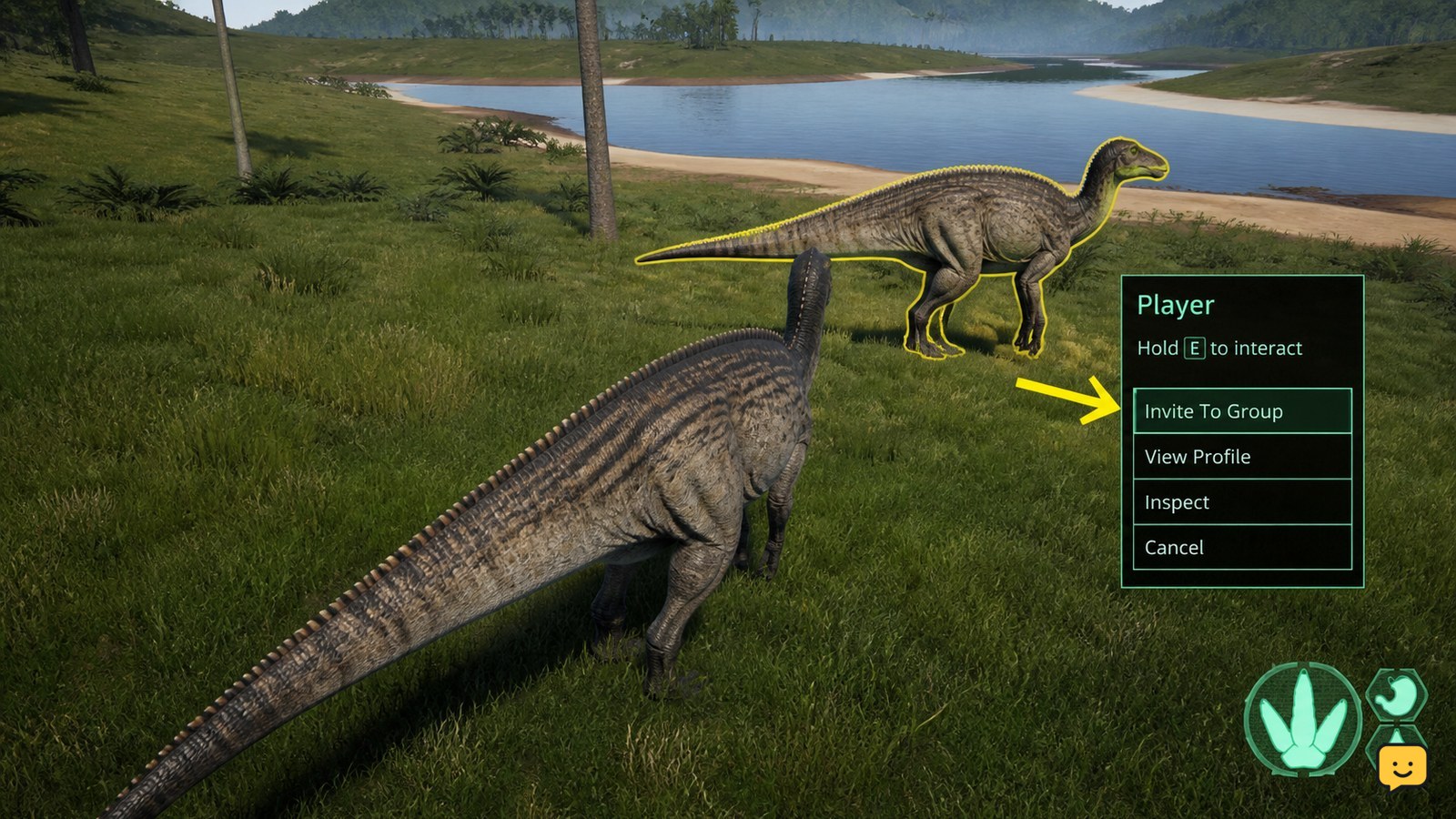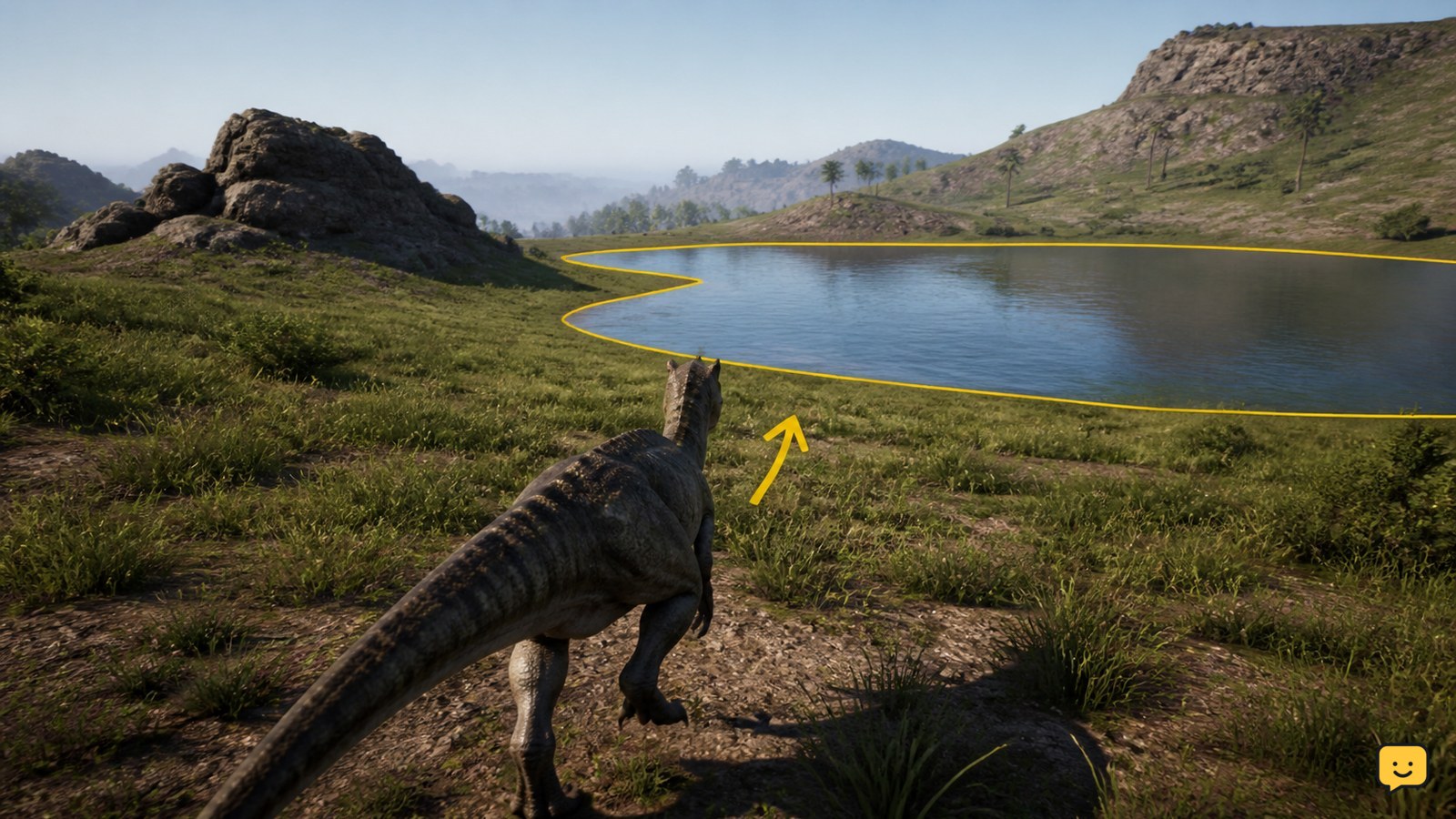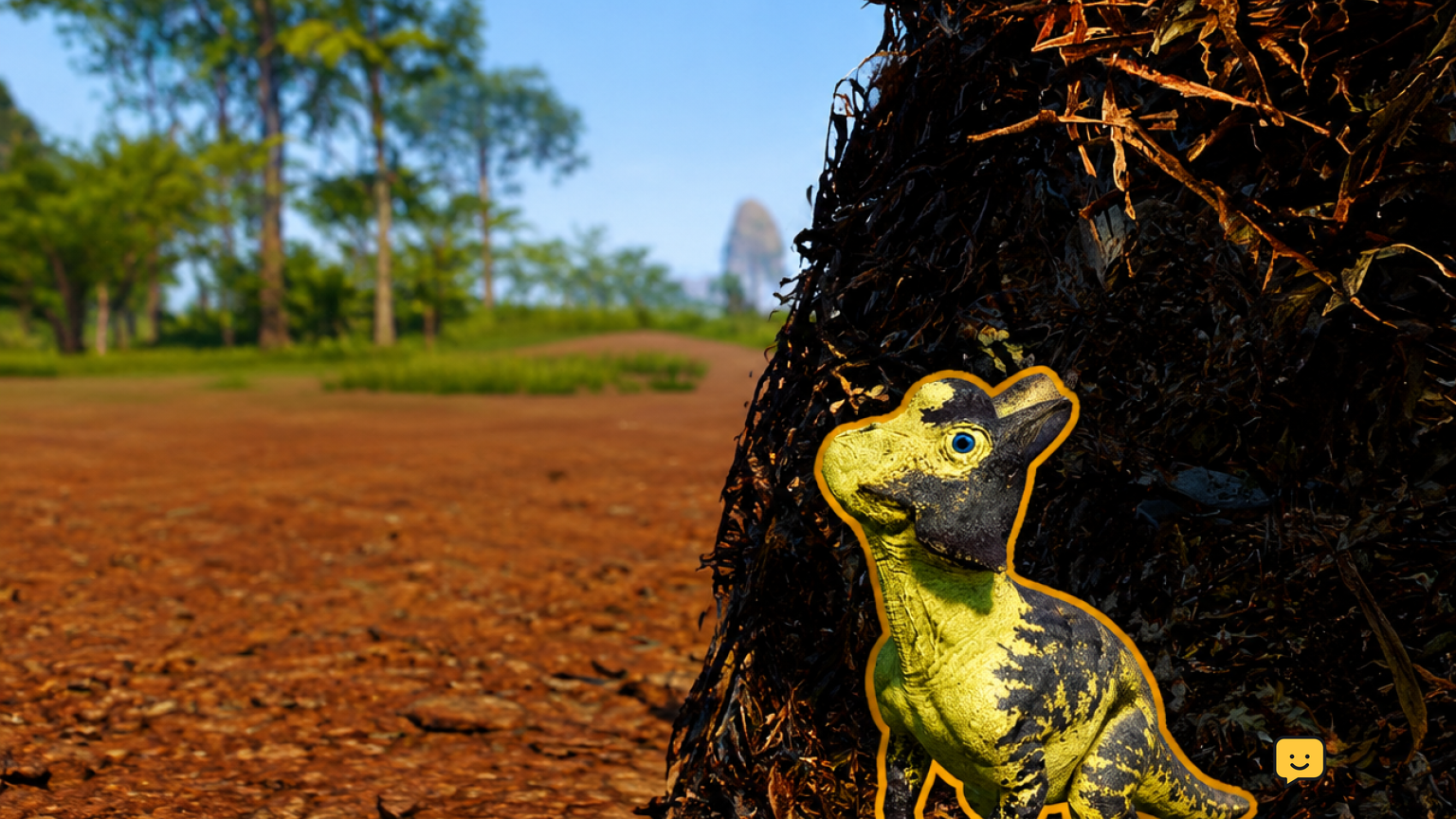
To accept a nest invitation in The Isle Evrima, join the same server as the nesting players and open the egg or nest option from character selection. Select their available nest, choose the matching dinosaur if prompted, then confirm the hatchling spawn. Do not use F1: that advice applies to older Legacy-era instructions, not Evrima’s nest menu.
Use the Evrima nest menu, not a Legacy hotkey
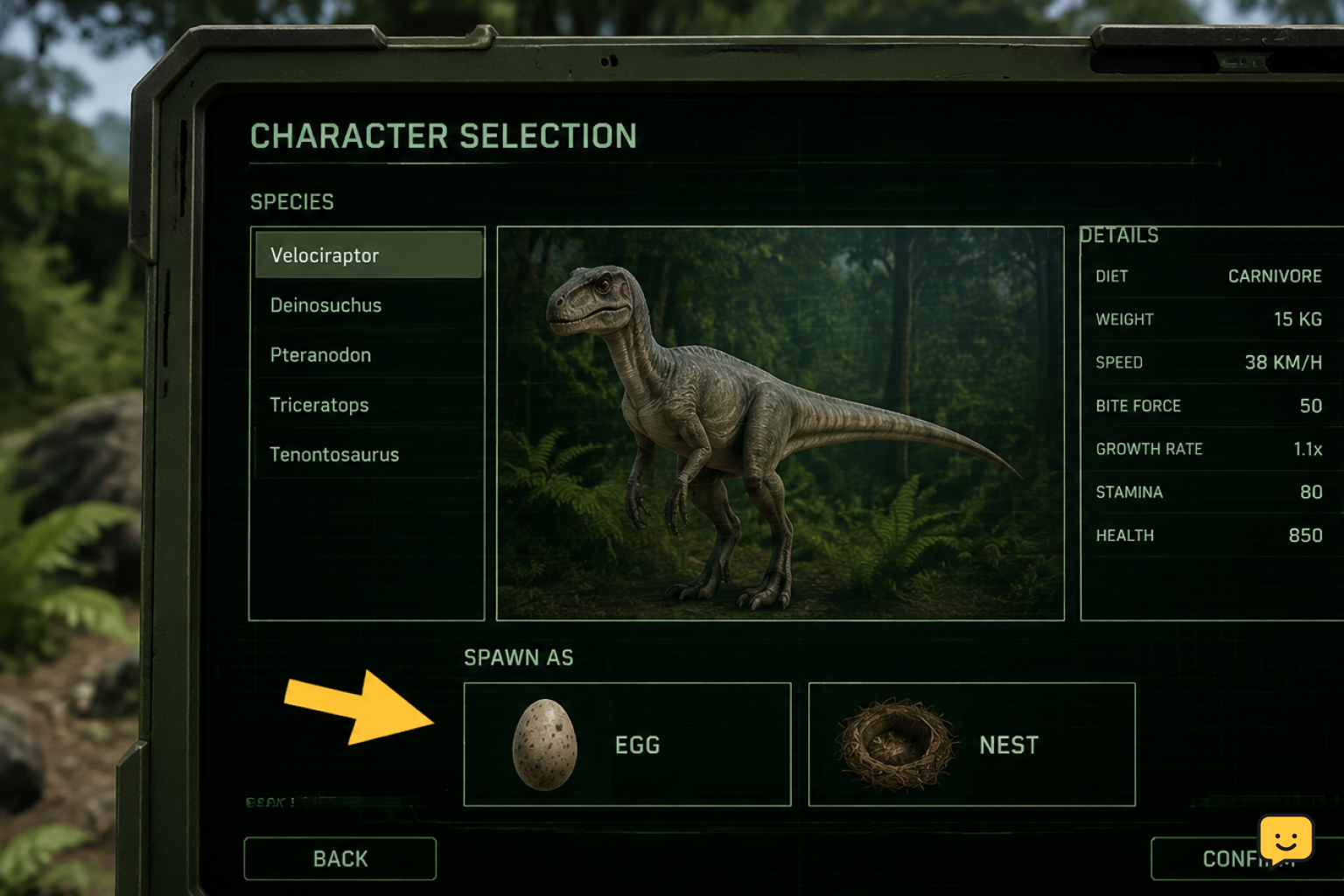
In The Isle Evrima, hatchling spawning is handled from the character-selection interface through the nest or egg option. The exact icon placement and wording can change with updates, but look for an egg or nest-related button after you have selected the correct server.
Older Legacy guides may say to press F1 when an invitation arrives. That advice is tied to the older progression-era interface referenced in Steam discussions. It is not the reliable way to join a nest in Evrima.
You cannot accept a nest invitation while playing an adult or juvenile character in the world. Finish your current session safely, then return to the server and character-selection screen.
1. Join the parent’s exact Evrima server
Open the Evrima server browser and join the same server where the parent dinosaurs built their nest. Match the server name carefully, including any queue, region, or community-server variation.
Wait until you reach the character-selection screen. If you join a different server, the nest will not appear even when the parent has an available egg.
Check: Ask the parent to confirm the server name and that they have finished preparing the nest. If you cannot enter the server, resolve the queue or server connection issue first.
2. Open the egg or nest option
On character selection, select the egg or nest option rather than choosing a normal playable dinosaur and spawning independently. This opens the area used for available nesting opportunities.
A private invitation and a public nest can look similar at first: both are accessed from this nest-focused part of the menu. The important difference is whether the parents invited you directly or made their nest available for players to request or join.
Check: You should see a nest entry or a list of available nests. If the normal dinosaur roster opens instead, back out and look again for the egg or nest control.
3. Select the available parent nest
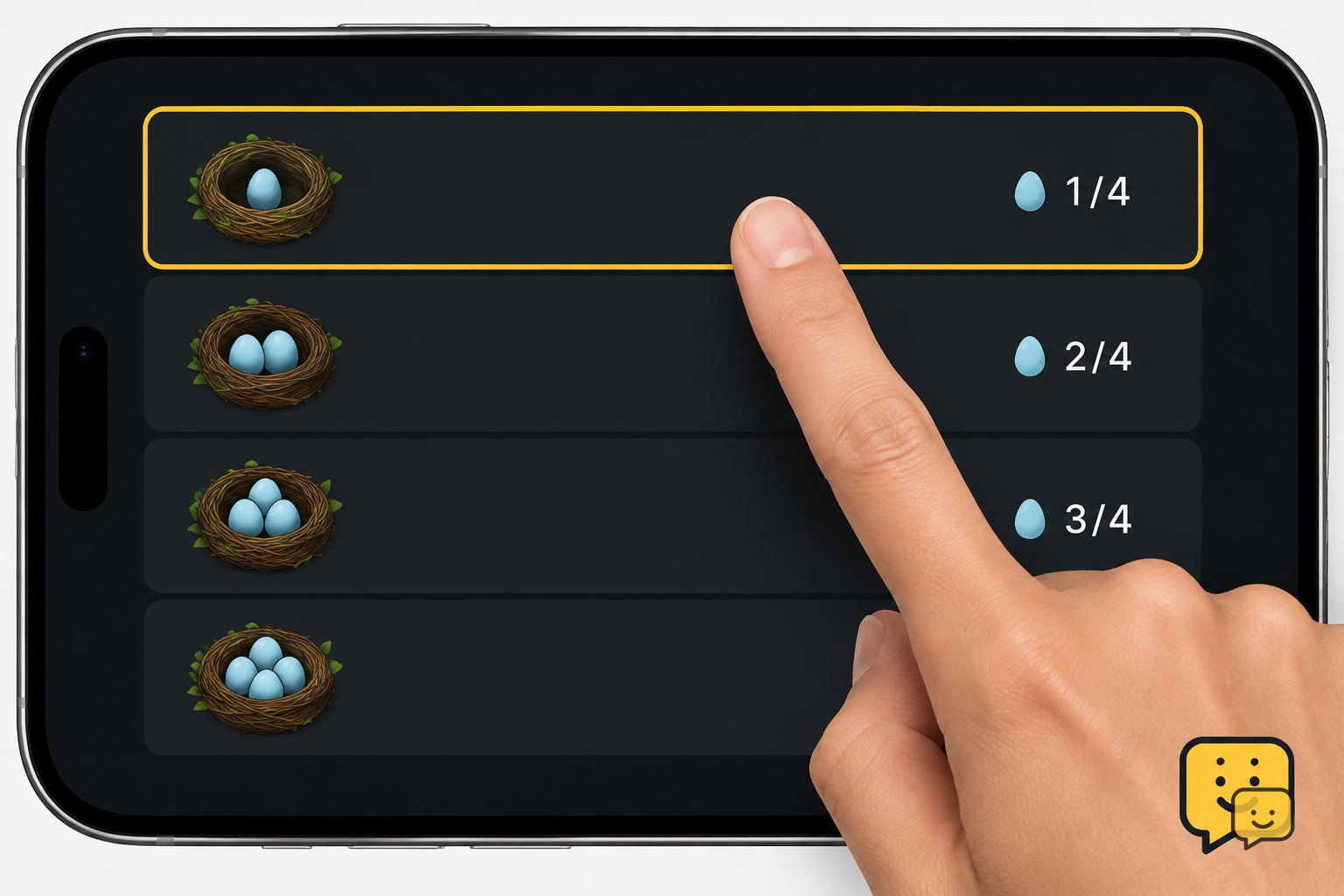
Choose the nest belonging to the players you intend to join. Confirm the species and, where shown, the parent or group details before continuing. A hatchling spawn must use the nest’s species; it is not a way to spawn as any dinosaur you want.
If the parents set the nest to public, you may need to select it from the available list rather than accept a pop-up. Community reports describe the egg icon on the selection screen as the place to find publicly available nests.
Check: The selected entry should show that an egg or hatchling place is available. If it is full, unavailable, or disappears after selection, ask the parents to check the nest and invite status.
4. Confirm the hatchling spawn
Follow the confirmation screen and select the nest-linked dinosaur or available hatchling choice. Confirm only after checking that it is the intended nest, because this creates a new hatchling character on that server.
After the loading transition, you should appear as a very small hatchling near the nest and its parents. Use the parent dinosaurs’ calls or group communication to identify them before moving away.
Success looks like: you spawn at the nest as the parents’ species, rather than at a standard regional spawn point as an independent juvenile.
If the invitation or nest is missing
First, leave to the server and character-selection flow again, then reopen the egg or nest option. A refreshed menu can reveal an invitation that was sent while you were elsewhere in the interface.
Next, verify the server. Similar server names, a different regional instance, or switching between Evrima and Legacy will prevent you from seeing the correct nest.
Finally, have the parent confirm that the nest still exists and has an available egg. Nest availability can change when another player takes a slot, the parents alter access, or the nest is no longer valid. If the parent cannot see an open slot, wait for them to resolve that before retrying.
If the controls themselves do not match what you expect, check your current keybindings and interface settings, but do not assume a missing nest is fixed by an F1 hotkey.
Private invitation versus public nest listing
A private invitation is intended for a specific player and should be accepted through the nest area after joining the correct server. If it is not visible, ask the parent to resend it after you are on that server and at character selection.
A public nest listing is available through the same egg or nest area but may require you to find the nest in a list. You may need parent approval depending on the server and current game interface.
In both cases, the outcome is the same: you select an available nest and begin a new life as a hatchling of that nest’s species. Neither option turns your existing character into a hatchling.
Frequently asked questions
What button accepts a nest invite in The Isle Evrima?
Use the egg or nest option on Evrima’s character-selection screen, then select the available invitation or nest entry and confirm the hatchling spawn. Do not rely on F1 instructions, as those are associated with older Legacy/progression-era guidance rather than Evrima’s menu-based nesting flow.
Why can’t I see my friend’s nest invitation in Evrima?
The most likely cause is that you are not on the same exact server, or the nest has no open egg left. Return to character selection, reopen the nest area, and verify the server name with the parent. If it remains missing, ask them to confirm the nest is active and resend the invitation.
Can I become a hatchling while I already have a dinosaur alive?
No. Nesting creates a separate hatchling character from the character-selection process; it does not change your current dinosaur’s age or species. End or leave your current play session safely, return to the server selection flow, and choose the nest entry for the new hatchling.
Can I choose any dinosaur when accepting a nest invitation?
No. A nest invitation is tied to the parents’ species, so the hatchling spawn uses that nest’s dinosaur. If you want to play another species, use a normal spawn instead or find a nest made by that species.
Is joining a public nest the same as accepting a private invitation?
Both are started from the Evrima nest or egg area, but a public nest is found in the available list while a private nest is meant for an invited player. Public-nest approval requirements can vary with the current interface and server rules. In either case, an open egg is required.
Planning your next route? Use the The Isle Evrima map to find key locations before you move.