
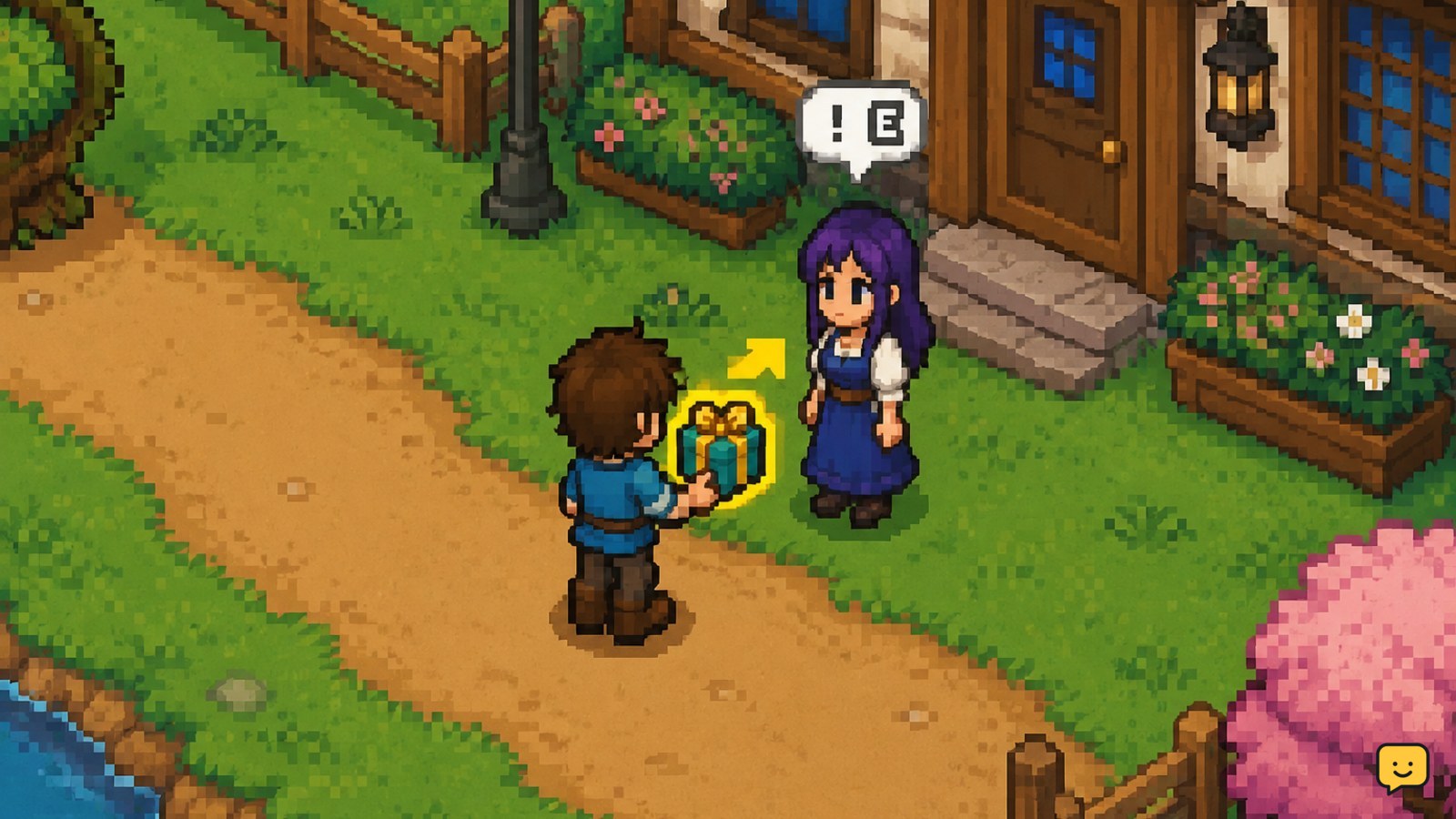
In Fields of Mistria, romance develops by talking with characters, giving suitable gifts, completing available requests, and reaching the required heart level for date options. Give each character one gift per day, use their profile to confirm liked or loved items, and check the heart menu after conversations and gifts. Preference lists can change with updates, so verify uncertain gifts in-game.
Browse more Fields of Mistria guides
1. Find romanceable characters and track hearts
Begin with the relationship menu rather than guessing which villagers can become romantic partners. Romanceable characters are shown through the game’s relationship information, while other villagers can still provide friendship progress, dialogue, and requests.
- Open the relationship or social menu.
- Select a character and note the current heart level.
- Check whether the profile identifies the character as a romance candidate and whether a date-related option is available.
- Visit the character during their normal schedule so a conversation or gift interaction is possible.
Heart progress is the main checkpoint. A new heart or unlocked interaction should appear in the relationship information after the game registers the day’s activity. If the display does not change immediately, leave the menu, finish the interaction, and check again after the day advances.
2. Use conversations every day
Talking is the safest relationship action because it costs no item and lets you learn more about a character. Make a conversation part of your regular village route, especially when you are not carrying a confirmed gift.
- Locate the character before their schedule changes.
- Start the conversation and complete the dialogue instead of walking away after opening the interaction.
- Return to the relationship menu and confirm that the character remains selected after the conversation.
- Repeat the routine on later in-game days.
Dialogue choices can reveal personality and preferences, but do not assume every friendly response has the same numerical value. The dependable result is that regular conversations maintain contact and help you identify useful gift themes and story milestones.
3. Give one confirmed gift per day
You can give one gift to each character per day. The best routine is to use a common item with a clearly positive reaction rather than spending a valuable item simply because it is available.
- Open the character’s profile before selecting an item.
- Look for the current liked or loved gift information when it is available.
- Choose a confirmed item from your inventory and complete the gift interaction.
- Watch for the reaction message, then check the heart display.
- Record dependable low-cost gifts for your next village route.
Loved gifts are generally the strongest choice when you have a reliable match. Liked gifts are safer for everyday stockpiles. If the game gives a neutral or negative response, do not repeat that item for the same character until you have verified the result in the current version.
Do not give away items needed for quests, bundles, upgrades, cooking, or crafting. Forage and farm surplus are better relationship supplies than irreplaceable ores or progression materials. If you are gathering ore for upgrades, keep those materials separate; the Fields of Mistria mines guide can help you plan safer mining trips.
4. Read preferences instead of memorizing every list
Gift charts are useful, but they are not a substitute for checking the game. Preferences can be corrected or expanded by updates, and a list copied from an older build may contain missing or outdated entries.
- Use a current gift reference to narrow the choices.
- Confirm the item name and category in your own inventory.
- Test a common, replaceable item first if the result is uncertain.
- Keep only positive results in your personal notes.
Community and guide references are most useful for finding patterns, such as a character’s favorite food, material, flower, or hobby. Treat an uncited or conflicting list as unverified. The in-game reaction is the final check for your save and version.
5. Progress from friendship to romance and dates
Romance does not begin with a special item. Build the character’s heart level through conversations, positive gifts, requests, and story interactions first. When the relationship milestone is reached, check the character’s interaction options again for a date prompt or related choice.
- Raise the target character’s hearts with the daily routine.
- Complete any available character request or event connected to that relationship.
- Reopen the relationship menu after a heart milestone.
- Speak to the character again and look for the newly available date interaction.
- Follow the date prompt and verify the result in the relationship menu.
Dating and later romance content are version-sensitive. If a guide promises a feature that your game does not show, check the current patch notes and stop before repeatedly spending days or gifts on an unsupported unlock. Do not confuse a friendship heart increase with a confirmed date or marriage milestone.
6. Follow a dependable daily relationship route
A simple route prevents missed conversations and keeps gifts affordable. Choose one or two romance candidates as priorities, then add other villagers only when you have enough surplus items.
- Start the day by collecting forage and checking crops for extra produce.
- Set aside confirmed gifts before leaving the farm.
- Visit priority characters during one village loop.
- Talk first, then give the gift after confirming the recipient.
- Complete requests or relationship events when they fit the day’s schedule.
- Check hearts before ending the day so you can verify progress.
If a character is missing, wait for their schedule window rather than abandoning the routine. If a gift option is missing, make sure you are interacting with the character and not an adjacent object, then confirm that the item is still in your inventory.
Frequently asked questions
How often can you give gifts in Fields of Mistria?
You can give one gift to each character per in-game day. Talk to the character first, confirm the recipient, and check the reaction after the gift. Save rare or quest-related items until the character’s profile or a current reference confirms that the item is liked or loved.
How do you start romance in Fields of Mistria?
Start romance by building the character’s heart level through regular conversations, positive gifts, requests, and relationship events. Once the required milestone is reached, check the relationship menu and speak with the character again for a date or romance option. The exact availability can depend on the current game version.
What are the best gifts for romanceable characters?
The best gifts are the recipient’s loved items, followed by liked items that you can replace easily. Use the character profile and reaction message to verify a choice in your current version. Common farm products, forage, flowers, food, or crafted items are safer testing options than rare materials.
Why did my heart level not increase after a gift?
A heart level may not visibly change after one interaction because progress accumulates over multiple days. Confirm that the gift produced a positive reaction, that you gave it to the intended character, and that the relationship menu refreshed. If the response was neutral or negative, stop repeating that item and test a confirmed alternative.
Can you date more than one character in Fields of Mistria?
Dating availability is version-sensitive, so check the current relationship menu and patch information for your build. Do not rely on an old guide that assumes every romance or marriage feature is active. A date prompt appearing in the character interaction menu is the dependable confirmation that the system is available in your game.


