Use the Copy code button beside any The Isle Evrima color code below, then paste the complete string into the matching dinosaur’s skin importer if your current build still shows that option. Always match the species and the listed sex before previewing the result.
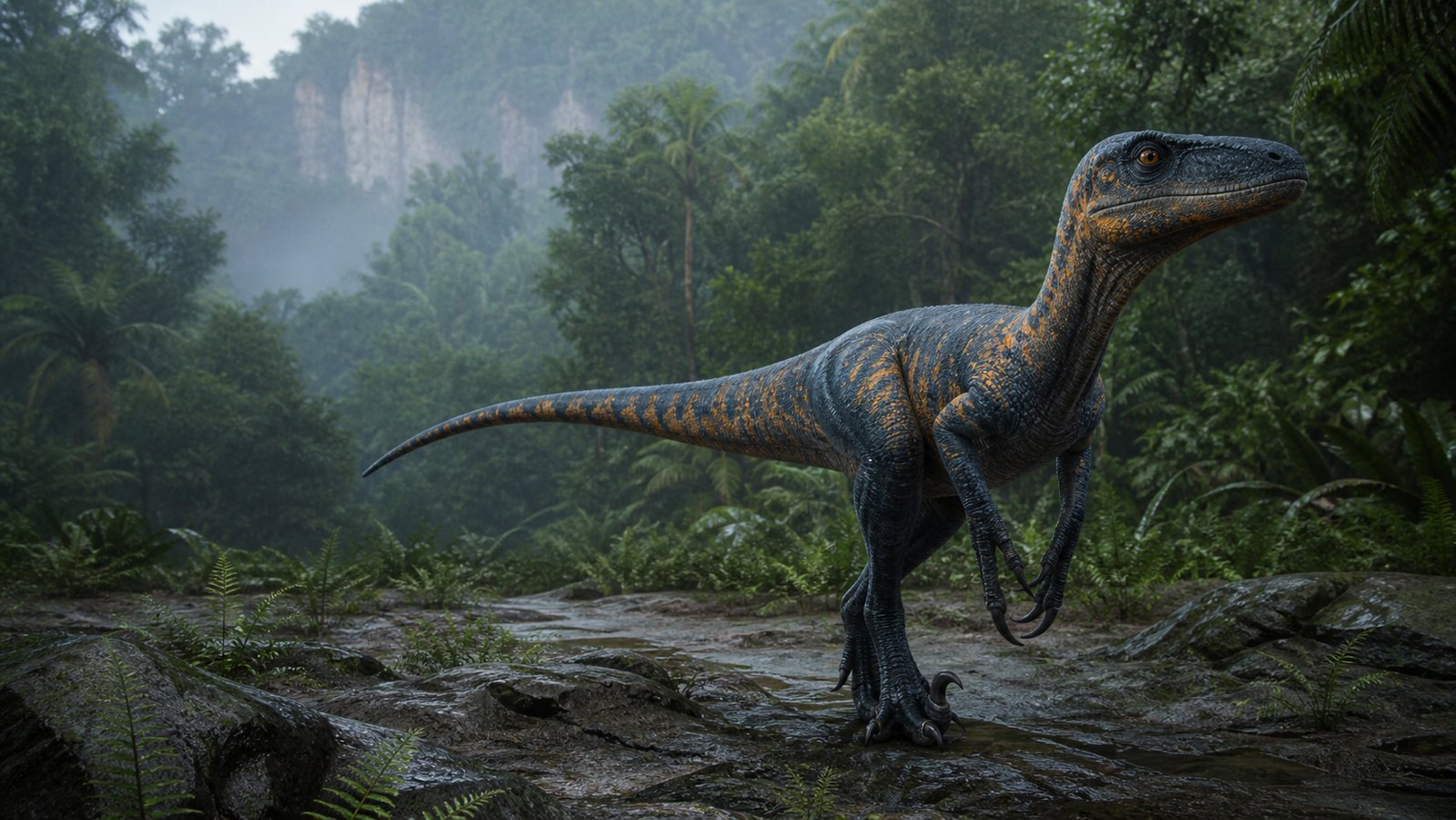
Omniraptor and older Utahraptor color codes
The first two strings use the Omniraptor name. The remaining presets use the older Utahraptor identifier and are more likely to fail after major skin-system updates. The sex note matters because older male and female pattern layouts could produce different markings.
Albino Omniraptor
Male or female · Community-shared Omniraptor preset
Legacy preset
Omniraptor01.00001.00001.00001.00001.00001.00001.00001.00001.00001.00001.00001.0000370611070700
The Big One
Check both sexes · Jurassic Park-inspired Omniraptor preset
Legacy preset
Omniraptor120.10001.00000.10000.10001.00001.00001.00001.00001.00001.00001.00001.0000210310101124
Classic brown raptor
Male or female · Older Utahraptor-format starting point
Legacy preset
Utahraptor01.00001.00001.00001.00001.00000.71671.00001.00001.00001.00003600250008
Kenner Velociraptor V.2
Female · Toy-inspired older preset
Legacy preset
Utahraptor01.00001.00001.00001.00001.00001.00001.00001.00001.00001.00003408012103
Troodon-inspired
Male · Dark contrasting older preset
Legacy preset
Utahraptor11.00001.00001.00001.00001.00001.00001.00001.00001.00001.00002509041803
Lost World tiger stripe
Male · Tiger-stripe-inspired older preset
Legacy preset
Utahraptor01.00001.00001.00001.00001.00000.89641.00000.94571.00000.46310704222008
Jurassic Park Troodon
Female · Nocturnal-inspired older preset
Legacy preset
Utahraptor11.00001.00000.17410.10000.68531.00001.00001.00001.00001.00002508
Blue-inspired raptor
Male · Approximate older preset
Legacy preset
Utahraptor01.00001.00001.00001.00001.00001.00000.20000.20000.20001.00002514141300
Charlie-inspired raptor
Female · Approximate older preset
Legacy preset
Utahraptor11.00001.00001.00001.00001.00001.00001.00001.00001.00001.00000009161311
Jurassic Park 3 raptor
Male · White-and-black older preset
Legacy preset
Utahraptor00.48321.00001.00001.00001.00001.00001.00000.20001.00001.00001708280907
Camo raptor
Male or female · Muted camouflage starting point
Legacy preset
Utahraptor01.00001.00001.00001.00001.00001.00001.00000.60051.00001.00000015140815
Penguin raptor
Male · Black-and-white older preset
Legacy preset
Utahraptor01.00001.00001.00001.00001.00001.00001.00000.63220.20000.20000708040909
Obsidian raptor
Male or female · Very dark older preset
Legacy preset
Utahraptor11.00001.00001.00001.00001.00001.00001.00001.00001.00001.00002808040203
Carnotaurus, Ceratosaurus and Herrerasaurus codes
Only paste a string into the species named on its card. A Carnotaurus preset cannot be converted safely by replacing the species name with Ceratosaurus or another playable because the available pattern and color fields can differ.
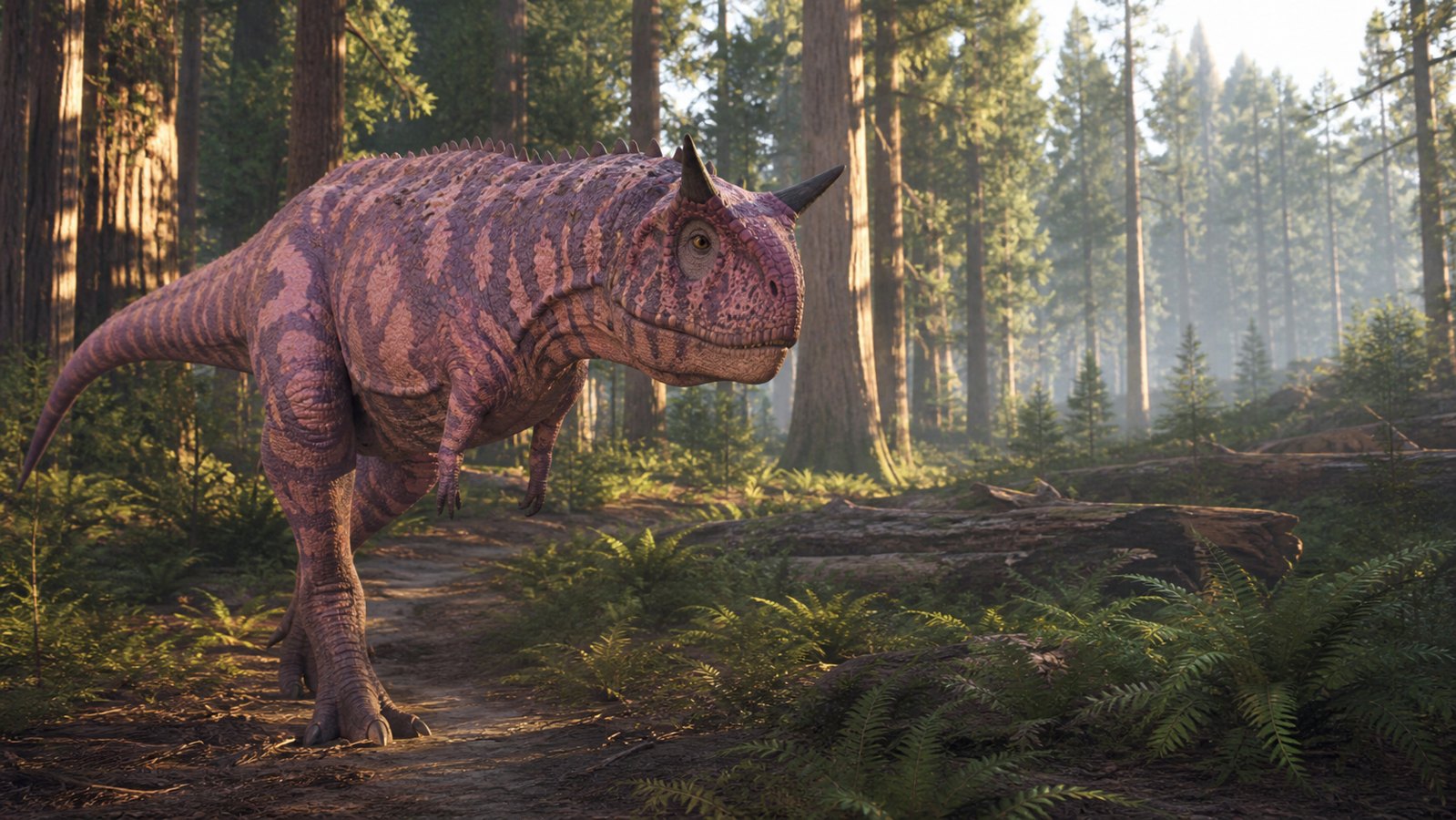
Green Carnotaurus
Carnotaurus · Community preset reported working before the 2026 skin overhaul
Legacy preset
Carnotaurus11.00001.00001.00001.00001.00001.00001.00001.00001.00001.00000.20001.0000210907070500
Lavender Carnotaurus
Carnotaurus · Lavender community preset
Legacy preset
Carnotaurus11.00001.00001.00001.00001.00001.00001.00001.00001.00001.00001900152216
Pretty Pink Carnotaurus
Carnotaurus · Pink community preset
Legacy preset
Carnotaurus11.00001.00001.00001.00001.00001.00000.73610.73960.78570.71831.00001.0000270201361706
Forest camouflage Ceratosaurus
Ceratosaurus · Forest-toned community preset
Legacy preset
Ceratosaurus020.10001.00001.00001.00000.56851.00000.96471.00001.00001.00000.61041.0000070409030208
Camouflage Herrerasaurus
Herrerasaurus · Community camouflage preset
Legacy preset
Herrerasaurus111.00001.00001.00001.00001.00001.00001.00001.00001.00001.00001.00001.0000010321300310
How to copy and import an Evrima skin code
- Choose the correct playable and sex first. Do not use an Omniraptor string while another dinosaur is selected.
- Press Copy code. The button copies the whole preset, including the species name and every numeric group.
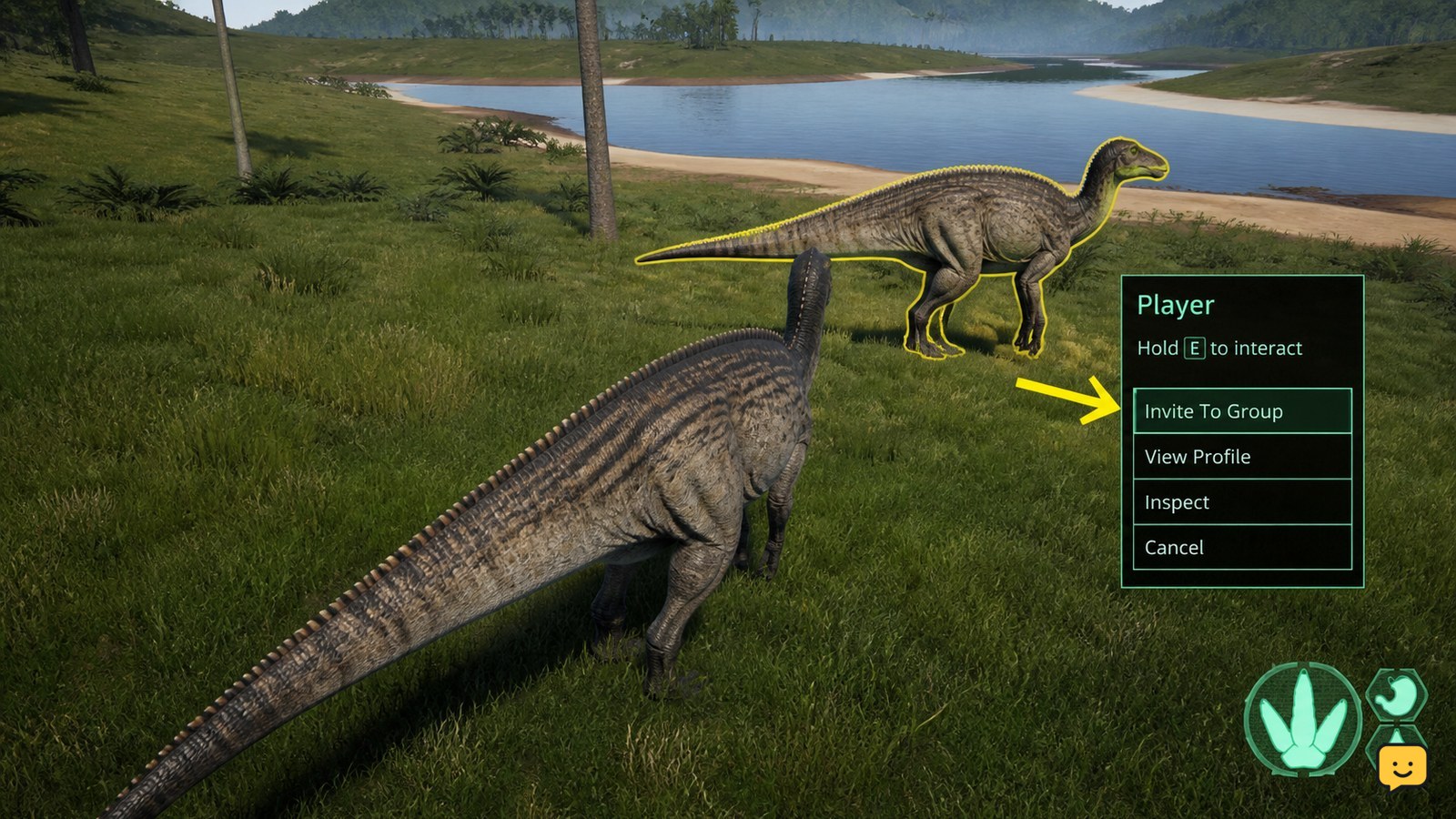
- Open the current skin or character customization screen. If your build provides an Import or preset field, paste the string there.
- Preview before saving or spawning. Check the body, flank, underbelly, markings and eyes in both bright and shaded lighting.
- Keep your current skin if the preview looks wrong. Do not commit simply because the importer accepted the string.
What to do when a color code does not work
First confirm that you copied the entire string and selected the matching species. If the importer rejects it, the skin turns black, or the game returns to default colors, the preset is probably incompatible with the current customizer rather than incorrectly copied.
- No Import option: your current branch or server may no longer support these legacy strings. Recreate the look manually with available swatches.
- Black or default skin: reset the preview before trying another code. Recent skin-system changes have invalidated older saved skins for some players.
- Right colors, wrong pattern: switch to the required sex and verify the pattern slot. Older presets do not always map cleanly to newer pattern sets.
- Different result after an update: treat screenshots from older versions as inspiration, not an exact promise.
How to compare camouflage properly
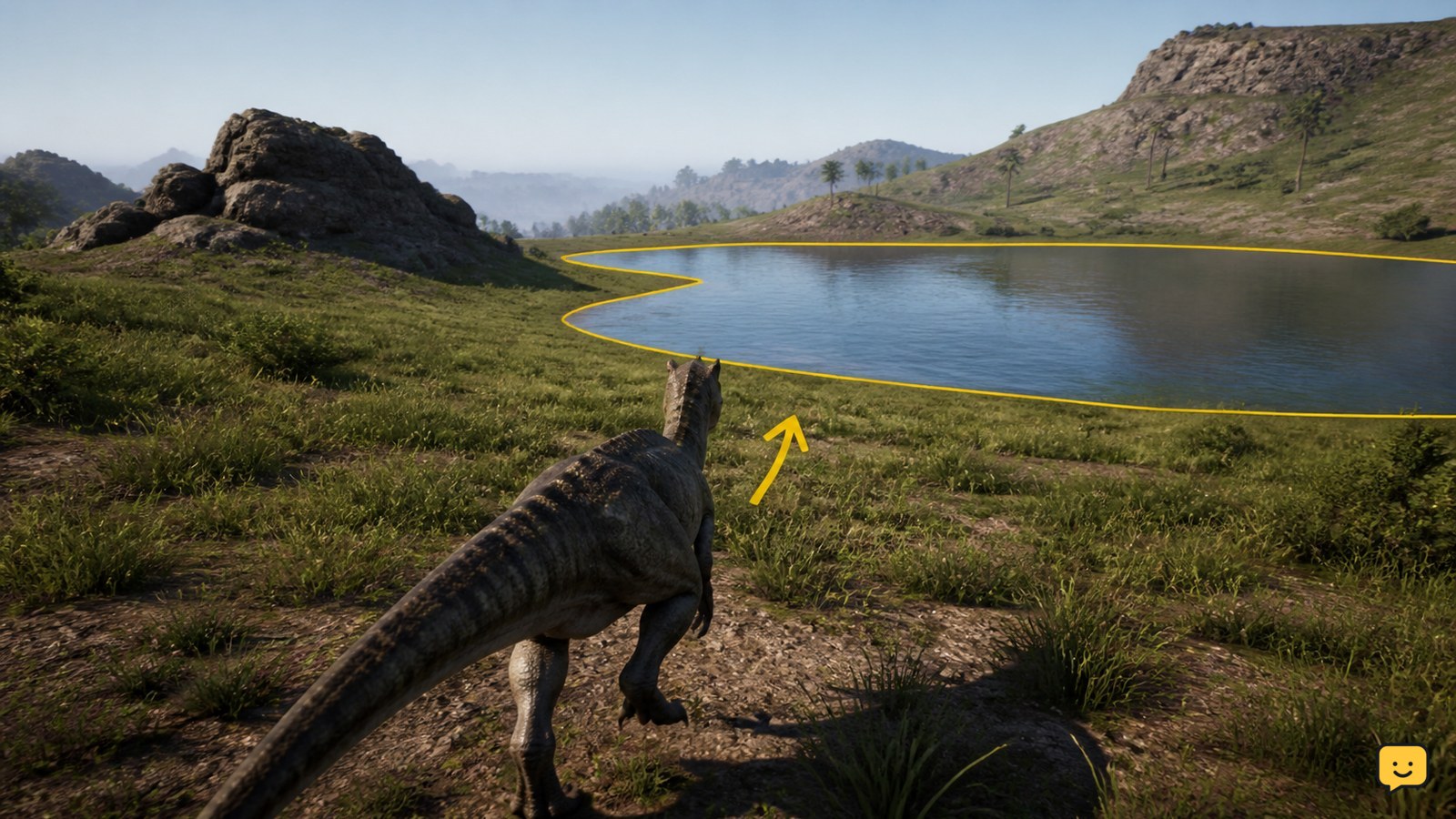
A skin that looks dark in the editor can become obvious in open terrain. Take one screenshot in shade and one in daylight, then compare the flank and underbelly against the terrain you actually use. Open the The Isle Evrima map to compare forest, river and open-ground routes before deciding whether a camouflage preset is useful.
The Isle Evrima color code FAQ
Why does the Copy code button copy such a long string?
The string stores the selected species, sex or variation information, patterns and multiple color fields. Copy the complete value; removing a numeric group can invalidate the preset or change the result.
Do old Utahraptor codes work for Omniraptor?
Sometimes an older code may still produce a usable starting point, but it is not guaranteed. The playable name, available colors and customizer structure changed over time. Prefer an Omniraptor-named string first and preview before committing.
Why did my saved skin become black or reset?
A recent skin-system update can make older saved data incompatible with the current color fields. Reset the preview and rebuild the skin with the options currently available rather than repeatedly importing the same failing legacy code.
Can I convert a code to another dinosaur?
Not reliably by changing the name at the beginning. Different species can use different pattern choices and customization fields, so a valid conversion requires recreating the appearance in the target dinosaur’s current editor.
Are these official color codes?
No. They are community-shared skin presets collected as practical references. Game updates and server restrictions can change whether they work, which is why every card is labeled as a legacy preset.
Browse more The Isle guides for help with this topic.